

The error message “Cryptographic Services failed while processing the OnIdentity() call in the System Writer Object” appears in Windows event logs, typically during system backups or when using the Volume Shadow Copy Service (VSS). This issue is often linked to permission problems with the Microsoft Link-Layer Discovery Protocol (mslldp.sys) driver or incorrect access rights on system directories. Although this error may not disrupt backups, it clutters event logs and could indicate underlying permission misconfigurations that might affect other services or security updates.
Update Permissions for the Microsoft Link-Layer Discovery Protocol Driver
Windows + X and select Windows Terminal (Admin) or Command Prompt (Admin) from the menu.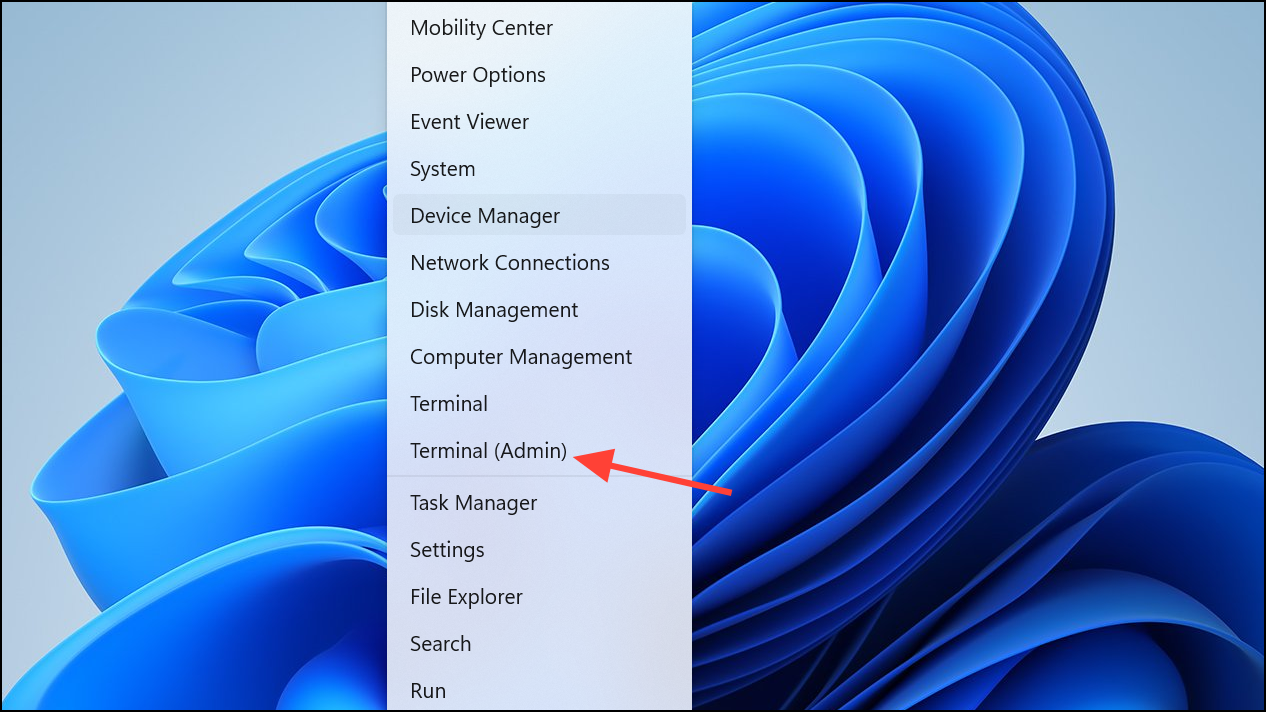
sc sdshow mslldp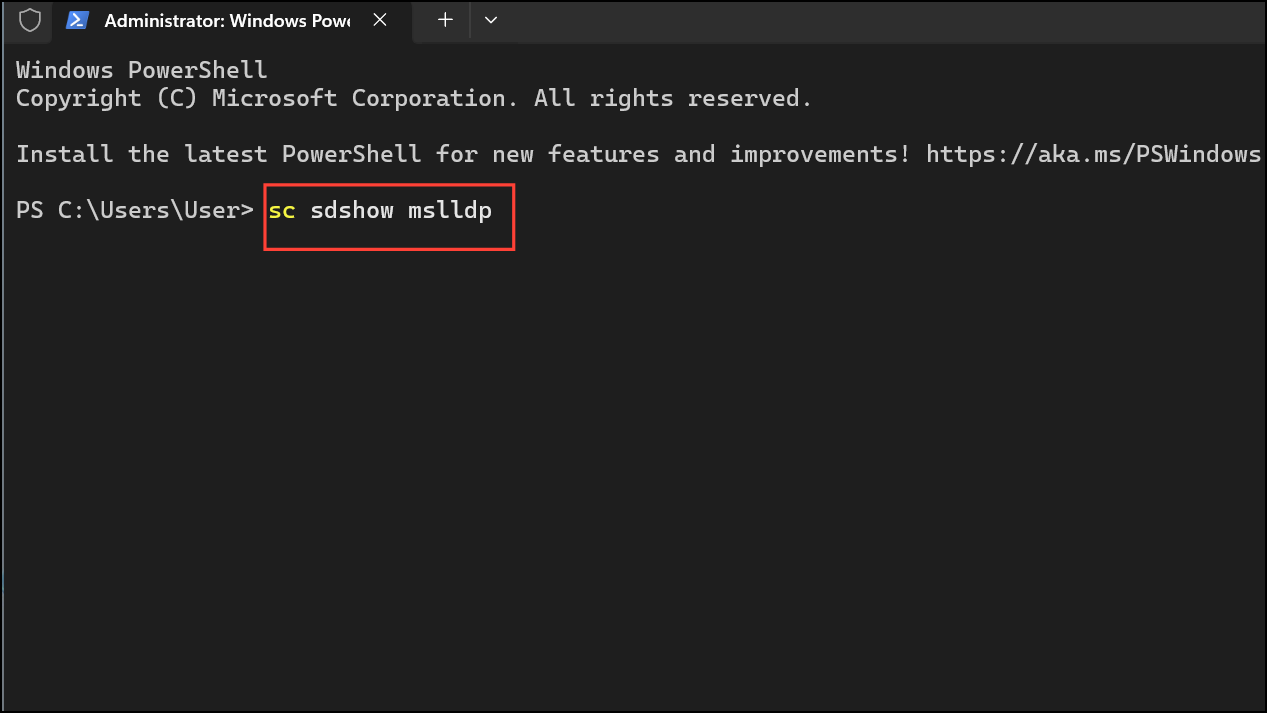
Copy the entire output string to a text file for backup. This string encodes the current permissions for the driver.
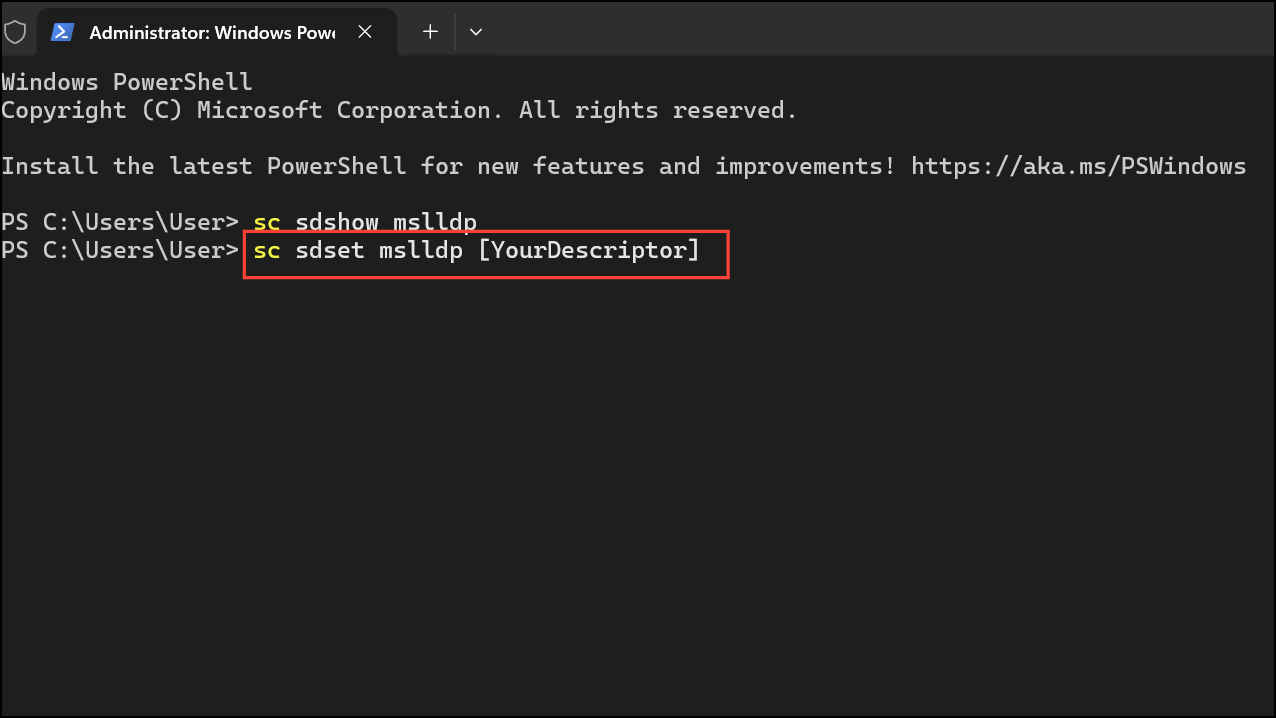
(A;;CCLCSWLOCRRC;;;SU) to the end of the security descriptor string you copied in the previous step (but before any S: section if present).[YourDescriptor] with your modified string:sc sdset mslldp [YourDescriptor]This step grants the required access to the SYSTEM and SERVICE accounts, resolving the permission error that causes the cryptographic services failure.
accesschk.exe from Microsoft Sysinternals to verify the permissions:accesschk.exe -c mslldpThe output should list R NT AUTHORITY\SERVICE among the allowed entries. If not, double-check your security descriptor for errors.
Correct Permissions on System File Directories
Incorrect permissions on system directories can also trigger this error, especially if the VSS System Writer cannot access the %windir%\winsxs\filemaps or %windir%\winsxs\temp\PendingRenames folders.
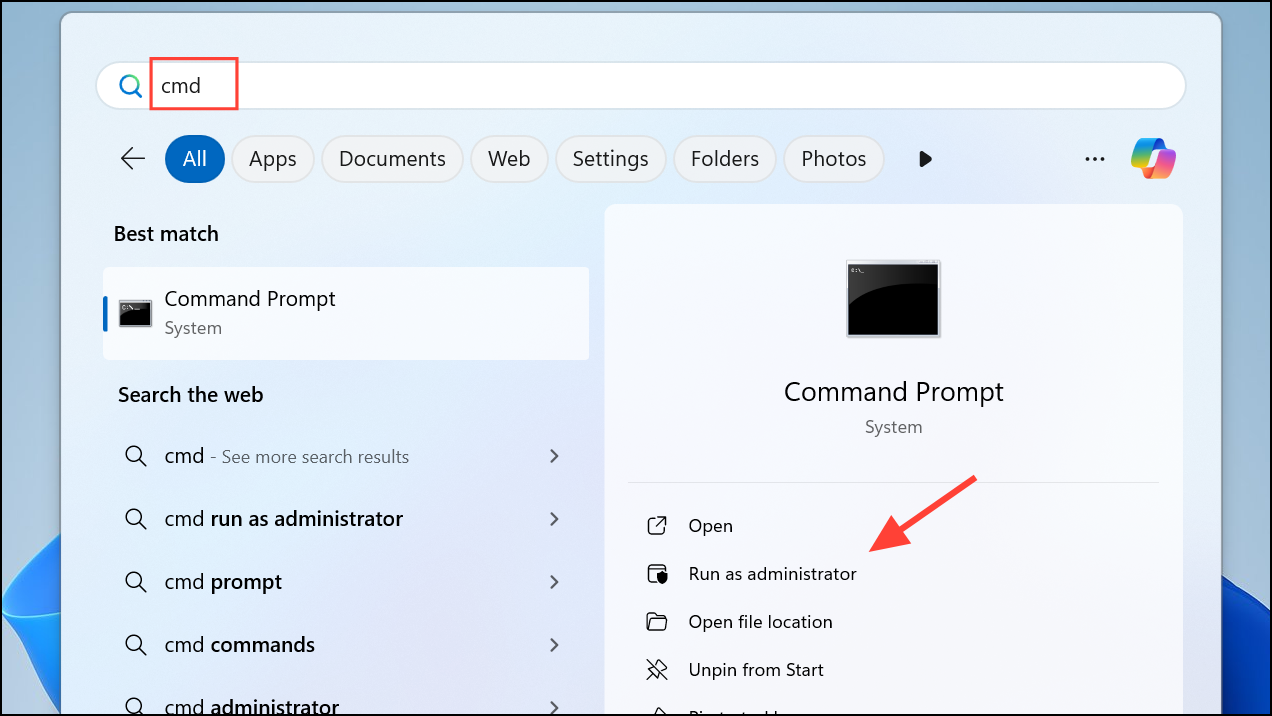
takeown /f %windir%\winsxs\temp\PendingRenames /a
icacls %windir%\winsxs\temp\PendingRenames /grant "NT AUTHORITY\SYSTEM:(RX)"
icacls %windir%\winsxs\temp\PendingRenames /grant "NT Service\trustedinstaller:(F)"
icacls %windir%\winsxs\temp\PendingRenames /grant BUILTIN\Users:(RX)"
takeown /f %windir%\winsxs\filemaps\* /a
icacls %windir%\winsxs\filemaps\*.* /grant "NT AUTHORITY\SYSTEM:(RX)"
icacls %windir%\winsxs\filemaps\*.* /grant "NT Service\trustedinstaller:(F)"
icacls %windir%\winsxs\filemaps\*.* /grant BUILTIN\Users:(RX)"
These commands restore the necessary access rights for SYSTEM, TrustedInstaller, and Users, allowing VSS and cryptographic services to function properly.
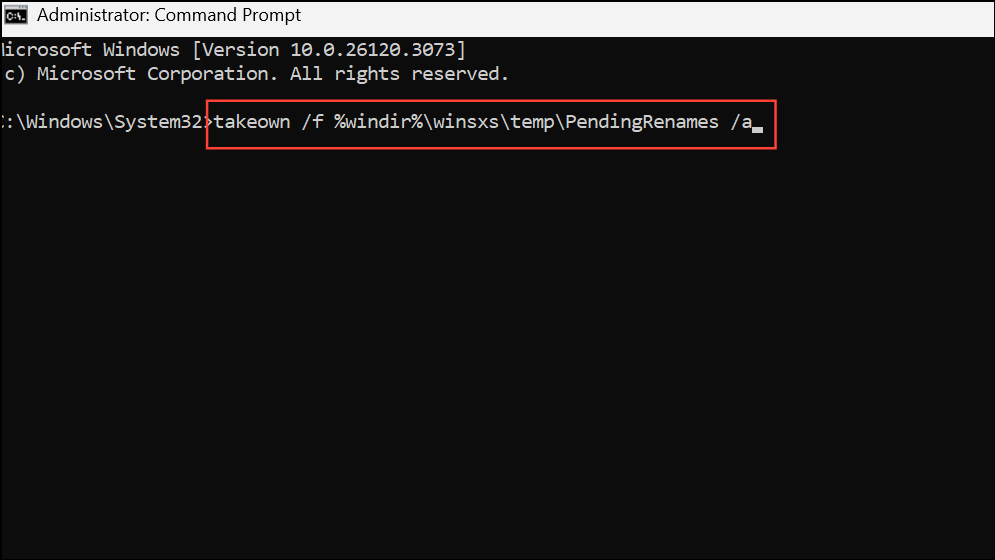
net stop cryptsvc
net start cryptsvc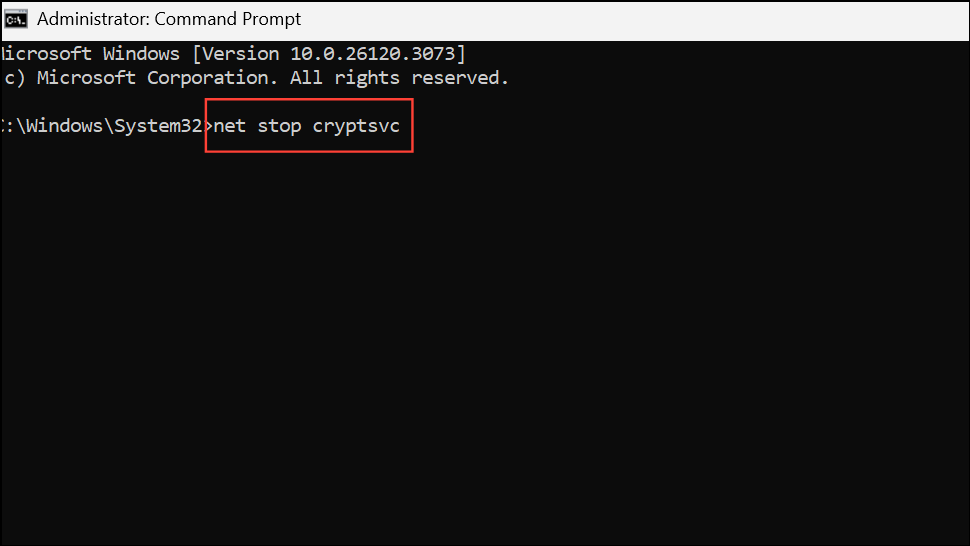
vssadmin list writers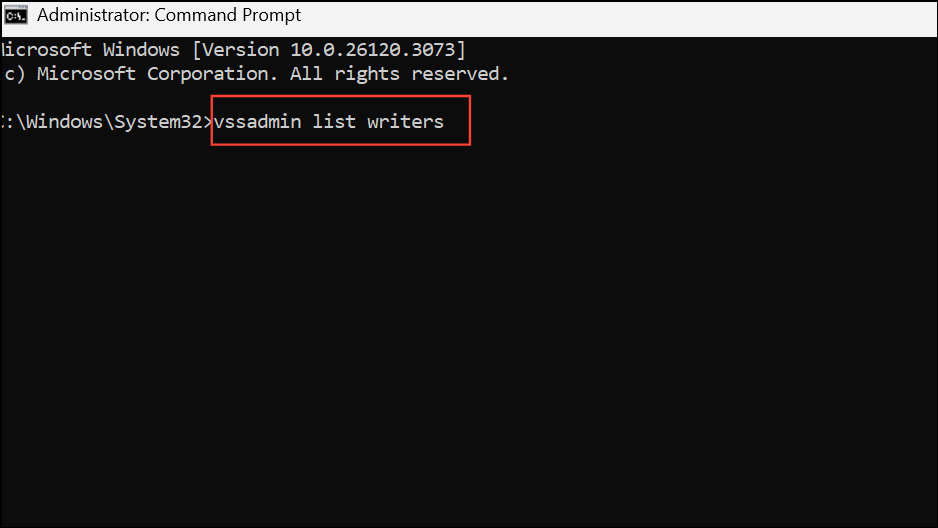
Look for System Writer and ensure its state is [1] Stable.
Check Group Policies, Security Software, and Update Windows
Group policy restrictions or security software can prevent the necessary accounts from accessing files and drivers, resulting in cryptographic service failures.
Settings > Windows Update and install all pending updates.Alternative: Ignore the Error if Backups Are Successful
Microsoft has indicated that this specific error, when tied to the VSS System Writer and the mslldp.sys driver, does not typically interfere with backup operations. If your backups are completing successfully and you only see this error in the event log, you may choose to disregard it. However, resolving the permissions as described above will remove the recurring error messages from your logs and ensure system integrity.
Addressing cryptographic services errors in Windows 11 by updating driver and file permissions not only clears event logs but also prevents potential issues with system backups and updates. Regularly reviewing permissions and keeping your system updated helps maintain optimal performance and reliability.



