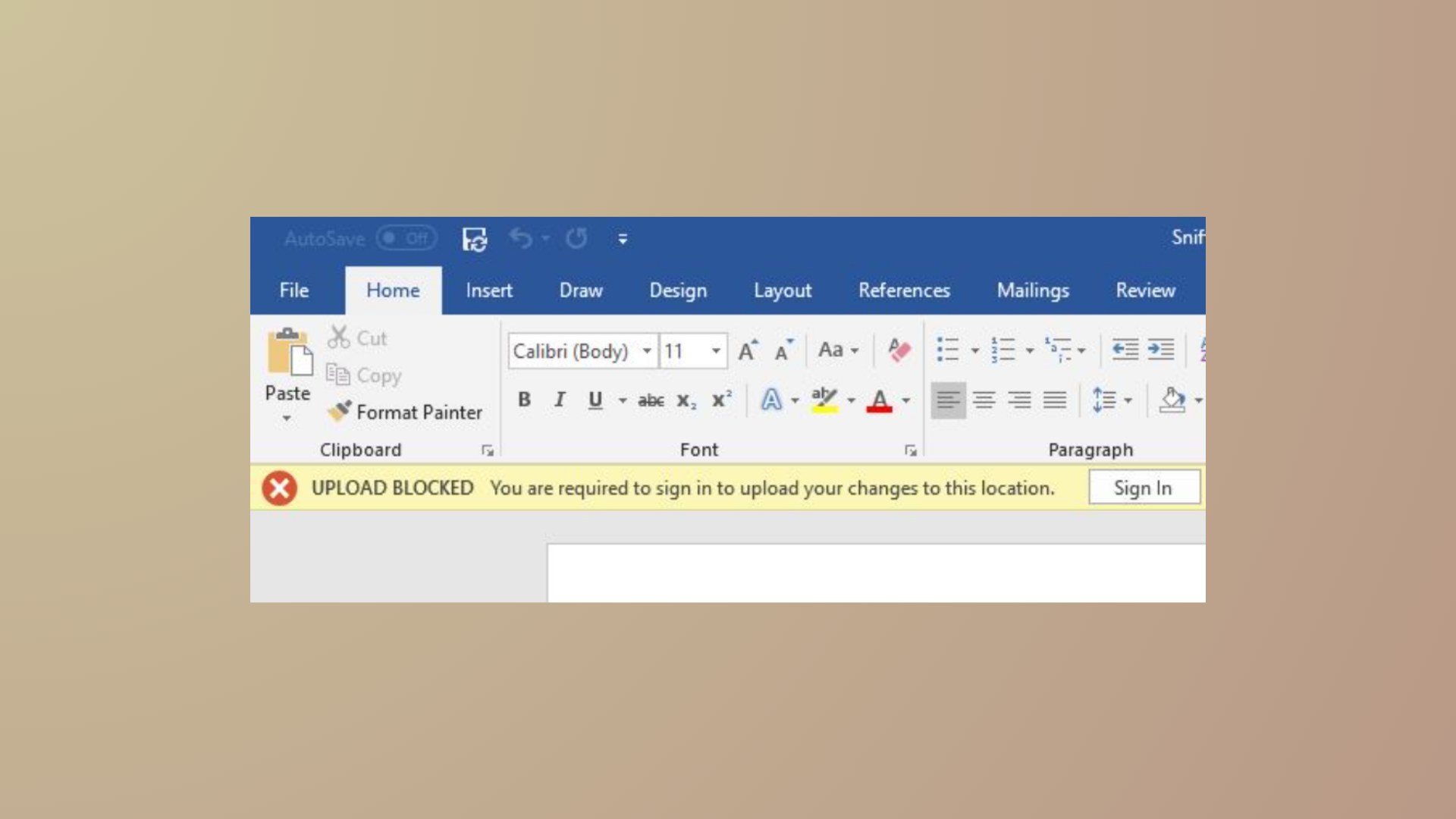
OneDrive error code 0x80049d61 appears when launching the OneDrive Store app, preventing access to your cloud files through the Windows app interface. This issue results from a known problem with the Store app, and Microsoft is actively working on a permanent fix. In the meantime, users can restore file access and sync functionality by switching to the OneDrive desktop app or using the web version. Here’s how to resolve the issue and address related sync problems.
Switch to the OneDrive Desktop App or Web Version
Reset the OneDrive Store App (If You Prefer to Keep Using It)
Although Microsoft recommends using the desktop app, you can attempt to reset the Store app version to see if it temporarily restores functionality.
Start button and type apps:onedrive in the search box. Select the OneDrive app from the results.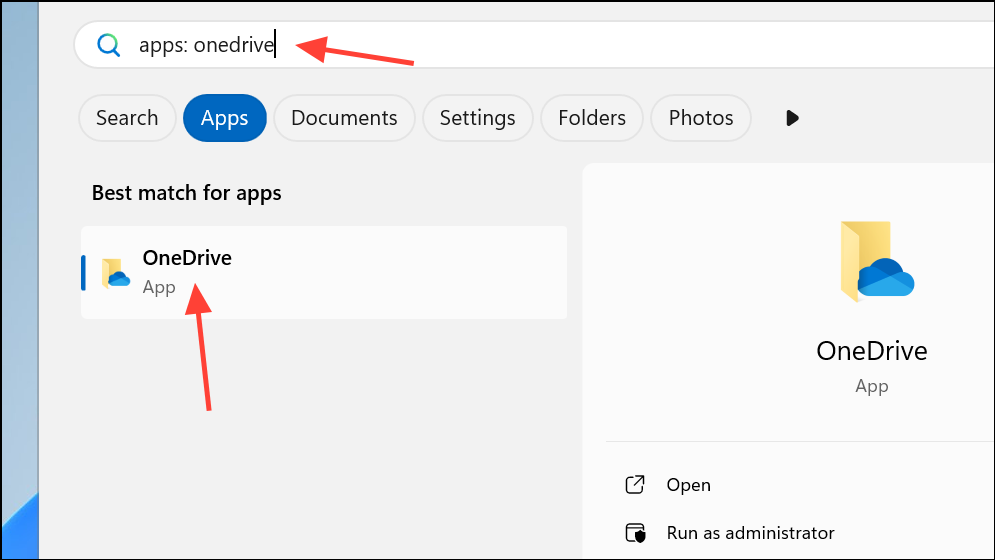
Reset the OneDrive Desktop Sync App for Persistent Sync Issues
Occasionally, sync problems extend beyond the 0x80049d61 error. Resetting the desktop sync app can resolve stubborn issues and reestablish a clean connection to your cloud files. This process does not delete any files stored in OneDrive.
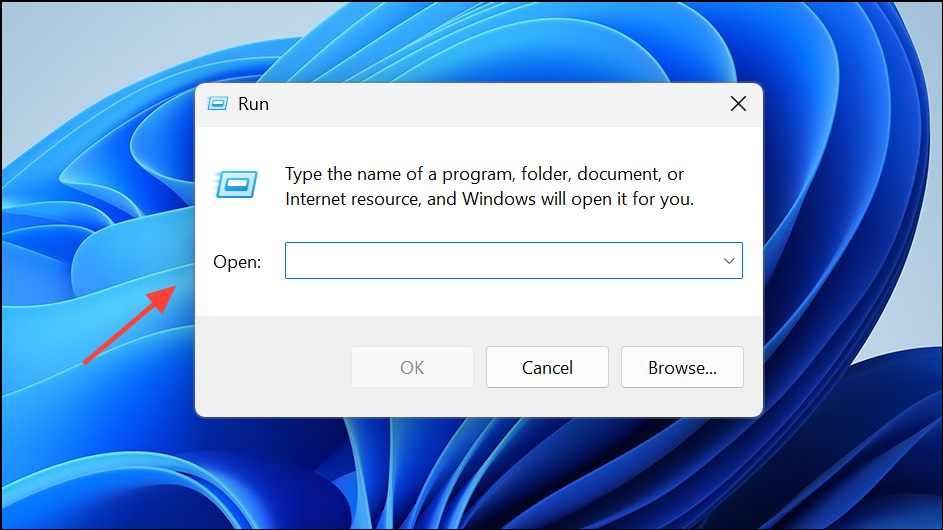
%localappdata%\Microsoft\OneDrive\onedrive.exe /reset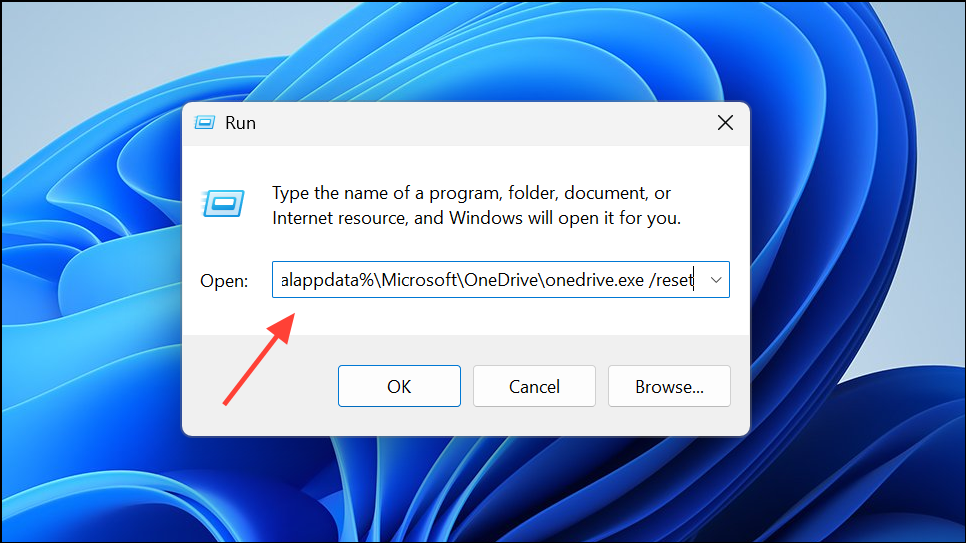
If you see a message stating “Windows cannot find…”, try this alternative command:
C:\Program Files (x86)\Microsoft OneDrive\onedrive.exe /reset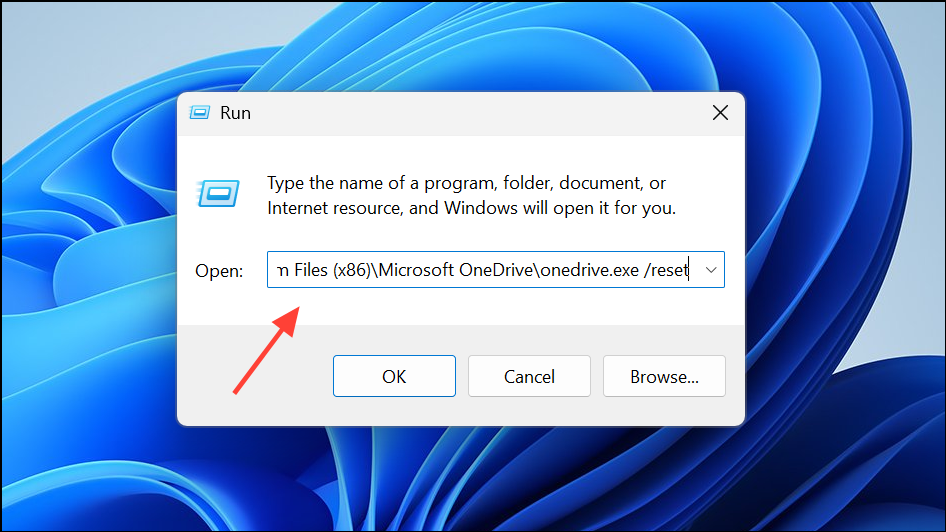
Update Windows and OneDrive for Optimal Performance
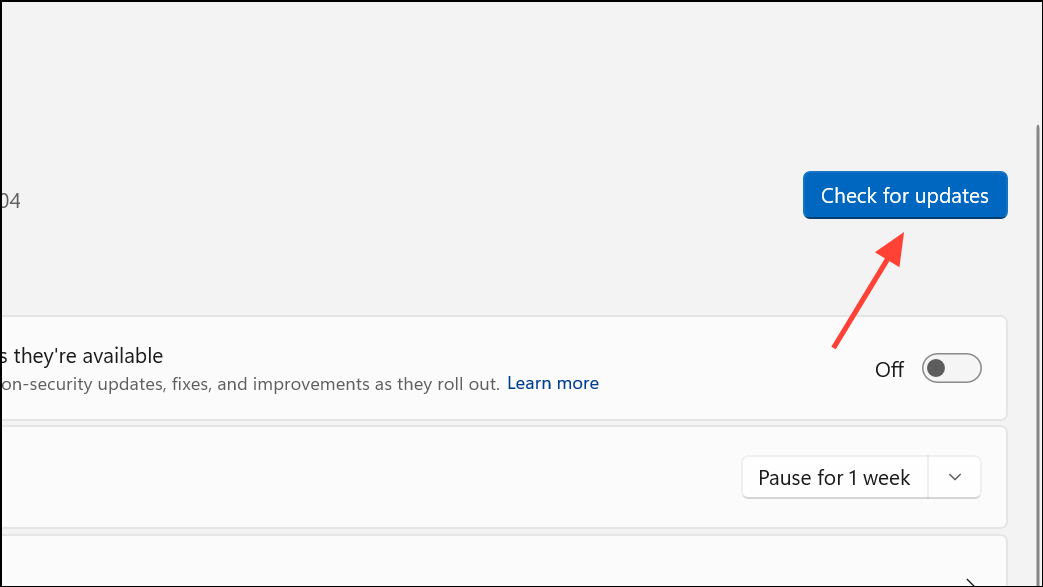
Outdated software can trigger sync errors or prevent OneDrive from functioning correctly. Keeping Windows and OneDrive current ensures compatibility and security.
Additional Troubleshooting Steps
- Unlink and relink your OneDrive account through the desktop app settings if sync issues persist.
- Check your internet connection and firewall settings to ensure OneDrive can access Microsoft’s servers.
- Review your storage quota on OneDrive.com. Exceeding your storage limit can block new uploads and cause sync errors.
- Consult the official Microsoft support resources or use their guided troubleshooting tool for complex or unresolved problems.
Switching to the OneDrive desktop app or web version restores file access when error 0x80049d61 appears. Resetting the sync app and keeping software up to date helps prevent future sync disruptions, ensuring smoother file management and productivity.