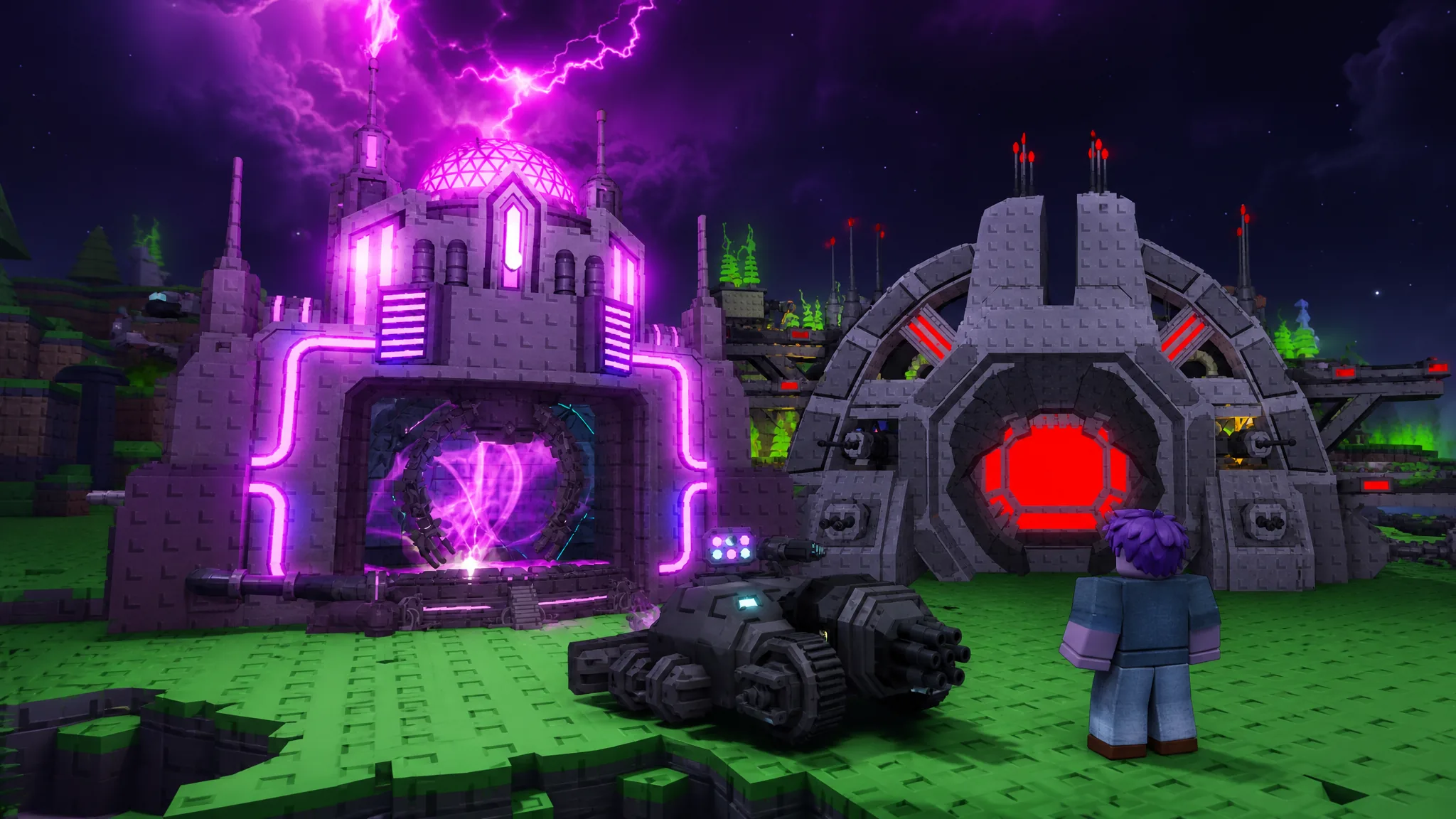
The Chaos Crate in Mini War holds two limited structures that most players are chasing right now. Both are pulled from the same roulette-style crate, and both change how a base fights once they are placed. One clones heavy tanks, the other launches an aerial carrier that heals your army mid-battle.
Quick answer: Open Chaos Crates with in-game currency, then spin the reward reel. The Titan Replicator lands at a 2% drop rate and the Drone Carrier Hangar at 1%. Anything you unlock goes straight to your build inventory, ready to place on your plot.
Chaos Crate drop rates for both limiteds
The two new limited buildings sit on the same crate pool, so there is no separate machine or menu for each one. The Titan Replicator is the more common of the two, while the Drone Carrier Hangar is the rarest pull in the crate.
| Limited item | Drop rate | Role |
|---|---|---|
| Titan Replicator | 2% | Clones oversized Plasma Tanks |
| Drone Carrier Hangar | 1% | Deploys an aerial carrier with drones |
Because both rates are low, expect duplicate structures before either limited appears. If the reel stops on something you already own, the item is flagged as already unlocked and adds nothing new to your inventory.
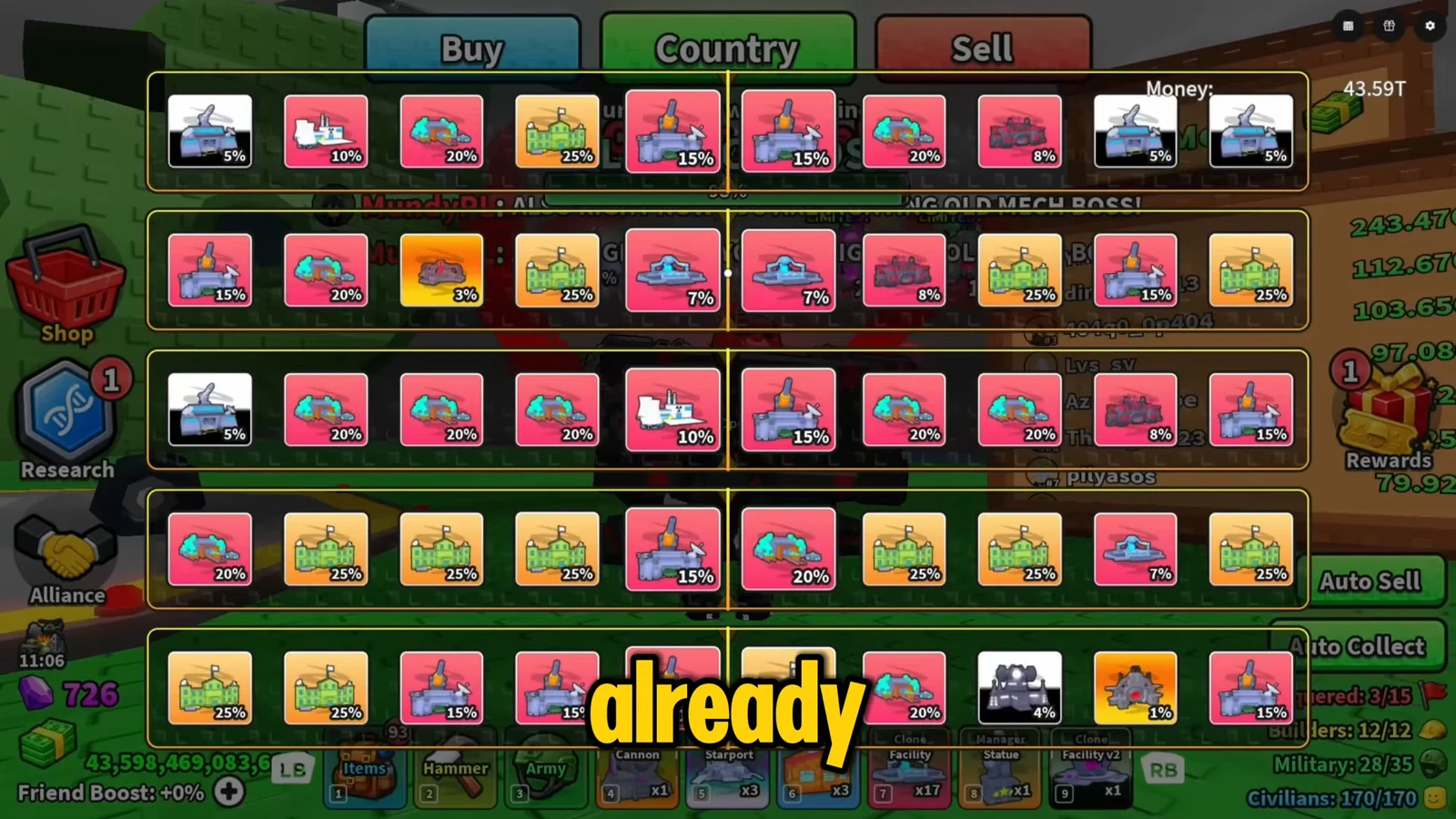
How to open Chaos Crates and land the limiteds
You know a pull worked when the item appears as a new, ownable card in your inventory rather than showing the already-owned status. From there, both structures can be placed on your base plot.
Titan Replicator stats and cloning
The Titan Replicator is a Factory structure that clones units at a much larger scale. Placed on the grid, it produces oversized, Titan-scaled Plasma Tanks that roll out from your base toward combat. That cloning mechanic is the reason to prioritize it even though it is the weaker of the two limiteds on paper.
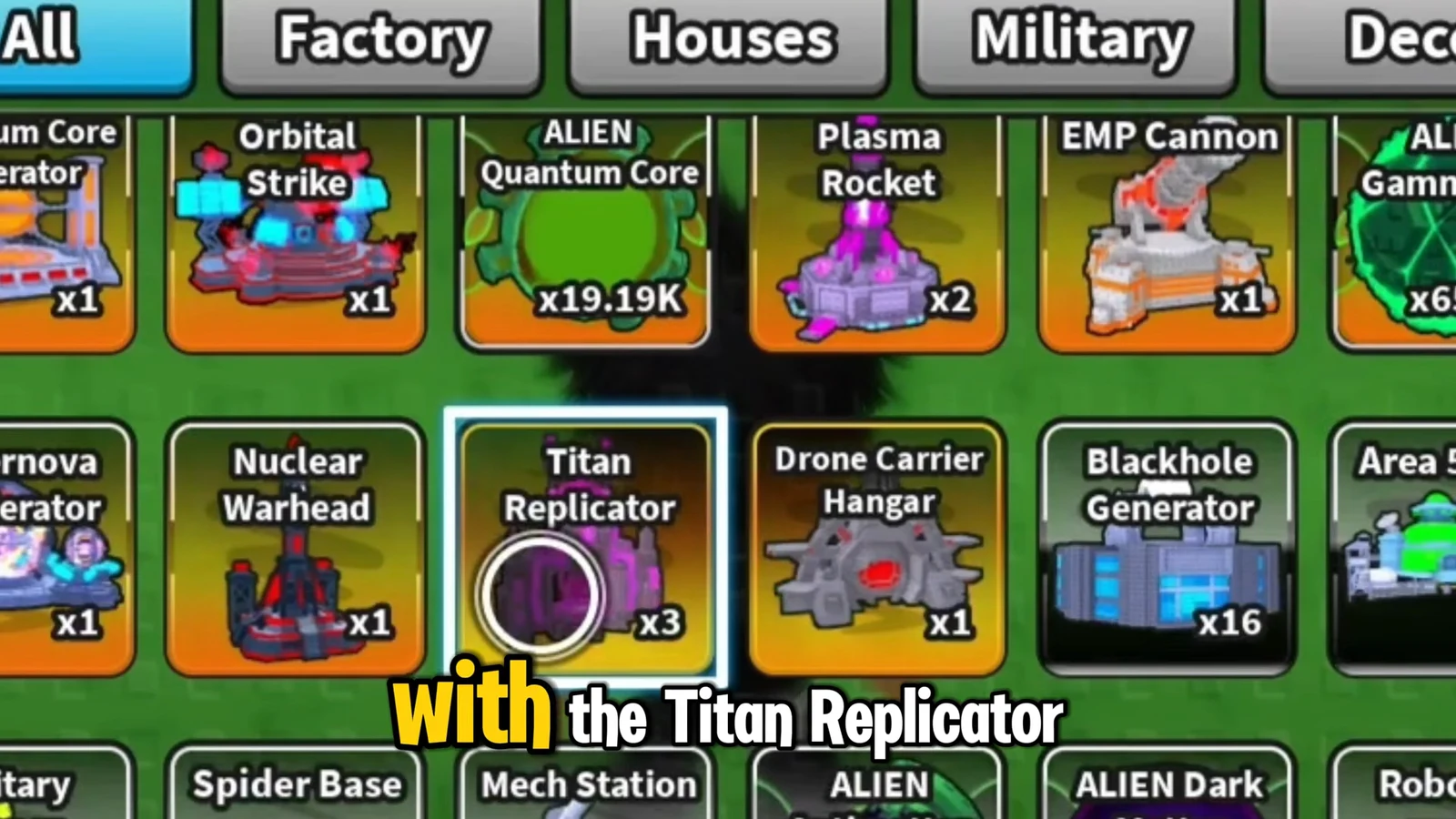
| Stat | Value |
|---|---|
| Damage | 1312–1875 |
| HP | 42,187 |
| Speed | 5.8 |
Drone Carrier Hangar stats and healing drones
The Drone Carrier Hangar is the standout limited from the crate. Once placed, it deploys a giant aerial carrier that takes flight over the battlefield. That carrier launches green drones that both attack enemies and heal friendly units, giving your army sustained air support during a push.
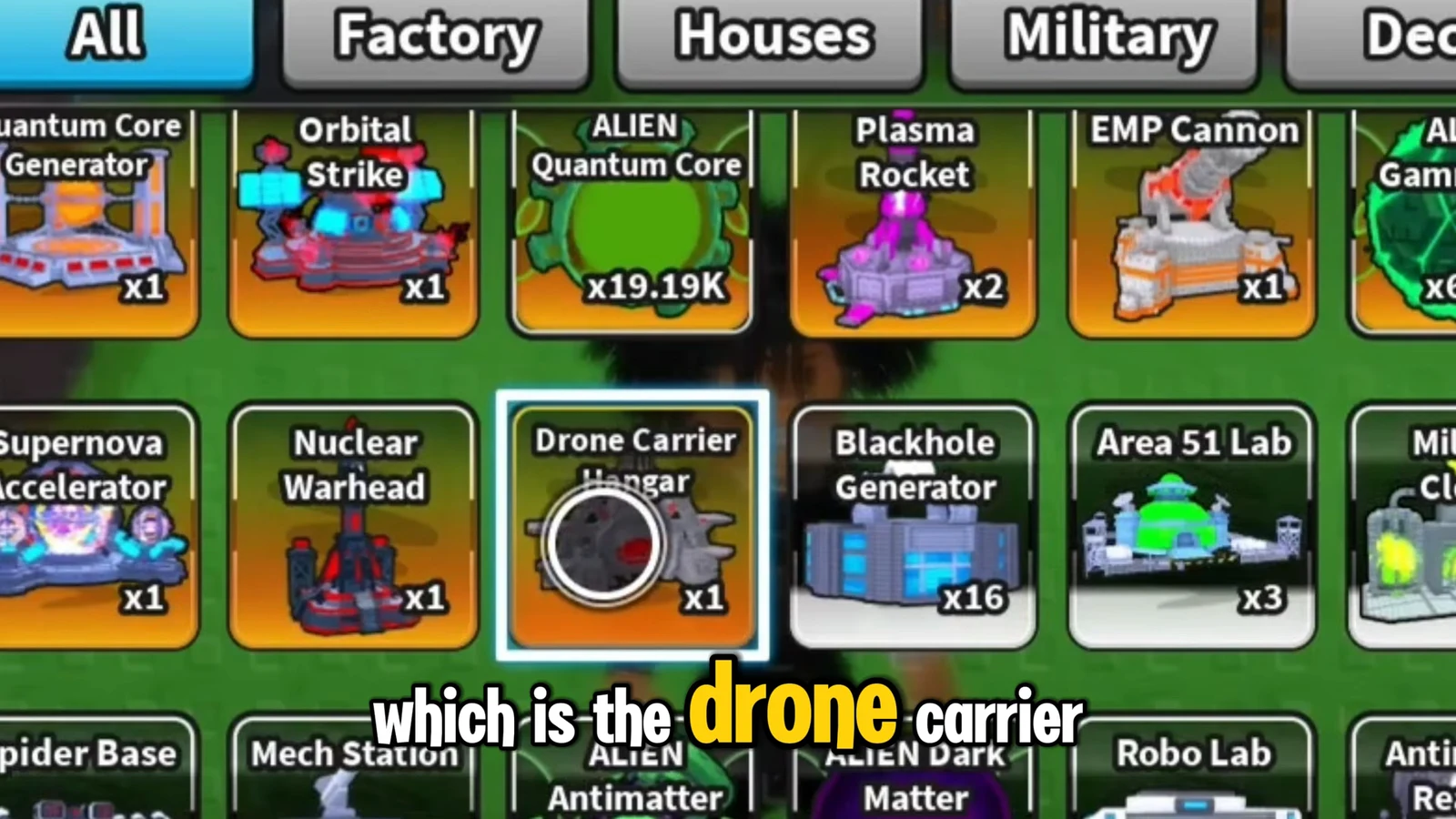
| Stat | Value |
|---|---|
| Damage | 3,937–5,625 |
| HP | 101,250 |
| Speed | 7.2 |
You can skip the deployment cooldown to get the carrier airborne faster instead of waiting it out. After placement, the hangar keeps sending the carrier and its drones out on its own.
Placing and managing the new structures
Both limiteds are placed from your build inventory onto your base grid, the same way as any other structure. Each placed building can be inspected for its stats, and structures you no longer want can be removed through their popup panel.

Using both limiteds in combat
Together, the two structures cover offense and sustain. The Titan Replicator floods the field with heavy Plasma Tanks, while the Drone Carrier Hangar keeps those units alive with its healing drones. That pairing works well against boss encounters and heavily defended enemy bases.

Against the mech boss, the carrier’s drones provide healing while your artillery and heavy units chip down its health bar. The combined pressure is enough to take the boss from full down to zero and then roll the same army into enemy war bases across the map.

Since both drops are rare, the fastest route is to bank enough currency for several Chaos Crate spins in one sitting. Landing the 2% Titan Replicator and the 1% Drone Carrier Hangar gives your base a self-sustaining army that clones its own tanks and heals them in the field.