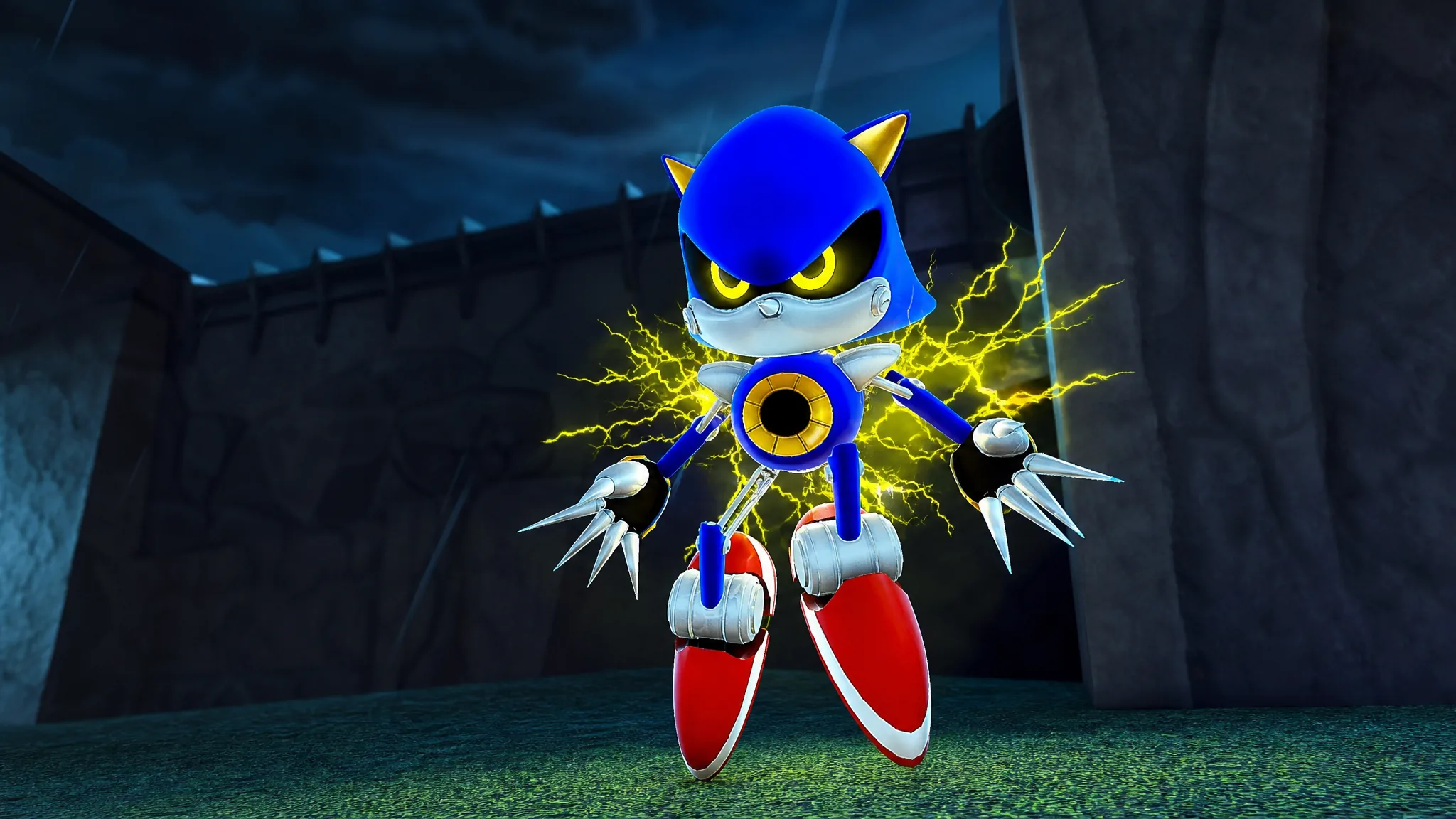
Sonic RP: Mobius MegaDrive has rebuilt its Classic Metal Sonic morph, and it now sits in the lobby alongside a refreshed Classic Knuckles. The update log wall in the lobby lists both remodels, and neither one is hidden behind a collectible hunt. If you can reach the Classic Morphs hallway, you can wear the new model in about fifteen seconds.
Quick answer: Walk to the Classic Morphs section of the lobby and select Classic Metal Sonic. There is no badge, gamepass, or item hunt attached to it.
Equip the Classic Metal Sonic morph in the lobby
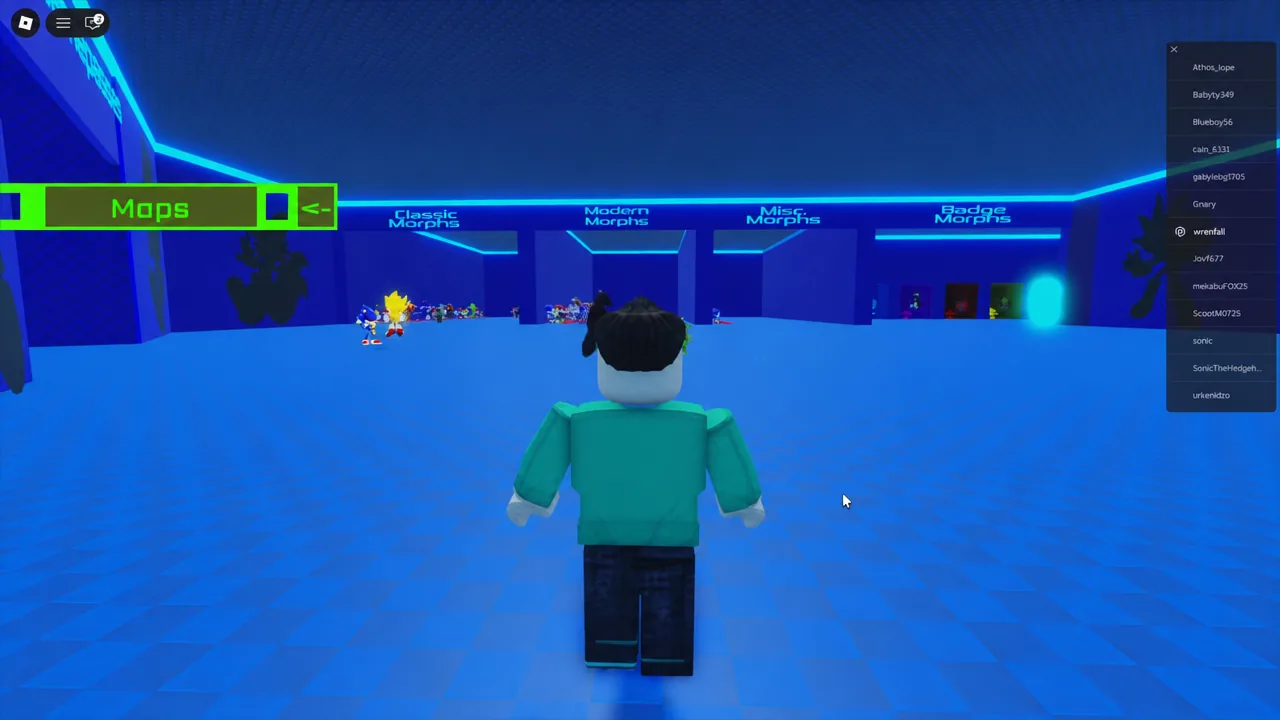
The game shuts servers down whenever an update or bug fix goes out. If the older Metal Sonic model is still showing, leave and rejoin so you land on a server running the current build.
Classic Metal Sonic customization options
Once the morph is on, a short list of toggles becomes available. They stack onto the same model rather than swapping you into a different character, so you can flip between them without returning to the lobby stand.
| Option | What it changes |
|---|---|
| Super Form | Turns the eyes yellow and adds a blue aura with yellow lightning |
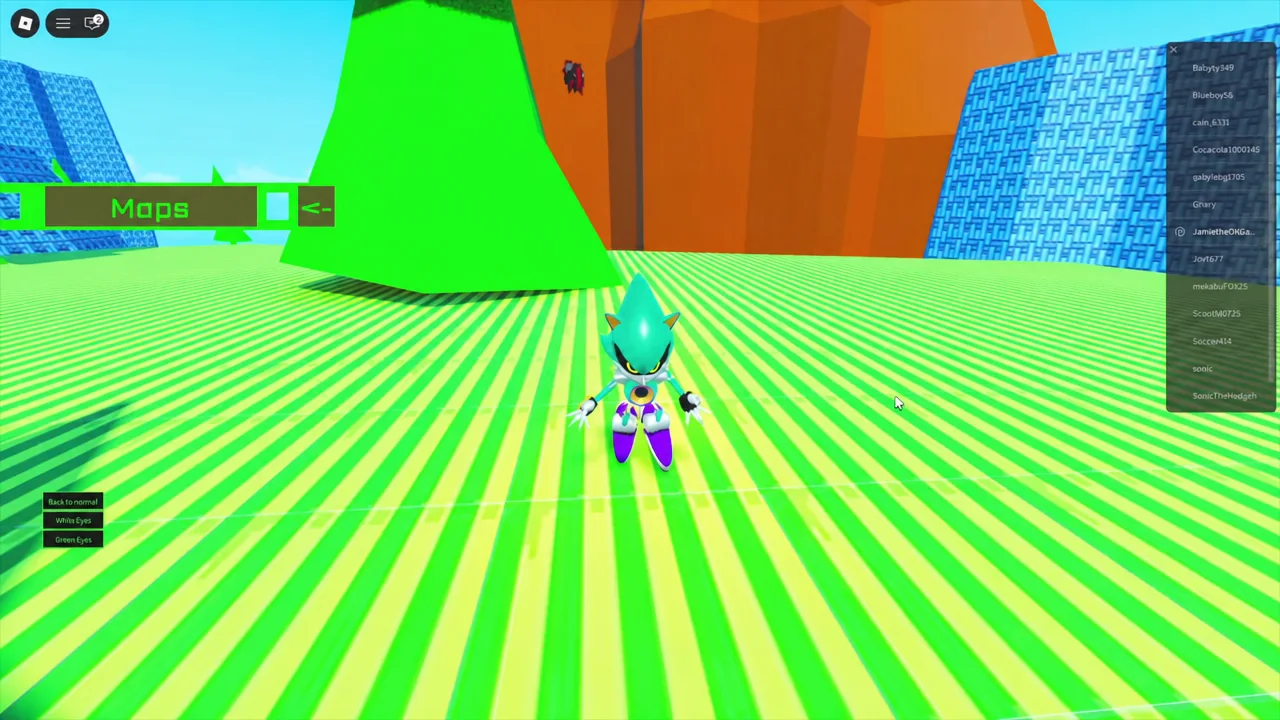
| White Eyes | Swaps the default red eyes for white |
| Green Eyes | Swaps the default red eyes for green |
| Back to normal | Clears the active option and restores the default red-eyed look |
The eye colors are cosmetic only. Pick White Eyes or Green Eyes and the rest of the model stays identical, which makes them useful if you are roleplaying a variant rather than the standard character.
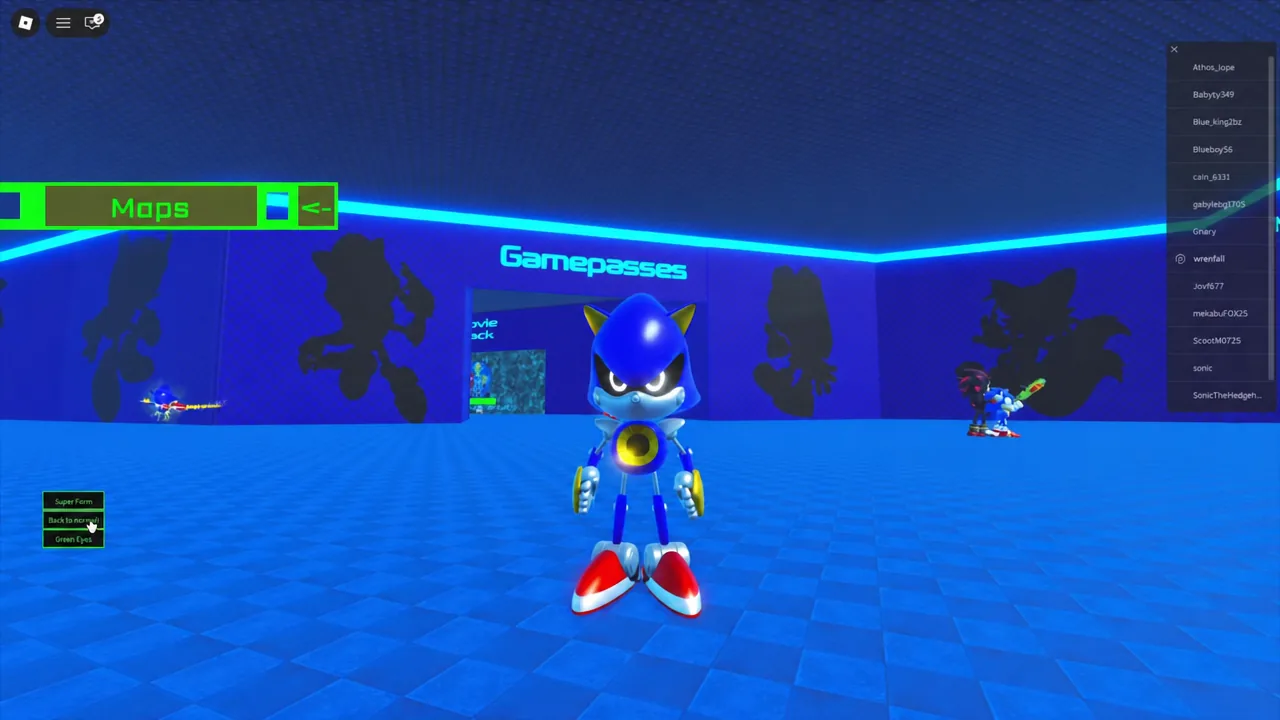
Super Form is the loudest of the four. It is a visual state layered on the same morph, and choosing Back to normal drops the aura and lightning and returns the eyes to red.
Flight and boost behavior
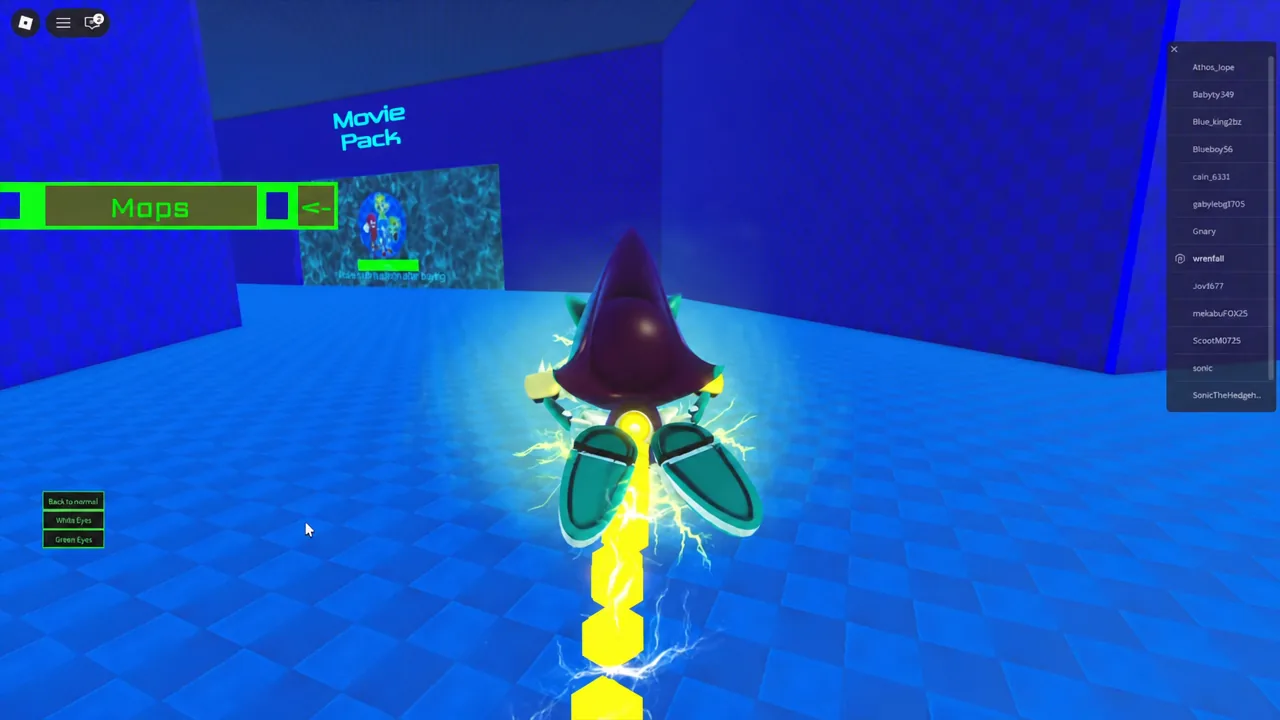
The remodel comes with its own high-speed movement animation. Instead of a generic hover, the morph pitches forward into a flight pose and trails yellow lightning behind it while boosting, which is the clearest way to tell at a glance that you are on the new model and not the old one.
That trail carries over into the Super Form state as well. Vertical surfaces are still surfaces, though. Wall climbing is not part of the kit, so steep terrain on maps like Hill Top has to be cleared by flying rather than scaling.
Maps for testing the morph
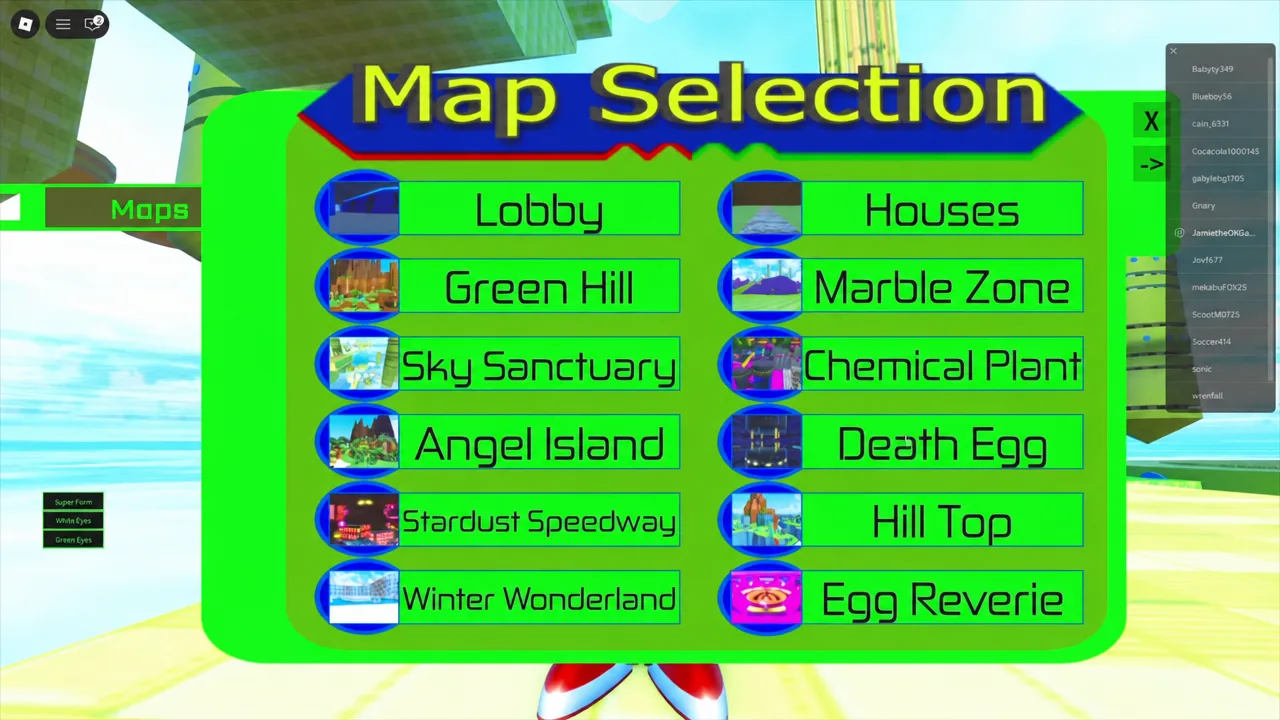
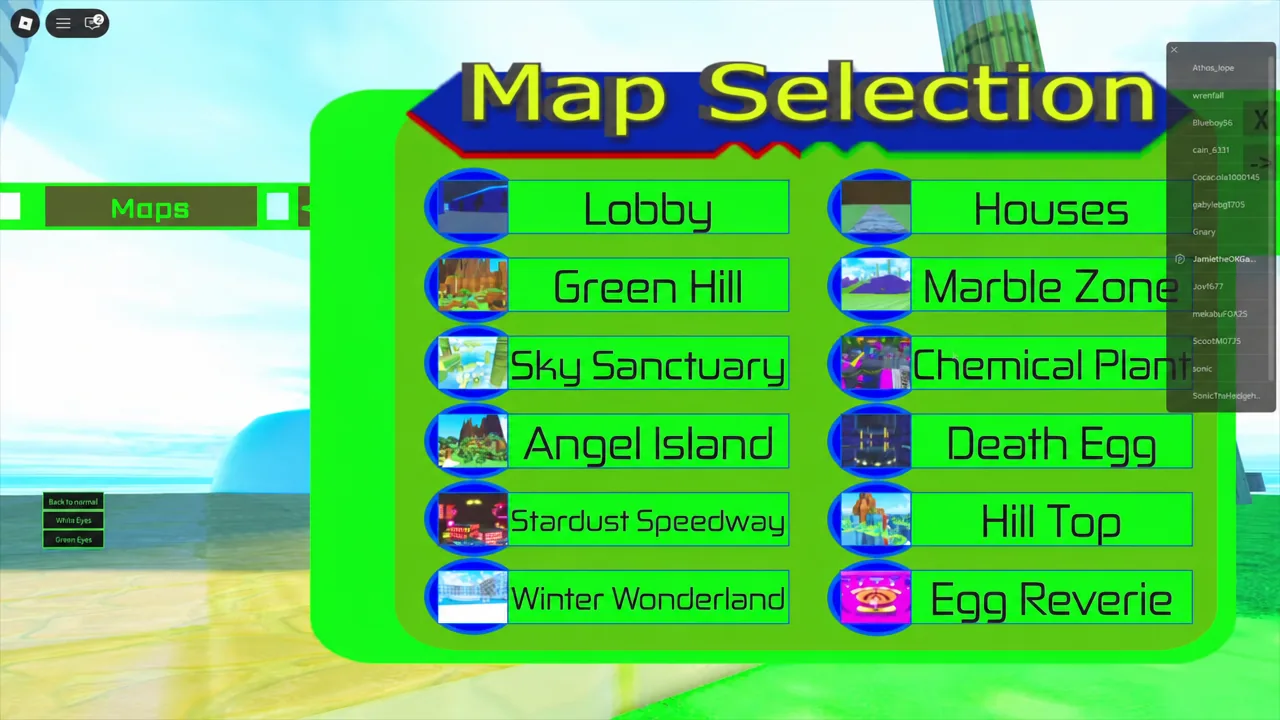
Open the Map Selection menu and pick a zone to teleport. Open, vertical maps show the flight animation best; enclosed ones are better for looking at the model up close.
| Map | Why it suits the morph |
|---|---|
| Sky Sanctuary | Floating platforms with big gaps for sustained flying |
| Death Egg | Metallic corridors that match the character’s look |
| Hill Top | Steep terrain that forces flight over climbing |
| Angel Island | Open tropical ground for running and boosting |
The full list in the menu also includes Lobby, Houses, Green Hill, Marble Zone, Chemical Plant, Stardust Speedway, Winter Wonderland, and Egg Reverie.
Classic Metal Sonic vs. the badge-locked Metal Sonic morphs
It is easy to confuse the free lobby morph with the versions that require a badge. Only the classic remodel lives in the Classic Morphs hall. The others land in Badge Morphs after you find a specific object in a specific zone.
| Morph | How you get it |
|---|---|
| Classic Metal Sonic | Available directly in Classic Morphs, no unlock needed |
| Movie Metal Sonic | Collect all 5 Metal Sonic pieces hidden in Marble Zone |
| NEO METAL SONIC | Find the upgrades at Death Egg Zone |
| METAL TAILS | Earned through its own badge |
A Dark Metal Sonic variant also turns up in play. It is a separate look from the Classic Morphs entry, so switching eye colors on the remodel will not produce it.
How to confirm you have the new model
Three checks confirm it. Your character should be running the remodel’s own idle animation while standing still, the option panel should offer Super Form, White Eyes, Green Eyes, and Back to normal, and boosting should produce yellow lightning trails rather than a plain movement effect.
If any of those are missing, the likeliest cause is a stale server rather than a missing unlock. Rejoining is the fix, since a shutdown is how updates roll out here.
Sonic RP: Mobius MegaDrive is a fan project from developer JosuRBX, and its morph roster changes often. Classic Metal Sonic is one of the few high-profile characters you can wear without hunting anything down first, which makes it a reasonable place to start if you are new to the lobby.