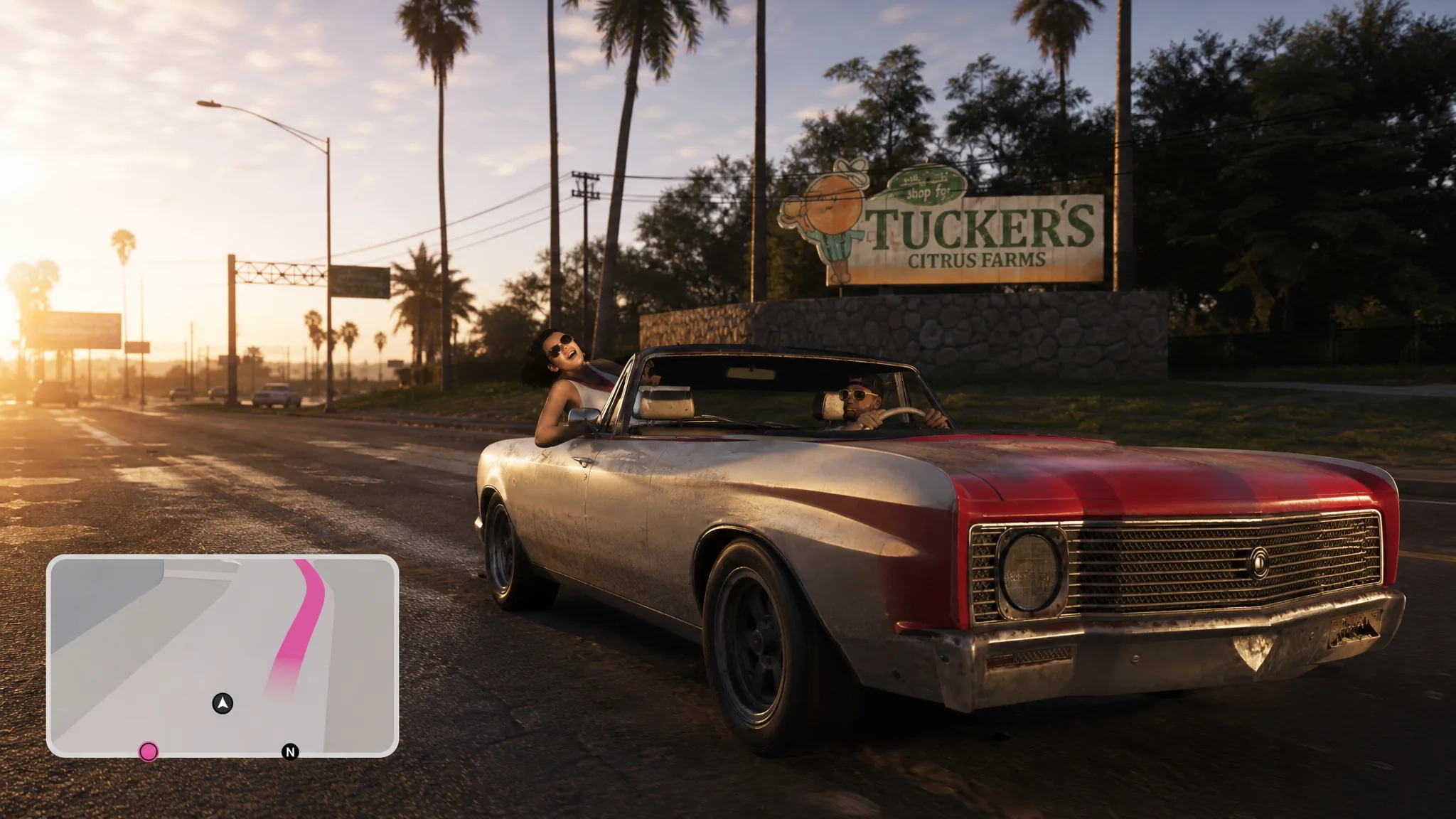
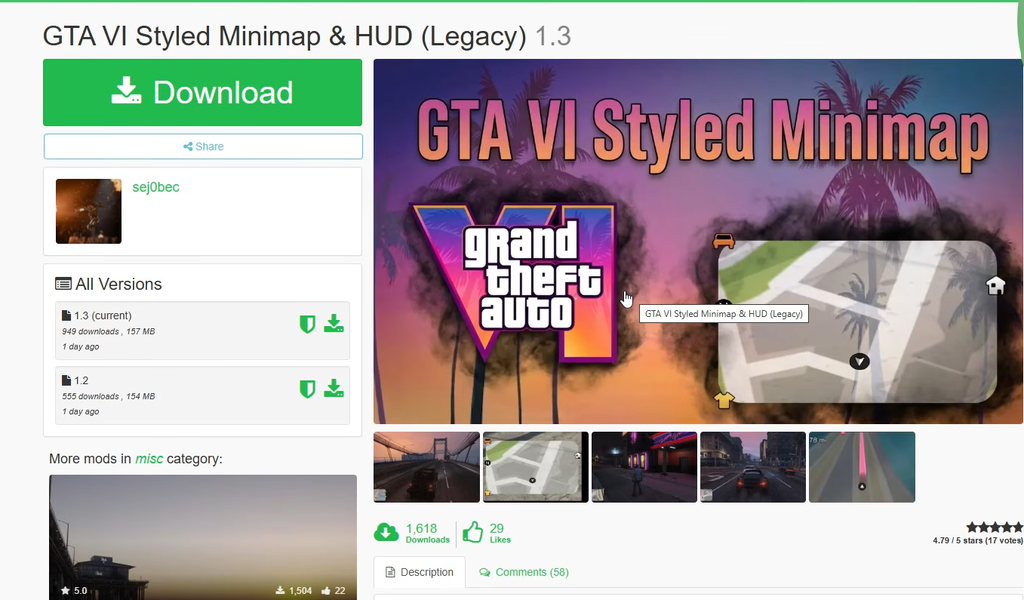
The minimap shown in the extended look at Grand Theft Auto VI has already made its way into GTA 5 on PC. A mod called “GTA VI Styled Minimap & HUD (Legacy)” replaces the standard radar and reworks the surrounding interface so it mirrors the shape, border, and waypoint styling seen in the newer game, without touching how the base game plays.
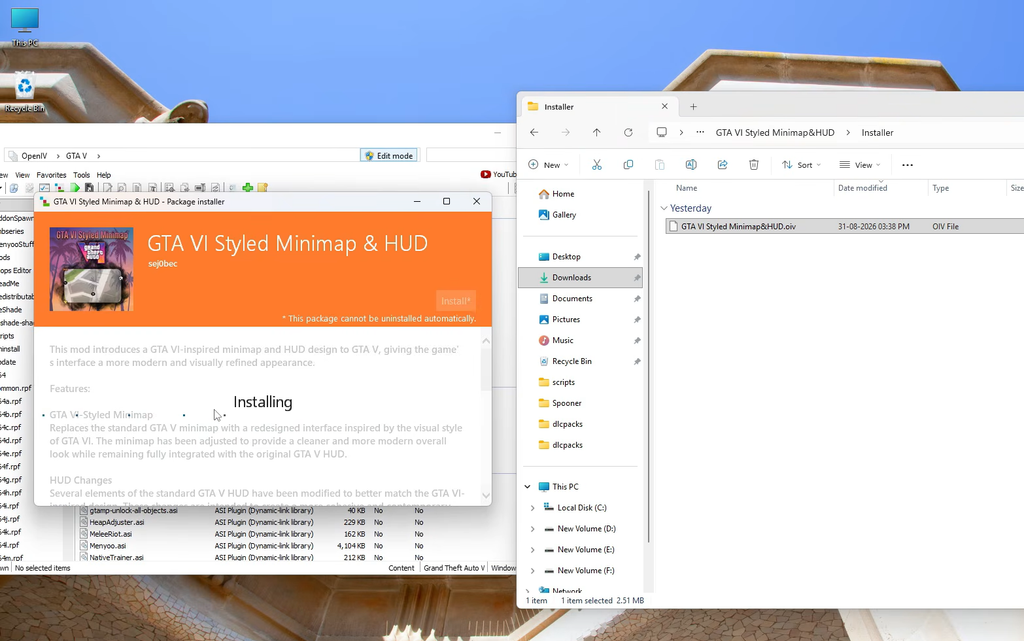
Quick answer: Download the mod’s .oiv file from its GTA5-Mods page, drag it into an open OpenIV window, pick your mods folder in the Package Installer, and click Install. It works only on the PC Legacy Edition of GTA 5.
What the GTA VI styled minimap mod changes
The mod was published on August 31, 2026 by a modder credited as sej0bec, and the current build is version 1.3 at a file size of 157 MB. It is a flat, 2D reimagining of the interface built on top of GTA 5’s existing map system, so it changes how the HUD looks rather than adding new map geometry.
| Element | Change |
|---|---|
| Minimap | Replaced with a redesigned radar whose shape, border, and overall look match GTA VI’s style |
| HUD elements | Reworked to fit the new design language for a more consistent interface |
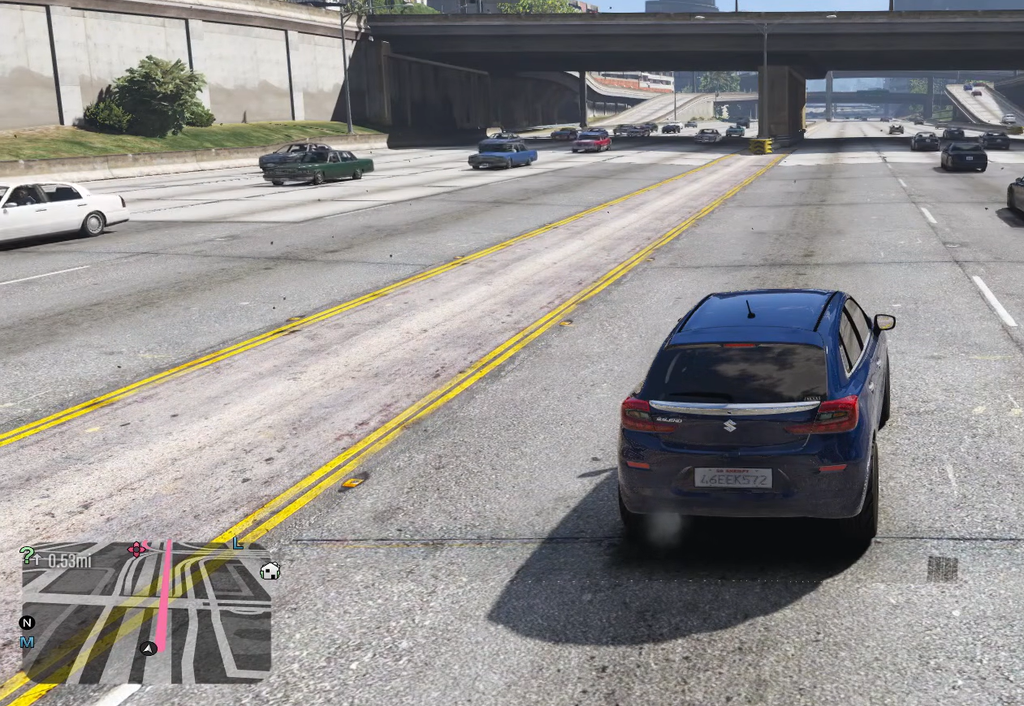
| Waypoint indicator | Recolored (a pink tone) to match the new minimap and improve visibility |
| Distance text | Moved higher on screen for a cleaner layout |
| Game features | Left intact; only the visuals are altered |
Requirements before you install
- GTA 5 on PC, specifically the Legacy Edition. The mod does not support the Enhanced version.
- OpenIV installed on your system, since the mod ships as an .oiv package that OpenIV installs.
- The downloaded mod file from its official listing.
Install the mod with OpenIV
What it does not do
This is a visual overhaul of the interface, not a map replacement. The GTA VI extended look also showed a 3D minimap that displays satellite-style views of Vice City in certain moments, and that behavior is not part of this mod. You will not see 3D buildings appear in the radar.
If you want to move around a recreation of the GTA 6 map inside GTA 5, that is a separate project. The interface mod only restyles what already exists on your screen.
Known issues and compatibility notes
Some players have reported that streetlights and car headlights appear with an exaggerated brightness after installing, and there can be a conflict when another graphics mod also overwrites the game’s graphics.ytd file. If you run a graphics or lighting mod, expect to manage that file overlap.
Version 1.3 also cleaned up how the package installs by replacing loose files with proper OIV packages, and the Atlas styled map is now an optional add-on rather than being bundled by default. Support is limited to the Legacy Edition, so Enhanced Edition owners cannot use this build as is.