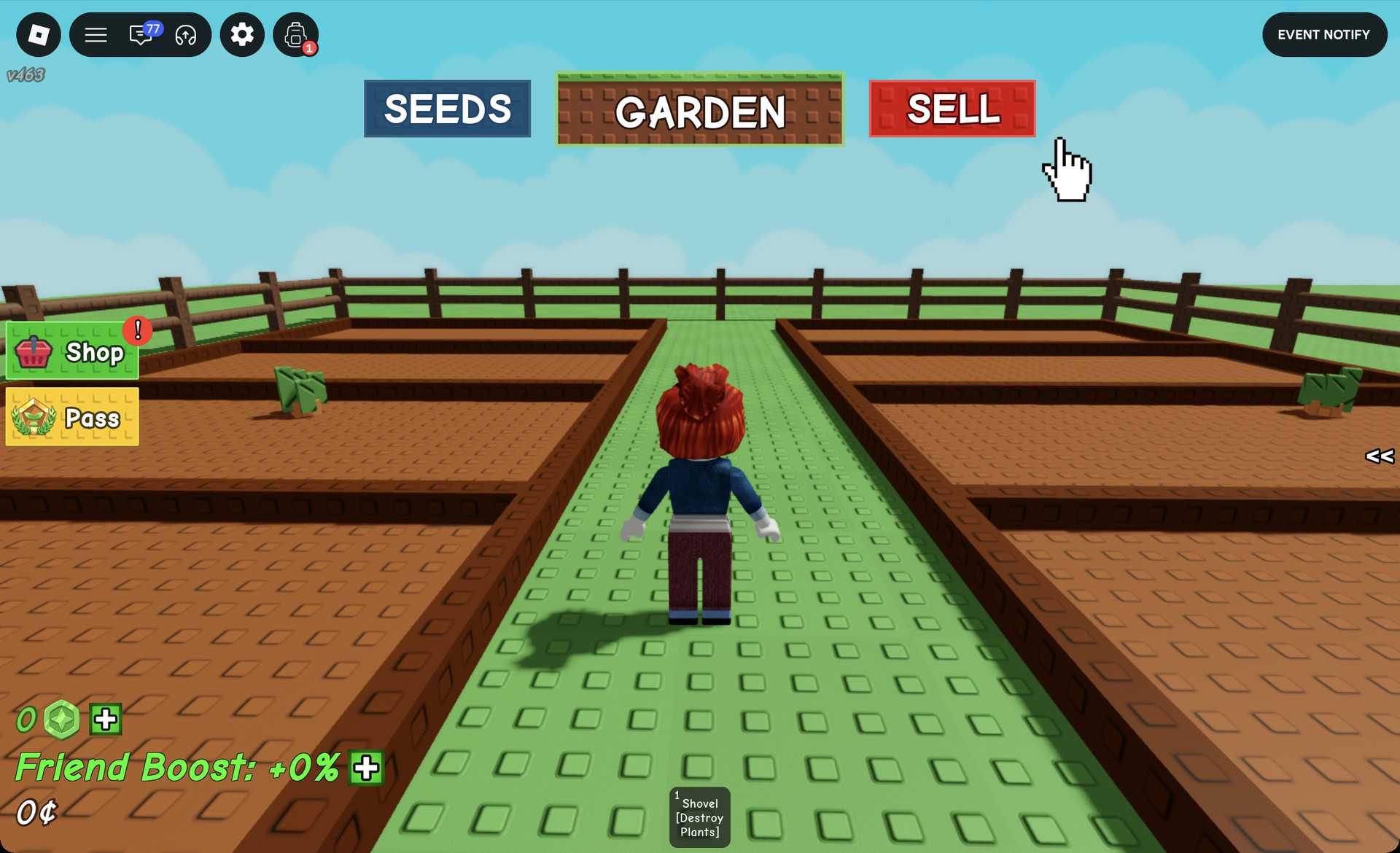
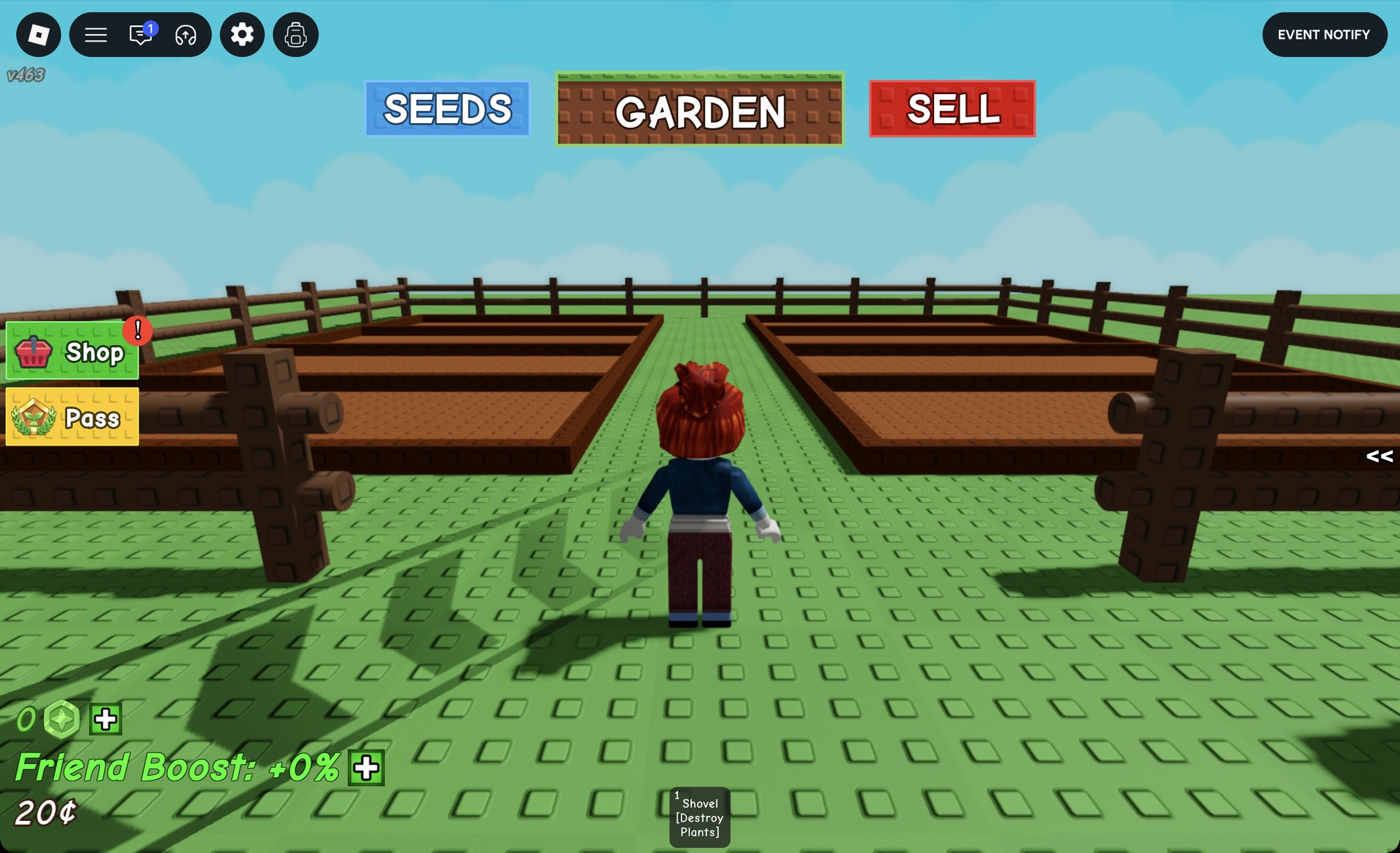
Grow a Garden, the Roblox gardening game, starts you with two empty dirt plots, a shovel, and 20¢ in Sheckles. That is enough to run the whole core loop once. You buy seeds, plant them, pick what grows, and sell it back for more money than you spent. Nothing in it costs Robux.
Quick answer: Click “SEEDS”, buy two Carrot Seeds from Sam for 10¢ each, click “GARDEN”, plant both, press E on each grown carrot, then click “SELL” and tell Steven “I want to sell my Inventory”.
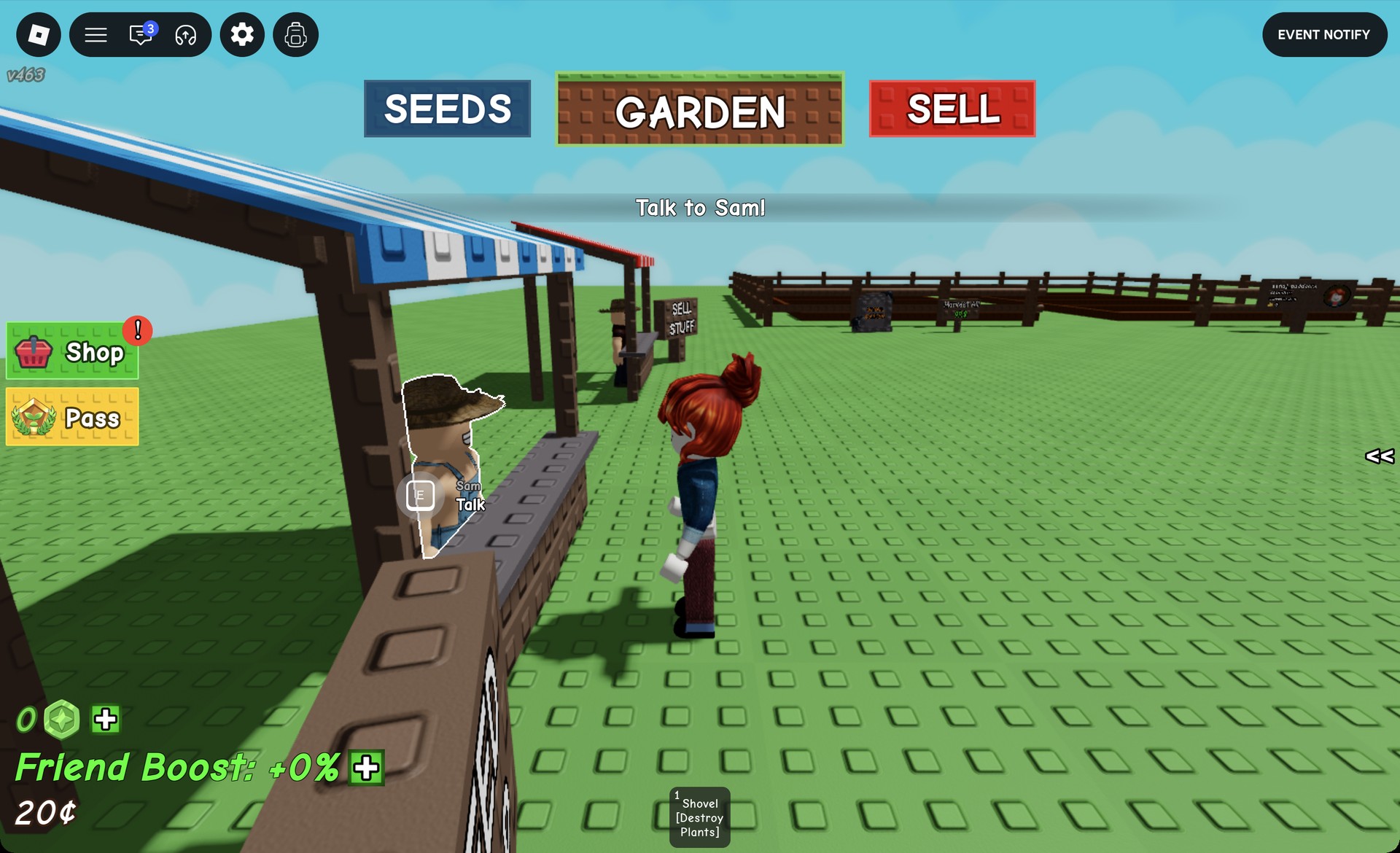
Grow a Garden screen layout for new players
- The top bar holds three teleport buttons, “SEEDS”, “GARDEN” and “SELL”.
- Your money sits in the bottom-left corner, shown with the ¢ sign.
- Hotbar slot 1 holds the “Shovel [Destroy Plants]”.
- A tutorial banner at the top tells you what to do next.
The shovel does exactly what its label says. Keep it away from your crops.
How to buy seeds from Sam
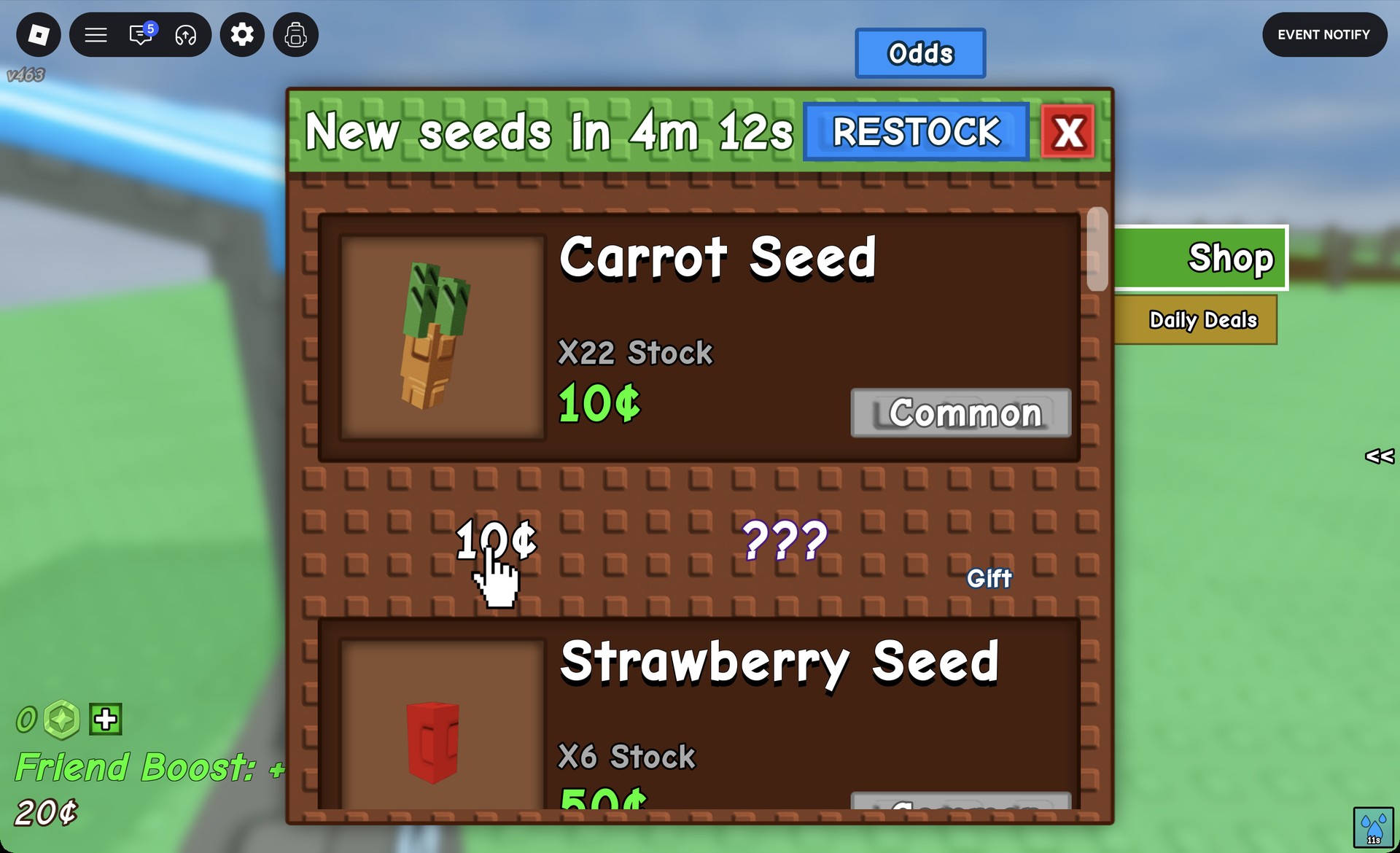
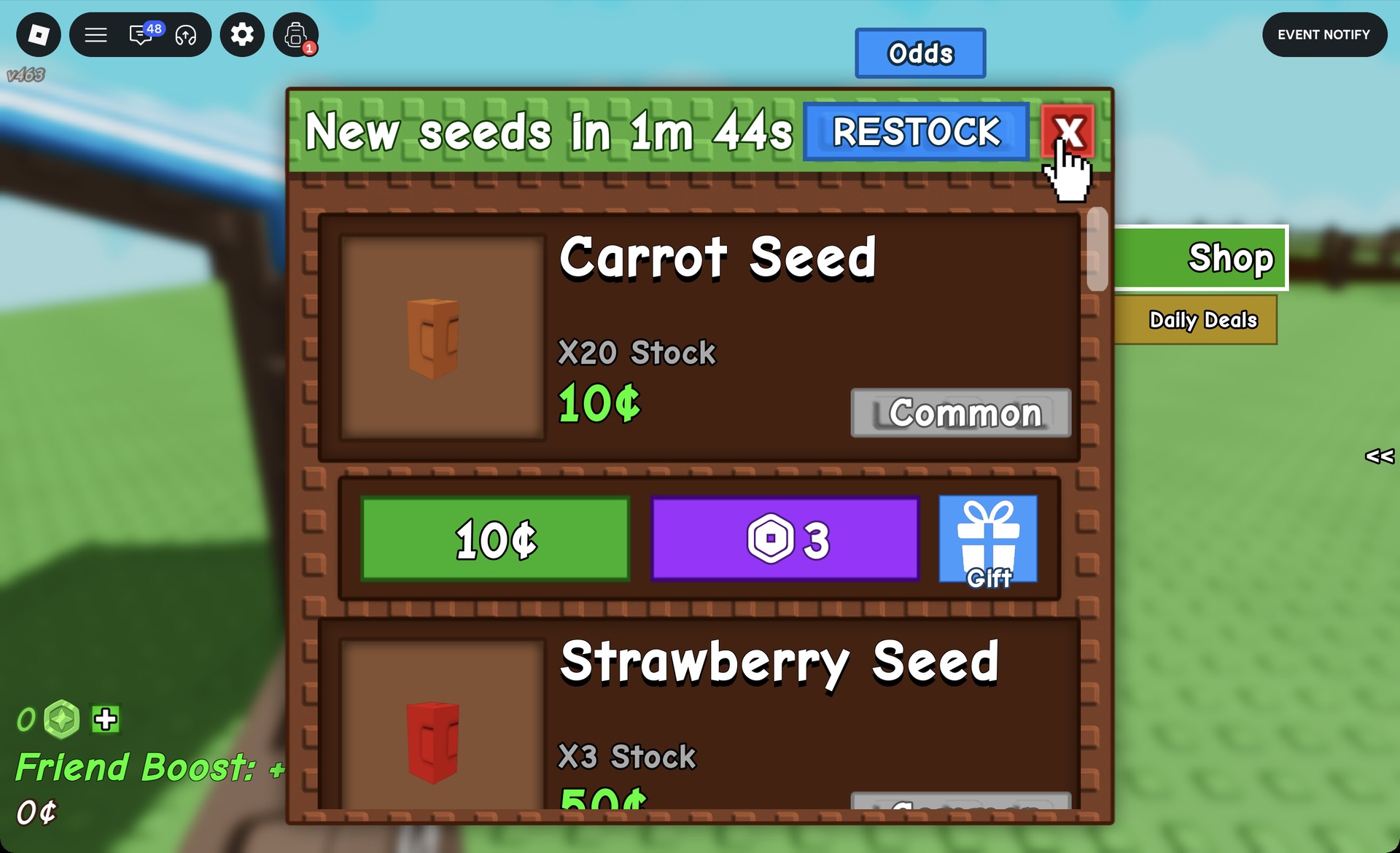
The purchase lands in your backpack as “Carrot Seed [X2]”, and the hotbar shows Carrot Seed in slot 2 with x2. The card’s stock count drops as well, from X22 to “X20 Stock”.
Seeds in Sam’s shop
Carrot is the only seed you can afford at the start. The rest of the lineup shows what the money is eventually for.
| Seed | Rarity | Cost |
|---|---|---|
| Carrot | Common | 10¢ |
| Strawberry | Common | 50¢ |
| Blueberry | Uncommon | 400¢ |
| Tomato | Rare | 800¢ |
| Corn | Rare | — |
| Daffodil | Rare | — |
| Apple | Legendary | — |
| Pumpkin | Legendary | — |
| Coconut | Mythical | — |
| Dragon Fruit | Mythical | — |
Stock is limited, and the pricier seeds often read “NO STOCK”. The shop header counts down to the next refill with a timer such as “New seeds in 1m 52s”, and the shelves restock when it hits zero. The same header has an “Odds” button, and the shop has two tabs, Shop and Daily Deals.
How to plant and harvest carrots
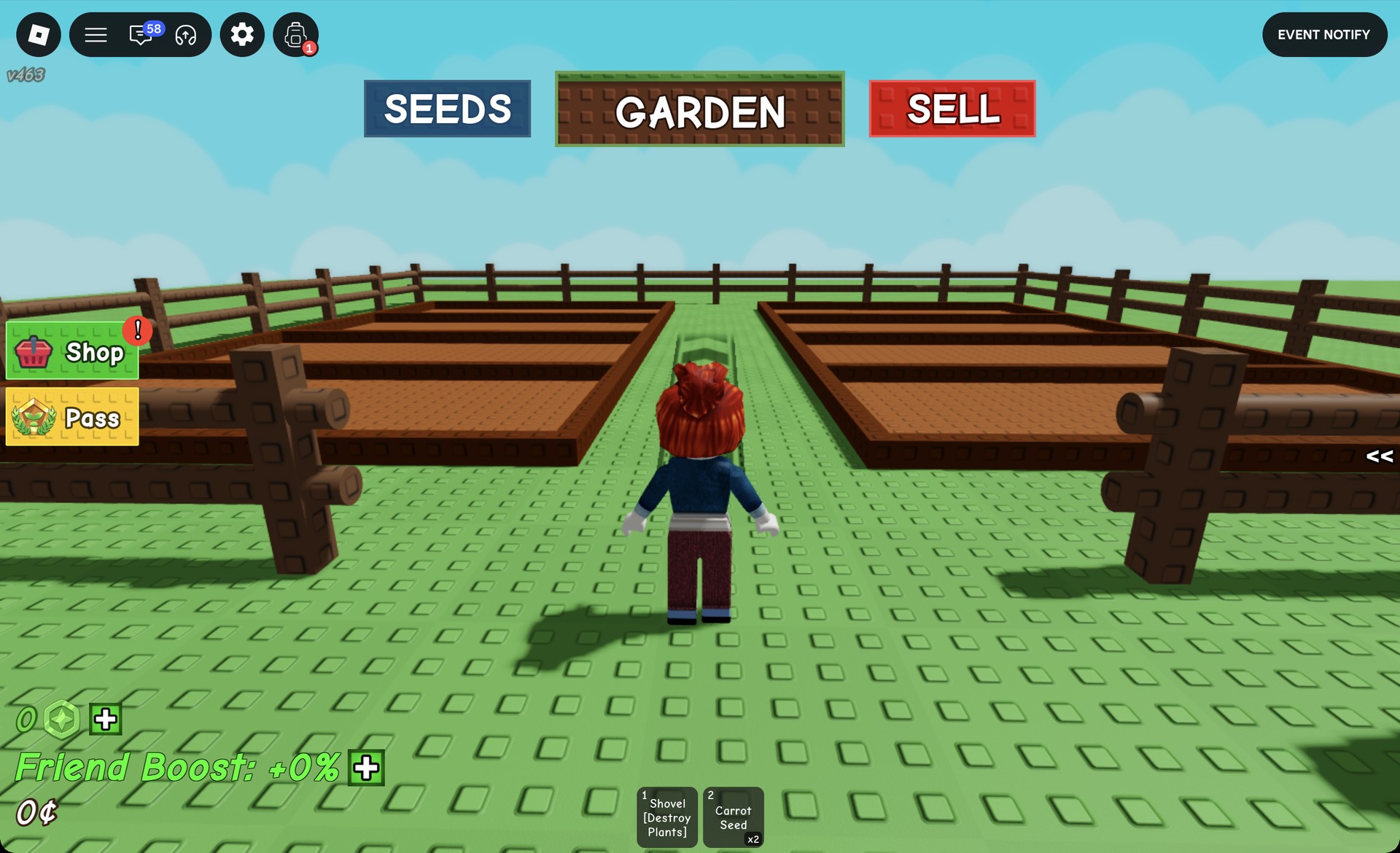
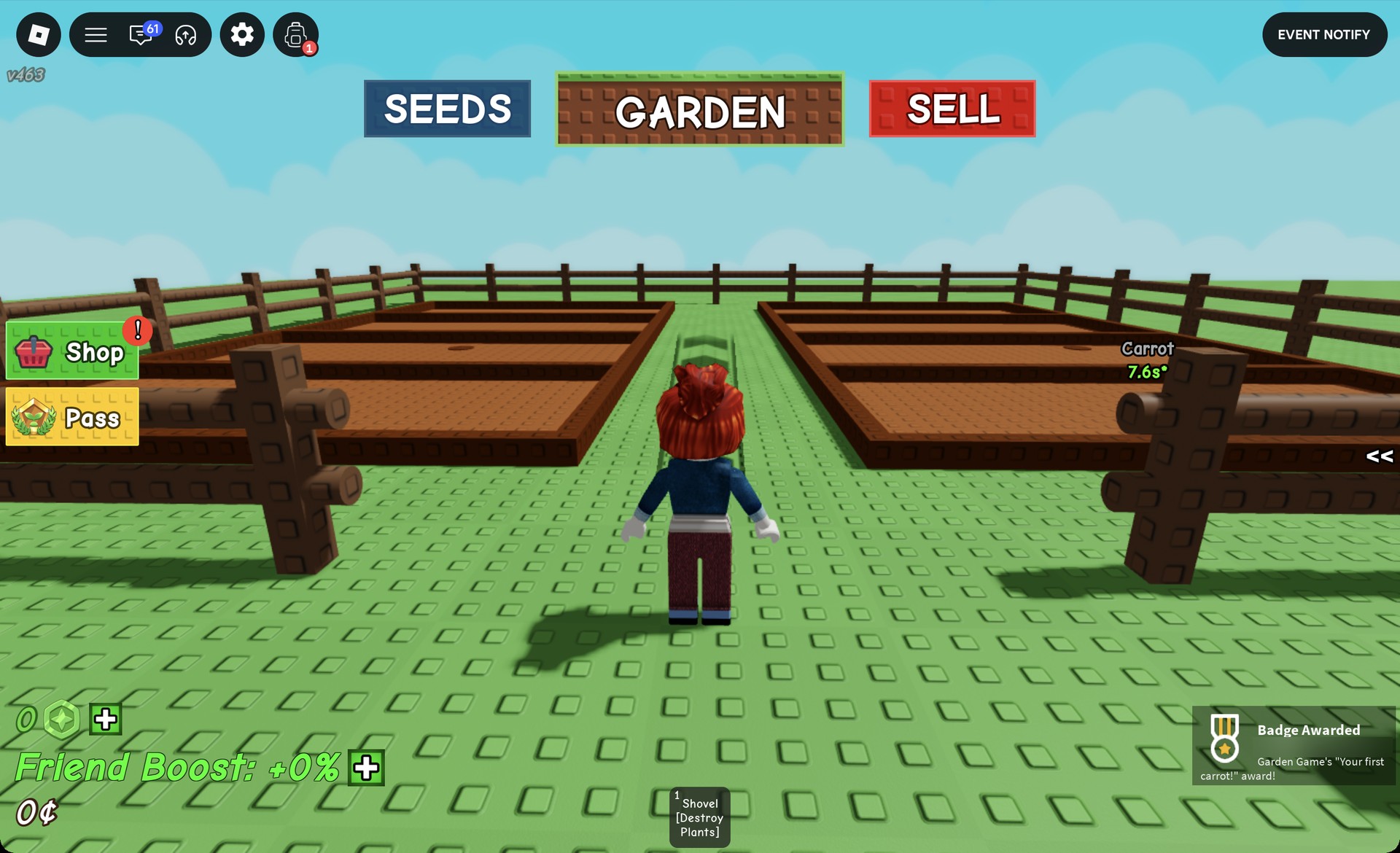
Your first crop also triggers a pop-up for the “Your first carrot!” badge. Once the timers run out, a grown carrot stands on each plot.
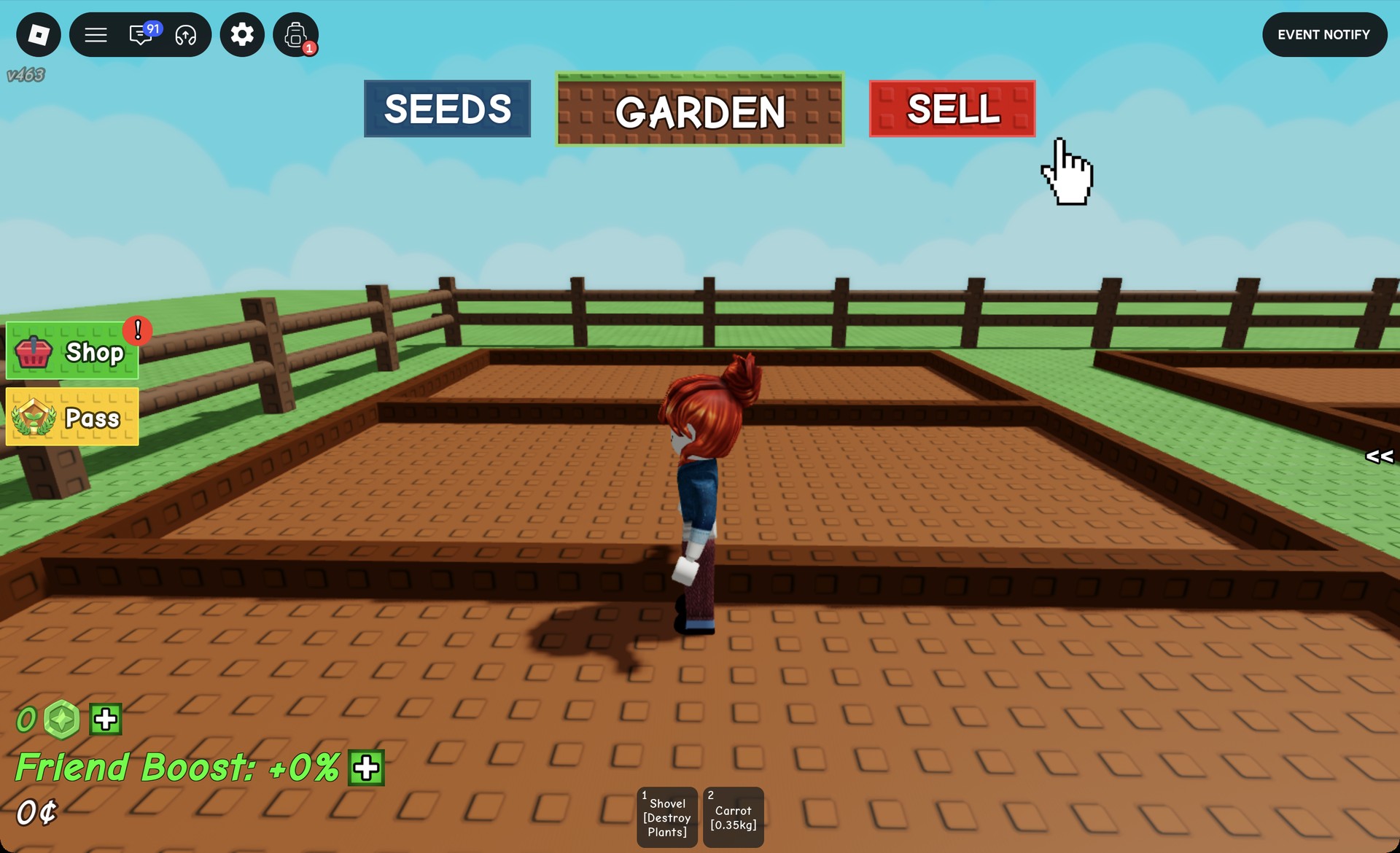
You need to be within about 10 studs of a plant for E to work. The key has no effect from the other side of the garden, so move beside the plant first.
Harvested carrots enter your inventory as separate items, with each weight shown in its name. The first appears in hotbar slot 2 as “Carrot [0.35kg]”; the second is in slot 3 as “Carrot [0.34kg]”.
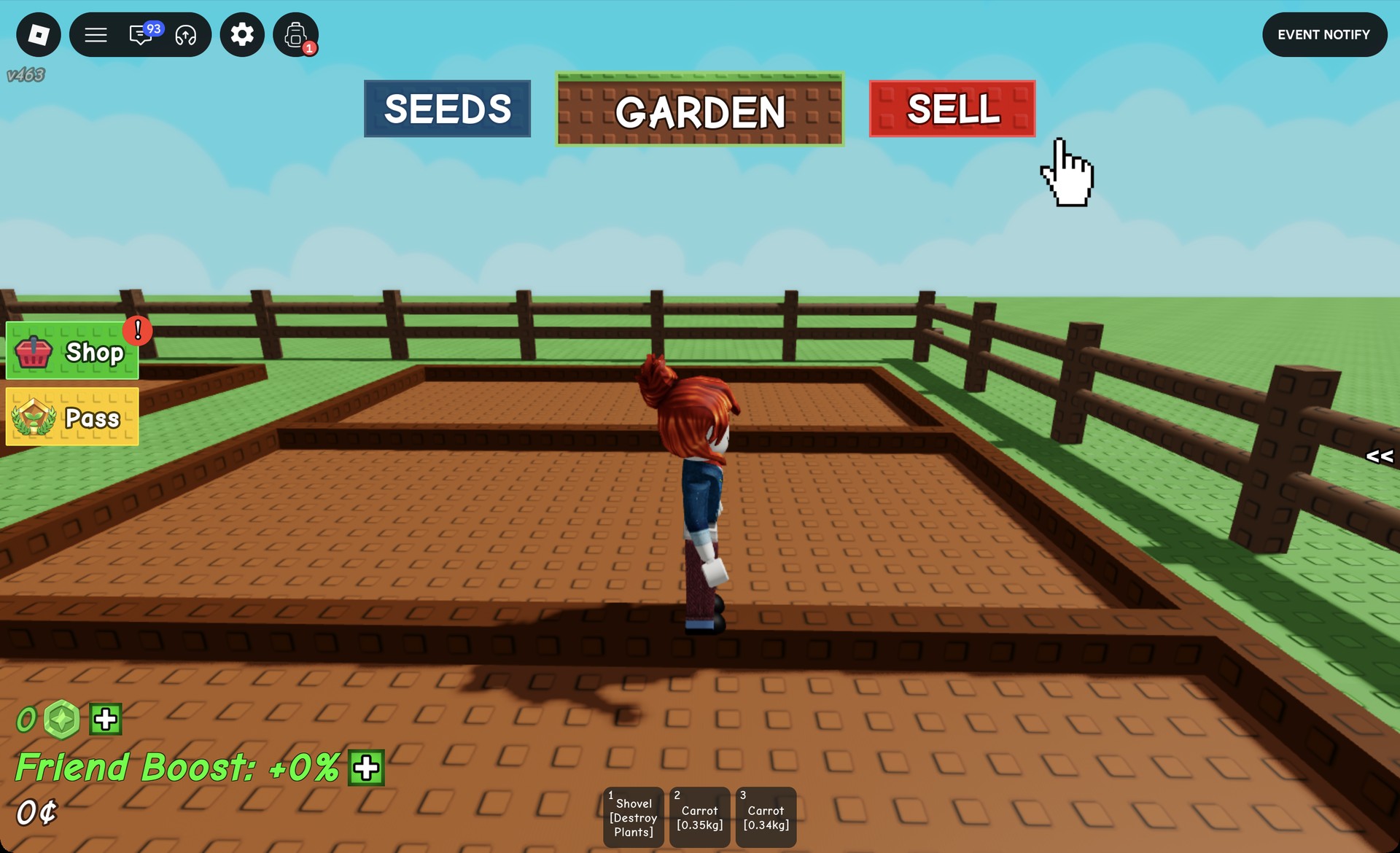
How to sell crops to Steven
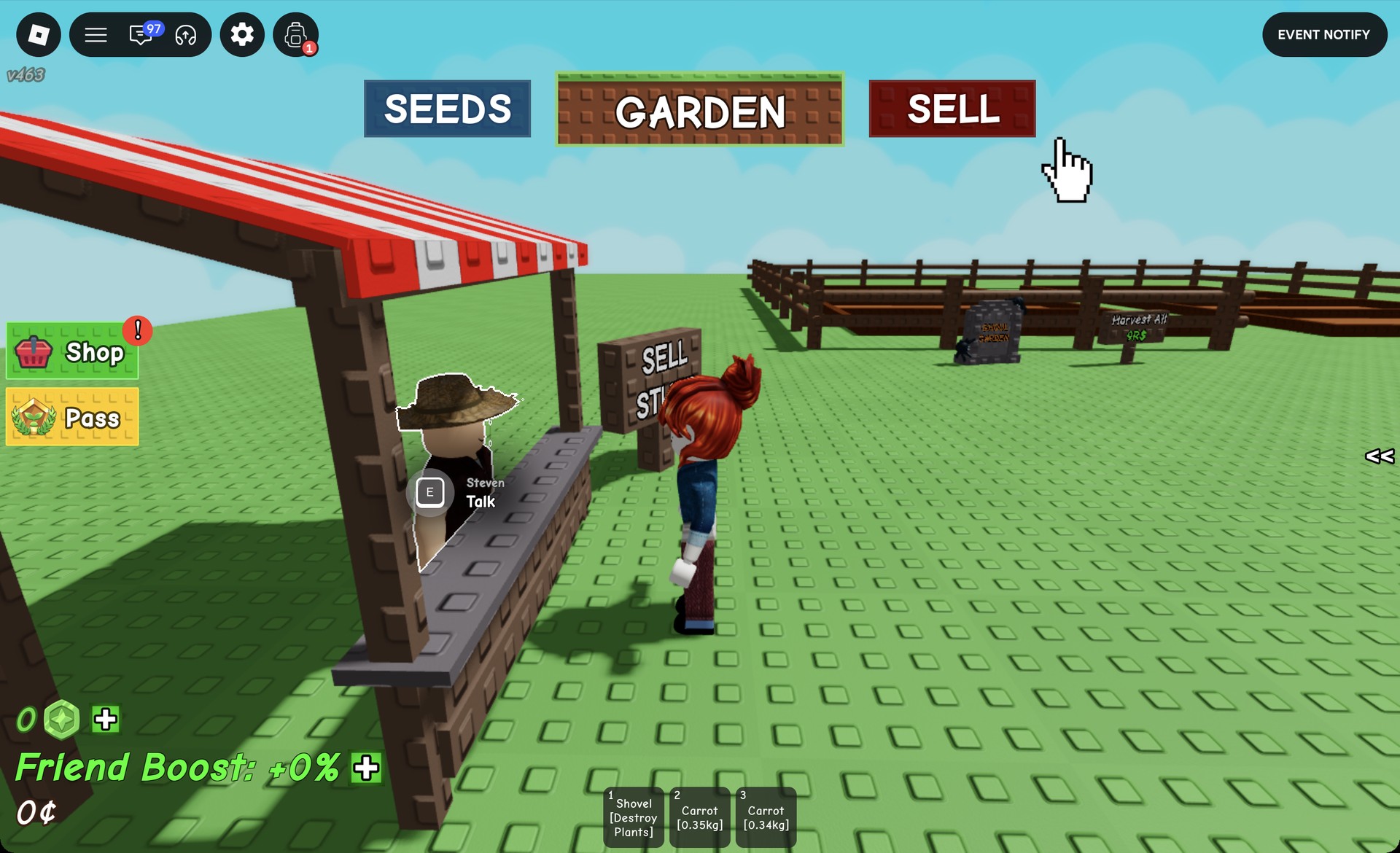
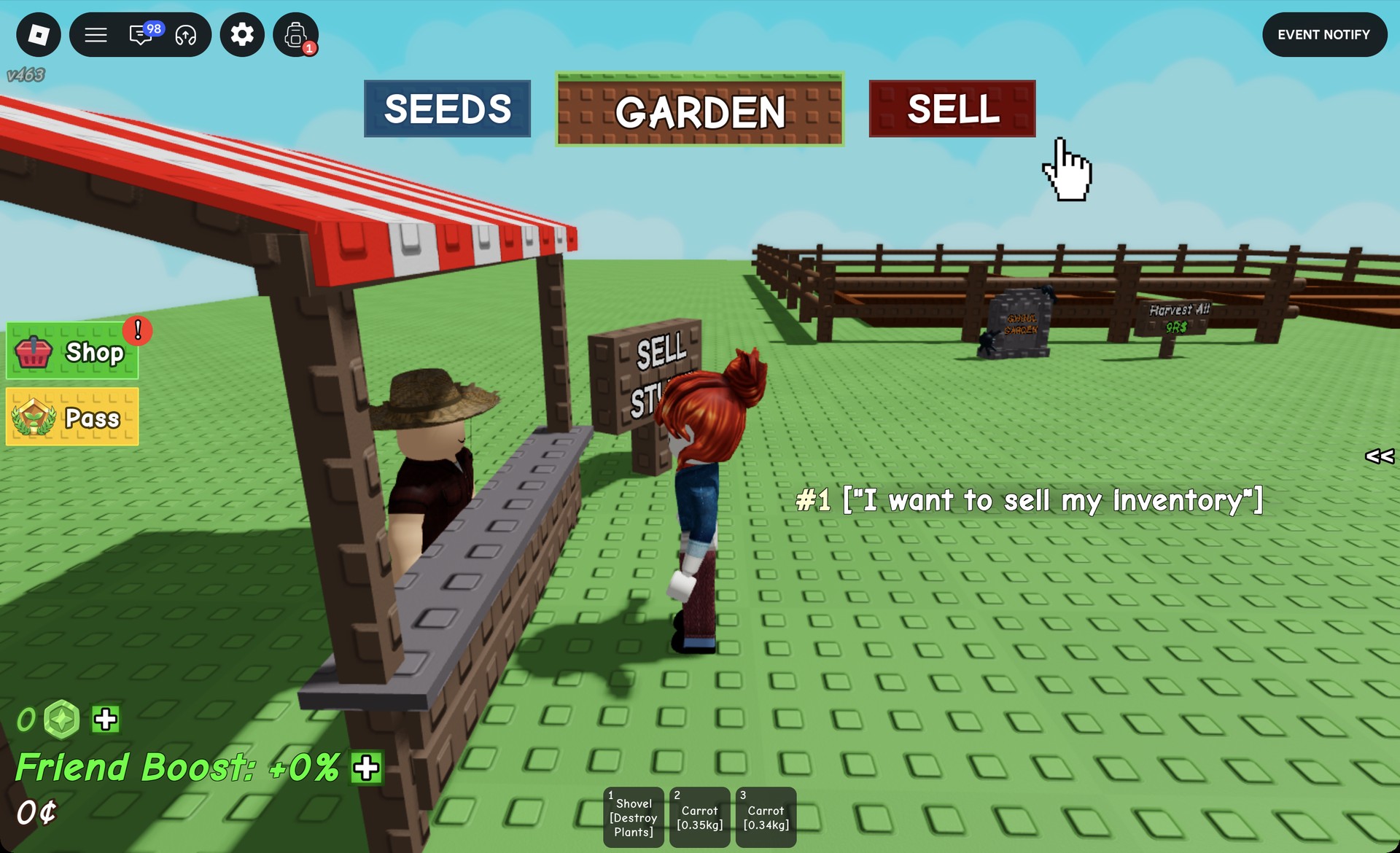
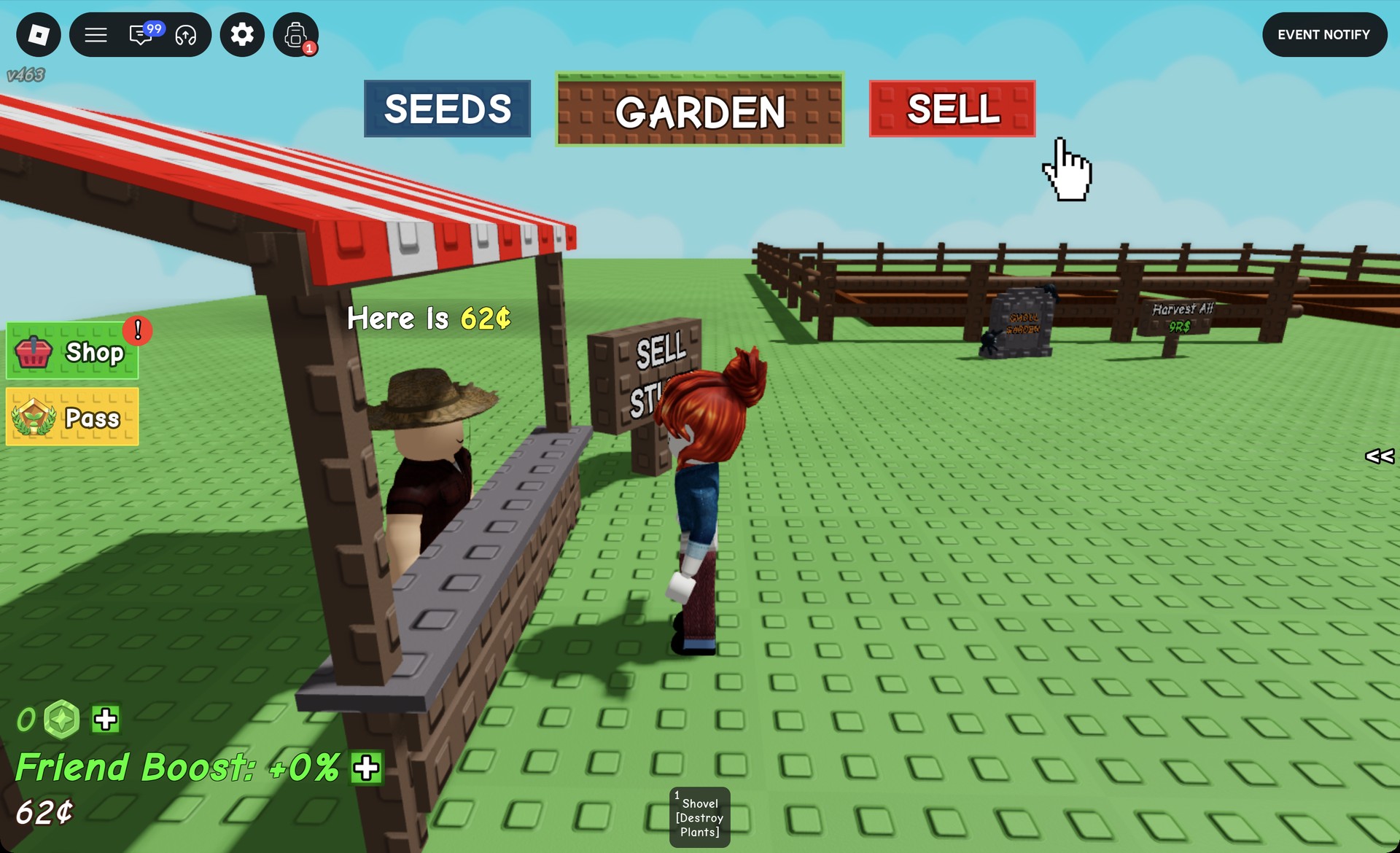
You’ll know it worked three ways. Steven replies “Here Is 62¢”, your balance in the bottom-left jumps from 0¢ to 62¢, and the carrots vanish from your hotbar. That is 20¢ of seeds turned into 62¢, which is enough to head back to Sam and repeat the loop with more seeds or a pricier crop.
Grow a Garden Robux buttons you can ignore
Every step above runs on the free starting Sheckles. Several buttons along the way charge Robux instead. They are optional, and a beginner doesn’t need any of them.
- The yellow “Pass” button on the left side of the screen.
- The “RESTOCK” button in the seed shop header, which refills stock instantly.
- The purple Robux price button on an expanded seed card. It first reads “???” and then shows a price, 3 Robux for one Carrot Seed.
- The blue “Gift” button on the same card.
- The “Harvest All” sign beside the sell area, which carries a Robux price.
When buying seeds, click the button with the ¢ price. That one spends Sheckles, and the rest of the row spends Robux.