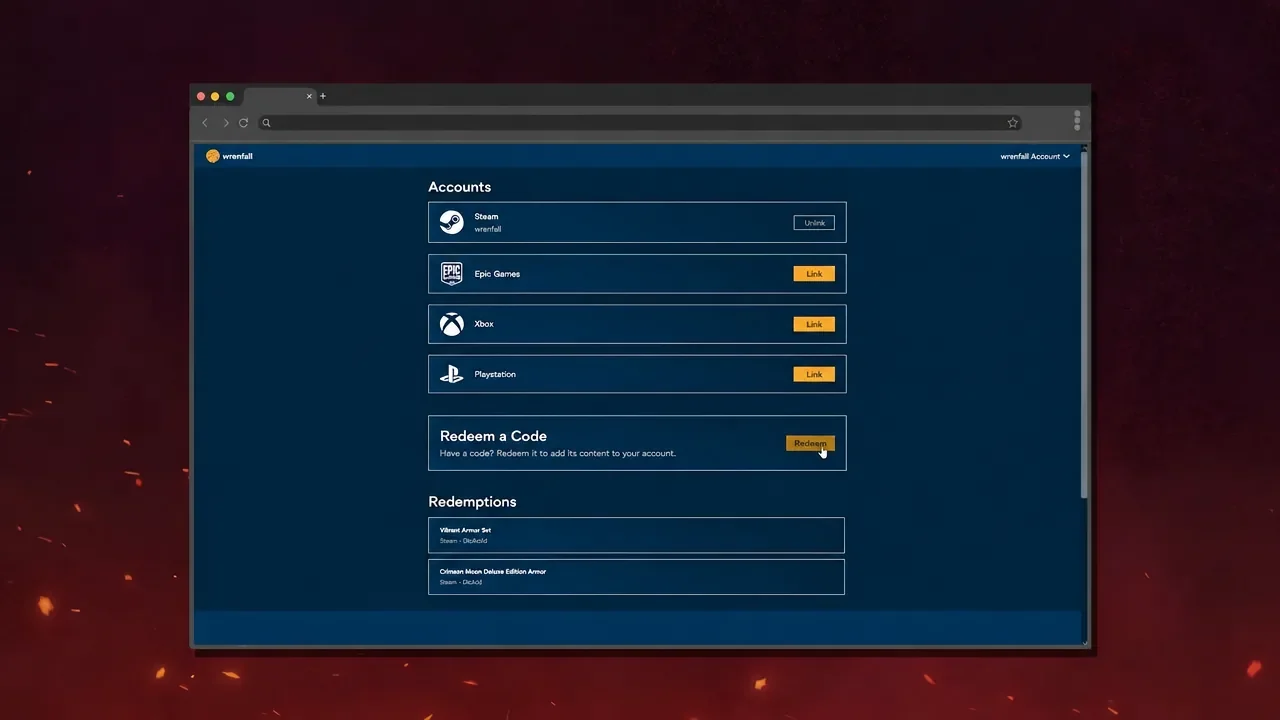
Armor codes for Crimson Moon are not entered inside the game. They go through a ProbablyMonsters account, which is created for you the first time you launch the game and is tied to whichever platform you played on. Once a code is redeemed there, the armor shows up in your inventory the next time you load in.
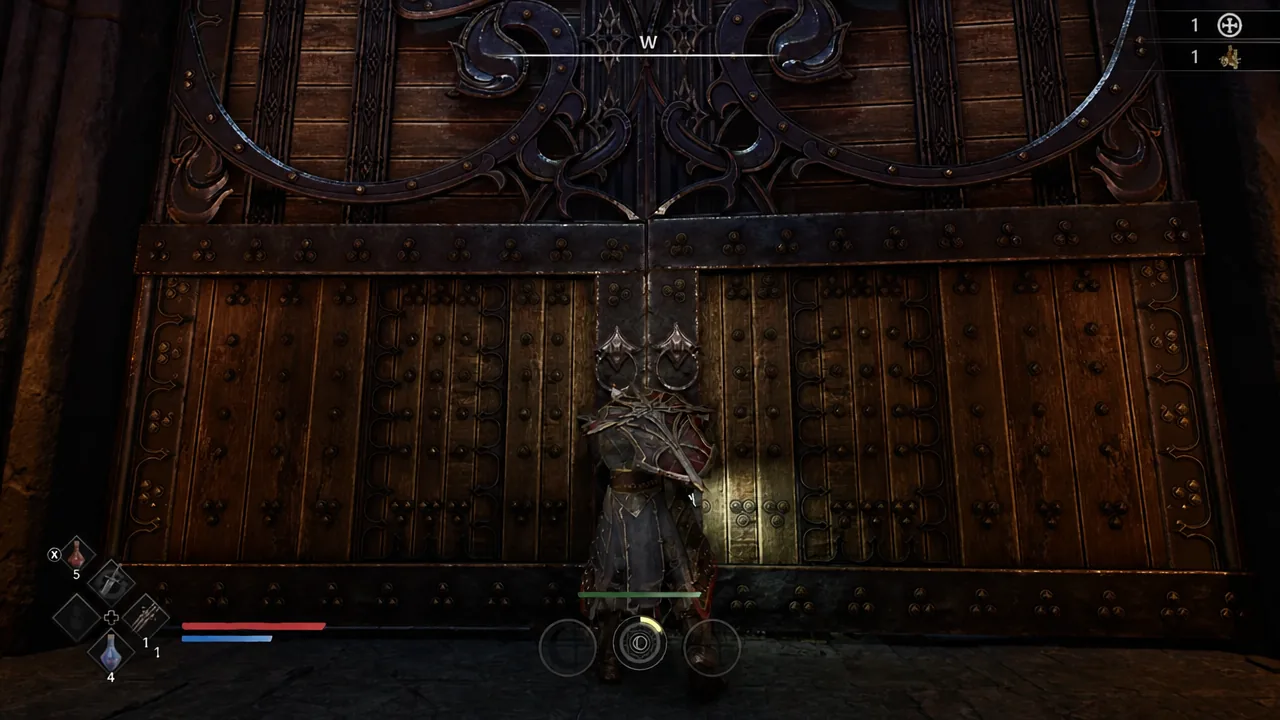
Quick answer: Sign in at account.probablymonsters.com with the platform you play on, click Redeem next to “Redeem a Code,” enter the code, then launch Crimson Moon and pick up the gear at a loadout station in Sanctus Clypeus.
How the ProbablyMonsters account holds your armor
The account is the container for everything you redeem. Launching Crimson Moon for the first time creates one automatically and links it to the platform account you launched from, so most players already have one without ever visiting the website.
Because the armor is attached to that account rather than to a single copy of the game, it follows you to any other platform you link later. Four sign-in options are supported.
| Sign-in option | Where the armor appears |
|---|---|
| Steam | PC copy bought on Steam |
| Epic Games | PC copy bought on the Epic Games Store |
| Xbox | Xbox Series X|S |
| PlayStation | PS5 |
How to redeem a Crimson Moon armor code
5X8LN-C6UYH-OMQU6, so keep the dashes in place when you paste.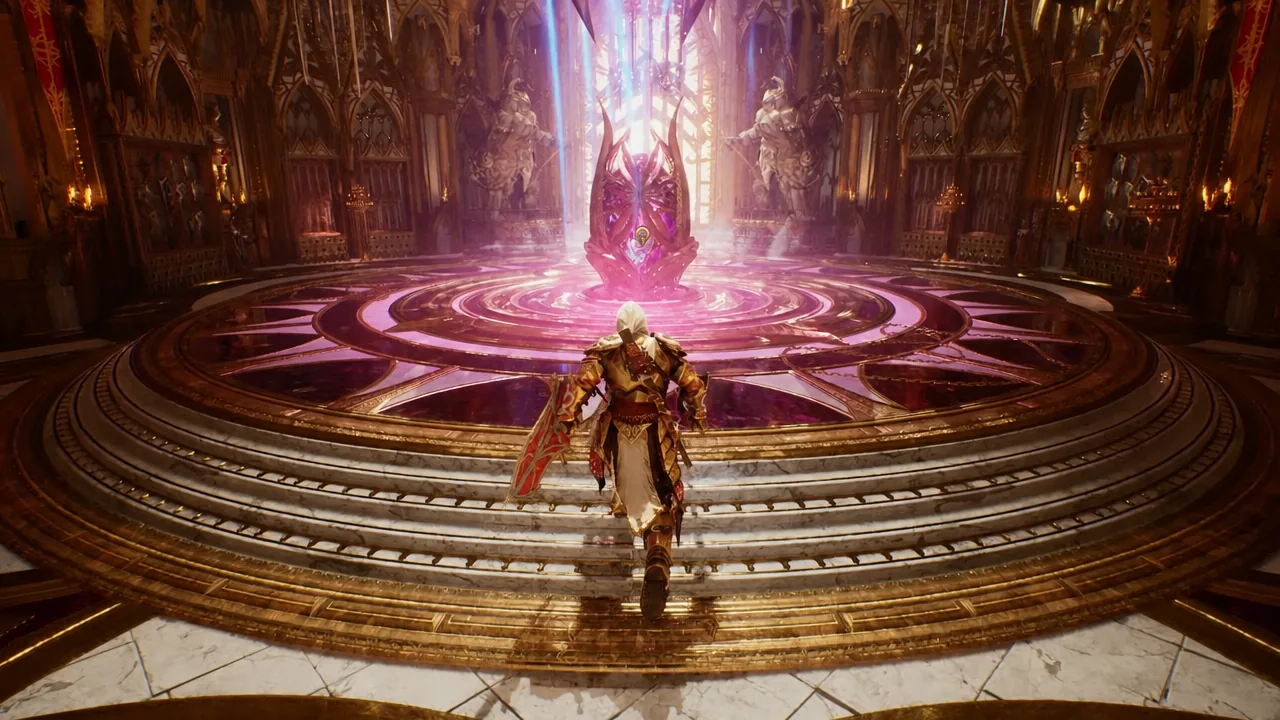
Confirming the code actually applied
There are two confirmations. The website returns a success state in the redemption modal, and the game itself pushes a notification naming the armor set you unlocked when you next reach the hub. If both happen, the gear is on your account permanently.
If nothing shows up, the usual cause is a mismatch between accounts. Redeeming while signed in with a platform you do not play on puts the armor on that platform’s entitlement instead, and a code that was already used cannot be redeemed a second time. Signing back in with the correct platform, or linking that platform to the same account, resolves it.
Upgrading redeemed armor at Gargoff
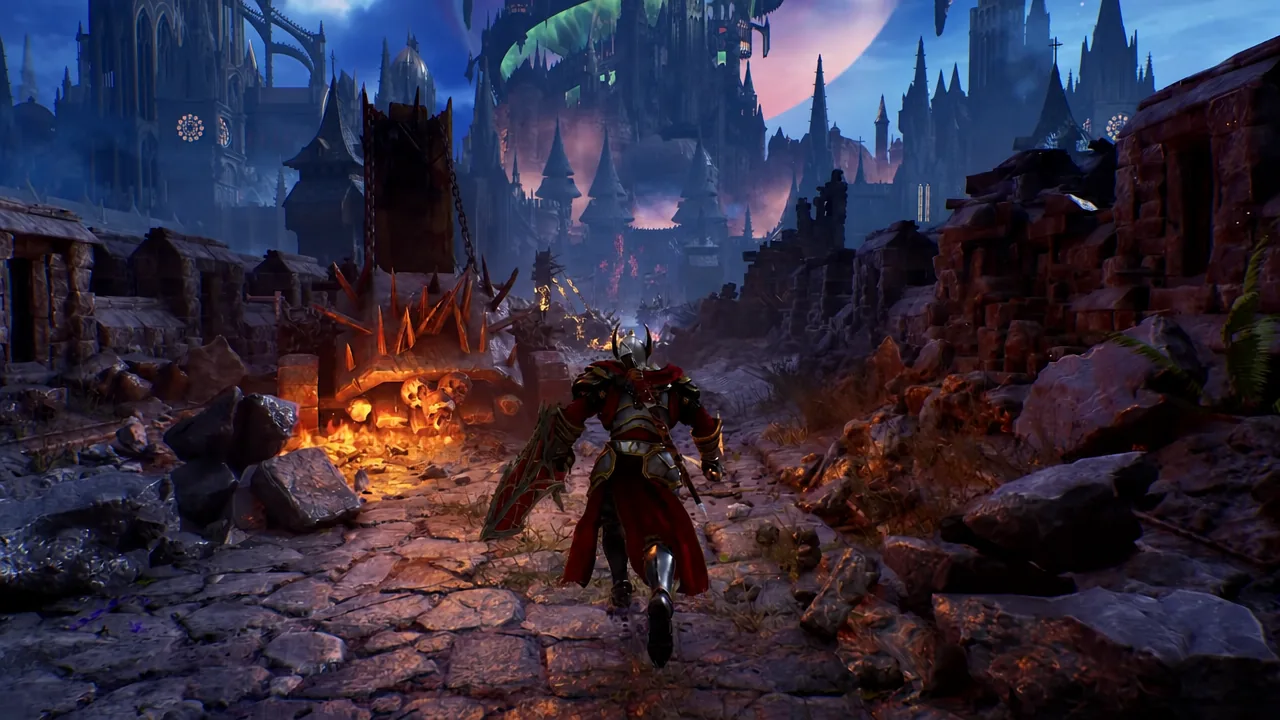
Code armor is not cosmetic. Pieces such as the Keeper’s Oath Helmet, Cuirass, Gauntlets, and Greaves carry stats, and the Moonlight Defi Armor, Crimson Oath Greaves, and Belwayne Knight Gauntlets work the same way. That means redeemed gear competes with drops rather than sitting in a wardrobe.
Take the pieces to Gargoff, the blacksmith, to raise their stats. Upgraded armor stays useful deeper into missions instead of being outscaled after the first few runs.

Redeeming a code before you have played the game
You do not have to own or install Crimson Moon first. If a code lands before you start playing, go to the account site and create the account manually by signing in with the platform you intend to buy the game on. The code can then be redeemed straight away.
The armor sits on the account until you launch the game. When you finally do, it is delivered through the same in-game notification and waits at the loadout station. Crimson Moon released on September 1st, 2026 for PS5, Xbox Series X|S, Steam, and the Epic Games Store, with the Standard Edition at $19.99 and the Deluxe Edition at $29.99.
Linking multiple platforms for cross-progression
The account page lets you attach more than one platform to the same profile. Linking Steam, Epic Games, Xbox, and PlayStation together means a single redemption covers every version you own, and you keep your gear when moving between a PC and a console.
Note: link the platforms before redeeming if you can. It removes any ambiguity about which entitlement a code lands on, which is the most common reason armor appears to go missing.
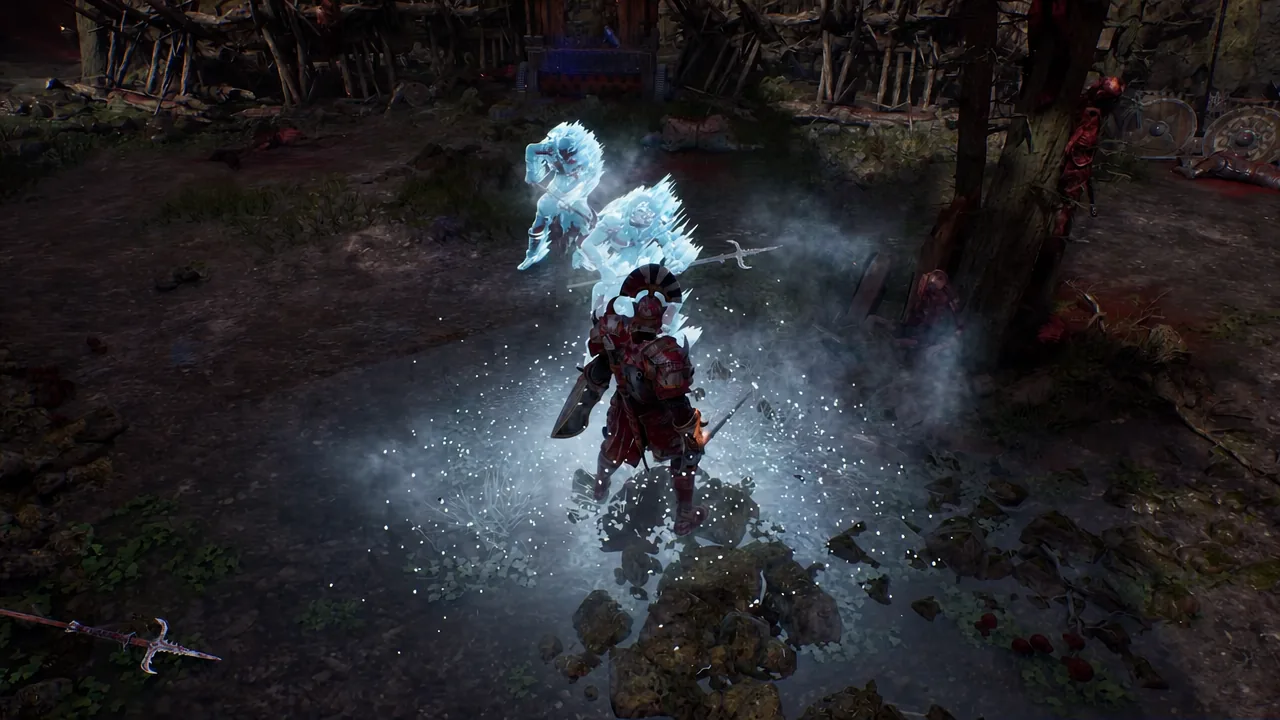
Once a code is on the account, nothing else is required. Redeem it once, sign in on whichever platform you feel like playing on, and the armor is already sitting in your loadout when you get to the Church.