Resting from night to day is the special requirement that lets Nimbi evolve into Dreaple, a Dark support Aniimo with sleep and nightmare mechanics. The Pathfinder does not literally sleep in real time. You simply advance the in-game clock from night through to morning while Nimbi is with you, and the condition ticks off.
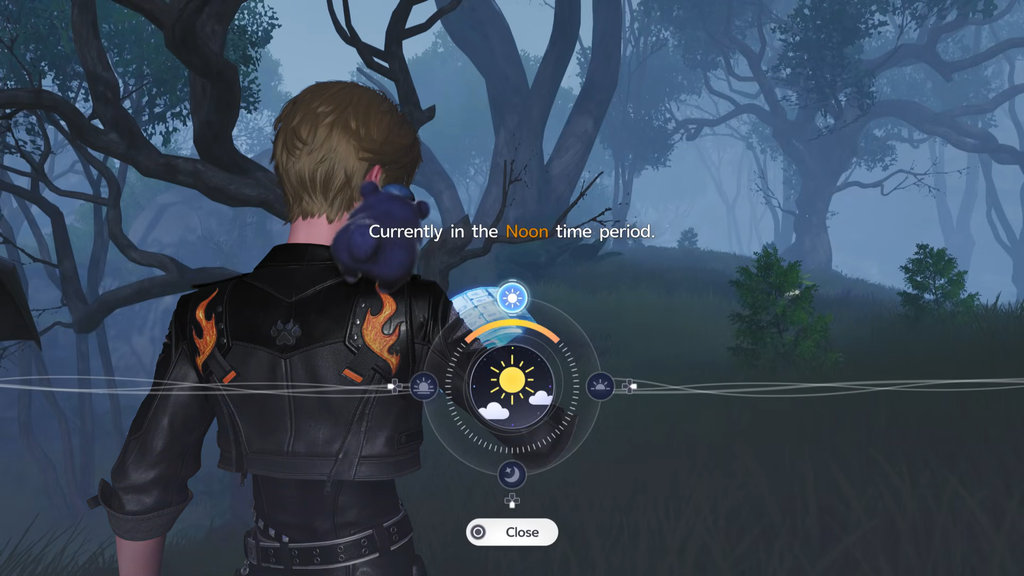
Quick answer: Keep Nimbi in your active party, set the time to Nighttime, then switch it to Early Morning or Noon using the Sun/Moon icon in the main menu. That completes the rest condition.
What you need before resting
The rest step only counts if a few things are already in place. Sort these out first so the time change registers on the right creature.
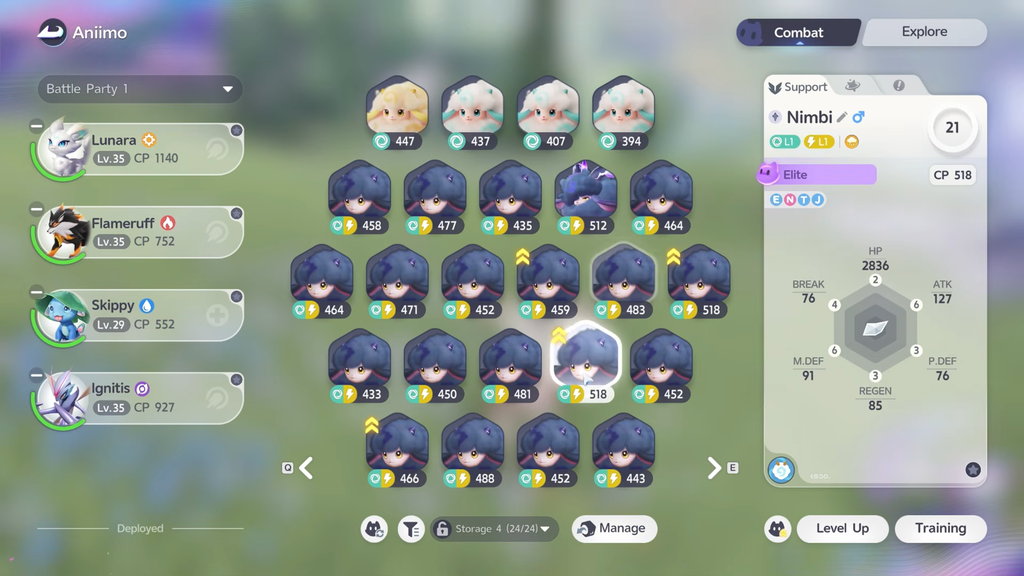
- Nimbi must be at level 21, the baseline for any Nova-stage evolution.
- Nimbi has to be in your active party and out walking with you when you change the time.
- The time-change feature must be unlocked. It becomes available during the Ceremony Preparations quest, the eighth main story quest, which introduces resting at the Elder’s House.
- You need the right form. Plain Nimbi and its Cloudmist and Thunderstorm forms can branch into Dreaple. The Plateau Form found in Driftwise Meadow can only become Turbo.
Fastest method: Change the time from the main menu
Switching the clock through the menu works instantly, requires no travel, and has no cooldown. This is the most reliable way to satisfy the night-to-day condition.
Alternative: Rest at a bonfire or indoor rest point
You can also advance time by resting at a bonfire or a designated rest point, which reaches the same result as the menu. Interacting with one opens a rest option that lets you cook and move the clock forward, and it restores your party at the same time.
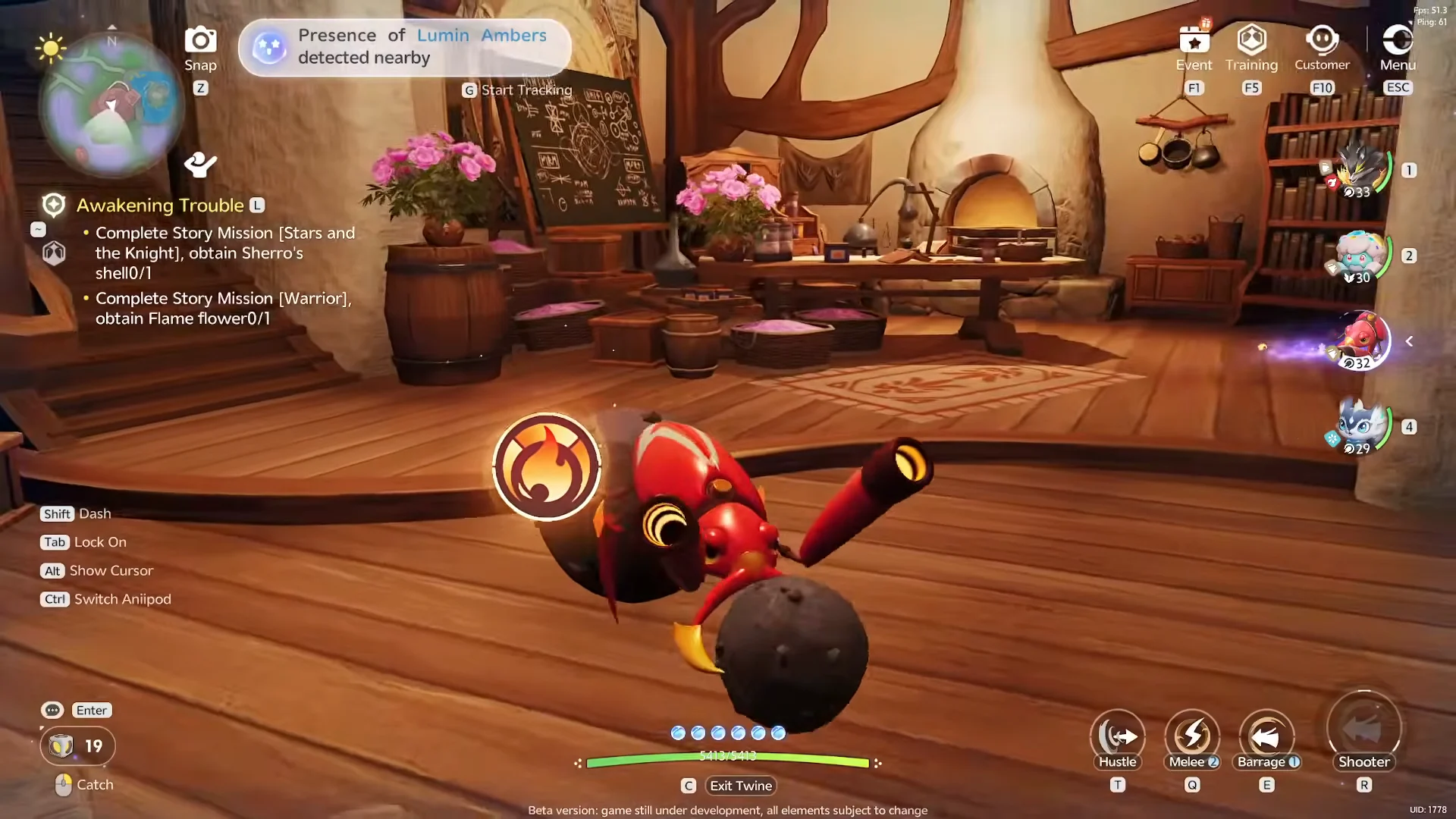
A dependable indoor spot is the residential house in Bloomville, located in the Sea of Flowers region. Fast travel to the Bloom: Bloomville waypoint, follow the path across the wooden bridge past Skippy, climb the stone steps, and step into the room inside the house.
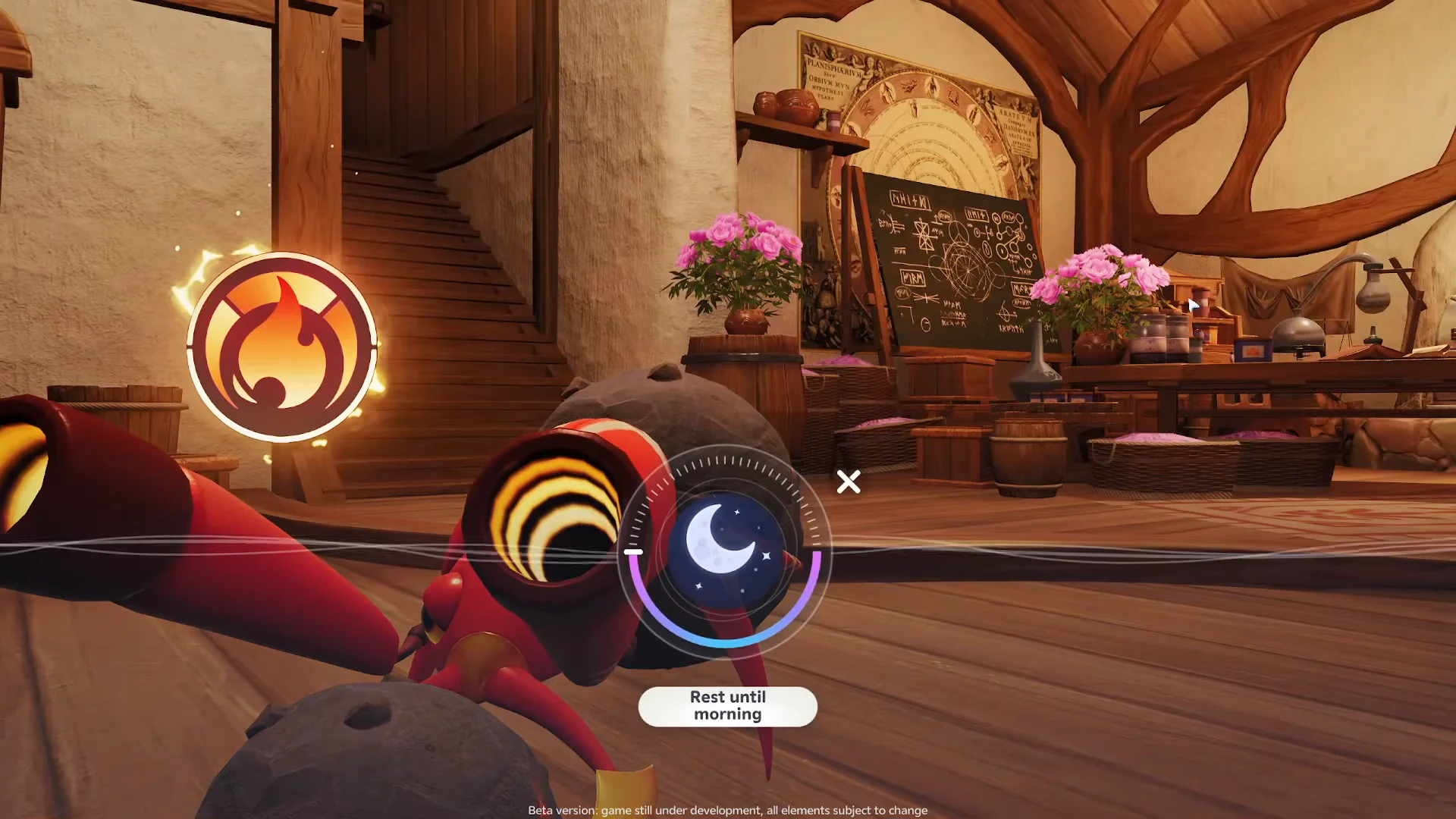
With Nimbi in your party, press Esc to open the wheel menu, select the Sun/Moon dial, and use the “Rest until morning” wheel to advance from night to daytime.
Where the rest feature will not work
The rest option is not available everywhere. Trying to use the dial out in the open world, at wilderness campsites, or at general open-air Outposts brings up the message “Cannot use this feature in the current state.” If you see that, move to a designated indoor rest area, such as the Bloomville house, or use the main-menu time switch instead.
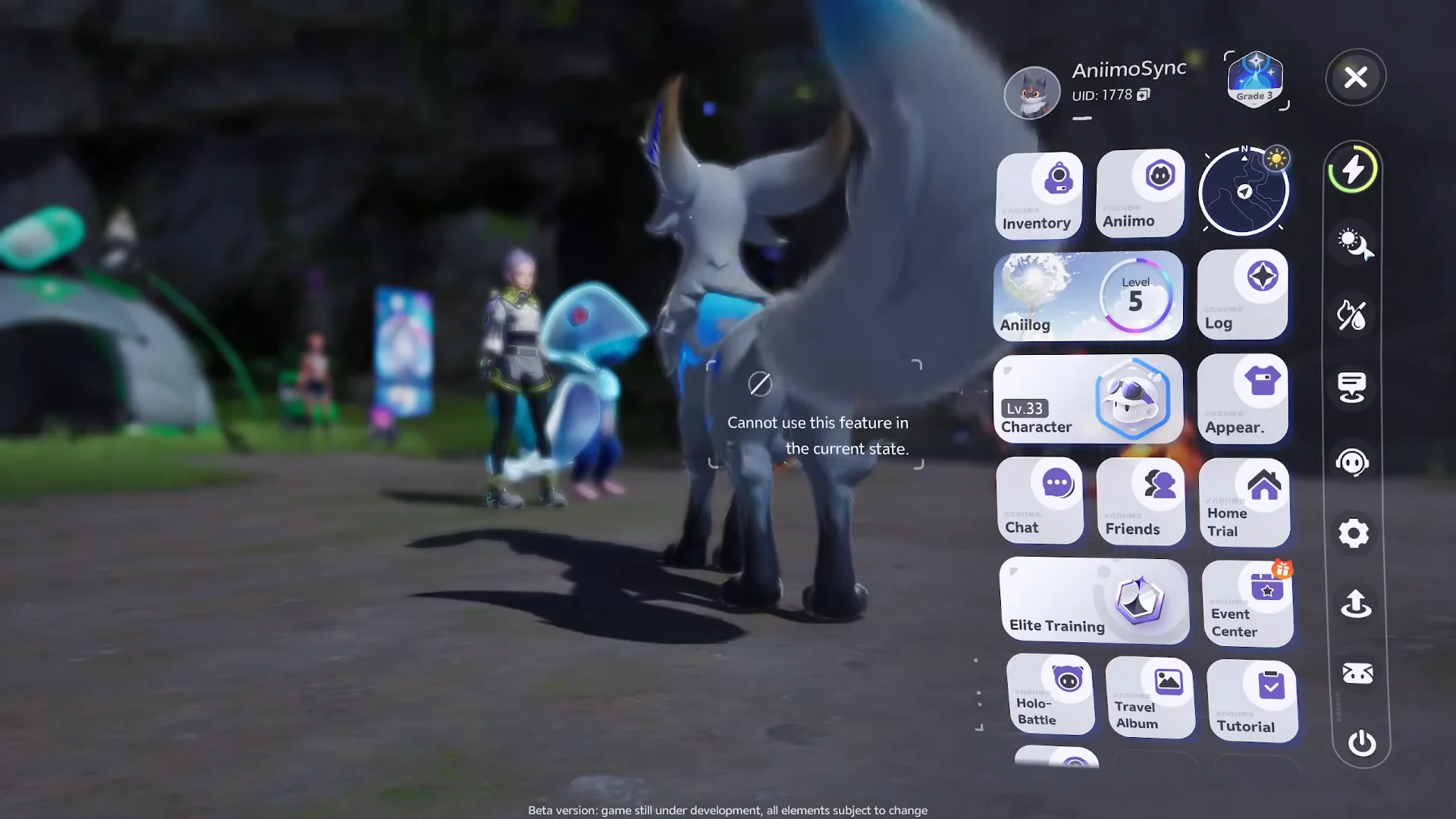
The menu-based time change avoids this problem entirely, so use it if a bonfire or campsite refuses to open the rest dial.
Confirm the Dreaple evolution unlocked
After moving the clock from night to morning with Nimbi active, open the Aniimo management menu and check its evolution options. Once level 21 and the rest condition are both satisfied, the branch to Dreaple becomes selectable. Evolution happens in that menu, not through leveling, so trigger it there rather than expecting it to fire automatically. If Dreaple still is not offered, confirm your Nimbi is a Plain, Cloudmist, or Thunderstorm form rather than the Plateau Form, which only leads to Turbo.