Ubisoft is recruiting players for a PC test of The Division 2 Survivors, a hardcore survival and extraction mode set in a snowbound Washington, D.C. Registration is open now, and access to the build does not depend on already owning The Division 2. Signing up puts you in the selection pool, and the test itself runs on a standalone, free version of the game.
Quick answer: Sign up on PC using Ubisoft’s official form, fill out the survey, then watch for an invitation by email. Owning The Division 2 is not required to join.
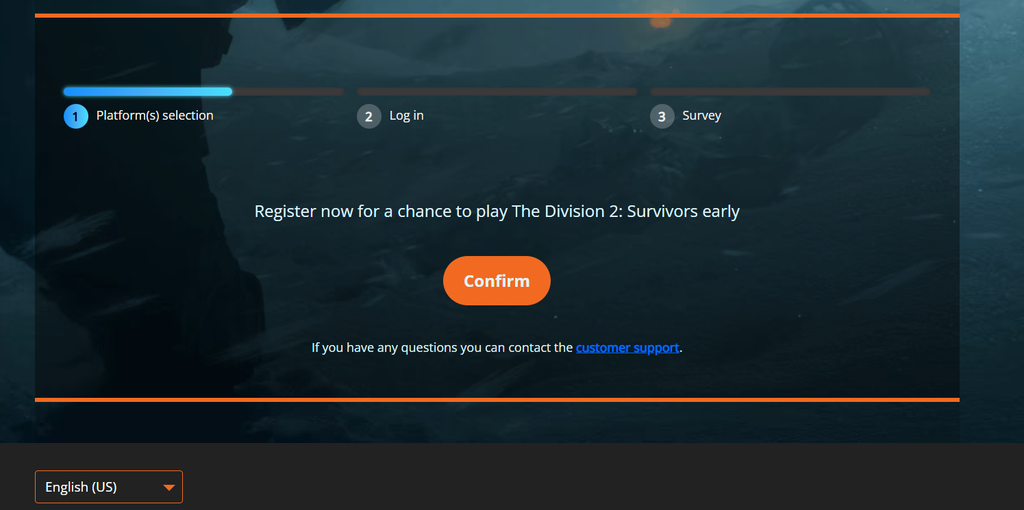
How to register for The Division 2 Survivors PC test
Submitting the form does not guarantee a spot. It places you in the registration pool and improves your odds of being selected.
Eligibility requirements
Ubisoft is filtering for a specific kind of tester. You should meet all of these before you sign up:
- You can play on PC.
- You’re fine with testing an unfinished version that may contain bugs and unpolished parts.
- You can communicate in English, since test information and feedback are handled in English.
- You’re prepared to provide feedback to help make the mode better.
Test dates and how selection works
The playtest is scheduled to run from October 22 to October 26, 2026, with selected players able to jump in starting October 22. Invites arrive by email, so keep an eye on the inbox tied to your Ubisoft account.
If you do not get picked this round, there is no need to register again. Your entry stays in the pool and can be pulled for a later Survivors test. Ubisoft has confirmed this first PC test will not be the only one, so more Test Programs are expected before the mode launches.
What The Division 2 Survivors is
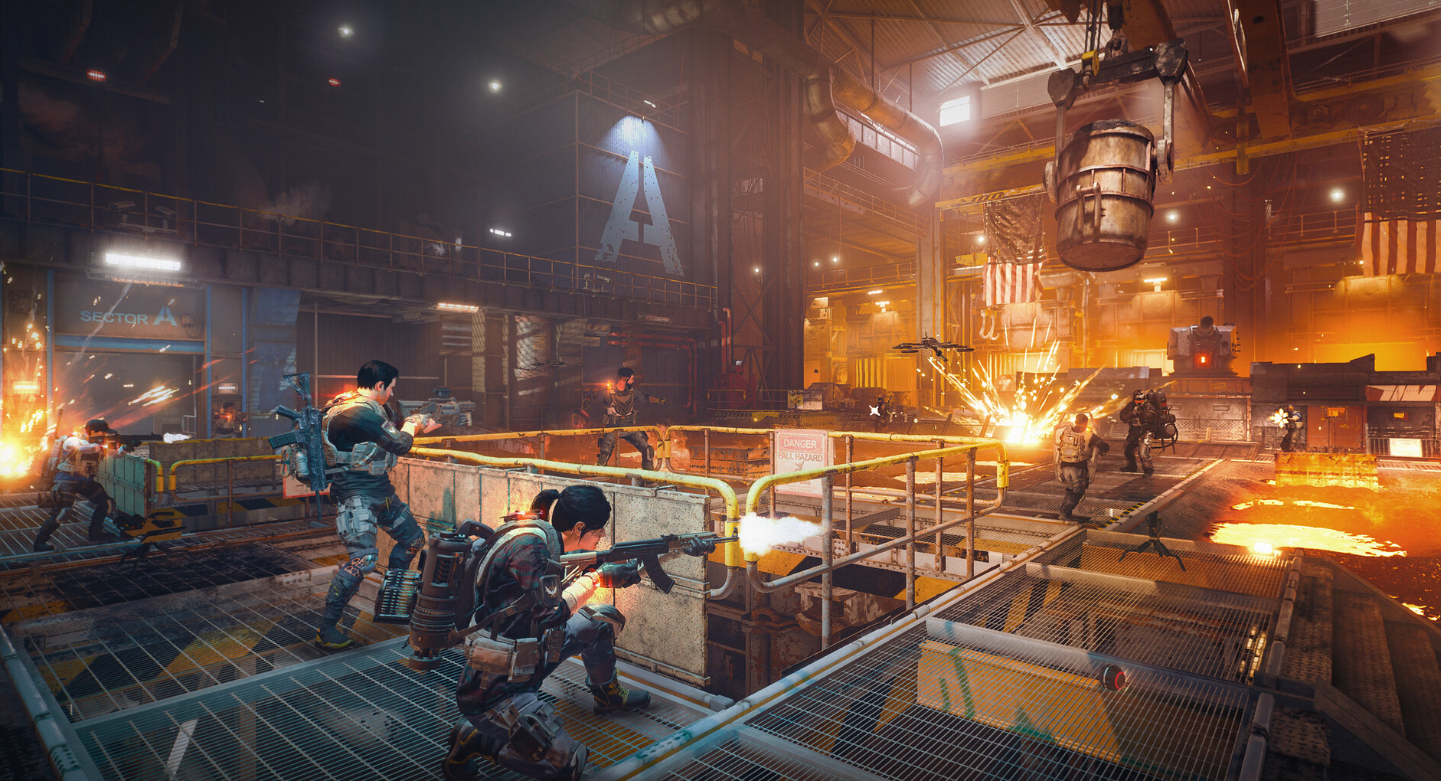
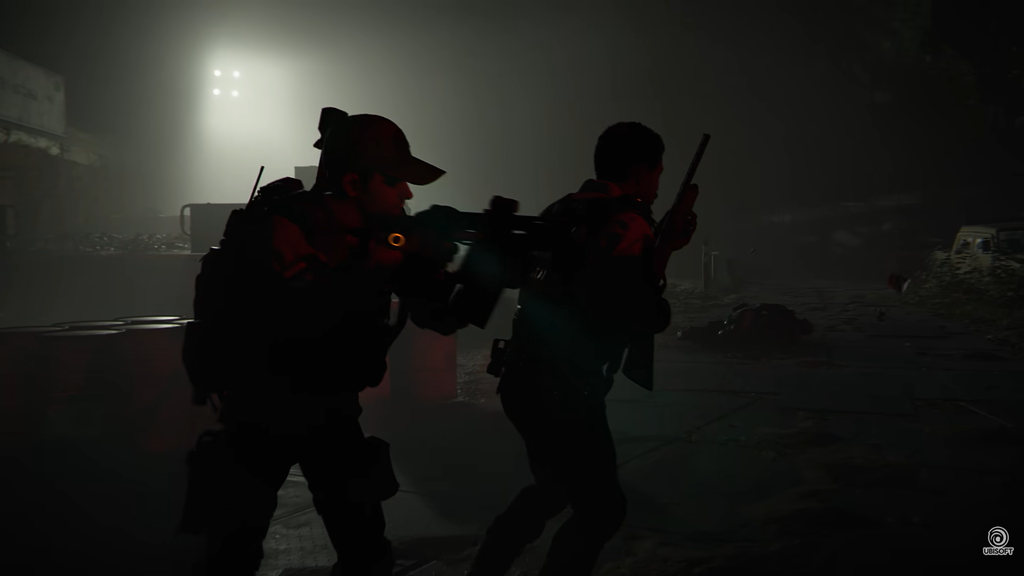
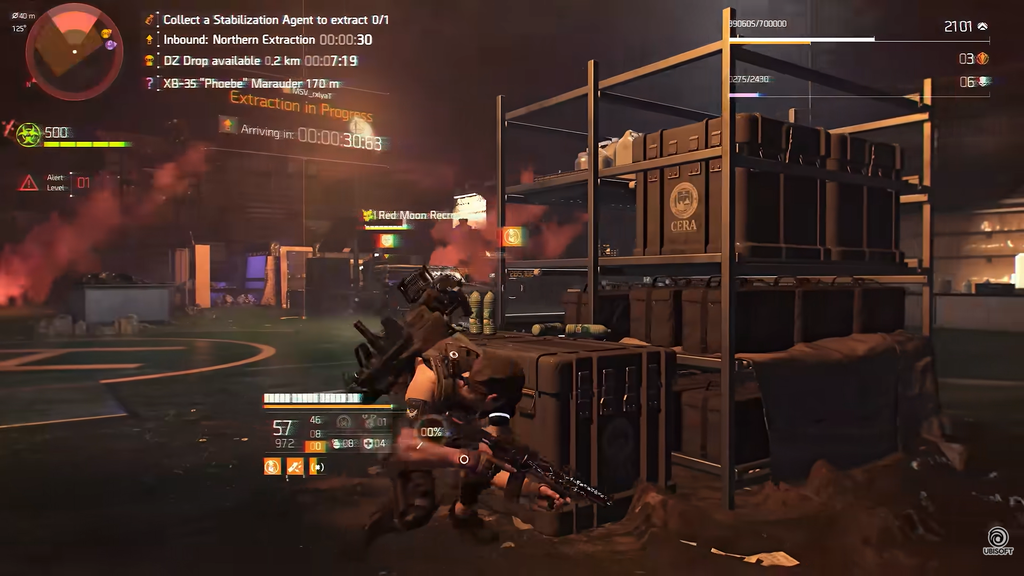
Survivors is a winter survival extraction experience built on The Division 2’s Washington, D.C. map, reimagined under heavy snow. The environment is a threat in its own right, sitting alongside both AI-controlled and human enemies. It draws on the original Survival mode from the first The Division but is being built as its own thing, with more room to adjust how long and how punishing a run becomes.
No two sessions are guaranteed to play alike: weather and time of day, as well as loot, routes, and extraction points, may vary. You choose whether to enable PvP or play PvE only, making the mode PvPvE or purely PvE depending on how much risk you want.
How to confirm your registration went through
You will know the form submitted correctly when the registration page reaches its confirmation step after the survey. The real signal to watch for is the email: an invitation message from Ubisoft means you have been selected for the test and includes the instructions for joining. No email during this window means you were not picked this time, but your entry remains active for future rounds without any extra action from you.