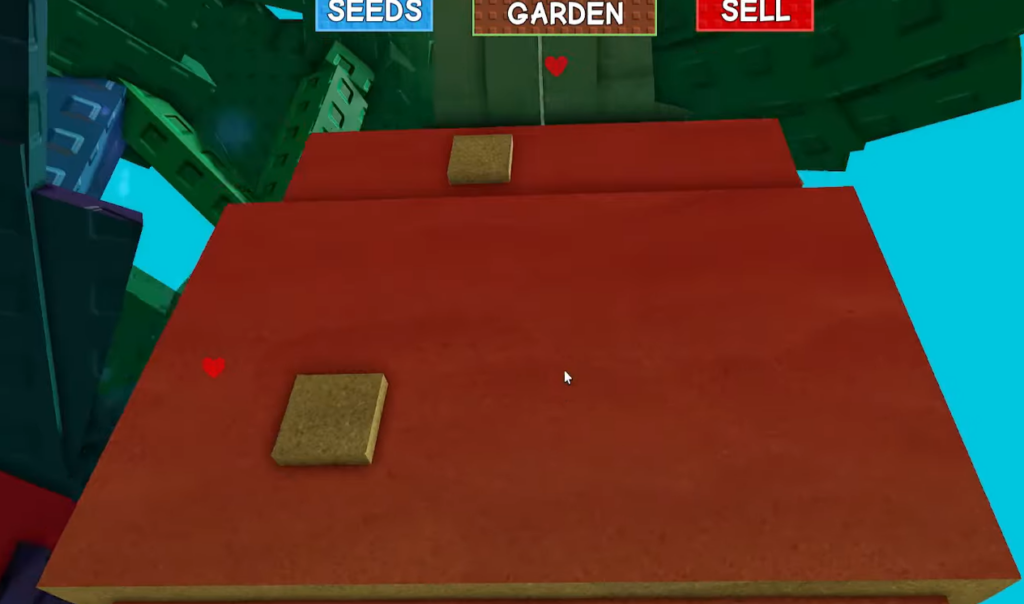
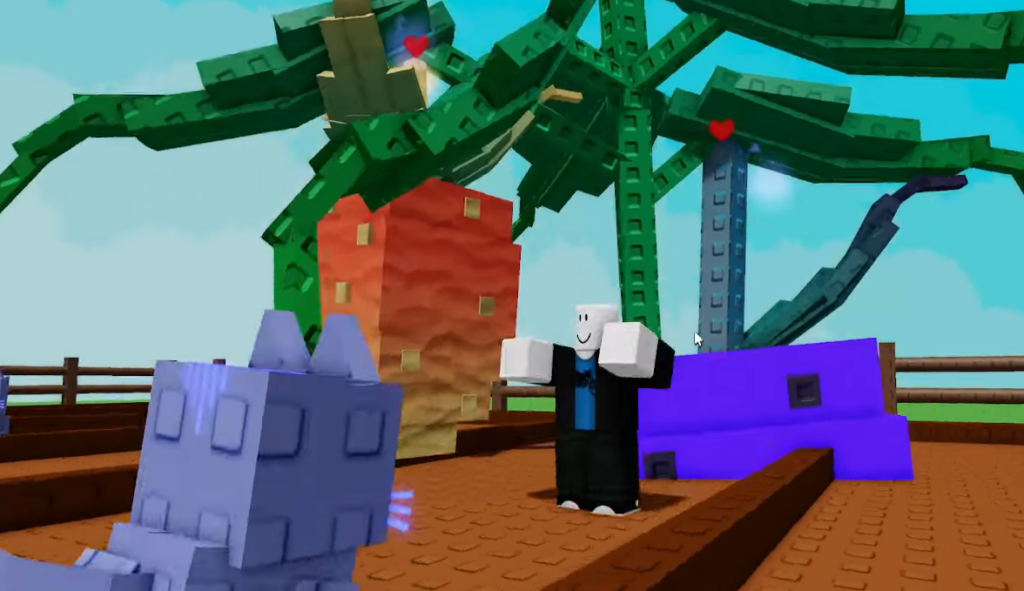
A favorited fruit in Grow a Garden carries a small red heart, and that heart blocks you from selling it, harvesting it, or handing it to an NPC. Removing the heart takes one action in your inventory, but plants you marked with the Favorite Tool out in your garden need that same tool to clear. Here is exactly how to do both.
Quick answer: Open your inventory, find the crop with the red heart, then right-click it on PC or long-press it on mobile to unfavorite it. On console, hold the fruit and press L2 (PlayStation) or LT (Xbox).
Unfavorite a crop in your inventory
Crops you have already harvested live in your backpack, and unfavoriting them costs nothing and needs no special tool. You use the same button that favorited the crop in the first place.
| Platform | Action to unfavorite |
|---|---|
| Computer | Right-click on the crop |
| Phone / tablet | Long-press on the crop |
| PlayStation (PS4, PS5) | Hold the fruit in hand, then press L2 |
| Xbox | Hold the fruit in hand, then press LT |
Unfavorite a plant in your garden with the Favorite Tool
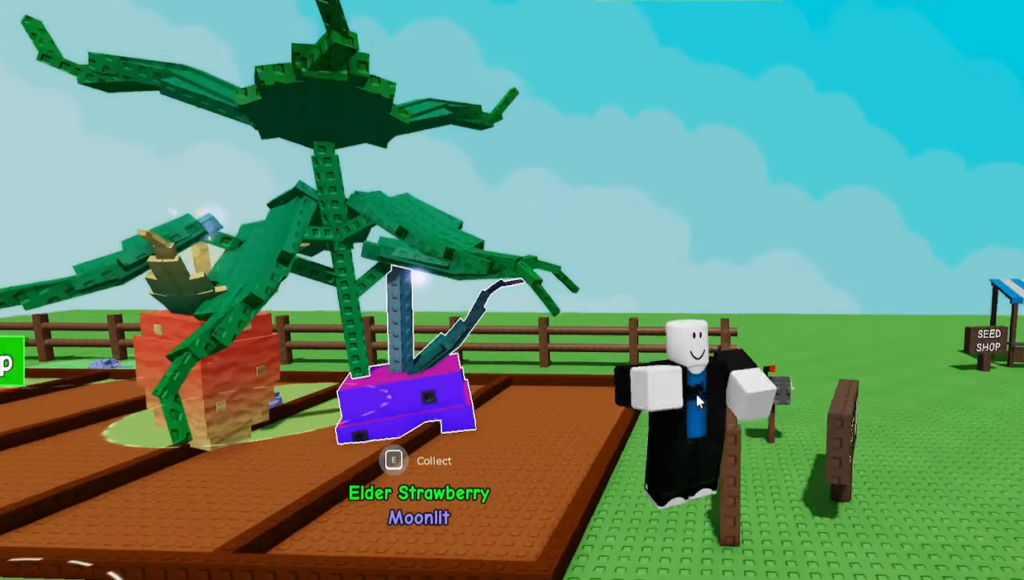
If you favorited a plant while it was still growing in your field, the inventory shortcut will not help. A field plant marked this way shows a heart on the fruit and cannot be collected until you clear it with the same Favorite Tool that set it.
| Platform | How to use the Favorite Tool |
|---|---|
| Computer | Left-click while hovering over the crop |
| Phone / tablet | Tap the fruit while hovering over it |
| PS4 / PS5 | Click the touchpad, drag your finger to hover the crop, then press X |
| Xbox | Press the Toggle View button for the cursor, hover with the thumbstick, then press A |
What favoriting actually does
Favoriting is a safety lock. It stops you from accidentally selling a crop when you choose “Sell my Inventory,” and it stops you from picking a fruit you want to leave in the field. Players often leave fruit growing so it can pick up a mutation such as Ancient Amber, and the heart keeps that fruit safe until they are ready.
One limit is worth knowing. Favoriting protects a crop from you, not from other players. A favorited fruit can still be stolen, because the heart only blocks your own selling and harvesting.
Fruits stay favorited after restarting the game
If a crop you unfavorited turns up with its heart back after you relaunch, you are running into a known bug with the Favorite Tool. The reliable workaround is to unfavorite the crop on a different device, for example using your phone instead of your computer. Switching platforms has cleared the heart for players when the tool would not.
Once the heart is gone and stays gone after a reload, the lock is fully removed. You can sell the crop at the shop, hand it to an NPC for a quest, or move it into a trade without the game blocking the action.