Siri is getting its biggest rebuild yet in iOS 27, moving from a one-command voice assistant into a chatbot that holds conversations, reads your screen, pulls from your personal data, and acts inside apps. The smarter version was first shown off in 2024 and meant for iOS 18, but the underlying system fell short and Apple held it back. Two years of extra work later, the redesigned assistant is set to arrive with the next iPhone release.
Siri becomes a full chatbot with memory and context
The core change is that Siri will behave like ChatGPT or Claude rather than a single-shot command box. It can answer multi-part questions, remember what you asked earlier, keep context across a back-and-forth, and recall details about you over time. That means you can speak naturally instead of stringing together short, exact phrases, and it will follow along.
The assistant also gains general chatbot abilities. It can search the web and summarize results, read and summarize documents you upload, and generate images and written content, so you can use it for tasks like drafting text or building a quick infographic. Apple’s web answers tie into a new AI-powered search feature built into the system.
What sets it apart from rival chatbots is access. Standalone assistants can’t see your Mail, Notes, Photos library, or Messages. Siri will, and that deep device integration is the whole pitch. Three capabilities Apple has been promising since 2024 anchor this.
| Capability | What it does | Examples |
|---|---|---|
| Personal context | Reads your emails, messages, files, and photos to find information and help finish tasks. | “Show me the files Eric sent me last week.” · “Find the email where Eric mentioned ice skating.” · “What’s my passport number?” |
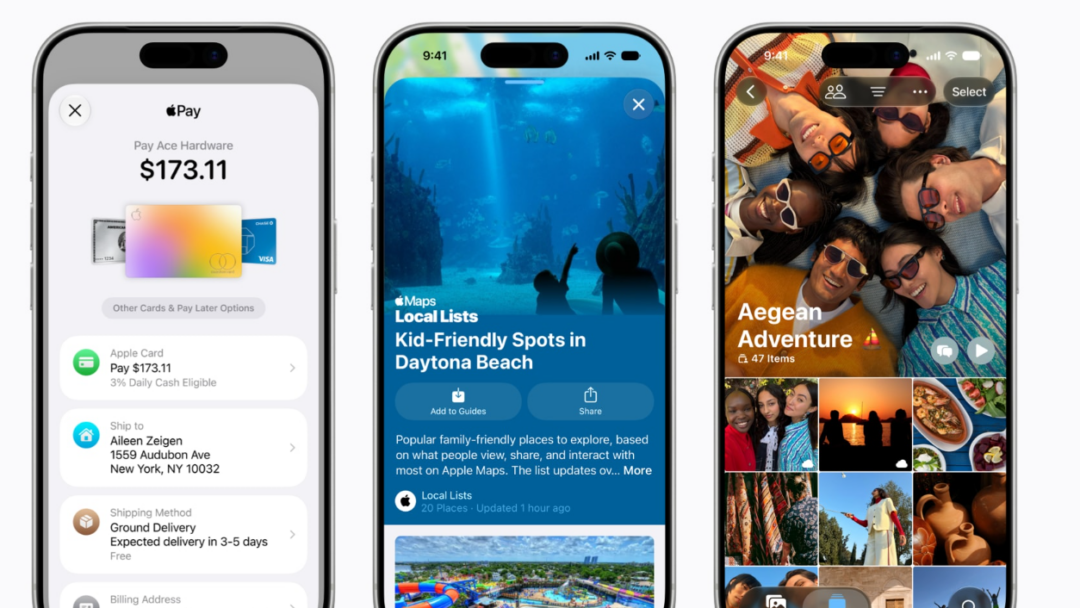
| Onscreen awareness | Sees what’s currently on your screen and acts on it. | Add a texted address to a contact card, or send the photo you’re viewing to someone. |
| App integration | Performs actions in and across Apple and third-party apps using the App Intents framework. | Move a file between apps, edit a photo then share it, get directions home and text the ETA, draft and send an email. |
Developers will be able to expose their own app features to Siri, so actions won’t be limited to Apple’s apps.
Search or Ask and the new Dynamic Island interface
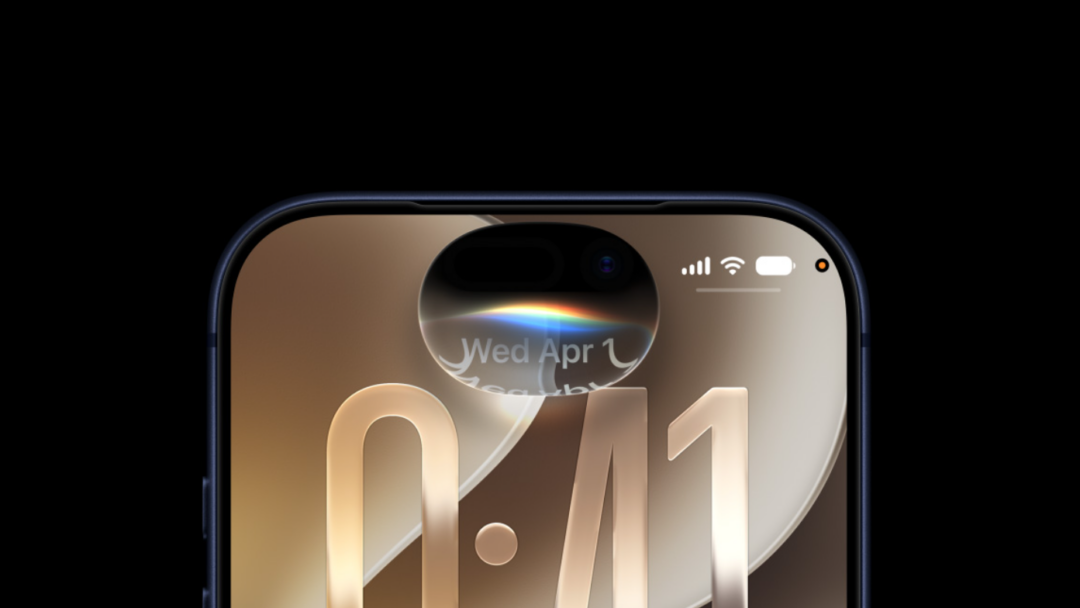
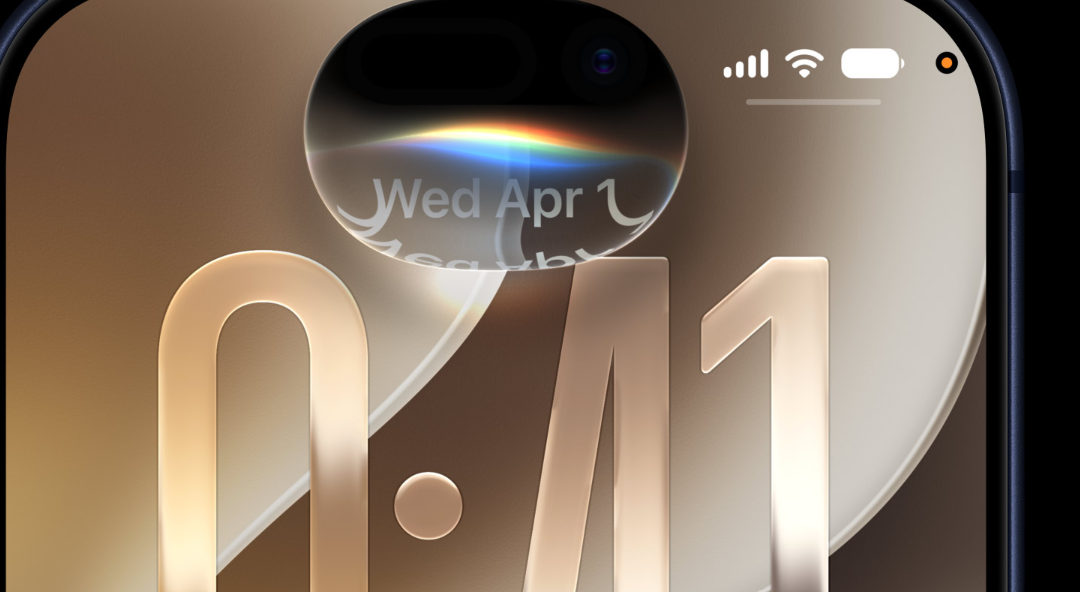
Siri’s home base shifts to the Dynamic Island. Swiping down from the center of the screen, from the Home Screen or inside any app, opens a new “Search or Ask” bar. A glowing, pill-shaped animation in the island shows when Siri is working on your request.
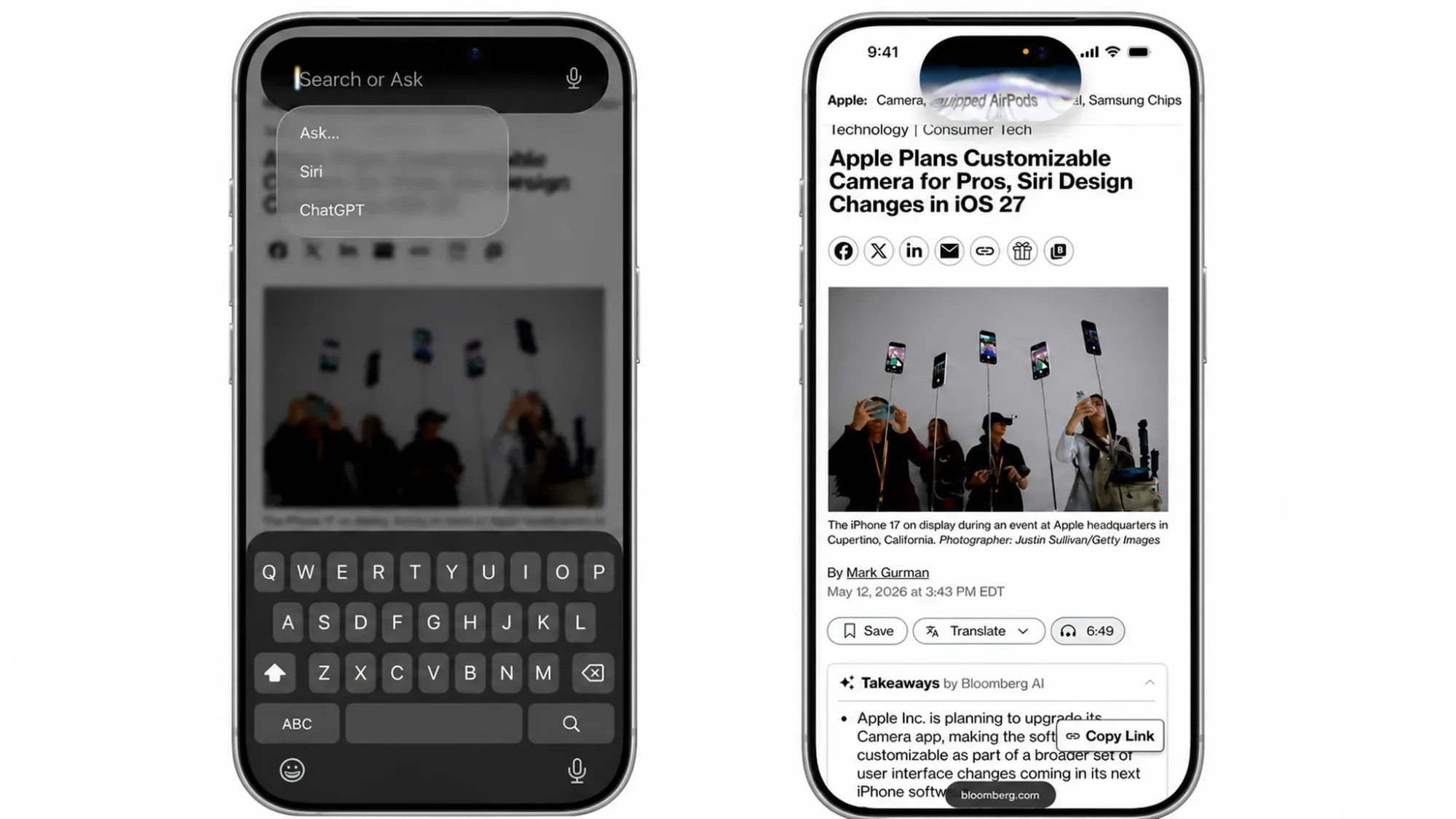
When an answer is ready, the island expands into a transparent card that can fold in images, web results, notes, and other relevant details. Swipe the results card and it turns into a conversation view that looks like an iMessage thread, with the option to jump into the full Siri app for a longer exchange.
Search or Ask replaces Siri Suggestions. From it you can launch apps, start a text, check the weather, add a calendar event, trigger a shortcut, or run an AI web search. You can also route a query to a third-party chatbot like ChatGPT instead of Siri.
The new center swipe changes a couple of long-standing gestures. Notification Center now opens by swiping down from the top-left, while a swipe down on the right still brings up Control Center. Apple keeps the “Hey Siri” wake phrase and Side button activation, and it’s adding an “Ask Siri” button to its app menus so you can push content straight to Siri with a request.
The interface uses a dark look with no light mode. The dark backgrounds carry color accents in pink, dark blue, purple, and orange, matching the palette Apple is using in its WWDC artwork.
The dedicated Siri app
Alongside the system-level integration, there’s a standalone Siri app you can open from the Home Screen. It resembles other chatbot apps but uses Apple’s design style, with a typing field, a microphone for voice, and a paperclip to attach images and files. It stores past conversations so a stray tap no longer wipes a session, which matters as chats get longer.
Extensions: Gemini, Claude, and ChatGPT inside Siri
Apple is opening Siri to rival chatbots, expanding the existing OpenAI partnership. Through new “Extensions” options in the Apple Intelligence and Siri section of Settings, you’ll be able to send questions to Claude, Gemini, or ChatGPT instead of Siri. The App Store will get a dedicated Extensions area for picking a third-party AI app, with download links provided.
Siri stays the default for Search or Ask, but you can choose another chatbot to talk to. You’ll also be able to set a third-party service as the default for Apple Intelligence features such as Writing Tools and Image Playground. Apple even plans to let third-party AI use its own voice, so a Siri reply and a chatbot reply sound different out loud.
Privacy controls and auto-deleting chats
Privacy is Apple’s main differentiator here. The company aims to keep as much processing as possible on-device, with heavier requests handled by Private Cloud Compute. There are limits on what Siri can remember and how long it persists.
You’ll be able to auto-delete Siri chats and requests after a set window, such as 30 days or one year, or keep them permanently. Siri and Apple Intelligence can still be turned off entirely, so anyone who doesn’t want the new features won’t be forced into them.
Gemini is powering the new Siri
To get the personalized Siri working, Apple signed a multi-year deal with Google to use Gemini models and cloud technology behind its Apple Foundation Models. The next generation of those models will be based on Gemini, which will help power future Apple Intelligence features and the more capable Siri. Apple has said Google’s technology offered the strongest foundation for what it wanted to build.
iOS 27 device compatibility
iOS 27 is expected to run on iPhone 12 and later, dropping the iPhone 11 lineup and the second-generation iPhone SE. The full Apple Intelligence feature set, and likely the most advanced Siri options, requires newer hardware.
| Requirement | Minimum device |
|---|---|
| Install iOS 27 | iPhone 12 or later |
| Apple Intelligence features | iPhone 15 Pro or later |
iOS 27 Siri release timeline
| Stage | When |
|---|---|
| WWDC 2026 keynote and Siri preview | June 8 |
| Developer betas (iOS 27, iPadOS 27, macOS 27) | June 8 |
| Public betas | July |
| Final release | September |
One caveat worth keeping in mind. It isn’t confirmed that every new Siri feature will land in the first beta, or even on day one of the public release, and Apple has delayed parts of this rebuild before. The shape of the assistant is clear, but exact layouts, colors, and button placement could still shift before the software ships.