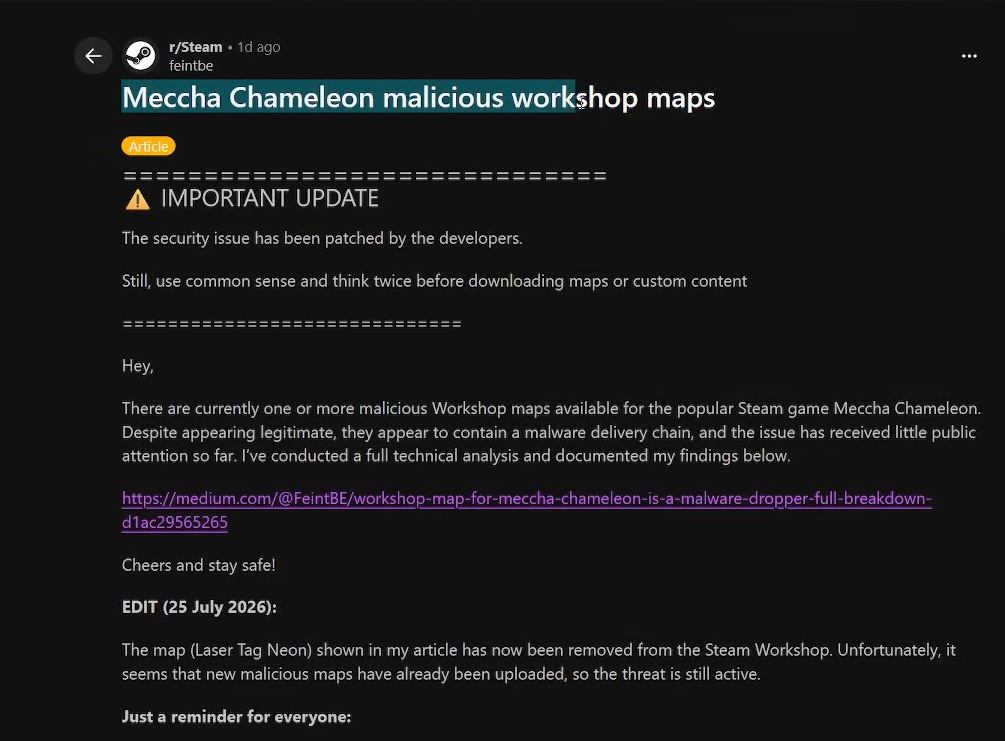
The Meccha Chameleon Workshop map called Laser Tag Neon, listed as item 3765145606, hides a script that writes to your Documents folder and tries to pull down a second file over the internet. It looks like an ordinary blue-neon laser-tag arena on its Steam page, but its Blueprint logic runs when the map loads, not when you press a button.
Quick answer: Close Meccha Chameleon and Steam, unsubscribe from Workshop item 3765145606, and delete its local folder. If you actually loaded the map on Windows, run a full malware scan and check %USERPROFILE%\Documents\ and %TEMP%\ for a file named s.bat before signing back into important accounts.
Which Meccha Chameleon map is dangerous
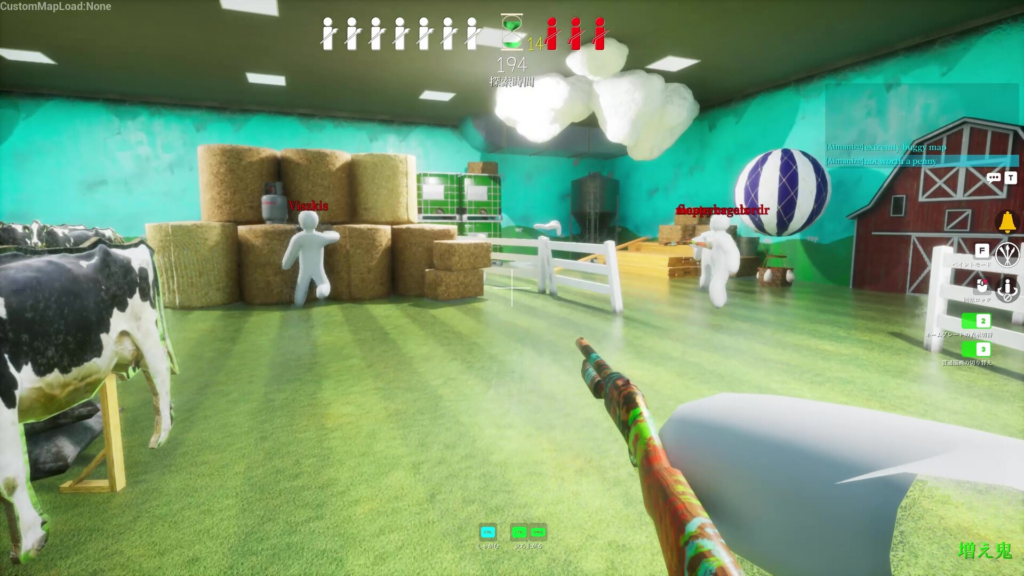
The confirmed item is Laser Tag Neon, found at steamcommunity.com/sharedfiles/filedetails/?id=3765145606 under the Meccha Chameleon Workshop. It was uploaded by a creator shown as “jack” and described as a dark indoor arena with blue neon strips, fog, and tight corridors. The public listing was still live with 756 subscribers when it was last checked, so identify it by its numeric ID rather than by name, because the listing can be renamed or removed at any time.
This does not mean Meccha Chameleon itself or every Workshop map is unsafe. The problem is one specific item that carries a file-writing and download chain that has no legitimate reason to exist inside a hide-and-seek map.
What the map actually does on Windows
The map contains a custom Unreal Engine Blueprint tied to the map’s loading event. Analysis of the item found references to Windows user-directory lookups, file writing, and PowerShell, along with an older embedded actor name, BP_RCE_Test_C_0, still visible under an ambient-controller class. When the round starts, the chain runs in this order.
| Stage | What happens |
|---|---|
| Map loads | The Blueprint reads the current Windows user directory. |
| File drop | It writes a batch script to %USERPROFILE%\Documents\s.bat. |
| Relaunch | The script reopens itself in a minimized window, then starts PowerShell hidden with an execution-policy bypass. |
| Download attempt | PowerShell tries to save a remote steamb.bat as %TEMP%\s.bat and run it. |
On the machine that was examined, the download step returned HTTP 404, so the second file never arrived and never ran there. That means the final payload and its purpose are unknown. A different player at a different time could reach the server, so treat the map as a real risk rather than assuming it did nothing.
The whole chain relies on Windows batch files and PowerShell. It was not shown running natively on macOS, but that is a platform limit, not a promise that every Workshop item is safe on Mac, Linux, or Steam Deck.
Decide how exposed your PC is
The trigger is loading the map into a match, not viewing or subscribing to it. Match your situation to the correct response below.
| Your situation | What to do |
|---|---|
| You only opened the Workshop page | Do not subscribe. No cleanup is needed from a page view alone. |
| You subscribed but never loaded the map | Unsubscribe and delete the local folder. A precautionary scan is reasonable. |
| You loaded Laser Tag Neon or saw a brief command window | Treat the PC as exposed. Follow the removal and scan steps. |
| You see unexpected PowerShell, a downloaded file, startup entries, or account alerts | Treat it as a possible compromise. Disconnect and rotate passwords from a clean device. |
Remove Laser Tag Neon and clean the PC
3765145606 in the address bar, and unsubscribe. Do not relaunch the map to test it..bat file to inspect it, since that can execute the code you are trying to remove.C:\Program Files (x86)\Steam\steamapps\workshop\content\4704690\3765145606\
%USERPROFILE%\Documents\s.bat
%TEMP%\s.bat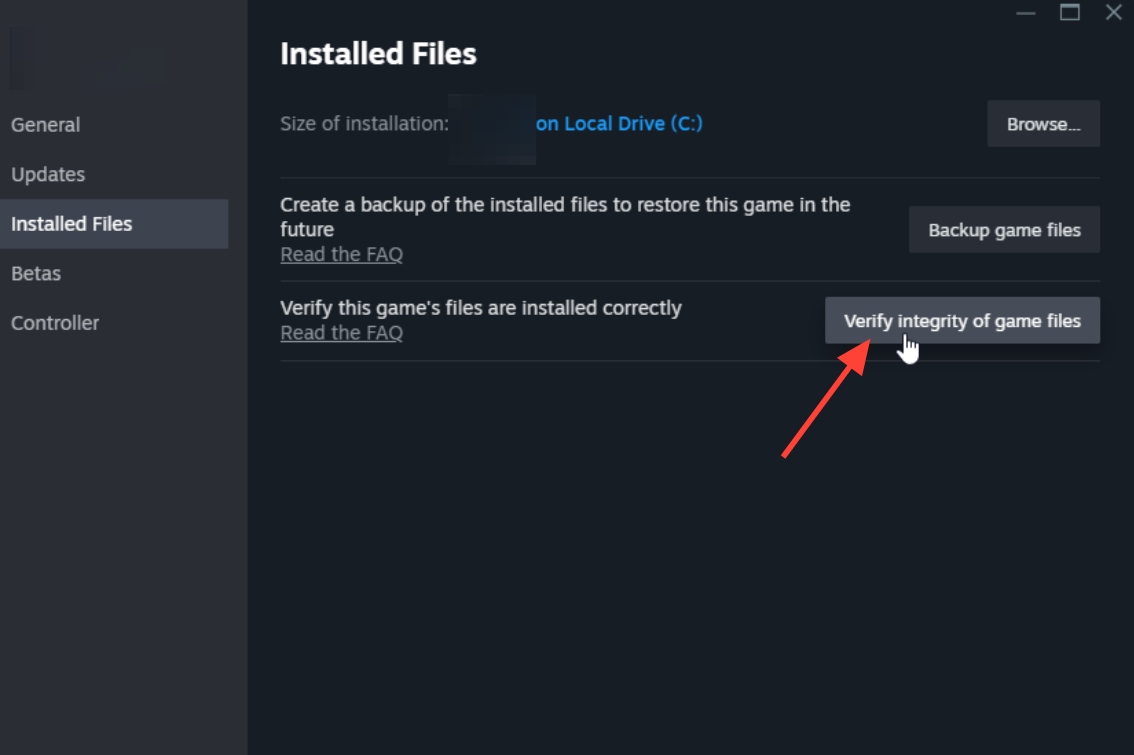
If a file was downloaded or a window appeared
When you believe a second-stage file was fetched or run, protect your accounts from a device you know is clean. Change your Steam, email, and other exposed passwords, revoke active sessions, and turn on Steam Guard or another strong second factor. Watch your payment methods for unfamiliar activity.
Do not change passwords on a PC that might still be infected, because a stealer could capture the new ones. Reinstalling Windows is not the default answer. Start with containment, a full scan, and persistence checks, and only rebuild from trusted media if a confirmed payload cannot be removed or system integrity stays uncertain.
Indicators to confirm you found the right item
Use these values for identification and cleanup. The network address is written in a defanged form and should not be visited. Hashes describe the analyzed build, so they may change if the uploader replaces the content.
Steam AppID: 4704690
Workshop item: 3765145606
Map name: Laser Tag Neon
Dropped script: %USERPROFILE%\Documents\s.bat
Attempted second stage: %TEMP%\s.bat
Defanged request: hxxp://31[.]57[.]34[.]228/work/steamb.bat

s.bat SHA-256:
1ff540bc3c493a93059e602b414ba61027ed1a2b8a079f6197b0718f4a2101b6
Steam removed the earlier arbitrary-file issue after an initial report, but this map uses a different file-writing path embedded in its assets, which is why the ID and file locations matter more than the developer’s patch status. As long as you confirm item 3765145606 is gone, no s.bat remains in Documents or Temp, and a full scan comes back clean, you have handled the risk from this map.