Most of Low-Budget Repairs plays cleanly as you strip and patch up run-down apartments, but every so often a finished job simply refuses to tick off. You wrap up the work, the objective bar still shows it as pending, and there is no way forward. The fix is fast once you know where the game stores your progress.
Quick answer: Complete the task, save the game, then reload that save. The objective almost always registers on reload and lets you move to the next stage.
Fix a completed task that won’t count in Low-Budget Repairs
The objective bar at the top of the screen is your signal. If you finish a repair and that entry stays active instead of clearing, the game has failed to record the completion. A save-and-reload cycle forces it to re-read your state and mark the work as done.
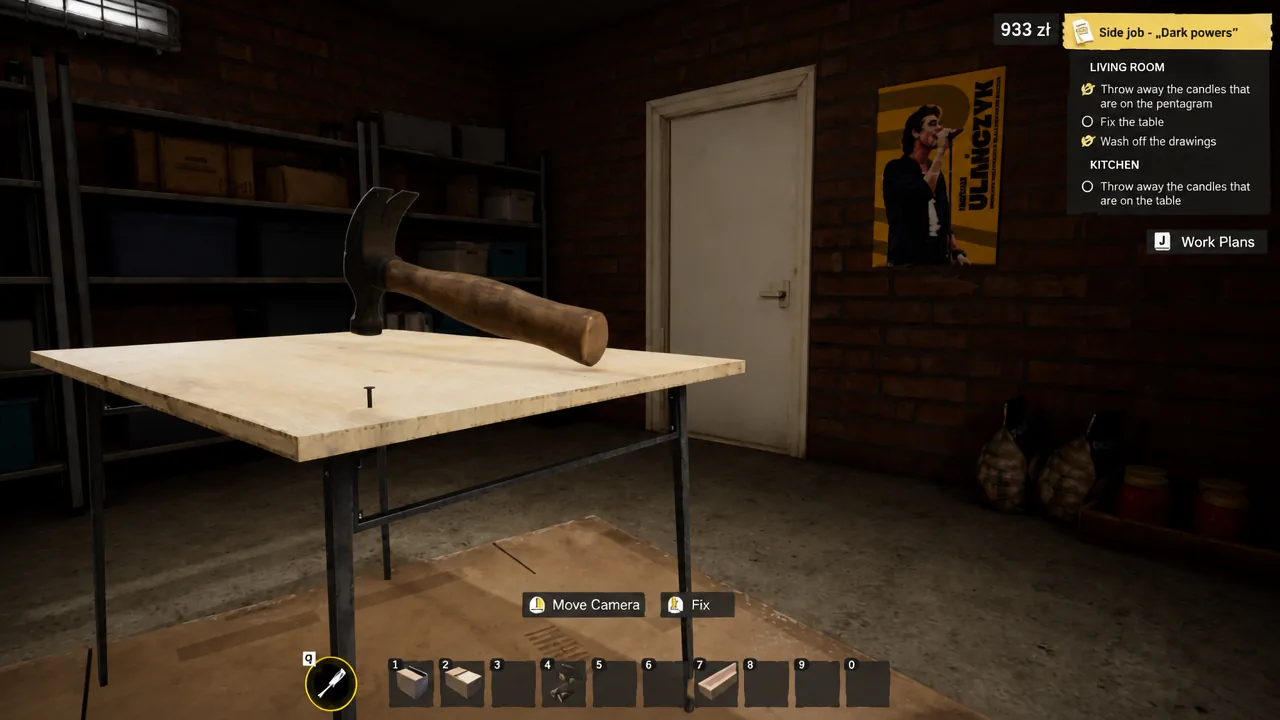
You know it worked when the stuck entry clears from the objective bar and the game advances you to the following stage. This resolves the large majority of cases where a finished job fails to register.
Fix buttons that stop working in the Prison
A separate, rarer bug appears only at the Prison, where interactive buttons stop responding entirely. Because the inputs go dead, you cannot close the game through the normal menu.
The only reliable workaround is to force close the game, then relaunch and reload your save. That resets the Prison scene and restores button functionality so you can continue.
Fix falling through the map in Low-Budget Repairs
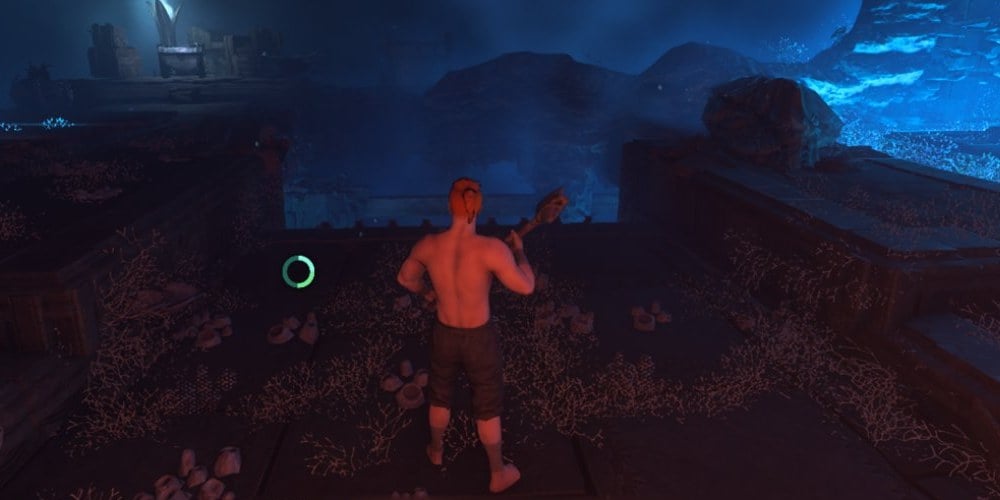
Another progression-blocker sends your character dropping through the floor into empty space, which never happens during normal play. More than one player has run into it, so it is worth knowing the recovery before you panic.
Save often to keep progress loss small
All three of these problems lean on the same recovery tool, so the habit that helps most is frequent saving. A recent save turns a stuck task, a frozen Prison, or a fall through the map into a minor interruption rather than a lost run.
| Problem | What you see | Fix |
|---|---|---|
| Task won’t count | Objective stays active after you finish it | Save, then reload the save |
| Prison buttons dead | Buttons stop responding, menu unusable | Force close, relaunch, reload save |
| Falling through the map | Character drops below the level | Climb back up, or reload save |
Keep a save right before each major job, and none of these bugs should cost you more than a few minutes.