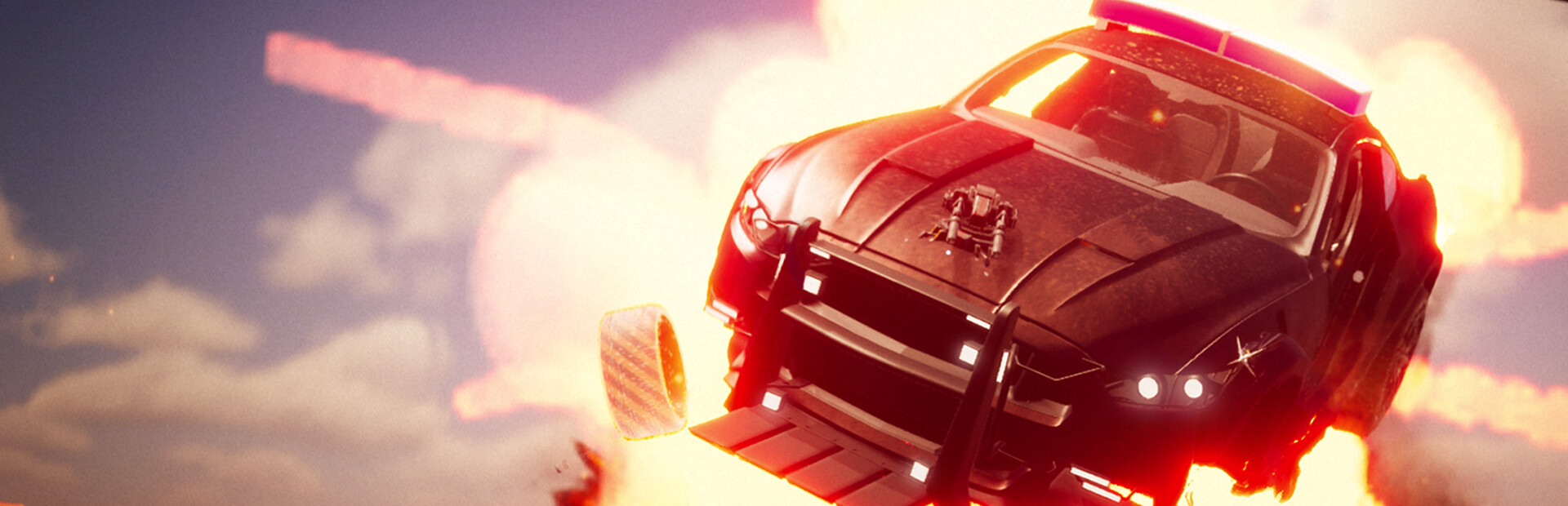
Mad Metal is a vehicle combat shooter built around one idea: you never leave the driver’s seat. Developed by Mad Mechs Inc. and published by indie.io, it arrived on Steam on September 21, 2026, and mixes an open-world campaign with co-op runs, extraction sessions, and one-on-one deathmatches. Its hook is a deep parts system that lets you bolt weapons, shields, and boost hardware onto a chassis until it fits the way you drive.
Quick answer: Mad Metal is out now on Steam for $11.99 during a 20% introductory discount that ends October 5, down from $14.99. A free demo is also available.
Mad Metal price on Steam and bundle options
The standard edition is the only version of the game itself, but it is packaged with three other titles in discounted bundles. Every price below reflects the launch discounting that is currently live on the store page.
| Purchase | Discount | Price |
|---|---|---|
| Mad Metal (introductory offer, ends October 5) | -20% | $11.99 |
| Mad Metal base price | — | $14.99 |
| Mad Metal x Codename CURE II – Combat Specialist Pack | -12% | $19.78 |
| Mad Metal x SCP: Fragmented Minds | -12% | $19.78 |
| Mad Metal x Polylithic | -10% | $24.28 |
Four bundles exist in total. If you want to test the driving and shooting before paying anything, the separate demo listing installs like any other Steam app.
The setup: an AI apocalypse you drive through
The campaign is set in America in the 2080s, after AI corporations built machines that started making their own calls. Those machines now roam the wastelands abducting people rather than killing them, using them to create a half-human, half-machine population meant to inherit the world. Your character has lost his wife, his daughter is still out there, and he is one of the few people left who has not been converted.
Missions play out as short, concrete objectives rather than long cutscene chains. Tasks include scavenging for resources as an optional side goal, hunting down and eliminating the Scorpion, towing a buggy back to Scotty, and securing a fueling station. A compass, speedometer, boost meter, and green directional beams keep you pointed at the next objective while you drive.
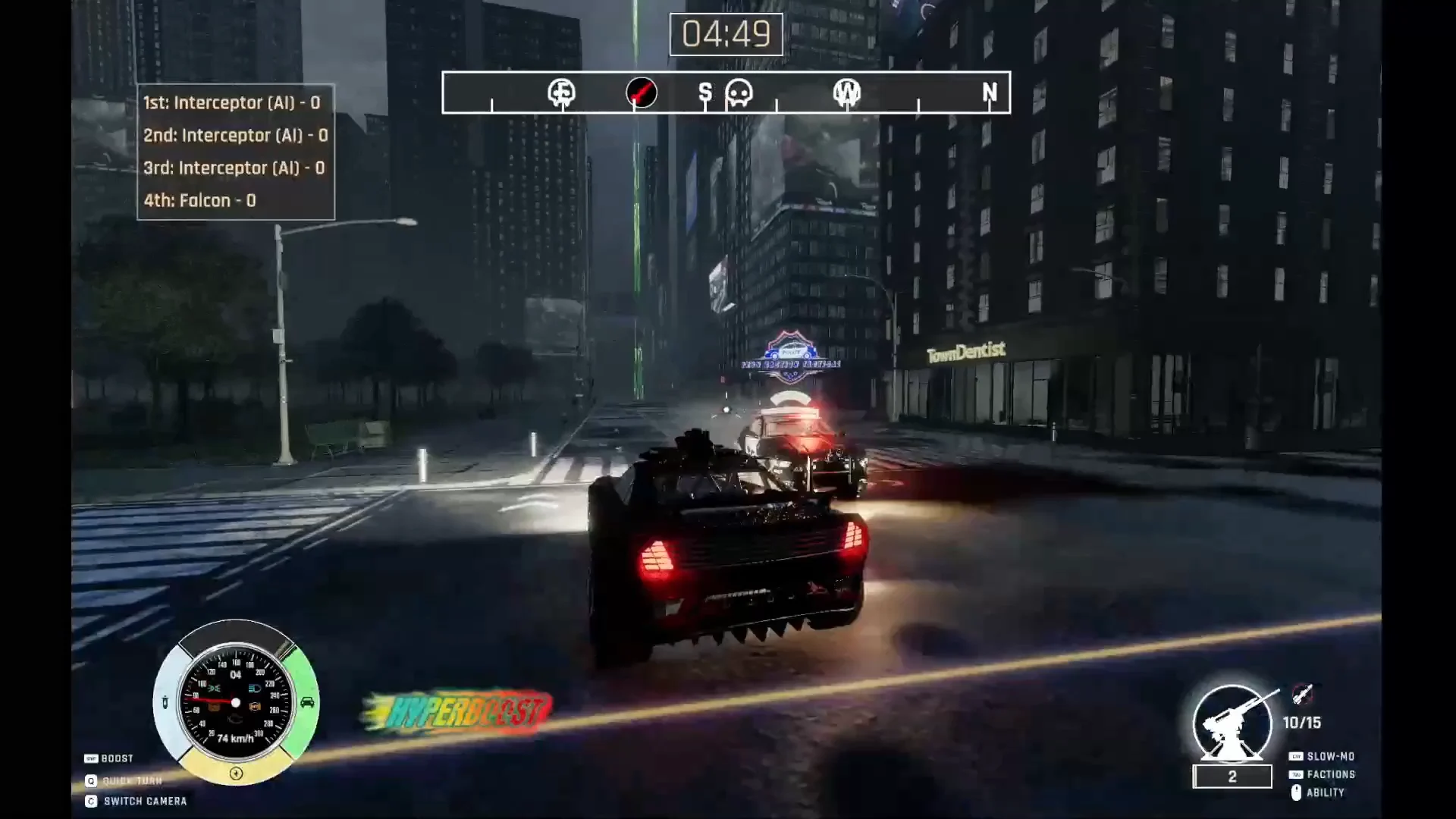
Game modes: campaign, co-op, extraction, and PvP
There are four ways to play, and all of them use the same vehicles and parts you unlock elsewhere.
- Campaign — the story route, playable solo.
- Open-world co-op — team up with a friend across the wasteland.
- Extraction — survive long enough to get out with your squad.
- Deathmatch — ranked and unranked 1v1 duels.
On the Steam side, the game is listed with single-player, online PvP, and online co-op support, plus Steam Cloud saves and Family Sharing. Multiplayer sessions display player tags and vehicle types on screen, so a duel will show something like an opposing Reaper driver alongside your own.
How combat works: Dead Aim, cabin view, and abilities
Dead Aim Targeting System
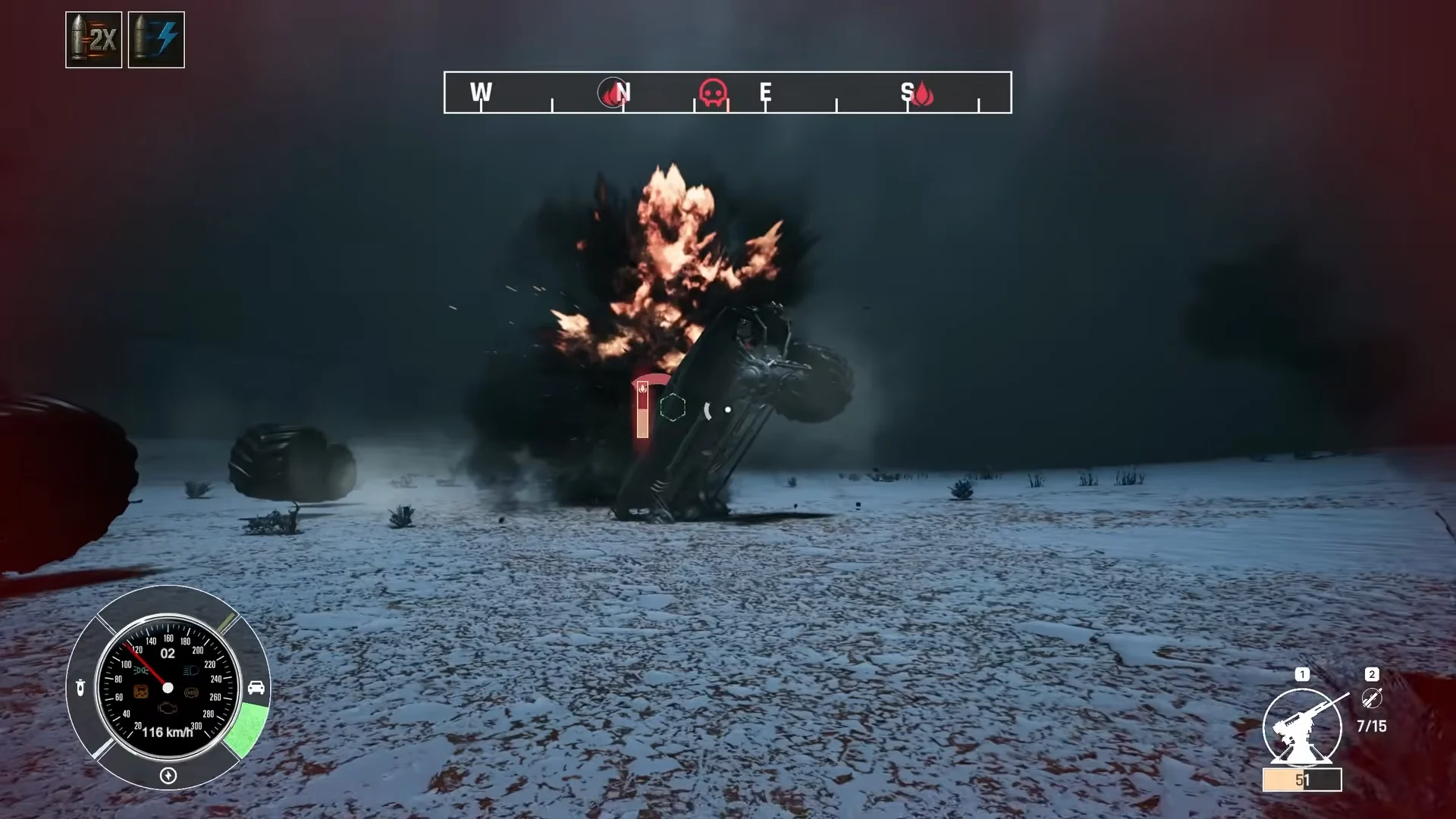
Dead Aim slows time so you can pick apart a specific piece of an enemy vehicle instead of dumping damage into it. Break a door open to shoot the driver, puncture a fuel tank to set off an explosion, or tear a wheel off to strand the car. Every enemy has a weak point, and finding it is the intended way to win fights rather than out-gunning them.
Cabin-view combat
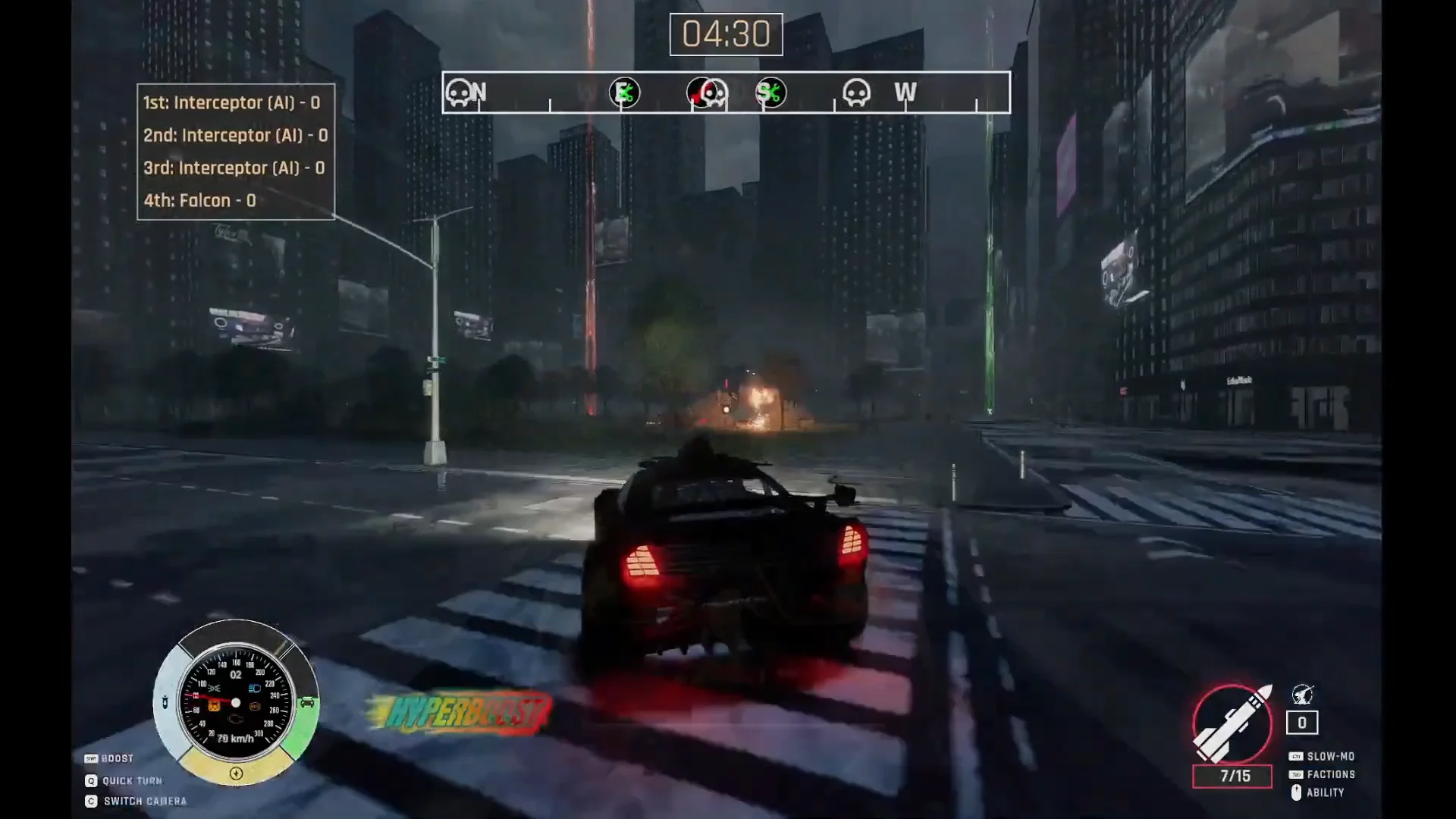
You can fight from a third-person camera or drop into a first-person cabin view where the dash instruments do the work of a HUD. When a primary weapon overheats or a secondary runs dry, you can pull a sidearm and keep shooting from behind the wheel.
Tactical abilities and bosses
Each build combines an active and a passive ability with your loadout. Sonar tracks enemies through walls, caltrops disable vehicles that chase you, and a jetpack gets you onto high ground. Boss encounters are designed as hard checks on those builds, with weak points you have to learn before the fight goes your way.
Vehicle customization and the 80+ attachments
The Build Your Vehicle screen is where most of the depth sits. You pick a chassis from a carousel that includes the Buggy, Reaper, Falcon, Interceptor, Vigilante, Iron Howl, Scorpion, Sour Diesel, Grafter, and a Custom slot, then work through the part categories one at a time.
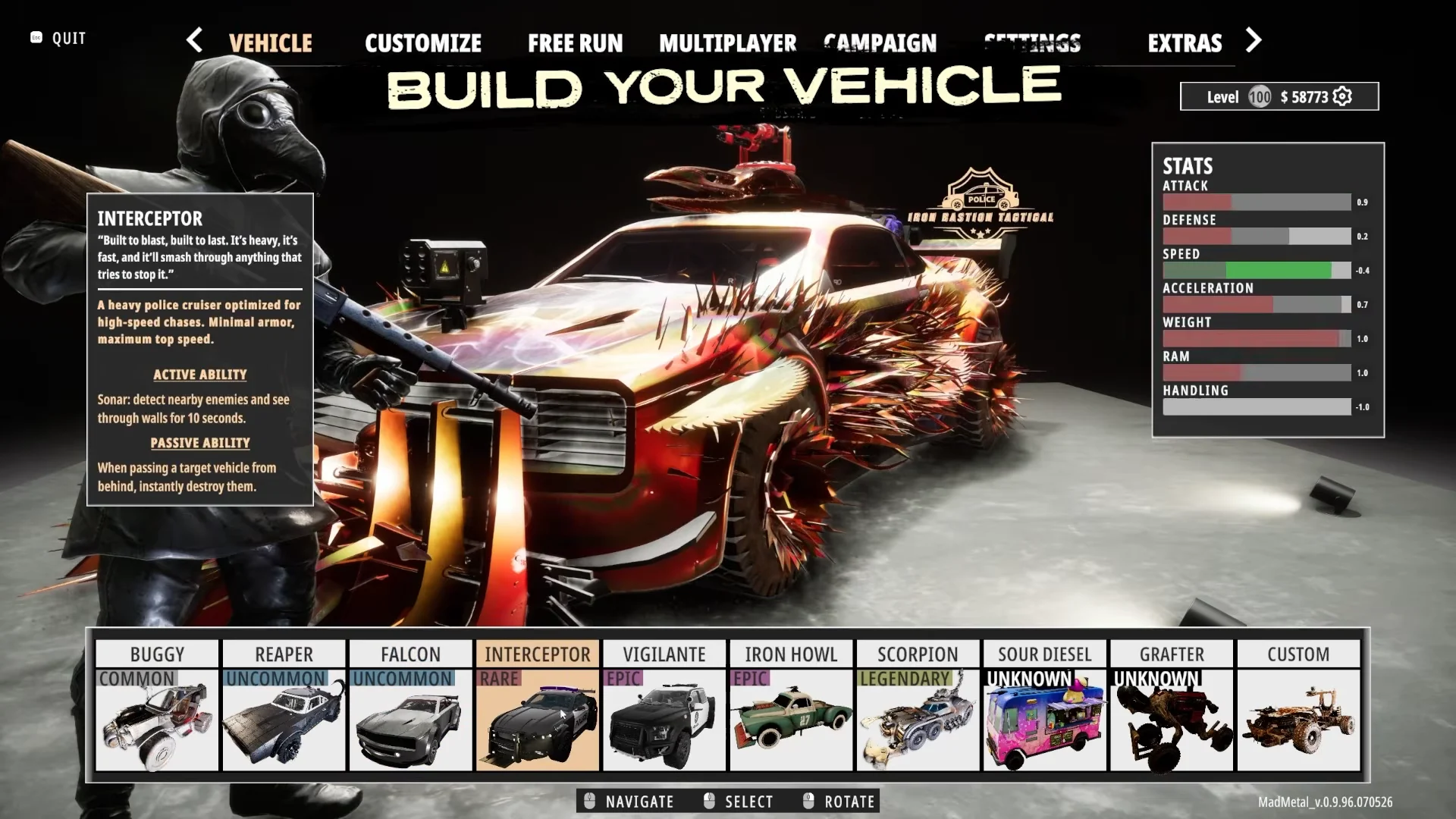
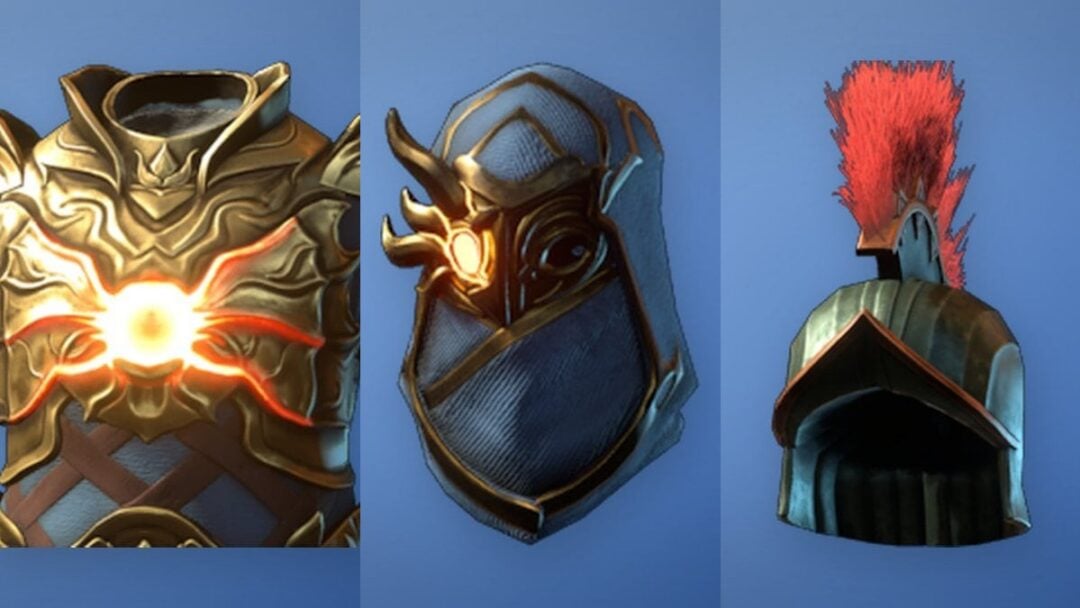
Slots cover Body, Primary, Secondary, Wheel, Front, Rear, Engine, NOS 1, NOS 2, Skin, Paint, and Decal. Weapon choices run from the Vulcan and Shot Gun to the Rail Gun, Sniper, Plasma Gun, Plasma Beam, and Impulse Laser, while front and rear hardware includes the Rustfang Shield, Barbed Wire, Horned Basher, Interceptor’s Jaw, and Missile Launcher. There are more than 80 attachments in total, alongside engine and boost parts such as the Jet Compressor, NOS Canister, and NOS Tank.
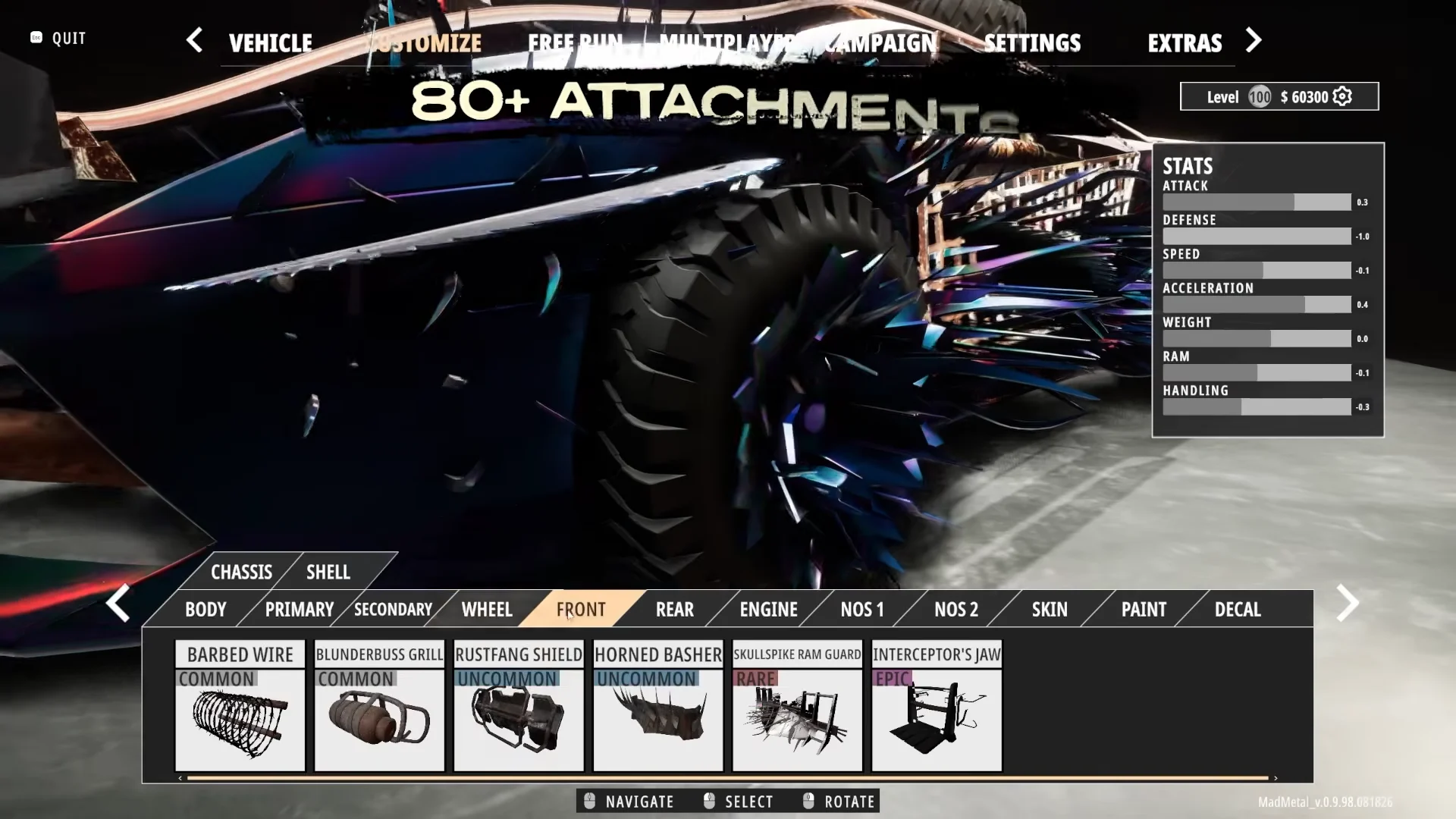
Parts are not free upgrades. Every piece carries a cost in weight and aerodynamics, so adding armor and guns pulls speed and handling down. The garage shows seven stats so you can see that trade before you commit.
- Attack
- Defense
- Speed
- Acceleration
- Weight
- Ram
- Handling
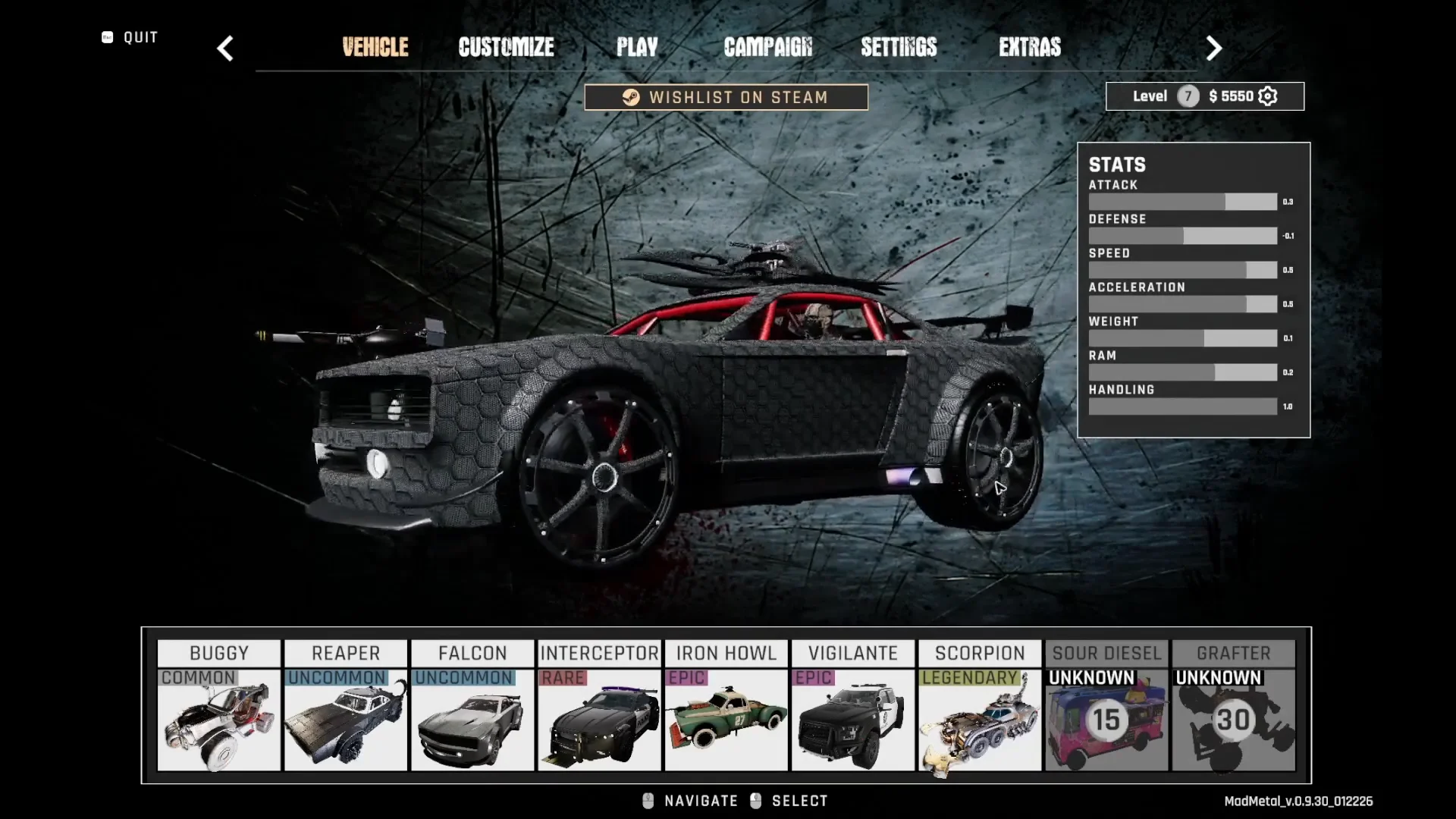
Builds are not locked in at the start of a run. You can pick up augments mid-run that upgrade your weapons and vehicle on the fly, so a loadout that feels thin at the garage can still come together in the field.
Mad Metal PC system requirements
The game is Windows-only and needs a 64-bit processor and operating system. Storage is the same on both tiers, and the graphics card requirement has not been finalized.
| Component | Minimum | Recommended |
|---|---|---|
| OS | Windows 10 | Windows 11 |
| Processor | Core i3-6100 / i5-2500K or Ryzen 3 1200 | Core i5-6600K / i7-4770 or Ryzen 5 1400 |
| Memory | 4 GB RAM | 8 GB RAM |
| DirectX | Version 11 | Version 12 |
| Storage | 8 GB | 8 GB |
How to confirm the discount applied
Open the Mad Metal store page and check the buy box before you pay. The introductory offer shows a -20% tag with $14.99 struck through and $11.99 as the charged amount, and the same figure should carry into your cart and the final purchase confirmation. If you see $14.99 at checkout, the offer window has closed.
After purchase, the game appears in your Steam library and lists 20 achievements on its store and community pages. English is the only supported language, with full audio and subtitles included.
The review picture is still thin at this stage, with only a handful of user reviews posted so far, which is not enough for Steam to generate a score. If you would rather judge the handling and the Dead Aim system yourself, the demo covers that without spending anything.