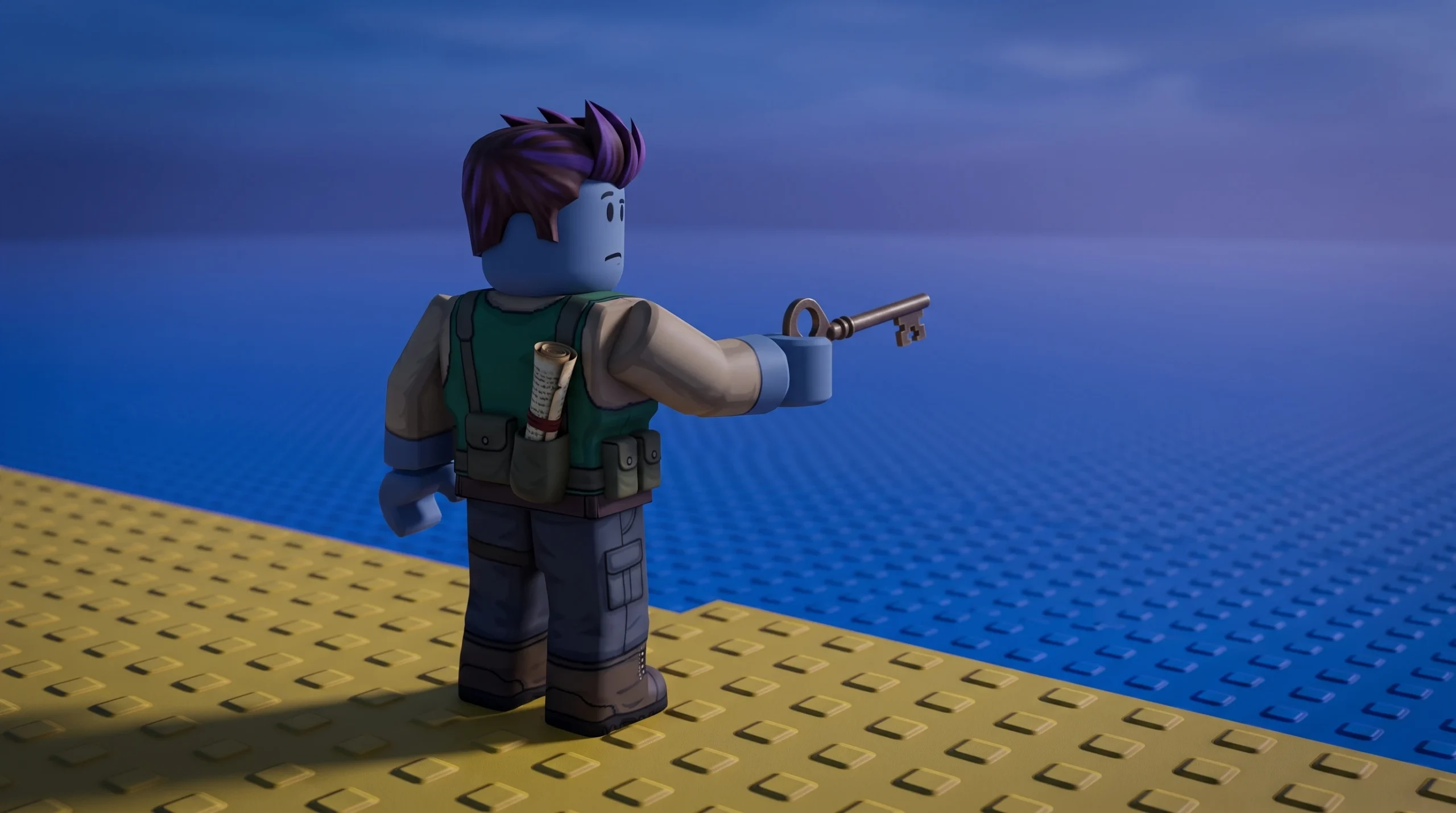
The secret code in Mini War is not a single string you copy from a list. It comes from a scavenger hunt built into the map, and every player who finishes it receives a different code tied to their own account. The reward you get depends on the number printed on that code, so no two players walk away with the same prize.
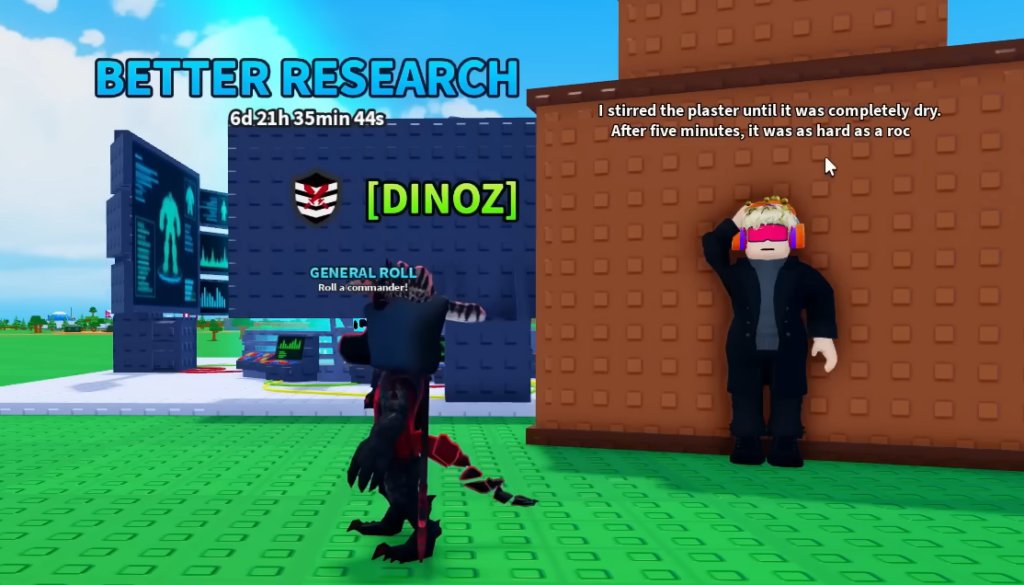
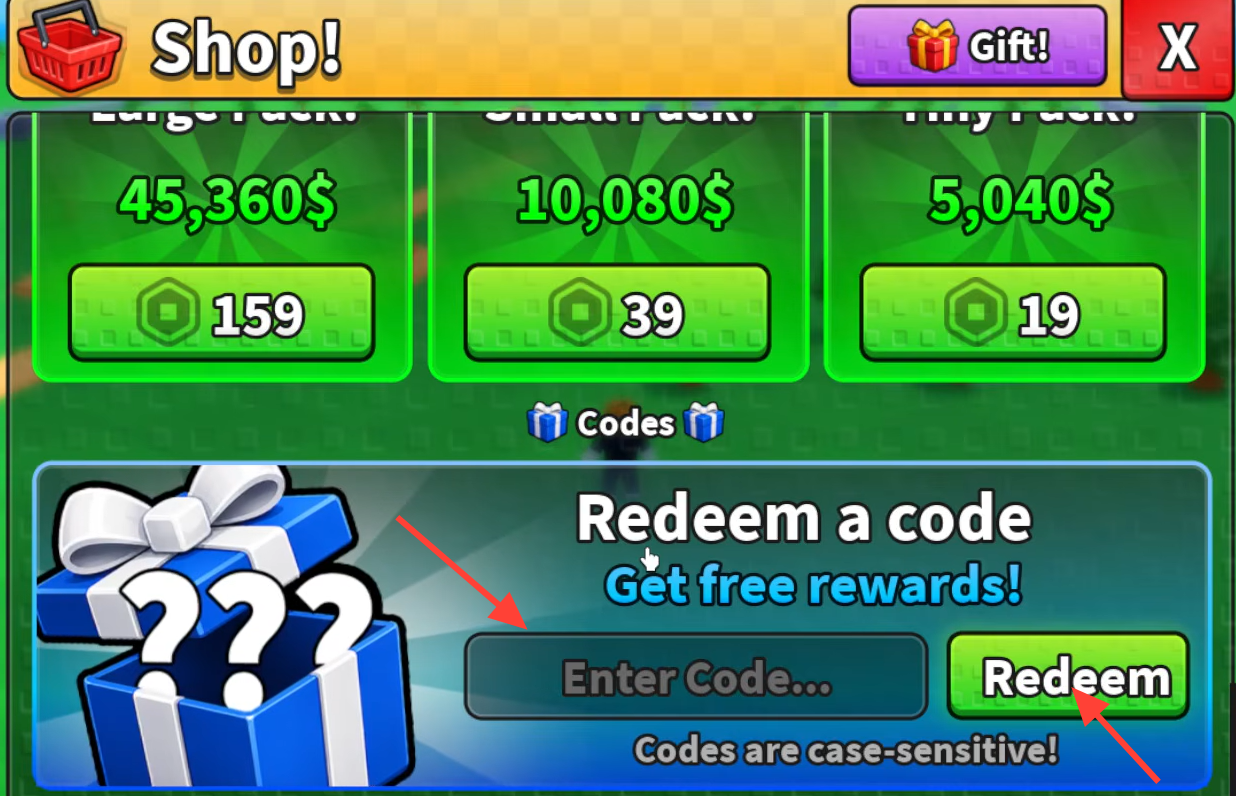
Quick answer: Explore the map, press all five hidden buttons, then talk to the characters that appear until one hands you a unique secret code. Redeem that code in the shop menu to claim your reward.
How the Secret Code Hunt works in Mini War
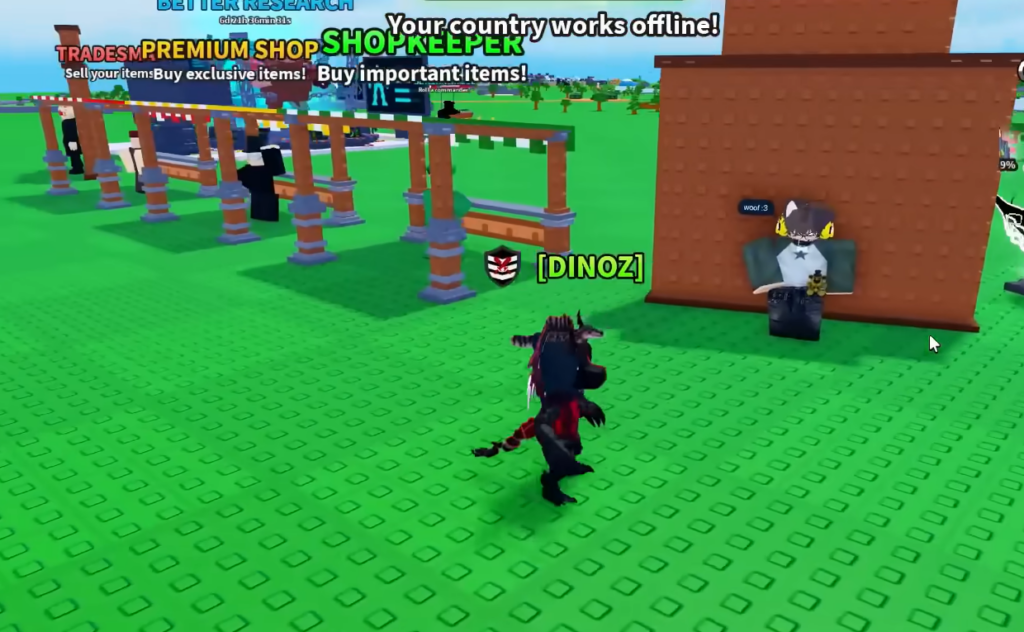
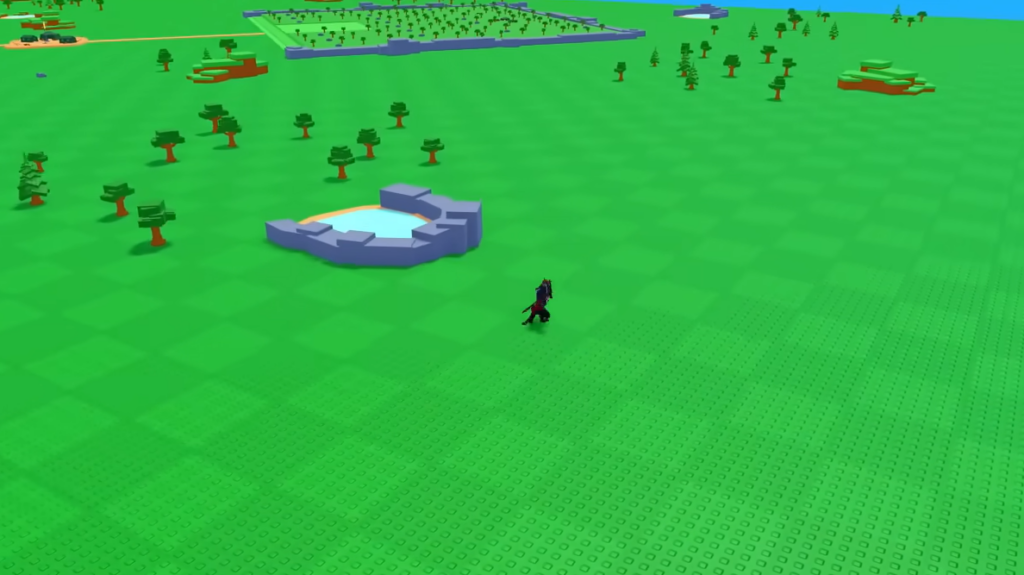
The Secret Code Hunt is a short in-game scavenger event. Instead of typing a shared code, you have to locate five hidden buttons scattered across the map. Pressing each one moves the hunt forward, and only after all five are active does the final step unlock.
The buttons only appear when you stand near them, and they are not all the same size. Some are large and obvious, while others are small enough to walk straight past. Because the code you eventually receive is unique to you, the hunt must be completed once per account to get your own reward.
Complete the Secret Code Hunt step by step
What your secret code rewards depend on
Each secret code carries a number, and that number decides your prize. The tiers break down like this.
| Code number | Reward |
|---|---|
| 1 to 10 | Supernova Generator |
| 11 to 1000 | The most expensive building you currently own |
| 1001 and above | 100 Gems |
Because the code is randomly assigned, you cannot pick which tier you land in. The lower the number, the rarer the payout, with the Supernova Generator reserved for codes numbered 1 through 10.
Redeem your secret code in Mini War
If your secret code will not redeem
A unique code works once per account, so it will fail if you have already claimed it. Beyond that, the same issues that affect any Mini War code apply here.
- Check for typos and stray spaces before or after the code, since entries are case-sensitive.
- If you get a server error, wait a short while and try redeeming again.
- Confirm you finished all five buttons and spoke to the correct character, as the code only appears at the end of the hunt.
You know the process worked when the reward lands in your inventory immediately after pressing Redeem. If nothing appears and no error shows, reopen the shop and confirm the code was entered exactly as the character gave it to you.