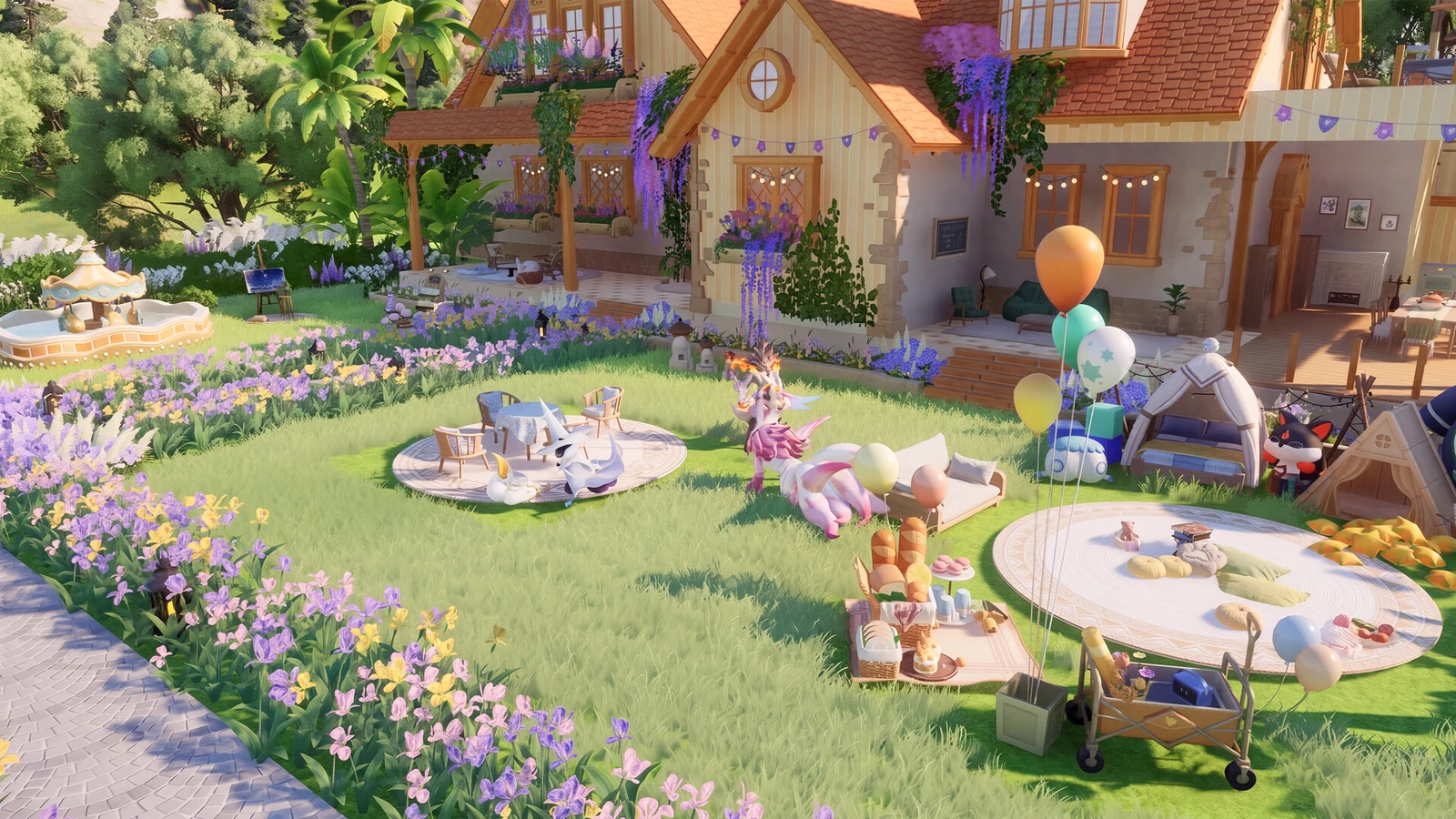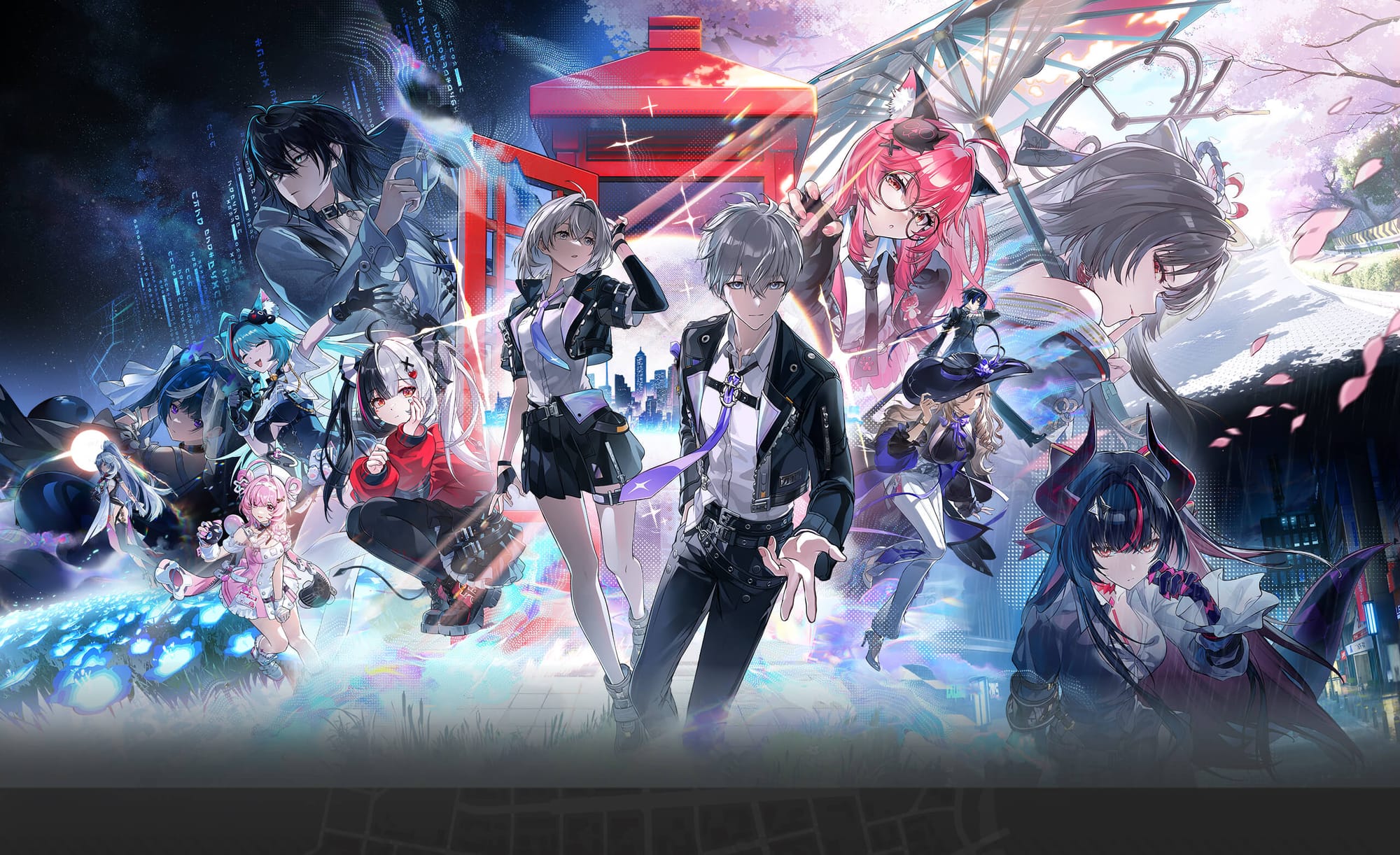
Neverness to Everness drops players into Hethereau, a Tokyo-inspired open world where Anomalies, street races, and part-time jobs compete for your attention. Redeem codes are the fastest way to stack up Annulith, Fons, and Beetle Coins for pulling new S-Class characters without grinding for every resource.
Working Neverness to Everness codes
These codes are confirmed active as of September 20, 2026, including three limited-time rewards from the 1.4 livestream covering the “Rising From The Moonlit Fog” update.
WITCHHOUSE— 100 Annulith, 5 Rising Hunter Guides, 5 Light Dyes, 4,000 Beetle Coins NEWTHEWHOOTS— 100 Annulith, 5 Senior Hunter Guides, 5 Colorless Dyes, 6,000 Beetle Coins NEWPUKALANDGOGO— 100 Annulith, 2 Elite Hunter Guides, 2 Chaotic Dyes, 12,000 Beetle Coins NEWZANKOU0819— 30 Annulith, 50,000 Fons, 30,000 Beetle CoinsCOMEBACK— 1 Fabricated DiceNTEKokushi— 30,000 Fons, 30,000 Beetle CoinsNTEMusou— 10,000 Fons, 10,000 Beetle CoinsDRAGONGIRL— 30 Annulith, 20,000 Fons, 1 Puka Chocoa Ellie Tour SpecialWELCOMETONTE— Celebration Fireworks Avatar FrameNTENENE— 10,000 Clicky Fries, 10 DynamiKNTEGIFT— 50 Annulith, 5 Rising Hunter Guides, 5 Light DyeNTEvtuber— 50,000 Fons, 50,000 Beetle Coins
The WITCHHOUSE, THEWHOOTS, and PUKALANDGOGO livestream codes are only valid until Sunday, September 20, 2026, at 4:59pm BST, so redeem them before that window closes.
New codes typically appear during version livestreams and are shared on the game’s official Discord server, so joining it is the quickest way to catch fresh drops as they go live.
How to redeem Neverness to Everness codes
Codes can only be entered once your character has cleared the tutorial and the mail feature has unlocked, so finish “Episode 0: Unforeseen Yet Foretold” first.
Esc on PC, or pressing the Options button on PS5.You’ll know a code worked once the “Redeem Code Applied” message shows up in your inbox with the items attached. If a code doesn’t produce that message, it has either expired or was mistyped.
Expired Neverness to Everness codes
These codes no longer produce rewards, so there’s no need to try them.
FOGDENGAMEEYEOFDELUSIONSUMMERTIME906083306FTDTFEQ918016574FTNLYDO488244539FTLWEZASHINKU0708999NIGHTSIROI0729NTEWINFONSNTEFUNGAMENTEFREEDREAMWALK0603TOMATO100RACENOLIMITLACRIMOSA0603NTE429vtuberNTEvtuber200504980102FKGOVNSNTE0429NTENANALLYGONTENOWTOENJOYNTEHAVEFUN
Bookmark this page and swing back after major updates or livestreams, since that’s when Hotta Studio tends to release fresh batches of codes for Annulith, dyes, and hunter guides.