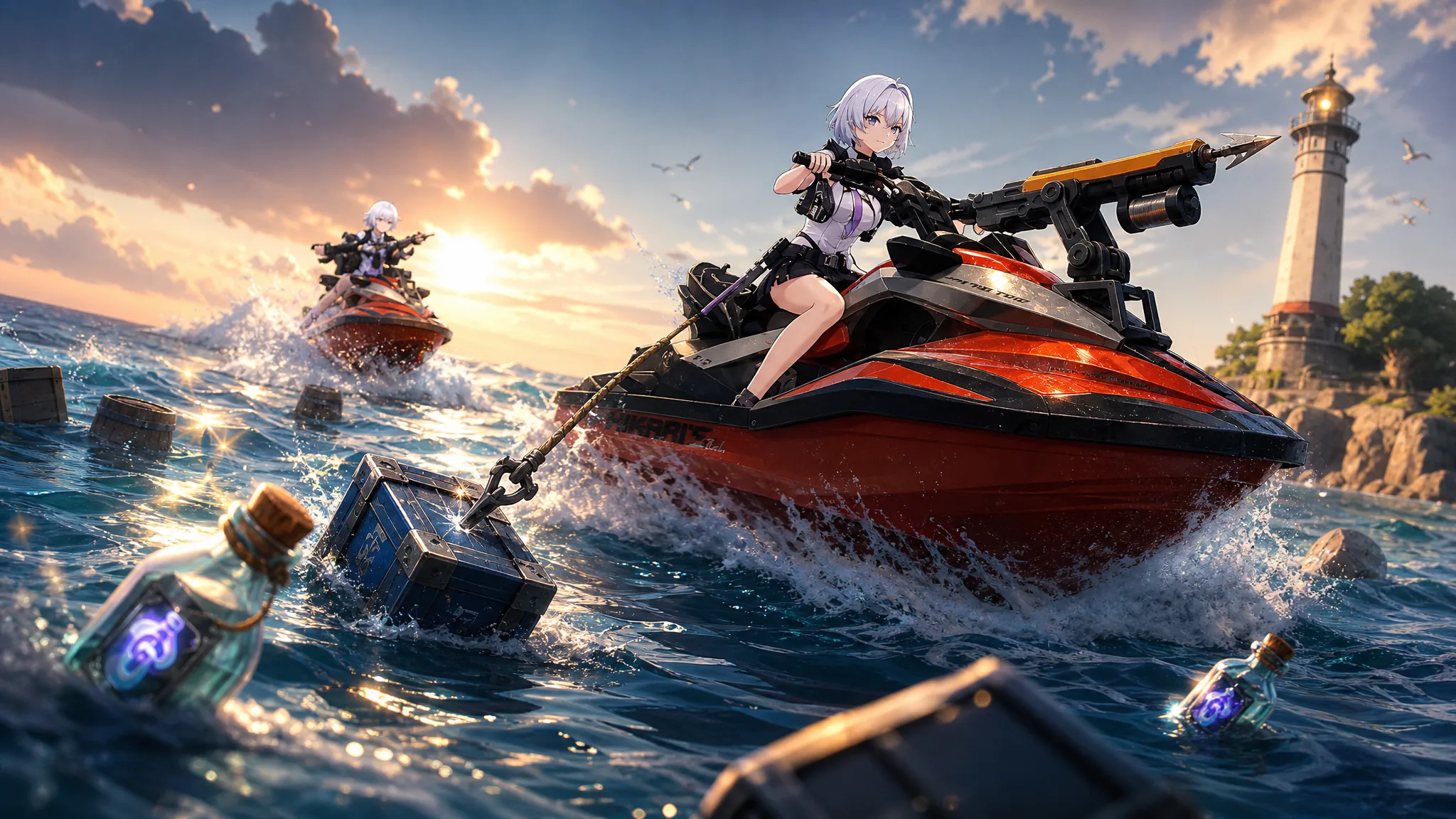
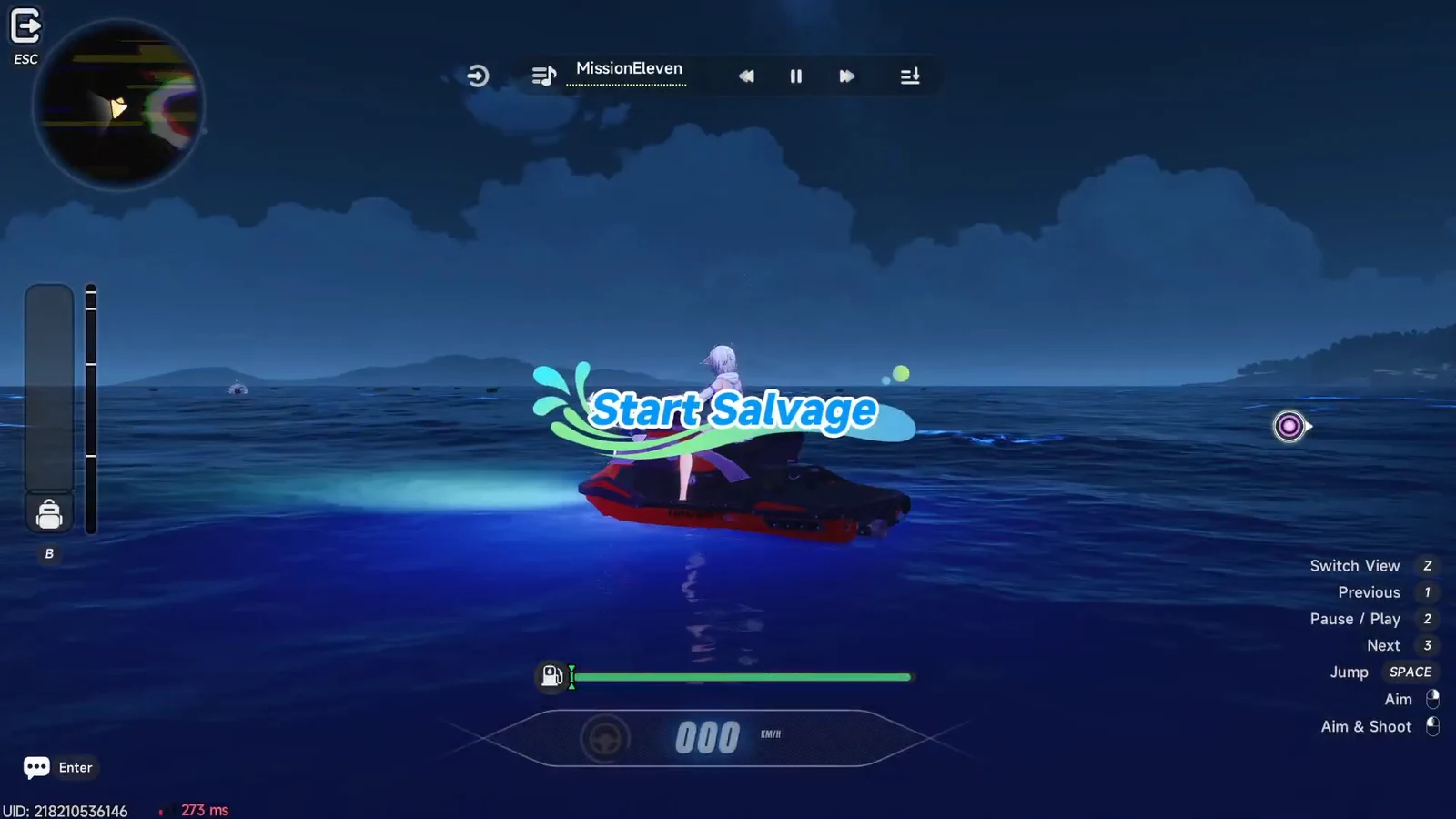
Shipwreck Salvage is the harpoon-and-jet-ski minigame that arrived with the Version 1.3 “Summer Time” content in Neverness to Everness. You ride the Tide across open water, spear floating cargo marked on the map, and race back to shore before your fuel drains. Only what you actually bring in counts toward your score, and that score converts into the event currency, Drifting Bottles.
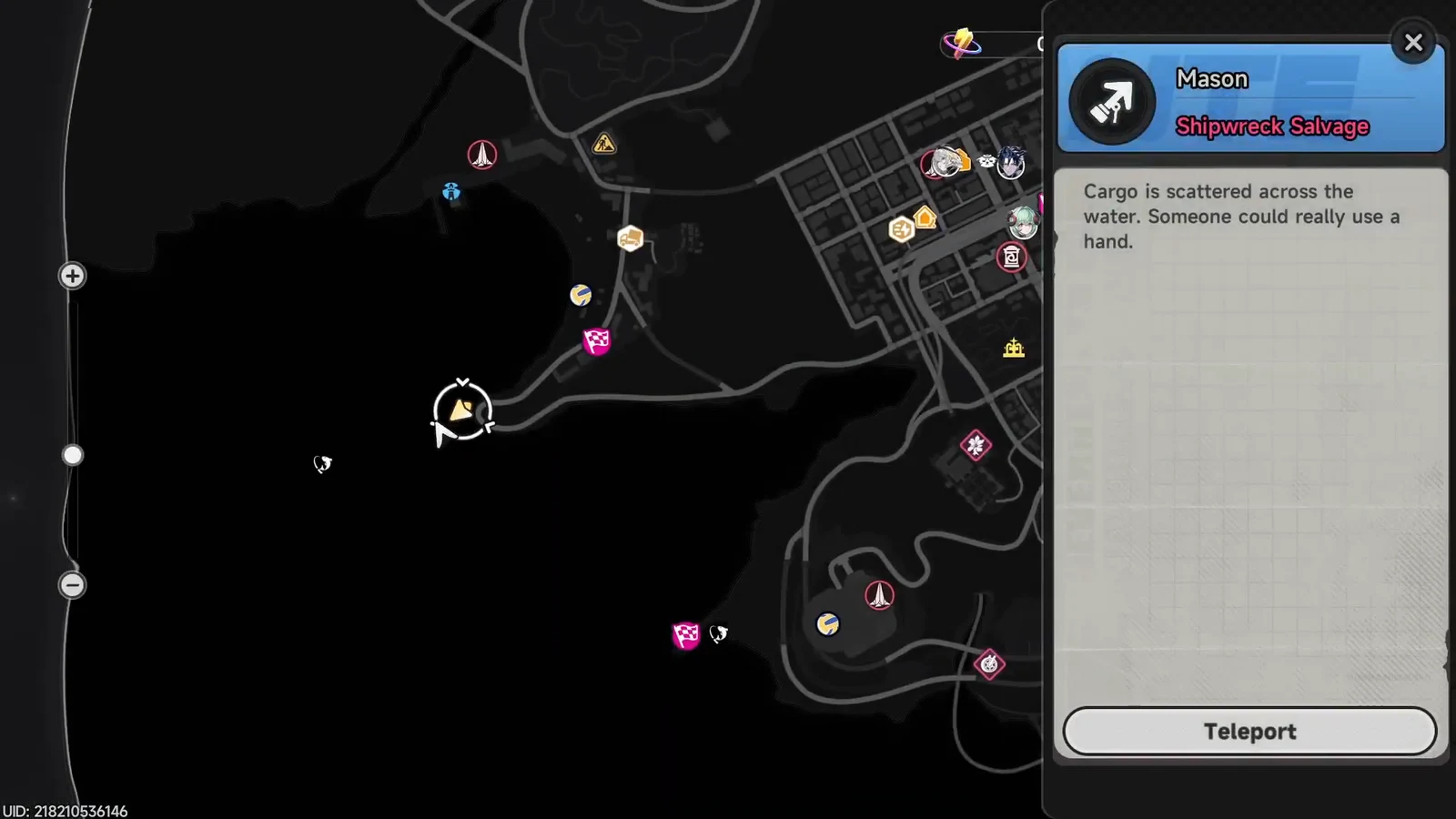
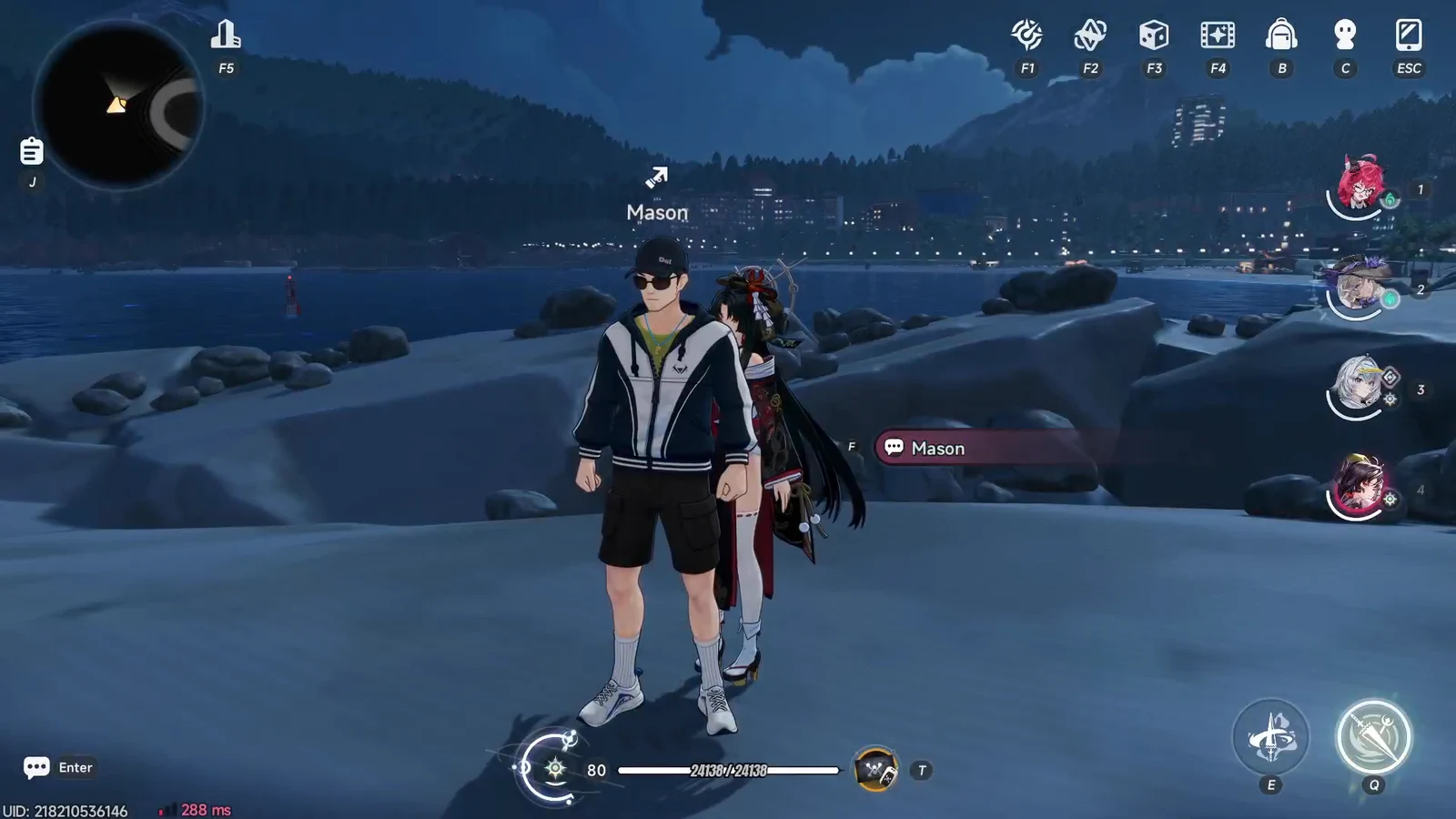
Quick answer: Teleport to Mason on the coast, board the Tide, harpoon floating cargo, and return to the shore boundary before the fuel gauge empties. Cargo returned ashore becomes Drifting Bottles, which you spend at Mason’s Event Shop for Annulith and other rewards.
Shipwreck Salvage event dates
The event runs during the Version 1.3 window and closes alongside most of the other summer activities. Note that it started nine days after the bulk of the 1.3 event slate, so it is a mid-patch addition rather than a launch-day one.
| Detail | Value |
|---|---|
| Type | Limited-time in-game event |
| Added in | Version 1.3 |
| Start | August 28, 10:00 (UTC+8) |
| End | September 30, 05:59 (UTC+8) |
| Currency | Drifting Bottle |
How to start a salvage run
Salvaging cargo and managing fuel
Cargo floats in boxes of different sizes and rarities. Aim the harpoon gun, fire, and a clean hit hauls the box aboard with a “Bullseye!” or “Salvage Successful” confirmation. Higher-rarity pieces are worth more points than common ones, so prioritize them whenever you have a choice.
Fuel is the real limit here, not your aim. Every second on the water burns the gauge, and a catch that you cannot bring back in time scores nothing. Plan your return route before committing to cargo that sits far offshore.
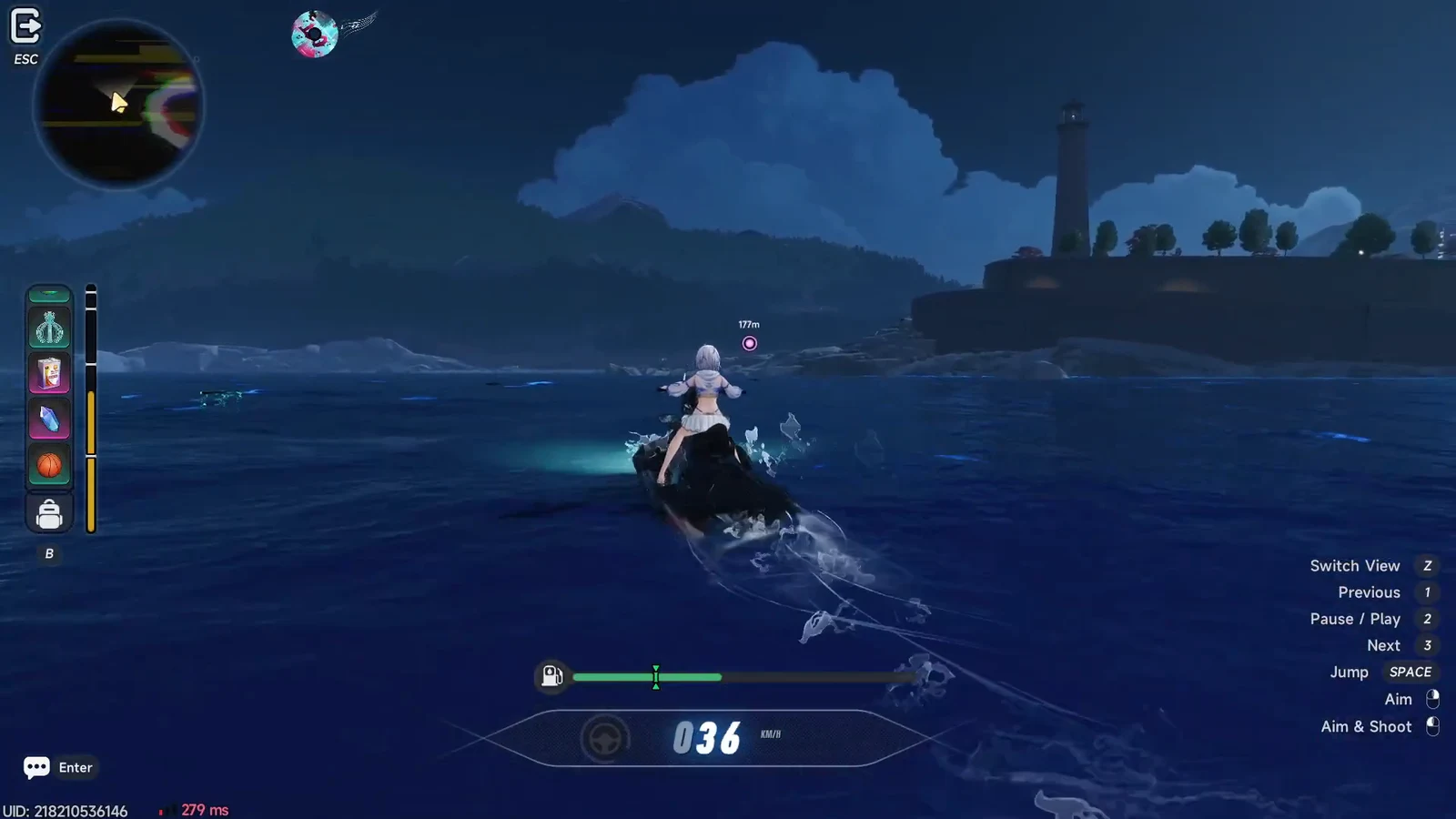
When fuel is tight, favor rarity over volume. One high-rarity catch can outscore several common boxes for the same fuel spent, so a shorter run built around a single valuable piece often beats a long, greedy loop.
Cargohold weight and discarding items
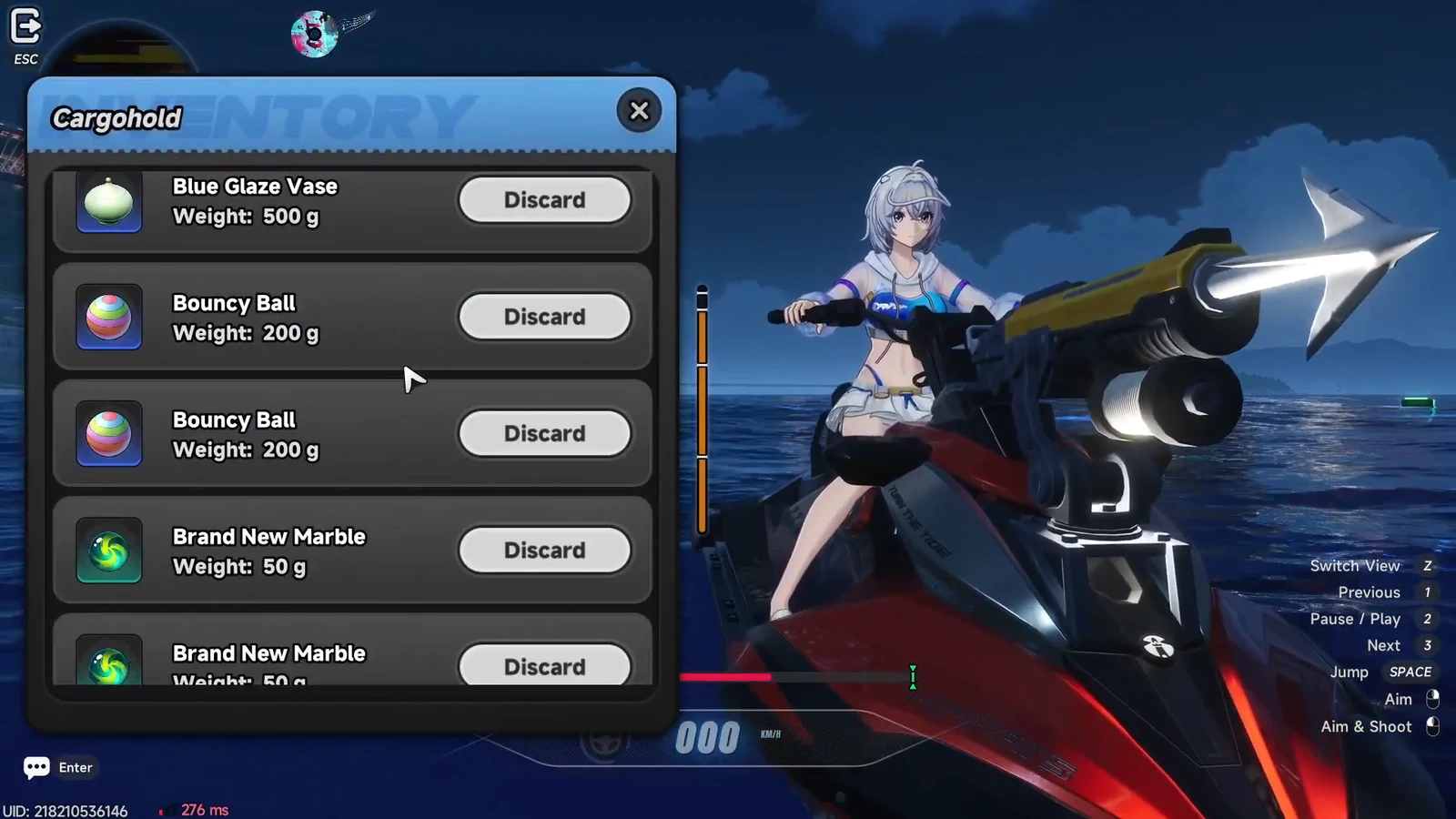
Everything you pull in fills your Cargohold, which has a weight limit. Open the Cargohold menu to review what you are carrying, and discard low-value items to make room for better ones. Items you may see range from a Bouncy Ball, Fresh Egg, and Soap to a Blue Glaze Vase, Handheld Console, Lost Armor, and the tongue-in-cheek “Definitely-Fished-This-Myself Fish.”
Jet ski upgrades and Motor Oil
Some cargo and floating pickups contain upgrade parts for the Tide. Grabbing these early pays off, because the benefits compound across every later run. You can also upgrade directly from Mason’s menu, spending Standard Motor Oil and Premium Motor Oil to improve two stats.
| Upgrade | Effect |
|---|---|
| Hull Performance | Improves cargo storage and speed on the water |
| Harpoon Gun Performance | Extends harpoon range for grabbing distant cargo |
Both Shipwreck Salvage and the Surf Breaker races use the same Tide jet ski, so investing in upgrades has value beyond this event, though shared upgrade progress between the two is not confirmed.
Ending a run and reading the results
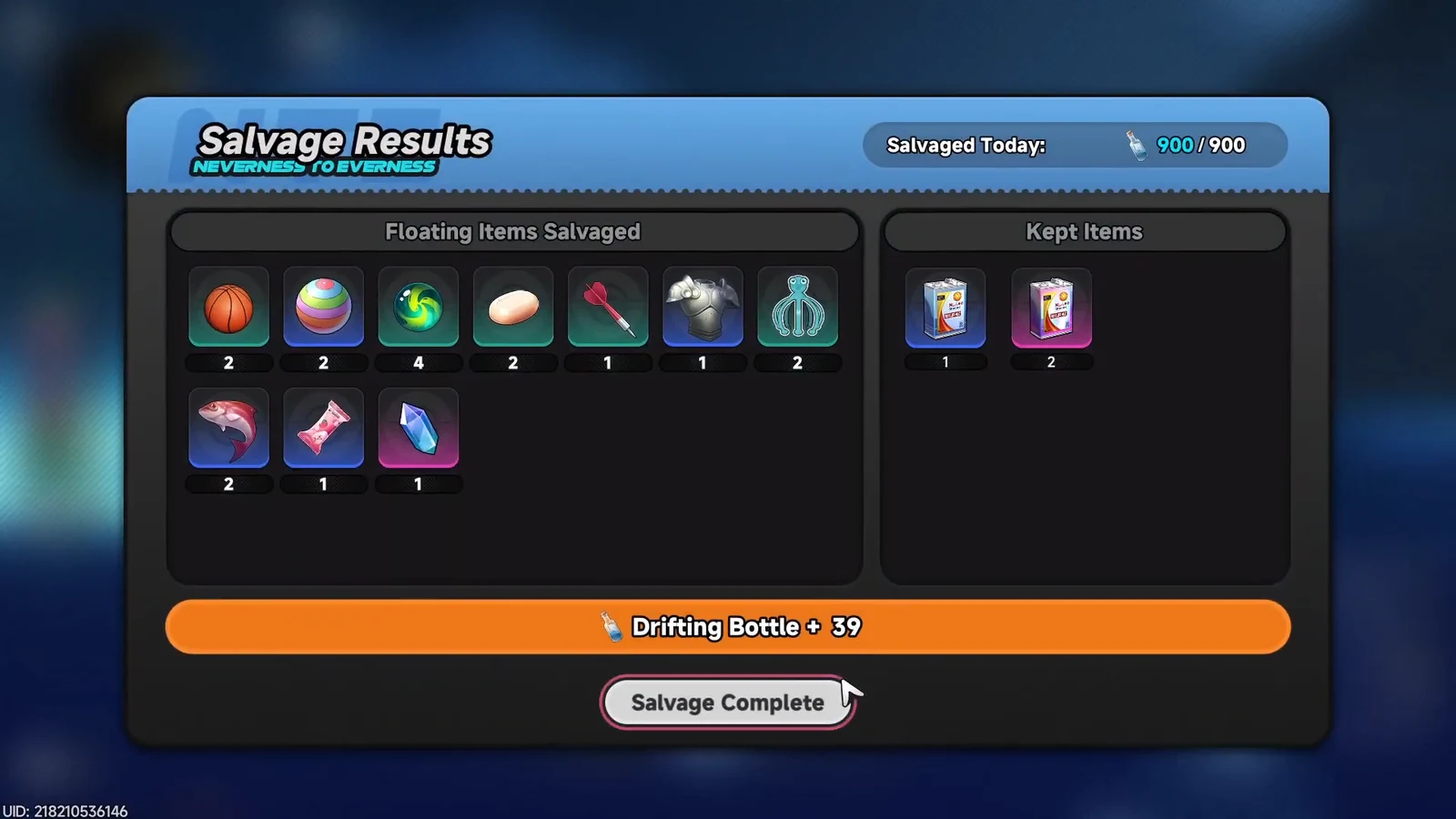
Ride back to the shore boundary and confirm “End salvage now?” to finish. The Salvage Results screen then shows your salvaged items, the items you kept, and the Drifting Bottles you earned. Cargo left in the water or lost to an empty fuel tank does not appear here, which is your confirmation that only returned cargo counted.
Spending Drifting Bottles and event rewards
Return to Mason and open the Event Shop to trade Drifting Bottles for rewards. Annulith is available here, alongside cosmetic and material prizes tied to the event track.
The reward set for the event includes the following.
| Reward | Type |
|---|---|
| “Full Haul” | Event avatar frame |
| “Treasure Hunt” | Event namecard |
| Annulith | Premium currency |
| Fabricated Dice | Gacha material |
| Fons | In-game currency |
To make the most of the run to September 30, chase upgrade parts in your first few outings, then lean on rarity-first runs to fill out the Drifting Bottle track and clear the shop before the event closes.