Every scenario in Once Human eventually resets. Your level drops back to 1, the map re-fogs, and your base disappears. Eternaland is the one place that never wipes, and it is the tool the game gives you to drag part of your loot and progression into the next season instead of starting from nothing.
Quick answer: Build an Isolated Securement Unit in your current scenario base, move the weapons, gear, blueprints, and materials you want to keep into your Spacetime Backpack, and start your next scenario within 30 days. You then spend from a 20,000 Material Point budget to pull those items into the new season. Anything you skip is converted into Astral Sand inside Eternaland.
What survives a season reset and what does not
Before moving anything, it helps to know what the game hands back to you for free and what you have to fight to keep. Some progress is permanent and carries forward automatically. Some has to be manually transferred and paid for with points. The rest is gone the moment the scenario shifts.
| Category | What happens at season end |
|---|---|
| Currencies (Starchrom, Sproutlets, Mitsuko’s Marks) | Kept permanently |
| Blueprints, weapon/armor mods, cosmetics, house designs, friend list | Kept permanently |
| Weapons, armor, deviations, materials you flagged | Moved to the Spacetime Backpack, then transferred with Material Points |
| Character level | Resets to level 1 |
| Map exploration and landmarks | Reset, must be rediscovered |
| Memetics (specialization traits) | Reset every season |
Note: items sitting in your backpack or storage chests are only safe if you have put them into the transfer flow. Anything marked with red text that reads “This will be destroyed at the end of the Season” is exactly that, and no amount of Astral Sand saves it.
Unlock Eternaland first
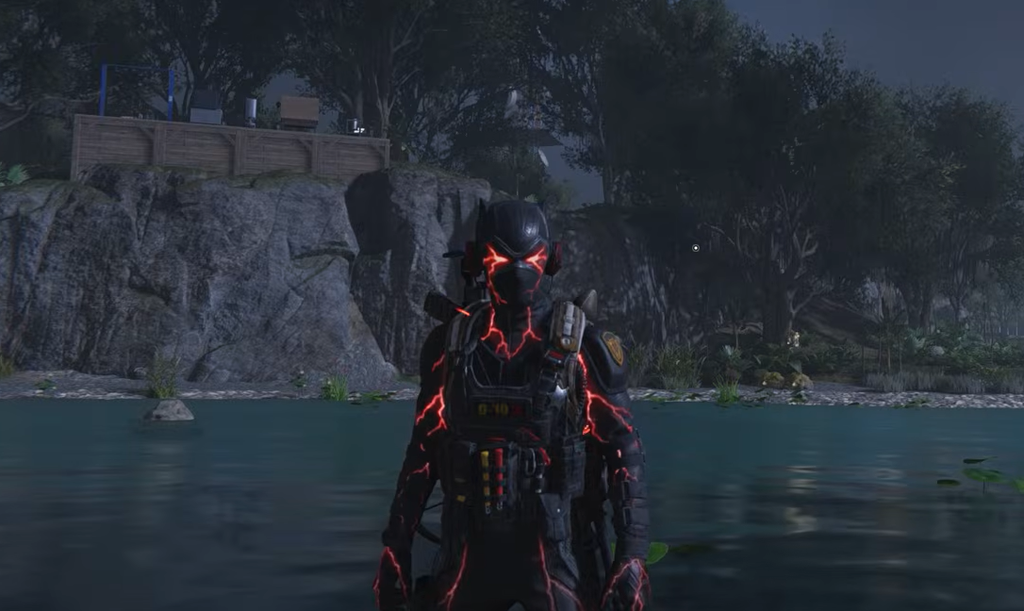
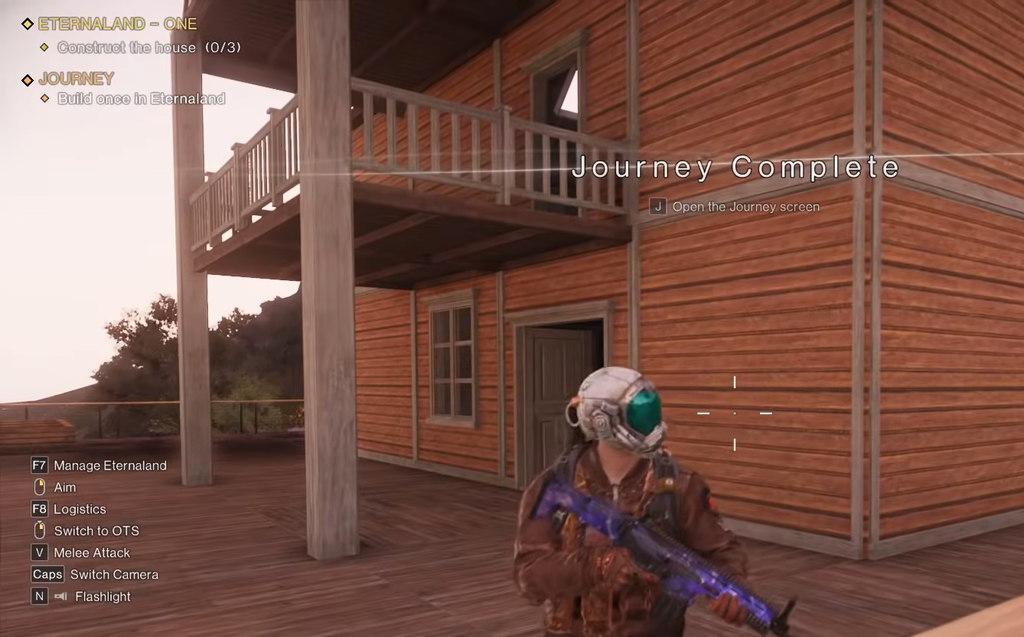
You cannot preserve anything until Eternaland is open, and that gate sits behind a short questline.
How the Spacetime Backpack carries items to a new season
Two inventories matter here. The Scenario Backpack is your current character’s normal inventory. The Spacetime Backpack is the one that survives a reset and holds the items destined for your next scenario. Moving loot from one to the other is the whole point of the process.
You will know the transfer worked when the flagged items appear ready to pull in your new scenario’s inventory at the start of the season. If you would rather remain in the same scenario indefinitely, that is also allowed, and nothing resets until you choose to shift.
Material Points: the transfer budget you cannot exceed
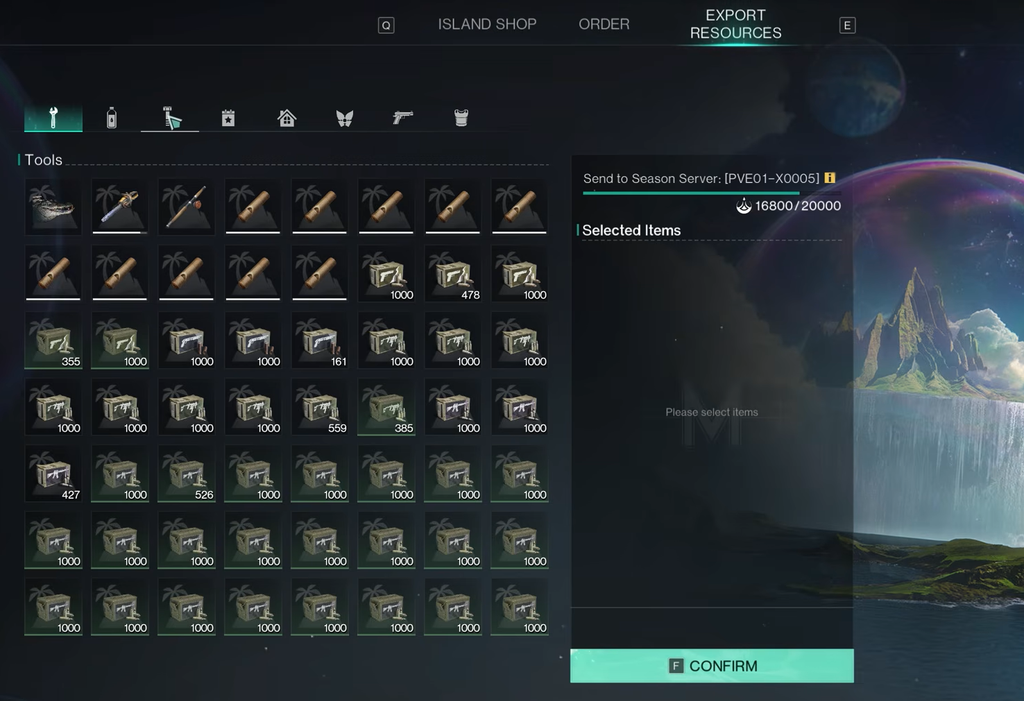
Pulling items out of the Spacetime Backpack into a fresh season is not free. Each new season grants you 20,000 Material Points, and every item has its own point cost. Deviations, weapons, and gear can eat thousands of points each, while food and ammunition are cheap.
To spend them, open your backpack in the new scenario and click the Spacetime Backpack icon, then select the items you want and confirm. You do not have to spend the whole budget on day one; the points sit there until you use them. This budget refreshes to 20,000 each season and does not roll over, so treat it as a moving-truck limit and bring what matters most.
Astral Sand and the Eternaland economy
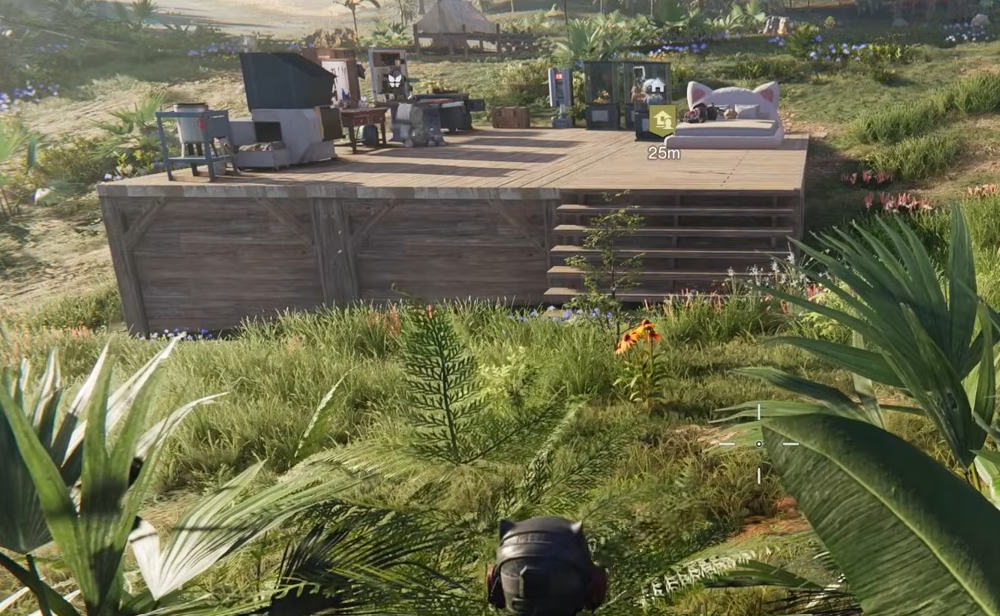
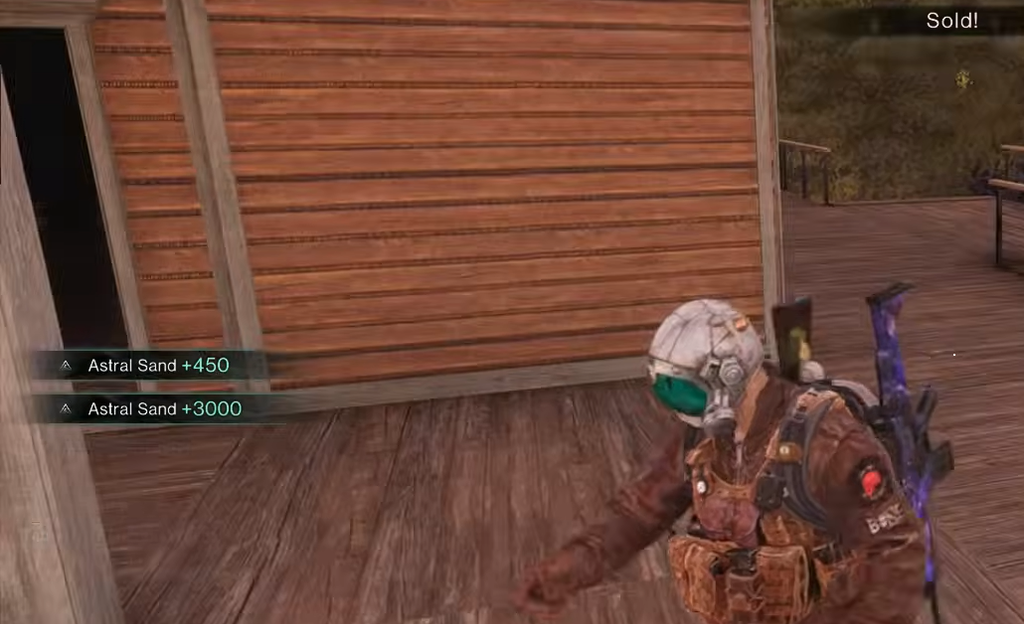
Astral Sand is the only currency Eternaland runs on. Building, placing furniture, and crafting there cost Astral Sand instead of gathered wood, ore, or other materials. That means no grinding forests just to finish a wall.
You generate it mainly by selling old materials and gear. Open the Eternaland menu (F8 opens the shop directly), go to the Shop Order area, and use the Sell tab to convert items from your Eternaland Backpack into Astral Sand. Weekly Eternaland orders and events pay out Astral Sand as well. The Export Resources tab in the same shop sends Eternaland-grown supplies back to your active scenario, and that export also draws from your point budget, so use it when stocking up for a boss fight or PvP push.
Repair gear with Astral Sand to save real materials
Because material costs inside Eternaland are replaced by Astral Sand, the Repair Workbench there lets you reset the durability of your equipped gear using Astral Sand instead of scarce, high-grade mats. The practical loop is simple. Farm large amounts of low-grade materials in your scenario, carry them into Eternaland, sell them for Astral Sand, and use that Sand to repair your gear.
Unlock and build the Repair Workbench in your Eternaland base before relying on this. Without it, the recycling routine has no payoff.
What you cannot take out of Eternaland
The biggest limitation is a hard one. Anything you craft or build inside Eternaland cannot be moved into your current scenario, and it cannot be passed between scenarios. The single exception is harvested food, which you can carry out to feed your animals.
Blueprints are the workaround for structures. Save a build you like as a blueprint, and it stays with you through resets so you can reconstruct it in a new season using that season’s materials. You cannot teleport the finished house out, but you can rebuild it from the saved plan.
Moving items between your own characters
There is a roundabout way to shuffle items between characters using a second, dedicated “pack mule” account. Drop items from your main character, then log into that alternate character’s Eternaland and pick the dropped items back up. It works, but the same rule still applies. Nothing crafted inside Eternaland can be transferred back into a scenario through this trick, so it is only useful for items that were already legal to move.
Handled well, Eternaland turns each six-week wipe from a total loss into a controlled reset. Keep your currencies and blueprints flowing automatically, flag the gear worth its point cost through the Isolated Securement Unit before the season closes, and lean on Astral Sand repairs to stretch your best materials across scenarios.