Palworld’s 1.0.2.100993 update is a small PC-only hotfix aimed at players who run mods. It adjusts how the game handles mod-related processing so sessions stay stable, and it landed on July 30, 2026. Nothing here changes gameplay balance, Pals, or story content, and crossplay with other platforms keeps working normally.
Quick answer: Update Palworld on Steam to build 1.0.2.100993. It only exists on PC, fixes stability when using mods, and does not break crossplay with Xbox or other versions.

What Palworld 1.0.2.100993 changes
This patch is narrow. It reworks internal processing to reduce instability that could occur when mods are active, and that is the whole scope of the update. Because it is limited to the PC client, console players are not affected and do not need to do anything.
| Detail | Value |
|---|---|
| Version | v1.0.2.100993 |
| Release date | July 30, 2026 |
| Platform | PC only |
| Focus | Stability improvements for playing with mods |
| Crossplay | Unaffected; still fully supported |
If you play without mods, you can still install the update safely. It carries no downside for standard play and simply keeps your client current.
Release date and platform
Version 1.0.2.100993 went live on July 30, 2026 for the PC version of Palworld. There is no matching console build because the fix only touches PC-side mod handling. Even though it is PC-exclusive, it does not create any mismatch when you play with friends on other platforms.
How to download Palworld 1.0.2.100993
The update is delivered through Steam and Xbox Game Pass. Both let you update automatically or trigger the download by hand. The table below lists each method, and the steps that follow walk through the manual options.
| Available | Method |
|---|---|
 | Steam manual download |
| Enable Steam auto-update |
| Check for updates on Xbox Game Pass |
| Enable Xbox Game Pass auto-update |
Update on Steam
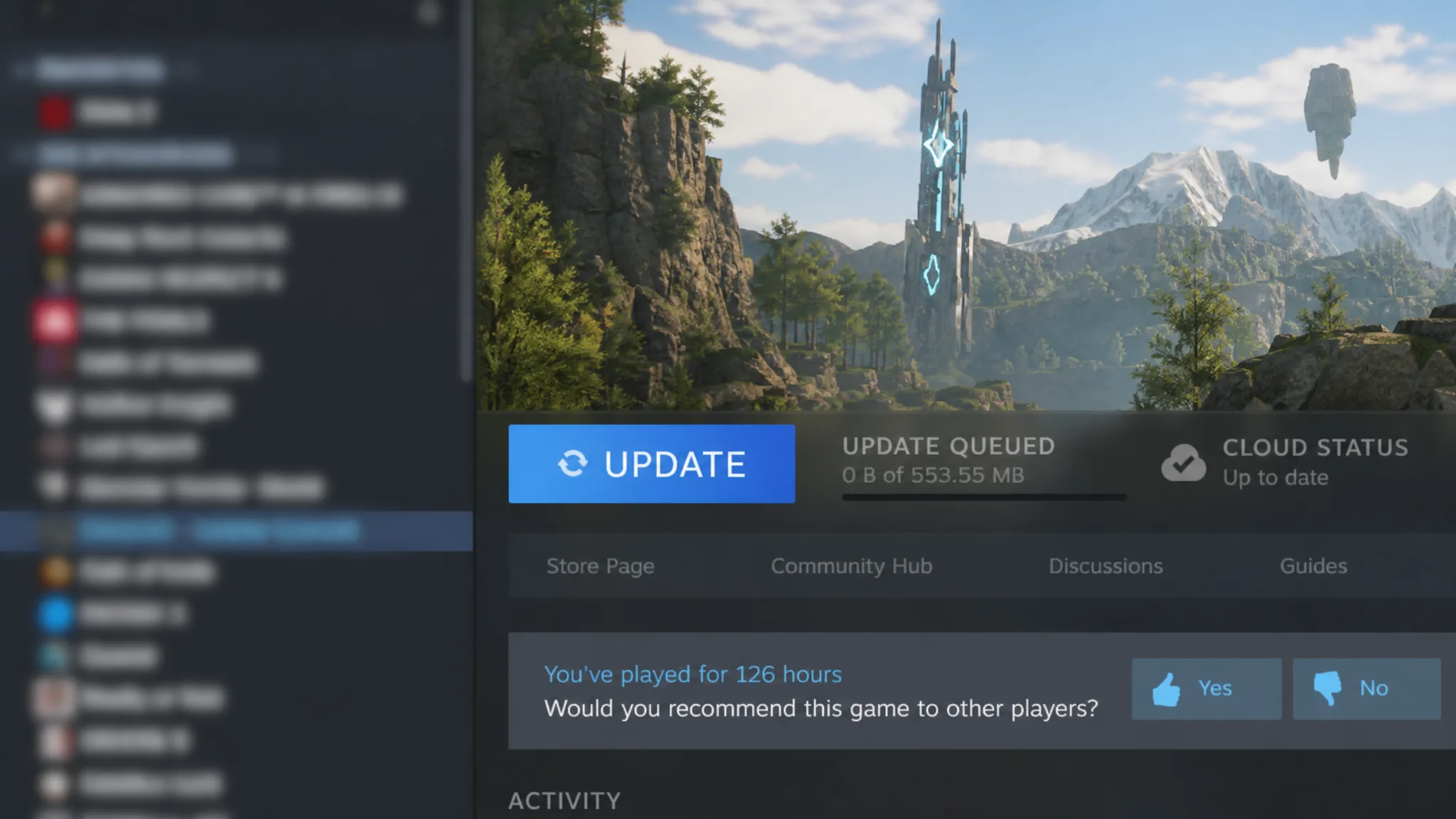
Update on Xbox Game Pass
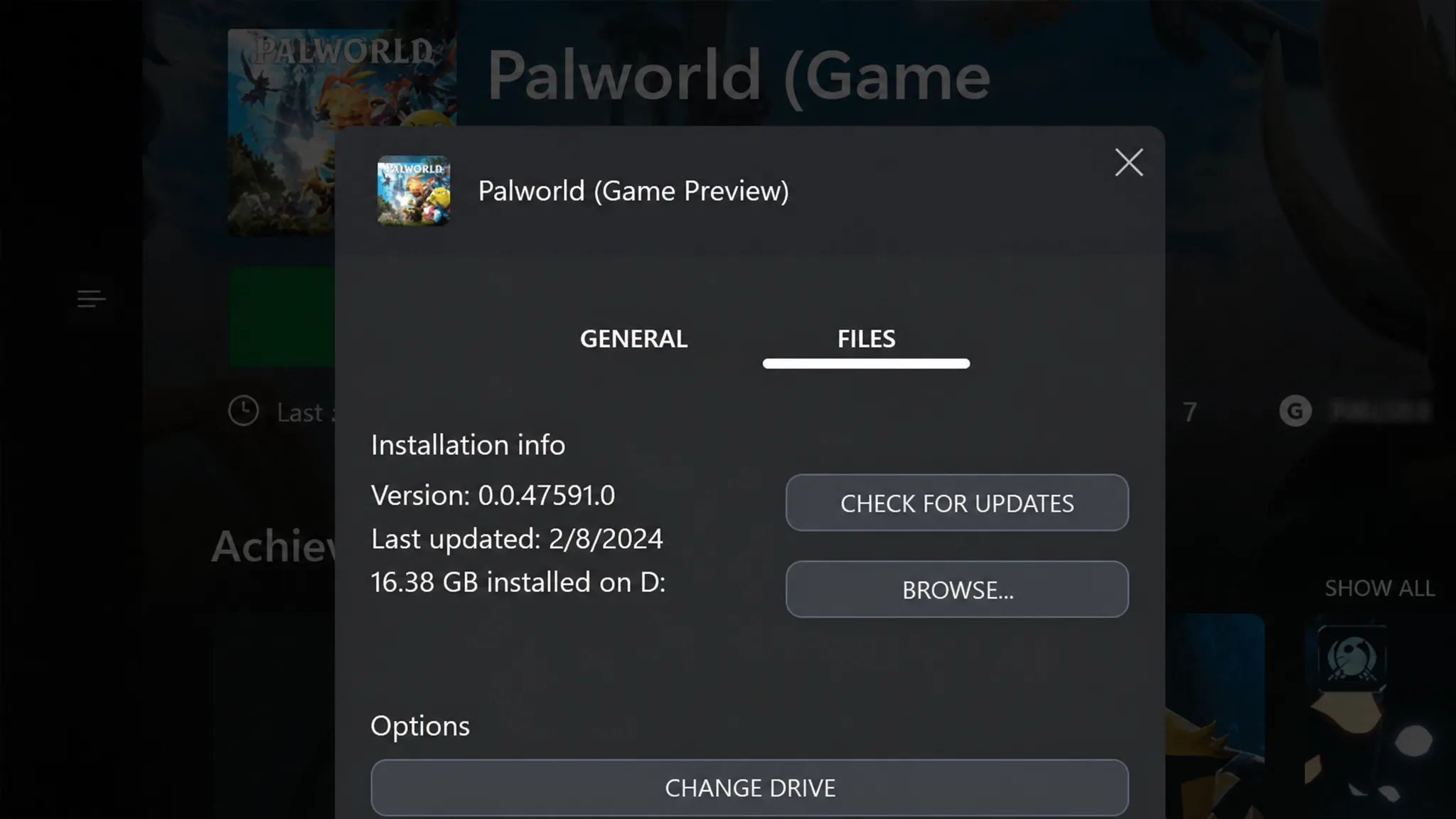
Note: Because this build is PC-only, the Xbox Game Pass client will not show 1.0.2.100993. Console players stay on their existing version and remain compatible with PC players in shared sessions.
Confirm the update installed
On PC, the download completes when Steam stops showing the Update button and returns Palworld to a Play state. You can verify you are current by checking that the client reports build 1.0.2.100993. If you use mods, the practical sign it worked is that your sessions run without the crashes or instability the hotfix targets.