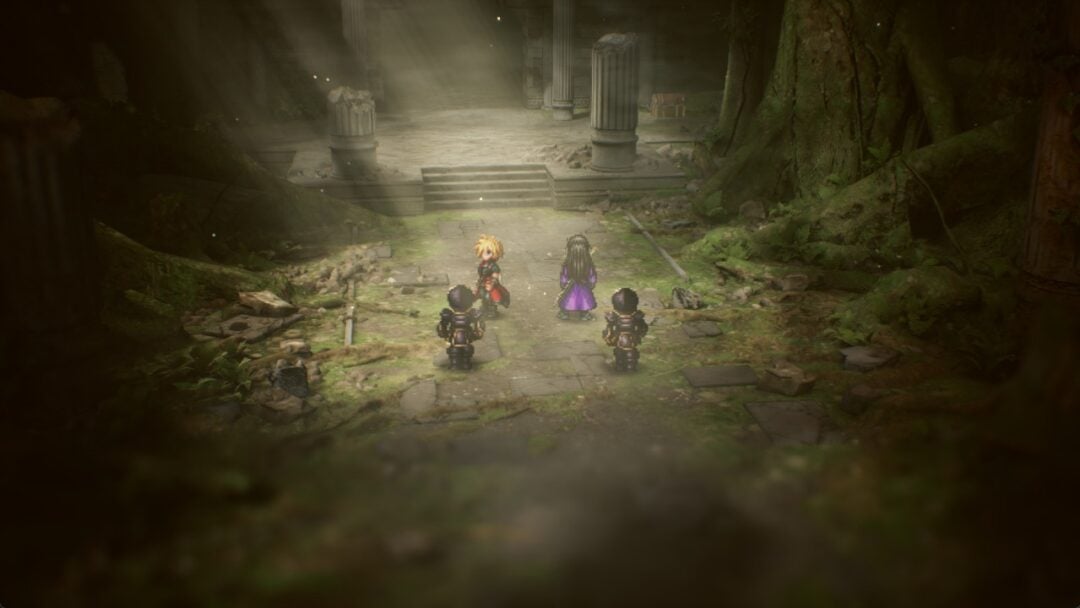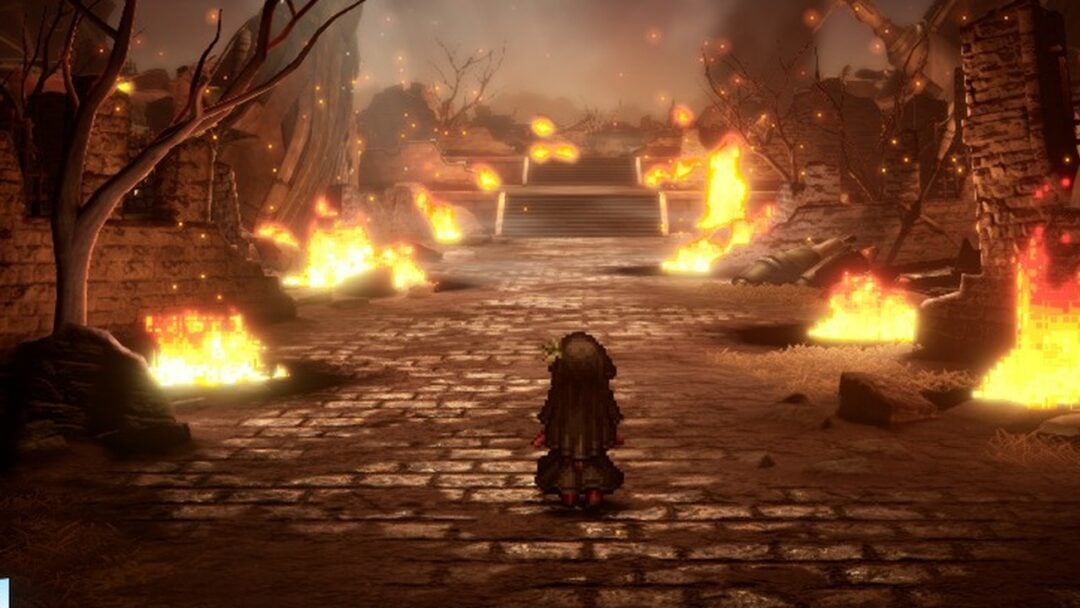
Palworld exits Early Access on July 10, 2026, and the version 1.0 update brings reworked mechanics, new regions, new Pals, and the World Tree endgame zone. The one question hanging over launch day is whether to load your existing world or roll a new character. Your old save is not going anywhere, so this comes down to how you want to experience the full release.
Quick answer: Back up your current save, then start a new character for the intended 1.0 progression. Keep your Early Access world untouched so you can return to your bases and Pals later, and move favorites across with the Global Palbox if you want a head start.
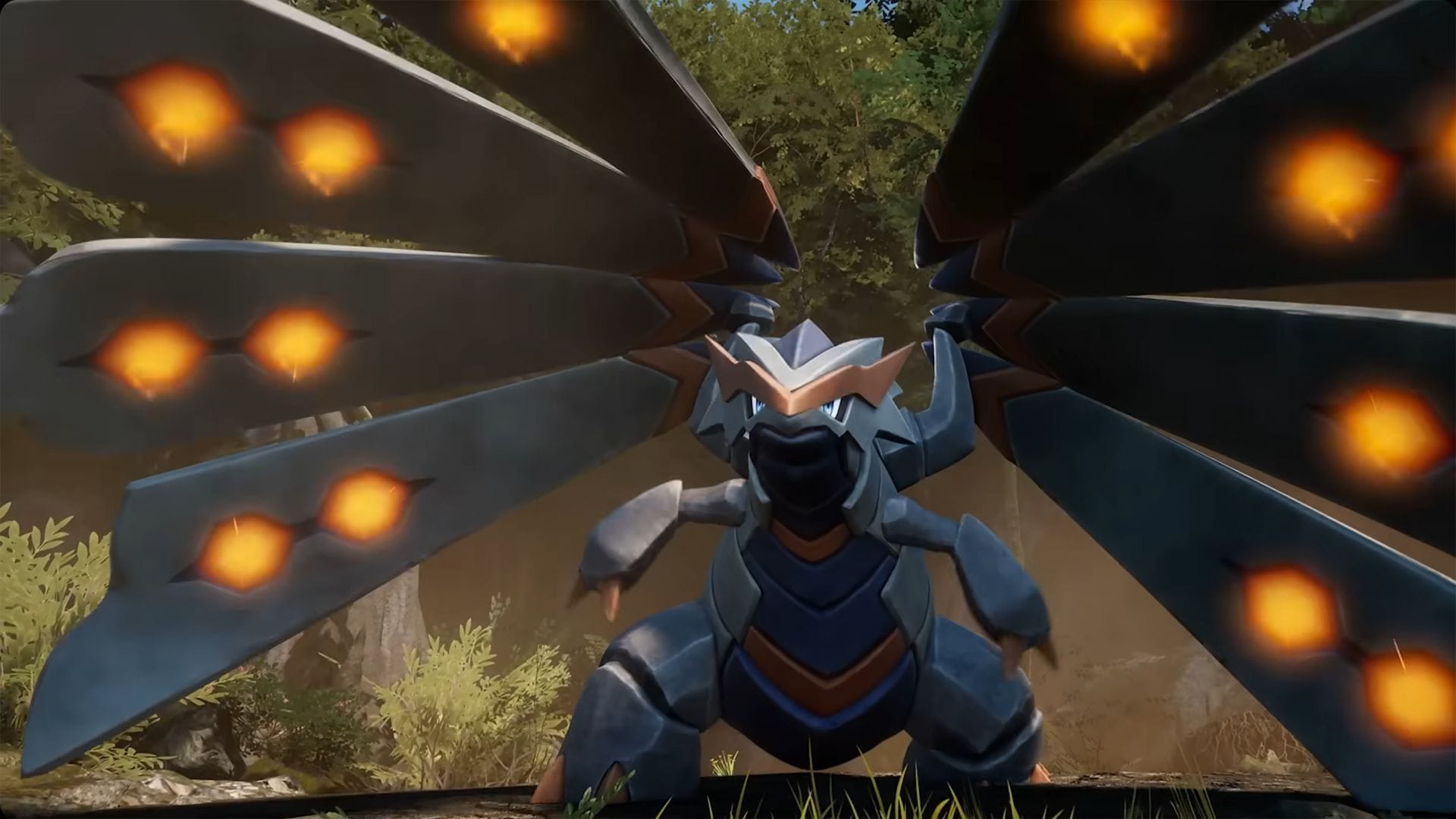
Does Palworld 1.0 wipe your save?
No. Pocketpair confirmed that version 1.0 does not force a wipe, so your Early Access character, bases, Pals, and world progress stay intact when you update. You can log in on launch day and continue exactly where you stopped.
The studio still recommends beginning again. In an official post from the Palworld account, the message was blunt: you do not need to wipe your data, “but you should.” The reasoning is that 1.0 overhauls existing mechanics and adds new content, so a fresh character is framed as the way to see everything in the right order.
What carries over if you keep your old save
Everything tied to your existing world stays with that world. Nothing on the list below gets deleted by the update. The one caveat is that a maxed character applies the new systems on top of endgame progress, which can skip past reworked early and mid-game content.
| Save element | Status in 1.0 |
|---|---|
| Character level, stats, appearance, tech points | Kept, tied to the old character |
| Bases, structures, and production lines | Kept, worth inspecting for pathing or placement issues after the patch |
| Full Pal collection, including bred and IV-optimized Pals | Kept |
| Bosses beaten, towers cleared, map and fast-travel unlocks | Kept |
| Storage items, weapons, armor, and materials | Kept |
| Paldeck, technology tree, and crafting recipes | Kept |
Who should start fresh and who should keep the old world
There is no universally correct choice. It depends on whether you care more about the new progression pacing or the hundreds of hours already banked in your current world. The table below matches common player types to the cleaner option.
| Player type | Better option | Why |
|---|---|---|
| New or returning player | Start fresh | You get the intended 1.0 progression from level one. |
| Old save with a small base | Start fresh | Little is lost by leaving a basic Early Access world behind. |
| Veteran with large bases | Keep old, start new too | You experience 1.0 clean without abandoning years of building. |
| Breeding-focused player | Keep old | Perfect passive lines and worker setups take a long time to rebuild. |
| Endgame-focused player | Keep old | Leveled Pals and resources reach new late-game content faster. |
| Wants the full designed experience | Start completely fresh | No old resources, no skipped progression, no legacy shortcuts. |
The pacing argument is the main reason to start over. 1.0 reworks the progression curve, so a level 50 character with endgame gear blows past rebalanced early content, new lower-level Pal variants, and reworked tutorials before they have a chance to land. A new character lets each new mechanic and narrative beat unlock in sequence instead of arriving bolted onto an existing endgame.
The middle ground: transfer Pals with the Global Palbox
You do not have to pick between a clean start and your best Pals. The Global Palbox lets you move tamed Pals between your old Early Access worlds and new 1.0 worlds, so a fresh character can still keep favorite breeders and perfect-IV companions. That softens the grind while leaving the new progression intact.
Note: If you plan a fresh start, wait until 1.0 goes live before creating any brand-new world so it runs on the full-release version with all the new systems active. The exact in-game interface is confirmed once the launch build is live.
Back up your save before you update
No wipe is planned, but major version updates can still cause edge-case problems with saves built around bases, terrain, and long-term progression. A backup takes two minutes and lets you experiment with a fresh start while keeping your old world safe.
| Platform | How to back up |
|---|---|
| PC (Steam) | Copy the entire %LOCALAPPDATA%\Pal\Saved\SaveGames folder to another location or cloud drive. Paste it back to restore. |
| PS5 | PlayStation Plus backs saves up to the cloud automatically, or copy to a USB drive via Settings, Saved Data and Game/App Settings. |
| Xbox Series X|S / Game Pass | Saves sync to the cloud when connected. Confirm the sync finished before launching the update. |
Two situations need extra care. On dedicated and co-op servers, many communities plan optional world wipes so everyone starts 1.0 together, so check with your admin before launch. And if you run a heavily modded or stat-altered world, back it up separately, since major updates often break mod compatibility until creators update their mods.
When Palworld 1.0 goes live
Palworld 1.0 releases on July 10, 2026 on PC via Steam and the Microsoft Store, Xbox Series X|S, Xbox One, and PlayStation 5, and it is free for existing owners. Pocketpair has not confirmed an exact global launch time, so the figures below are planning estimates rather than guaranteed unlock times.
| Region | Estimated date | Estimated time |
|---|---|---|
| Japan | July 10 | 9:00 AM JST |
| US East | July 9 | 8:00 PM ET |
| US West | July 9 | 5:00 PM PT |
| United Kingdom | July 10 | 1:00 AM BST |
| Central Europe | July 10 | 2:00 AM CEST |
Treat the new save as your 1.0 playthrough and the old one as your archive. Once you have seen the reworked early game, explored the World Tree, and learned what changed, you can return to your legacy world with a clearer sense of what is worth rebuilding, moving, or retiring.