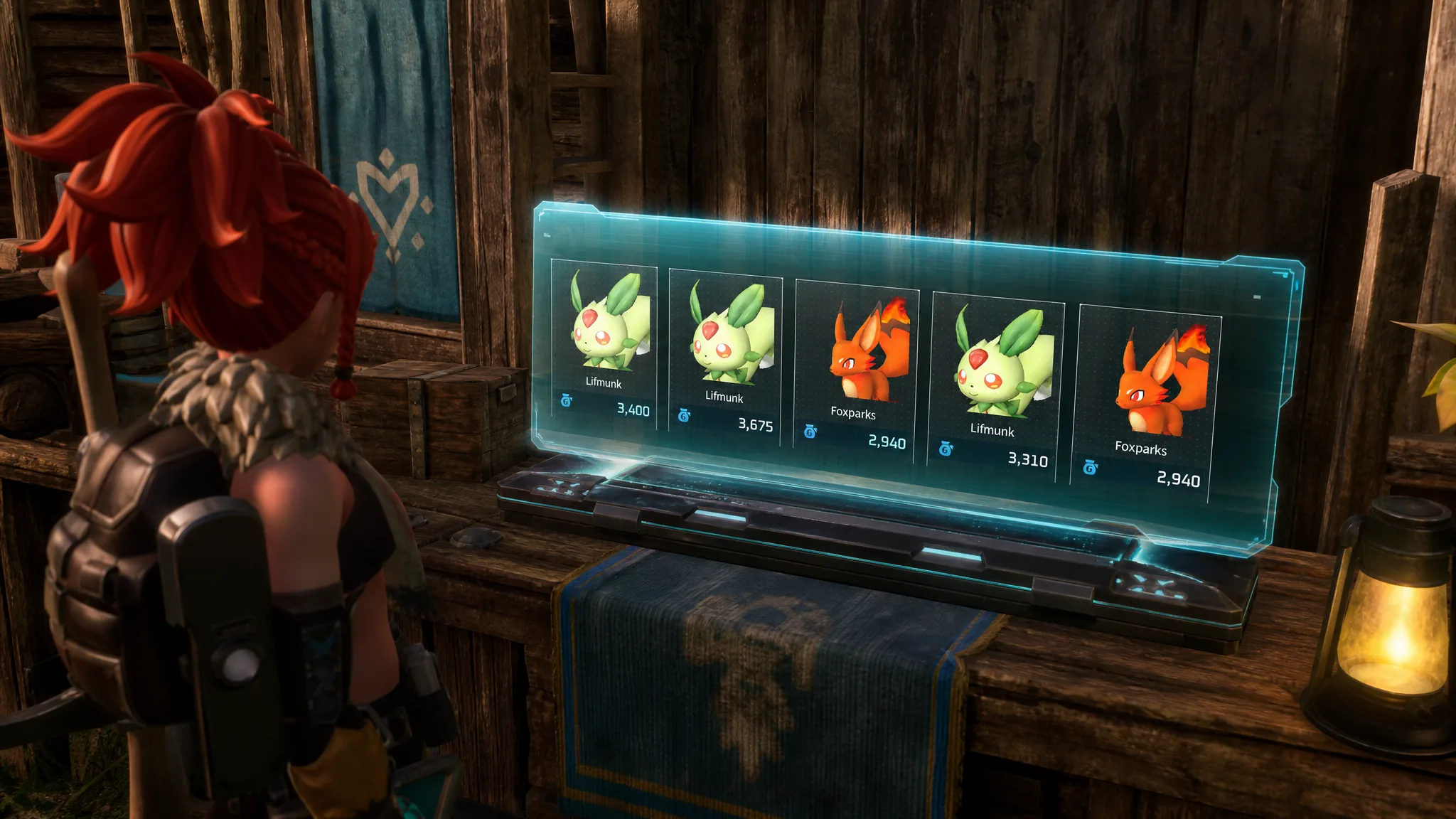
Merchant stock in Palworld is not fixed forever. The Pal Merchant and the Black Marketeer both carry a rotating lineup, so if the Pal you want is not on offer, you can cycle their inventory until it shows up. The Wandering Merchant is the exception, and it plays by different rules.
Quick answer: A Pal Merchant or Black Marketeer refreshes its five-Pal stock every 48 minutes on its own, or the moment you leave its render range and come back. To force it now, fast travel away and return, restart the game, kill the vendor and wait for it to respawn, or capture the vendor and redeploy it from the Palbox or a Viewing Cage.
Which vendors can refresh their stock
Only Pal-selling vendors reroll. The Pal Merchant and the Black Marketeer each hold five Pals at a time and swap them out on a timer or when you re-render them. The Wandering Merchant sells items instead of Pals, and its inventory never changes.
| Vendor | Sells | Can refresh? |
|---|---|---|
| Pal Merchant | Pals (5 at a time) | Yes |
| Black Marketeer | Rare Pals and resources | Yes |
| Wandering Merchant | Items and materials | No, stock is fixed |
Pal Merchants also sell back any player Pals you lost, and the price of each Pal scales with its base value and level.
When Pal stock refreshes on its own
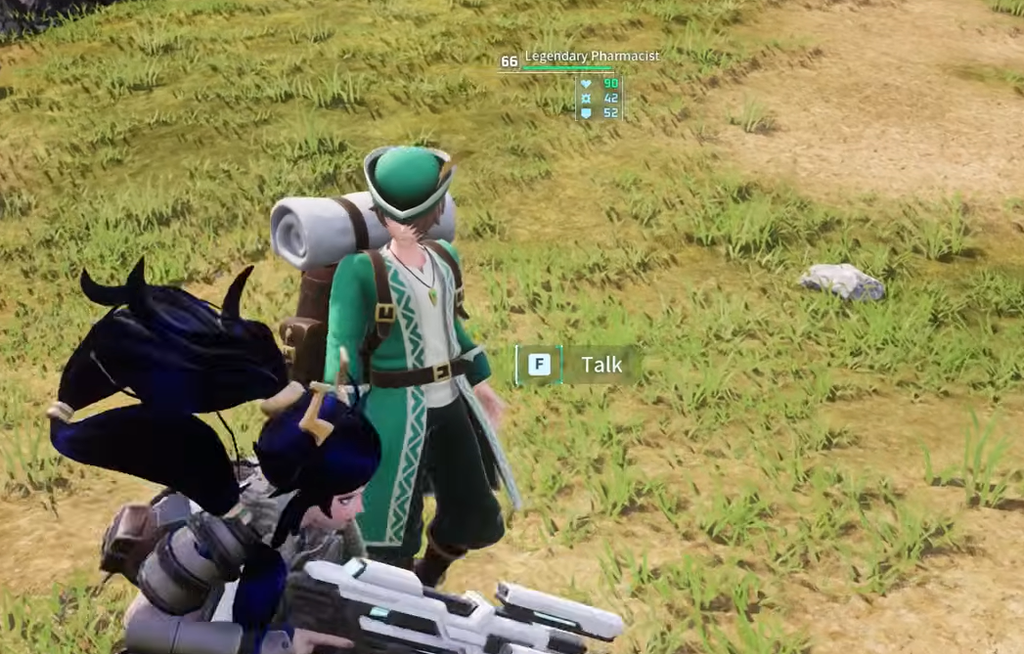
Left alone, a Pal Merchant or Black Marketeer rerolls its five Pals roughly every 48 minutes of real time. The same reset also triggers whenever the vendor leaves your render distance and loads back in, which is why the manual tricks below all work so quickly.
Fast travel away and back
The fastest option is to warp out and warp back. Moving out of render range and returning forces a fresh roll of the vendor’s Pals.
Restart the game
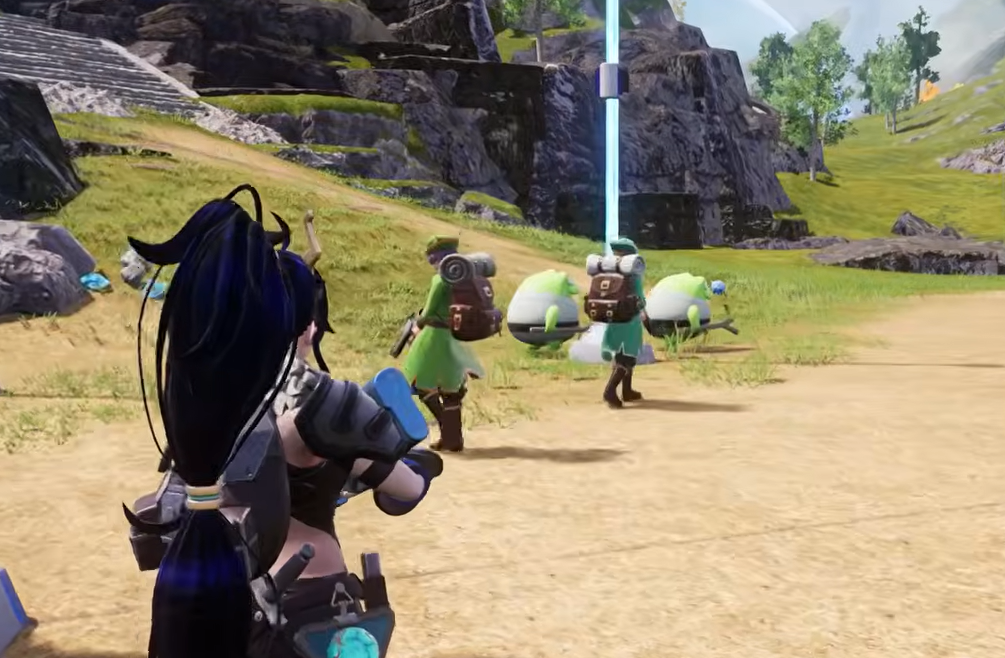
Quitting to the menu and loading back into the world also rerolls vendor stock. When you return, the Pals on offer will differ from your last visit. If you plan to restart, buy anything you already want first, because the previous selection is gone once the new stock loads.
Kill the vendor and wait for the respawn
Eliminating a Pal Merchant or Black Marketeer and waiting for it to respawn is a reliable reset. Expect a wait of one in-game day for the vendor to return with new stock. This is harder against the Black Marketeer because of its high level.
For the Black Marketeer specifically, the respawn glitch brings the vendor back without leaving the area or restarting the game, which skips the wait entirely.
Capture the vendor and reroll with the Palbox
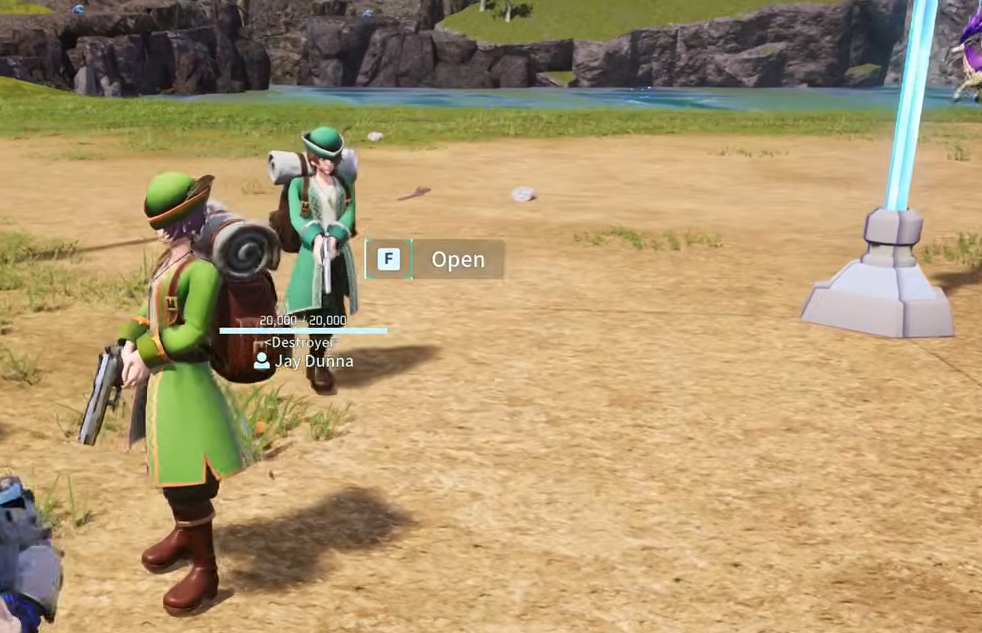
You can catch either the Pal Merchant or the Black Marketeer and store them at your base. Redeploying them from the Palbox forces a new lineup on every deploy, which turns rerolling into a quick loop.

Capture the vendor and use a Viewing Cage
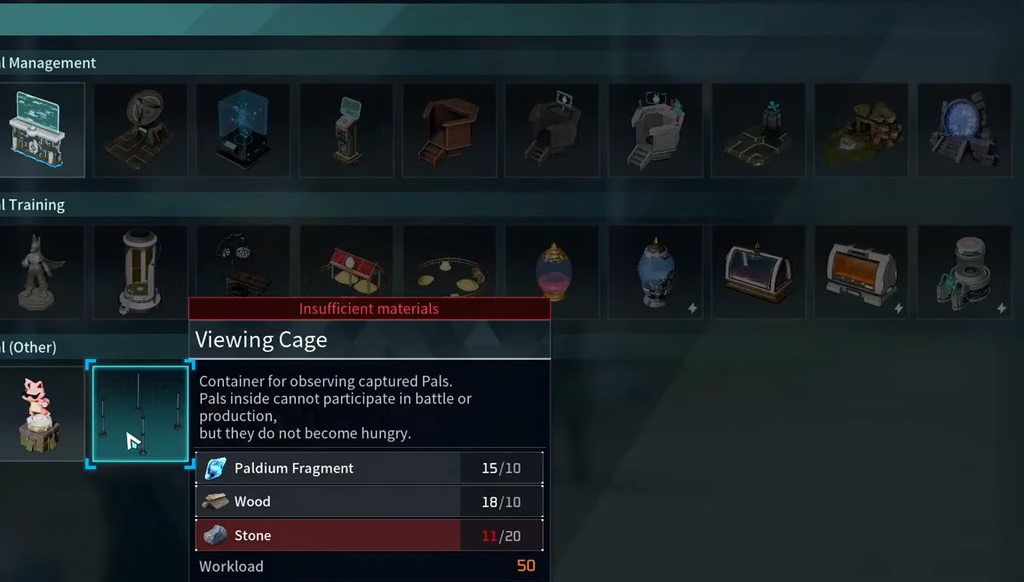
A Viewing Cage keeps a captured vendor penned in one spot so you can reroll them without chasing them around your base.
Wandering Merchant stock cannot be refreshed
None of the tricks above work on the Wandering Merchant. Its item stock stays fixed no matter what you do. Palpagos Island hosts several of these merchants, each marked by a different coat color and carrying a different set of items. If one does not have what you need, the only fix is to travel and find a different Wandering Merchant. Splitting up with friends in multiplayer makes tracking them down faster.
How to tell the reroll worked
Open the vendor’s buy menu and compare the five Pals against what was there before. A successful refresh shows a different lineup, with new Pals, levels, or prices in the list. If the same five Pals appear, the vendor was still in render range or the 48-minute timer had not elapsed. Move fully out of range and back, or repeat one of the methods above.