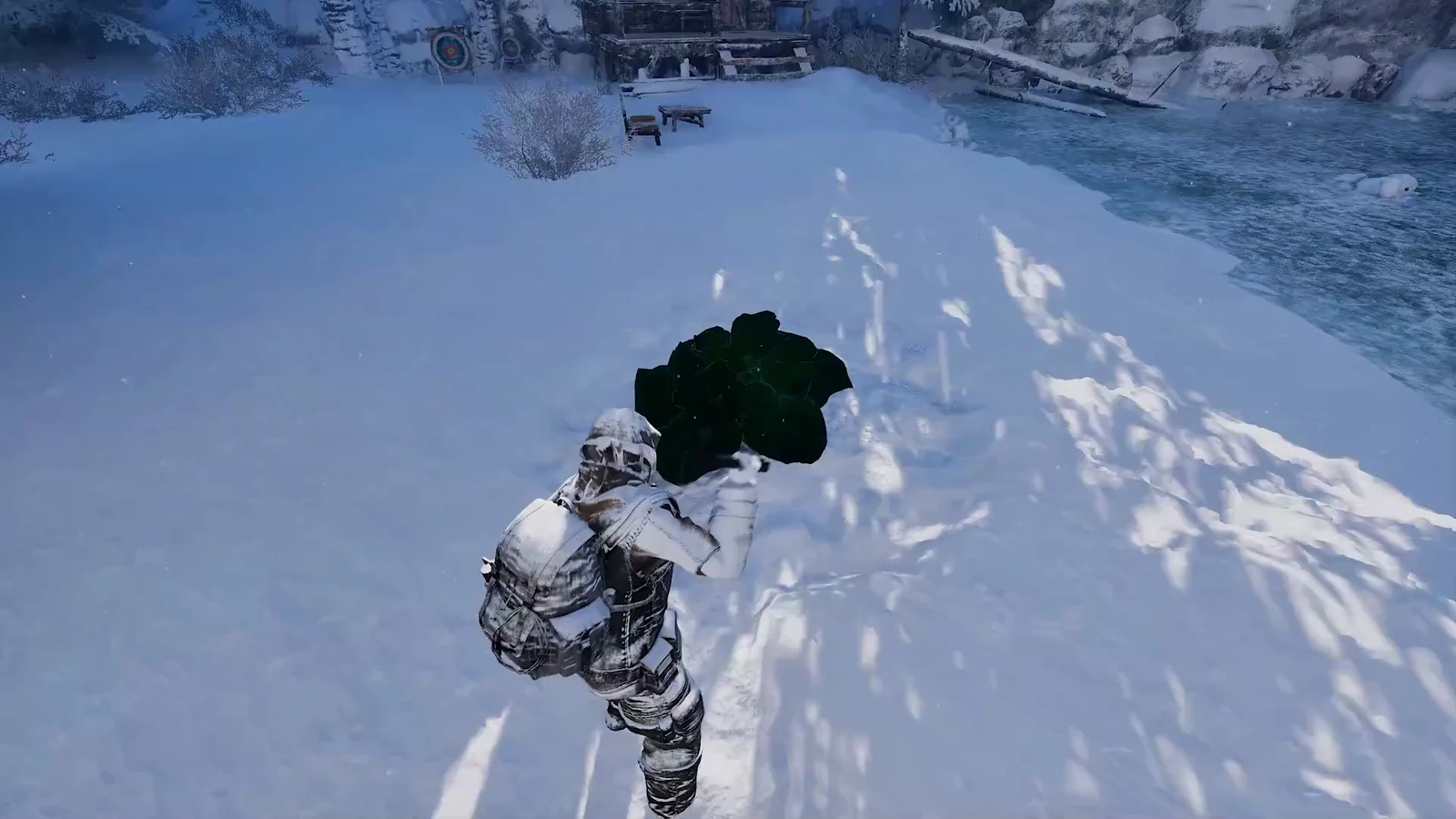
Dying in Permafrost does not wipe your run, but it does scatter part of it across the snow. Your worn gear and whatever sits in your quick slots travel with you to the respawn point. Everything loose in your backpack stays behind, marked by a wooden cross you can walk back to and empty. The real danger is the trip itself, because the cold that killed you is usually still waiting when you wake up.
Quick answer: You keep your quick slots (1–8) and all worn clothing. Every stack in your backpack grid drops at the spot you died into a tombstone. Walk back, press F to open it, then press R to take everything.
What you keep and what you drop
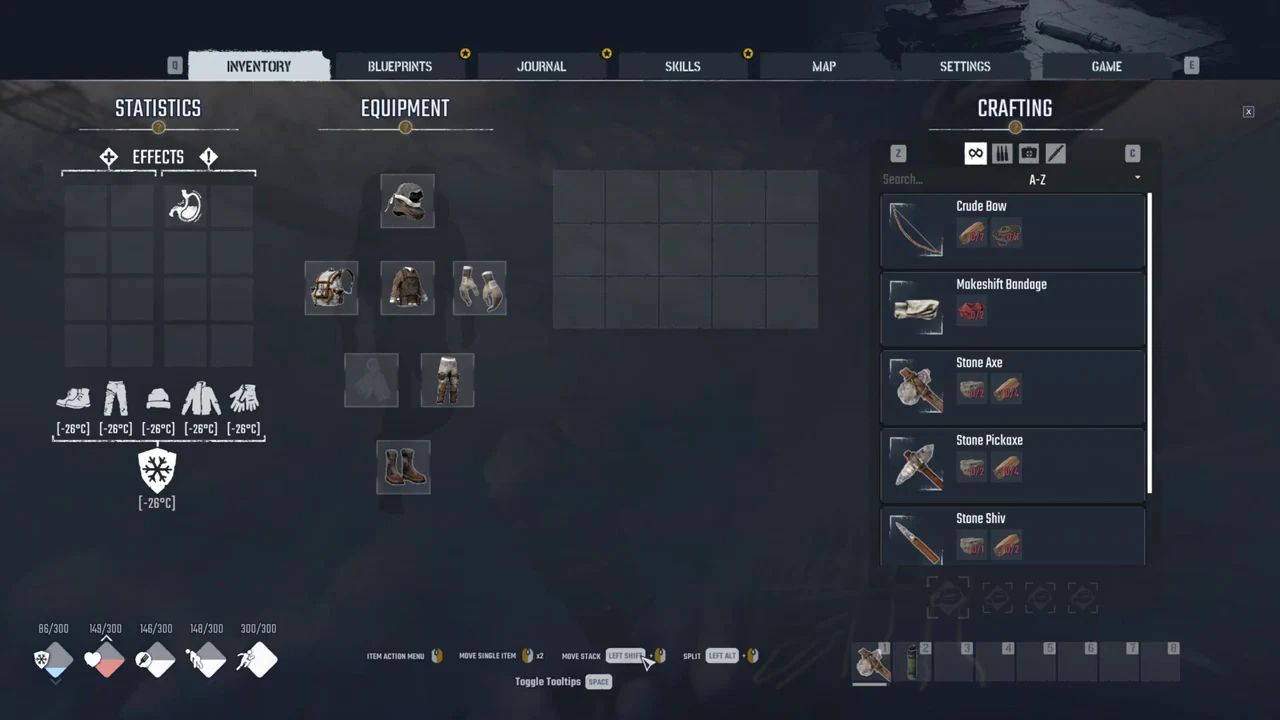
Death splits your inventory in two. Anything equipped or slotted on your character comes back with you. Anything loose in the main backpack grid is left on the ground. Learned blueprints and quest progress stay as they were.
| Stays with you | Drops at the death spot |
|---|---|
| Items in quick slots 1–8 (tools and placed consumables) | Every stack in the backpack grid |
| All worn clothing, including the backpack itself | Resources like Stone, Wood and Edible Root |
| Learned blueprints | — |
| Quest progress | — |
Because the backpack is worn, it never drops, only its contents do. A Stone Axe or Improvised Tea parked in a quick slot also stays on your character. If your backpack grid was empty when you died, nothing is left to collect and no loot waits in the cross.
The death screen and your two respawn options
When Health hits zero, the screen cuts straight to YOU ARE DEAD with a white skull and two buttons. There is no countdown and no self-revive when you are playing solo.
- Respawn at the current rest point — you can use this option only after claiming a bed. Before that, it appears dimmed and cannot be selected.
- Respawn at the nearest safe zone — this option is always available. At the beginning, it returns you to the wreck at the ravine’s upper end, where the game begins, beside the collapsed bridge and overturned car.
With no rest point set, the safe-zone button is your only choice. From the first cabin, the wreck site is a sprint of about half a minute up the frozen stream.
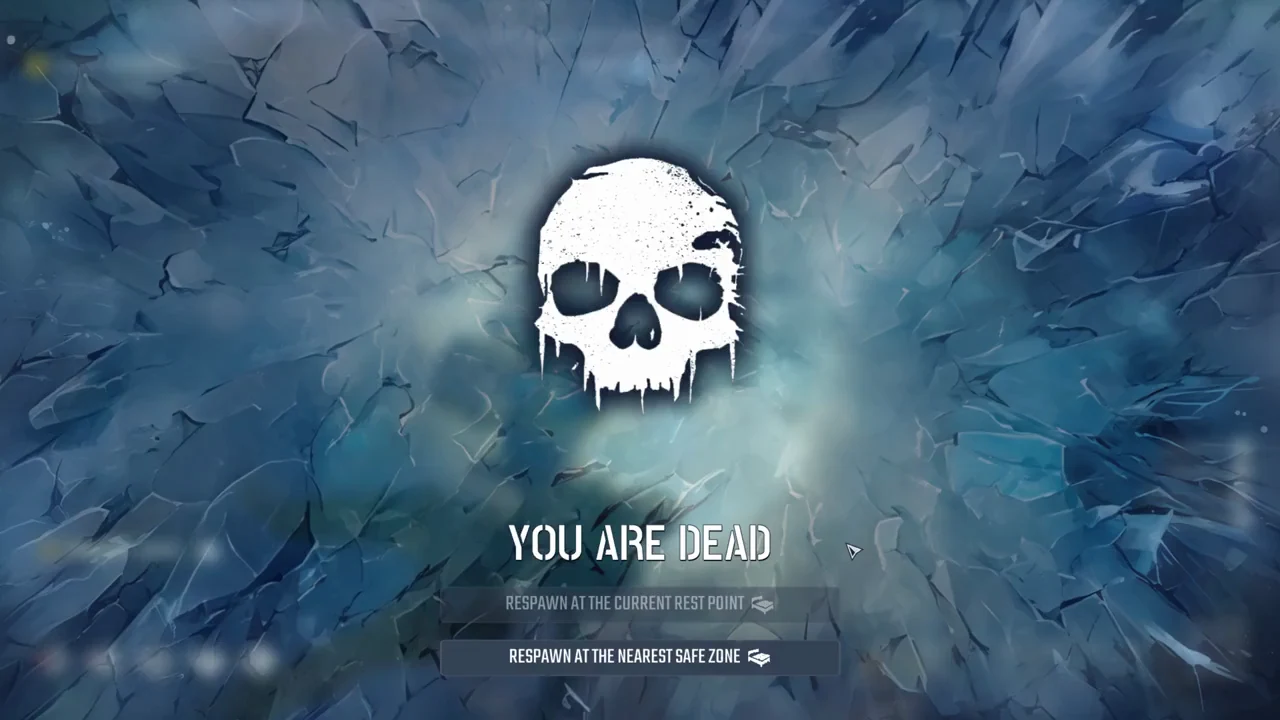
The game clock keeps running while the death screen is open. Leaving it up to wait for a better moment just burns the hours of the day, so it is not a safe pause.
What your stats look like after respawning
You wake at the safe zone with your bars partly filled, not full. Status effects you had before dying, such as Parasites or Famished, are cleared. Everything is scored out of 300.
| Stat | Value after respawn |
|---|---|
| Body Warmth | 77 to 114 / 300 |
| Health | 149 / 300 |
| Hunger | 146 to 148 / 300 |
| Energy | 148 / 300 |
| Stamina | 300 / 300 |
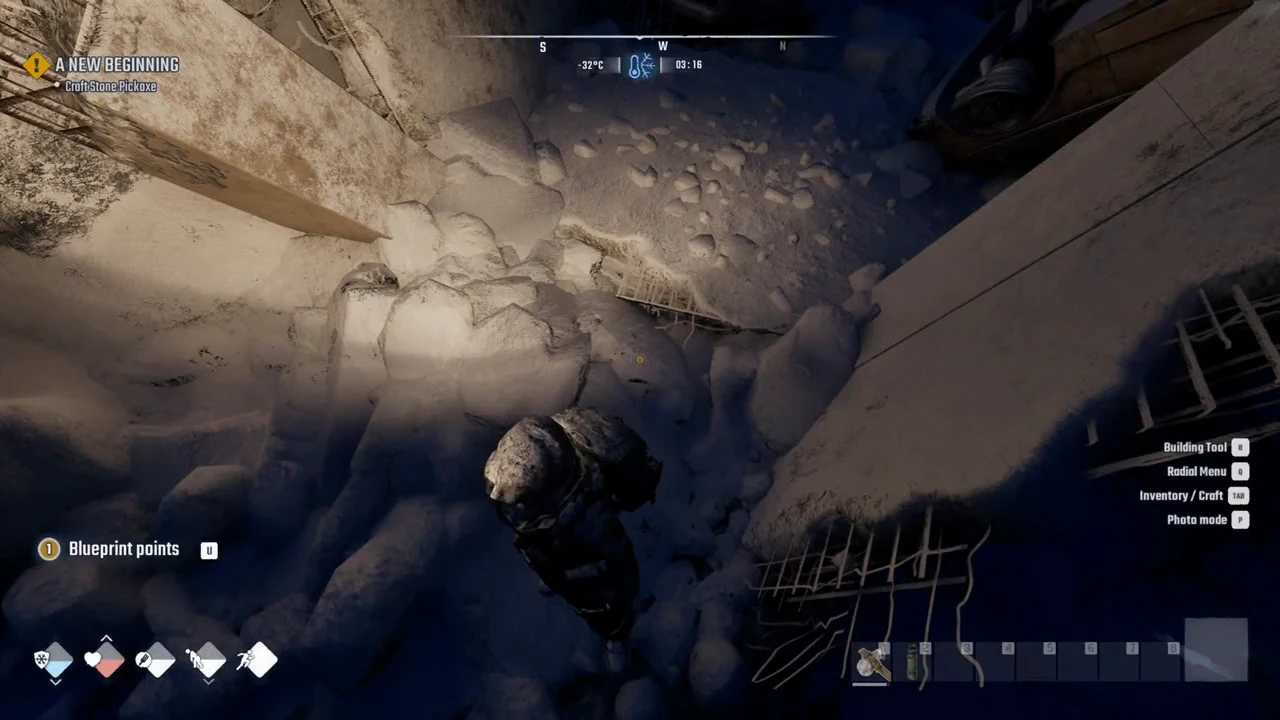
Cold remains a threat. Your starting outfit protects you down to [-26°C]. If you respawn at night in -33°C conditions, Body Warmth reaches zero after only a few minutes; then Health falls by about 6 points every second or two. In daylight, Health stayed unchanged between -26°C and -27°C, even with Body Warmth depleted. A lit Campfire raises Body Warmth from 0 to 300 in under a minute, and Improvised Tea replenishes 45 Body Warmth plus 45 Health.
Do not sprint straight back to your tombstone in the middle of the night with no fire or warm drink. Freezing to death on the way there just leaves a second cross next to the first.
How to get your items back from the tombstone
Your dropped stacks wait in a wooden cross at the exact spot you died, marked by a skull-and-backpack icon floating over it and on the compass strip. Before you set out, make sure you can survive the trip: carry an Improvised Tea or enough material for a Campfire if you are heading out in deadly cold.
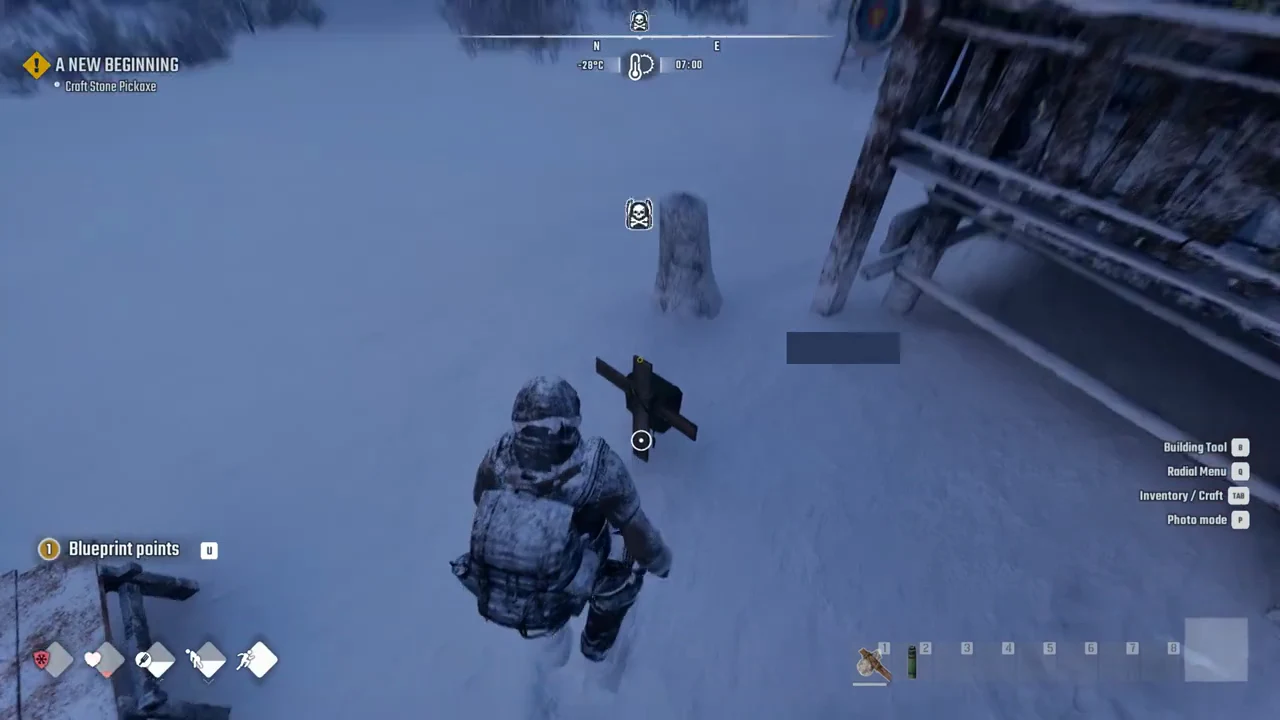
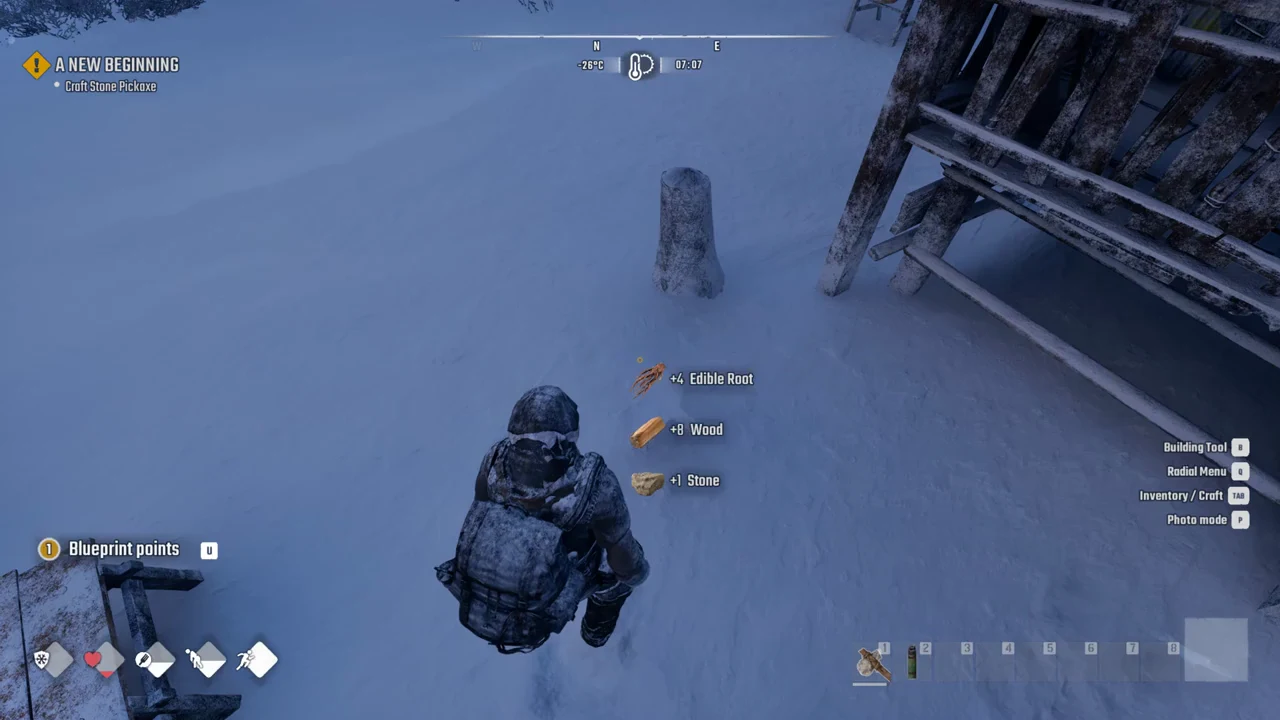
You know it worked when pickup notices float beside you (for example +4 Edible Root, +8 Wood, +1 Stone) and the cross and its marker vanish from the world. An empty tombstone removes itself.
The tombstone has no visible time limit. Its loot remained there through an entire night and was still present after another death in between. You can find the marker on your compass and in the world.
Set a rest point so you respawn closer
To enable the “Respawn at the current rest point” button, first claim a bed. Open BUILDING, select the Survival tab, and build a Bed using 5 Cloth and 5 Wood. Claiming it makes the bed your rest point and shortens your corpse runs.
Until then, plan every outing around the safe zone you would respawn at. Keep a fire source and a warm drink on hand, avoid long stretches in cold pockets, and the trip back to the cross becomes a short errand instead of a second death.