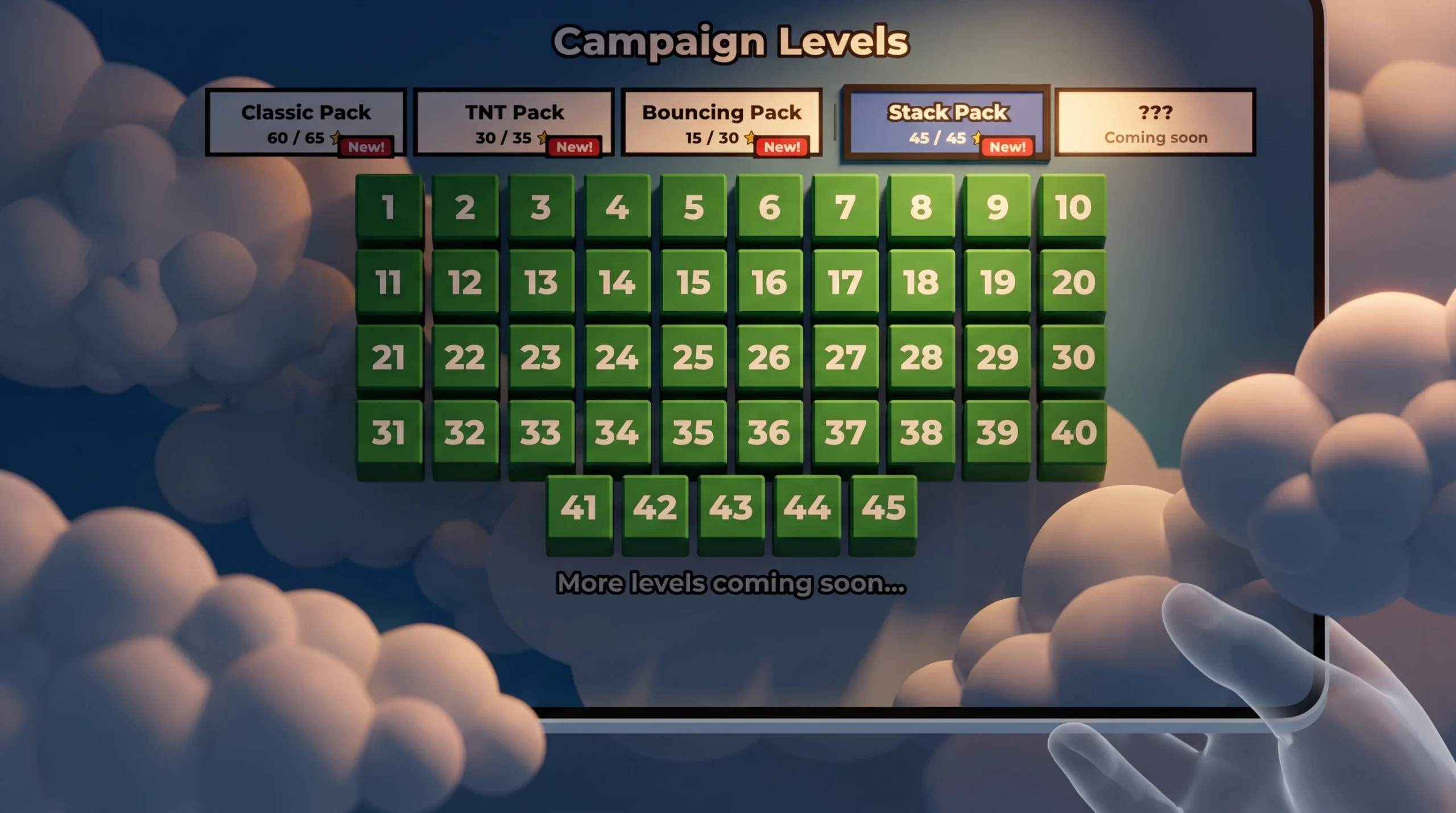
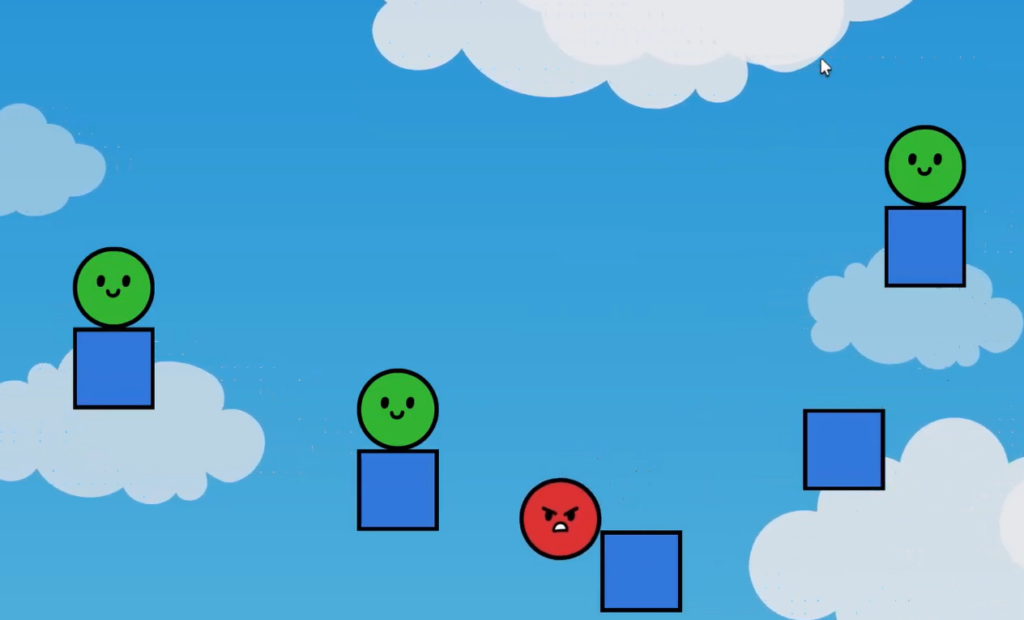
The stack pack in pop and drop keeps the same rule that runs the whole game. You protect the greens and get rid of the reds. What changes is the finishing condition. Instead of simply keeping a green block alive, most stack levels want the green pieces to drop, settle, and rest in a stable pile without any of them rolling or sliding off the screen.
Quick answer: Pop the red blocks that support or trap the green pieces so the greens fall straight down and settle into a stable stack. The level clears the moment every green block comes to rest on screen with no red blocks remaining.
Block colors and what each one does
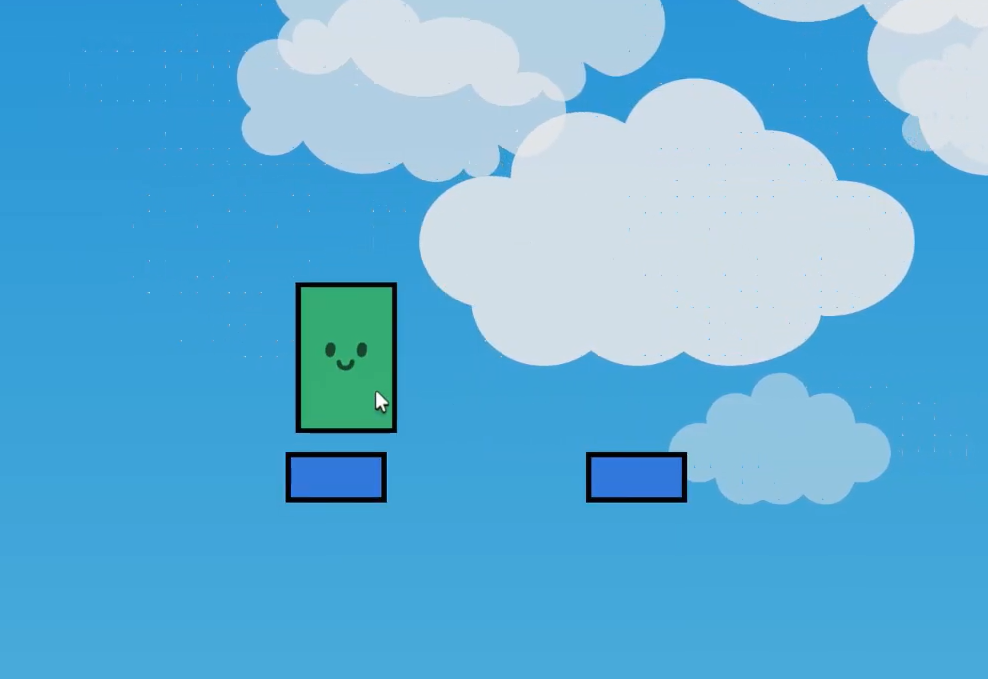
Every stack puzzle is built from the same four block types. Once you read the color, you already know what tapping it will do.
| Block | Behavior |
|---|---|
| Light red | Taps pop it instantly. Use these to clear space or drop supports. |
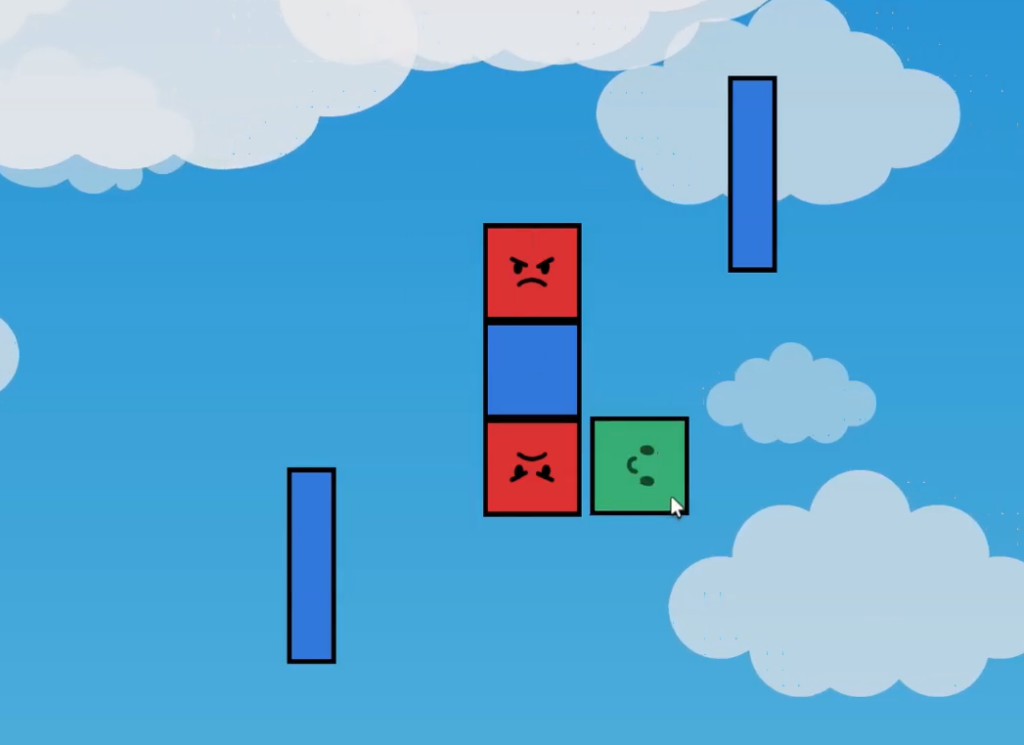
| Dark red | Will not pop. You have to knock it off the edge by removing what holds it up. |
| Green | Must stay on screen. In stack levels these are the pieces you are guiding into the pile. |
| Blue | Neutral. You can pop it, drop it, or leave it. It is often the base a stack rests on. |
How gravity and stacking work
Blocks obey physics, so removing a support makes everything above it fall or tilt. In a stack level the greens usually sit on top of red or blue pieces, and your job is to clear the layer beneath them cleanly so they drop onto a flat resting spot rather than a slope.
Some levels change the pull direction. When gravity works on more than one axis, a block’s face points toward the direction it will fall. Read those faces before you tap, because a green piece can slide the wrong way and off the edge if you pop supports in the wrong order.
A blue block frequently acts as the floor of the stack. Greens that land squarely on a blue base tend to settle into a clean vertical pile, which is exactly the stable shape a stack level is checking for.

How to clear a stack level
How to know a level counts as complete
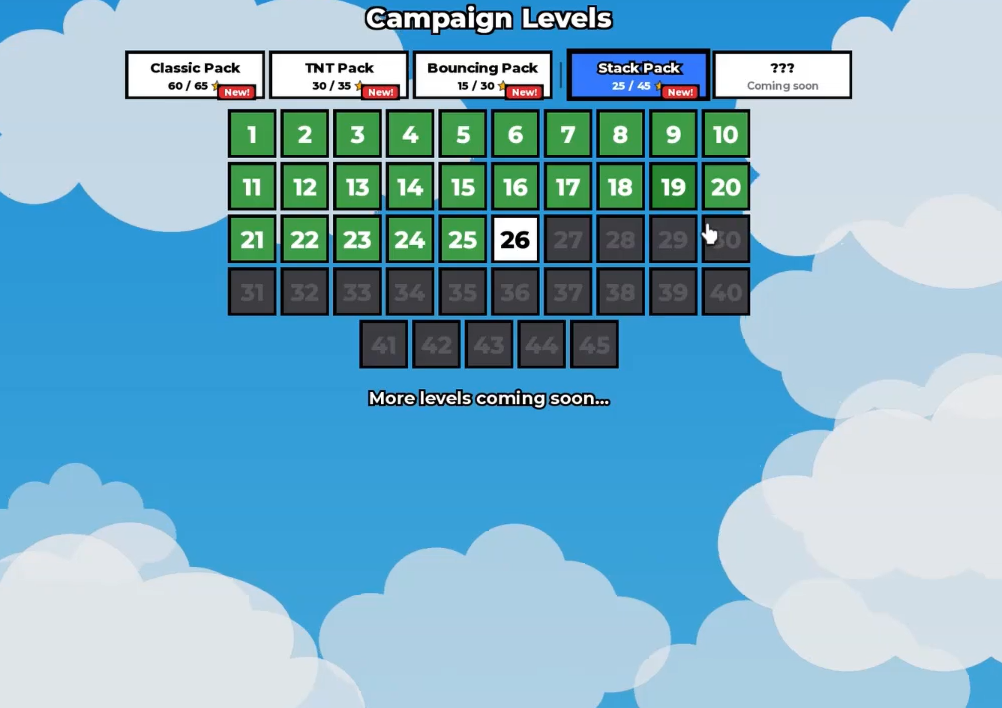
A level registers as cleared when all red blocks are gone and every green piece is still on screen and at rest. The board advances on its own once those conditions are met, and the level tile in the pack menu switches from locked to unlocked so the next stage opens.
Clearing levels also feeds the star badges tied to the game. Reaching ten cleared stars and then twenty stars unlocks the matching progress badges, so finishing the stack pack steadily builds toward those milestones.
Why a stack level fails to register
- A green block slid or rolled off the edge, so it is no longer on screen.
- A red block is still present because a dark red piece never fell off the edge.
- Supports were popped in the wrong order, and the greens dropped onto a slope instead of the flat base.
- Multi-directional gravity pulled a green the opposite way from where you expected, because its face pointed elsewhere.
Every stack level comes down to the same read. Spot the base, decide which reds are blocking the drop, and pop them in an order that lets the greens fall square and settle. Work through the pack one board at a time, and the same logic carries you from the first level all the way to level 45.