Money in Lumber Tycoon 2 — the currency players usually call Lumberbucks — comes from three places. You sell wood at the Wood Dropoff, you buy it with Robux through the Menu, or another player hands it to you. All three run through the same in-game Menu, and the transfer feature has a few requirements and quirks that trip people up the first time they try it.
Quick answer: Earn money by selling wood at the Wood Dropoff or buy it under Menu > Get Money. To hand money to someone, use Menu > Send Money, pick the player, enter an amount, and hit Transfer.
Send Money requirements in Lumber Tycoon 2
The Send Money tab does not appear for every account. Two conditions gate it, and both have to be true before the option becomes usable:
- Your Roblox account must be at least one week old.
- You must own a plot of Land, bought from Ruhem at the Land Store for $100.
- The person receiving the money has to be in the same server as you.
There is no cap on how much you can hand over in one go. An unlisted limit existed for years, but it was removed on September 29th, 2017. A cooldown between transfers is still in place — Defaultio added it on November 21st, 2016 to stop autosave failures from being used to duplicate money.
How to send money to another player
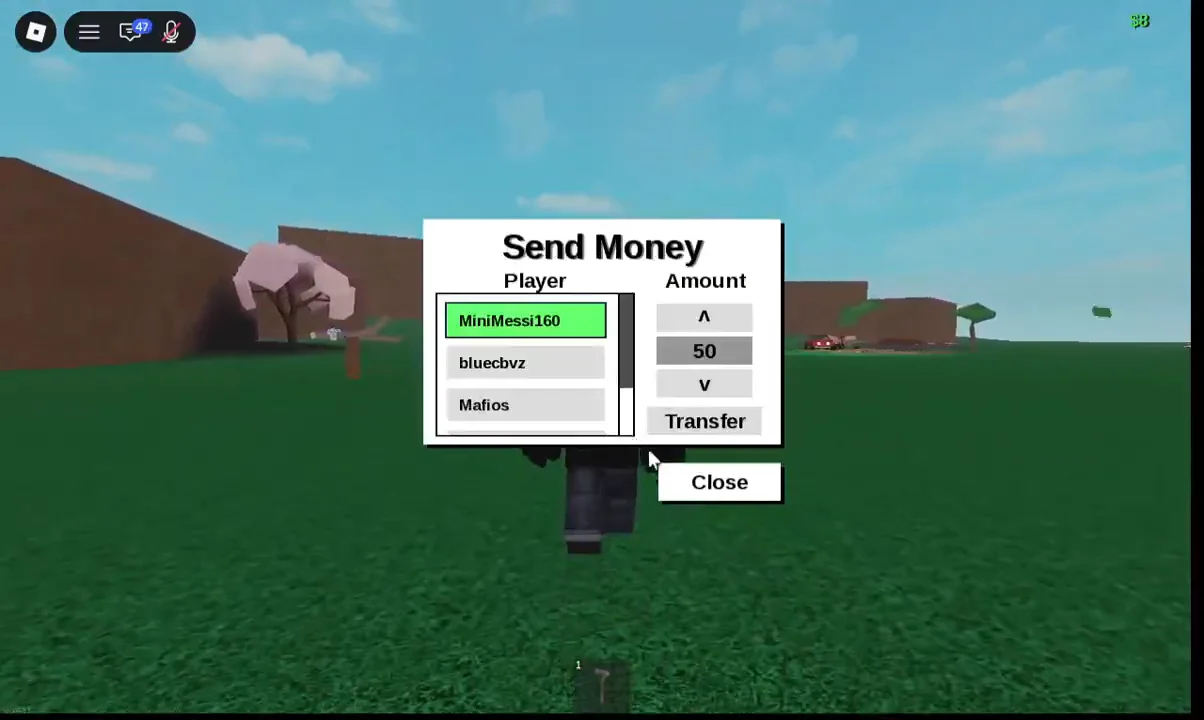
If a transfer fails outright, the money is returned to your account rather than vanishing.
After every completed transaction, the tab locks up and refuses to send again. Click Close, reopen the Menu, and the Send Money tab works normally.
One habit you will see in trades: players send $0 to the other person before handing over goods, because saving permissions for items like vehicles and wood do not work reliably. It improves the odds that the receiver keeps what they were given, but it is not a guarantee — saves still fail sometimes regardless.
Transfer pending: How to reload your slot
Sometimes the transfer does not land. Instead of the success dialog, you get a “Transfer pending” notification and the recipient’s leaderboard balance stays exactly where it was.
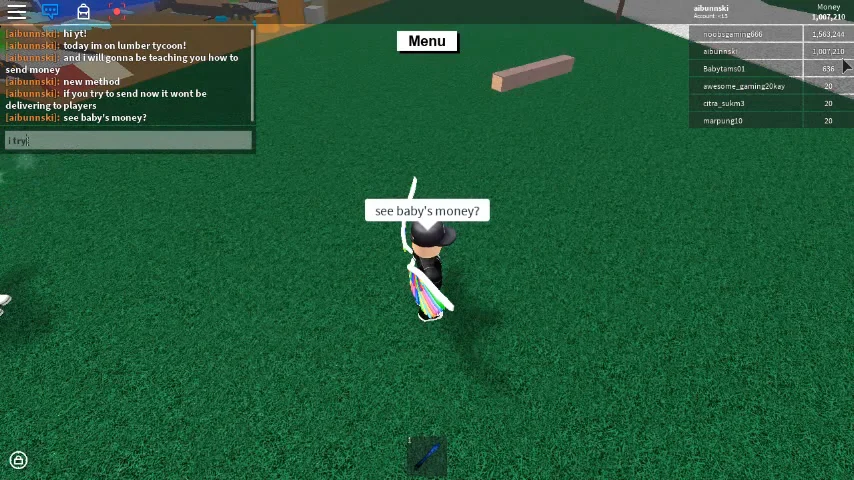
The fix is to reload your save slot. Open the Menu, click Load, select Slot 1 (Current Slot), then click the Reload slot button. The pending transfer resolves during the reload, the success dialog appears, and the recipient’s balance jumps by the amount you sent.
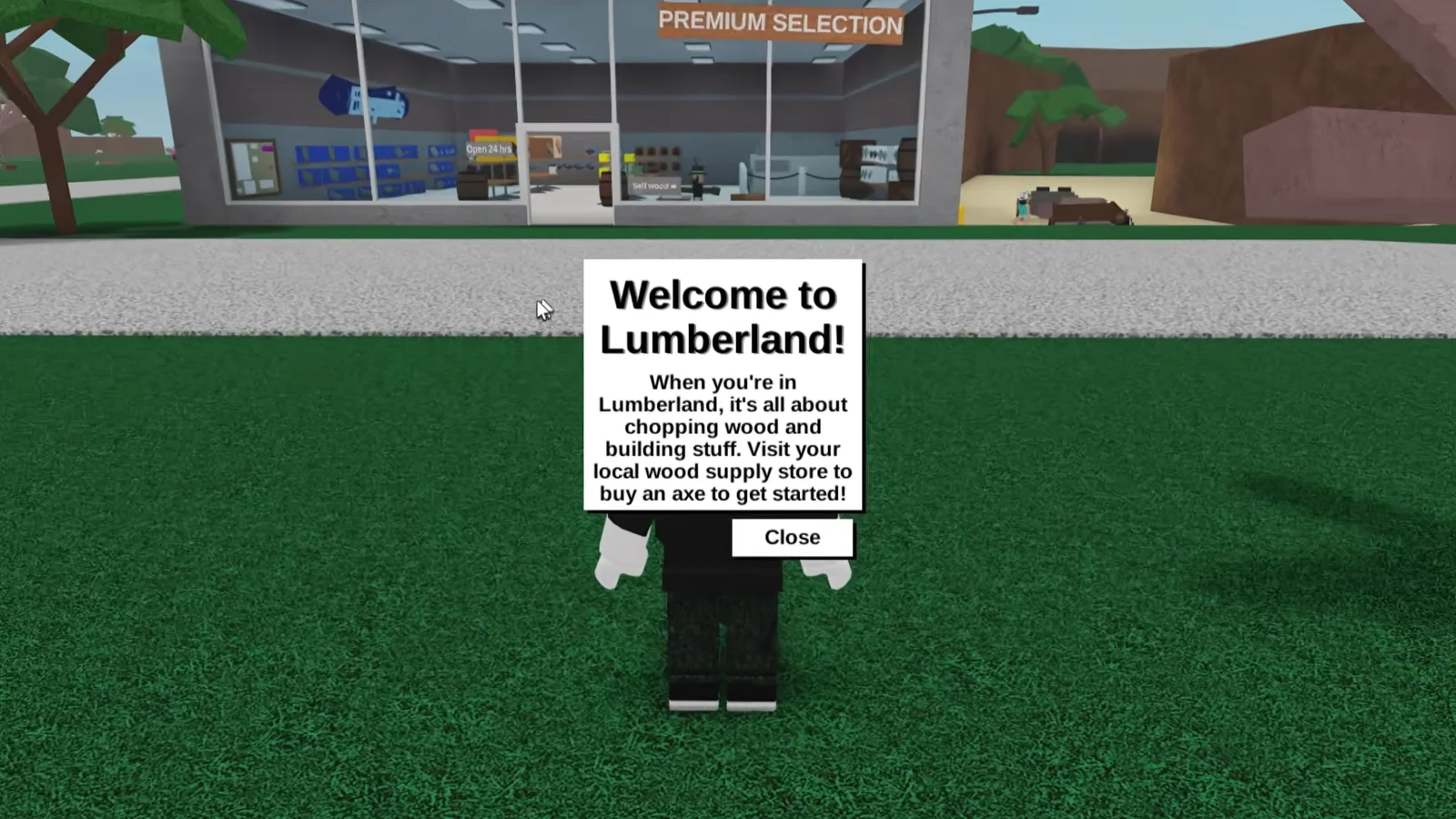
The same reload is worth doing right after you join a fresh server, once the “Welcome to Lumberland!” prompt is dismissed, since it clears up saving issues before you start moving money or vehicles around.
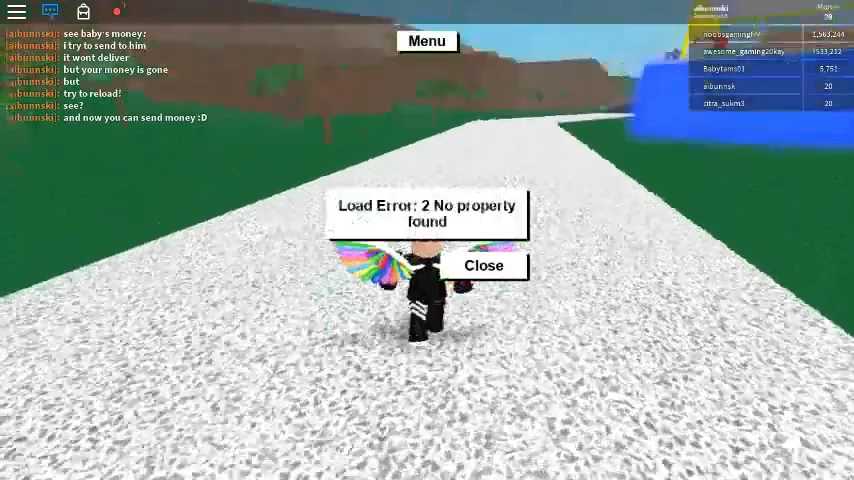
If a plot or slot menu throws a dialog reading “Load Error: 2 No property found”, close it and carry on rather than repeatedly retrying.
How to earn money by selling wood
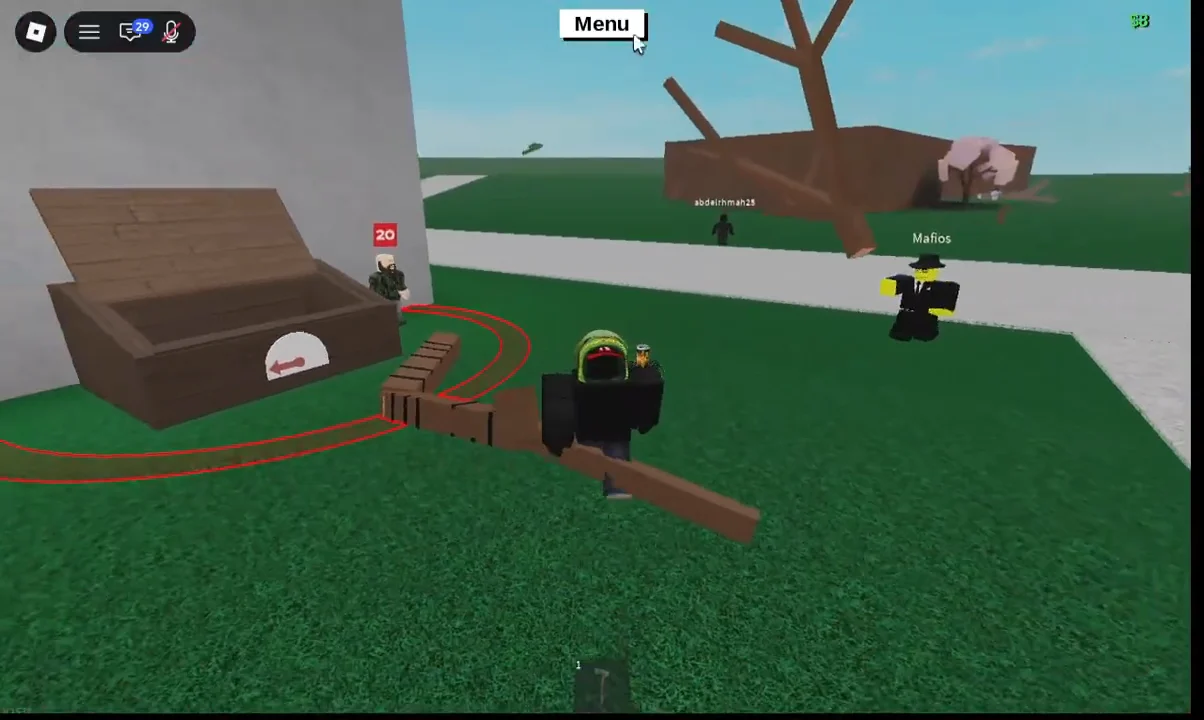
Every Lumberbuck that isn’t bought or gifted comes out of the Wood Dropoff behind Wood R Us. Buy the Basic Hatchet from Thom for $12, chop the oak trees outside the store, then drag the fallen trunk onto the green conveyor. Branches snag on the way, so chop them off if the tree gets stuck.
Once you buy Land for $100, unroot the SOLD sign on your new plot and sell that at the Dropoff too. It is a one-off payout, but enough to push an early balance toward $600 — the price of the Hardened Axe.
Process wood at a sawmill first
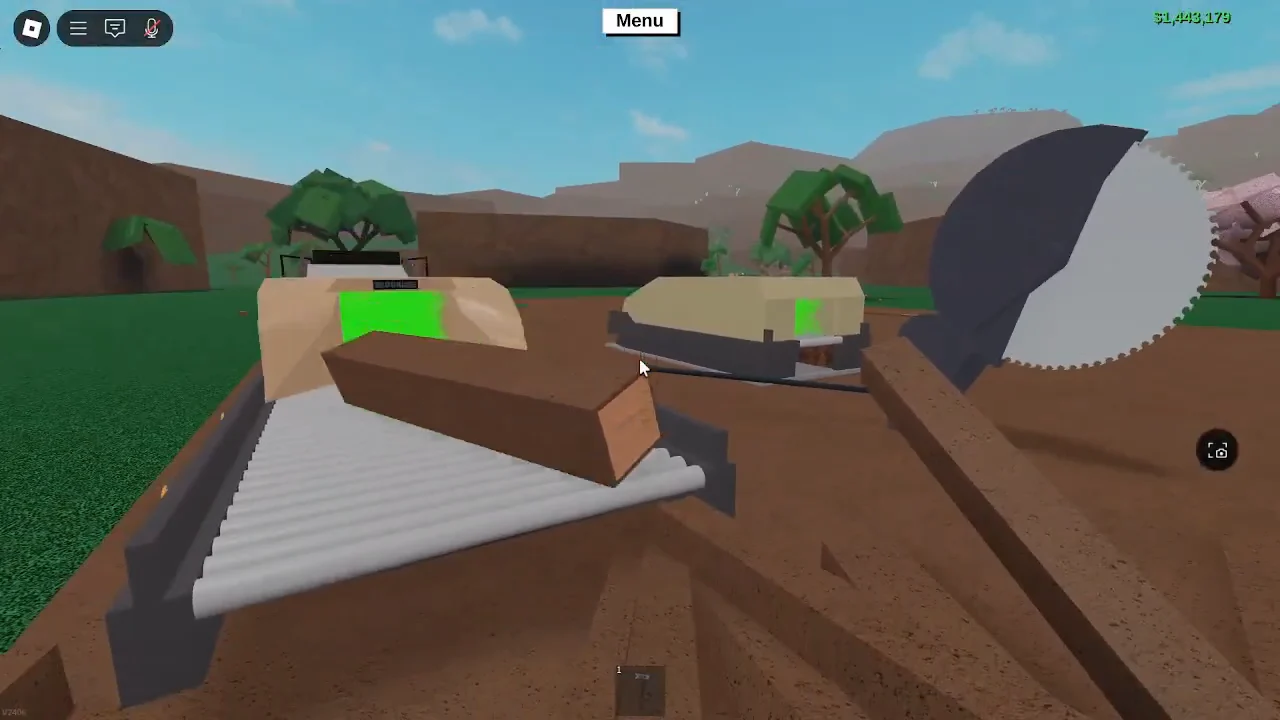
Selling a whole log is the slowest way to cash out. Running it through a Sawmill on your plot and selling the planks instead pays roughly 20 percent more for the same tree, which makes the Sawmill the single best early purchase after a vehicle.
Set the plank cross-section on the Sawmill controls, feed the logs through, then load the planks into the back of a utility truck and unload them onto the Dropoff conveyors. A single truckload of processed wood can clear $550. Conveyor belts and better axes speed the loop up, and the grind from the Basic Hatchet through to iron-tier axes is mostly a matter of repeating that cycle.
Move to higher-value wood
Oak pays the least. Cherry blossom trees are a step up, walnut grows across the bridge in the Safari biome, and frost wood at Taiga Peak is where the real money is. Getting there takes a Hardened Axe at $550, $100 for the bridge if it is raised, and $220 for Dynamite from Bob’s Shack to blast the boulders blocking the route into the Taiga.

Chop the frost trees at the peak and throw the logs down the slide rather than hauling them by truck, then collect them at the bottom, mill them into planks, and sell. That is the standard route to affording Val’s All-Purpose Hauler at $19,000 and the Rukiry Axe.
Donations from other players
Because the Send Money tab exists, asking is a legitimate shortcut. Friends already playing Roblox can join your server and transfer a starting fund, and veteran players sitting on millions from selling rare beta items will sometimes hand cash to newer players. Nothing obliges them to, but it is a normal part of the game’s economy alongside item-for-money trades.
Get Money tab: Robux prices and conversion rates
Get Money is the green tab in the Menu, and it sells Lumberbucks directly for Robux. The rate does not improve as the packages get larger, which is the important detail.
| Money | Price | Money per Robux |
|---|---|---|
| $500 | 9 Robux | 55.56 |
| $1,250 | 25 Robux | 50.00 |
| $2,500 | 49 Robux | 51.02 |
| $5,000 | 99 Robux | 50.51 |
| $50,000 | 999 Robux | 50.05 |
| $100,000 | 1,799 Robux | 55.59 |
The $500 and $100,000 tiers are the two best values per Robux; the middle tiers are worse. Buying five separate $500 packages nets more money than one $2,500 package for roughly the same spend.
The $20,000,000 save cap
There is no ceiling on how much money you can hold during a single session. There is a ceiling on how much will still be there when you come back: $20,000,000 is the maximum amount that saves. The figure dates back to before release, when exceeding it was a bannable offence, and it stayed in place as a guard against exploited balances.
Anything above that line is effectively temporary, so if you are approaching it, spend it or move it before you log off. For everyone else, the practical loop stays the same — mill the wood before you sell it, reload the slot when a transfer stalls, and check the leaderboard to confirm the money actually arrived.