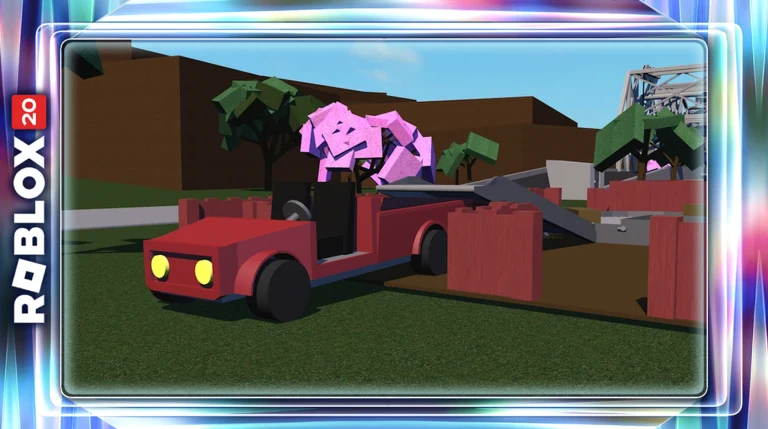
Rating Lumber Tycoon 2 and joining its player communities are two separate actions on two separate services. The like is a single tap on the Roblox experience page. The groups live on Discord and Facebook, and each one has its own invite and its own entry rules.
Quick answer: Sign in to Roblox, open the Lumber Tycoon 2 experience page, and press the thumbs-up beside the ratings. For the community, use the LT2 Fan Group Discord invite at discord.gg/lt2.
Like Lumber Tycoon 2 on the Roblox experience page
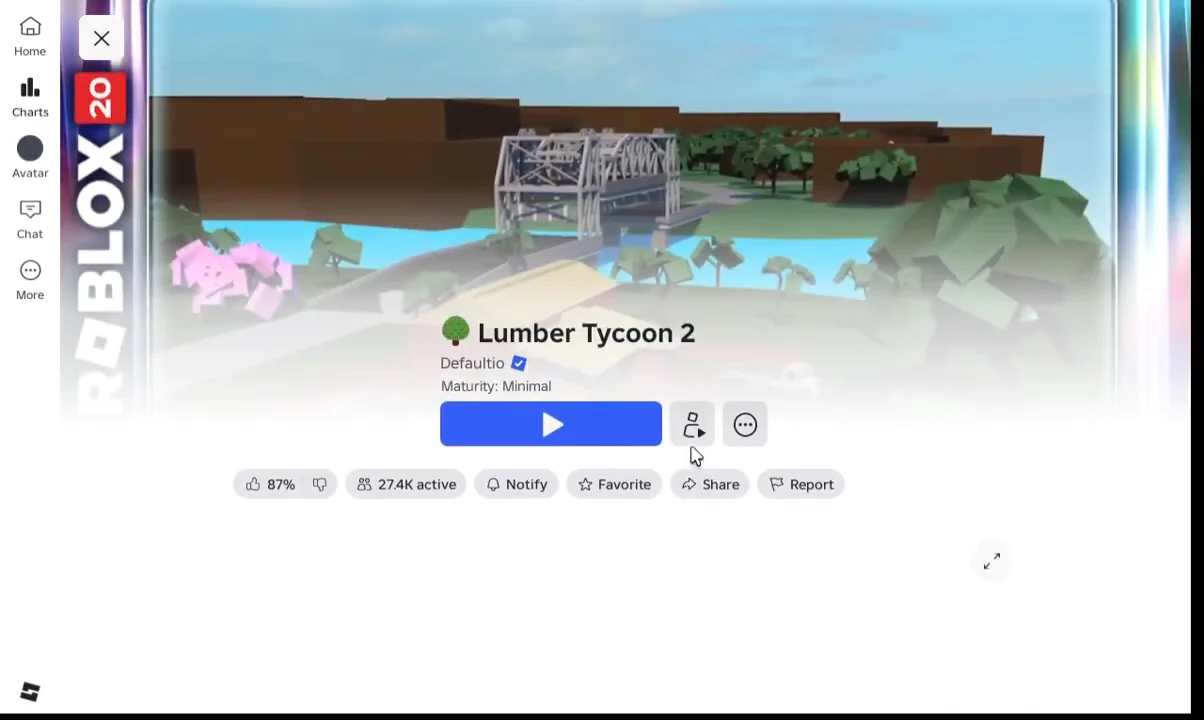
You know it worked when the thumbs-up stays highlighted and the rating count shifts by one. If the icon does not respond at all, you are almost certainly browsing while signed out.
Check the creator profile from the game page
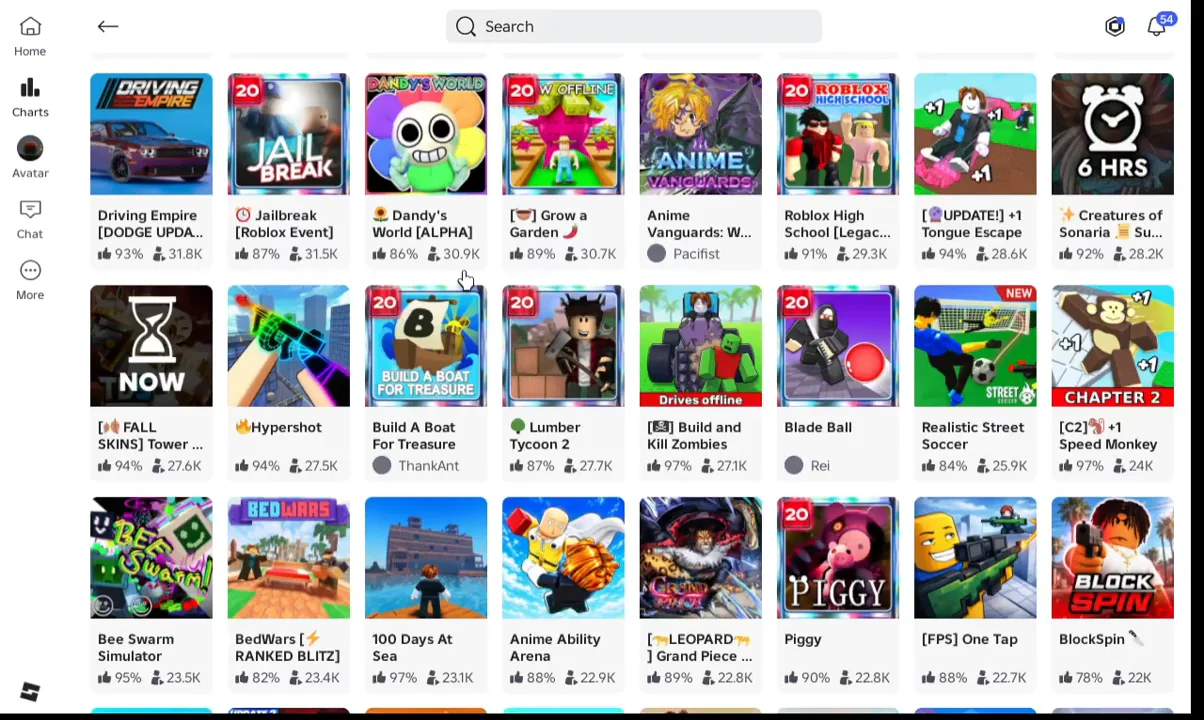
Lumber Tycoon 2 is made by Defaultio, and the creator name on the experience page is a link. Tapping it opens the developer profile, which is the only place on Roblox itself where official creator pages and groups would be listed. Closing the profile drops you back on the Roblox Home screen with the usual grid of game tiles, so nothing is lost if you only wanted a look.
Any Roblox group claiming to hand out money, wood or axes for joining is not connected to the game. Rewards in Lumber Tycoon 2 come from chopping and selling wood, not from group membership.
Lumber Tycoon 2 groups you can join
Three communities carry most of the day-to-day activity. Two are Discord servers and one is a Facebook group, and each requires a different sign-in.
| Group | Platform | Size | Entry |
|---|---|---|---|
| LT2 Fan Group Discord | Discord | 36,000+ members | Open invite |
| Lumber Tycoon 2 Wiki Discord | Discord | 25,000+ fans | Open invite |
| RBLX Lumber Tycoon 2 Community | About 3,100 members | Private, request to join |
LT2 Fan Group Discord
This is the Discord attached to the LT2 Fan Group on Roblox and the largest of the three, running since June 2017. It carries update announcements, a trading channel for in-game items, building help, building competitions and a weekly karaoke event on Saturdays, plus a Minecraft server for members. Joining takes one click on the LT2 Fan Group invite followed by a Discord account sign-in. The group also posts on X as @LT2FanGroup.
Lumber Tycoon 2 Wiki Discord
The wiki runs its own server with more than 25,000 fans, aimed at game support, trading and general discussion around wiki coverage. It is the better choice if your question is about game mechanics rather than events. Use the wiki server invite to join.
RBLX Lumber Tycoon 2 Community on Facebook
Created in April 2021 and renamed in June 2025, this group is for sharing tips and showing off builds. It is set to private, which means anyone can find it but only members can see the posts and the member list, so pressing Join group on the RBLX Lumber Tycoon 2| Community page sends a request rather than letting you straight in. Activity is modest, at roughly 37 posts in a typical month.
Admins enforce four rules, and breaking them is the usual reason a member is removed:
- Be kind and courteous — debate is fine, hostility is not.
- No hate speech or bullying of any kind.
- No self-promotion, spam or irrelevant links.
- Respect the privacy of other members.
What the groups are actually used for
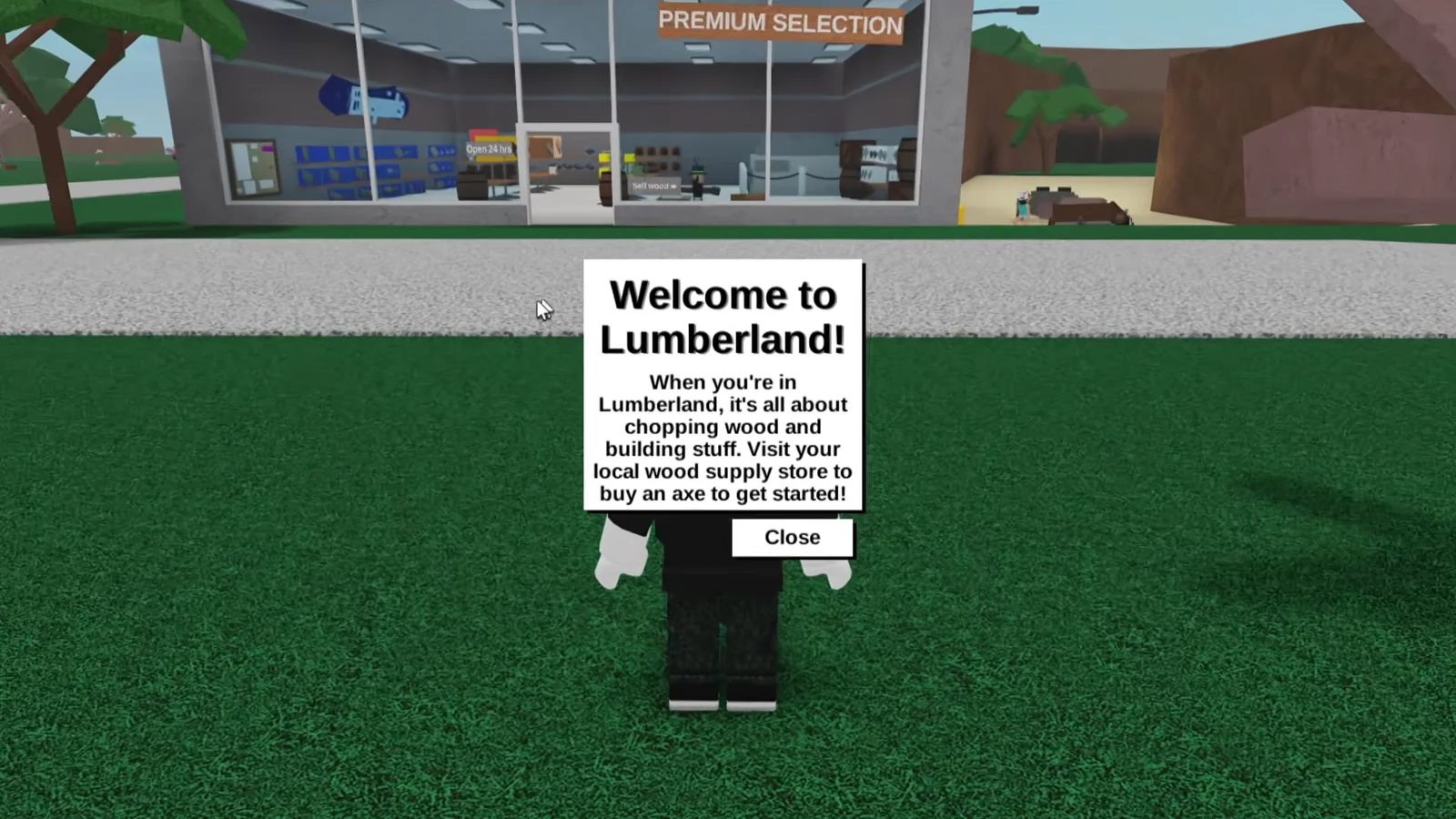
Game support is the first draw. New players regularly hit the save-slot problem during the opening tutorial, where progress will not store until you open the Menu, choose Load, pick a slot and reload it. The tutorial never mentions this, so it is one of the most common questions asked in the Discord servers.
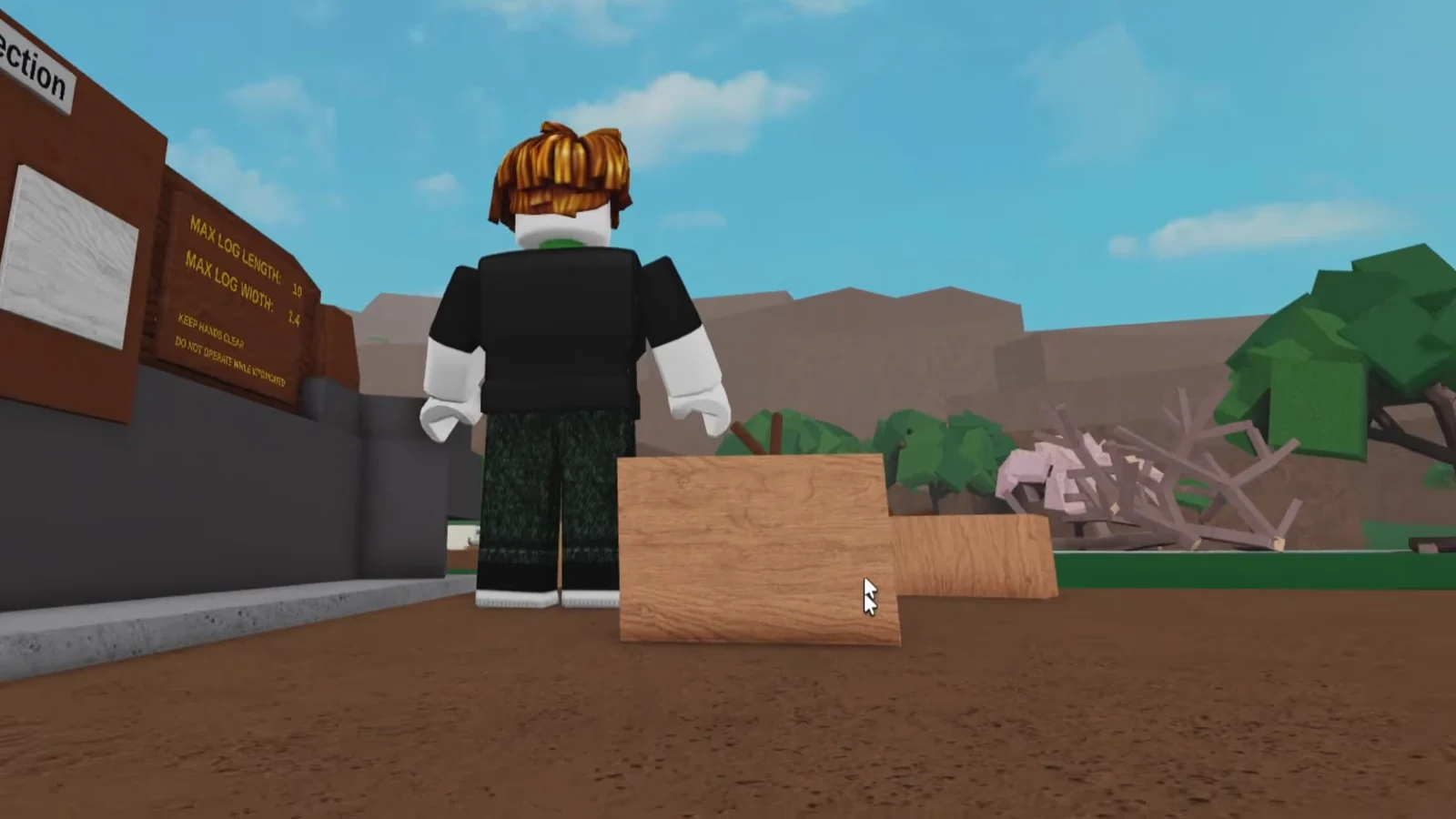
Trading is the second. Both Discord servers run dedicated trading channels, which is where rare wood types and vehicles change hands once you are past selling plain oak planks at the Wood Dropoff. The LT2 Fan Group server also takes requests for building help, useful once blueprints and larger bases enter the picture.
Treat trade offers made in direct messages with caution. The public trading channels exist so deals happen where other members can see them.
Neither the like nor a group membership changes anything inside your save file. The rating helps the experience page, and the groups give you people to trade and build with once the tutorial is behind you.