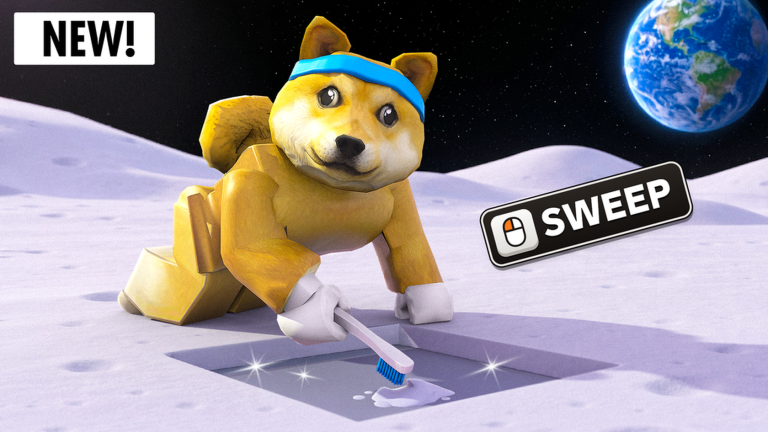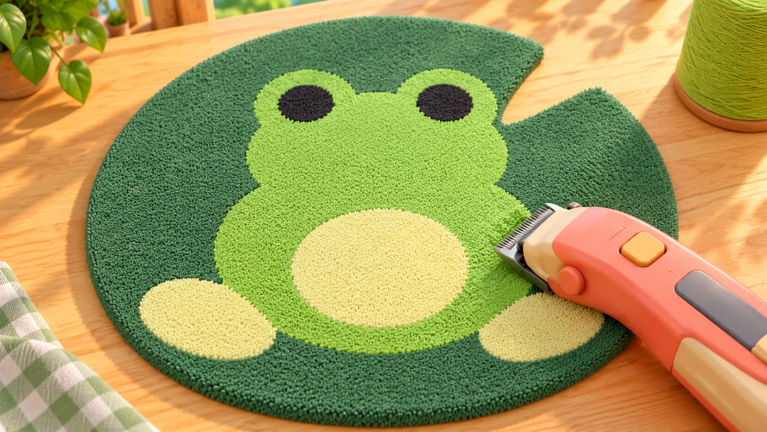
Playmade’s Make Rugs! is a Roblox tycoon game where you manage a compact rug workshop. Turn yarn into a rug by tufting it on a frame, trimming it smooth, then selling it to customers entering your showroom. It costs nothing to play, though premium options are available, and each server accommodates up to four players. Progress relies on two currencies: rug sales earn Cash for new designs, while Gems—earned mainly through daily logins—buy upgrades such as more yarn per roll.
Quick answer: Finish your first sale to clear the tutorial, spend $40 Cash on the Inset Heart design, and save 15 Gems from Daily Rewards for the second Yarn Dispenser slot.
How to make and sell a rug in Make Rugs
The tutorial guides you through four work areas in sequence: Yarn Dispenser, Tufting Frame, Shaving Table, then a showroom stand. Green chevrons on the studio floor mark the route to your next objective.
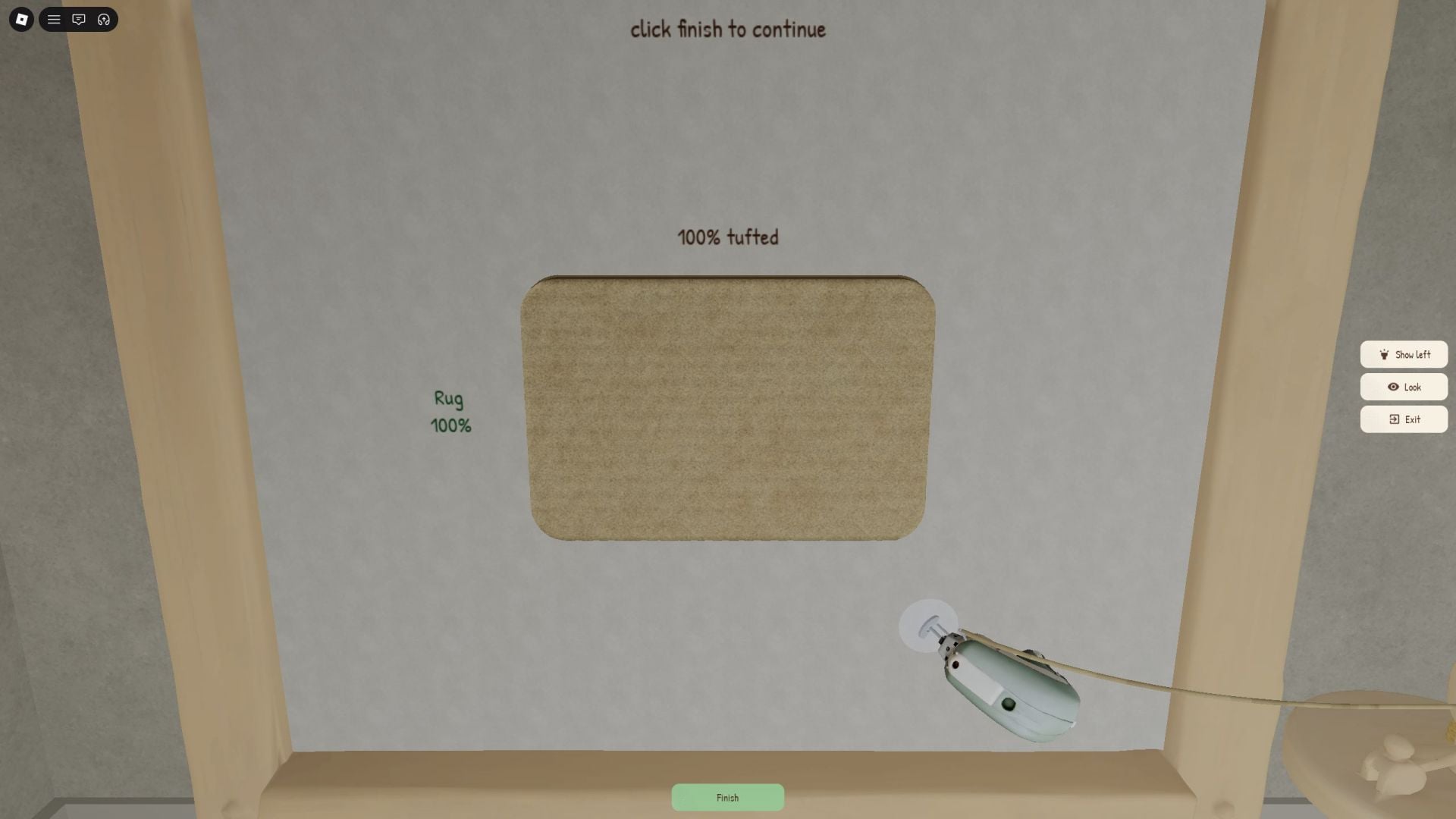
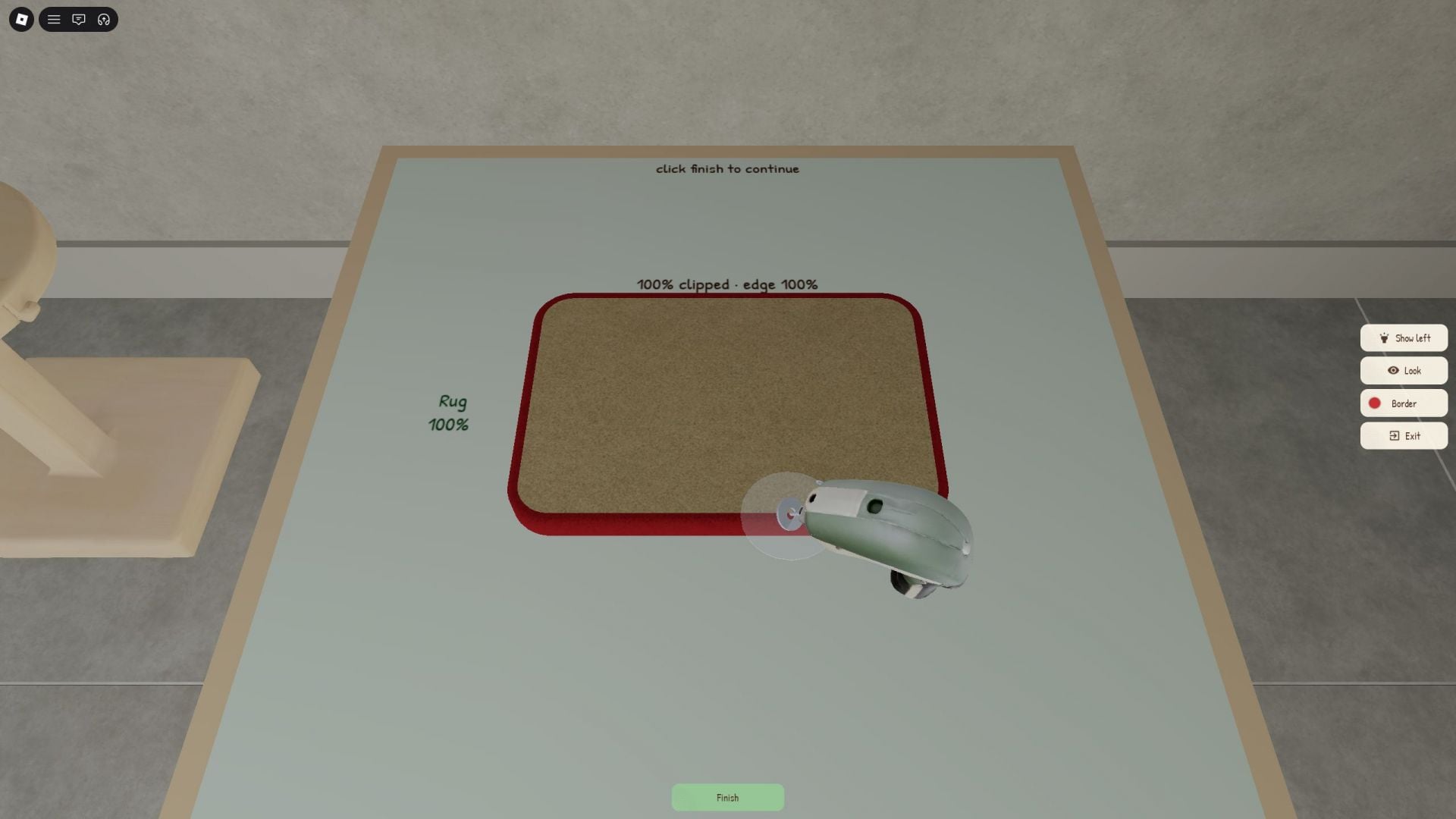
The game lets you sell a rug that is only about 90% shaved, but an unfinished shave lowers its sale value. Clip to 100% unless you are in a hurry.
Make Rugs rug value multipliers
Rug prices aren’t fixed. Before you tuft, the yarn screen shows a “Rug value” multiplier based on the yarn you picked, and the border step can stack a second multiplier on top. Yarn type and rarity both feed into the final number, which is why a bad roll is worth tossing.
| Rug setup | Multiplier |
|---|---|
| Simple Mat in Indigo Denim | x1.20 |
| Wisteria and Coffee Cloud — Inset Heart | x1.3 |
| Traced border | Up to x1.15 |
| Border set to “None” | No bonus |
The bordered Simple Mat attracted an offer of $30; the borderless Inset Heart had a $117 price on its stand. To raise early Cash earnings, unlock new designs instead of making extra starter mats.
Best early rug designs: Simple Mat vs. Inset Heart
You start with one basic design and unlock more as you keep making rugs. Each design is bought with Cash and lists a level requirement plus the number of yarn areas it needs.
| Design | Level | Cost | Yarn areas |
|---|---|---|---|
| Simple Mat | 0 | Starter | 1 |
| Inset Heart | 0 | $40 | 2 (Border, Heart) |
Simple Mat is the tutorial rug. A single yarn covers the whole surface, so any roll works.
Inset Heart is the first design that uses multiple yarn colors, making it the first unlock to prioritize. Its outside section and heart require different colors, so prepare two usable yarns before tufting. The frame indicates the yarn assigned to each section; using the wrong ball brings up a warning such as “This area needs Wisteria yarn.” A single $117 sale earns back its unlock cost almost three times over.
Accepting or declining customer offers
When a customer brings a rug to the counter, the game shows both their offer and the rug’s base value, so you can see how far above or below the price they are. Declining sends them away and gives you a shot at a buyer willing to pay more.
Early on, offers more than 30% above the base price are rare. A good working rule is to take any offer at least 20% above base and decline the lowballs.
What Cash and Gems buy in Make Rugs
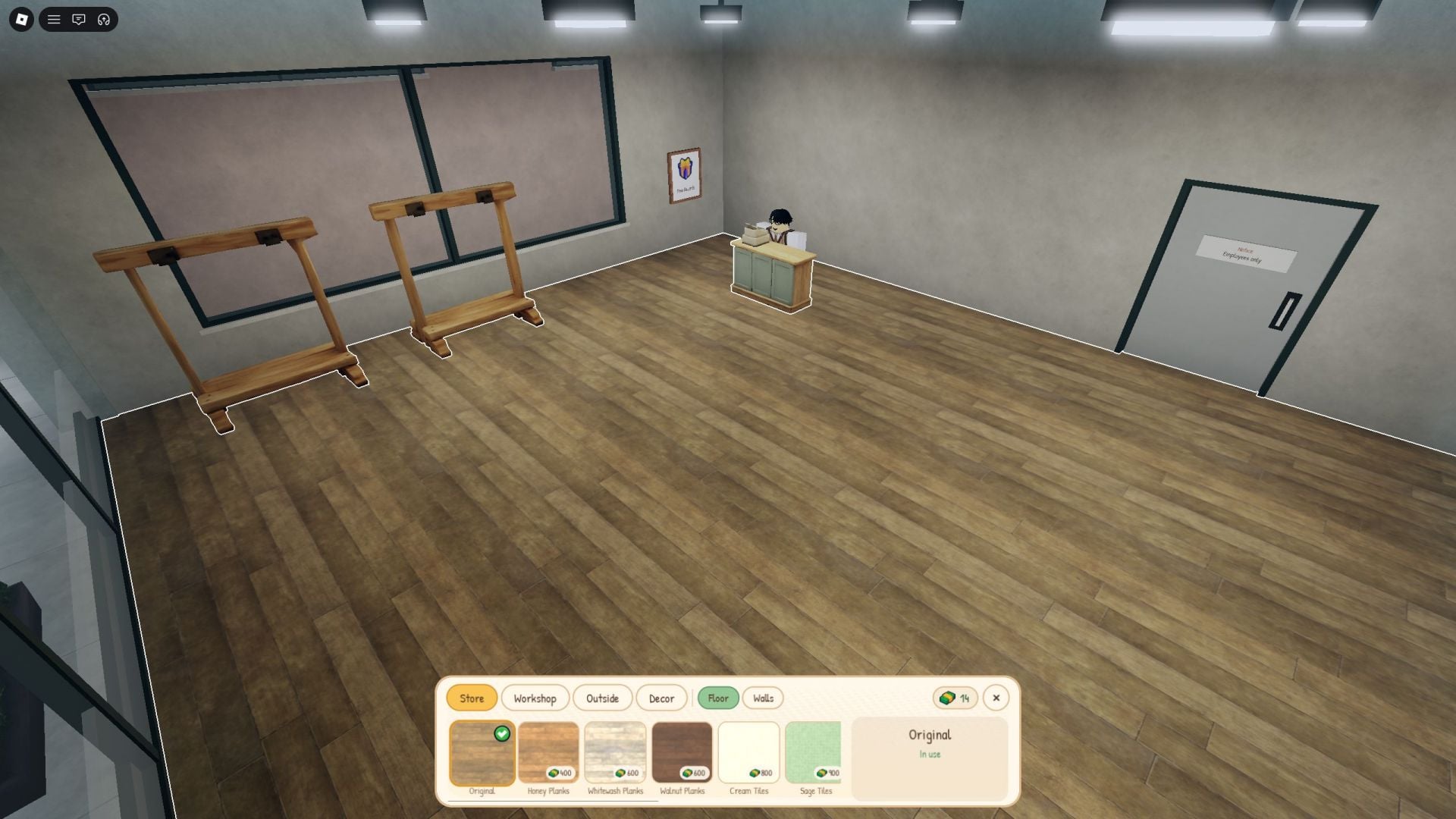
The showroom floor is dotted with circular purchase nodes, each showing its price in Cash or Gems. They expand the shop, add staff, and fill the space out.
| Purchase | What it does |
|---|---|
| Rug Stands | More display space |
| Cashier | NPC works the register |
| Tip Jar | Adds a tip jar to the counter |
| Decorative furniture | Cosmetic showroom items |
| Yarn Dispenser slot | One extra yarn per roll |
Open the Yarn Dispenser’s separate upgrade window with the “Upgrade” tag above it. Each roll starts with one yarn. Spending 15 Gems increases the slot count from one to two and adds one yarn to every roll—a useful boost once designs such as Inset Heart need two colors. This is the strongest first upgrade, raising your shop’s basic earnings more than any other option.
The tufting tool and display stands can be upgraded as well, and each improvement shortens the time between sales. More stands also mean more rugs on the floor for customers to pick from at once.
Make Rugs Daily Rewards and Gem income
The Daily Rewards window appears as soon as the tutorial ends. Rewards follow a seven-day schedule, with each day’s claim becoming available after a timer; keeping the streak going brings larger payouts.
| Day | Reward |
|---|---|
| Day 1 | 1 Gem |
| Day 2 | 2 Gems |
| Day 3 | 3 Gems |
| Day 4 | 4 Gems |
| Day 5 | 5 Gems |
| Day 6 | 6 Gems |
| Day 7 | 10 Gems, 250 Cash, Gift Box |
A full week totals 31 Gems, 250 Cash, and a Gift Box. Your running total crosses 15 Gems on Day 5, enough for the second dispenser slot with Gems to spare for showroom nodes. Logging in daily is the steadiest Gem source early on, while rug sales handle the Cash side.
Employees, online orders, and shop decor
Once the basic loop is running, a few systems take over the busywork and open up bigger paydays.
- Employees automate parts of production so you can fill several orders at once. Each hire is a one-time, permanent purchase.
- Enchantments give employees passive abilities that make them better at their jobs.
- Hiring lists refresh, so check them now and then for stronger workers.
- Online orders arrive on your in-game phone once the shop gains popularity and pay more than regular sales for custom rugs.
- Decorations are cosmetic only and don’t speed up expansion.
Make Rugs controls (PC)
| Action | Key |
|---|---|
| Move | W, A, S, D |
| Jump | Spacebar |
| Interact | E |
| Use tool at a station | Left Mouse Button |
The tufting tool and clippers only appear in your hands while you work a station, and your avatar’s outfit stays the same throughout. From there, the routine is simple: roll, tuft, shave, sell, and put every early dollar into designs and every early Gem into the dispenser.