Gaming How-To

Send More Money to Lorena in GTA 6: How to Send the $5,000 in BuckMe

Where to find the transfer, which account it comes out of, and how the game confirms Lorena got it.

Where to find the transfer, which account it comes out of, and how the game confirms Lorena got it.

GTA 6 Walkthrough & Guides Money

Send More Money to Lorena is a Chapter 3 story step in Grand Theft Auto VI that you get while playing as Lucia. It asks you to send her aunt Lorena $5,000 through BuckMe, the banking app on Lucia’s phone. The whole thing takes a few menu presses once the money is in the right account.

Quick answer: Open BuckMe, select Checking Account, pick Pay Someone, choose Lorena, and press Buck ‘Em on the $5,000 Amount screen. You need $5,000 in Checking, not in cash.


Send More Money to Lorena on the story card

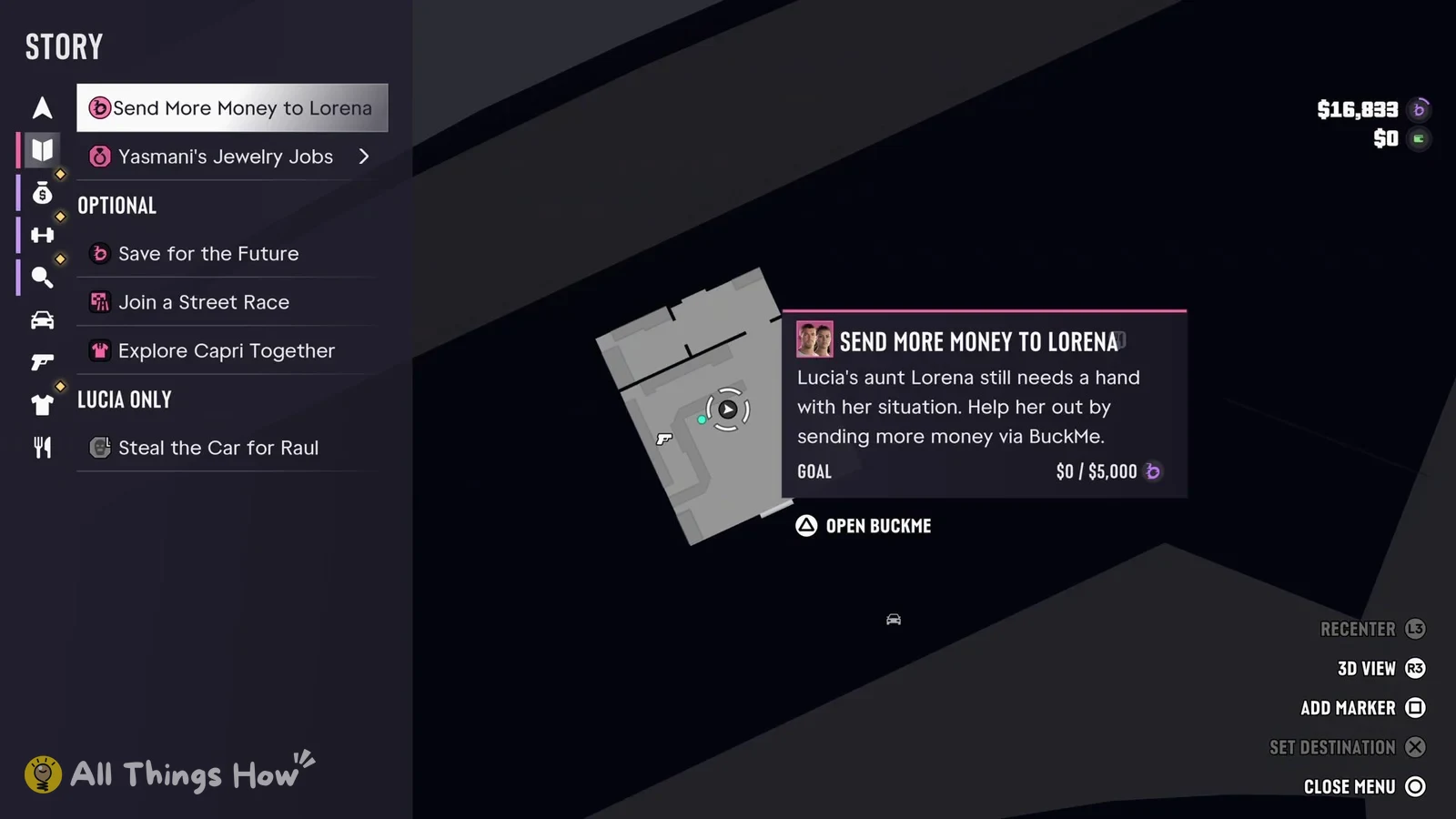
You’ll find the task at the top of the STORY list on the pause map, sitting above Yasmani’s Jewelry Jobs. The card reads “SEND MORE MONEY TO LORENA – Lucia’s aunt Lorena still needs a hand with her situation. Help her out by sending more money via BuckMe.” Under that it shows a GOAL of $0 / $5,000, and at the bottom there’s an OPEN BUCKME prompt on [Triangle], which takes you straight into the app.
GTA 6 Send More Money to Lorena story card
The SEND MORE MONEY TO LORENA card with GOAL $0 / $5,000 and OPEN BUCKME. Image: Rockstar Games

The same list also shows the OPTIONAL goals Save for the Future, Join a Street Race and Explore Capri Together, plus the LUCIA ONLY job Steal the Car for Raul.


How to send Lorena $5,000 with BuckMe Pay Someone
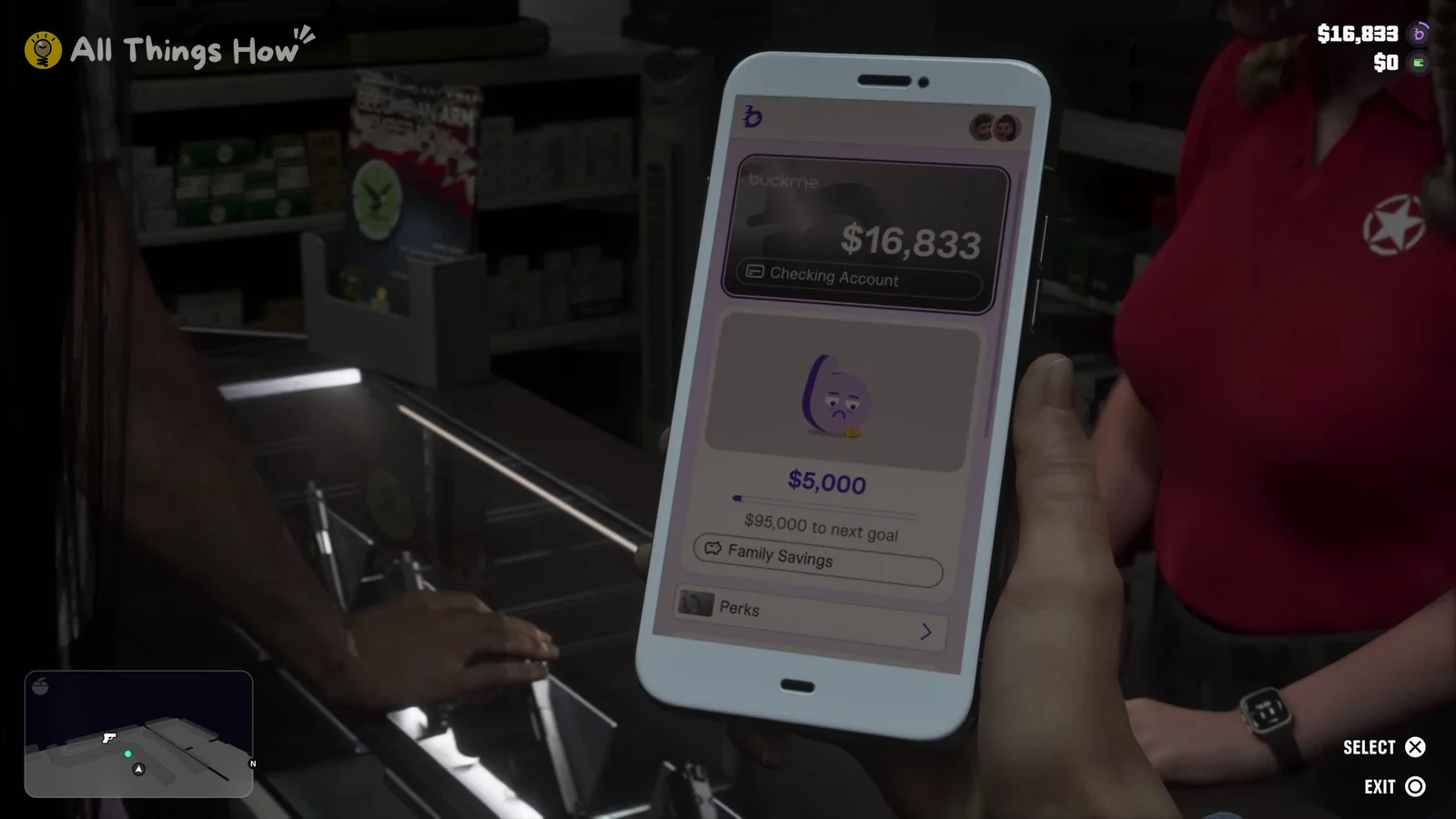
Open BuckMe, either from Lucia’s phone or by pressing [Triangle] on the story card. The home screen shows your Checking Account balance at the top, then Family Savings (with “$95,000 to next goal” under a $5,000 balance), then Perks.
GTA 6 BuckMe home screen Checking Account and Family Savings
The BuckMe home screen: Checking Account, Family Savings and Perks. Image: Rockstar Games
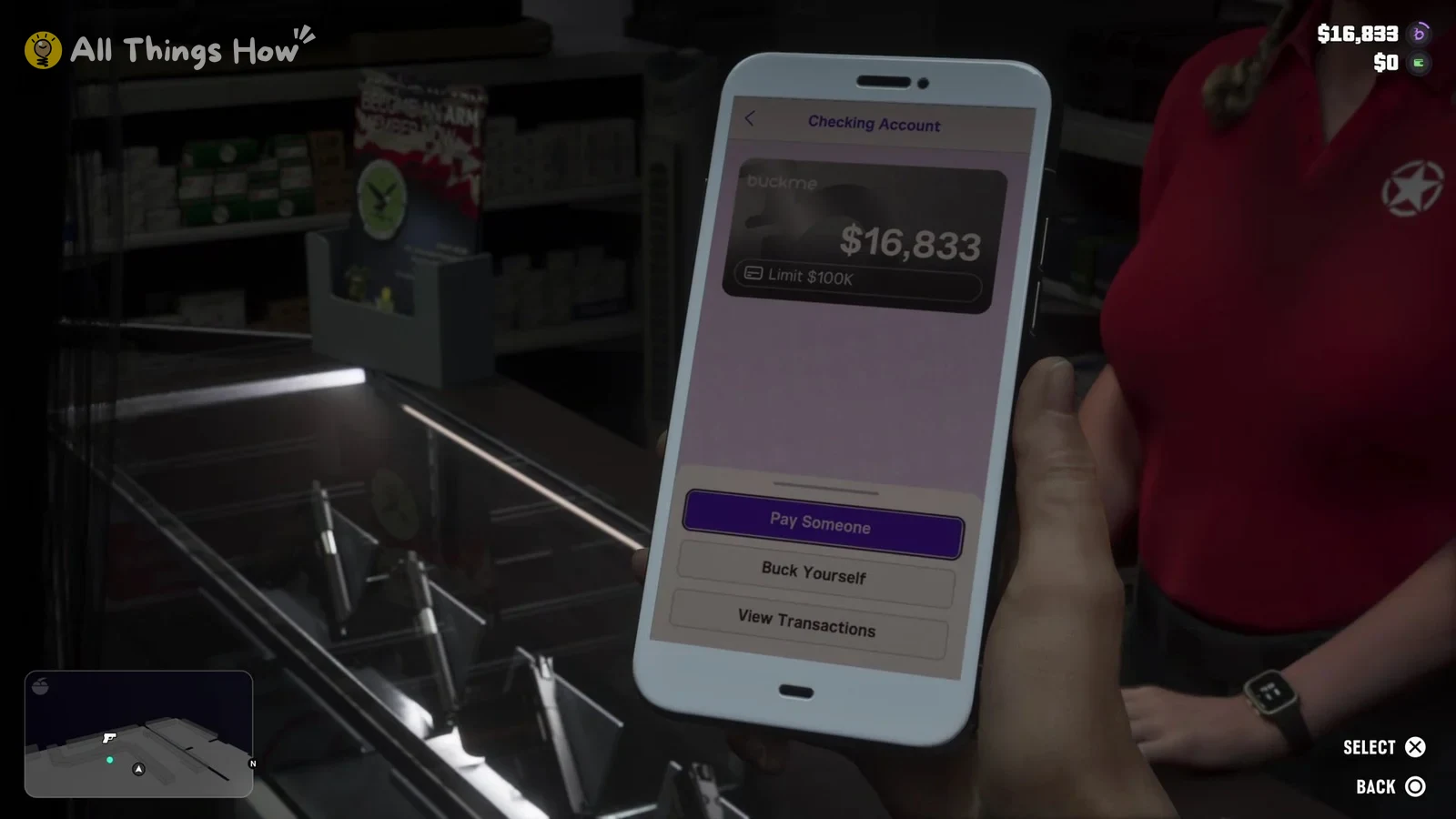
Choose Checking Account. You’ll see “Limit $100K” on its page, along with Pay Someone, Buck Yourself and View Transactions.
GTA 6 BuckMe Checking Account Pay Someone
The Checking Account page with Limit $100K and Pay Someone. Image: Rockstar Games
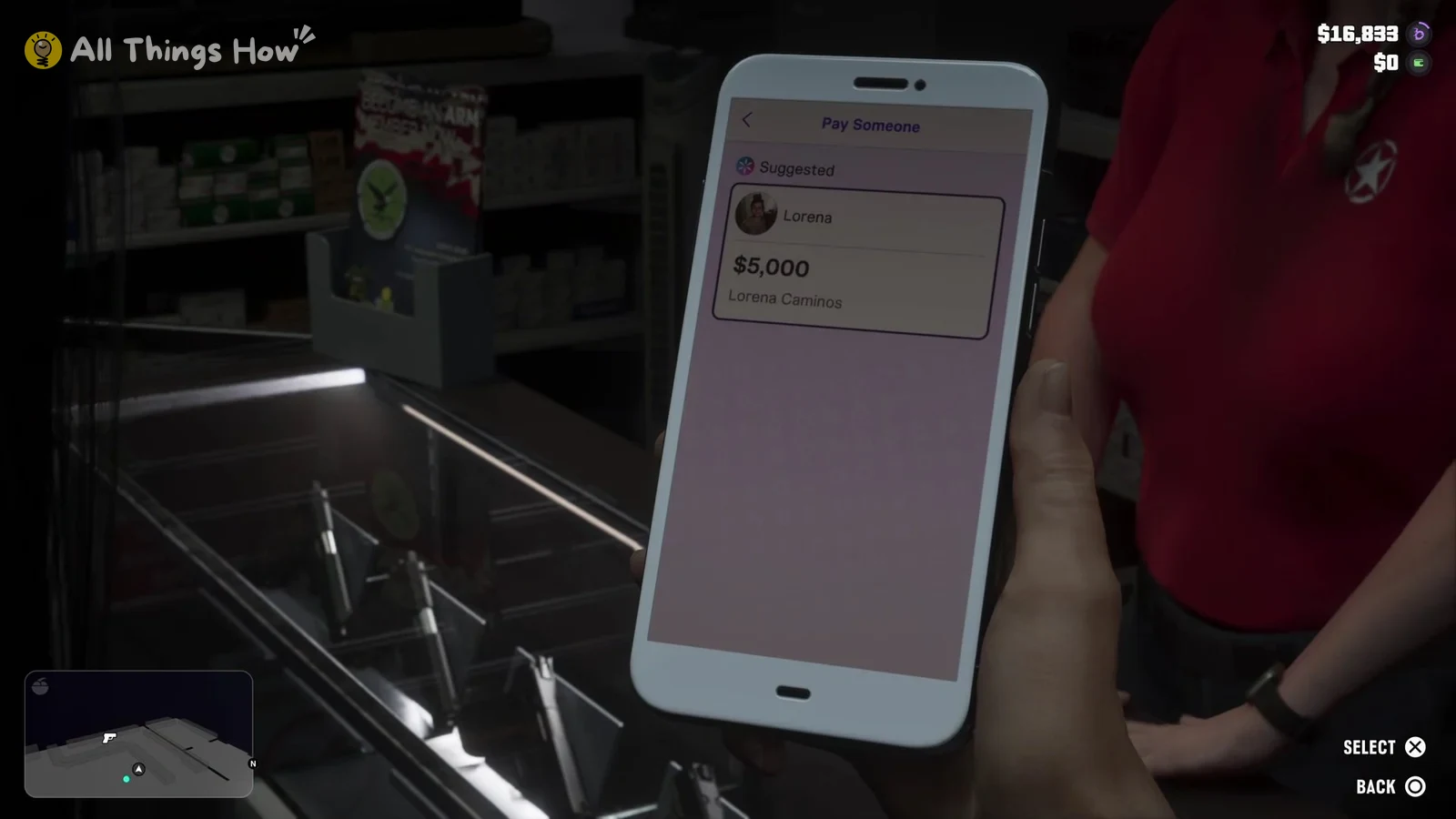
Pick Pay Someone. Lorena (Lorena Caminos) is in the “Suggested” contacts with $5,000 listed under her name.
GTA 6 BuckMe Pay Someone Lorena suggested
Lorena under Suggested in Pay Someone, with $5,000. Image: Rockstar Games
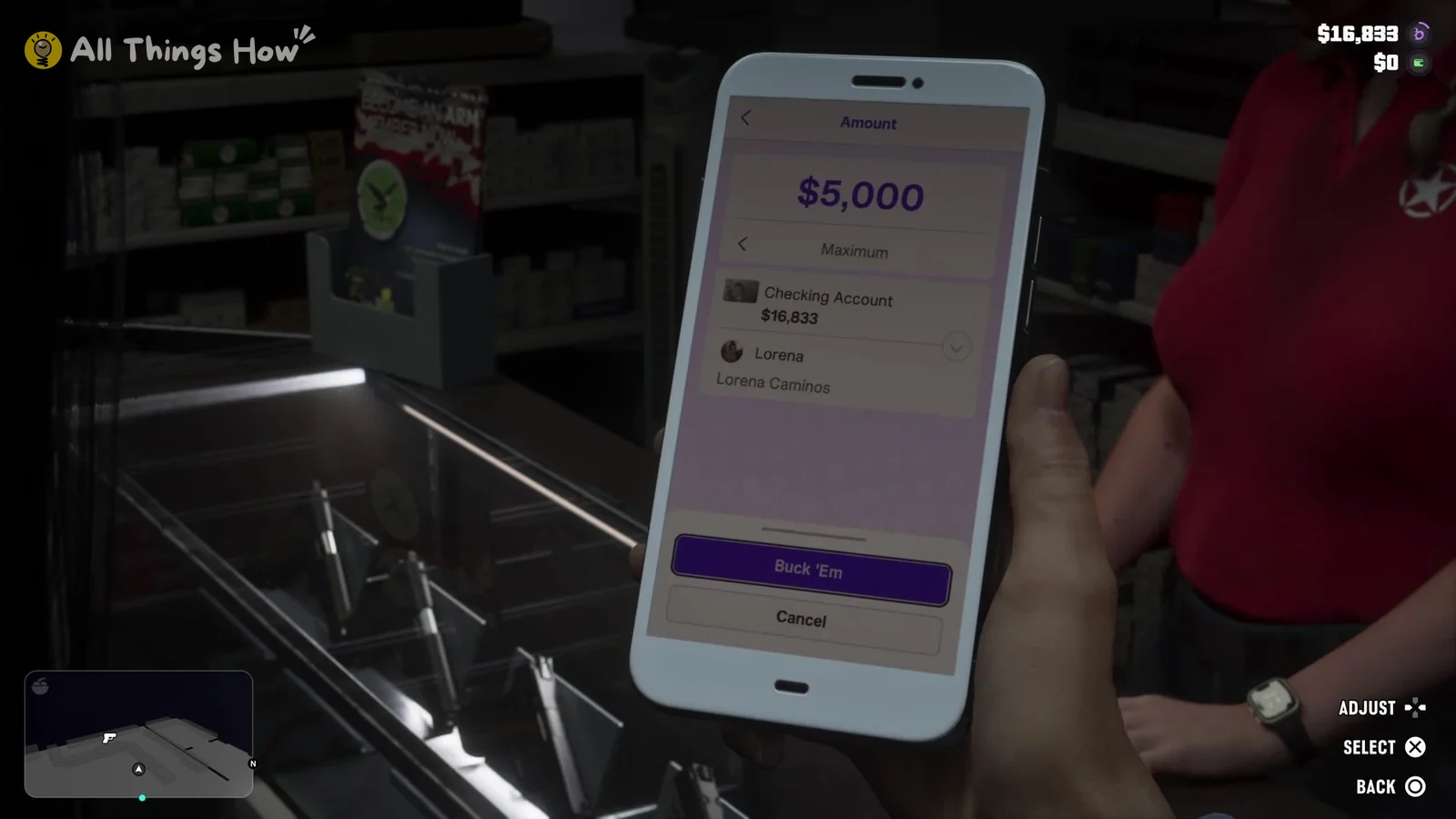
Select Lorena to open the Amount screen. It’s already set to $5,000 with “Maximum” underneath, going from Checking Account to Lorena, and you can change the figure with ADJUST on the d-pad, though the default is the amount the task wants.
GTA 6 BuckMe amount screen 5000 Buck Em
The Amount screen: $5,000, Maximum, Buck 'Em and Cancel. Image: Rockstar Games
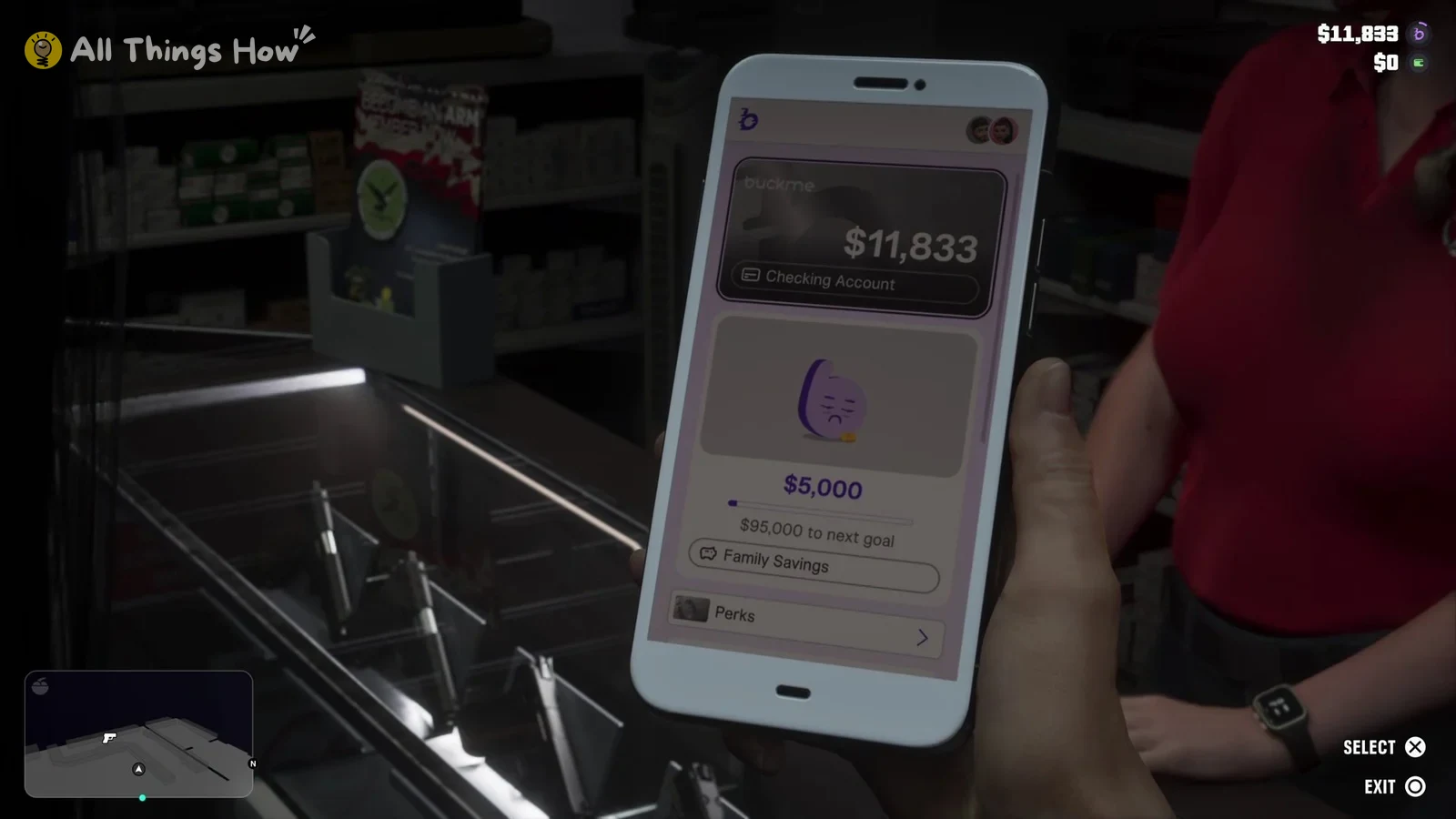
Press Buck ‘Em to send it, or Cancel if you want to back out. The $5,000 comes out of Checking right away, so a balance of $16,833 drops to $11,833.
GTA 6 BuckMe Checking balance after sending Lorena 5000
Checking Account after the $5,000 goes out. Image: Rockstar Games

How to tell the transfer to Lorena worked

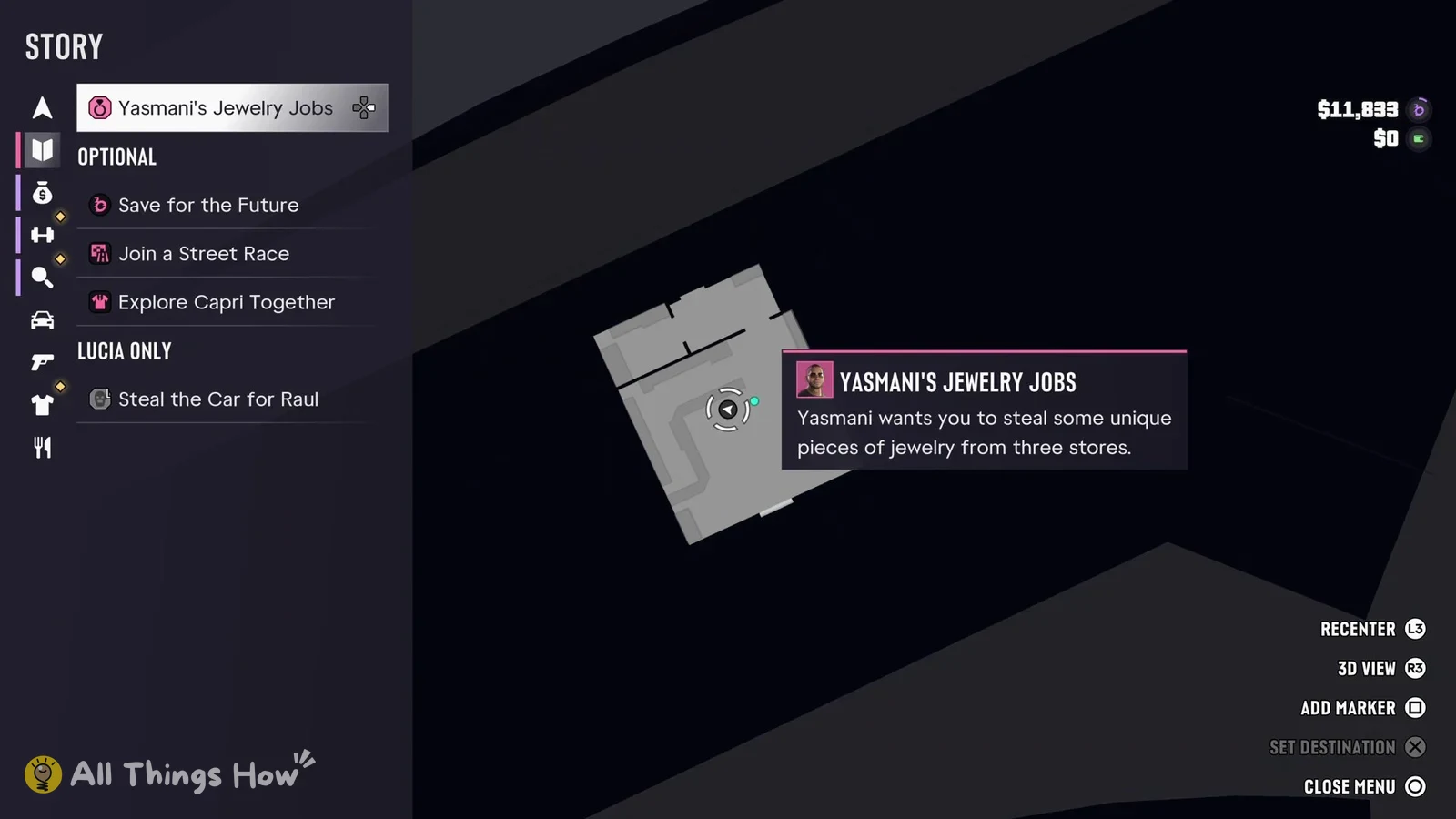
Check the STORY list on the pause map again after you press Buck ‘Em. The Send More Money to Lorena entry is gone, and Save for the Future is still there as an optional goal.
GTA 6 story list after Send More Money to Lorena
The STORY list once the Lorena step is done. Image: Rockstar Games

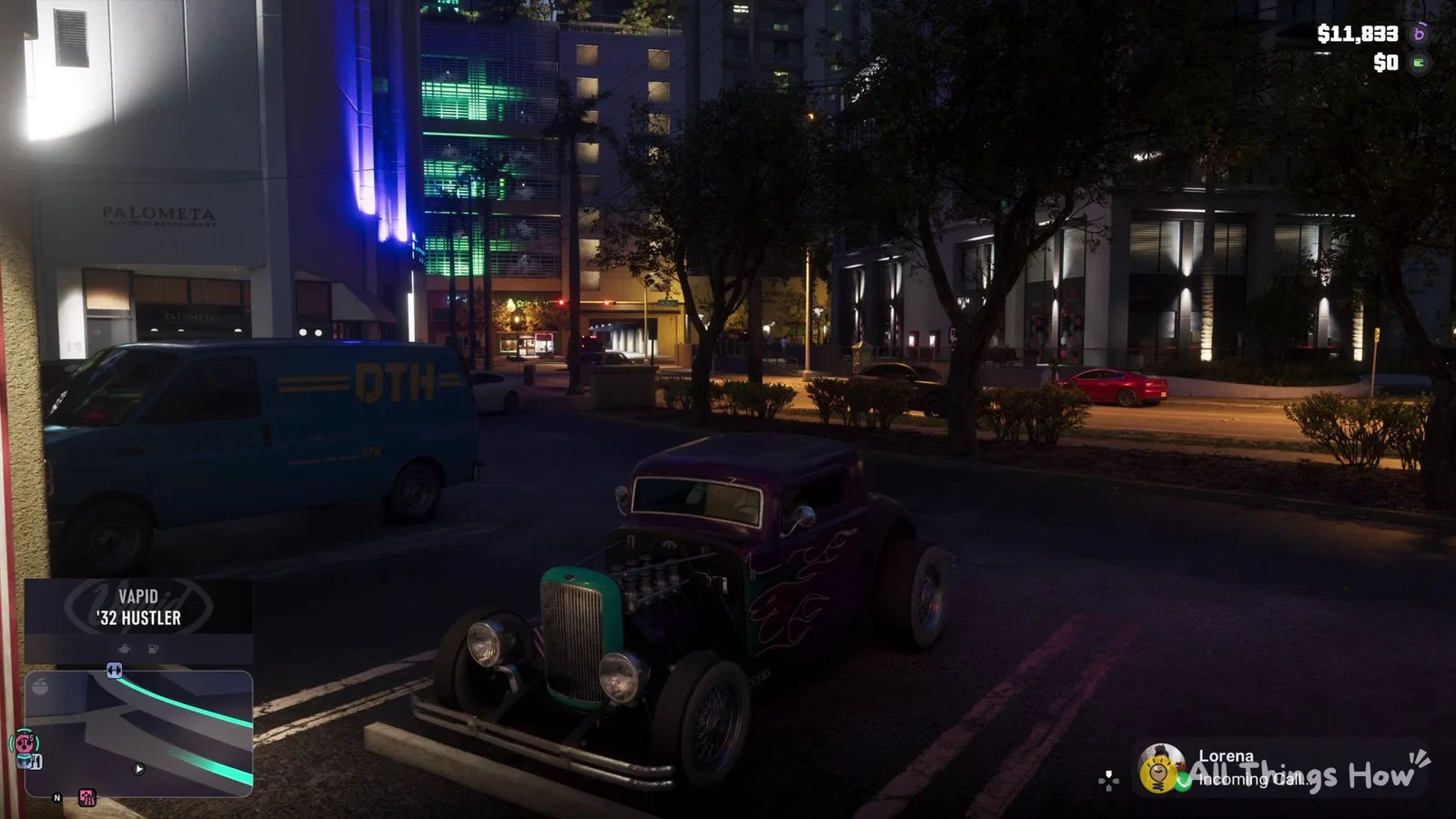
A little later, Lucia gets a call labeled “Lorena – Incoming Call”. Lorena says the bank has contacted her to ask where all this money came from and who’s sending it. Lucia replies “Tell them you do!” Lorena answers in Spanish, with subtitles: “You got to be careful. The money has helped us, so much.” Lucia wraps up with “Okay, glad its helped at least. Love you all and double dose for that little guy.” Afterward, Jason asks Lucia if tax collectors are after her.
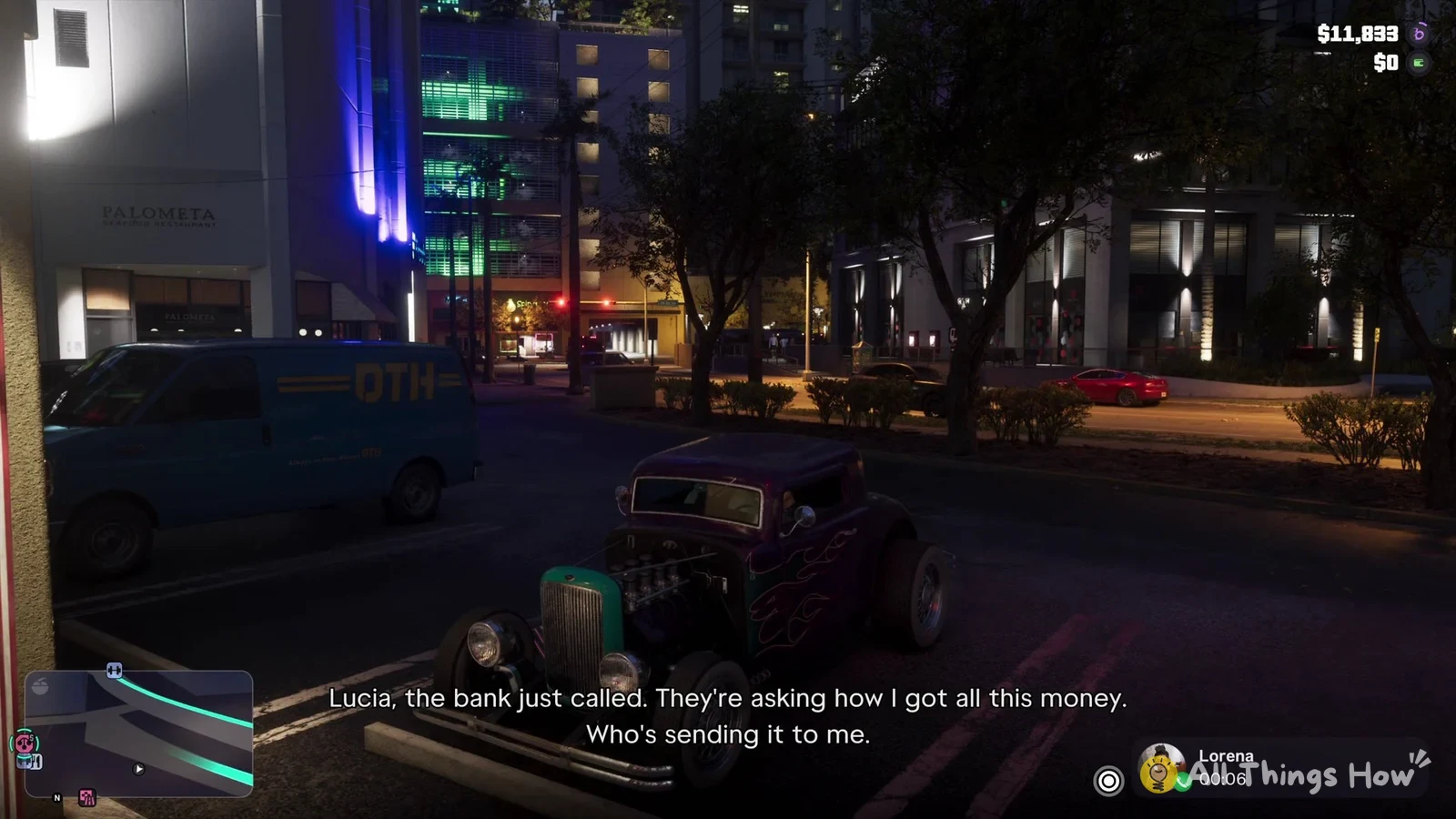

GTA 6 Lorena calls Lucia about the bank
Lorena's call: "Lucia, the bank just called.". Image: Rockstar Games