GTA 6 Walkthrough & Guides More guides
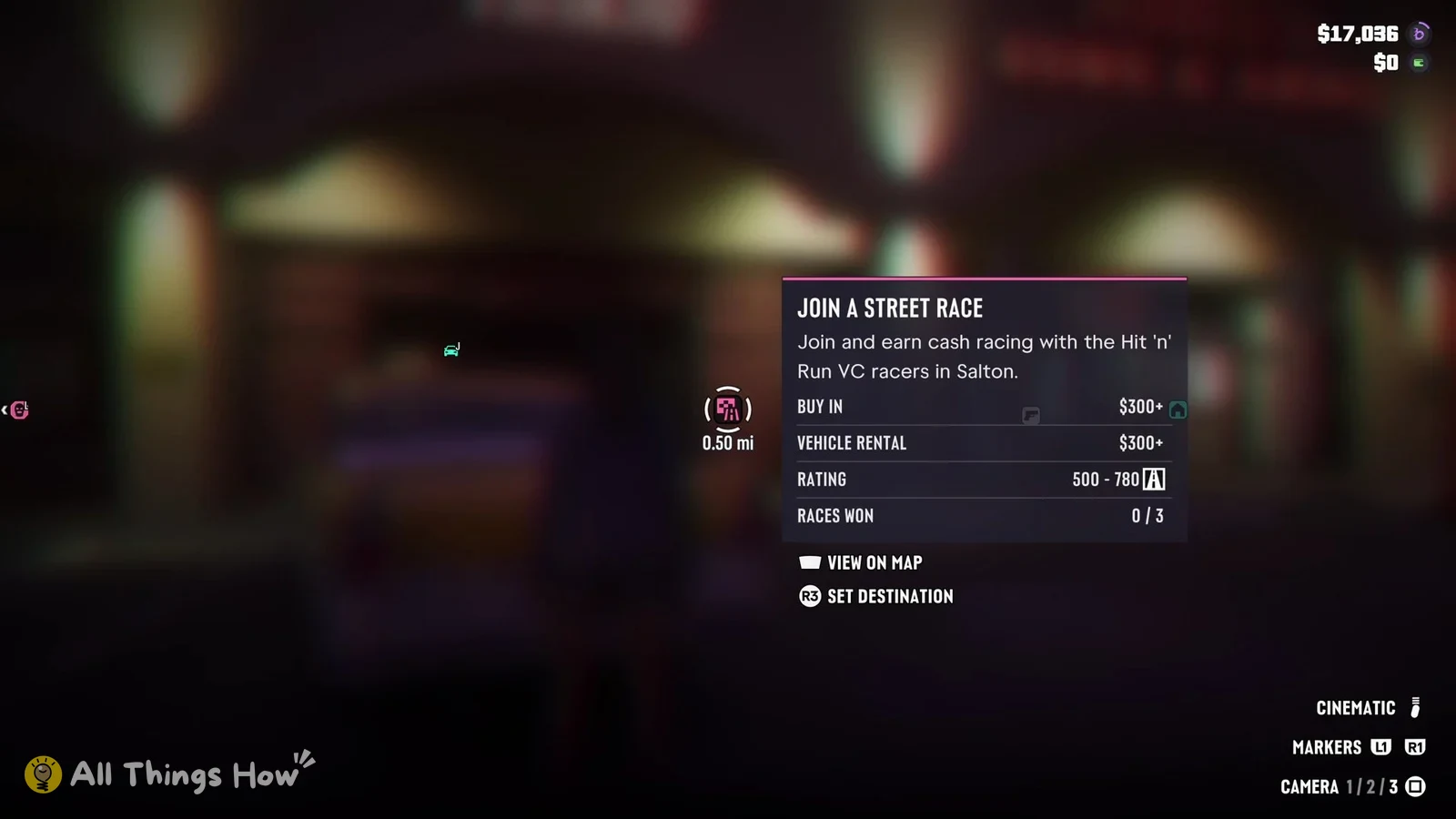
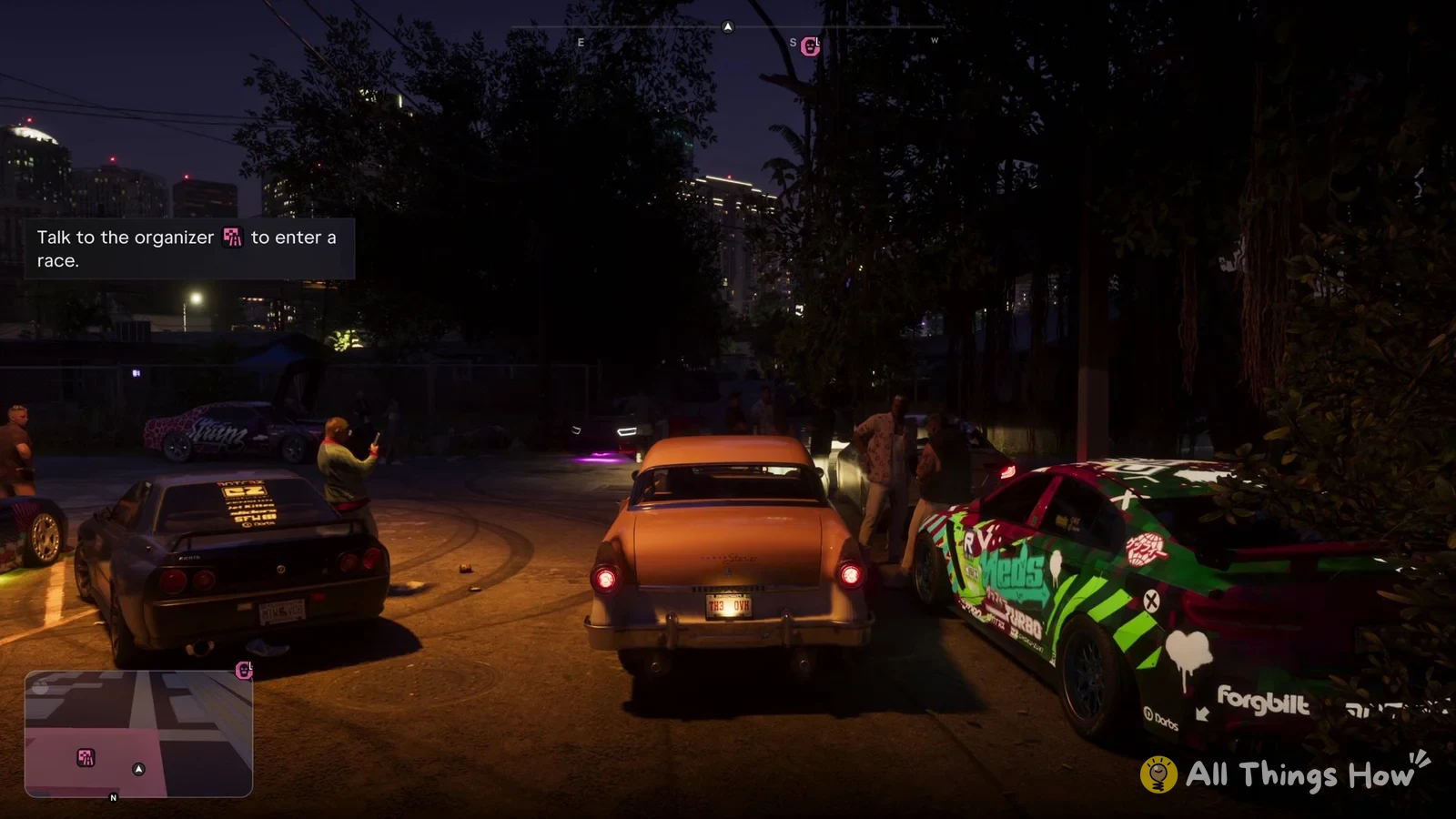
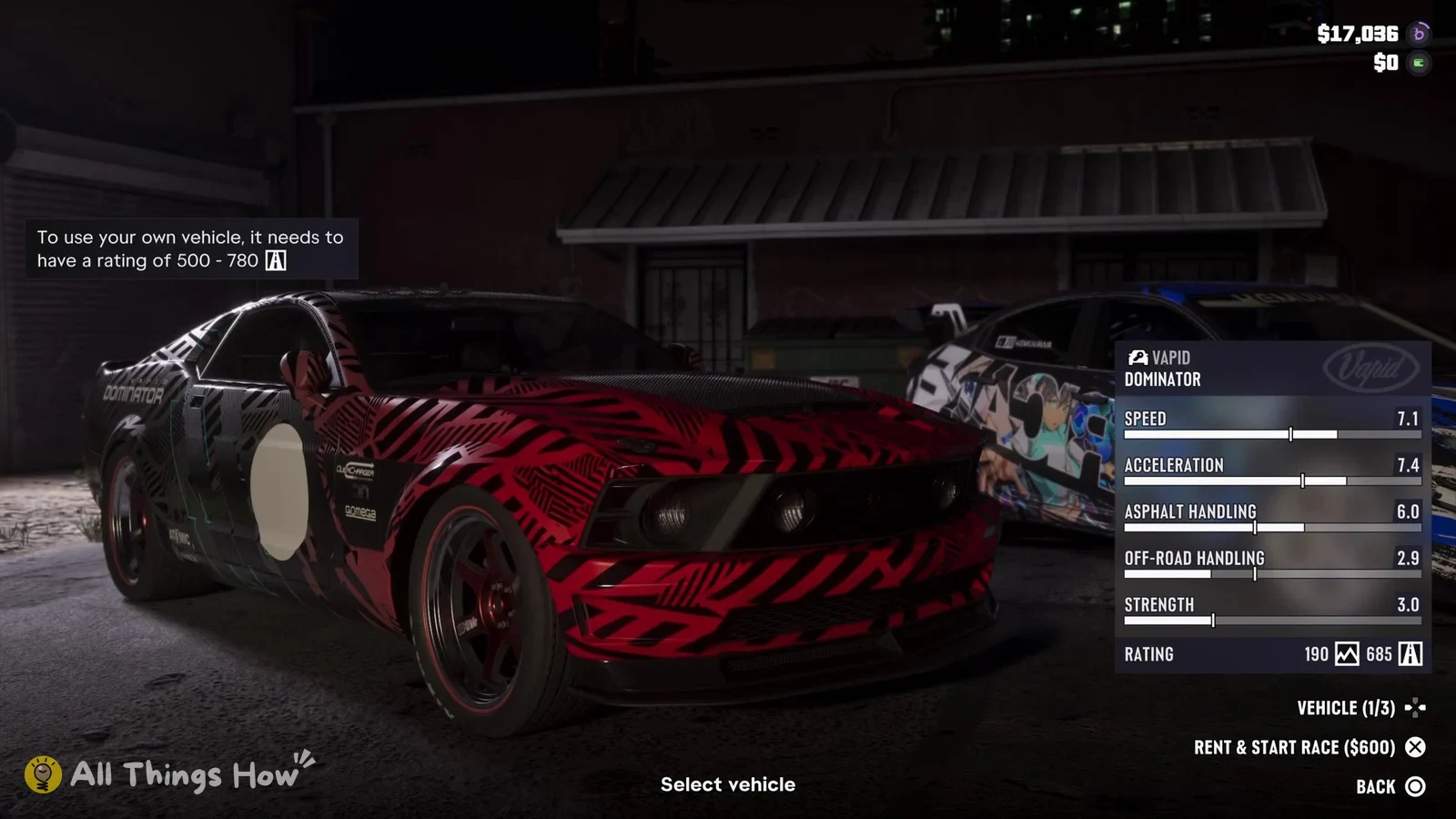
Street races in Grand Theft Auto VI open up in Chapter 3, once Lucia has finished Yasmani’s three jewelry jobs. The Shoreline card lists a $300+ buy-in and a rating band of 500 – 780. If your car’s rating is outside that band, you’ll have to rent one of the crew’s cars instead.
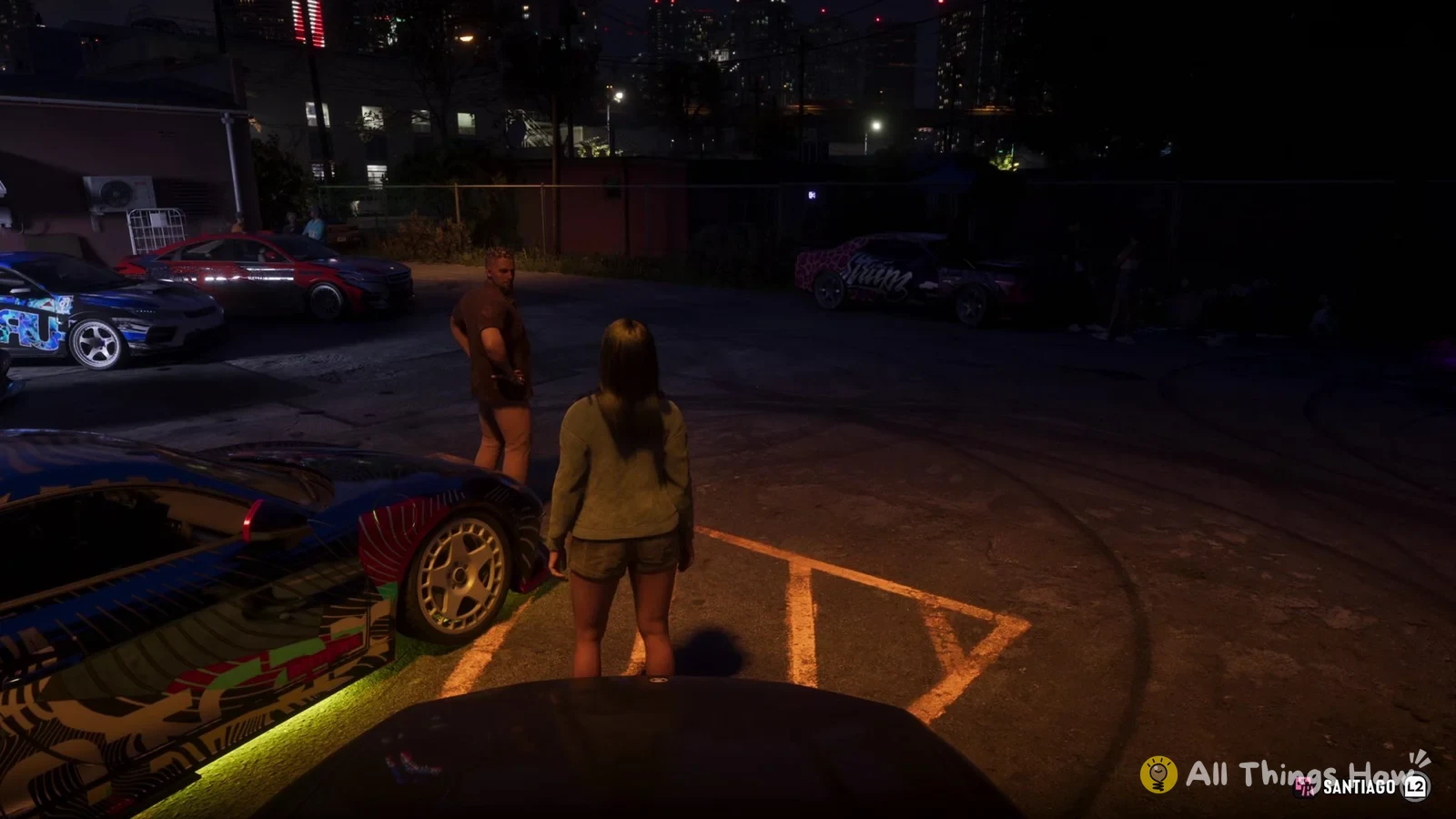
Quick answer: Set a destination to the Salton car park, hold [L2] at Santiago, and pick SHORELINE. The buy-in is $300+, and your own car needs a road rating of 500 – 780. If it doesn’t have one, rentals start at $600.
How to join a street race in Salton
- BUY IN: $300+
- VEHICLE RENTAL: $300+
- RATING: 500 – 780, with a road icon next to it
- RACES WON: 0 / 3 on your first visit
Shoreline race card: payout, laps and racers
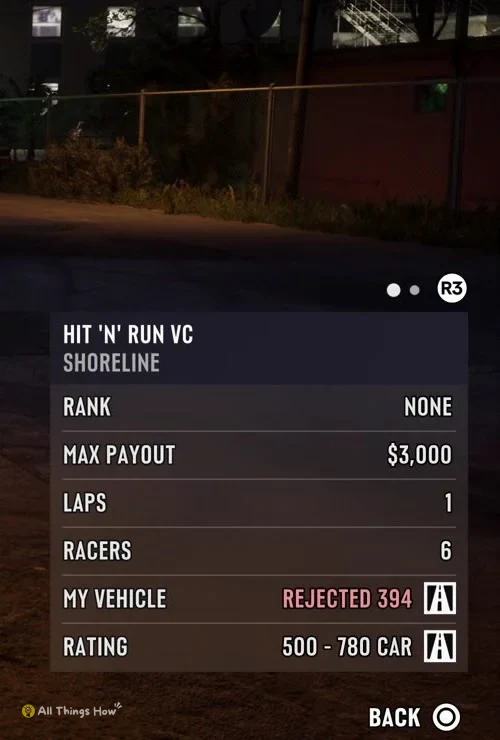
The card is titled HIT ‘N’ RUN VC / SHORELINE and fits everything you need on one page:
- RANK: NONE
- MAX PAYOUT: $3,000
- LAPS: 1
- RACERS: 6
- RATING: 500 – 780 CAR
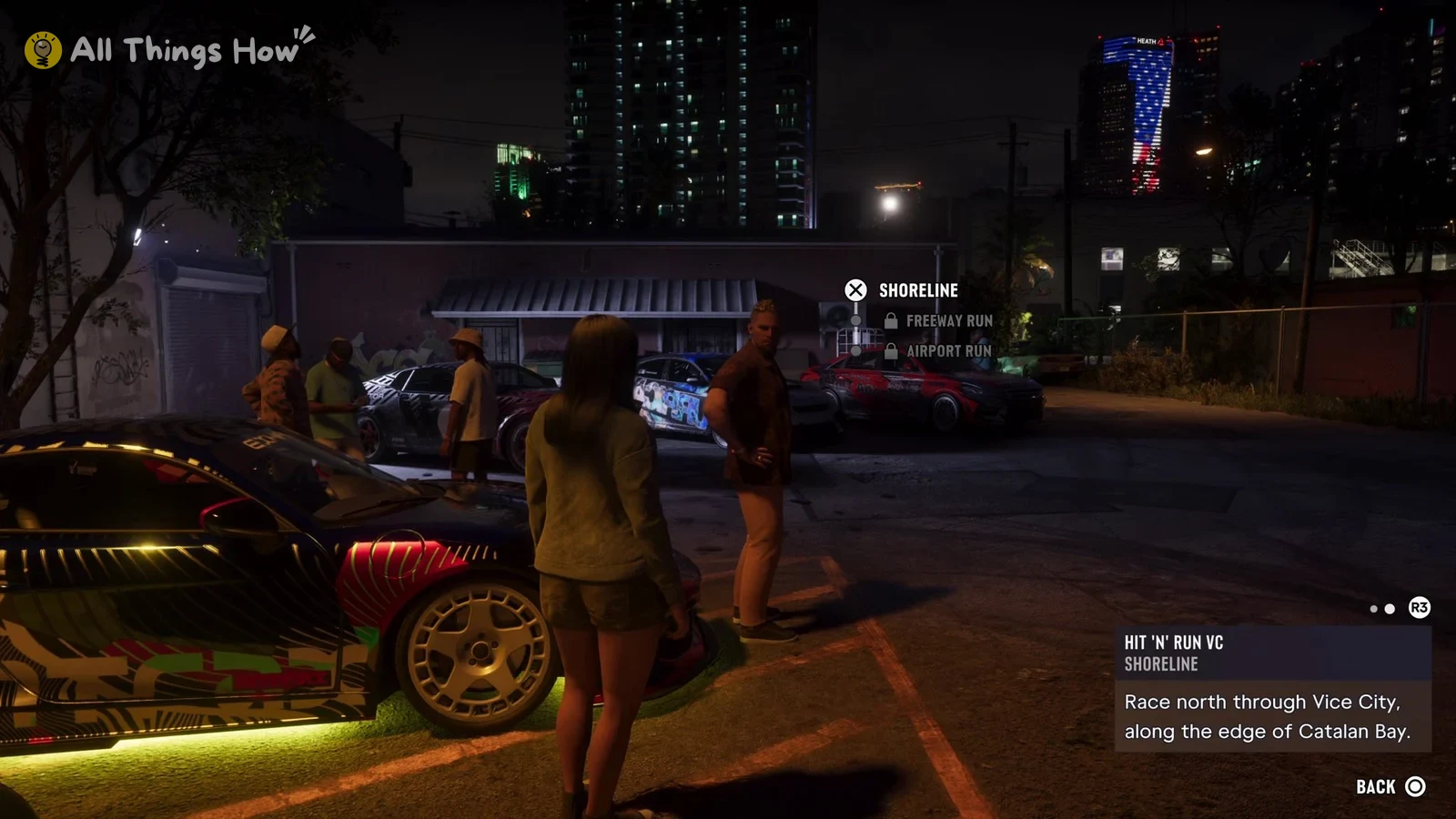
Press [R3] to flip to the second page, which describes the route: “Race north through Vice City, along the edge of Catalan Bay.”
Car rating: which number the street race checks
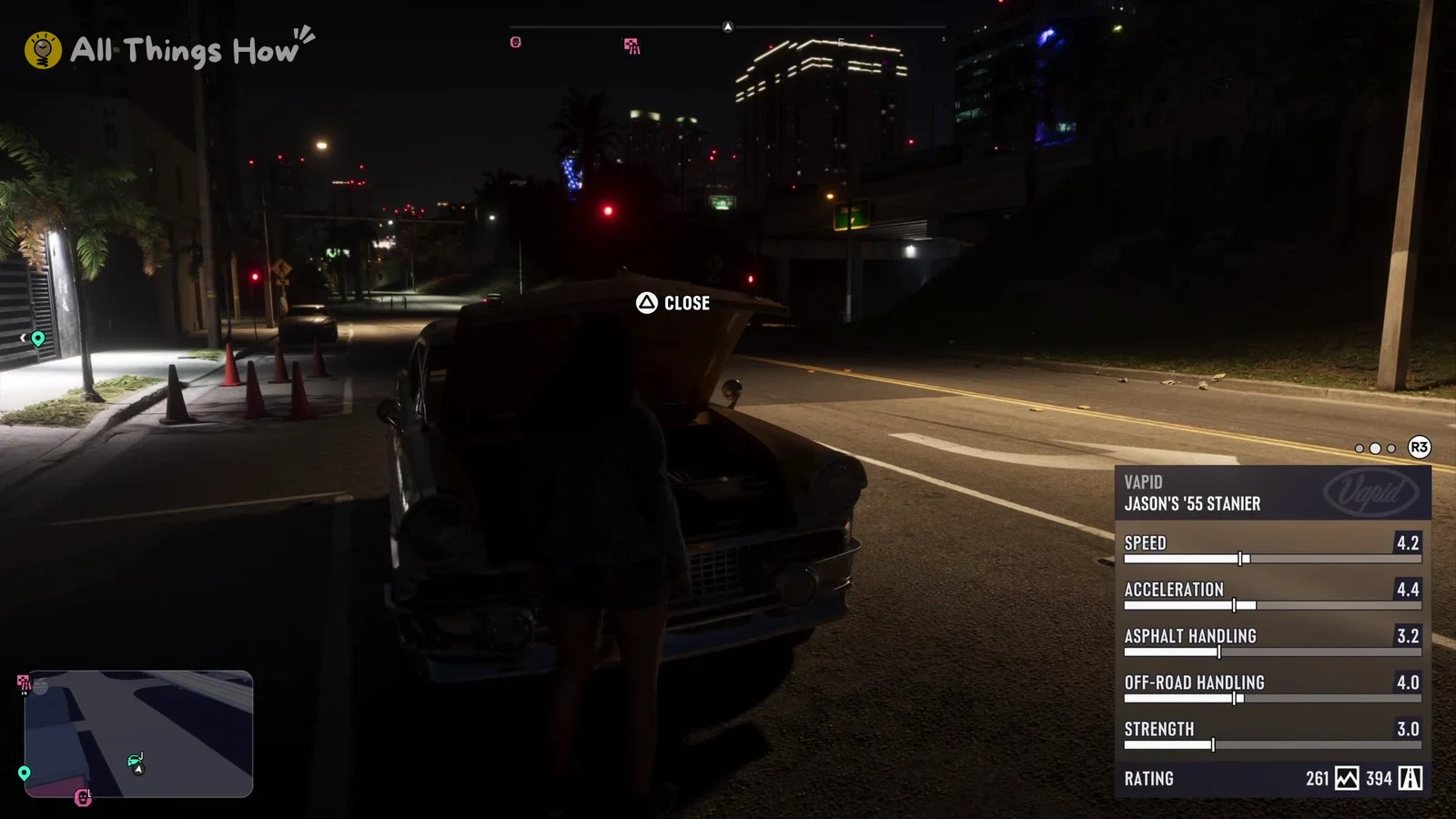
Check the two RATING figures on any car’s stats card. For the street race, use the number next to the road icon on the right; it must be from 500 to 780. Jason’s ’55 Stanier, for instance, has ratings of 261 and 394. On the Shoreline card, 394 appears in red as “REJECTED 394” because it falls below the limit.
When your car fails the check, the game takes you straight to the rental screen with the line “To use your own vehicle, it needs to have a rating of 500 – 780” across it.
How to see your car’s rating
From the driver’s seat, hold left on the d-pad and press [R3] until you reach the page with the stat bars. Or get out, stand at the front of the car and press [Triangle] to open the bonnet. The same card shows up at the bottom right of the screen, and [Triangle] closes it again. For the Stanier, that card reads SPEED 4.2, ACCELERATION 4.4, ASPHALT HANDLING 3.2, OFF-ROAD HANDLING 4.0, STRENGTH 3.0 and RATING 261 / 394.
Rental cars and what they cost
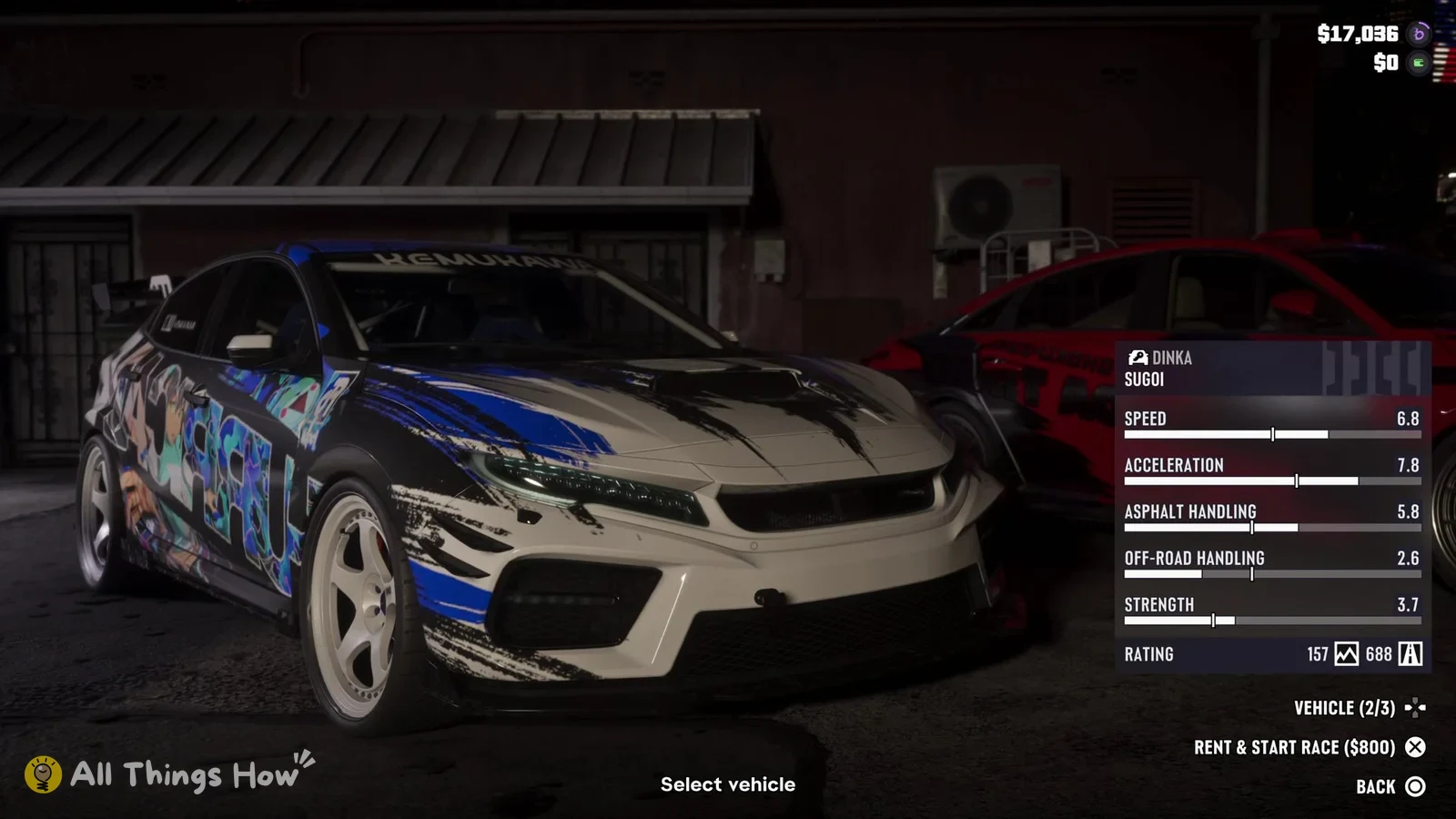
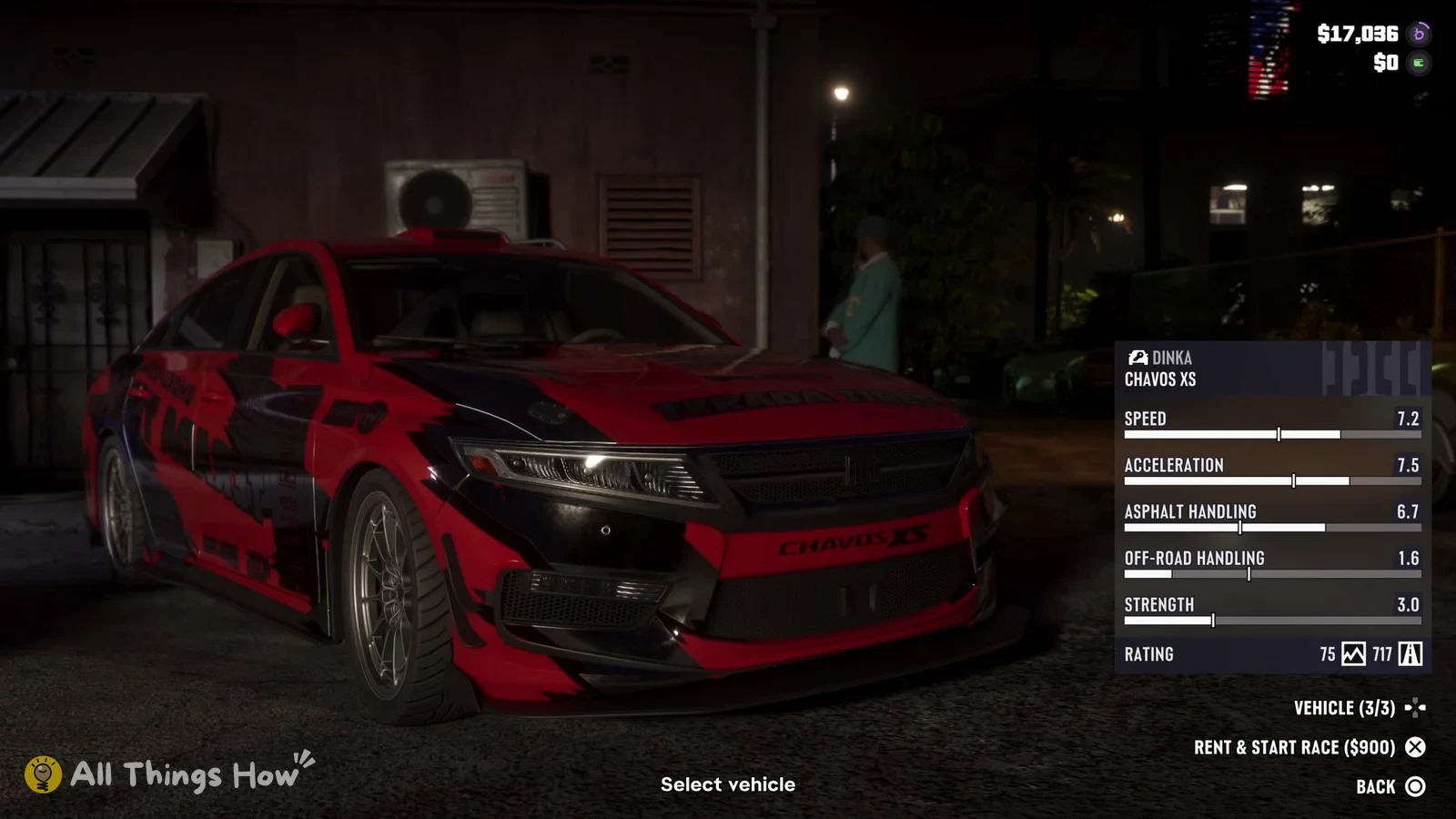
The rental screen is headed “Select vehicle” and holds three cars, shown as VEHICLE (1/3). Cycle through them with the d-pad, press [Cross] on RENT & START RACE to pay and go, or press [Circle] for BACK. All three rentals pass the road rating check.
| Rental car | RATING | RENT & START RACE |
|---|---|---|
| Vapid Dominator | 190 / 685 | $600 |
| Dinka Sugoi | 157 / 688 | $800 |
| Dinka Chavos XS | 75 / 717 | $900 |
| Rental car | Speed / Acceleration | Asphalt / Off-road handling | Strength |
|---|---|---|---|
| Vapid Dominator | 7.1 / 7.4 | 6.0 / 2.9 | 3.0 |
| Dinka Sugoi | 6.8 / 7.8 | 5.8 / 2.6 | 3.7 |
| Dinka Chavos XS | 7.2 / 7.5 | 6.7 / 1.6 | 3.0 |
The price on the RENT & START RACE button already includes the buy-in. The JOIN A STREET RACE card lists $300+ for each, which is why the cheapest rental, the Dominator, comes to $600 in total. If you have no cash in your pocket, the money comes out of BuckMe, so renting the $900 Chavos XS takes a balance of $17,036 down to $16,136.
Starting Shoreline and the race HUD
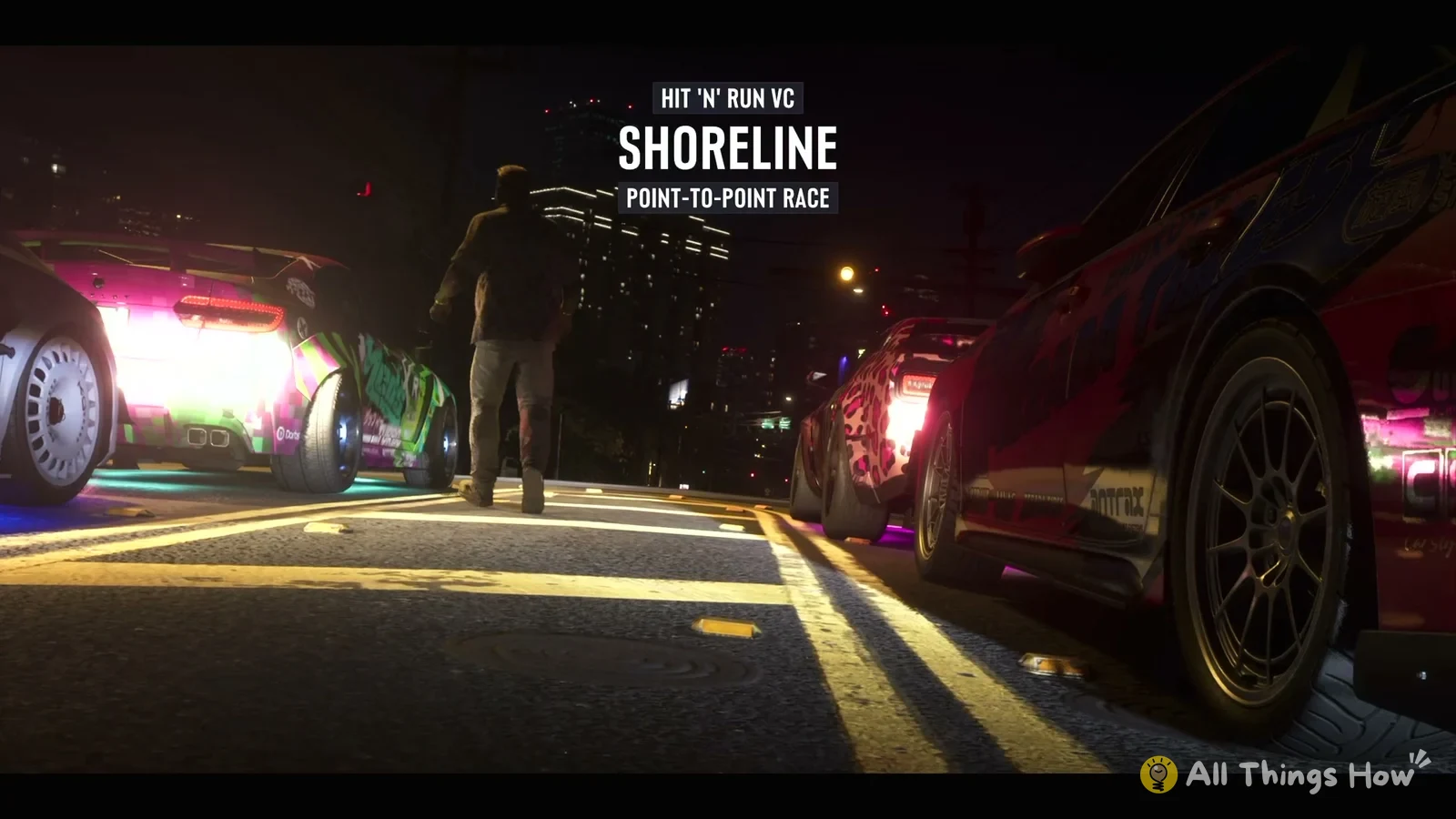
Once you’ve paid, a short scene plays with the other drivers. Then you get a 3-2-1-GO countdown, and the title card “HIT ‘N’ RUN VC / SHORELINE / POINT-TO-POINT RACE” confirms you’re in.
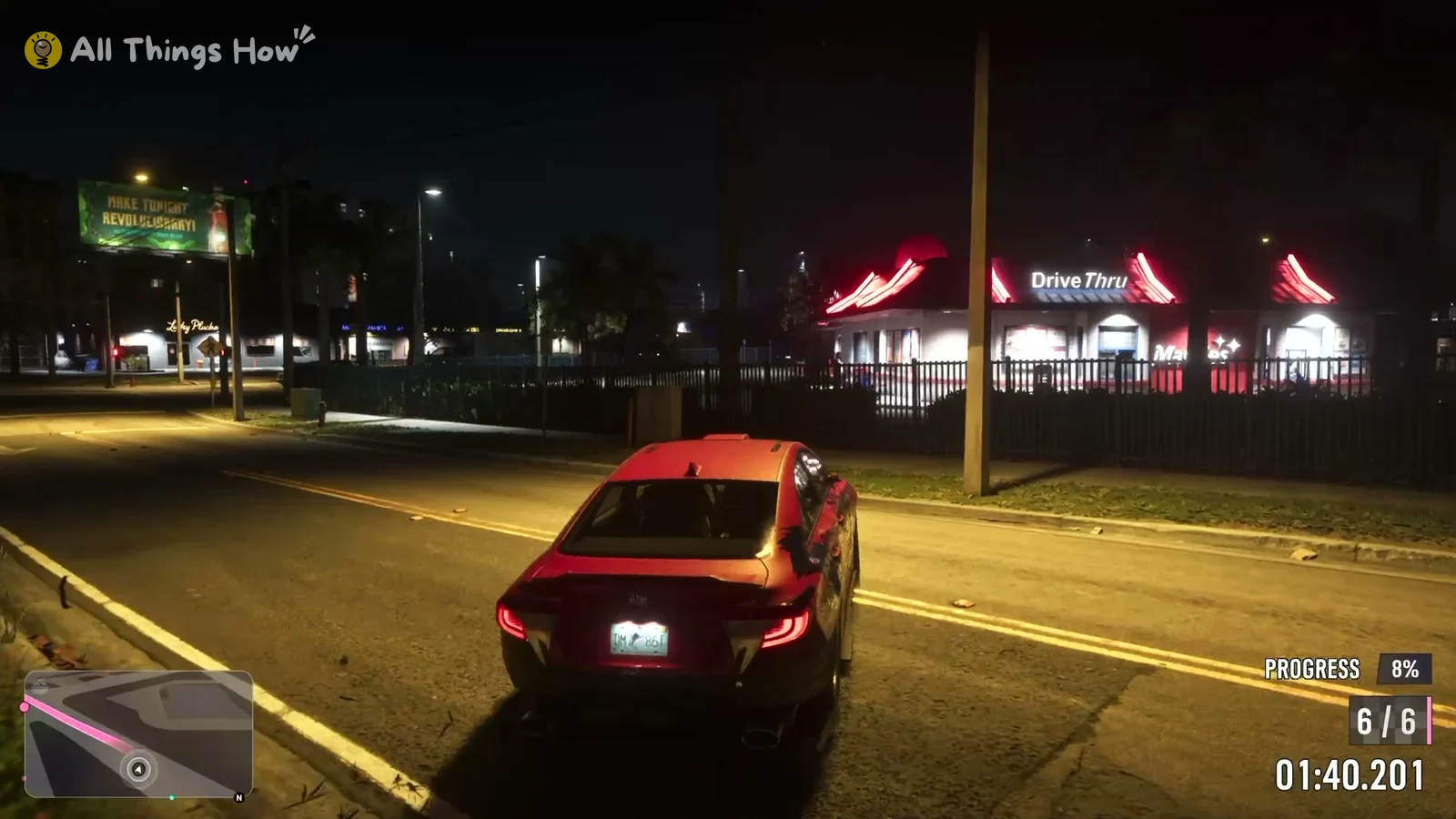
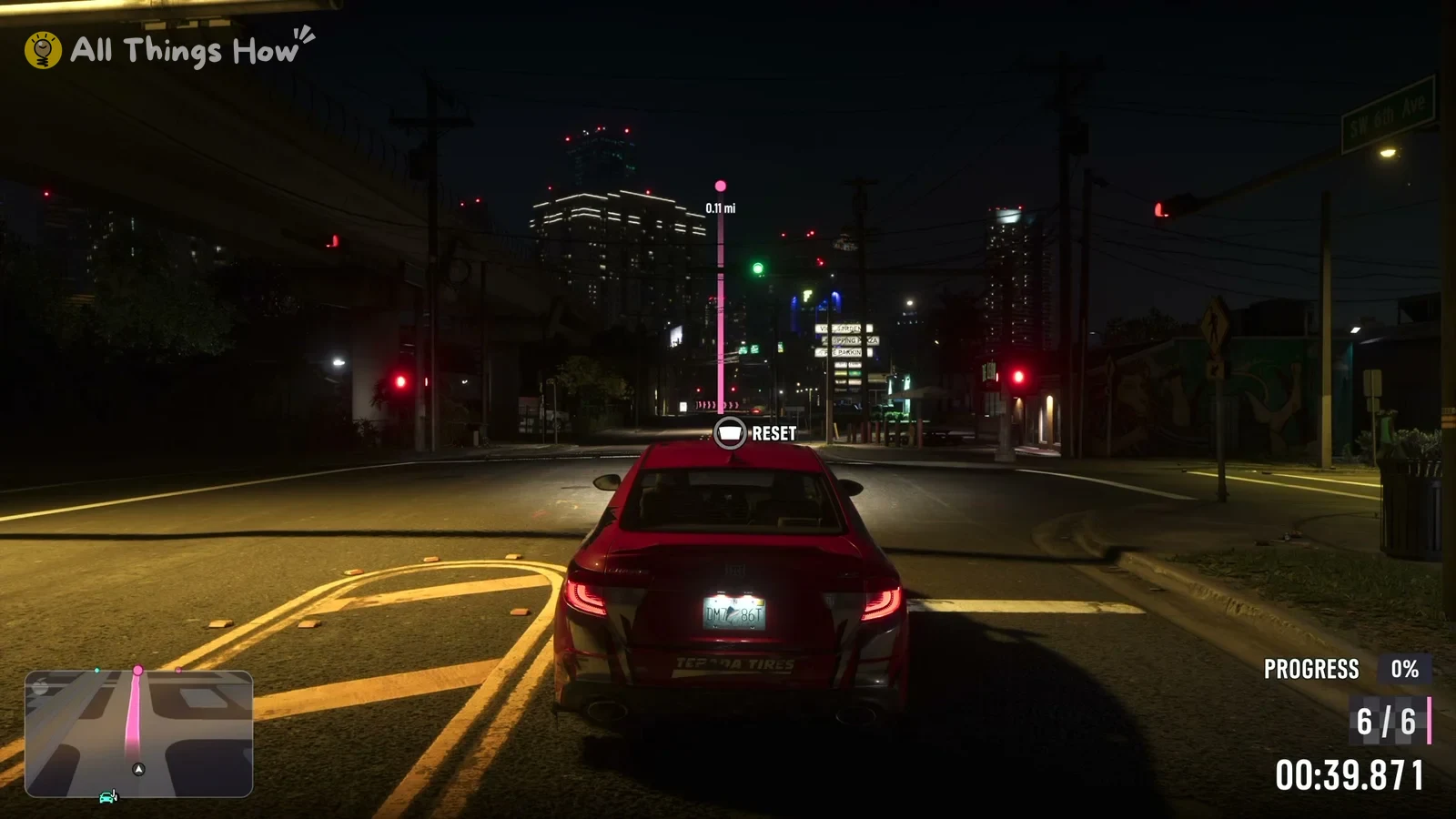
The race HUD sits at the bottom right and shows PROGRESS as a percentage, your position out of 6 and a race timer. The route is marked on the minimap, and pink chevron arrows point out the turns. If you leave the route or get stuck, a RESET prompt with the touchpad icon shows up above the car.
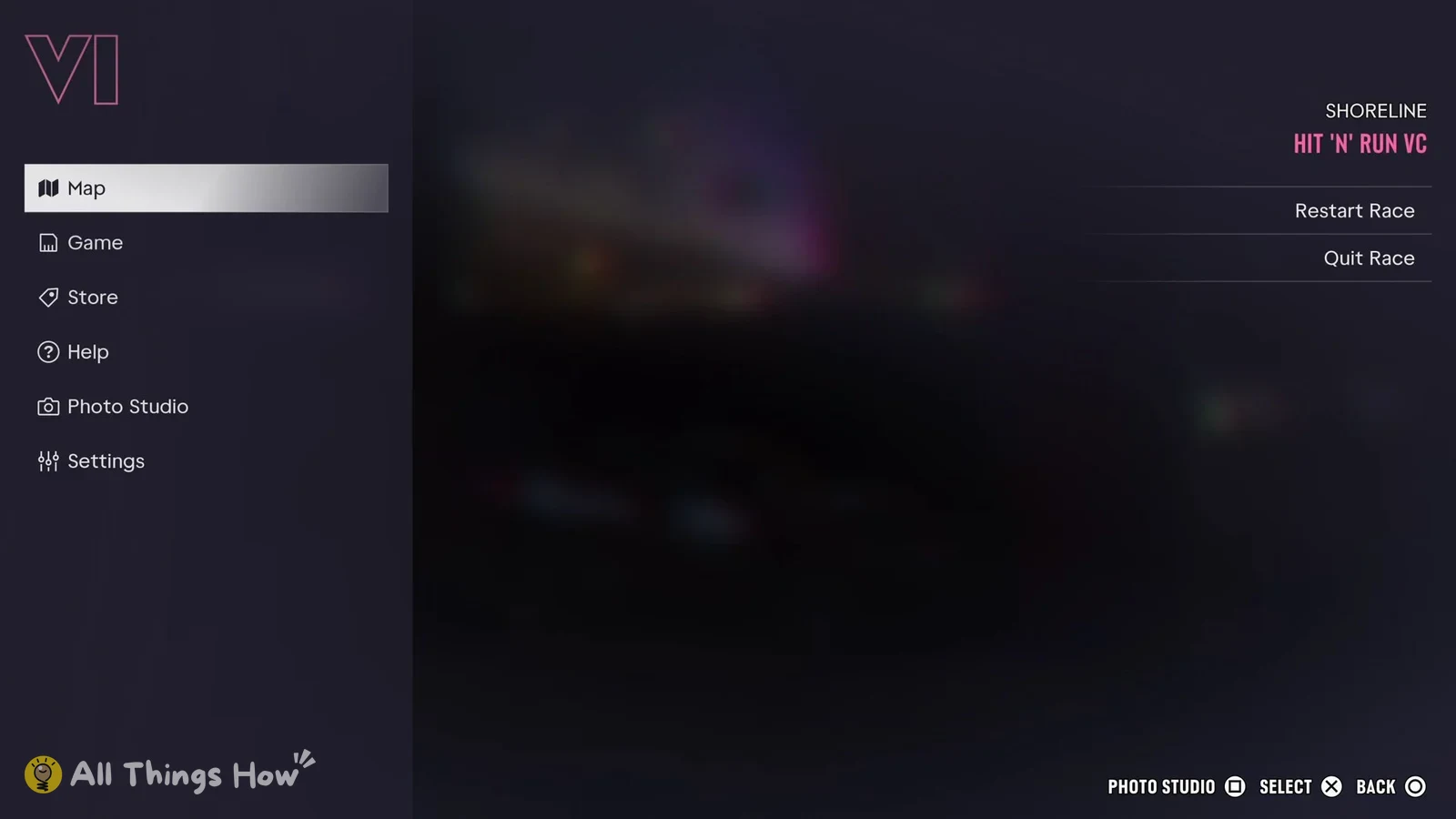
The pause screen during a race shows SHORELINE / HIT ‘N’ RUN VC on the right, along with the Restart Race and Quit Race choices.