Roblox Project: Escape Room – How to Escape The Office (Full Walkthrough)
Every code, key, and puzzle answer you need to clear the 5-star Office map and reach the front doors.
Every code, key, and puzzle answer you need to clear the 5-star Office map and reach the front doors.
by AllThingsHow Staff · Edited by Pallav Pathak
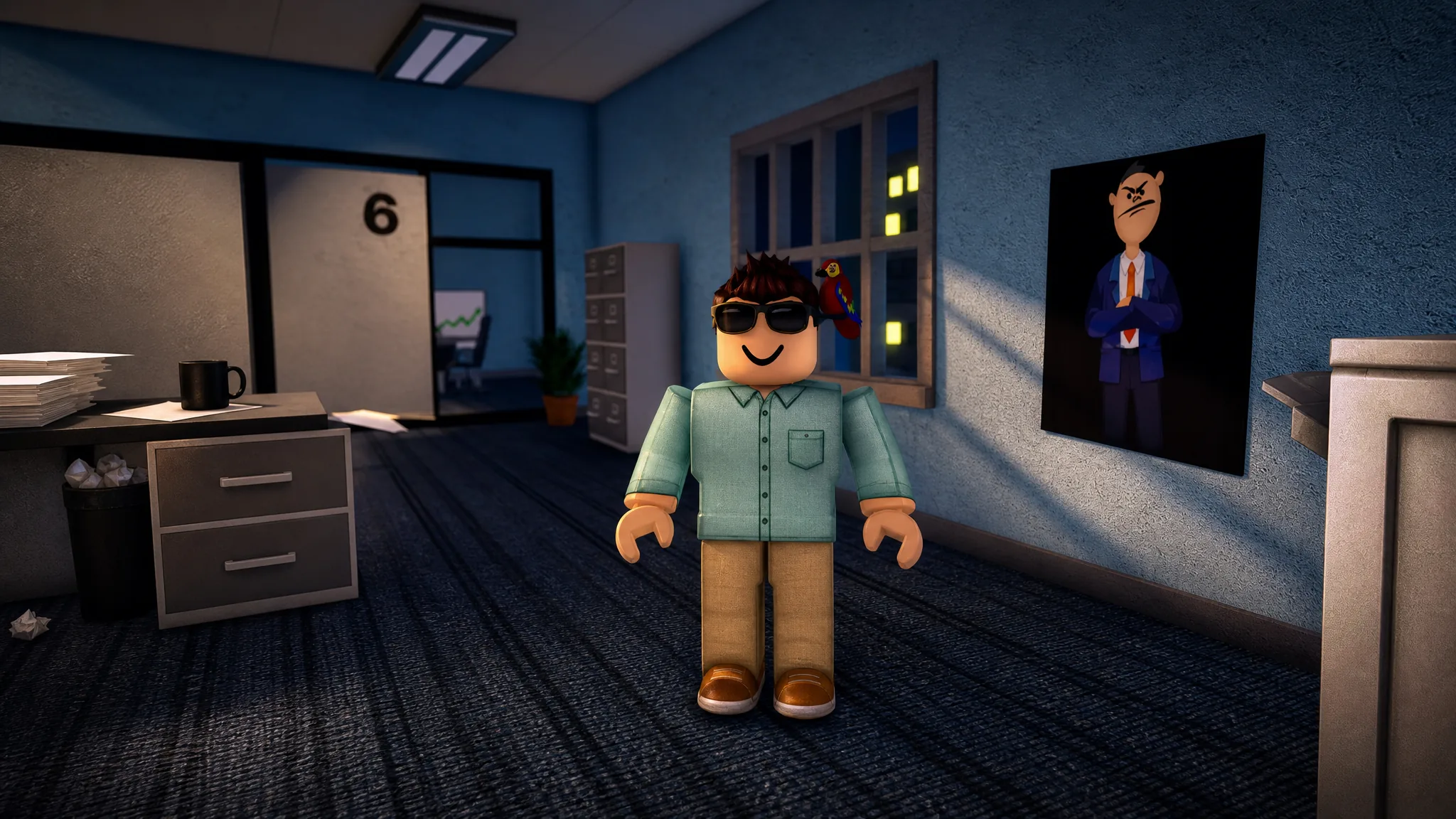
The Office is a 5-star map in Project: Escape Room where your boss locks you inside after asking you to work overtime. Getting out means solving five puzzles in order, each one handing you a key or a code that opens the next room. You move from the cubicles to the break room, the manager’s office, the meeting room, and finally the reception lobby before the front doors unlock.
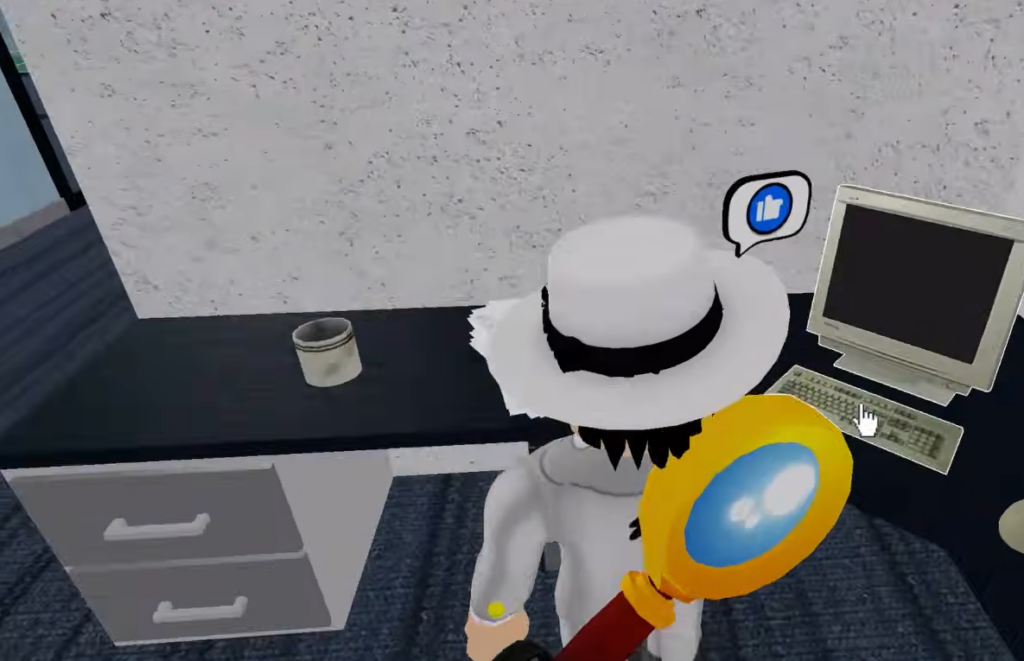
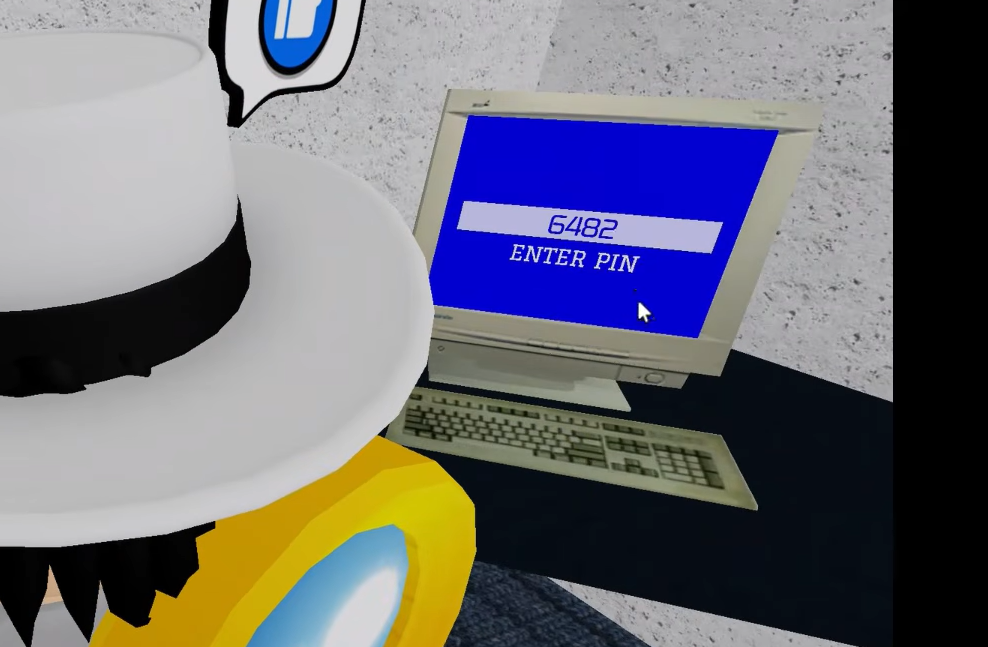
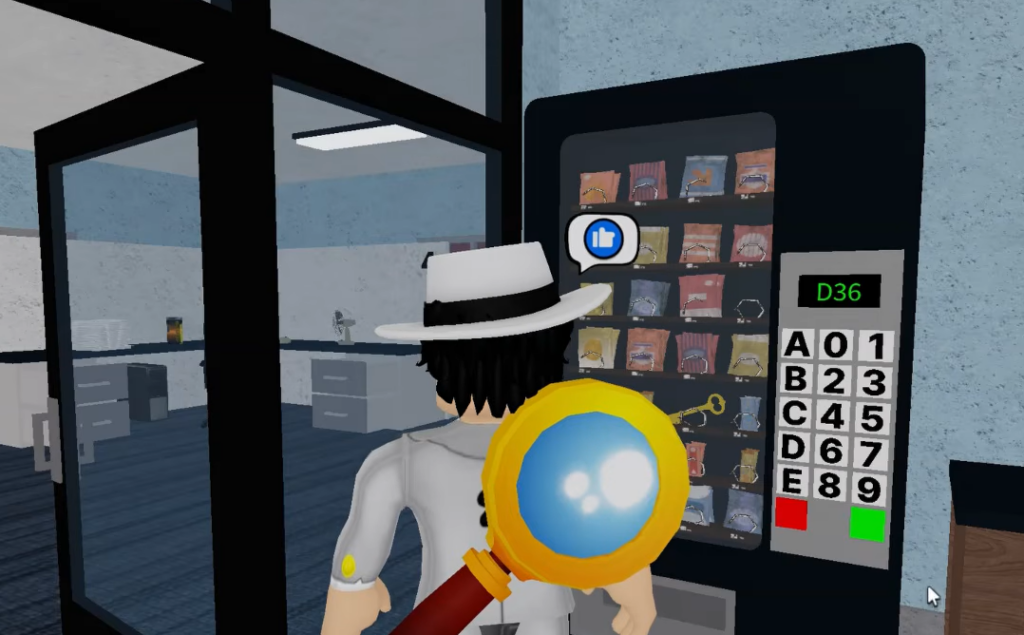
Quick answer: Enter 6482 at cubicle 7, D36 in the vending machine, match the window grids to open the safe, punch 314256 into the elevator, then set the reception colors to Blue, Orange, Red, Green to open the exit.
Image credit: Roblox
The Office codes and keys in order
Every puzzle depends on the one before it, so you cannot skip ahead. Here is the full chain of answers from spawn to escape.
Walk the cubicles and match each word to its number. Overworked is cubicle 6 (piles of paper), Hungry is cubicle 4 (pizza on the desk), Trophy is cubicle 8 (gold trophy), and Gamer is cubicle 2 (the gamer sign). That spells the PIN 6482.
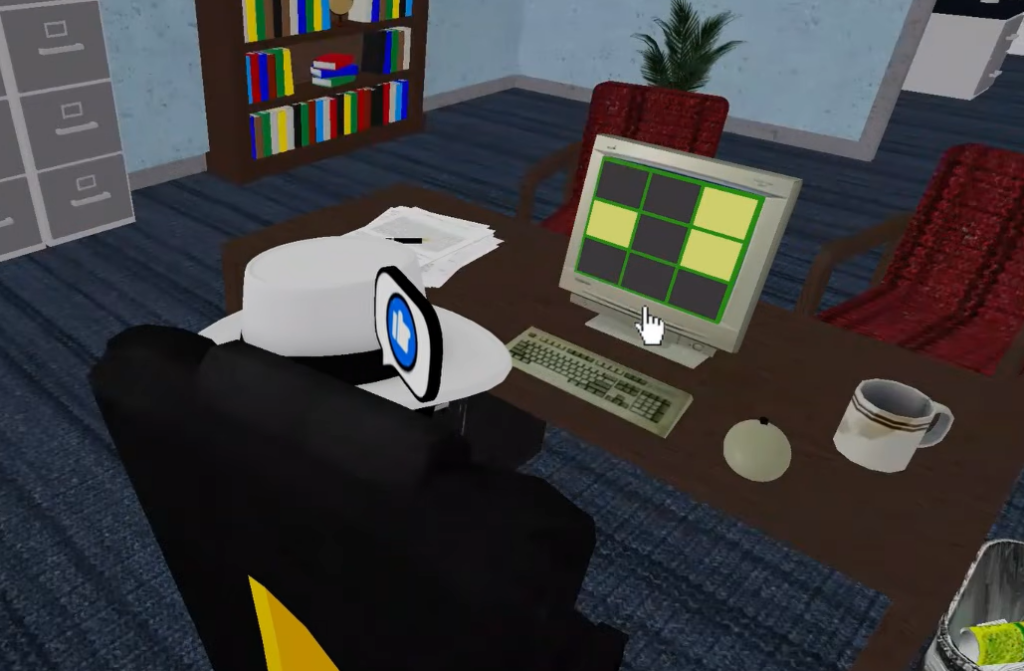
Copy each building’s lit-window pattern onto the matching grid on the computer. When all three grids match, the message reads “SAFE OPEN” and the safe hands you the Meeting room key.
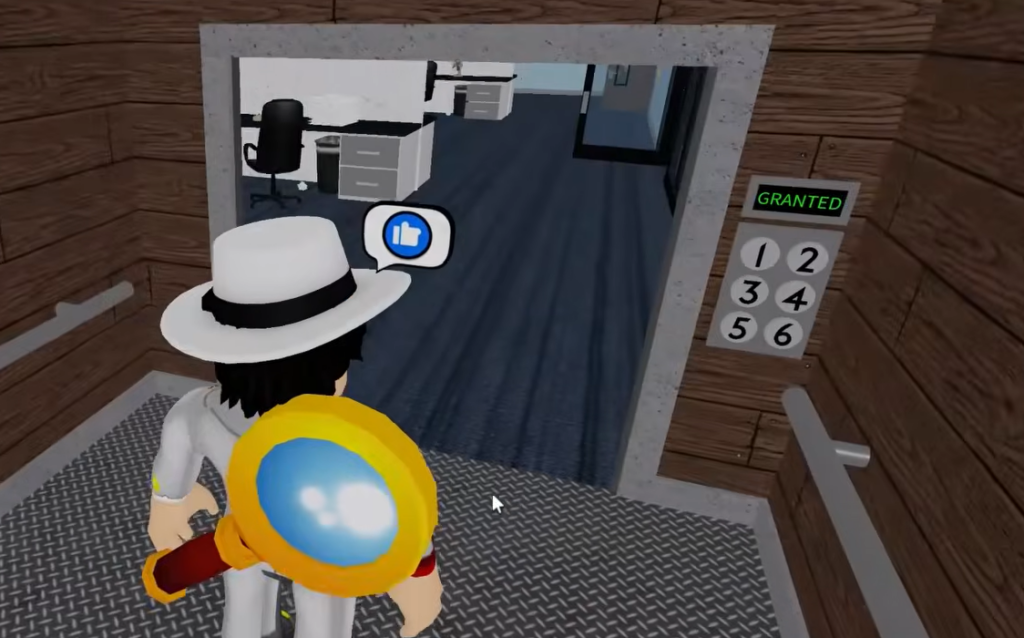
On the graph, Month 3 = 100, Month 1 = 200, Month 4 = 300, Month 2 = 400, Month 5 = 500, and Month 6 = 600. Ordered low to high, the months read 314256. Enter that on the elevator keypad to activate it.
Image credit: Roblox
Step 5: Solve the reception color puzzle and escape
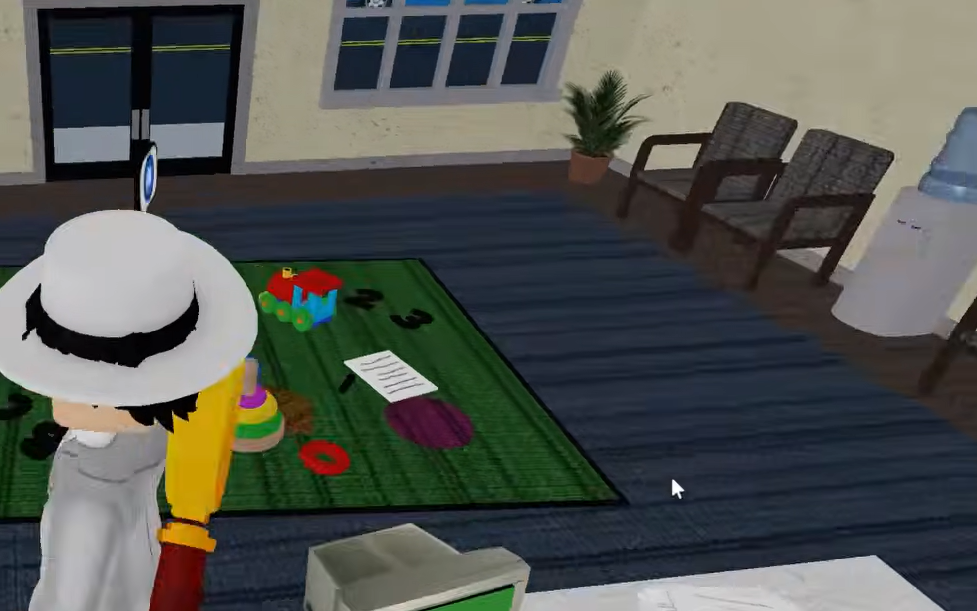
The elevator opens into the reception lobby, where the front entrance is locked. Open the computer grid and find the child’s drawing on the floor showing a car, a fish, a triangle, and a cup.
Find each of those items in the room and note its color. The car is blue (seen outside the window), the fish is orange (Mr. Chuckles in the bowl), the triangle is red (the play mat on the floor), and the cup is green (inside the filing cabinet drawer).
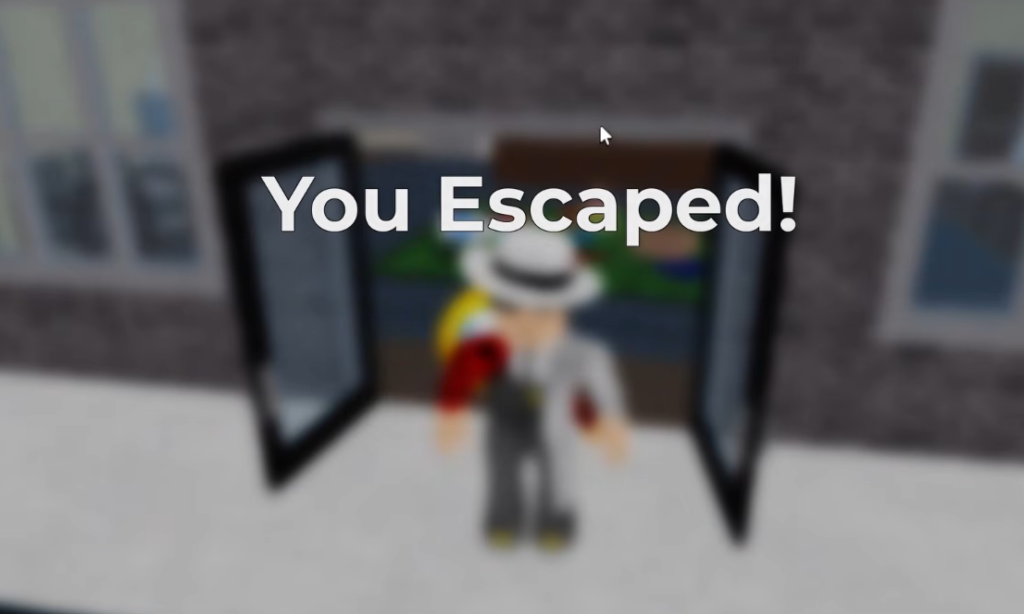
Walk through the front doors. You will see the “You Escaped!” screen followed by “Teleporting back to lobby,” which confirms the run is complete.
Image credit: Roblox
If a code does not work
A wrong keypad entry returns an “ERROR” message, while a correct one shows “GRANTED.” Two things usually cause a mismatch. First, make sure you are entering codes at the right terminal, since the cubicle PIN only works at the computer in cubicle 7. Second, order matters on the elevator and reception puzzles, so a right set of numbers or colors in the wrong sequence still fails.
Beginner and Challenge modes can change some layouts, so if a cubicle, score, or window pattern does not match what you see, read the in-room clue again and follow the values on screen rather than the fixed numbers. The logic behind each puzzle stays the same; only the exact figures shift.