In Roblox Rivals, Candy is the money used during the Rivalsween Halloween event, and the Spooky Event shop charges a hefty amount. The Zombie Walk Emote takes 5,000 Candy to buy. There’s no AFK farm or secret shortcut. Candy comes from a brief daily routine plus a daily multiplier that favors consistent logins over hours of weekend grinding.
Quick answer: Get 20 duels on your account and clear your Daily Tasks. Then do event quests and Contracts with Candy Rush active, which speeds up your first 200 Candy that day by five times. Run the routine again after each reset.
Candy Rush: the 200-Candy daily boost
The rest of the routine revolves around Candy Rush. This daily boost activates once and speeds up earning your first 200 Candy that day by a factor of five. Event quest rewards count toward the limit, so the boost remains active until you reach 200 Candy, regardless of where the Candy came from.
After the cap, Candy keeps coming in at the normal rate, but each extra minute is worth far less. A day you skip is a boosted 200 you never get back. The practical result is that a short session every day beats one long session, and once your counter slows down noticeably, you have used up that day’s boost.
Rivalsween Candy unlock requirements
Regular matches do not earn Candy on their own. New accounts in particular often assume Candy is bugged on day one, when really two gates are still closed. Here is what has to be true before Candy starts counting:
- Your account has played 20 duels, which opens the Spooky Event Hub quest menu.
- You have finished your regular Daily Tasks for the current day.
- The event is still running. Candy only exists during Rivalsween.
- No Robux, pass, or specific weapon is needed to start.
The Spooky Event lives in the main lobby, marked by a large pumpkin among the duel bays. Walk up to it and press the “View” prompt (Q on keyboard) to open the event menu.
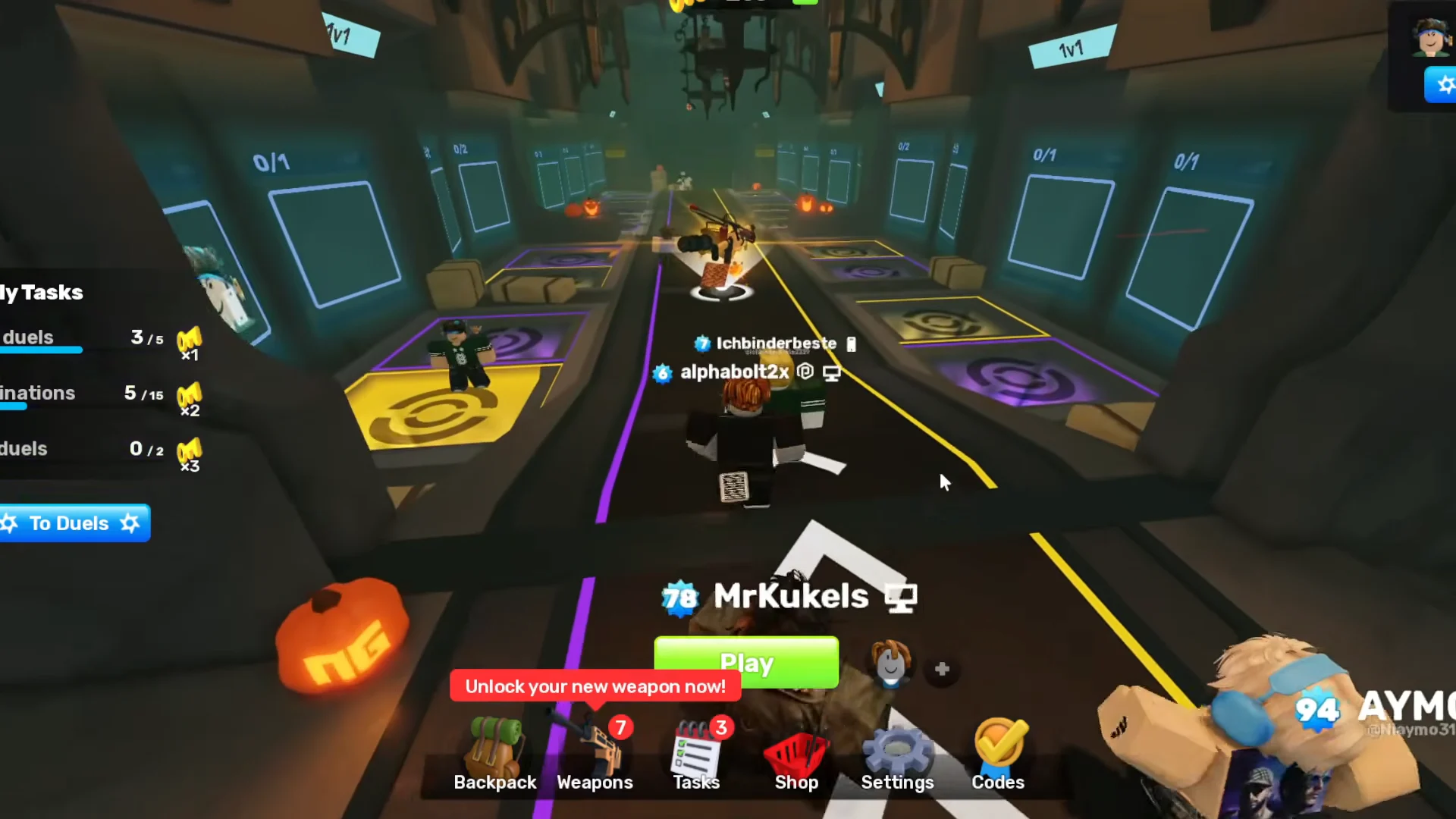
If your account has not reached the duel requirement, the pumpkin shows a “LOCKED” tag and counts down what is left, for example “Play 10 more duels to gain access!” Once that is cleared but your Daily Tasks are still open, the menu shows a lock icon and the message “Complete your Daily Tasks to start earning Candy!” Matches played while either message is up add nothing to your event balance.
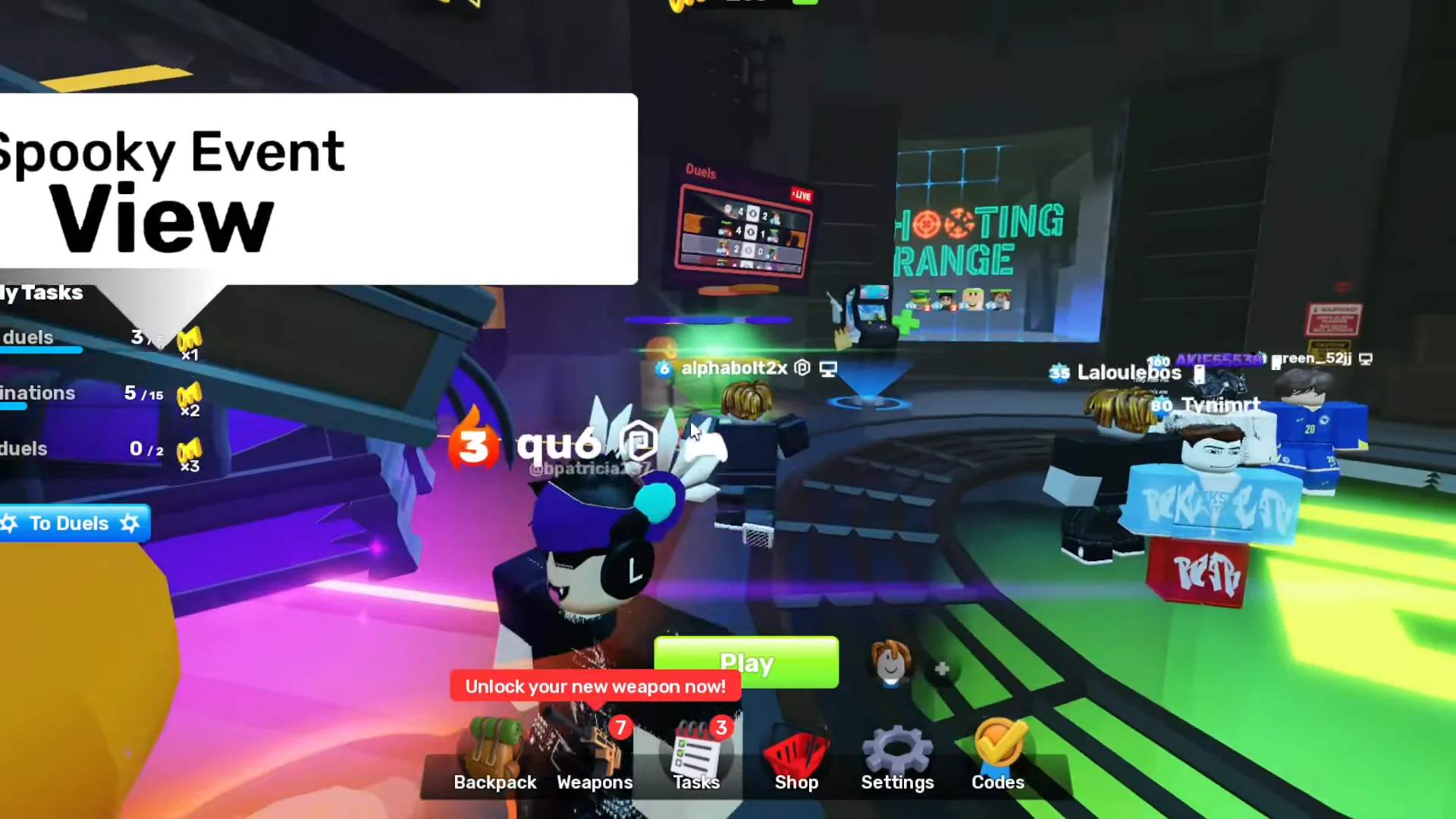
You know Candy earning is active when the lock notice disappears from the Spooky Event menu. That check needs to pass again each day, because the Daily Tasks gate resets with your tasks.
Daily routine to get Candy fast
Run this once per day, ideally soon after your tasks reset, so the whole session falls inside Candy Rush.
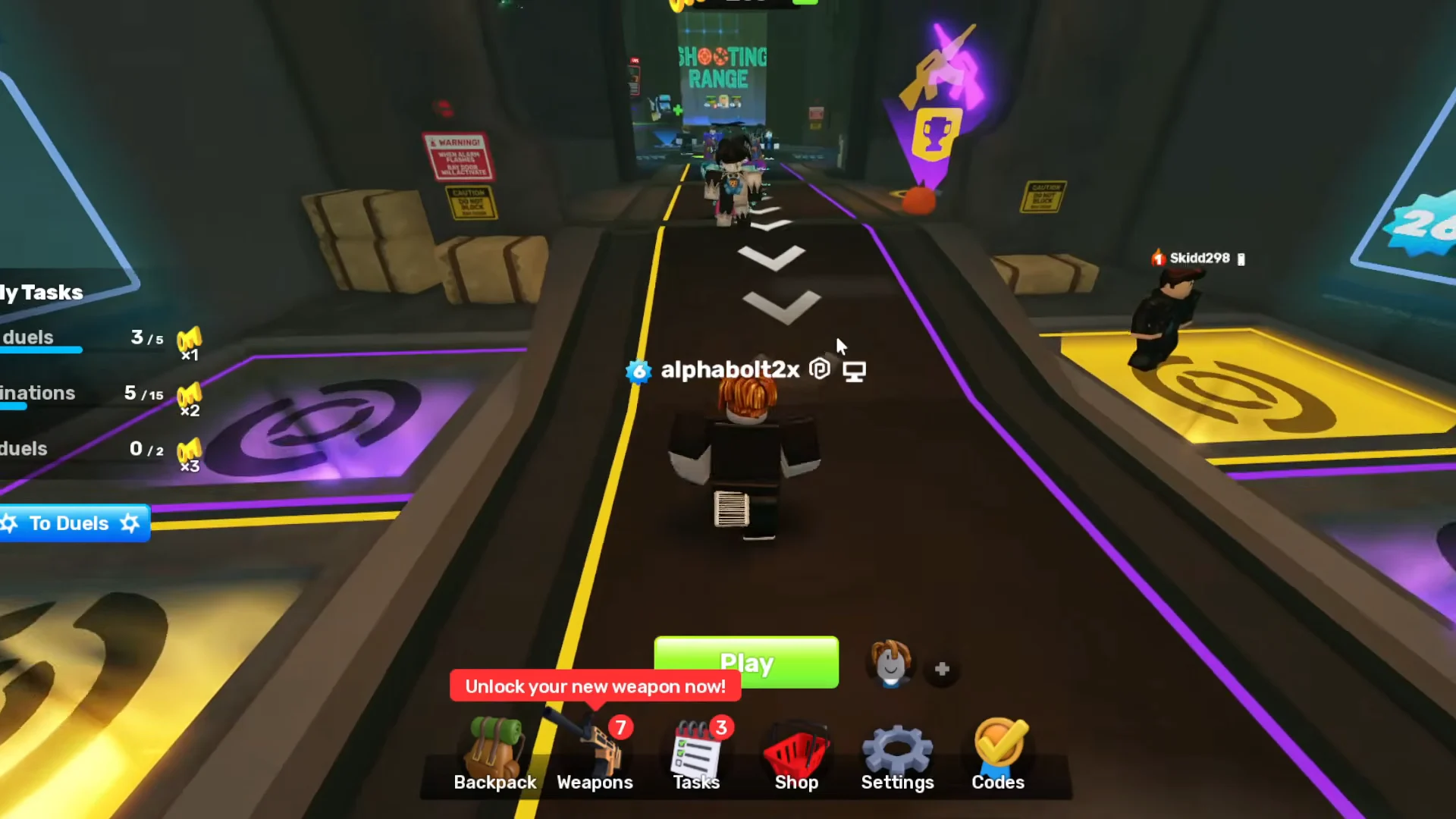
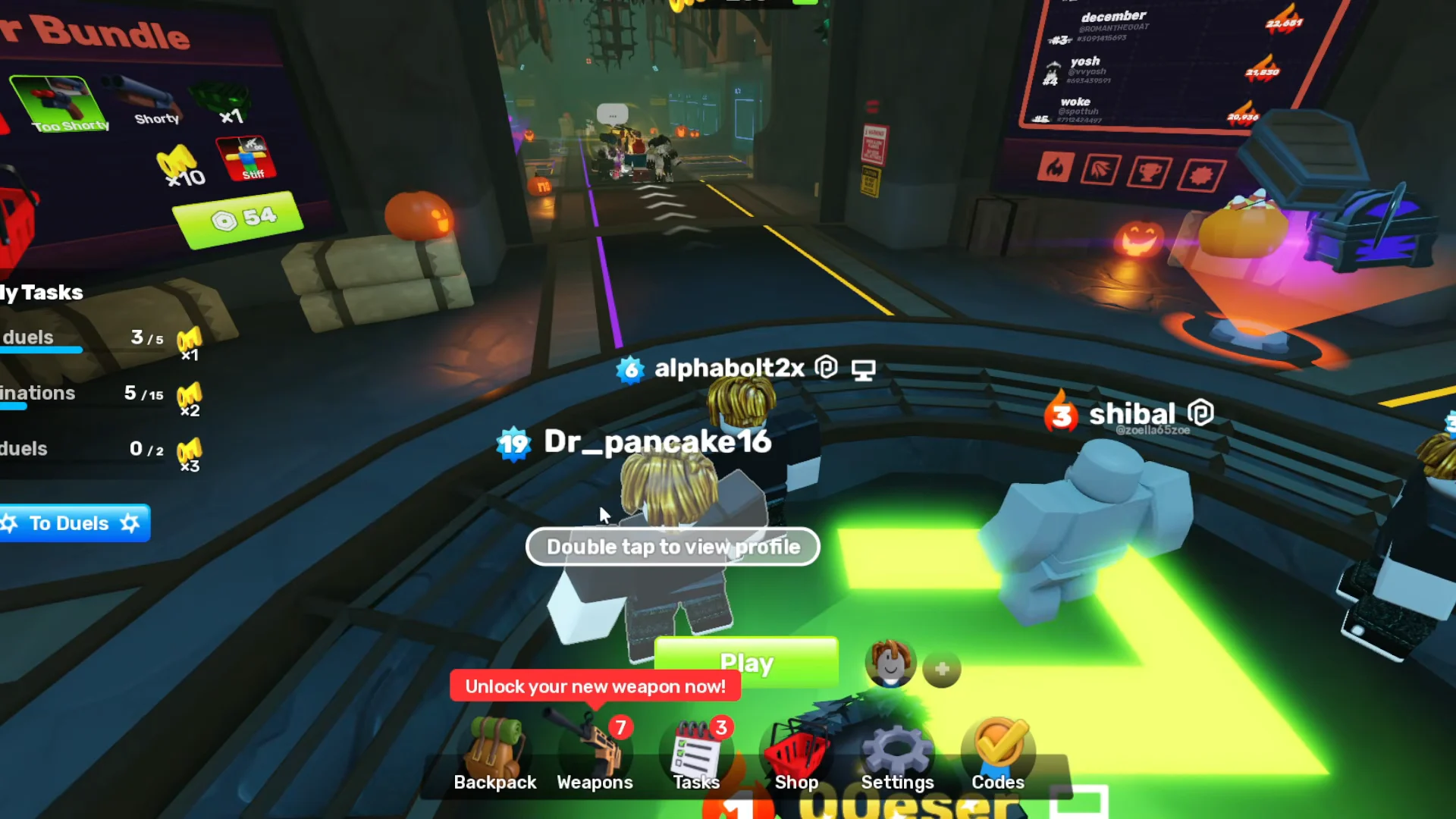
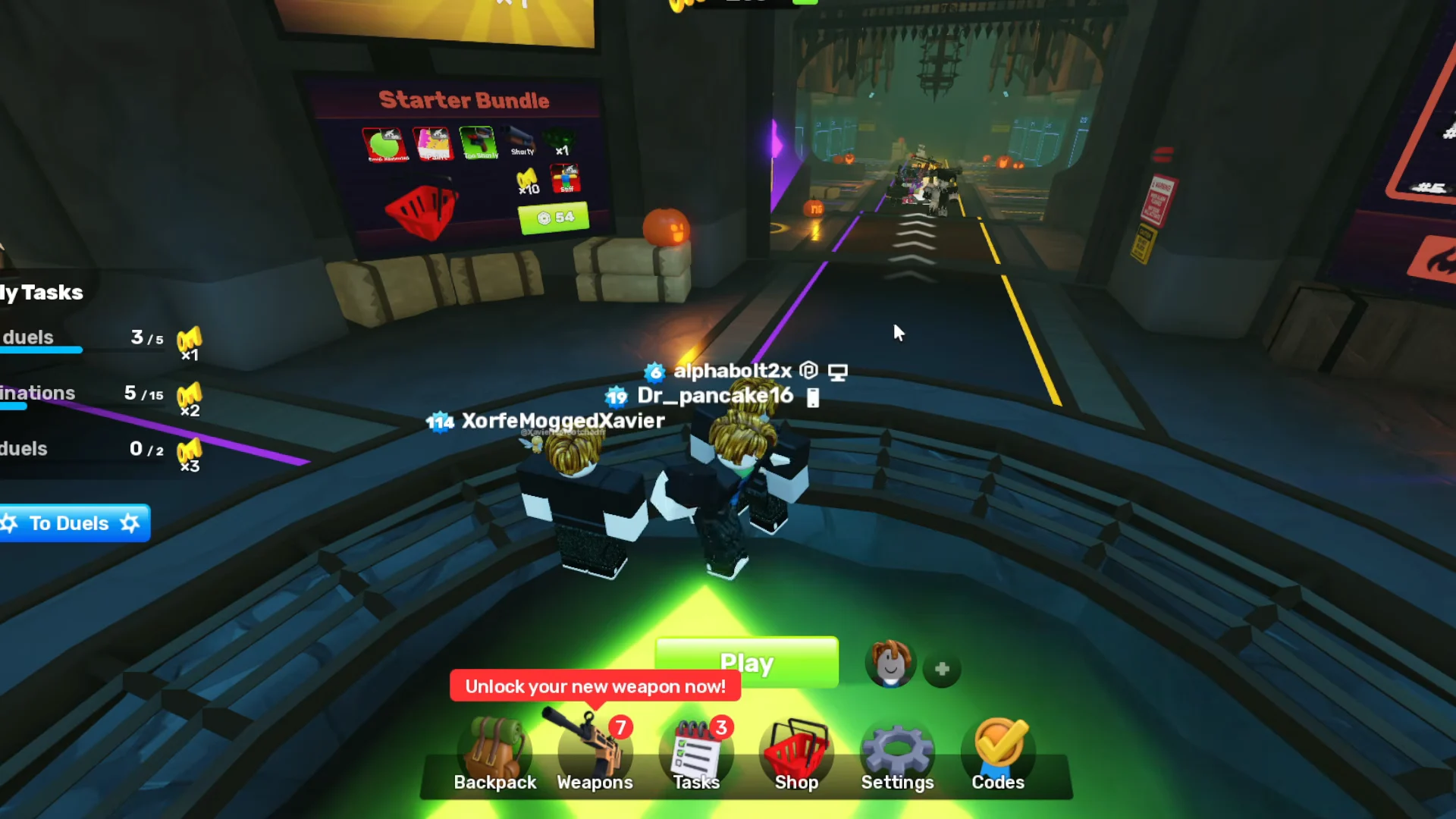
Contracts pay Candy for the full length of the event and track weapon eliminations and playtime, so they keep progressing in any duel you were going to play anyway.
Spooky Event shop prices and how long Candy takes
Pick a target before you farm. These are the Candy prices in the Spooky Event shop:
| Item | Type | Candy cost |
|---|---|---|
| Haunted Chest | Chest | 30 |
| Jerm Charm | Charm | 1,000 |
| Brewery Wrap | Wrap | 2,000 |
| Acid Splash Universal Finisher | Finisher | 3,000 |
| Zombie Walk Emote | Emote | 5,000 |
Do the math against the boost. At roughly 200 boosted Candy per day, even the Jerm Charm takes about five days. The event runs about 21 days, which caps boosted Candy at around 4,200 for someone who never misses a day. That is short of the 5,000 the Zombie Walk Emote costs, so reaching it for free means also earning at the normal rate after the boost runs out on some days.
Haunted Chests and the Spooky Prize Wheel
A Haunted Chest may contain the Candy Dance emote. Either of the two wheels can award chests, saving you that 30 Candy. The regular Prize Wheel is tied to your Daily Task streak, with rewards on days 2, 4, 6, and 7. The event’s Spooky Prize Wheel gives one free spin each day through event quests; extra spins cost 24 Keys apiece, 200 Keys for ten, or 480 Keys for 25.
| Spooky Prize Wheel result | Odds |
|---|---|
| Key | 27% |
| Haunted Chest | 25% |
| Haunted Chest (x3) | 20% |
| Red Moon wrap | 10% |
| Spider Crossbow skin | 1% |
Spins are random and never guarantee Candy or chests. Treat both wheels as a bonus on top of quests, especially if you are saving toward one specific item.
Candy bundle prices in Robux
Buying Candy is optional: limited-time bundles are listed in the Shop, and tapping the green plus beside your Candy counter takes you directly to them.
| Bundle | Candy | Robux |
|---|---|---|
| Candy Bundle | +100 | 48 |
| Mega Candy Bundle | +400 | 160 |
| Super Candy Bundle | +900 | 360 |
| Ultra Candy Bundle | +4,500 | 1,400 |
| Legendary Candy Bundle | +11,000 | 3,000 |
The Legendary Candy Bundle comes with 30 Haunted Chests and exclusive event items, including a Mythical Shadow Wildcat skin. Ultra and Legendary offer much more Candy per Robux than the smaller packs, making repeated purchases of the 48-Robux bundle the costliest way to build a large total. The Bat Bundle in that shop is cosmetic only and has no Candy. Prices may vary by region, so check the amount in your Shop before paying.
Gargoyle Tower and Zombie Tower rewards
The two towers offer a free route to Rivalsween cosmetics. Gargoyle Tower is the new addition this year, while Zombie Tower returns from last Halloween with almost no changes. Open either through the bottom entry in the Spooky Event menu, or use the lobby’s right-side corridor and interact with the gargoyle statue beyond the SenseiWarrior NPC.
| How you finish | Gargoyle Tower | Zombie Tower |
|---|---|---|
| Escape, dead or alive | Gargoyle Head Charm | Chombie Head Charm |
| Escape alive | Conduction Wrap | Zombie Wrap |
| Escape alive SOLO | Towerstone Wildcat Skin | Towerstone Fists Skin |
Both towers advance one floor at a time: defeat all enemies to unlock the way forward, whether playing alone or with others. At the top of Gargoyle Tower, escape by helicopter. Zombie Tower has 17 floors, allows teams of up to four, and ends with a Giant Chombie boss. Beating the Gargoyle King does not finish Gargoyle Tower; further floors follow, where gargoyles attack from range.
You cannot bring your own loadout. Each player starts with a Handgun, Revolver, or Shorty, and enemy drops are the only way to replenish ammo or health. Drops may include a weapon drop that lets you choose from three guns, ammo, a 50 HP heal, or a team revive. Weapon drops now require the proximity prompt to collect, preventing accidental pickups.
- Take an Assault Rifle when one shows up; it covers the widest range of situations.
- Explosives like the Grenade Launcher and RPG are popular picks because splash damage hits whole waves.
- Use melee where you can to save ammo for later floors.
- Slide to keep enemies from boxing you in.
- Stay with your group in Zombie Tower; falling behind spawns a Grim Reaper.
Solo runs tend to fall apart in the middle floors of Zombie Tower, around 12 and 13, so bank ammo and health drops before you get there.
Rivalsween end date and checking your Candy balance
Rivalsween started October 17 at 01:00 UTC and runs until November 7 at 05:00 UTC. Candy does not carry over, so anything left in your balance when the event closes is deleted. A countdown appears in game as the end approaches, but there is no reason to wait for it before spending.
Your Candy total sits at the top of the screen for the whole event. When it ticks up after a quest, a Contract, or a bundle purchase, the reward has been credited. If it starts climbing noticeably slower mid-session, that day’s Candy Rush is spent, and the next boosted 200 becomes available after the reset.