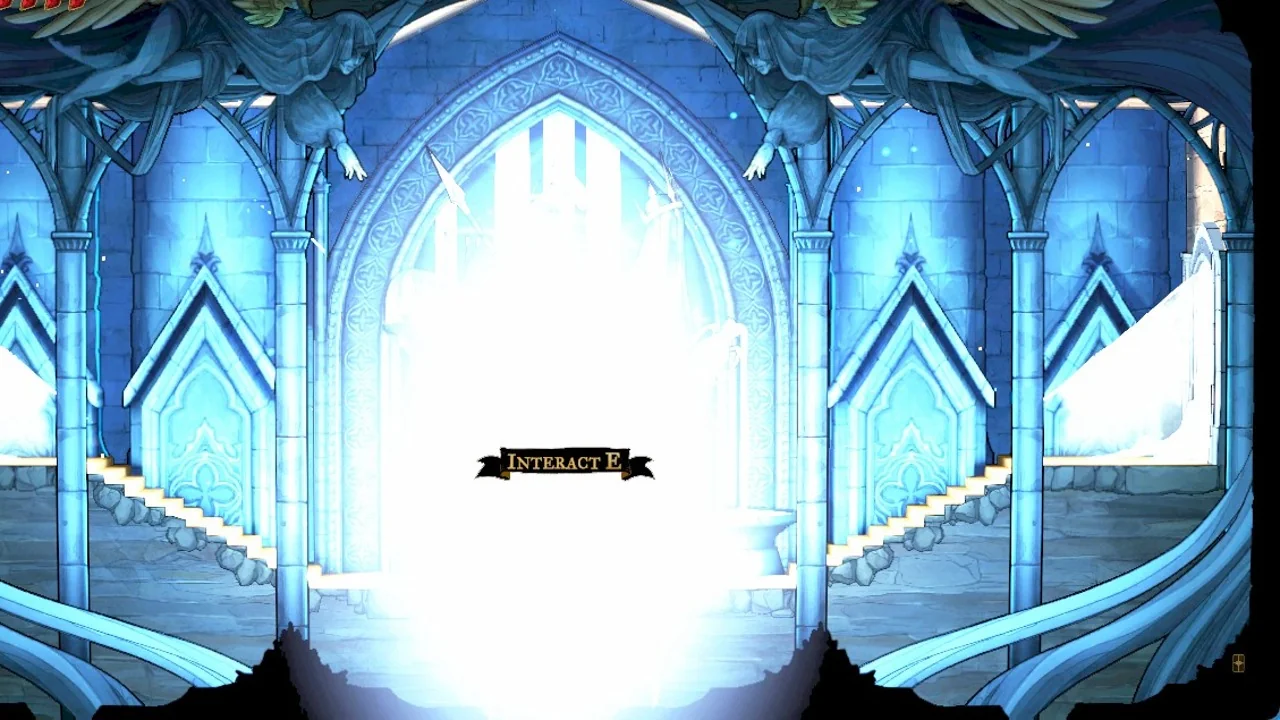
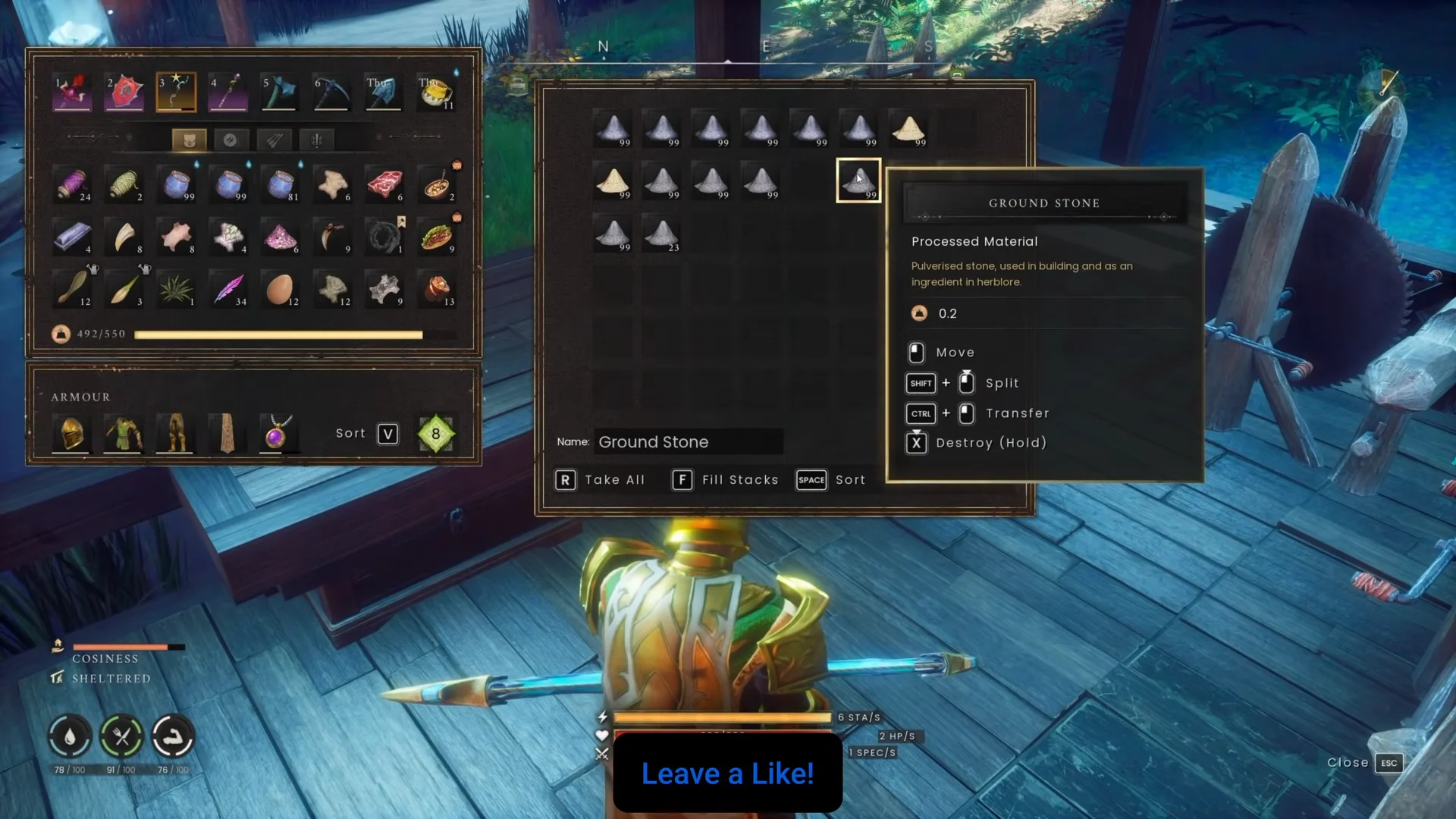
The Storage Ledger in RuneScape Dragonwilds is built to save time after a long trip. Walk up to it, interact, and every item in your backpack that already has a matching stack in nearby storage jumps into the right container. The problem is that it does not stop at raw materials. Your buff food, water, antidotes, spare arrows, and tools get swept away with everything else, leaving you stripped of the supplies you meant to keep.
Quick answer: Put your food, drinks, potions, and tools in one dedicated chest and uncheck its Linked box. The ledger only deposits into Linked chests, so it ignores that chest and leaves those items in your inventory.
Why the Storage Ledger empties your loadout
The ledger’s whole job is to match. When you use it, it looks at your inventory, finds any item that already exists as a stack in a Linked chest within reach, and files your copies into that chest. It does not pick out gear or ask what you want to keep.
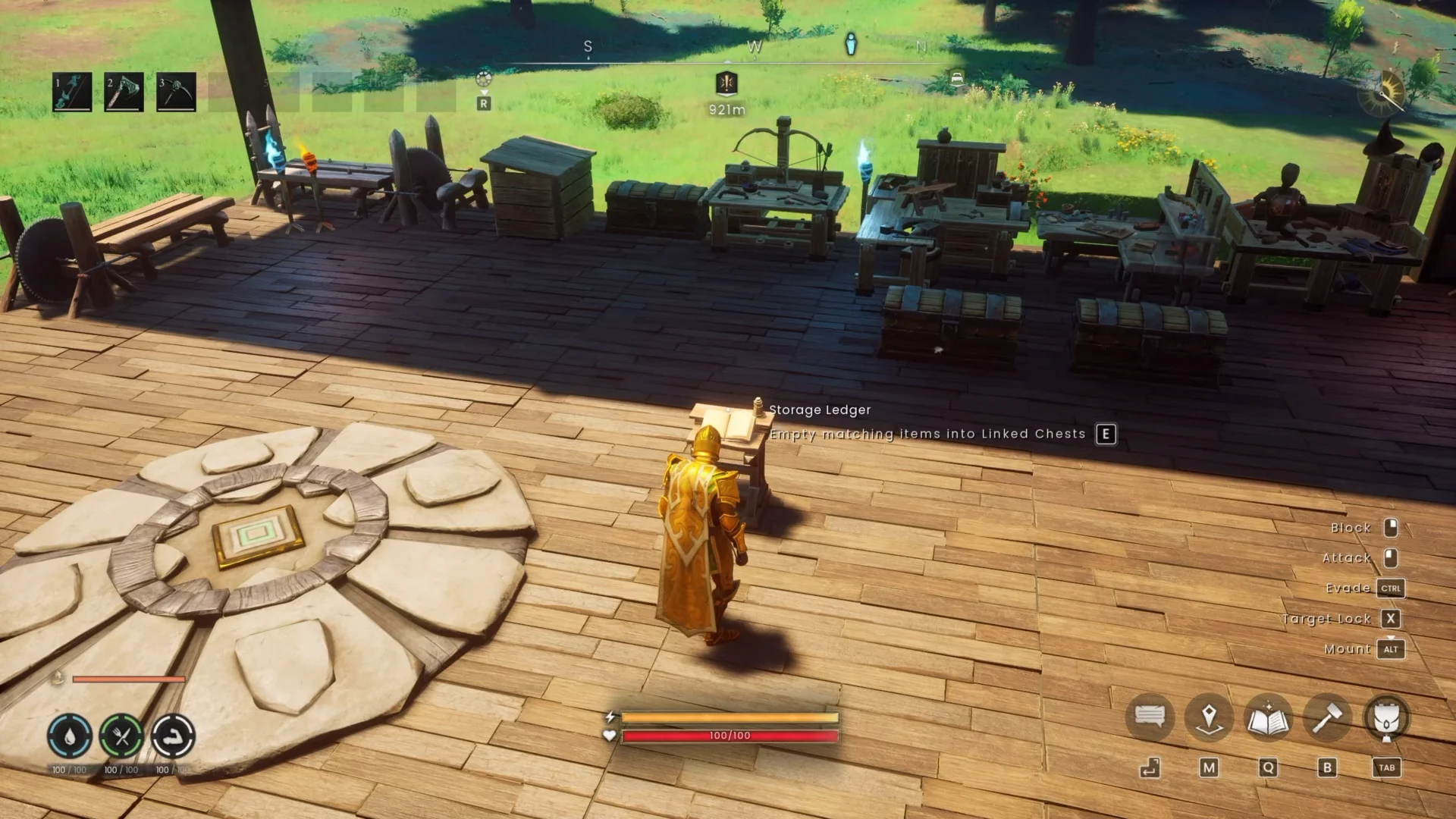
So if you keep plenty of the same food and potions in your bulk storage, the ledger reads your on-hand copies as duplicates and files them away too. It also reaches items on your hotbar, so parking a few things there is not a reliable shield. The fix is not to hide items from the ledger one by one. It is to remove the destination the ledger would send them to.
What the Linked checkbox controls
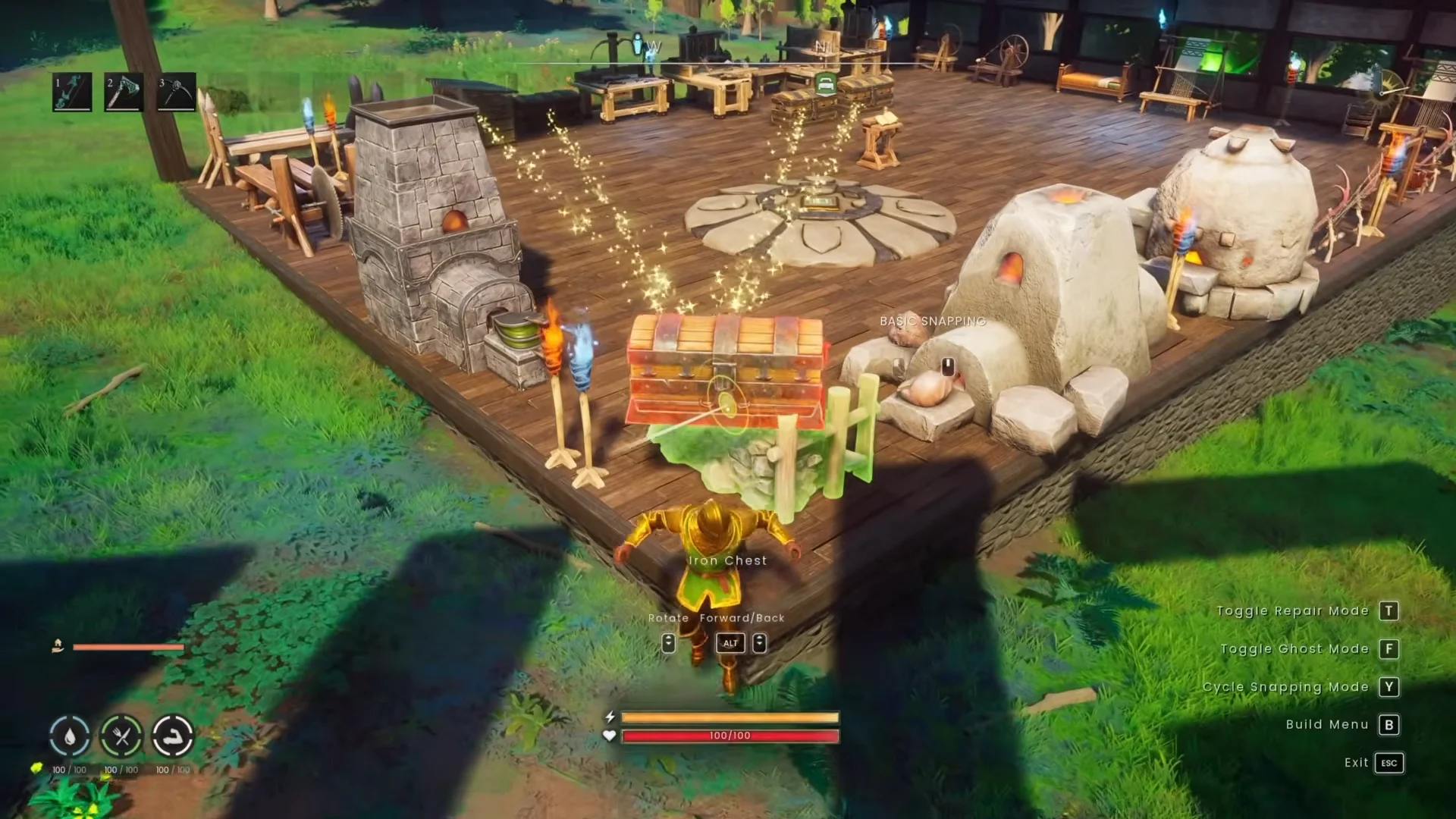
Every standard chest has a Linked checkbox, and it is ticked by default. A Linked chest can share its contents with nearby crafting benches, and it is a valid target for the Storage Ledger. You can spot Linked chests in the world by the golden particle trails that connect them to stations in range.
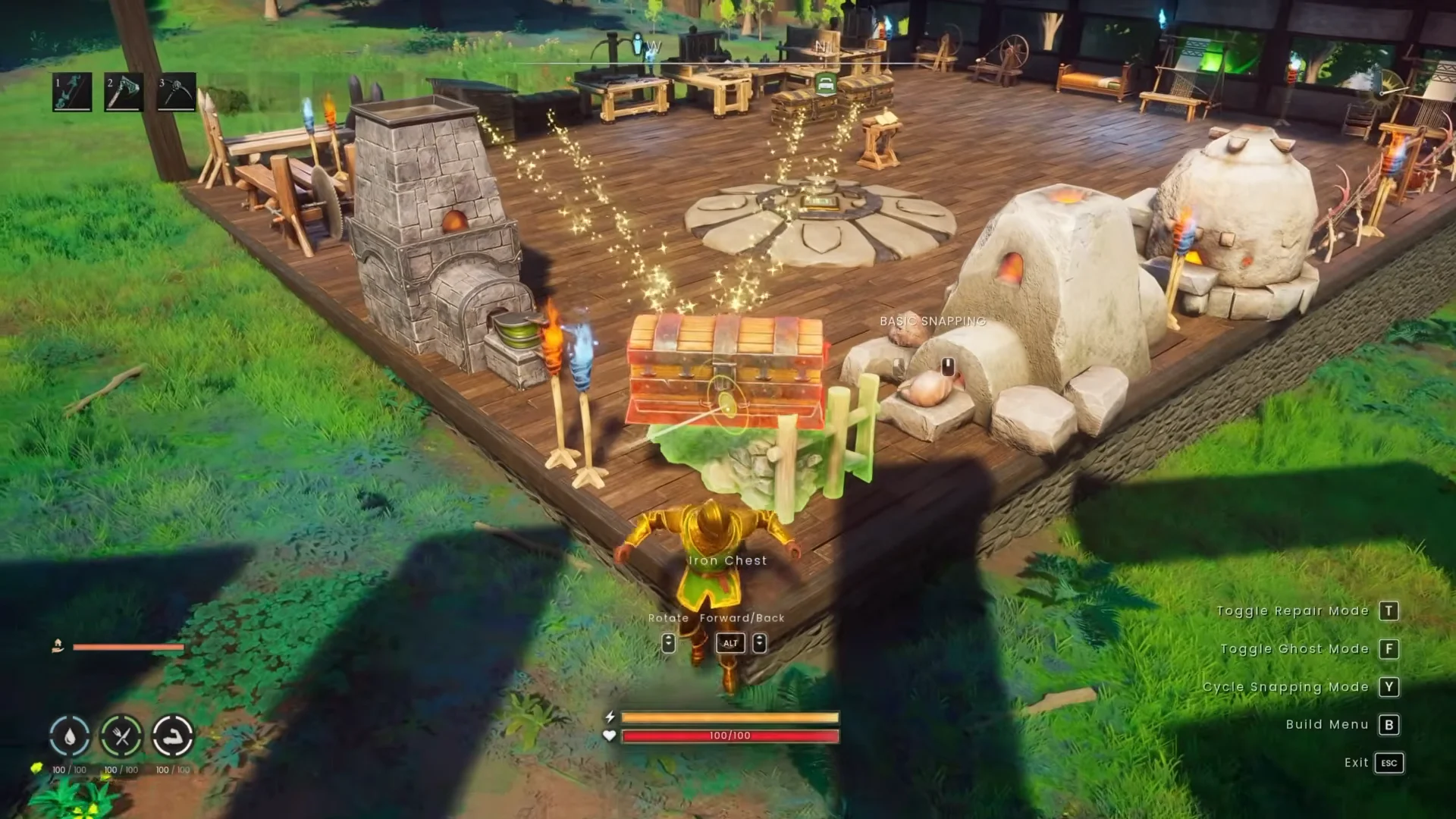
Turn Linked off and the chest drops out of that network. Benches can no longer craft from it, and the ledger can no longer deposit into it. That single toggle is what makes a chest safe for your personal supplies.
Set up an unlinked gear chest
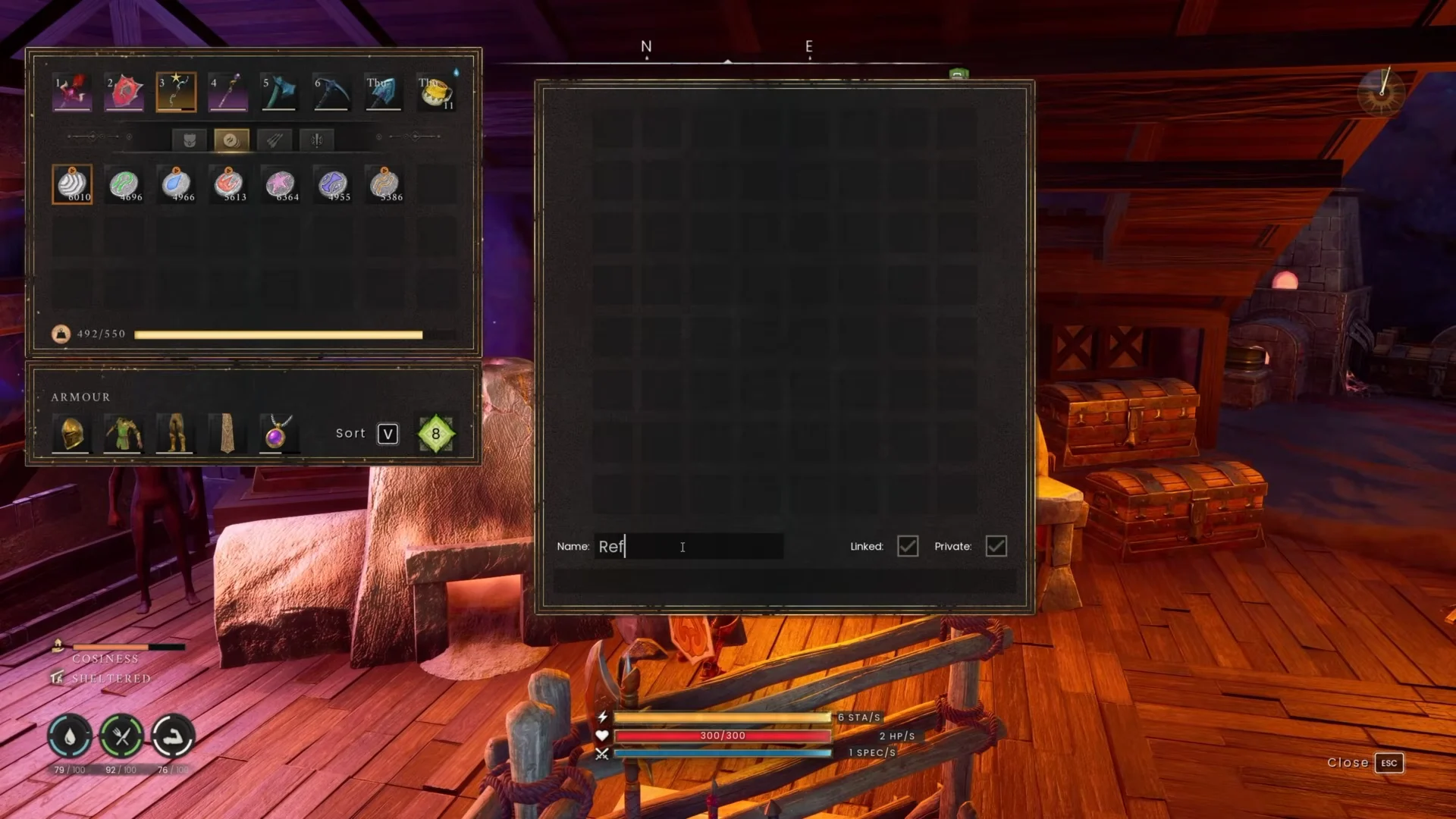
Keep those supplies in only the unlinked chest
The fix only holds if the unlinked chest is the sole home for those items. The ledger files an item whenever it finds a matching stack in any Linked container within range, so a duplicate stack elsewhere reopens the problem.
- Store your travel food and potions only in the unlinked chest, not also in a Linked bulk box nearby.
- If the ledger still pulls an item, either the chest is not actually unlinked or the same item sits in another Linked chest close by.
- Remember the ledger reaches hotbar slots too, so the hotbar is not a safe place to stash extra consumables.
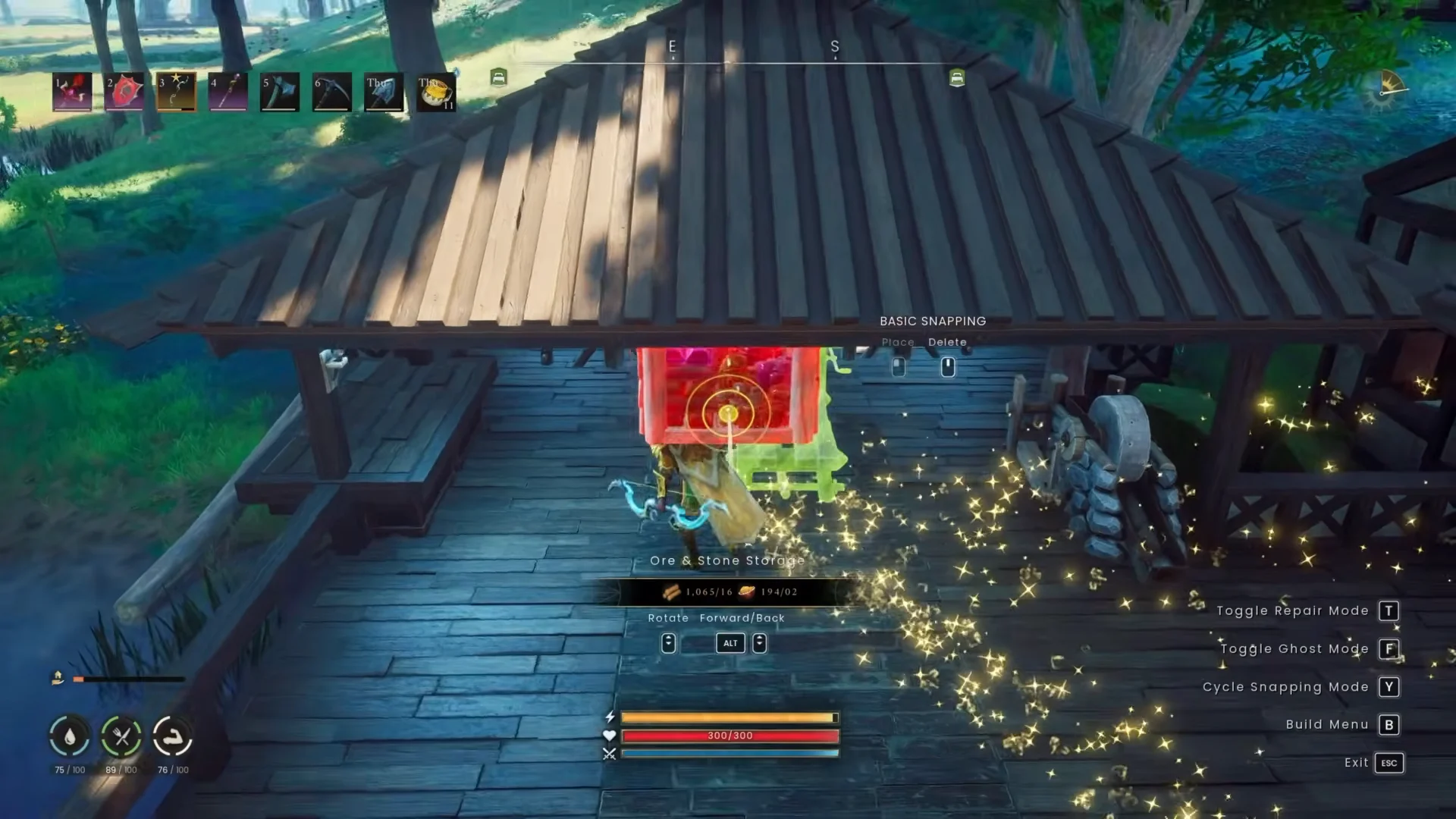
Keep bulk crafting materials in your Linked network and keep everyday travel supplies in the manual, unlinked chest. That split gives you fast unloading for resources without rebuilding your loadout after every trip.
Carry emergency supplies with the Personal Chest spell
To keep supplies accessible well away from base, cast Personal Chest to create a private stash that opens in nearly any part of Ashenfall. Cast it through Spellbook 1; it becomes available at Construction level 40 and uses 20 Law Runes plus 15 Astral Runes, followed by a five-second cooldown. The spell doesn’t expand your inventory; it provides a storage destination you can access during an expedition.
Keep a small kit of emergency food, potions, and Lodestone materials in there. You can drop a temporary Lodestone in the wild, fast travel home to unload loot, then teleport straight back and pick the Lodestone up again, turning a long run into a repeatable loop without hauling everything at once.
Between the unlinked gear chest at base and the Personal Chest in the field, you keep full use of the Storage Ledger for bulk sorting while your consumables and tools stay exactly where you left them.