SCP MORPH: How to Get Demogorgon and Talking Ben Morphs (Roblox)
Both morphs sit in the Infected City area, and Ben needs the phone number 4425233 before he will answer.
Both morphs sit in the Infected City area, and Ben needs the phone number 4425233 before he will answer.
by AllThingsHow Staff
Image: SCP MORPH
Two of the more talked-about unlocks in SCP MORPH sit in the same corner of the map. The Demogorgon is a straight pickup, sitting out in the open as a golden trophy. Talking Ben is a short puzzle that hides a phone number in a nearby shop and only pays out after you dial it correctly.
Quick answer: Grab the Demogorgon trophy on the sidewalk by the Subway entrance in the Infected City, then find the note reading 4425233 and dial it on the red phone beside Ben.
Where both morphs are located in SCP MORPH
Both unlocks live in the same destination, which the Teleport menu lists as Infected City. The in-game Hints menu points to the Demogorgon as being next to the Infected Sky metro station, and Ben sits a short run away inside the Talking Dog display.
Morph
Where it is
What you need
Demogorgon
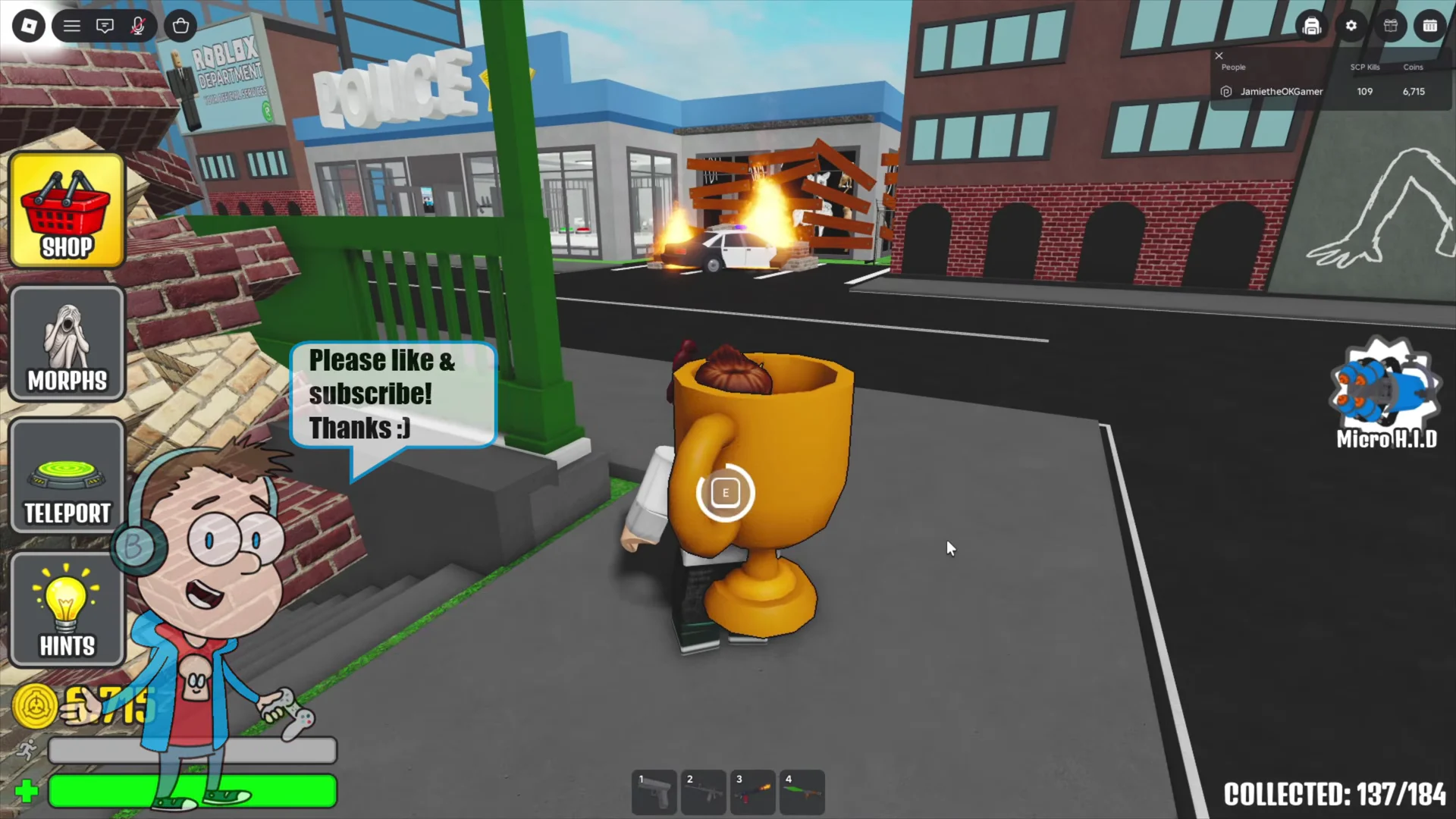
Sidewalk by the Subway entrance, near the burning barricade
Nothing — direct pickup
Ben
Talking Dog room with the red phone
Phone Number item (4425233)
If the Infected City is already unlocked on your account, the Teleport menu drops you in far faster than running the route on foot.
Get to the city. Open the Teleport menu from the lobby, scroll the location list, and pick Infected City. You can also reach it on foot by leaving the containment hallway through the sliding doors into the courtyard.
If you are walking there, head to the flesh-covered wall behind the SCP facility and climb the red growth up to the rooftop. The Infected Sky entrance prompt is waiting at the top, and interacting with it plays the airplane and creature cutscenes before a loading screen.
You arrive on a barricaded street lined with warning signs and caution tape. Run past the Subway entrance toward the burning barricade and look down at the sidewalk for a glowing golden trophy labelled Demogorgon Collect.
Interact with the trophy. The banner reading “CONGRATULATIONS! YOU’VE GOT Demogorgon” confirms the unlock, and the morph is added to your collection immediately.
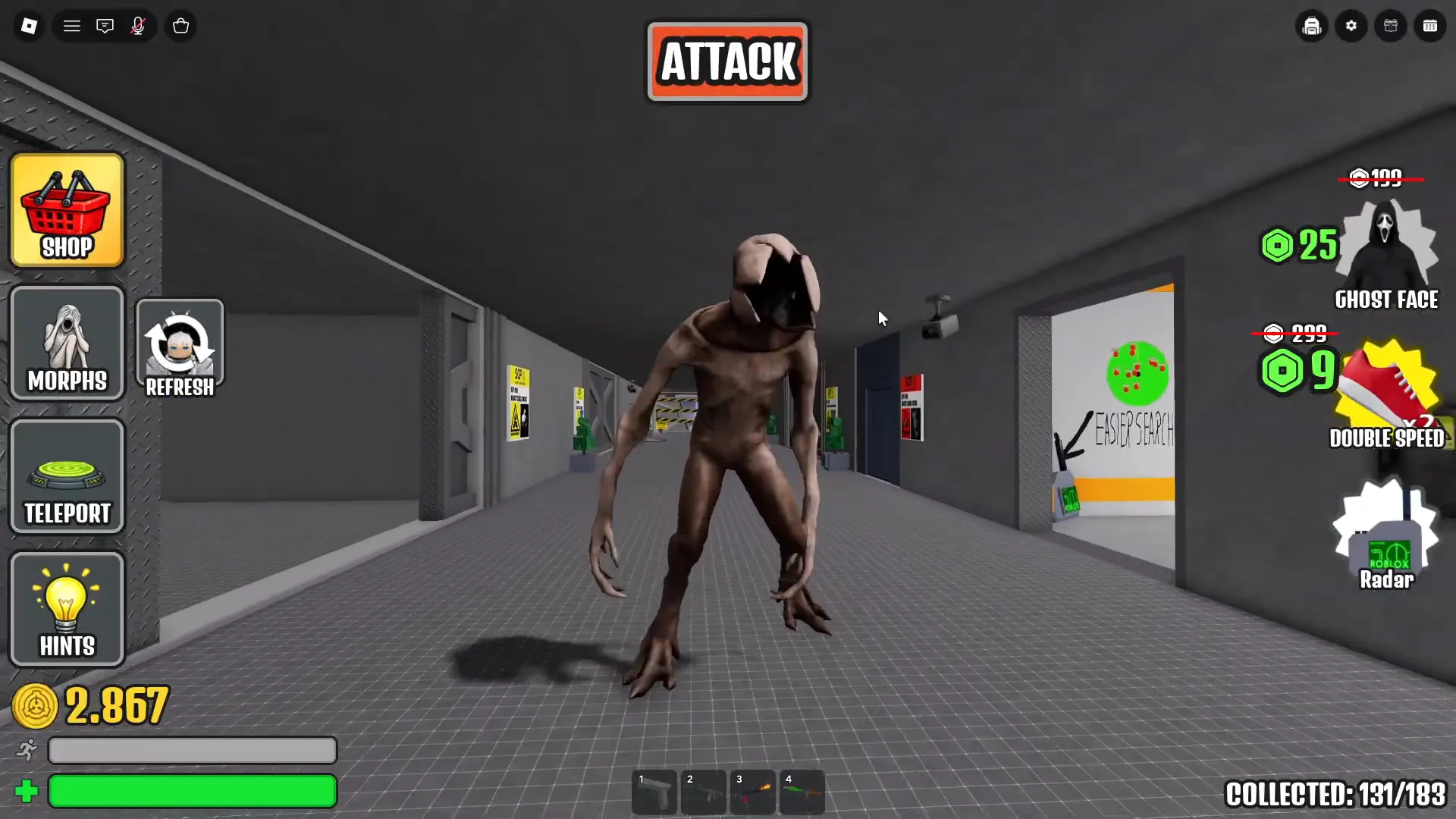
Once equipped, the Demogorgon has its own idle, walking, and attack animations, and it works anywhere you take it, including the facility hallways back at spawn.
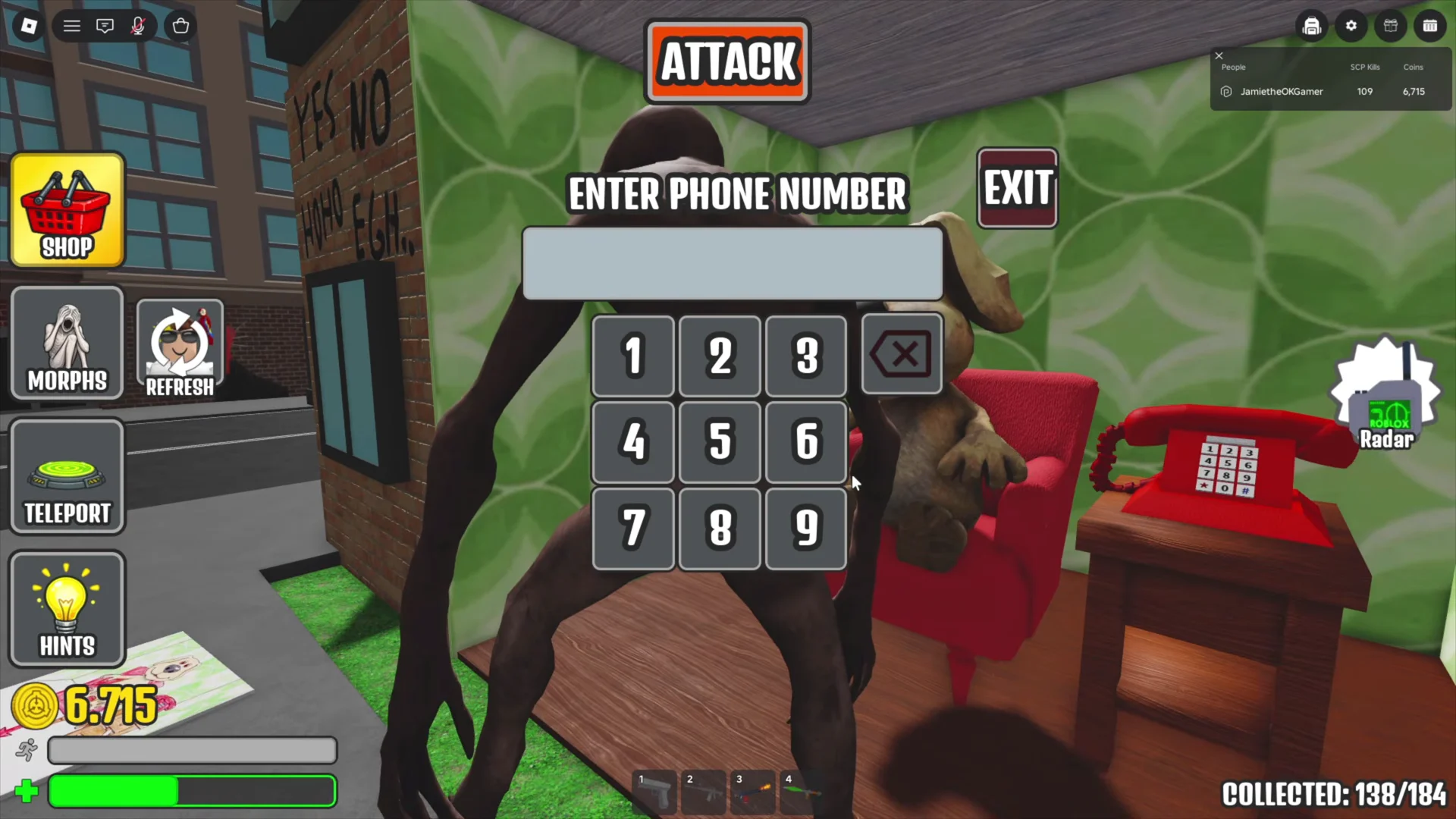
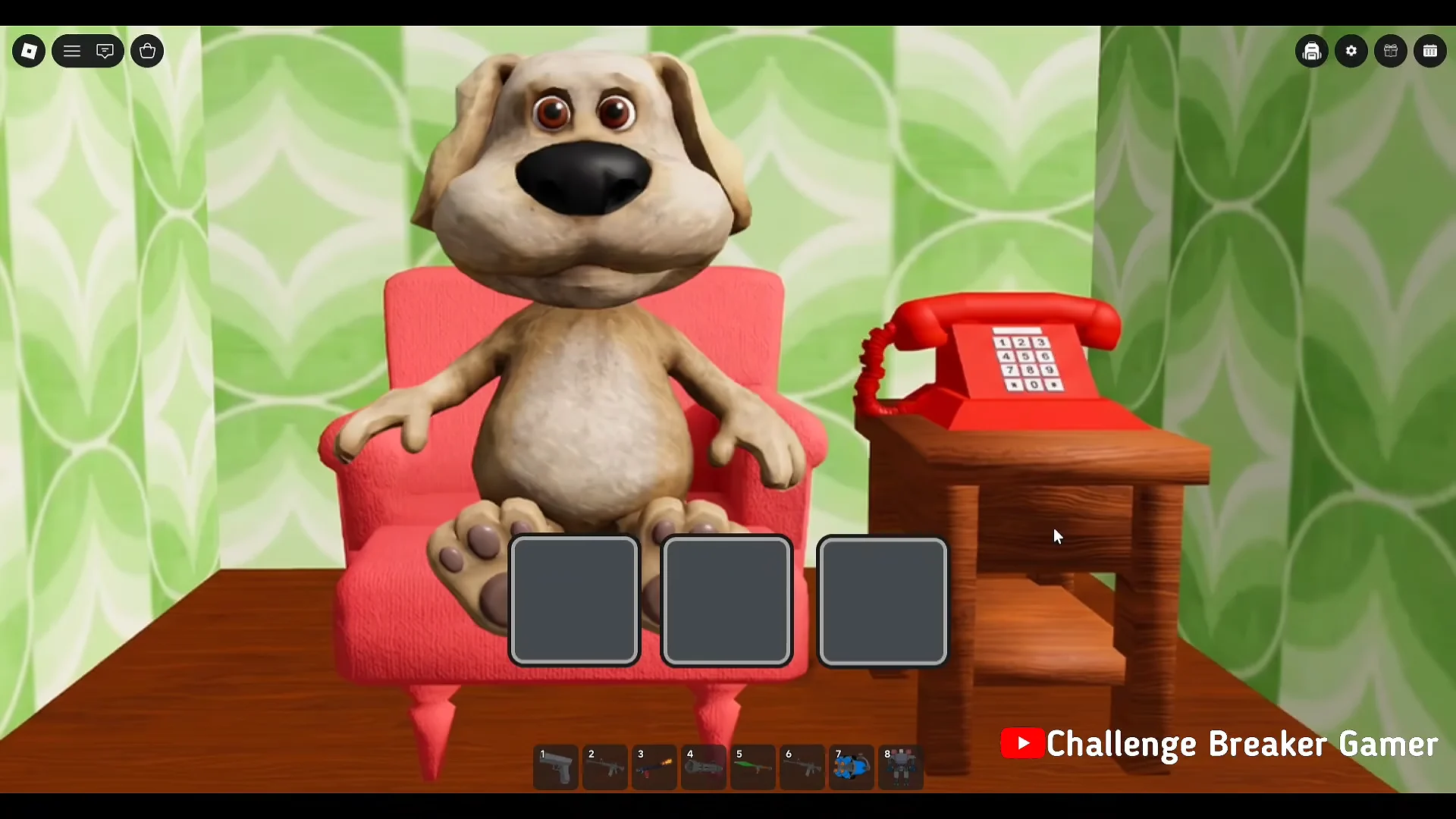
The red rotary phone next to Ben’s armchair takes a seven-digit entry, and it will not accept anything you guess. Typing 911 into the keypad does nothing except confirm that a specific number has to be picked up first.
Start at the Talking Dog storefront, identified by the billboard depicting Ben in his armchair. Find the nearby shop bearing a red steak and HOUSE sign, then go inside.
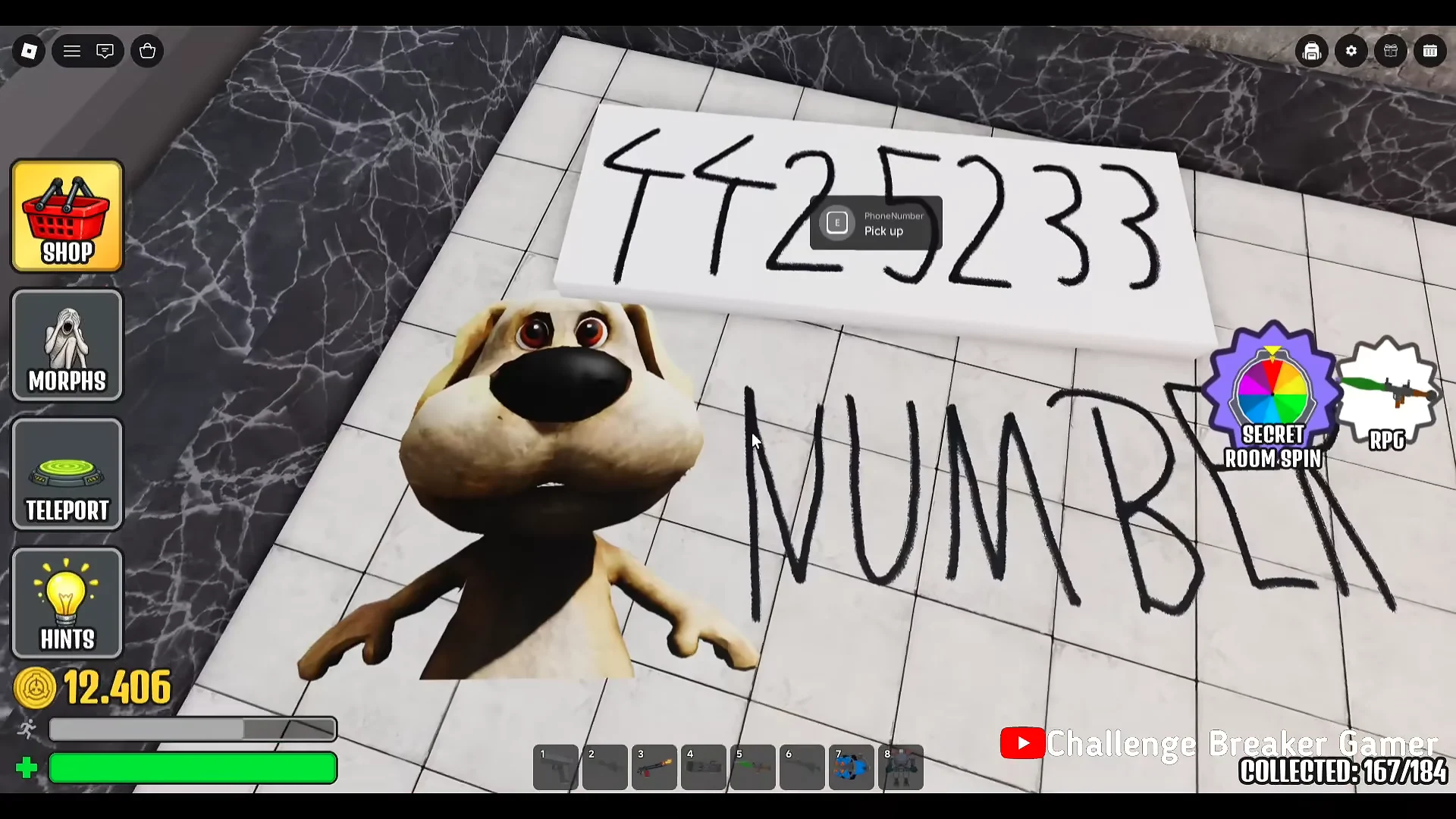
On the floor there is a drawing of Ben next to graffiti reading 4425233 NUMBER. Interact with it to pick up the Phone Number item, which your character then carries in hand.
Three interaction icons then appear on screen. These are the classic Talking Ben responses, and working through them is what leads to the unlock screen.
Middle potion icon — Select this option, and Ben combines test tubes before a storm cloud strikes him with electricity.
Third icon — Ben opens his mouth wide and screams.
Once the sequence finishes, a banner reading “CONGRATULATIONS! YOU’VE GOT Ben” appears with particle effects, and your collected morph total ticks up by one.
How to confirm the morphs unlocked
The congratulations banner is the immediate confirmation for both unlocks, but the permanent check is the Morphs menu. Open it, scroll down the character grid, and look for Demogorgon and Ben as entries with a Morph button underneath. If the button is there, the unlock saved.
Selecting Morph beneath Ben transforms you on the spot. Ben comes with his own walking animation, voice clips, and a working Attack, and the morph holds up anywhere you teleport afterwards, including the grassy map near the Spider Train Tunnel. If you would rather go back to your previous look, resetting your character clears the morph.