The Songtreads are a pair of boots in SCROOMS that change how you move through the song. Their in-game line calls them a way to “Summon a pair of boots that enhance your movement through the song!”, and the real payoff is speed: with the boots on you run much faster, and a jump taken on the run carries a long way. The game hands them over but never explains the controls, so plenty of players end up standing still, mashing keys that do nothing.
Quick answer: Press G to open the backpack, select the Songtreads tile (the boot icon labelled “Core Item”), then run with W and jump with Space. The boots make you run much faster and make a running jump long. One press per jump is enough.
Get the Songtreads from Songwalker Shax
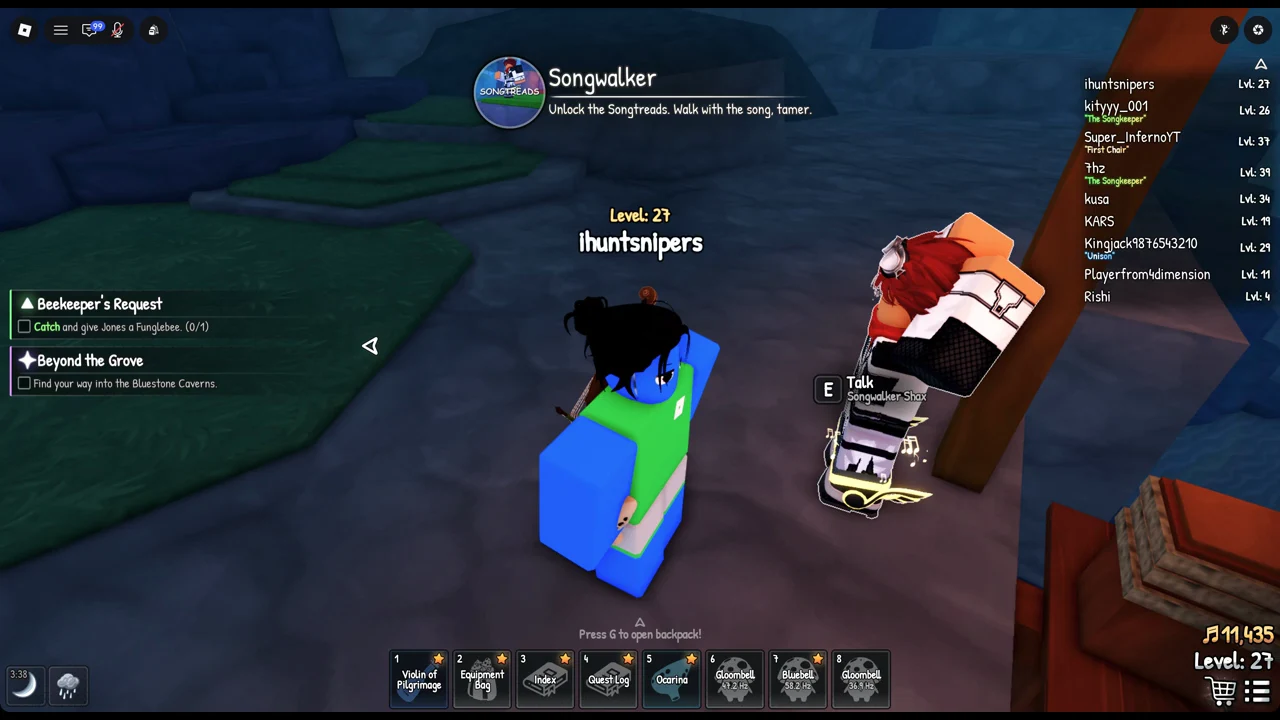
You earn the boots by beating Songwalker Shax in his race. That race is the main quest Quick on Your Feet, which opens after Tamer in Training and A Leg Up. Shax pulls you into a pocket of the song to run the track, and winning hands you his footwear.
Nothing activates on its own after the unlock, and pressing Q or Shift does nothing.
Equip the Songtreads from the backpack
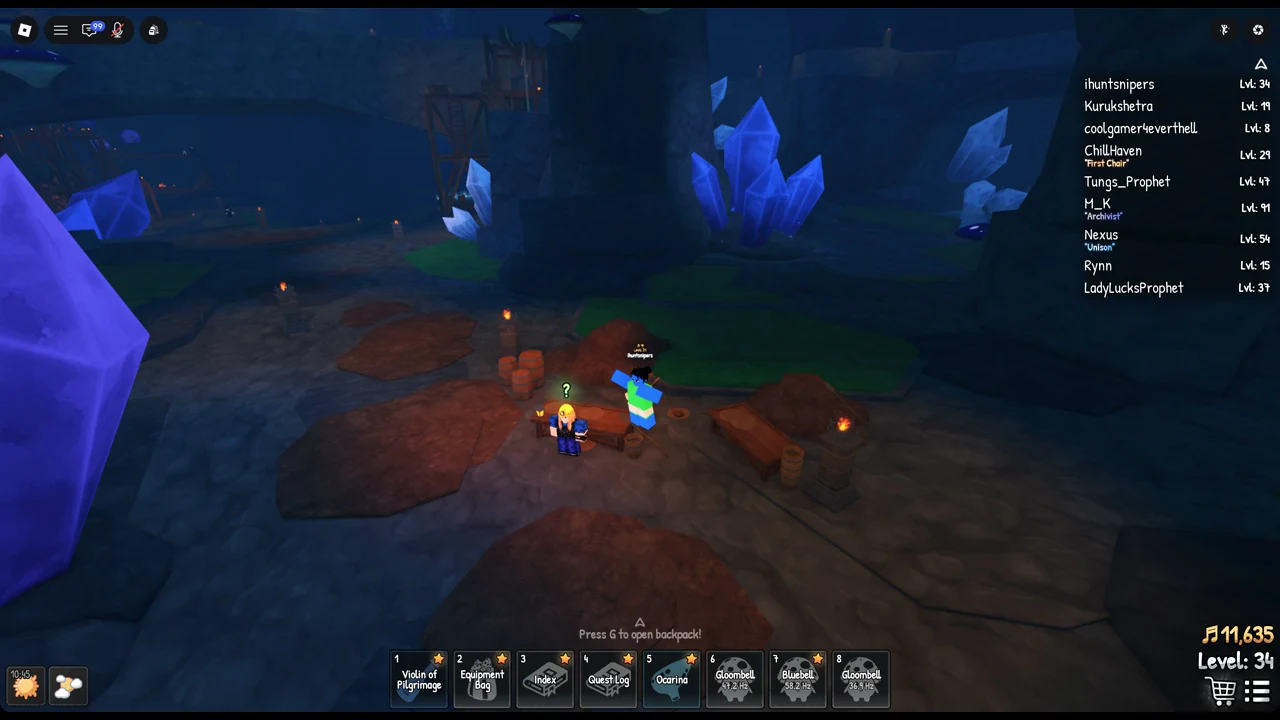
Two menus list the Songtreads, but only one of them puts the boots on. The Equipment Bag in hotbar slot 2 has a “Core” tab holding two cards, Ocarina and Songtreads, both marked “Owned”, each with a small purple edit button. That tab only confirms ownership; it does not equip anything.
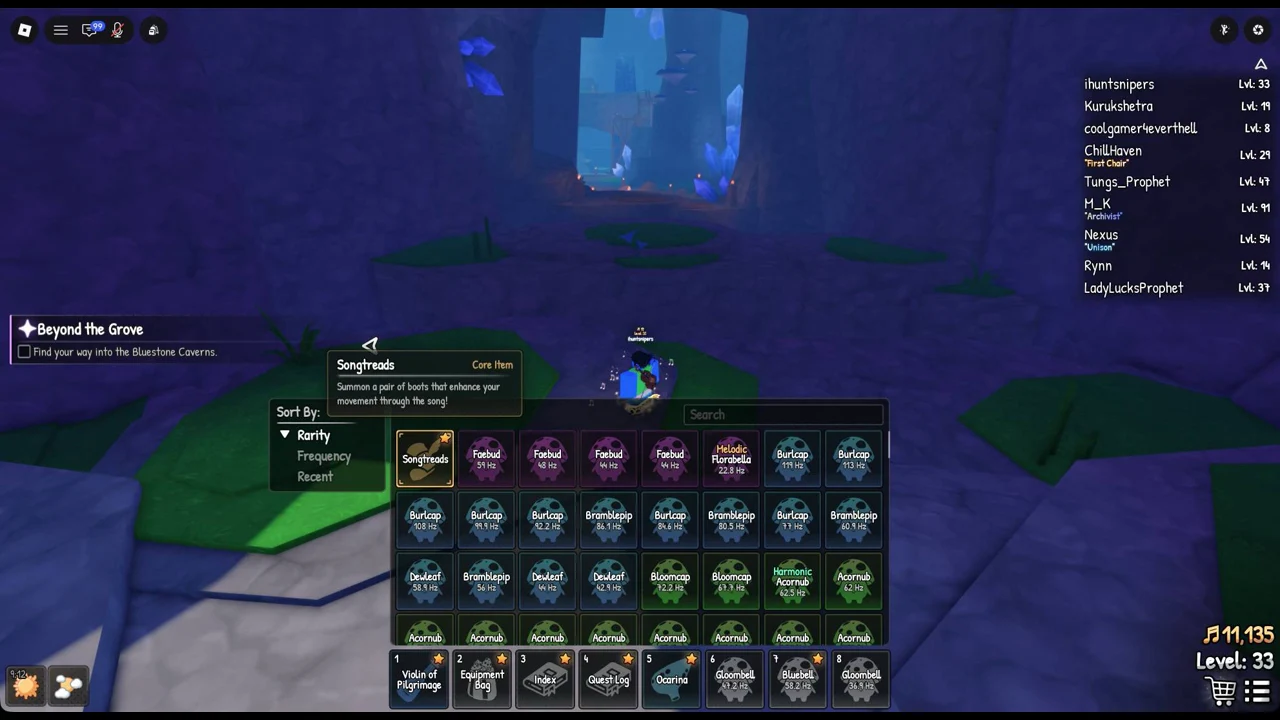
Use the running jump to cross into Bluestone Caverns
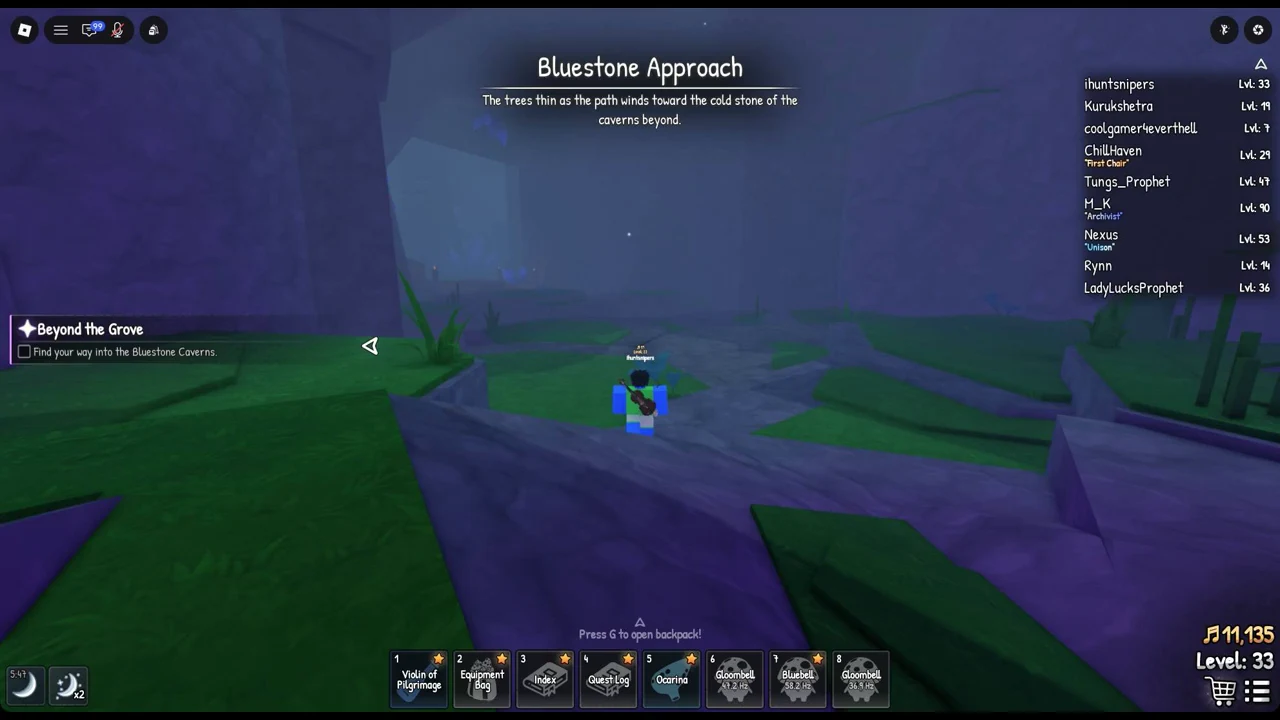
What it is built for is the gap at the entrance to the Bluestone Caverns, which marks the Beyond the Grove objective, “Find your way into the Bluestone Caverns.” Those are the ledges Halden says need “proper momentum”.
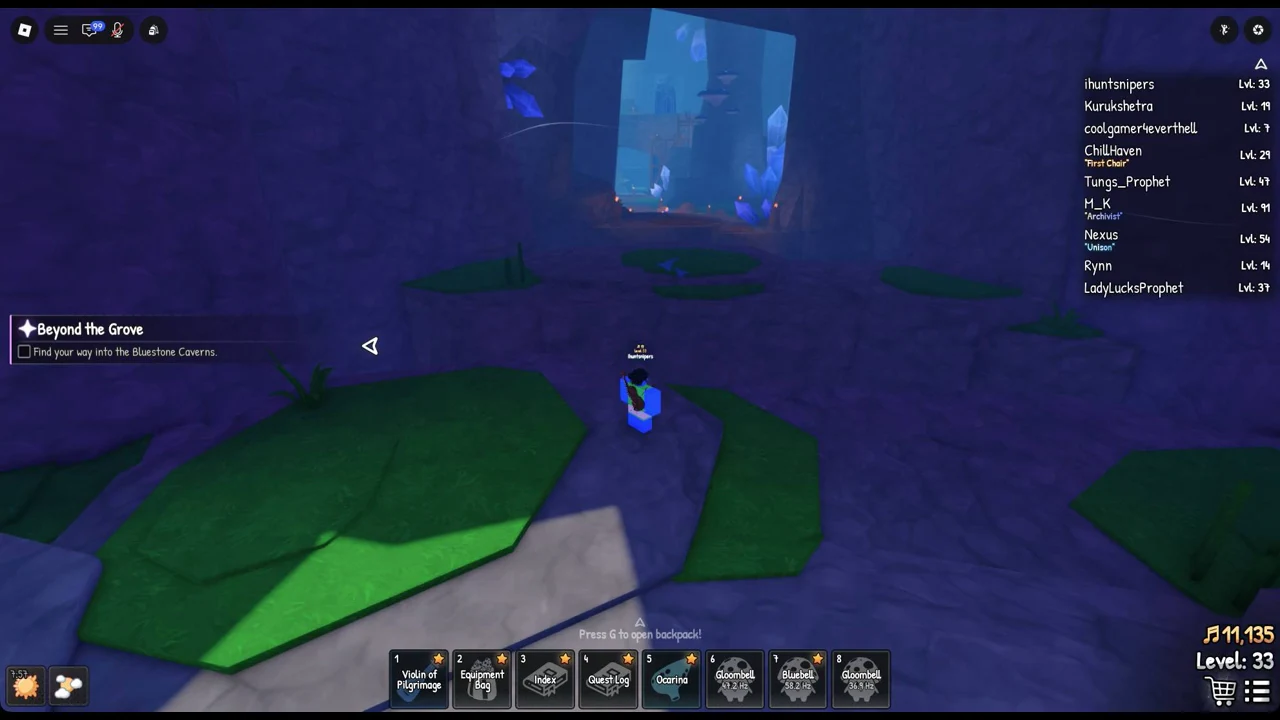
How to confirm it worked
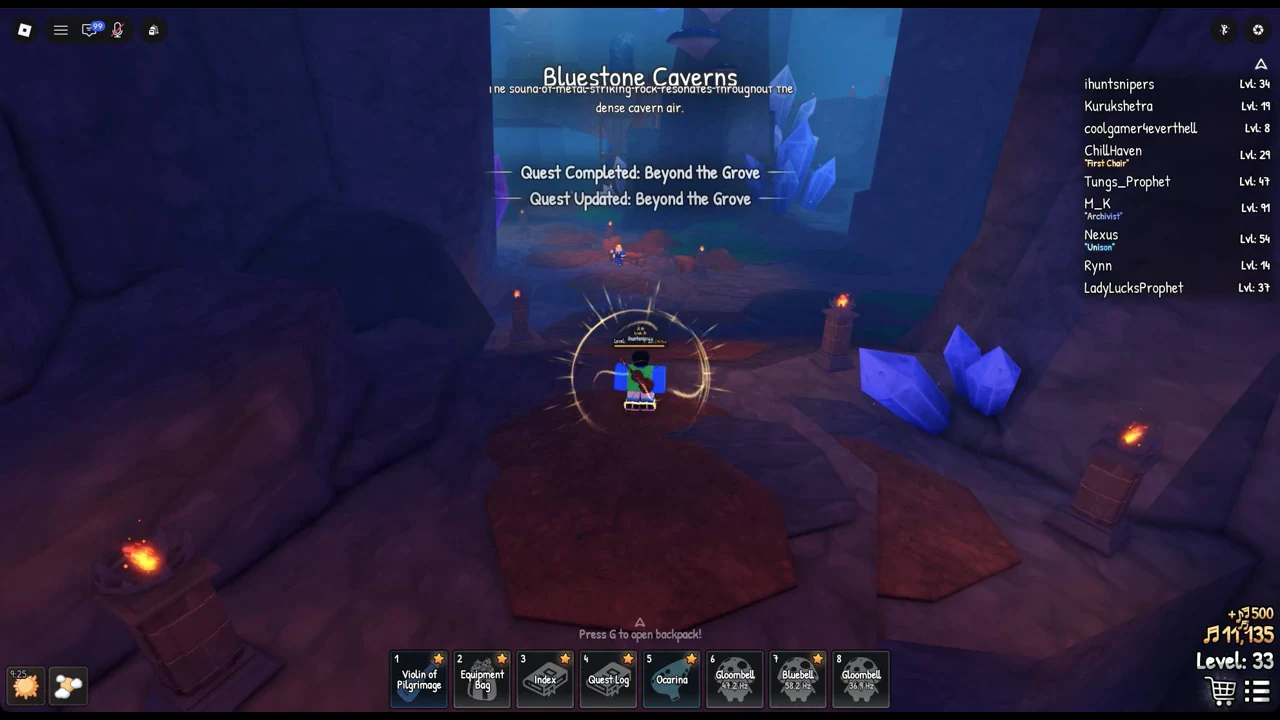
You know the crossing succeeded when you land inside the Bluestone Caverns and the area title appears alongside the line “The sound of metal striking rock resonates throughout the dense cavern air.” The quest log then shows “Quest Completed: Beyond the Grove” and “Quest Updated: Beyond the Grove”.
When you meet Shax again near the Sanctum, he hints that the Songtreads “have more in them” but gives no explanation. After the race, he tells you, “Nothing to race for right now. Come find me when there is!”
Volume and skins for the Songtreads
Under Audio in the Settings menu, adjust the dedicated “Songtreads” volume slider beside the instrument and ocarina sliders to lower the boot sounds independently.
For looks, the Store sells the “Crimson Plume” Songtread Skin as part of the Crimson Plume Bundle, priced at 279 Robux, which also includes the “Crimson Plume” Ocarina Skin and the “Scarlet Dove” title. The skin only changes appearance.