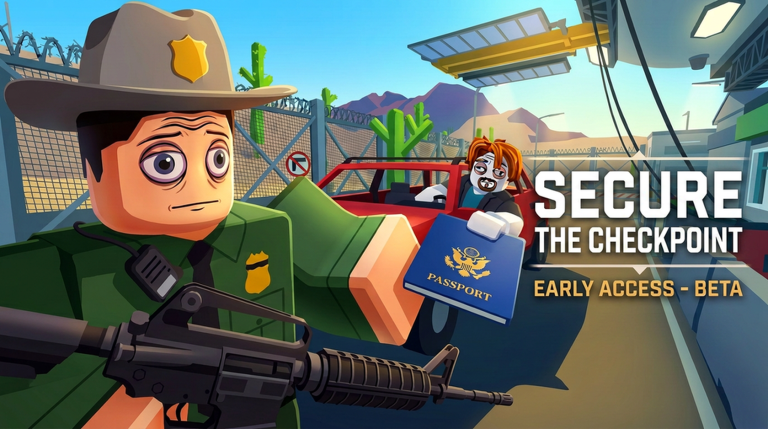
Secure the Checkpoint puts you behind the barricade as a border officer, checking IDs, matching faces, and searching trunks before deciding whether a driver gets waved through, arrested, or bribed. Codes hand out free Gold and a weapon so you can gear up before your shift turns dangerous after dark.
Working Secure the Checkpoint codes
Each of these codes can be redeemed for Gold or a weapon reward. Enter them exactly as written below to avoid a failed redemption.
DIFFICULTY— 1,000 GoldEVILREWARD— 650 GoldMAFIA42— Remington 870
How to redeem codes in Secure the Checkpoint
A successful redemption updates your Gold total right away, and any weapon reward, like the Remington 870, drops straight into your inventory so you can equip it before your next shift.
Where to find new Secure the Checkpoint codes
New codes tend to show up alongside updates or content milestones. The developer, The Evil Mafia, posts them on the game’s Roblox community page, its X account, and its Discord server.
What Gold does in Secure the Checkpoint
Gold is the currency you spend in the Shop to unlock weapons and other loadout upgrades. Stacking Gold from codes gives you a head start before checkpoint shifts get harder and the threats after dark become tougher to hold off.
Codes expire once a game updates or a new batch replaces them, so redeeming Gold and weapon rewards as soon as they’re posted keeps your checkpoint loadout ahead of whatever rolls up next.