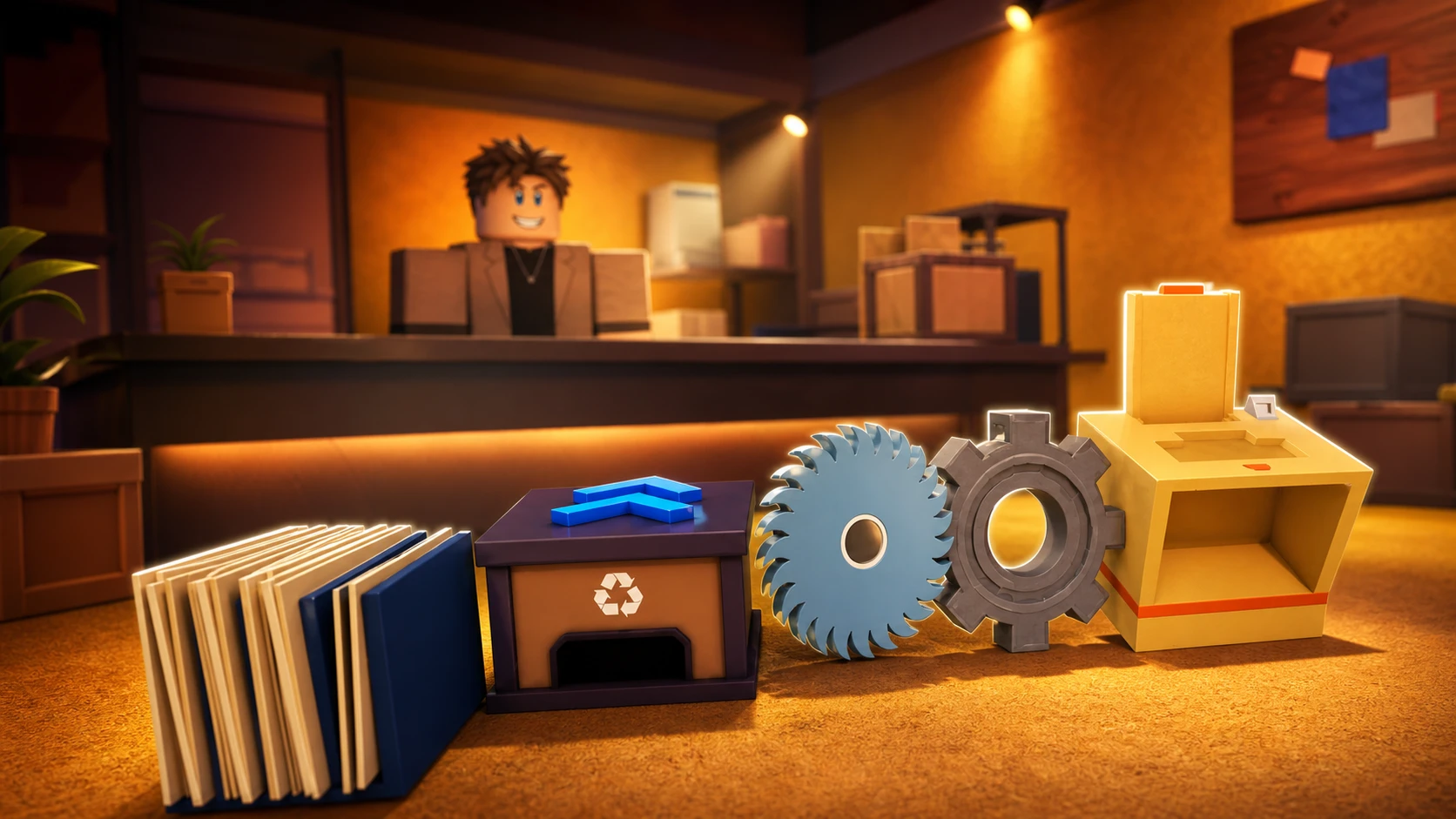
Every room in Shred the Secrets runs on the same loop. You grab documents, shred them, sweep the scraps into the recycle bin, and cash out. The Upgrades counter is where you decide how fast that loop turns, and the order you buy in matters far more than raw spending. Get it wrong, and you waste money on upgrades that barely move your run time; get it right, and each room clears in a fraction of the time.
Quick answer: Buy Carry Amount first, then Shredder Speed, then Shred Amount, then Vacuum Power, and leave Automatic Shredder for last.
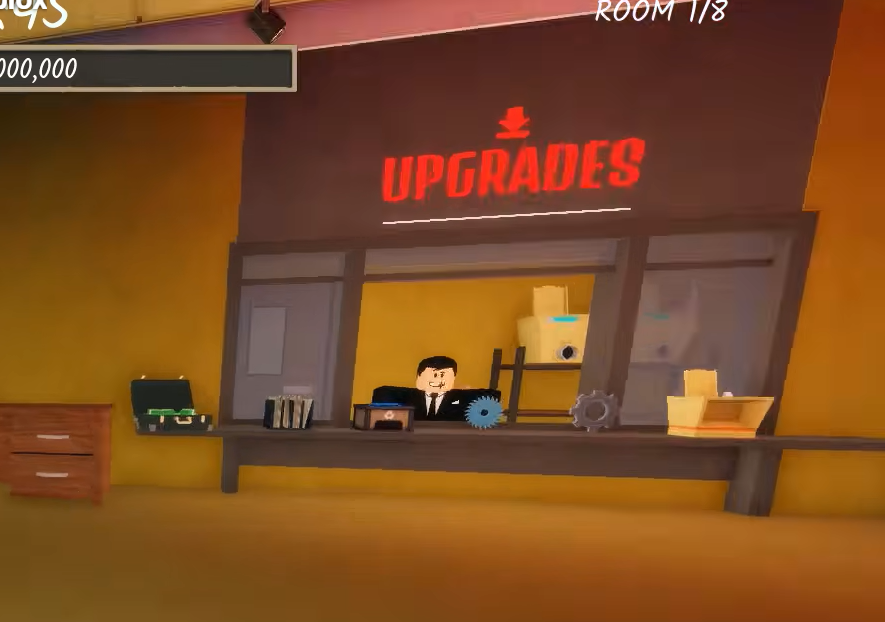
Upgrade counter costs and effects
The Upgrades counter is staffed by an NPC inside the room. Press E on the option you want, and cash is deducted instantly. These are the five upgrades and their starting costs.
| Upgrade | Cost | What it does |
|---|---|---|
| Carry Amount | $1,500 | Raises how many documents you can hold before a shredder trip |
| Shredder Speed | $4,250 | Processes placed paper faster per crank |
| Shred Amount | $5,000 | Increases the cash and output produced per shred |
| Vacuum Power | $8,000 | Speeds up collecting loose paper scraps from the floor |
| Automatic Shredder | $10,000 | Shreds paper on its own without manual cranking |
Prices rise each time you buy a level of the same upgrade, so early purchases are always the cheapest they will ever be. That is the main reason the buying order carries so much weight.
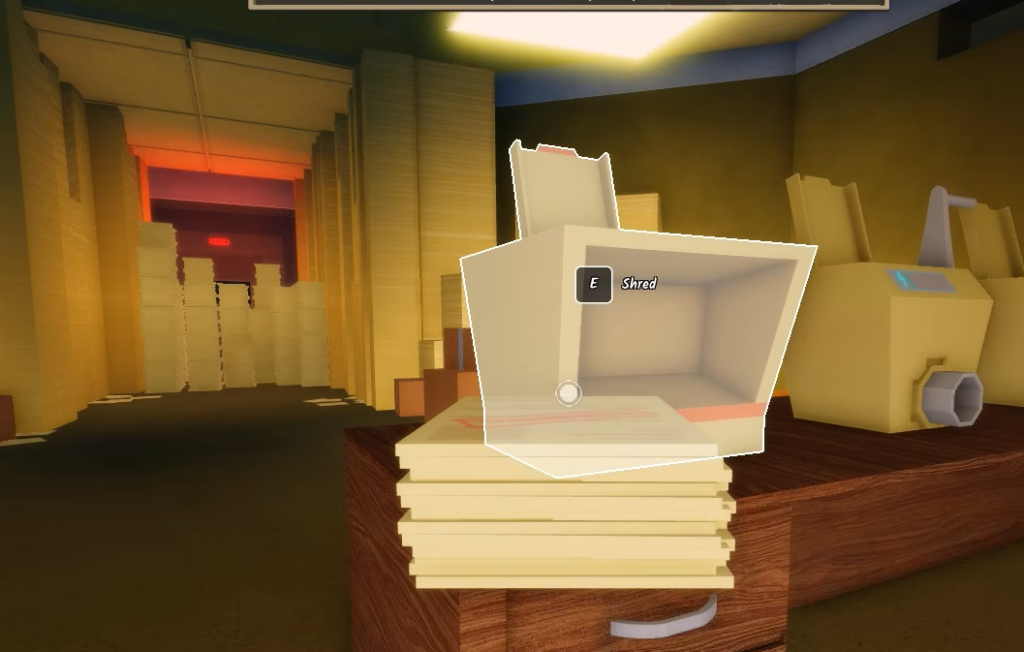
The best upgrade order, explained
How the Skill Tree priorities line up
The wider Skill Tree groups upgrades into categories, and the priority weightings match this order closely. Document carrying and movement sit at the top, collection follows, and processing and progression trail behind.
| Category | Priority | Why |
|---|---|---|
| Document carrying | Very High | Fewer return trips to the shredder per room |
| Movement | Very High | Cuts travel time between piles, scraps, and shredders |
| Vacuum | High | Faster scrap cleanup on floors and surfaces |
| Shredding | Medium | Converts collected documents into cash |
| Progression | Medium | Supports longer runs and later office sections |
The takeaway is the same either way. Reducing wasted movement and return trips gives the biggest early payoff, and it pairs well with capacity. Movement upgrades are especially strong when combined with a higher Carry Amount, since you both hold more and walk faster between tasks.
How to confirm an upgrade applied
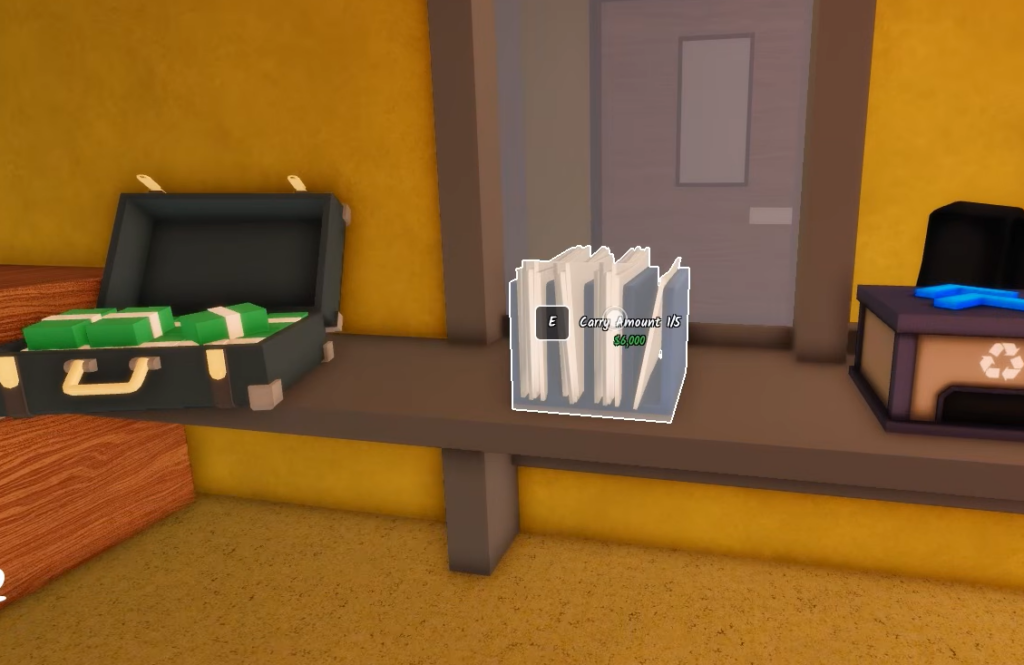
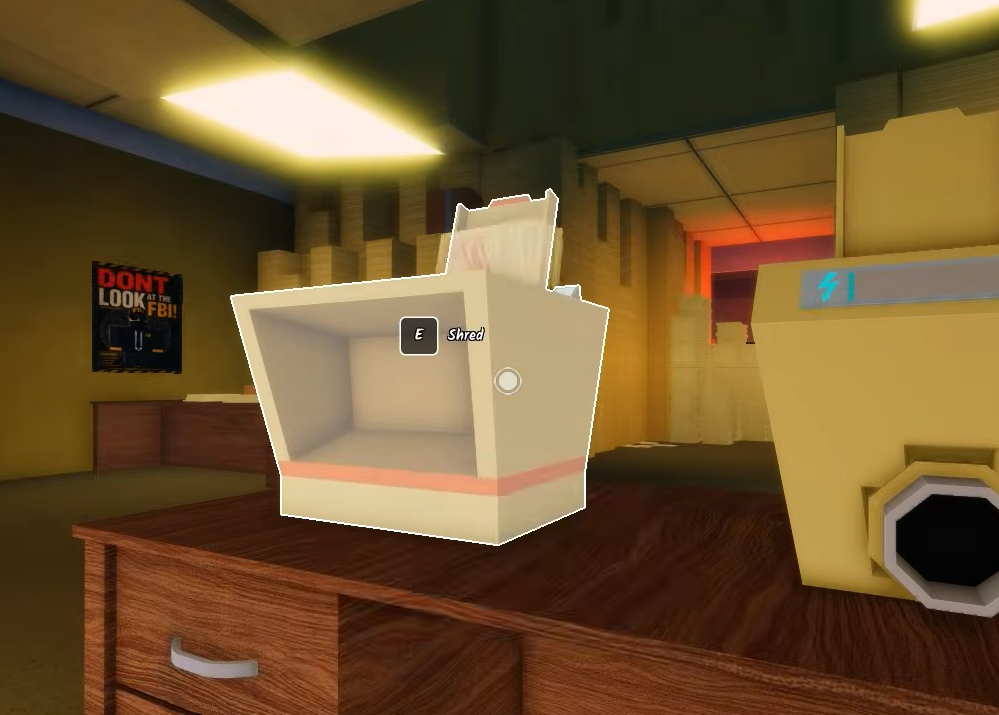
After buying, the counter value on the upgrade updates on the spot, and your cash total drops by the listed cost. Carry Amount is the easiest to verify. Grab documents and watch the box counter in the bottom left climb to its new limit, for example moving from a 12-load cap to 15.
If a purchase does not register, the usual reason is that you do not have enough cash for the next level. Prices scale up with each level bought, so an upgrade that was affordable earlier may cost more the second time you approach the counter.
Gamepass shortcuts and class picks
A few paid gamepasses overlap with the upgrade path and can speed things up if you want to spend Robux. 2X Cash (R$ 249) doubles income and effectively lowers the cost of every upgrade level. Insta Shred (R$ 499) and Insta Vacuum (R$ 999) remove the manual timing on shredding and sweeping, while +5 Carry (R$ 99) stacks on top of your Carry Amount purchases.
Classes bought with paperclips also shape your run. The CEO class, at 1,100 paperclips, adds +2 carry capacity for the whole party, a +10% party cash boost, and $2,000 starter money, which softens the early cash crunch and reinforces the same carry-first plan. You can open the full experience from the official Shred the Secrets Roblox page to check current class costs before spending paperclips.
Stick to the sequence above and your cash rate ramps steadily instead of stalling on an expensive upgrade you cannot yet feed. Carry first, speed and value next, then cleanup, and automation once the room is already flowing.