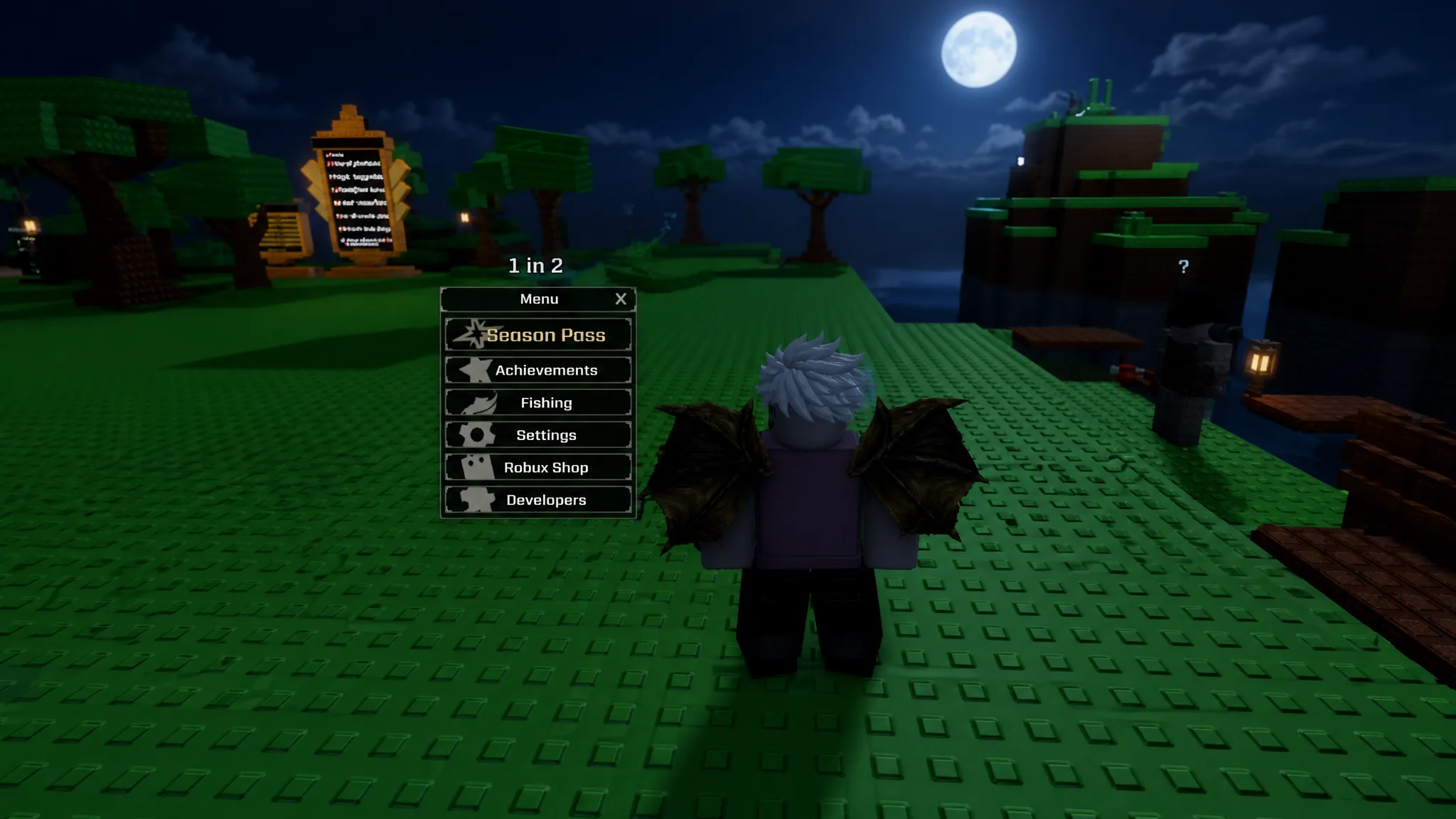
Potion Chests are the fastest way to build a potion stockpile in Sol’s RNG, and almost none of that stockpile has to be earned through grinding. The chests roll a random potion from a fixed loot pool, and the developers hand them out in bulk through promo codes attached to updates, events, and apologies for downtime.
Quick answer: Open Menu → Settings → Miscellaneous → Redeem Code, then enter an active code exactly as written. Most working codes drop 20 Potion Chests and 5 Rare Potion Chests straight into your inventory.
Redeem a code to get Potion Chests
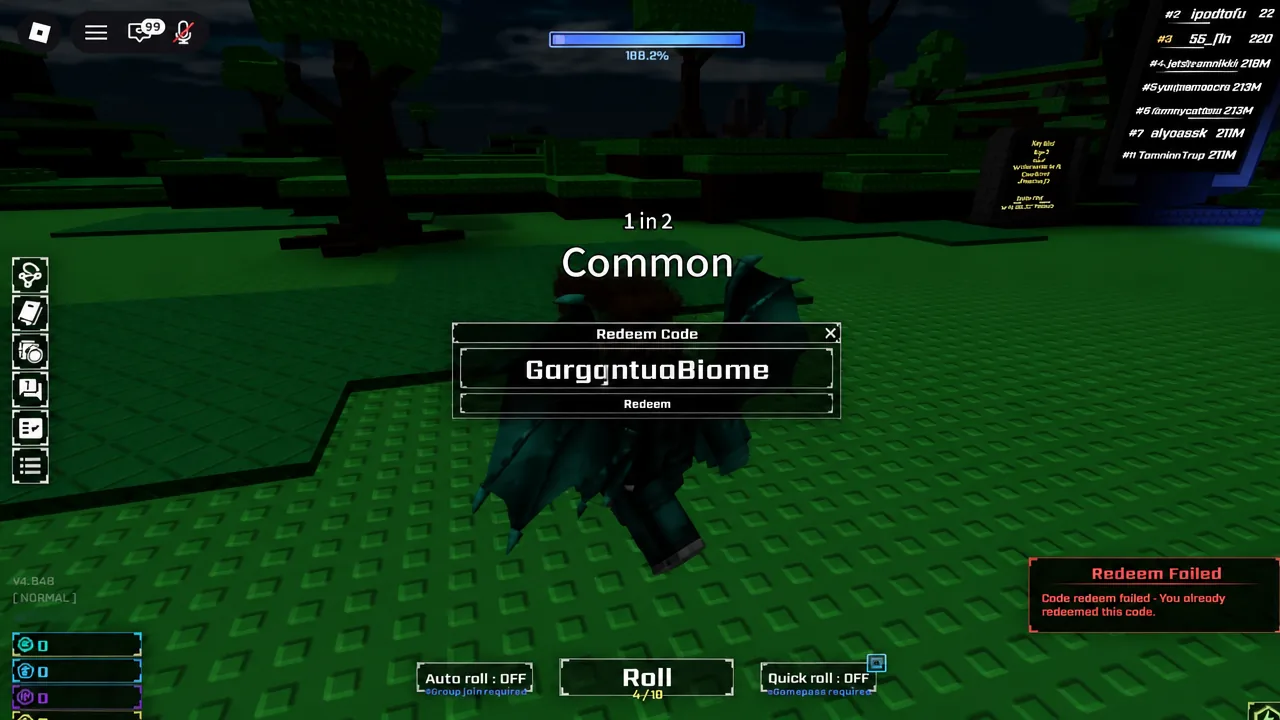
GargantuaBiome will not work as gargantuabiome, and a trailing space is enough to break a valid code.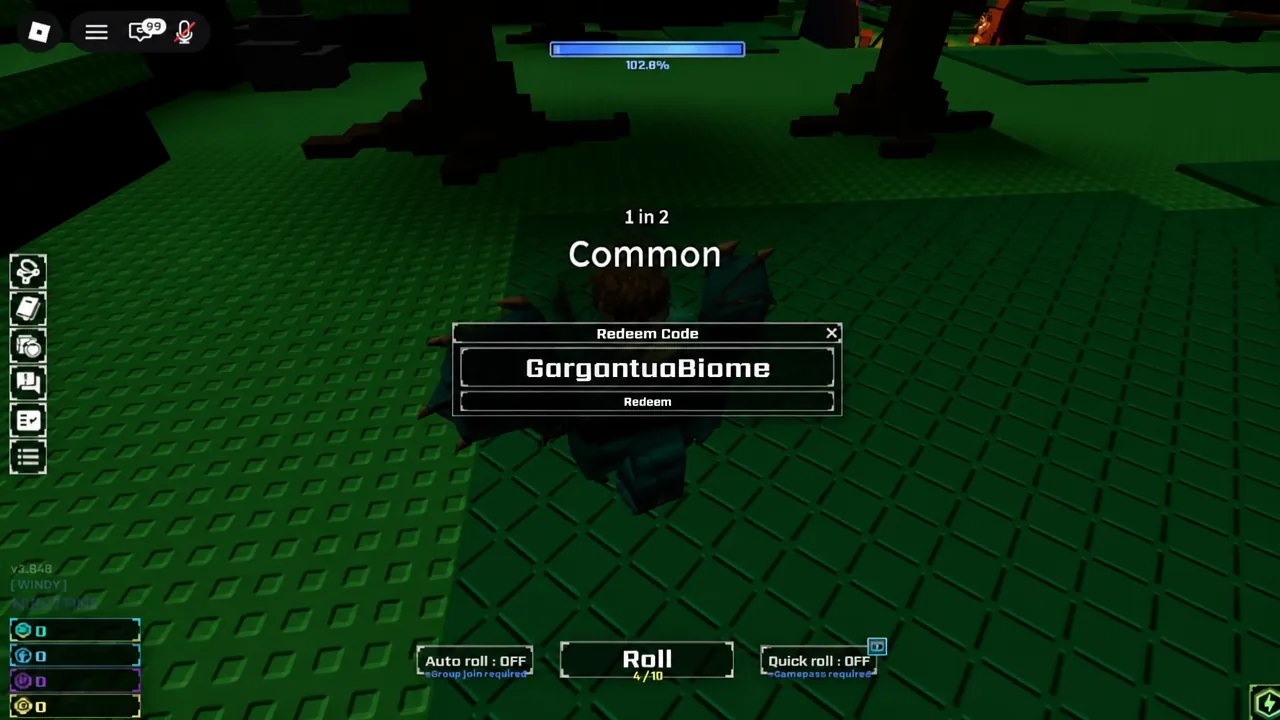
Codes that award Potion Chests
Nearly every code the developers release pays out the same bundle, which makes the list easy to work through in one sitting. Codes are retired without warning, so redeem anything new the day you see it.
| Code | Reward |
|---|---|
| WEARESORRY | 10 Rainbow Ices, 20 Potion Chests, 5 Rare Potion Chests |
| 20260815UPD | 20 Potion Chests, 5 Rare Potion Chests |
| SUMMER2026 | 20 Potion Chests, 5 Rare Potion Chests |
| 20260711UPD | 20 Potion Chests, 5 Rare Potion Chests |
| 20260627UPD | 20 Potion Chests, 5 Rare Potion Chests |
| 2026013UPD | 20 Potion Chests, 5 Rare Potion Chests |
| AmalgamationHELL | 20 Potion Chests, 5 Rare Potion Chests |
| GargantuaBiome | 20 Potion Chests, 5 Rare Potion Chests |
| LastEasterEventWeek | 20 Potion Chests, 5 Rare Potion Chests |
| BLAZINGSUN | 3 Hwachoes and 1 Power Battery |
New codes are not announced inside the game. They go out through the official Sol’s RNG Discord server, usually attached to a major update, a milestone celebration, a limited-time event, or an apology after server problems.
Ways to get Potion Chests without codes
Potion Chests arrived with the Eon 1-4.5 update and are tied to the Update Package gamepasses, which refresh with every major update. The amount you receive scales with the package, and the higher tiers are the only route to the Mega Potion Chest.
| Source | Potion Chest | Rare | Mega |
|---|---|---|---|
| Alpha Update Package | 20 | 5 | — |
| Beta Update Package | 50 | 10 | 3 |
| Gamma Update Package | 100 | 25 | 10 |
| Delta Update Package | 100 | 60 | 40 |
| All Daily Quests | 15 | — | — |
Completing the full set of Daily Quests is the only free, repeatable in-game source, worth 15 Potion Chests. A fourth variant, the Video Event Potion Chest, is a developer item handed out to winners of events run on the official Sol’s RNG YouTube channel, and it only contains Heavenly, Warp, Oblivion, and Transcendent Potions.
Potion Chest drop rates in v0.8.5
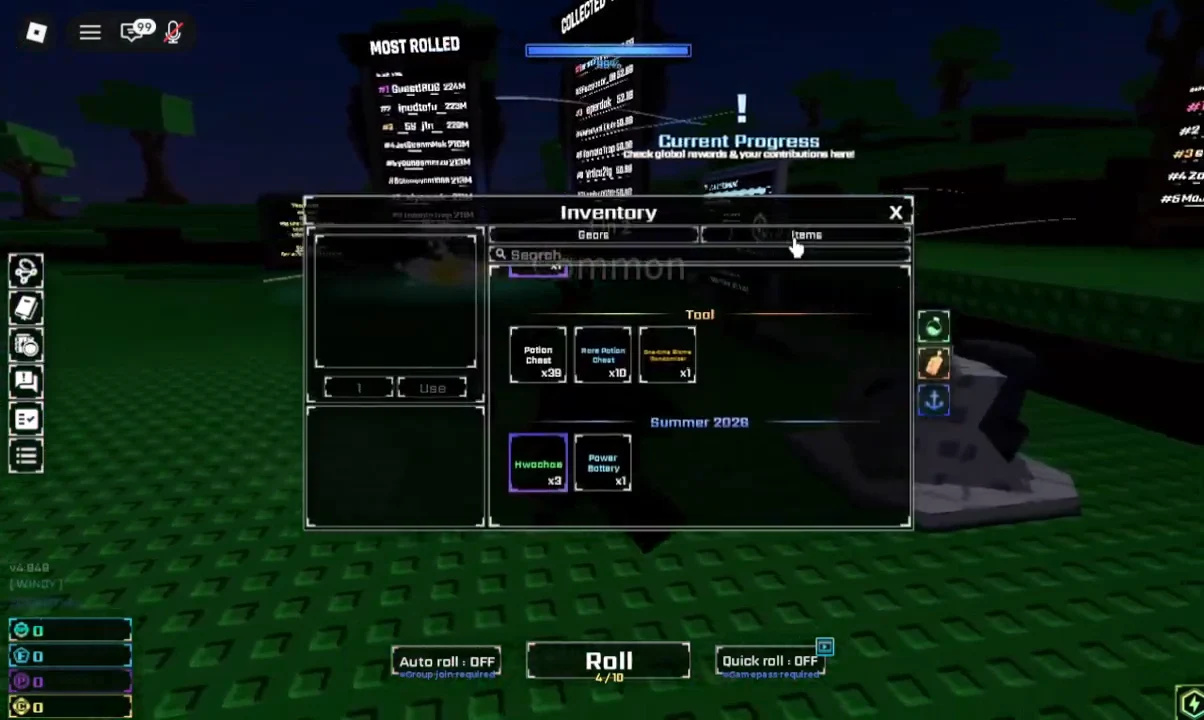
Hovering over a Potion Chest in the Items tab shows its current odds. The common Fortune and Haste rolls dominate the pool, while the luck-altering potions sit at the bottom.
| Reward | Chance |
|---|---|
| 4 Fortune I Potions | 7.00% |
| 4 Haste I Potions | 7.00% |
| Rage Potion | 3.00% |
| Speed Potion | 3.00% |
| 2 Fortune II Potions | 1.00% |
| 2 Haste II Potions | 1.00% |
| Heavenly Potion | 1.00% |
| Lucky Potion | 1.00% |
| Gravity Potion | 1.00% |
Those potions are the point of the chests. Lucky Potions raise your luck stat for a window of time, Speed Potions move you between spots faster, and a Heavenly Potion applies a 15,000,000 percent luck bonus to a single roll, which is why players save them for rare biomes.

How Rare and Mega Potion Chests compare
Each tier shifts weight away from the common potions and toward the high-end ones. A Rare Potion Chest cuts the Speed and Lucky Potion odds in half compared with the standard chest, and a Mega Potion Chest drops them further while making Fortune II and Haste II its most common results.
| Potion | Rare Chest | Mega Chest |
|---|---|---|
| Potion of Bound | 3.50% | 3.50% |
| Heavenly Potion | 2.00% | 2.50% |
| Warp Potion | 1.00% | 1.50% |
| Godly Potion (Zeus) | 0.30% | 0.50% |
| Godly Potion (Hades) | 0.30% | 0.50% |
| Godly Potion (Poseidon) | 0.30% | 0.50% |
| Oblivion Potion | 0.25% | 0.33% |
| Godlike Potion | 0.25% | 0.33% |
| Transcendent Potion | 0.10% | 0.35% |
Why a code fails to redeem
A rejected code produces a “Redeem Failed” banner. The most common version reads “Code redeem failed – You already redeemed this code,” which means the reward is locked to your account and no amount of retrying will change it.
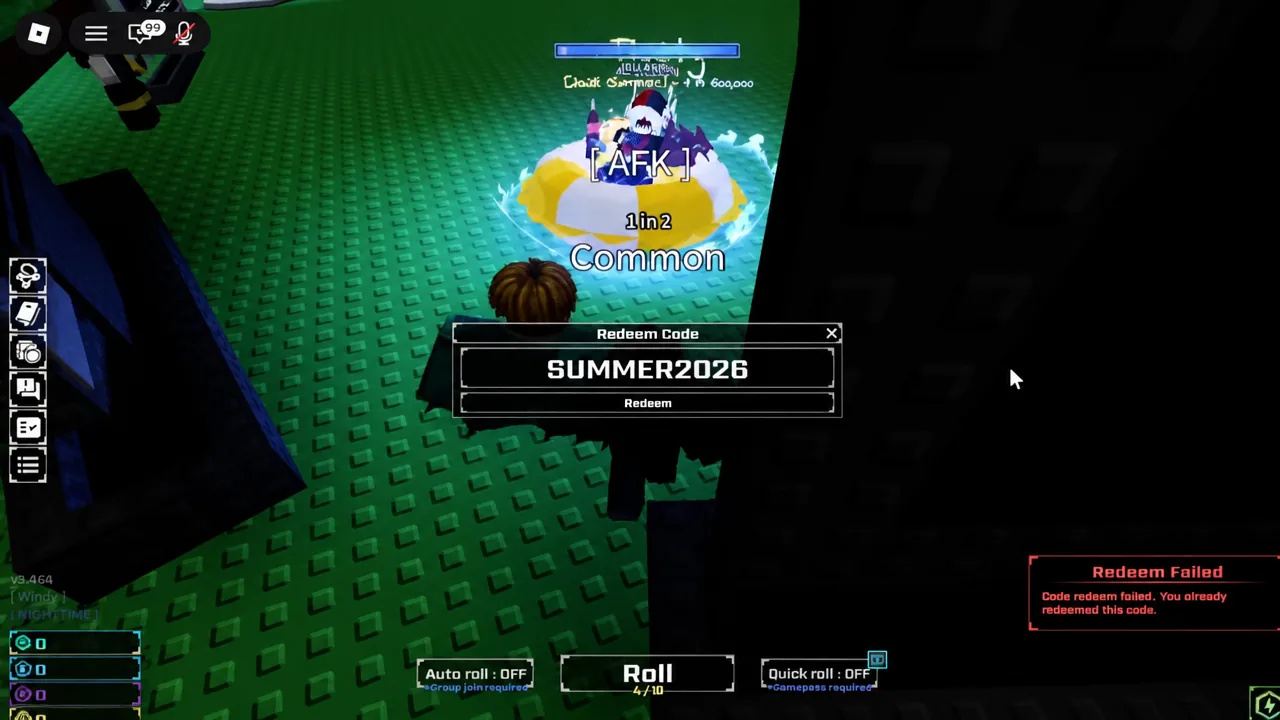
The other causes are narrow. Codes expire on their own schedule, capitalization must match exactly, and a stray space copied along with the text will invalidate an otherwise working entry. If a freshly announced code refuses to work, rejoin on a different server, since new codes can take a short while to become active everywhere.
Once the chests are in your inventory, they behave like any other tool. Open them from the Items tab, bank the Lucky and Speed Potions for long grinding sessions, and hold anything from the Heavenly tier upward until a rare biome is active.