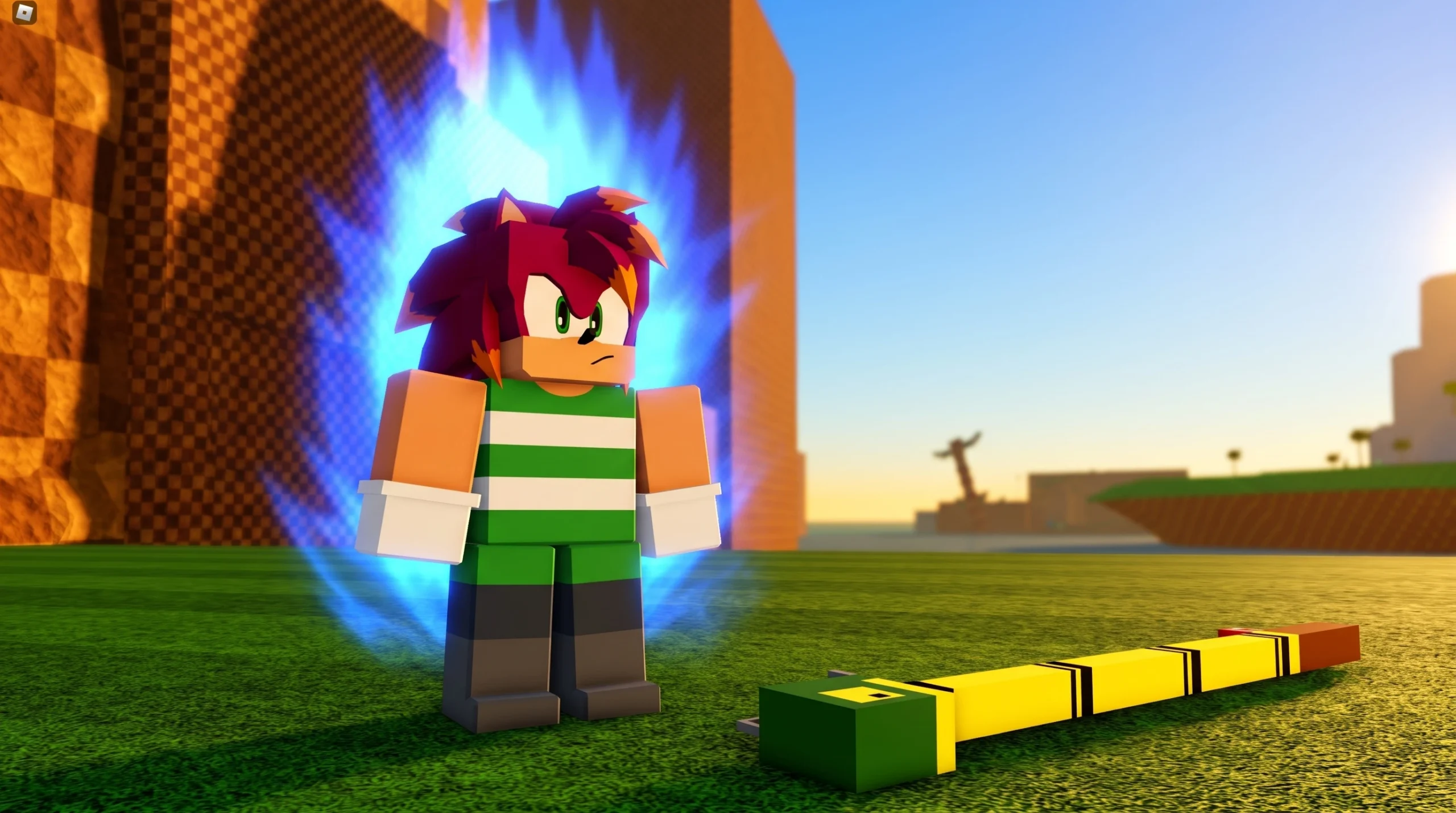
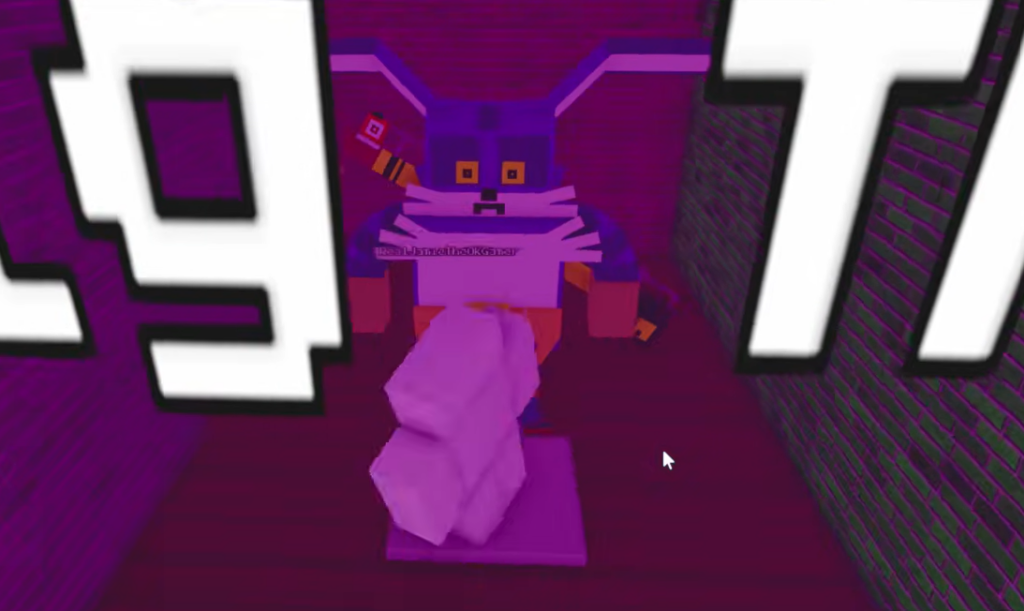
In the Roblox Sonic roleplay games, characters like Big the Cat are locked behind their own badge. You earn Big’s Mission Badge by completing its in-game trigger, and that badge is what opens the Big the Cat morph for you to use.
Quick answer: Reach and touch the object that awards Big’s Mission Badge. The moment the badge is granted, access to Big the Cat’s morph room and the Big the Cat morph unlocks on your account.

How mission badges unlock morphs
Badges in these Sonic RP games work as a gate. You obtain a badge by finding a specific object in the world and touching it, and each character badge is tied directly to that character’s morph. When the badge is awarded, it grants access to the matching morph room and the morph itself.
The same pattern repeats across the roster. Earning the Mephiles badge, for example, opens the Mephiles morph room and the Mephiles the Dark morph, while the Nazo badge opens the Nazo morph room and its transformation morphs. Big’s Mission Badge follows the identical rule, unlocking the Big the Cat morph once the badge lands.
Some badges are hidden or marked unavailable until a later update. Only badges that are currently active can be earned, so a locked trigger will not grant anything.
Earning Big’s Mission Badge
A mission badge is completed by carrying out its objective and then making contact with the badge trigger. That trigger can be a placed object, a teleporter, an image on the ground, or a reward given at the end of an in-game activity. Reaching it and touching it is what fires the badge.
Movement-based morphs make several of these triggers easier to reach, since some are placed away from the main lobby. Flight, grinding, and speed morphs help you cross the map to the exact spot, then step onto or touch the marker to complete the mission.

Confirming the badge and morph unlocked
You will know it worked from the standard Roblox badge popup in the corner of the screen, reading that you won the award. After that notification, the Big the Cat morph room becomes accessible, and the morph appears among your character options.
Because badges are tied to your account, the unlock is permanent. Once Big’s Mission Badge is on your profile, you keep the morph across future sessions without repeating the trigger.
What the Big the Cat morph is built around
Big the Cat is a power-type character, so the morph leans on brute strength rather than raw speed. He is one of the strongest allies in the Sonic cast, with a kit centered on force and toughness.
| Trait | Detail |
|---|---|
| Ability type | Power |
| Core strengths | Super strength, enhanced durability, enhanced speed |
| Mobility | Capable swimmer, grinding |
| Signature skill | Skilled fisherman with a strong sense of smell |
These traits explain why Big is treated as a heavy hitter. In the games, he can perform strength feats other characters cannot, such as carrying extremely heavy objects, which fits his role as a slow but powerful pick.
Why the badge might not trigger
- You passed near the trigger but did not physically touch or step on it, so the badge never fired.
- The badge is currently hidden or unavailable and is only meant to become obtainable after a later update.
- You already own the badge, in which case the popup will not reappear even though the morph stays unlocked.
If the morph still does not appear after the badge popup, rejoin the game so your morph list refreshes. Once Big’s Mission Badge is registered, Big the Cat should sit alongside your other unlocked morphs, ready to select whenever you want the game’s strongest power-type body.