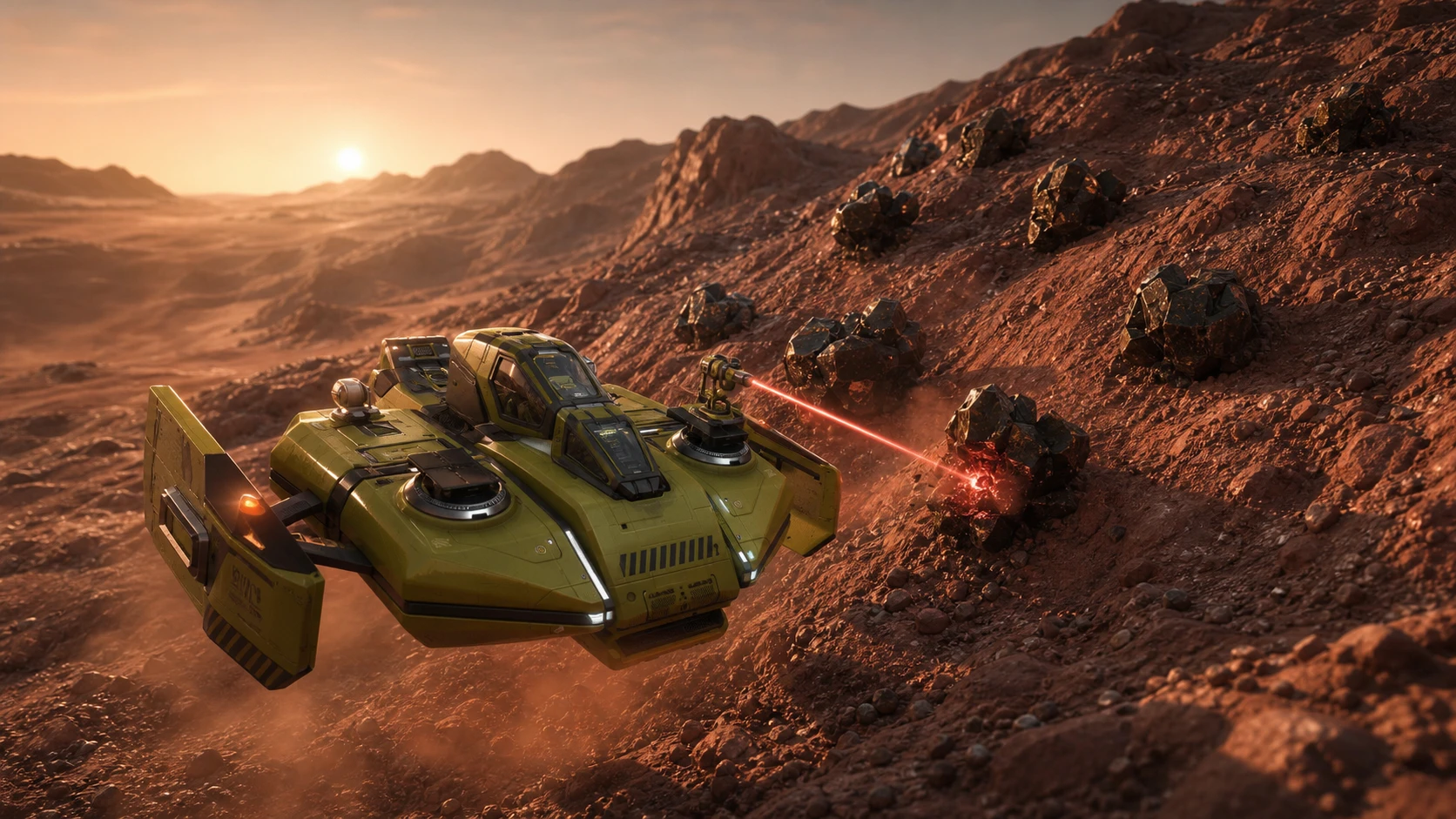
Mining is the main way to make money in SpaceCraft, and the laser bolted to your ship decides what you can cut. The starter tool handles crude and simple metal deposits without complaint, but tougher minerals turn red the moment you point at them. Moving past that wall means owning more than one laser and knowing which one to fire at each node.
Quick answer: Keep the Simple Mining Laser equipped for crude, simple, and even Overclocked-tier nodes, then switch to the Overclocked Mining Laser only for Hi-Pi and OC Hi-Pi minerals like Malachite and Azurite. Carry both at all times and watch the node name color before you start cutting.
Start with the Simple Mining Laser and never throw it away
Every ship ships with the Simple Mining Laser already installed. It needs no maintenance, no repairs, and no replacement parts. Its only quirk is heat, so it warms up during long runs and occasionally needs a short pause before it works at full speed again.
The Simple Mining Laser clears crude and simple metal deposits cleanly. It cannot break complex minerals such as Malachite or Azurite, which is the first sign you need a second tool. Even so, it stays useful for the entire game because it has no durability to burn through, so keep it in your loadout permanently.
Why the Overclocked Mining Laser is not a straight upgrade
The Overclocked Mining Laser mines faster and cuts harder material the Simple Laser cannot touch. Many players swap to it the moment they unlock it and never look back, which is a mistake. This laser has durability, and once that durability hits zero the tool is destroyed for good.
You cannot repair a broken Overclocked Laser. You have to craft or buy a whole new one, and doing that over and over drains your credits quickly. The smart approach is to treat it as a specialist tool you bring out only when the node actually requires it.
Note: Carrying multiple lasers at once is the intended setup. Run the Simple Laser for everyday mining and only fire the Overclocked Laser at higher-tier nodes to save durability and reduce replacement costs.
Read the node color before you mine
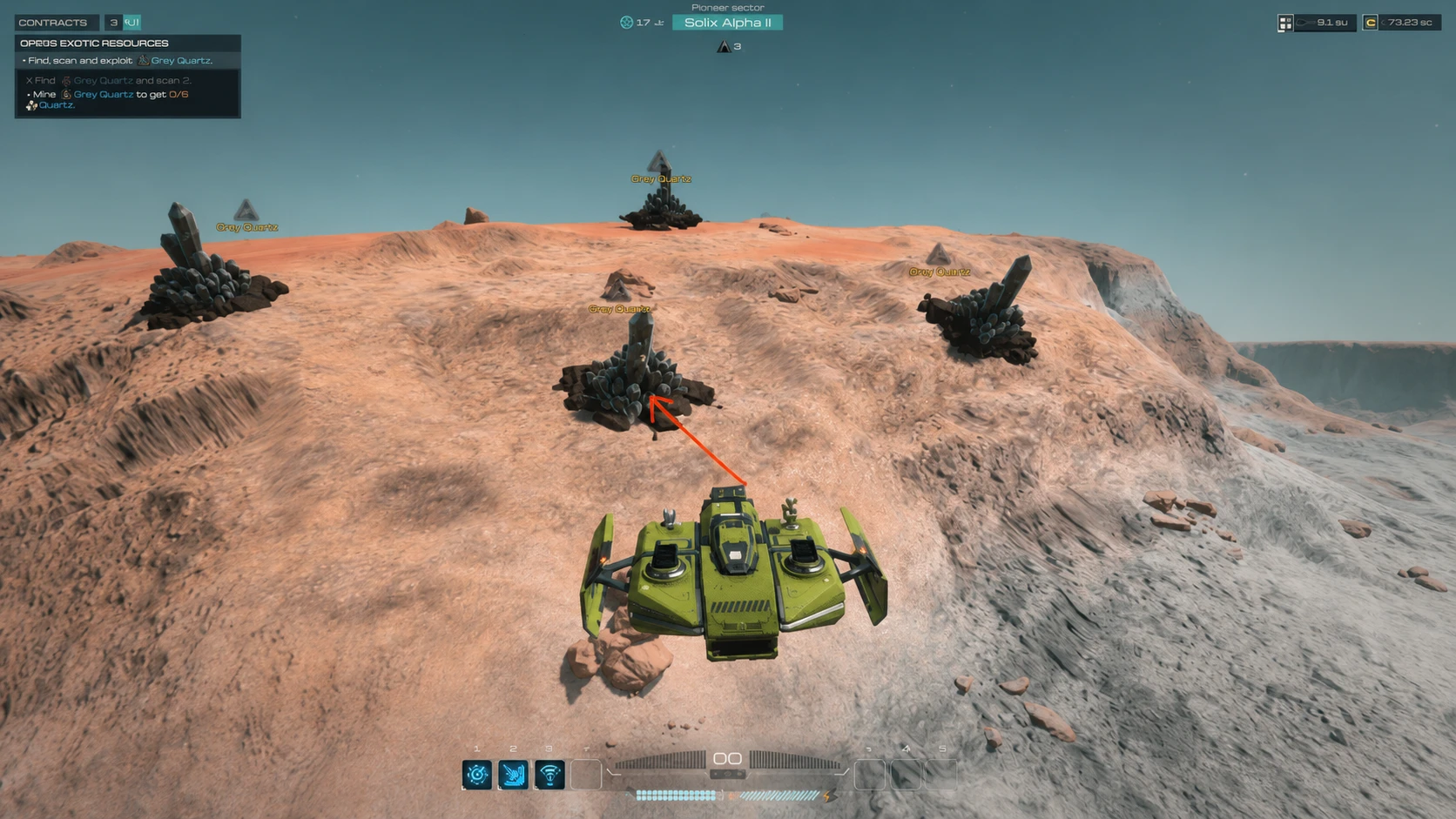
When you target a mineral node, its name appears in one of three colors. That color tells you whether your currently selected laser can handle the rock and how fast it will go. Checking this first stops you from wasting time, heat, or durability on a node your laser cannot finish.
| Node color | What it means |
|---|---|
| Red | Your selected laser cannot mine this node at all. |
| Yellow | Your laser is too weak. It will still work, but slowly. |
| White | Your laser is strong enough to break the node efficiently. |
If a node shows red, the laser is the bottleneck, not your aim. A yellow node is mineable, so on a Simple Laser an Overclocked-tier node still drops material even though it takes longer. Aim for white whenever you want speed and minimal heat.
Which laser to use for each mineral tier
The right tool depends on the tier of the node, not on which laser is newest. Use the Simple Laser as far up the chain as it will go, then reach for the Overclocked Laser or better only where it is mandatory.
| Mineral tier | Best laser to equip |
|---|---|
| Crude mining | Simple Mining Laser |
| Simple mining | Simple Mining Laser |
| Overclocked mining | Simple Mining Laser (slow, but still the cheaper choice) |
| Hi-Pi mining | Overclocked Mining Laser or better |
| OC Hi-Pi mining | Overclocked Mining Laser or better |
Beyond the Overclocked Laser, you eventually unlock the Hi-Pi, Overclocked Hi-Pi, and Cooling Lasers. Whichever advanced laser you settle on, keep the Simple Mining Laser equipped alongside it so you can alternate and protect the durability-limited tool.
Install and switch lasers in the Shipyard
Mining lasers are external modules, mounted on the outside of the hull rather than inside it. You change them through ship editing, available at civilian stations and personal shipyards. Crafting a new laser is not enough on its own, since it sits in your inventory until you actually fit it.
If a node still won’t mine, fix the right bottleneck
Sometimes the laser is not the problem. You found the resource, your tool simply refuses to cooperate, and forcing it wastes a run. There are three usual causes, and each one has a different fix.
| Symptom | Fix |
|---|---|
| Node is found but the laser barely cuts it | Your laser tier is too low. Move toward the Simple Mining Laser path or a later laser before grinding the node. |
| You cannot find the resource reliably | The detector is the bottleneck, not the laser. Upgrade the Resource Detector first. |
| The node is not a normal solid rock | Some advanced nodes need a special extraction tool or interaction. Check the objective text instead of assuming a stronger laser fixes it. |
The upgrade order is not always “more laser.” Improve detection when you cannot locate material, improve the laser when you can find a node but cannot cut it, and read the objective when the node looks special or protected. You know the swap worked when the node name turns white and the material starts breaking off at full speed.
Stick with this routine and the laser stops being a roadblock. The Simple Laser carries the bulk of your mining for free, the Overclocked Laser and its successors handle the complex minerals, and reading the node color keeps you from ever burning durability on the wrong rock.