Ventures are the repeatable job system that arrived in Star Trucker‘s major update alongside its new DLC content. They sit apart from ordinary freight hauling, run on their own experience currency, and pay out in cab cosmetics rather than just cash.
Quick answer: Open the Ventures menu, pick one of the three tracks — Cultivation Expert, Galactic Handyman, or Specialist Courier — accept an assignment, then deliver the package or install the required part at the destination. The rewards screen pays cash plus VXP, which levels that track and unlocks dash accessories and cab trims.
The three venture tracks and what each one unlocks
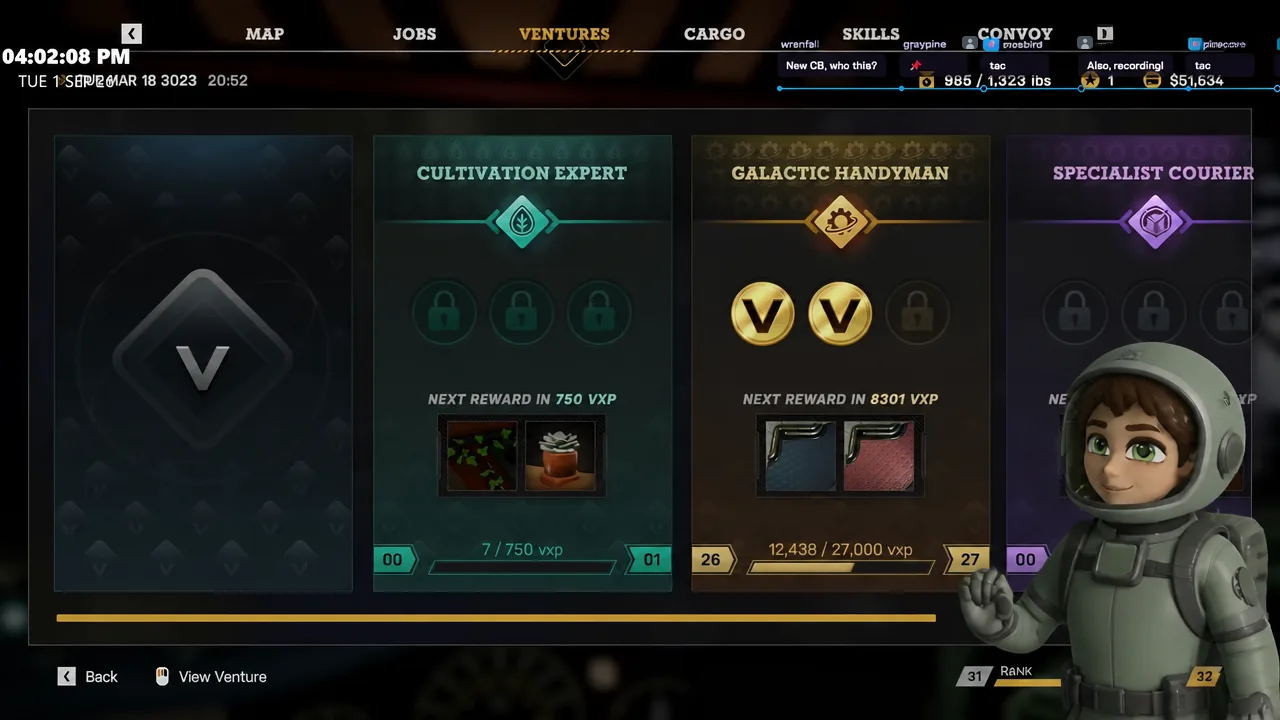
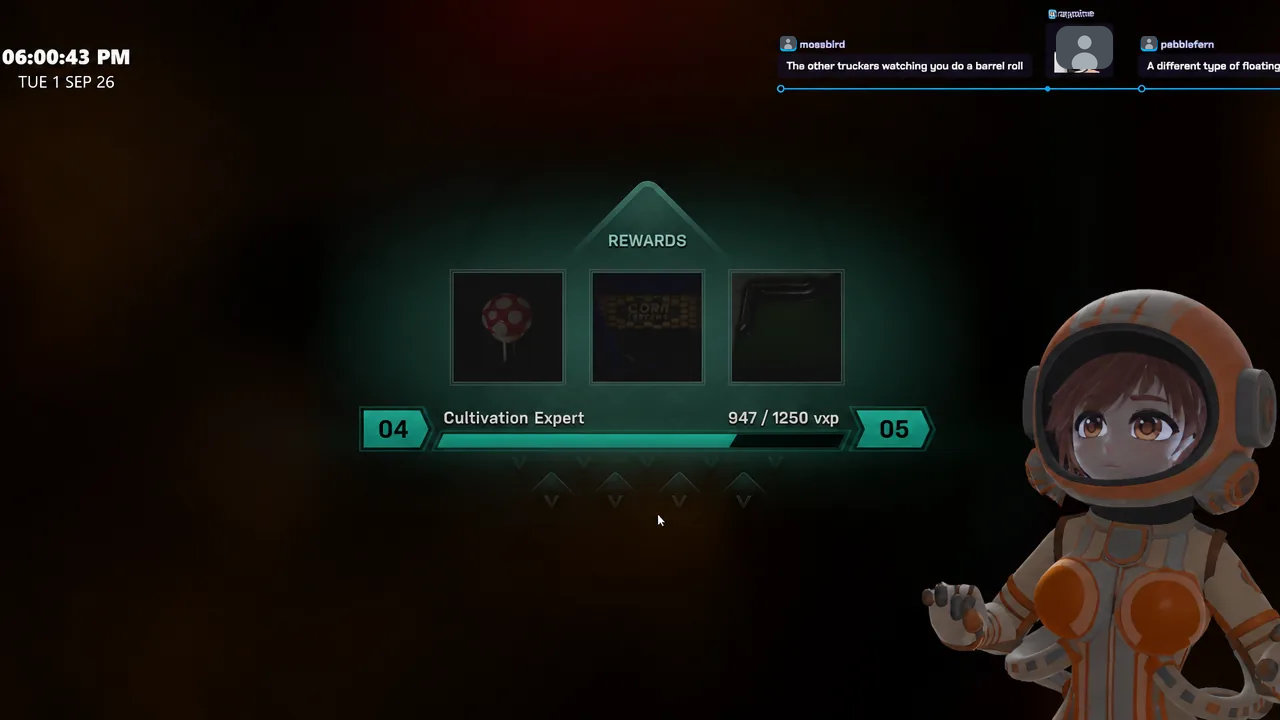
The Ventures menu lists all three paths side by side, each with its own progression card and a preview of the rewards waiting at the next level. Every track levels independently, so work on one does not feed the others.
| Track | Job type | Rewards seen |
|---|---|---|
| Cultivation Expert | Biome Boost (slot a nutrient canister into an orbital biodome in Gamma Valley), Pressure Purge (atmospheric correction at a vented dome in Medusa Six) | Corn-themed dash accessories, Astro Turfed Basic trim, Corn Customs star strips |
| Galactic Handyman | Maintenance and repair work, claimed from the rewards screen | UFO dash topper, wall panel |
| Specialist Courier | Package runs such as the Birthday Drop, collected in Purity and delivered to Spark City | Cab bedding, checkerboard trims |
Cultivation work also brings supplies to your door. Cultivation items such as nutrient canisters and flux tape arrive as a delivery through the airlock, and you carry them in the cab until the job site needs them.
How to accept and complete a Specialist Courier venture job
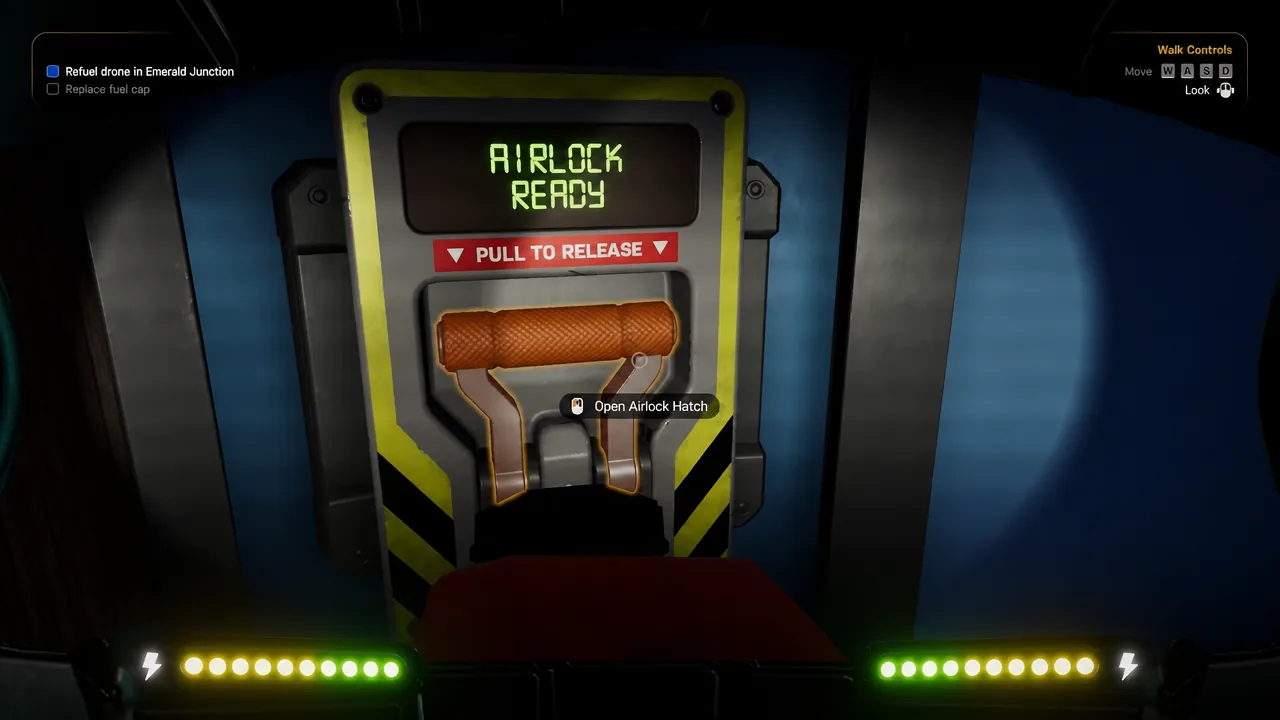
Cultivation jobs end differently. For a Biome Boost you leave the cab entirely, float over to the biodome receptacle in your suit, and slot the replacement nutrient canister in by hand. A Pressure Purge is handled from the outside of a vented dome using its exterior vent controls.
VXP, venture levels, and how to confirm a job registered
Venture jobs pay in two currencies at once. A completed Biome Boost, for example, returns $929 and 2,322 VXP. The cash goes to your balance, while VXP fills the level bar on that specific track.
You know the job landed when the rewards screen appears and the track’s XP bar visibly fills toward the next level. Crossing a level threshold names the items it unlocks — corn-themed dash accessories and trims on the Cultivation side, a UFO dash topper and wall panel on the Handyman side, cab bedding and checkerboard trims from courier work.
The second confirmation is in the cab. Open the interior customization menu and the newly named trim, topper, or lighting option should now be selectable — applying the black and white checkerboard trim or the Astro Turfed Basic trim is the fastest way to check an unlock actually went through.
Note: reward items are physical objects that arrive in the airlock, and a large batch has weight. The cab has a weight limit threshold, so unload and stow rewards before you take on another heavy run.
Ventures run alongside standard freight contracts
Venture assignments do not replace the Job Board. Ordinary freight still appears there with its own payouts and rank progression, and the two systems can be stacked on the same trip.
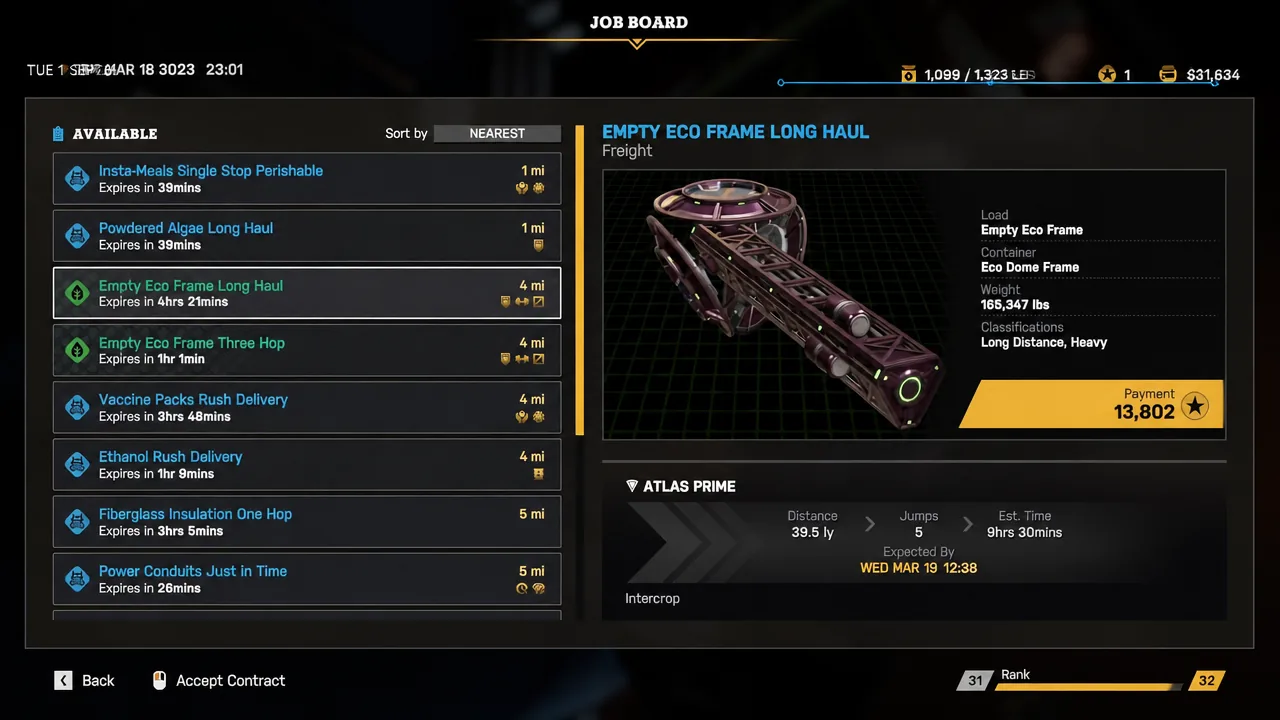
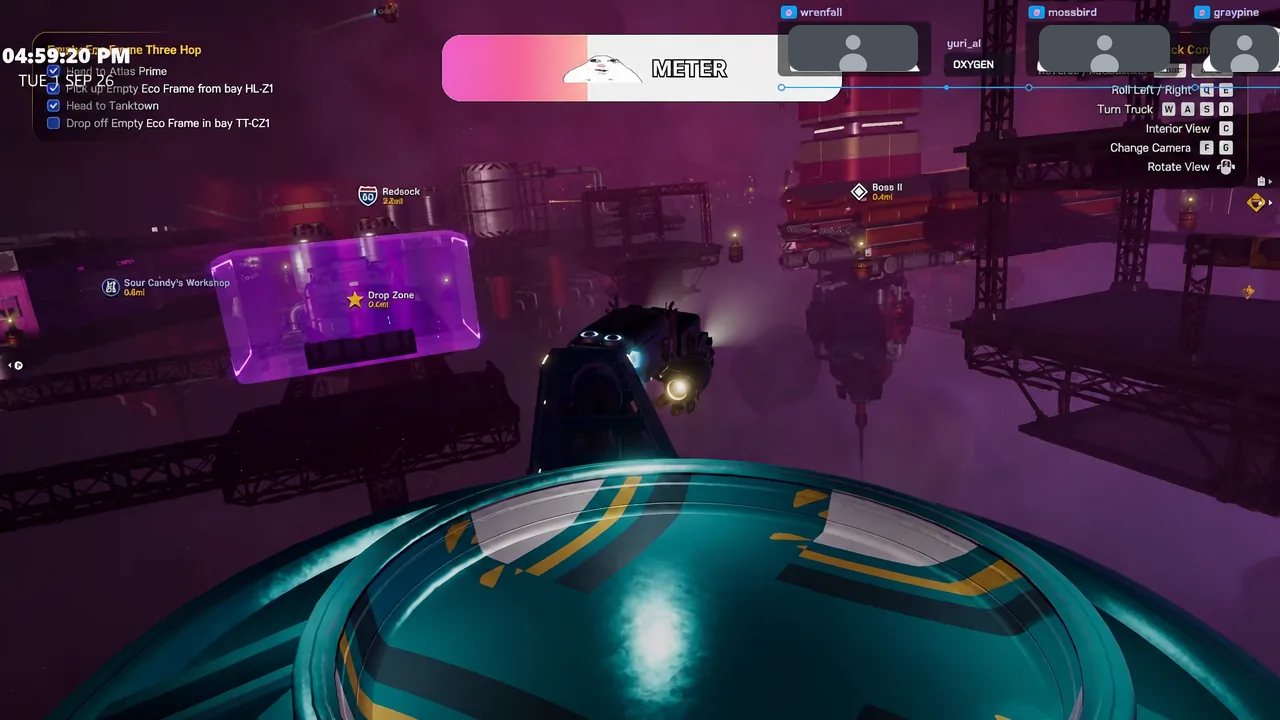
An Empty Eco Frame Three Hop to Tanktown pays $5,072 and the XP that pushed the driver rank to 32. A shorter automotive scrap multi-trailer run into the same station returned $2,467. Because both are paid on delivery, the practical approach is to accept a venture job that shares part of the freight route.
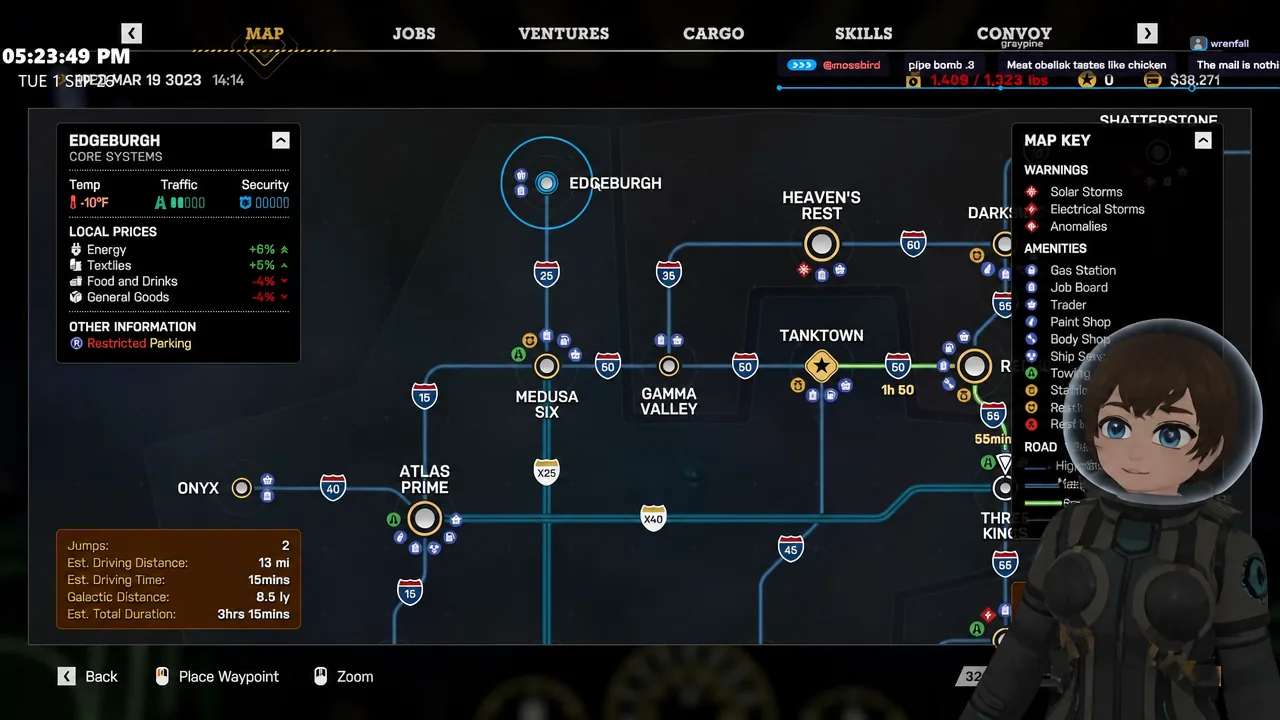
Plan the whole chain on the star map before you undock. A run out to Edgeburgh, for instance, routes through Medusa Six and Gamma Valley — the same systems that host Pressure Purge and Biome Boost assignments.
What interrupts a venture run
Most lost time on a venture route comes from the same handful of hazards rather than from the job system itself.
- Clipping station geometry. Catching a station sign on approach can force a reload from the previous save, costing the whole leg.
- Gravity failure in the cab. A gravity loss warning means heading to the lower deck and inserting a replacement power cell; until then, cans, containers and tools scatter through the interior and need cleaning up.
- Checkpoint Security inspections. Automated checkpoints stop you for an inspection, though not every NPC truck bothers to comply.
- Solar flares. A flare washes out visibility and forces you to manage onboard sensors and wait out the radiation before continuing.
Ventures reward steady repetition more than any single big haul, so the cleanest loop is to keep one assignment active on each track, buy boosts before launch when you have the cash spare, and pick freight that already passes through the systems your venture jobs point to. The cosmetic unlocks — right down to the holographic anniversary cake projector and the custom licence plate — are the visible record of that progress inside the cab.