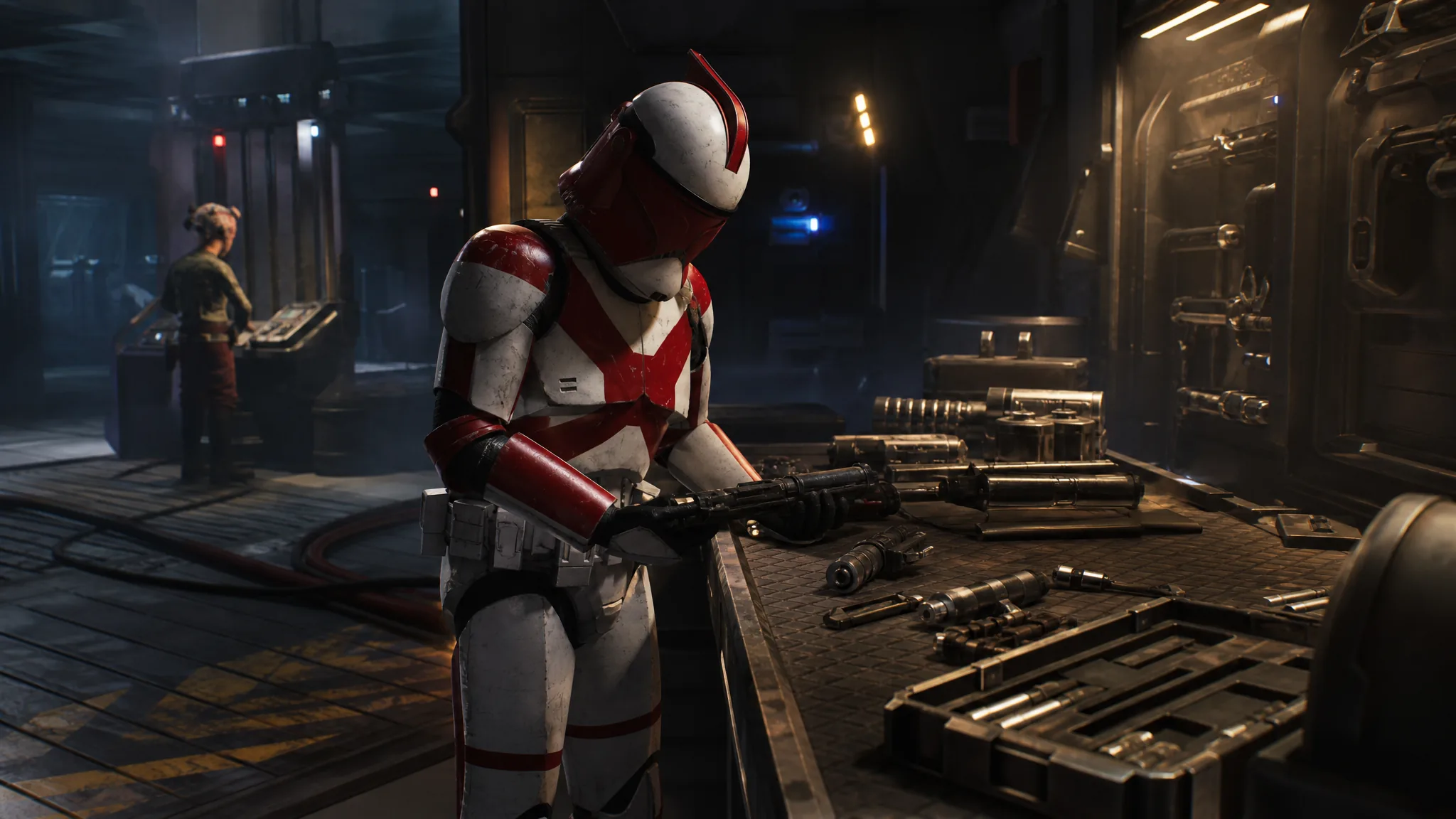
You only ever carry four weapons across an entire campaign of Star Wars Zero Company, so making those blasters hit harder is less about finding better loot and more about working two separate systems back at the Den. One of them is free and can be changed before every mission. The other costs credits and applies permanently to every operator using that weapon type.
Quick answer: Use the Armory in The Den to slot weapon mods onto a specific operator’s blaster, and use the Den’s Upgrade console under the Weapons tab to buy permanent stat upgrades for the Longarm, Pistol, and Repeater categories.
Weapon mods vs. Den weapon upgrades
These two systems stack, and neither replaces the other. Mods are physical attachments tied to one operator’s gun. Den upgrades are blanket improvements to a whole weapon category.
| Weapon mods (Armory) | Weapon upgrades (Den) | |
|---|---|---|
| Cost | Free to equip or unequip | Credits, paid per node |
| Scope | One operator’s blaster | All blasters of that type |
| Reversible | Yes, swap any time | No, permanent |
| Where you get them | Black Market, mission and Operation rewards, Zone rewards | Bought outright at the Upgrade console |
How to equip weapon mods at the Armory
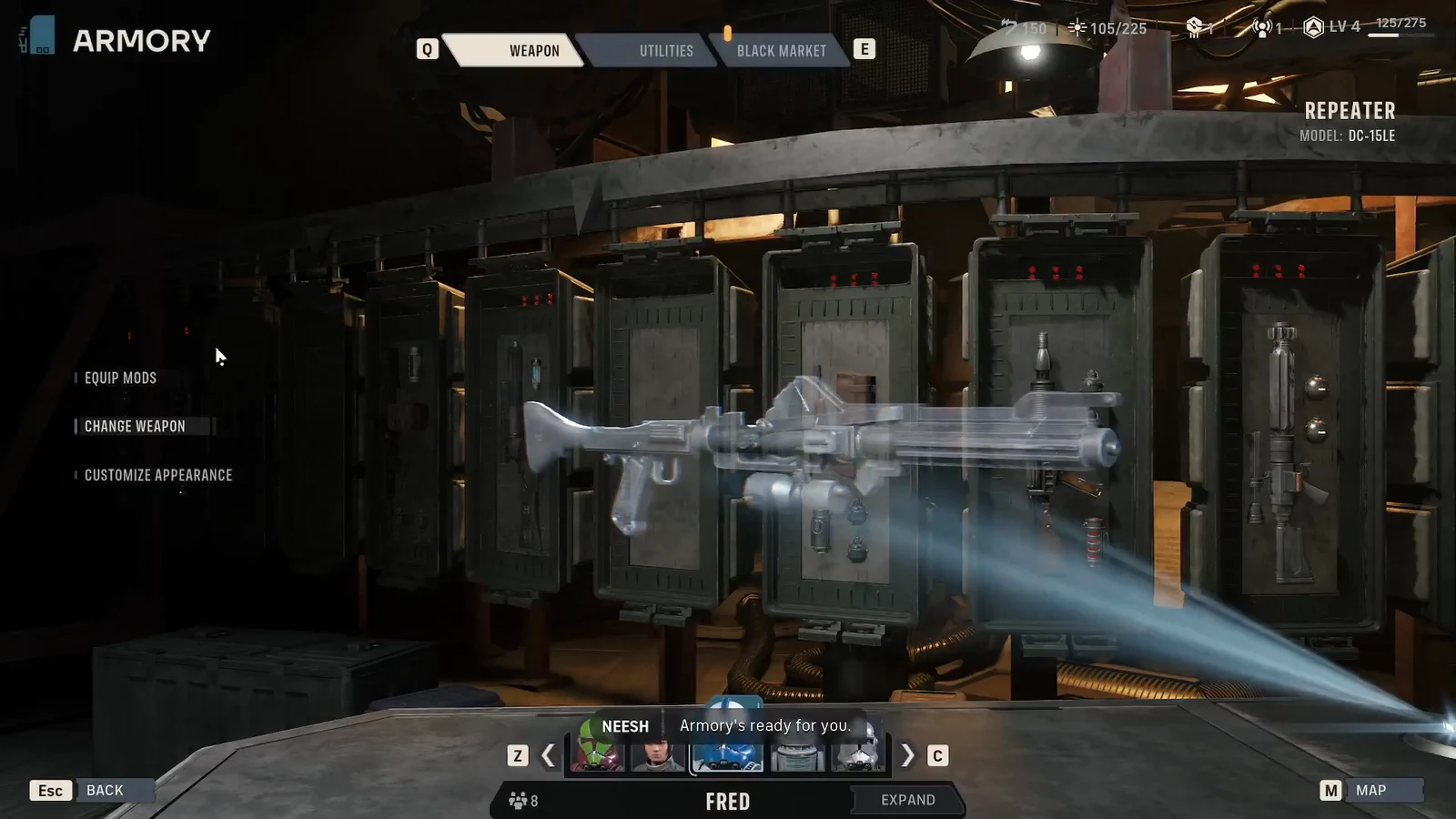
| Mod category | Example mods |
|---|---|
| Barrel | Incendiary Modulator |
| Cell | Single Coil Condenser |
| Scope | Tracking Scope, Targeting Scope |
| Stabilizer | Balancing Stabilizer, Type-K Ergonomic Stabilizer |
Mods do not follow a weapon type around your roster. If a Type-K Ergonomic Stabilizer is sitting on Trick’s blaster, no other operator can use that same mod until you pull it off. A portrait icon on the mod screen tells you who currently has each one. Since removing a mod costs nothing, move your best pieces onto whoever is actually deploying.
Mods come in four rarity tiers: Basic, Superior, Exquisite, and Exotic. Basic is the most common and Exotic is genuinely rare. Most of a campaign runs on Superior and Exquisite gear, since those are the usual mission and Operation payouts.
Where to get more weapon mods
Four sources feed your mod collection: completing Missions, completing Operations, buying from the Black Market, and Zone rewards. Missions and Operations hand out mods fairly often, usually at Superior rarity, which is the reliable trickle if you are short on credits.
The Black Market is the tab you should be checking constantly. It restocks with a fresh set of utility items and weapon mods every cycle, so open it after each mission rather than once in a while.
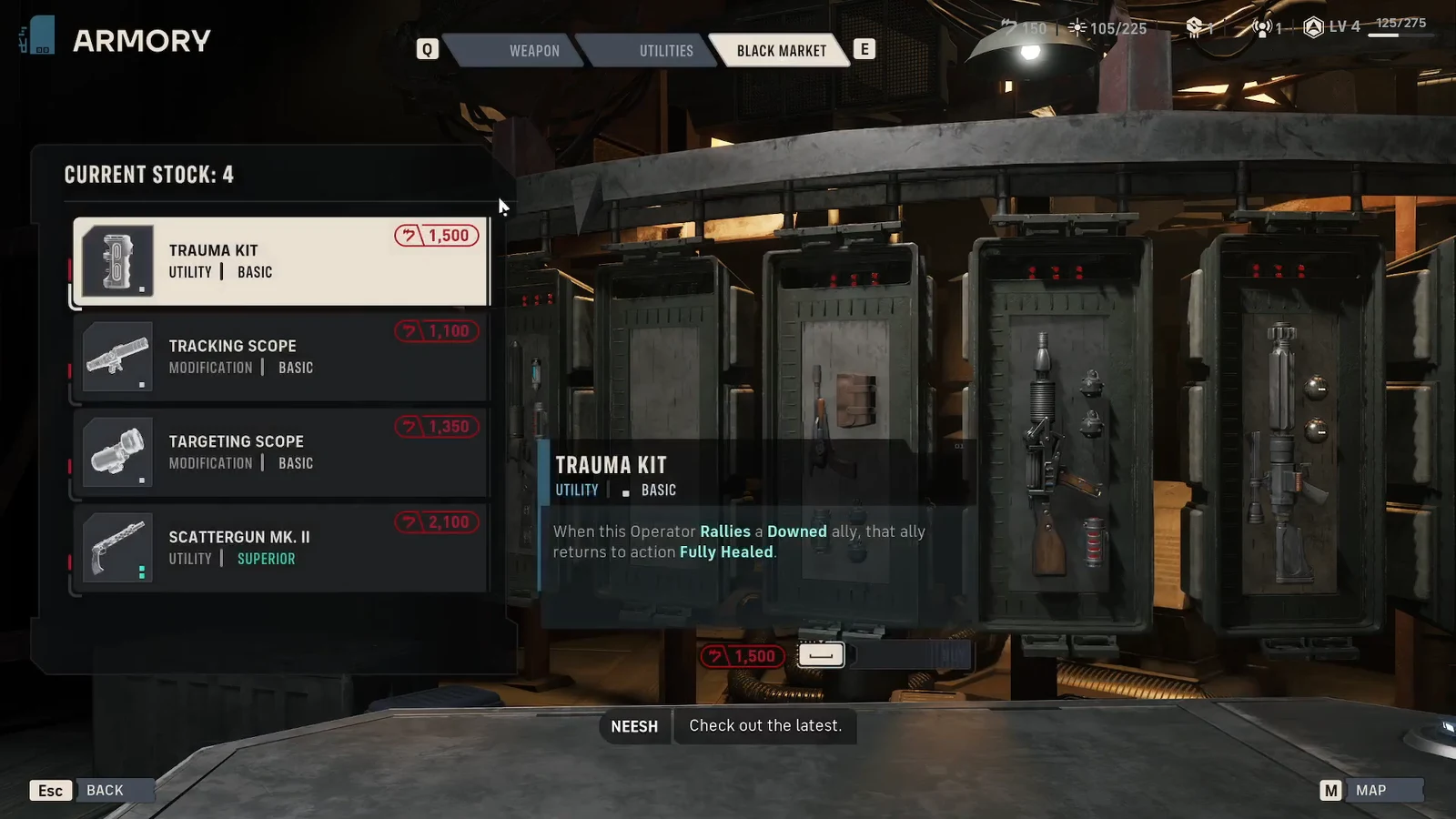
You can also improve what the Black Market sells. The Black Market Quality node in the Den’s Facilities menu raises the baseline stock from Basic to Superior on its first level, and the second level cuts prices by 15 percent. Zone Leth rewards also push higher-quality gear into the store. Because mods are expensive, favor ones that stay useful across several operators instead of one narrow build.
How to unlock more weapon mod slots
At the start of a campaign, every blaster has a single weapon mod slot. That can be expanded to four, one for each mod category, and there are exactly three ways to get the extra slots.
| Method | What it takes |
|---|---|
| Additional Weapon Mod Slot node | Raise the Den to Level 4, then build the node in the Crew upgrade menu for a couple of thousand credits |
| Zone Forn Tier 3 reward | Max out influence in Zone Forn; the slot is granted to your entire crew instantly |
| Modification Attachment | Pick it during the Underworld Intel Choice Operation, which appears much later in the campaign |
Note: the Underworld Intel choice makes you pick between an extra utility slot and an extra weapon mod slot. Taking one locks out the other for the rest of that playthrough, and there is no way to undo it.
How to buy permanent weapon upgrades at the Upgrade console
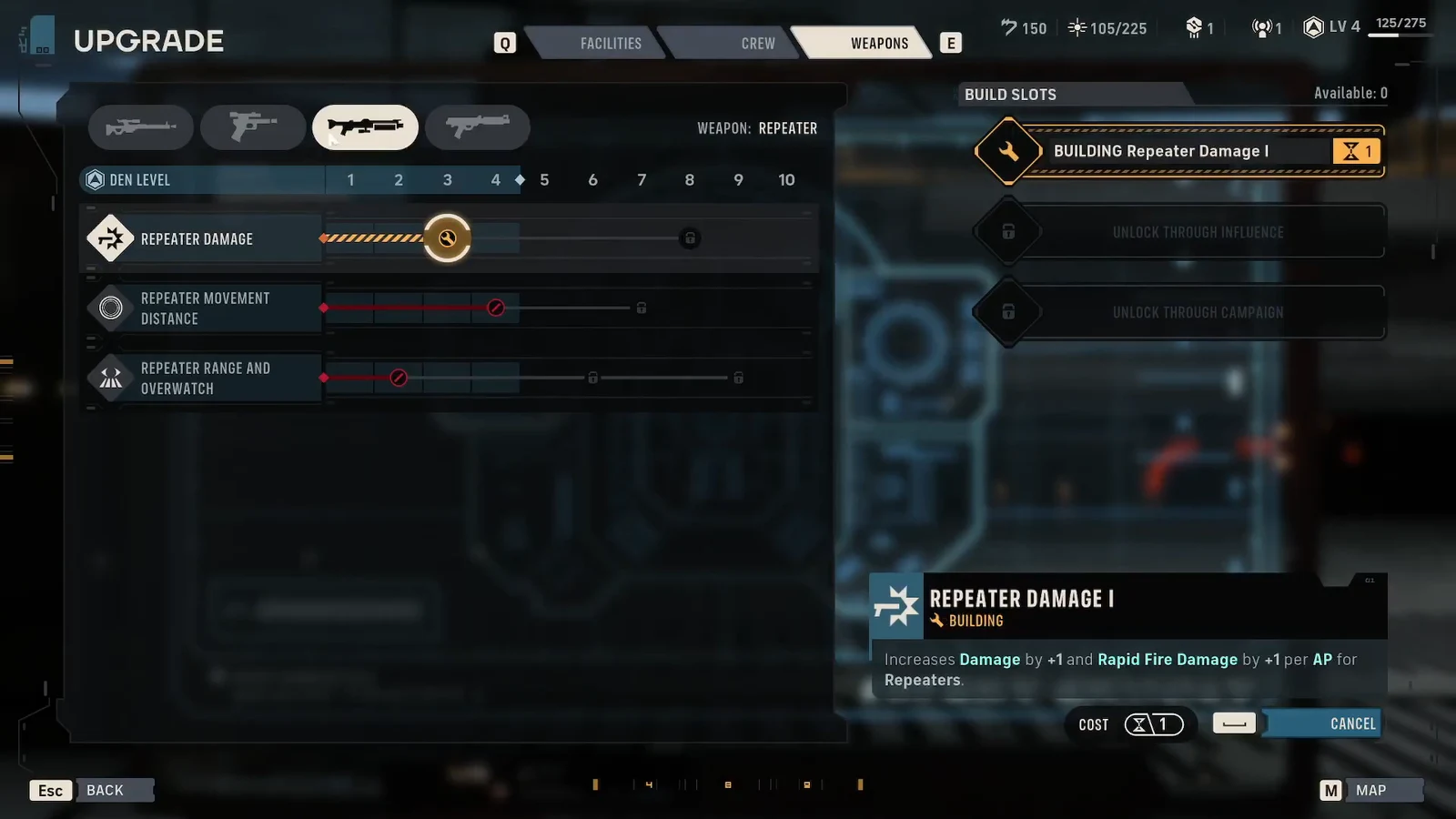
Each category carries its own version of the same broad node types, so what you buy depends entirely on which blasters your squad actually fields.
| Node type | What it does and when to buy it |
|---|---|
| Damage | Flat, consistent increase to that weapon’s output. The safest credit spend for any squad. |
| Critical Chance | Worth it only if you are already stacking crit through skills, gear, and Bond upgrades. |
| Movement Distance | More repositioning room. Strong when two or more operators share that weapon type. |
| Range and Overwatch | Effective range shifts with the game’s difficulty setting, so test in the field before investing. |
Movement Distance nodes for Pistol and Rifle open up at Den Level 2, and base Damage nodes become available at Level 3 for every category except the Longarm. Later tiers, like Repeater Damage II, sit behind the first rank in the same line.
Credits are tight throughout the campaign, and permanent upgrades cannot be refunded, so the practical order is to buy Damage nodes for the weapon types your regulars carry, add Critical Chance only where a build already leans on crits, and put anything left over toward Black Market Quality and the Additional Weapon Mod Slot. Mods themselves cost nothing to move, so make a habit of re-checking every operator’s slots on the prep screen before a mission.