Gaming Guide

Starter Guide for Cameraman Tower Defense (Roblox)

How a match in Aligators Games' toilet-fighting tower defense game starts, plays out and is won.

How a match in Aligators Games’ toilet-fighting tower defense game starts, plays out and is won.

Image: Aligators Games

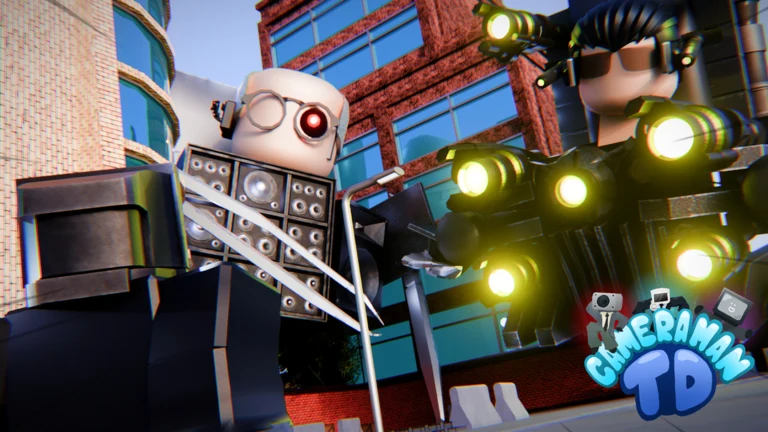
Cameraman Tower Defense is a Roblox strategy game from Aligators Games, made by aibat303e and iop_dev. You place cameramen and other units to stop waves of invading toilets. It has a Minimal maturity rating, servers that hold up to 30 players, and no voice chat.

Quick answer: Join the game, step onto a platform in the lobby to start a match, place your units, and survive every wave to win.


How to start your first Cameraman Tower Defense match
Open the Cameraman Tower Defense page on Roblox and press Play. You load into the lobby, where matches begin.
Walk onto one of the lobby platforms. Standing on a platform is how the game queues you into a match. You do not need to open a separate menu.
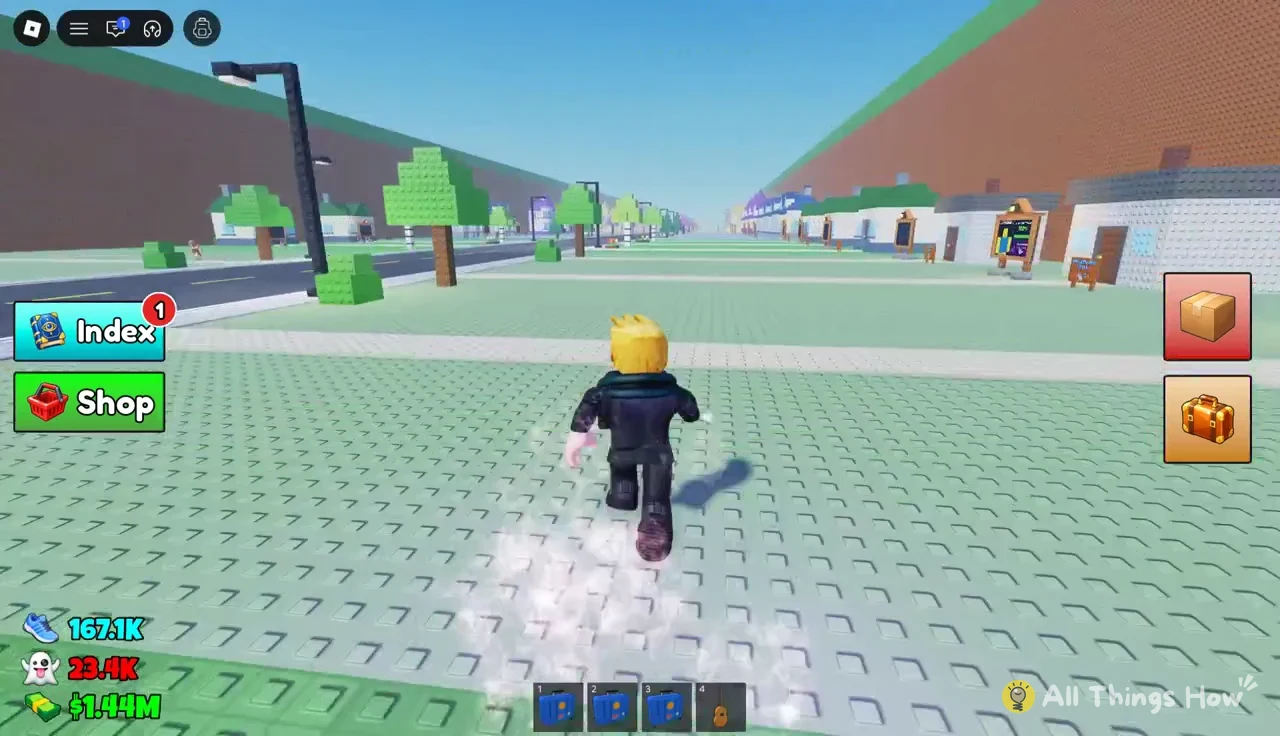
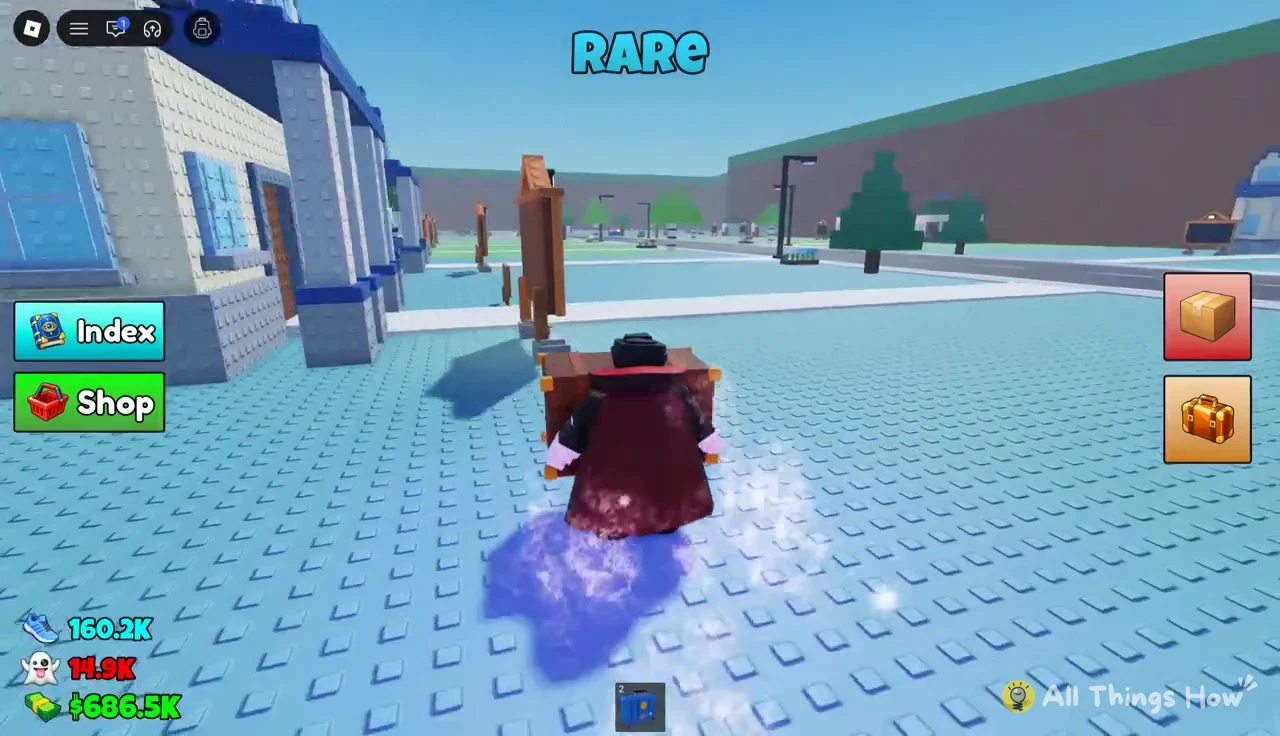
The gameplay screen displays “RARE” as the avatar moves across the icy plaza with the blue item selected in the hotbar
Once the match loads, place cameraman units and any stronger units you own along the toilets’ route. Units attack enemies that come into reach. Where you put them decides how much of each wave they can hit.
The avatar is running along the town path, with the Index and Shop buttons visible on the left and four item slots…
The avatar is running along the town path, with the Index and Shop buttons visible on the left and four item slots in the bottom hotbar
Hold out until the last wave is cleared. Beating every wave wins the match.

Difficulties and badges to aim for first

The game has more than one difficulty, and each completed difficulty awards a badge. Easy is the lowest tier and the natural place to begin. Medium is the next step up.
The EPIC gameplay screen shows the avatar running across the plaza, with the Index and Shop buttons visible on the left
BadgeHow you earn it
Welcome to home, my friend!Join the game
Beat Easy Difficulty!Win a match on Easy
Beat Medium Difficulty!Win a match on Medium

A badge appearing on your Roblox profile is the clearest sign that a clear counted. Use those notifications to confirm your progress on each difficulty.
The avatar is running along the town path, with the Index and Shop buttons visible on the left and four item slots…
The EPIC gameplay screen is active as the avatar runs through town, with the Index and Shop buttons visible on the left

Current Cameraman Tower Defense updates

The UTTVM Update has launched, introducing a new Godly tower. The game’s Roblox events page shows a QOL (quality-of-life) update for Saturday, November 7. For more information, the developers direct players to the game description.
The Roblox gameplay screen shows a “Package — Ready to open!” prompt above a box beside the player