The next major drop for Steal a Brainrot is the World Cup update, and it arrives on a fixed schedule rather than a surprise launch. If you want to grab new brainrots the moment servers refresh, the smart move is to prep your base and your bank before the timer hits zero.
Quick answer: The World Cup update goes live Saturday, June 27, 2026 at 3:00 PM EDT (7:00 PM UTC). Save up cash, sort your trades, and be ready to redeem codes the instant it launches.
Release time: Saturday, June 27, 2026 at 3:00 PM EDT (7:00 PM UTC)
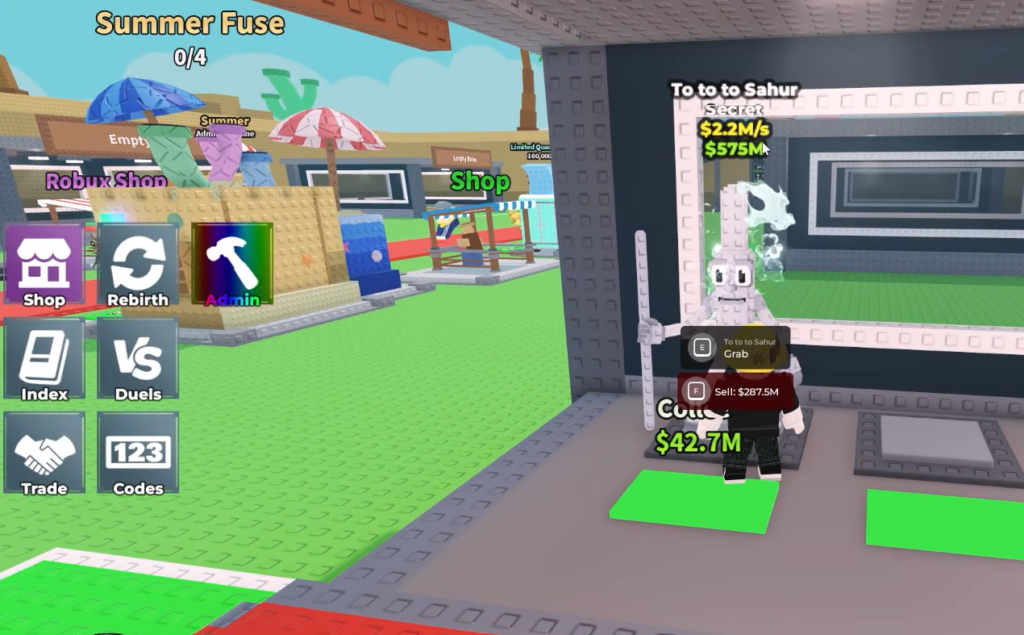
World Cup update release time
Steal a Brainrot updates run on a regular cadence, and this one is set for Saturday afternoon. The launch window matches the studio’s usual update slot, with servers refreshing around 3:00 PM Eastern.
| Detail | Value |
|---|---|
| Date | Saturday, June 27, 2026 |
| Time (Eastern) | 3:00 PM EDT |
| Time (UTC) | 7:00 PM UTC |
| Game | Steal a Brainrot (Roblox) |
The full contents of the World Cup update have not been officially detailed yet, so treat any specific brainrot list, prices, or rewards as unconfirmed until launch. What is locked in is the timing, which is what you need to plan around.
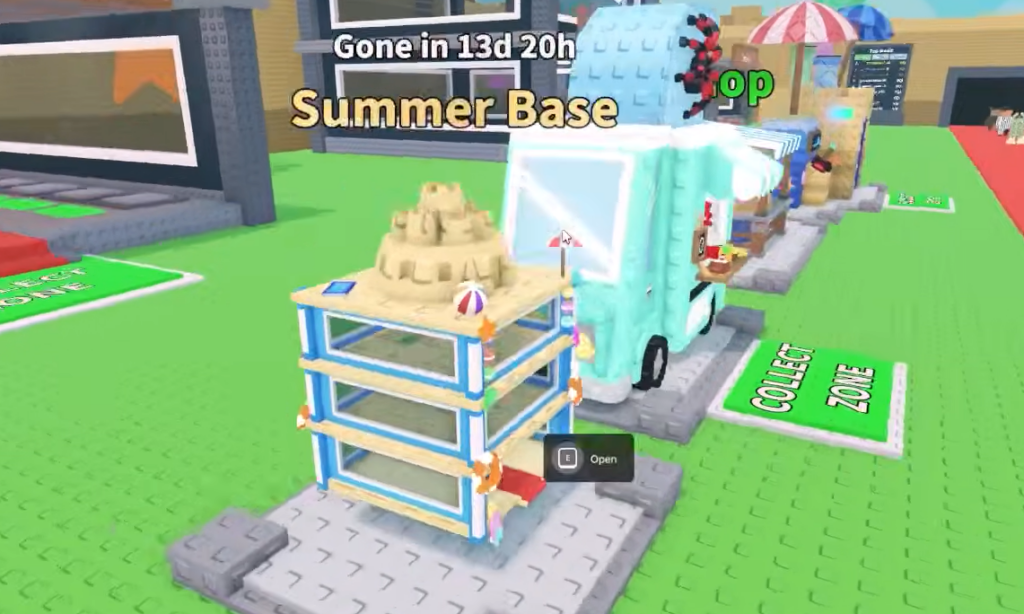
What to do before the World Cup update goes live
Be ready to redeem codes fast
New codes tend to launch alongside major updates and during Admin Abuse events, and several of them give free brainrots or currency. The catch is that many codes have a hard cap on redemptions and have been claimed within seconds of going public.
To improve your odds, have the Codes menu open the moment a code drops, paste it in immediately, and confirm. A successful redemption shows an in-game confirmation and the reward lands in your account right away. If you see an “expired” or “invalid” message, the redemption limit was almost certainly hit before you got there.
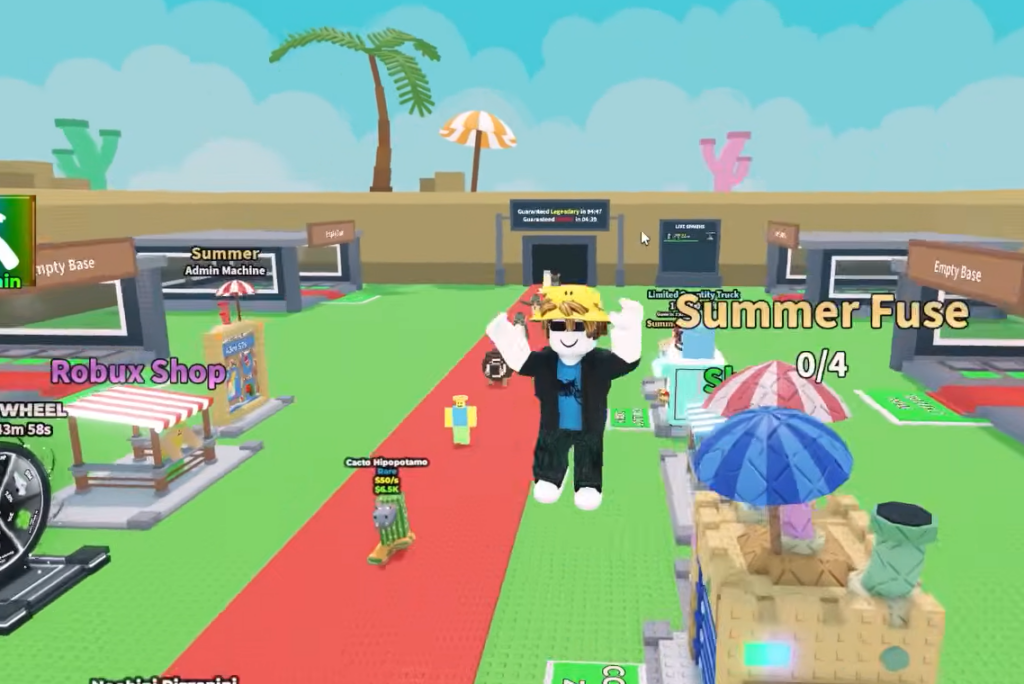
How to confirm the update is live
You will know the World Cup update has landed when servers restart and the new content appears in-game, including any fresh brainrots, lucky blocks, or limited features tied to the drop. If you are mid-session when the rollout begins, expect a brief server refresh before the new version loads.
If the update does not appear right at the listed time, give the servers a few minutes and rejoin. Large updates can take a short while to propagate across every server, and a quick relaunch usually pulls you into the latest version.
Lock the time in, keep a cash cushion, and have your trade slots and Codes menu ready. Do that beforehand, and you can spend launch day collecting instead of catching up.