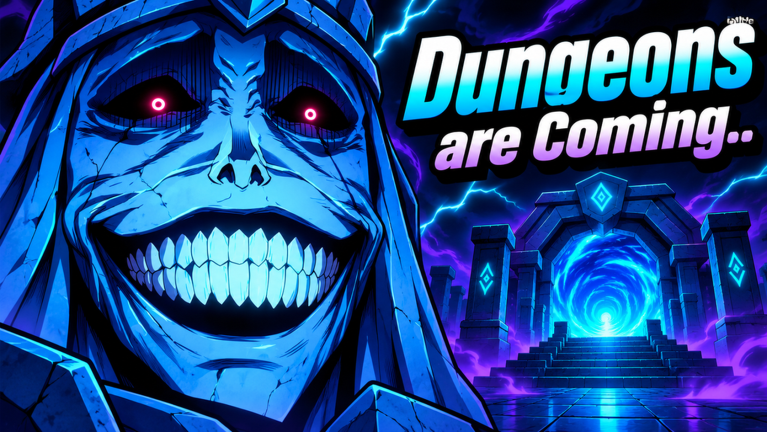
The next Steal an Anime Pack update is a dungeon mode. An in-game event pop-up titled Dungeons are Coming.. is dated Saturday, November 14, at 7:45 PM, and its one-line pitch is that your units will be able to fight. That turns your anime collection from a cash printer into a roster that has to do something, so the run-up to launch is about making that roster as strong as possible.
Quick answer: The Dungeons are Coming.. event starts Sat, Nov 14 at 7:45 PM. Press Notify Me on the in-game pop-up for a reminder, then use Join Event when it goes live.
Steal an Anime Pack Dungeons event: What the game shows
The announcement appears as a notification while you play, usually right as you are doing something else, like dropping a fresh pack into your pen. It is short. Everything the game currently says about the update fits in five lines:
- Event name:
Dungeons are Coming.. - Start:
Sat, Nov 14 at 7:45 PM - Description:
Your units will be able to fight! - Button:
Notify Me, which signs you up for a reminder - Button:
Join Event, which takes you into the event once it starts
No dungeon rules, rewards, or entry requirements are listed yet. What is clear is that the units you already collect are the ones that will fight. If you want to check the listing outside the game, open the Steal an Anime Pack page on Roblox, where the event and its reminder option sit alongside the game itself.
Check the start time on the pop-up on your own device before Saturday, so you know exactly when 7:45 PM falls for you.
How the core loop builds your fighting roster
Every unit in your roster comes from the same cycle. You train speed on your plot, run a gauntlet of zones to steal a pack, carry it home, let it grow in your pen, then open it to roll a character. Duplicates go into the Mutate Machine for stronger variants. Each part of that cycle gates the next one, so the sections below follow the order you actually play it.
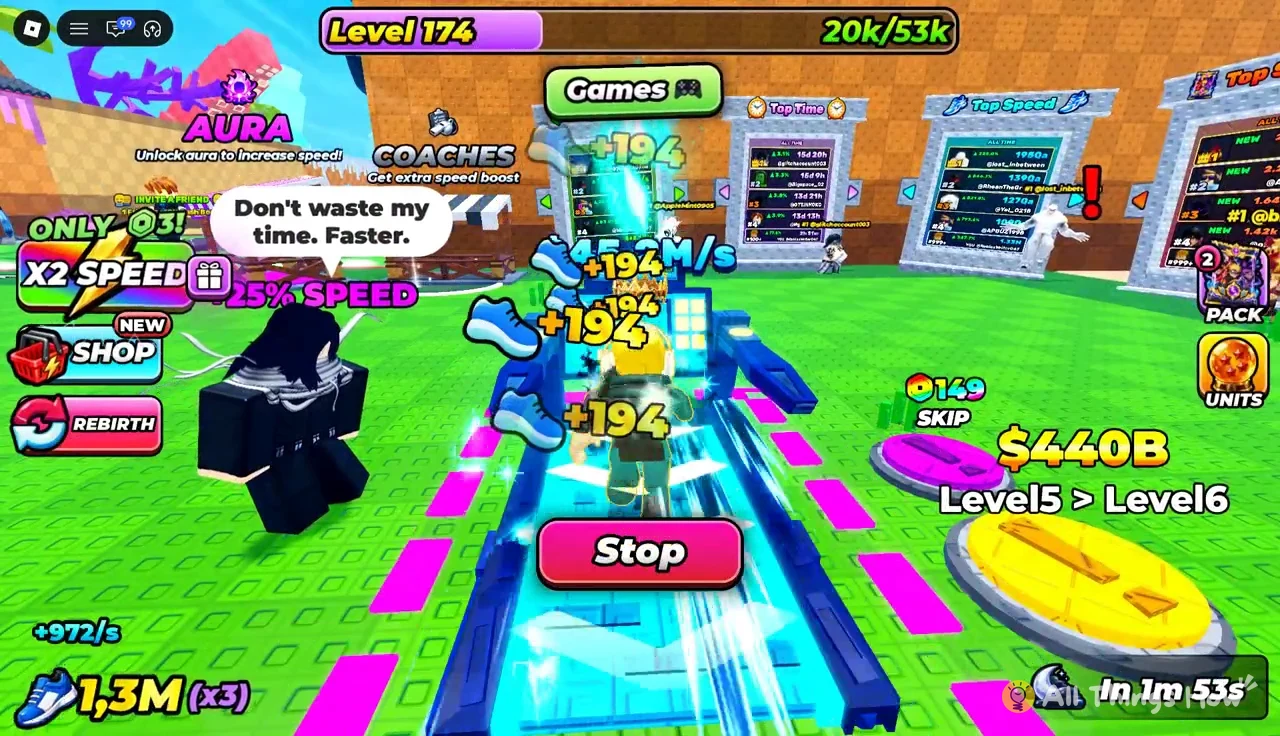
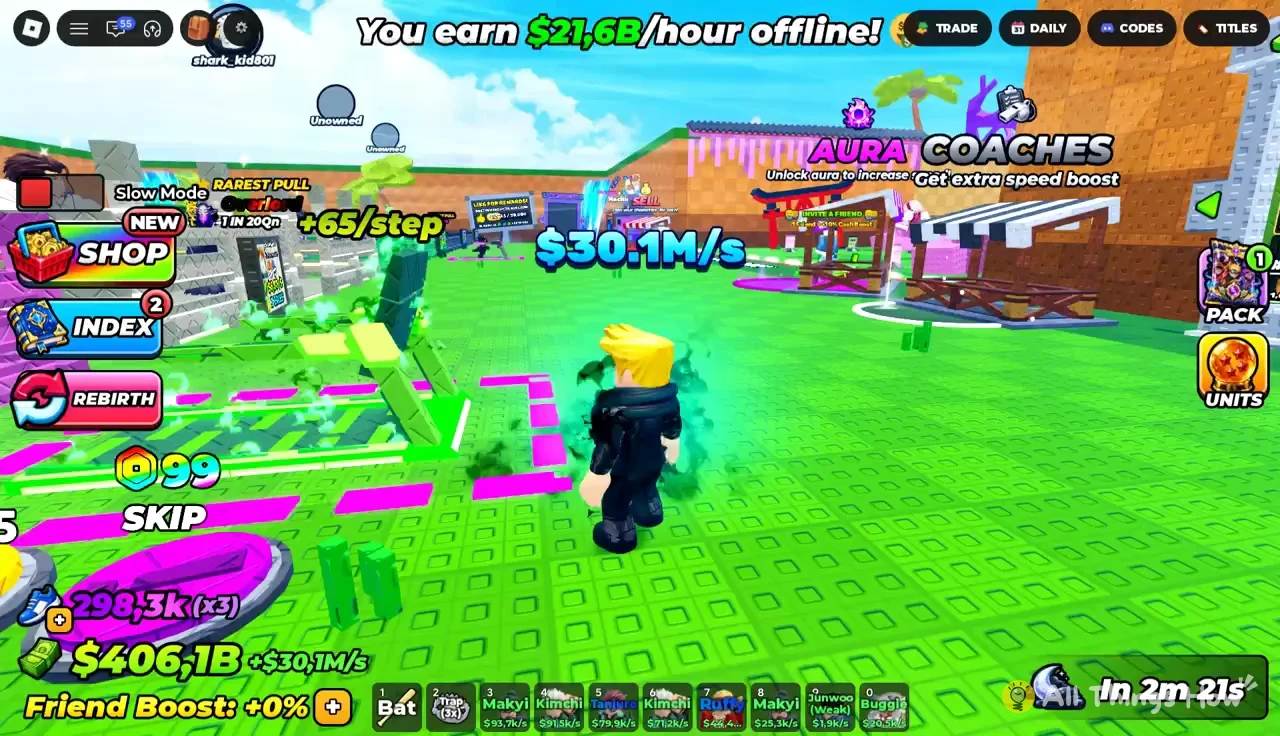
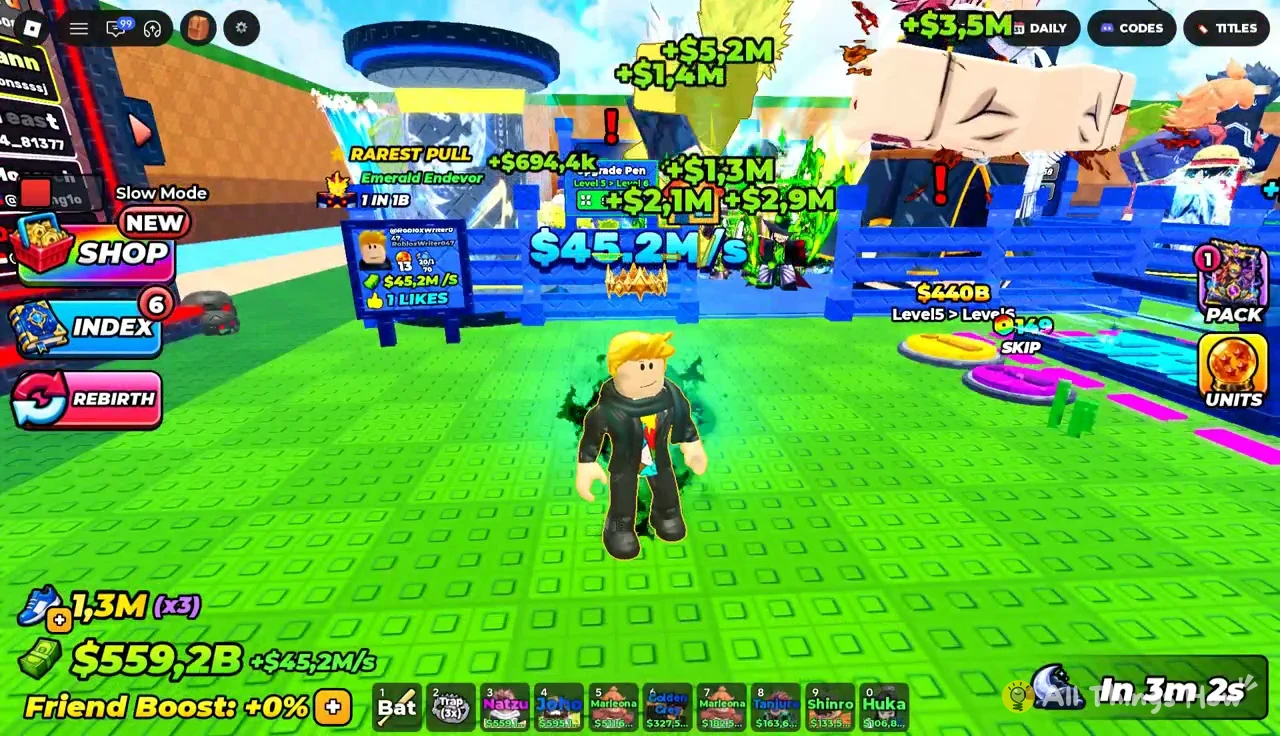
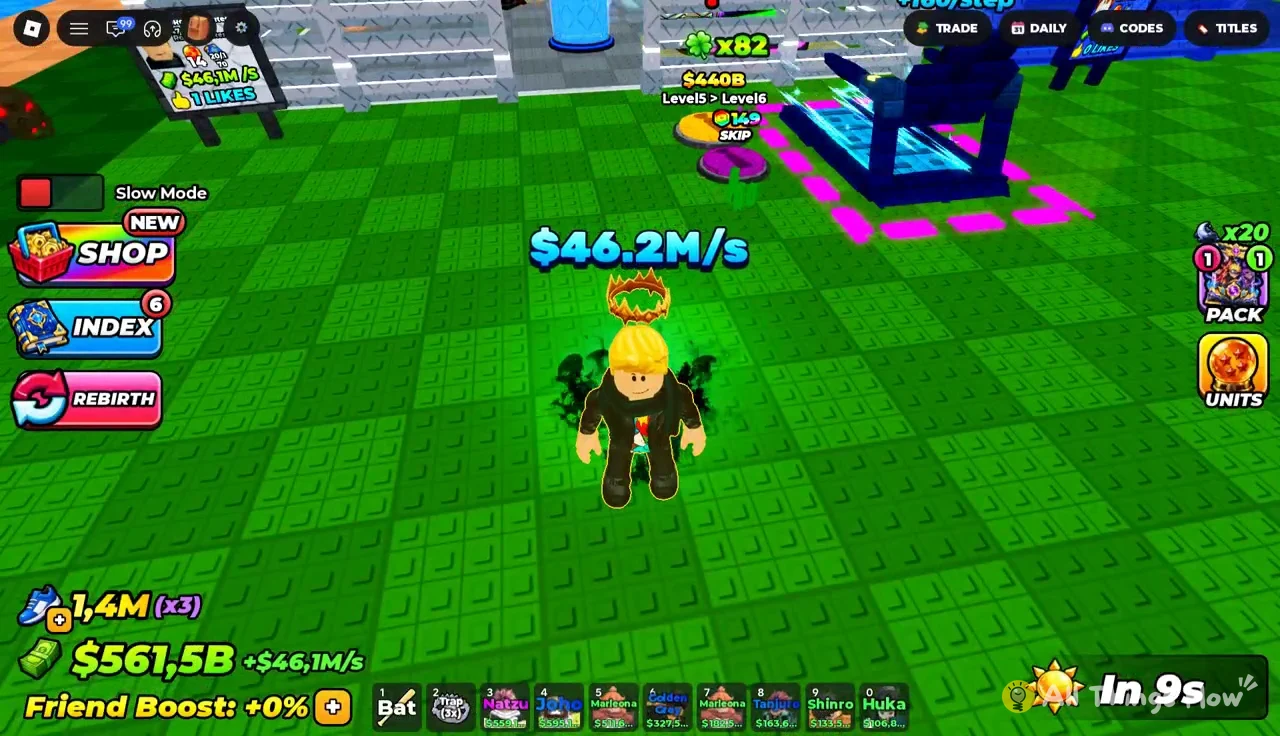
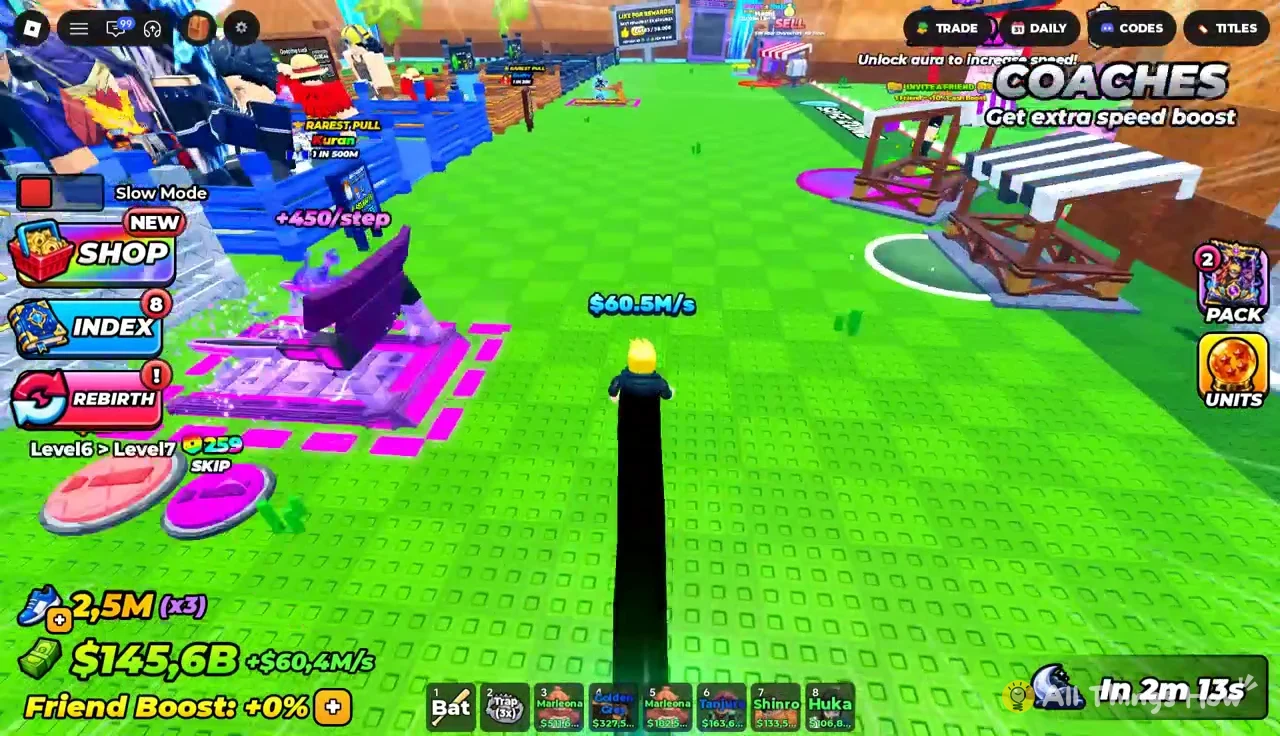
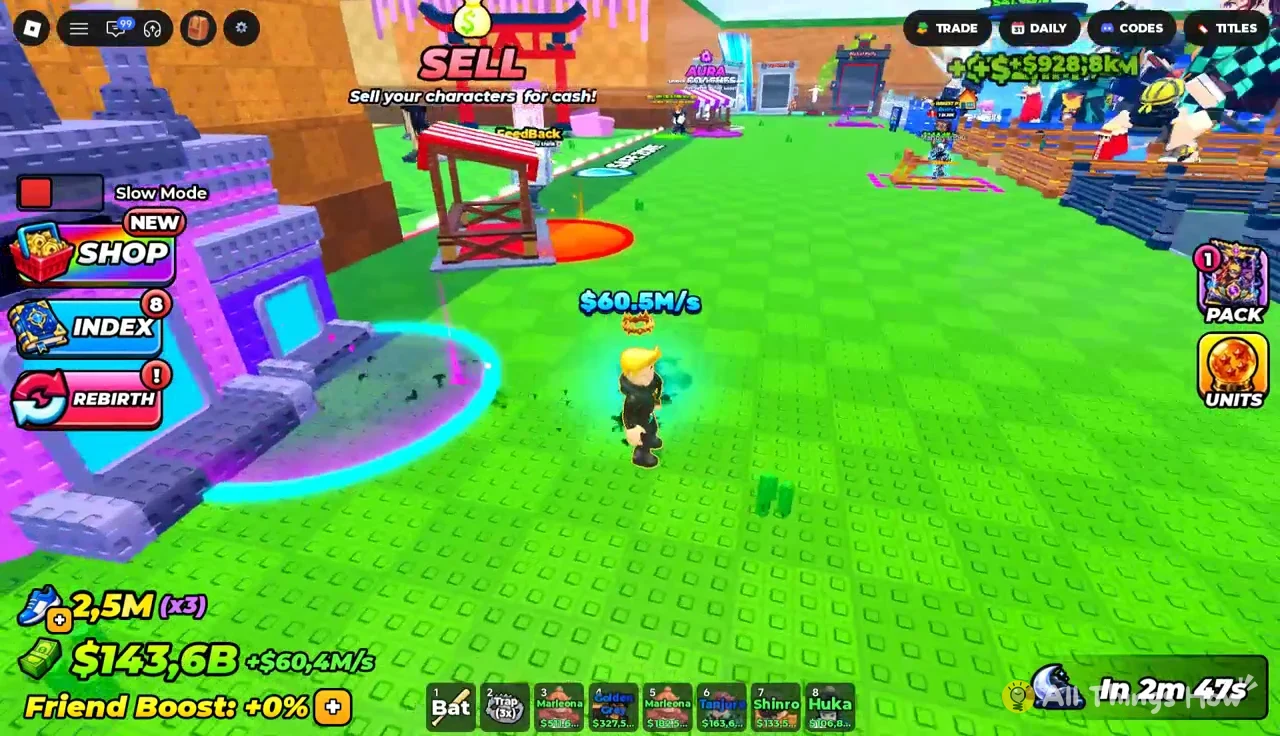
Your base is home to all of it. The plot holds your treadmill, your pen, and your leaderboard sign, and your cash per second ticks up in the corner as your equipped units earn. The Shop, Units, Index, and Rebirth buttons sit along the screen edge.
Train speed on the treadmill
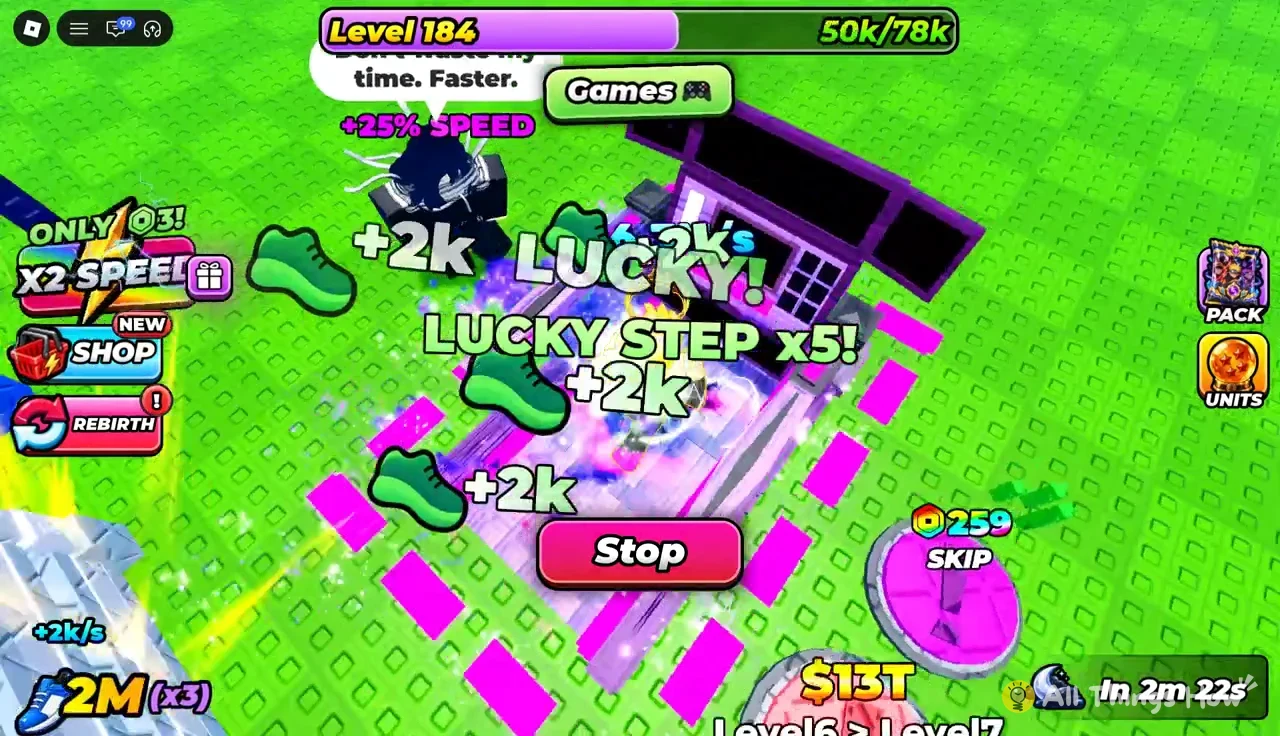
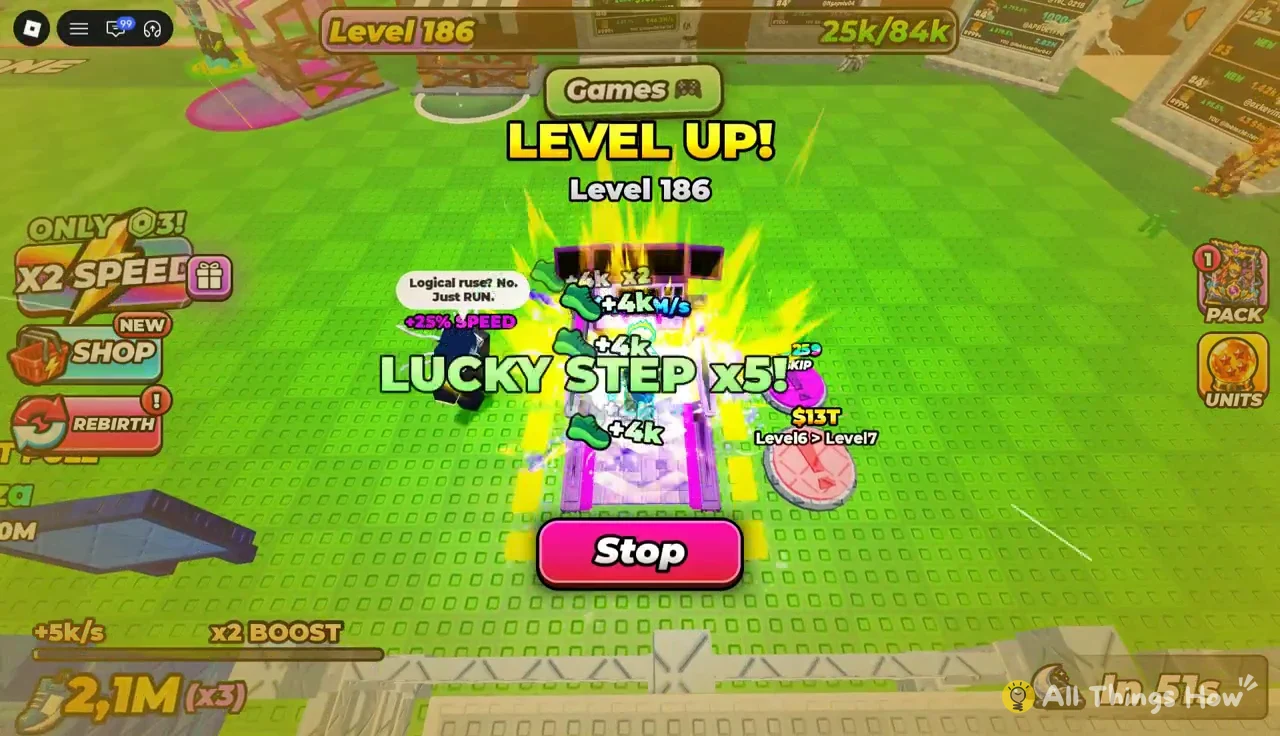
Speed decides which zones you can reach, and the deeper zones hold the packs worth stealing. You build it on the treadmill on your own plot. Each step adds a fixed amount of speed, and timed taps multiply it.
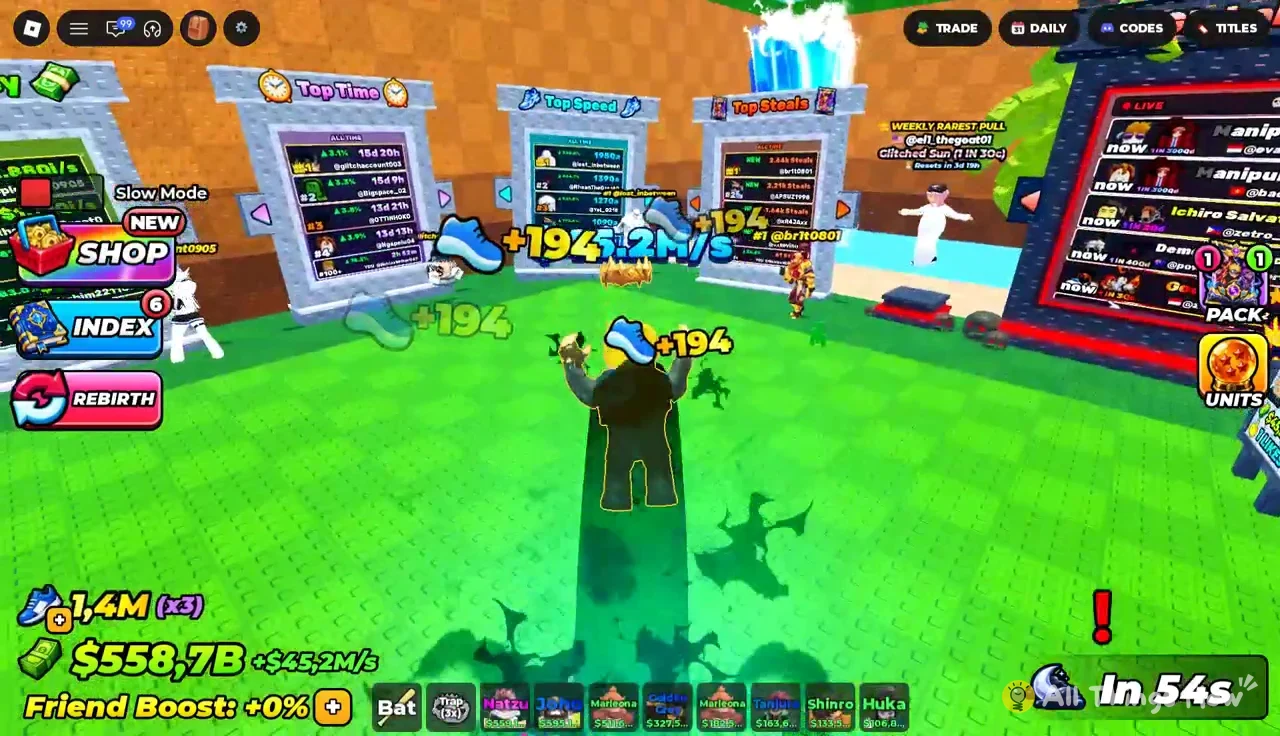
TAP! x2 or TAP! x3 combos, which multiply the speed you earn from those steps, so watching for the circle matters more than just letting the belt run.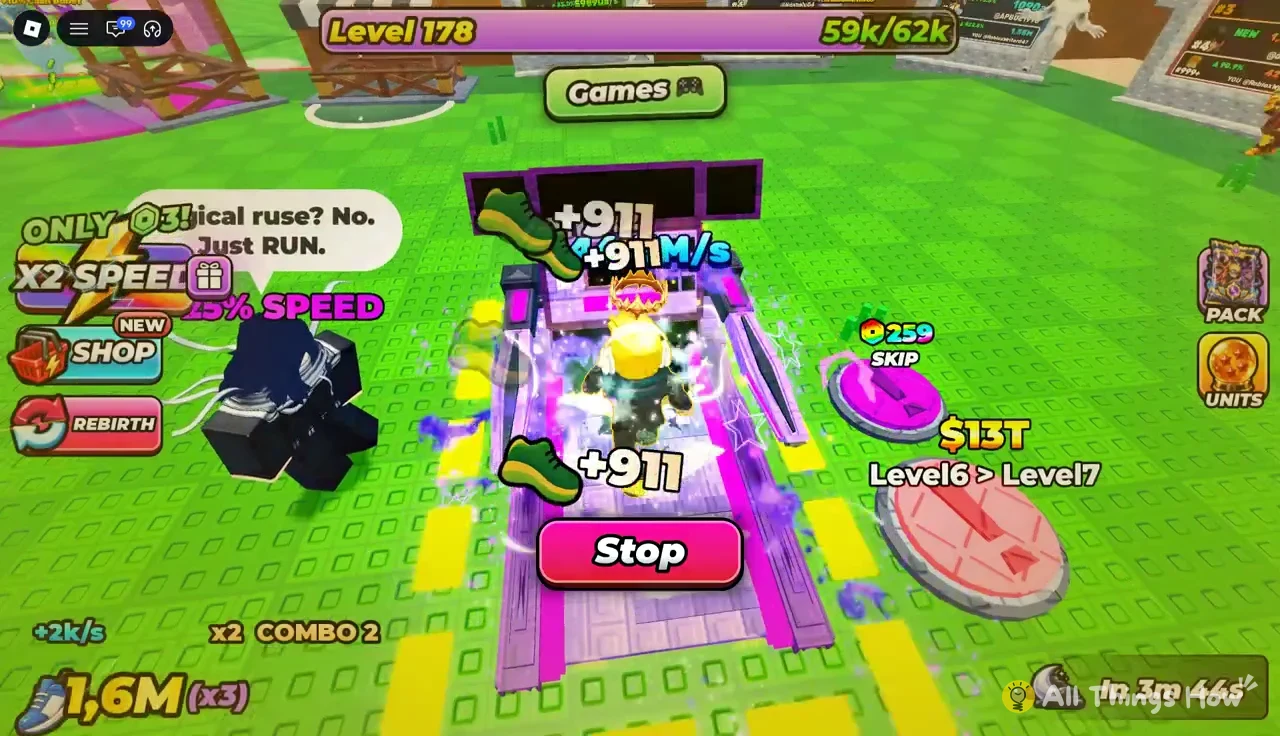
Treadmill upgrade costs
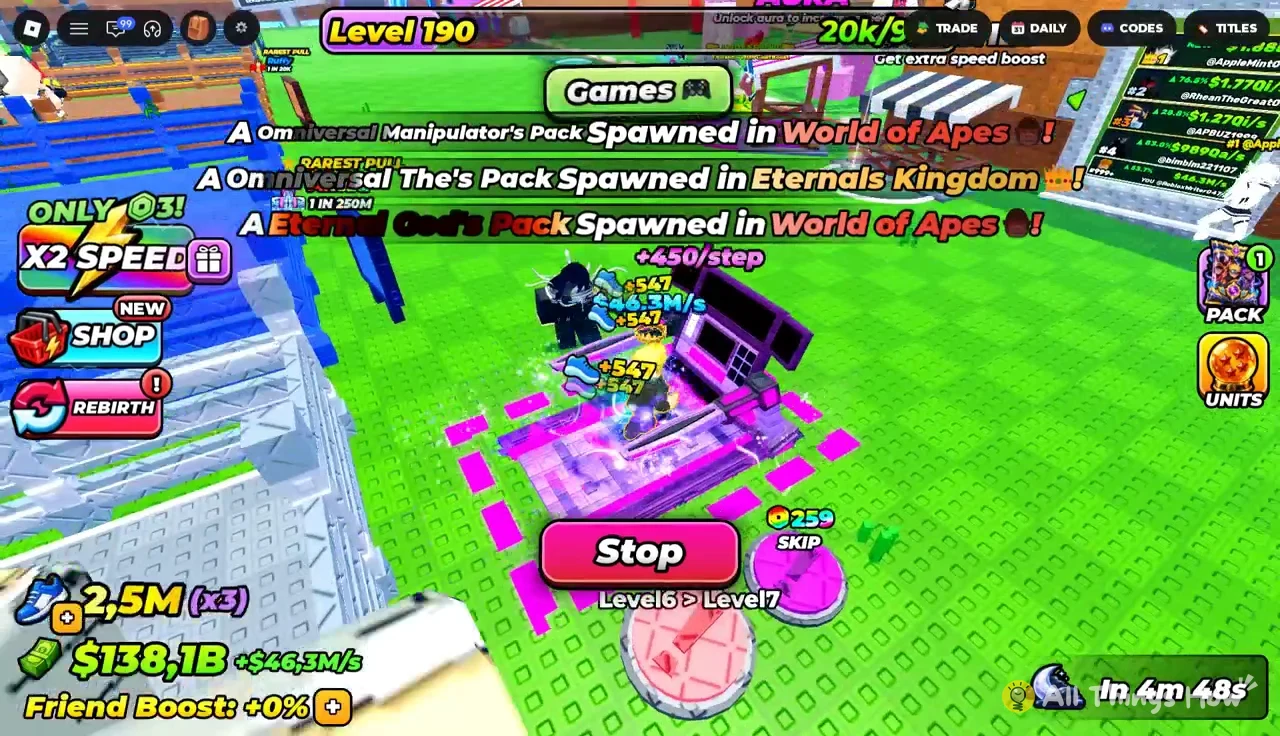
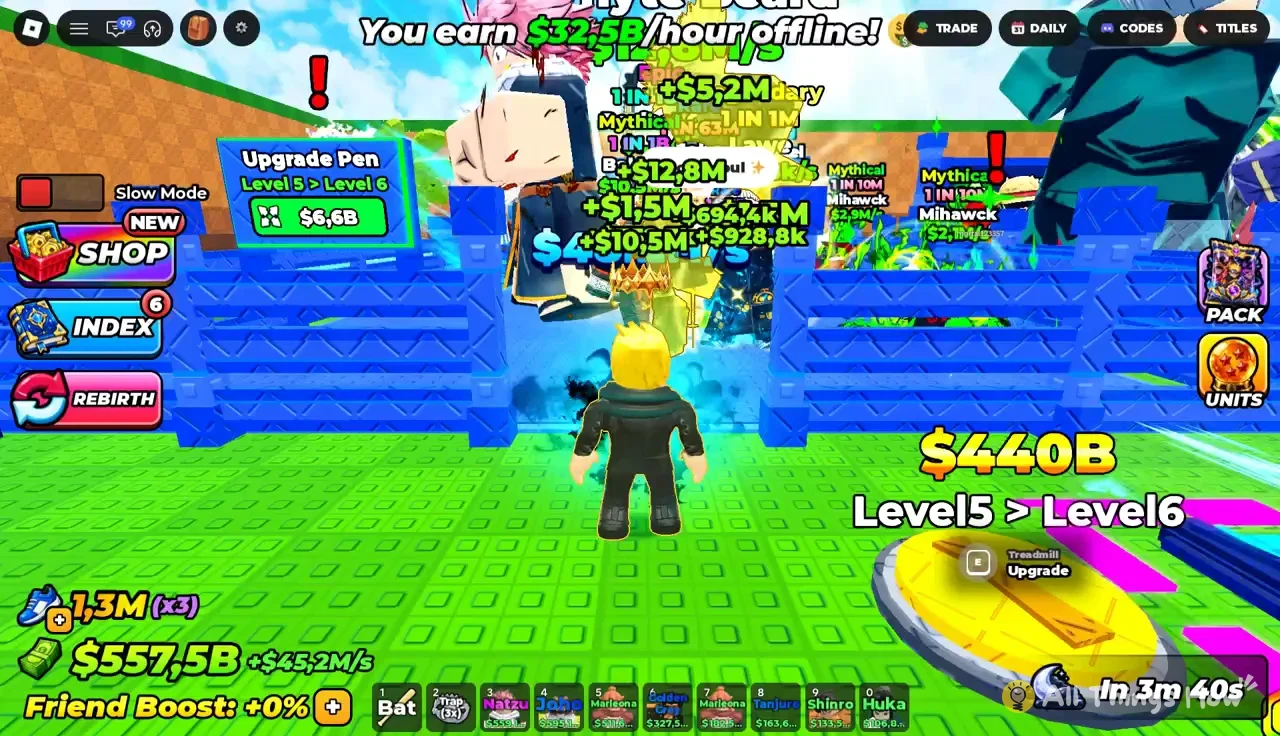
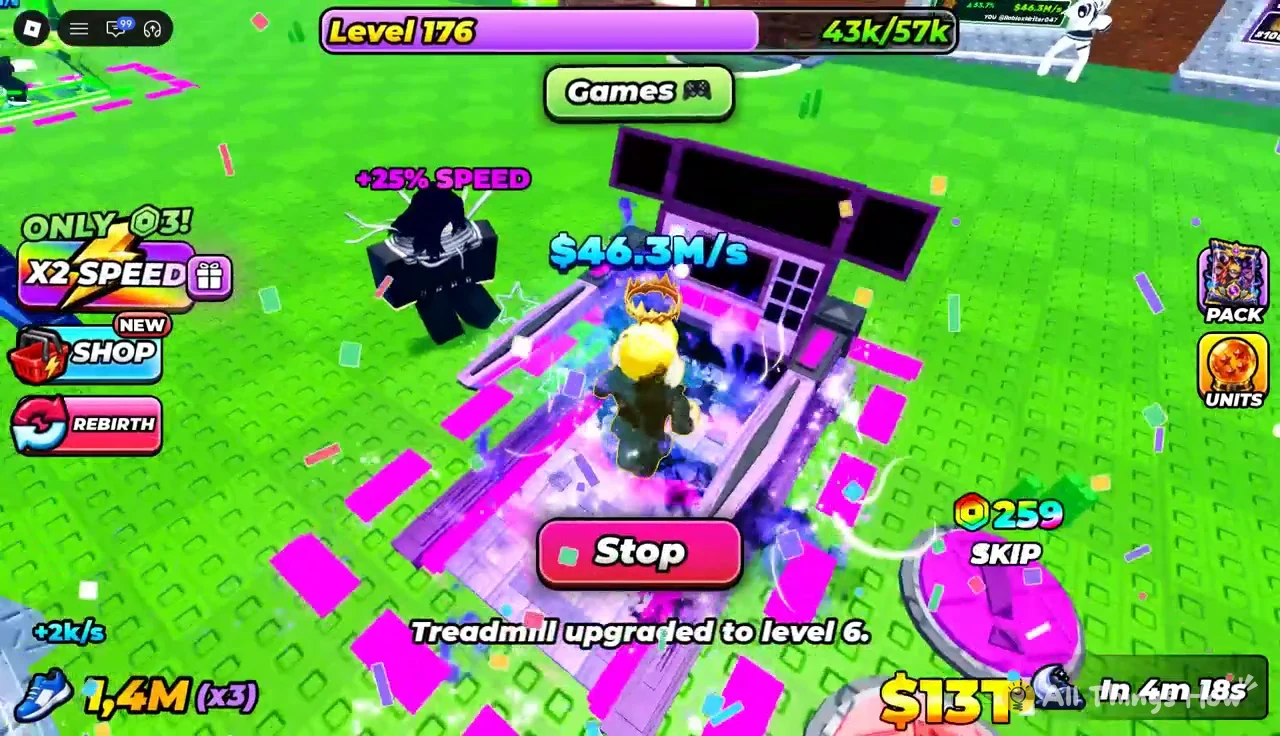
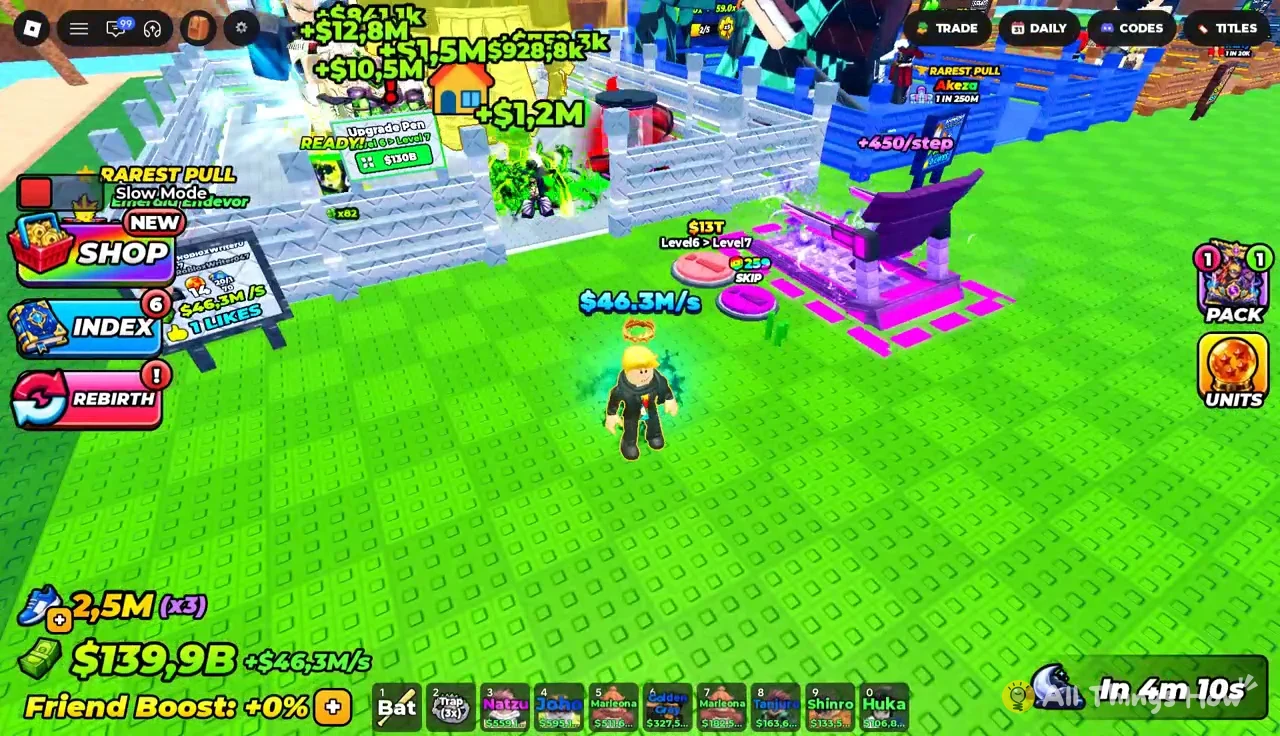
Upgrading the treadmill raises how much speed each step gives, which is the fastest way to stop grinding the same few levels. Walk up to the treadmill and use the Treadmill Upgrade prompt.
| Upgrade | Cost | Speed per step after |
|---|---|---|
| Level 5 (current) | — | +160 |
| Level 5 > Level 6 | $440B | +450 |
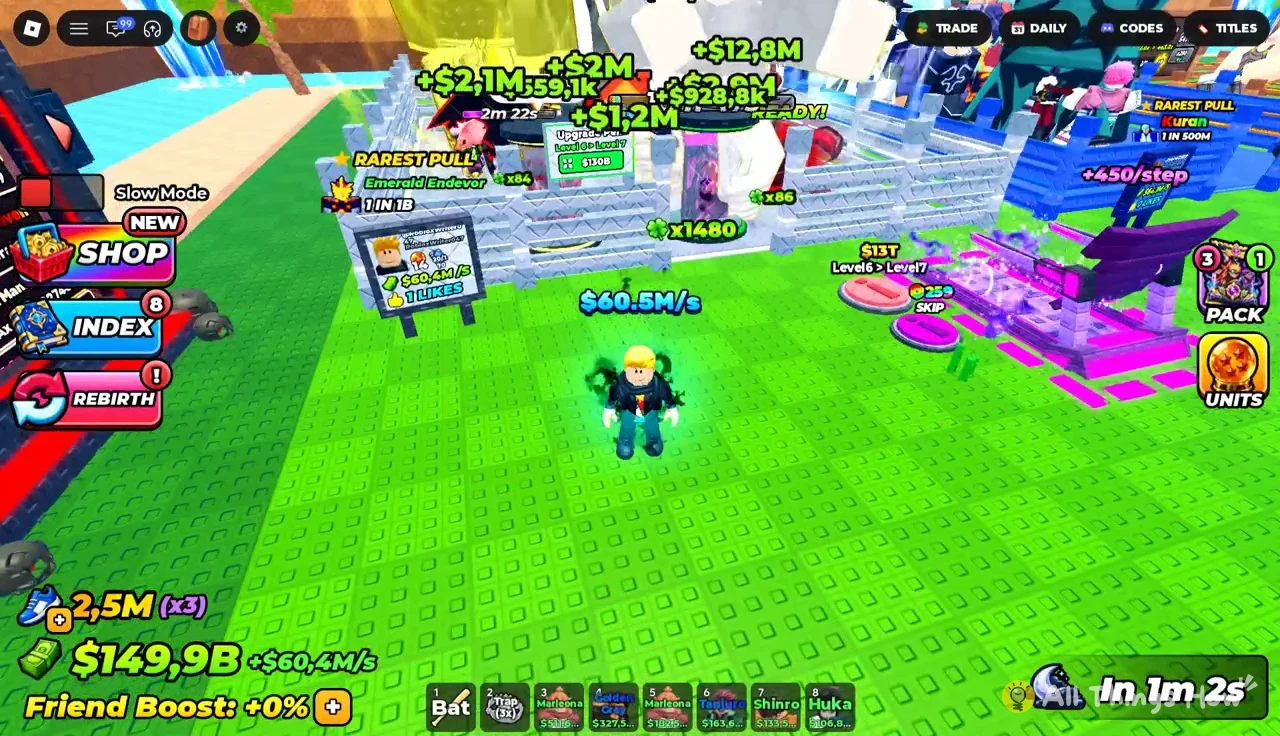
| Level 6 > Level 7 | $13T | Higher |
The jump from Level 5 to Level 6 nearly triples the speed from each step, which pays back the cost quickly once you are chasing Demon Realm. The Level 7 upgrade costs $13T, a big step up that lines up with a stronger income from late-game units.
Steal an Anime Pack zones and recommended speed
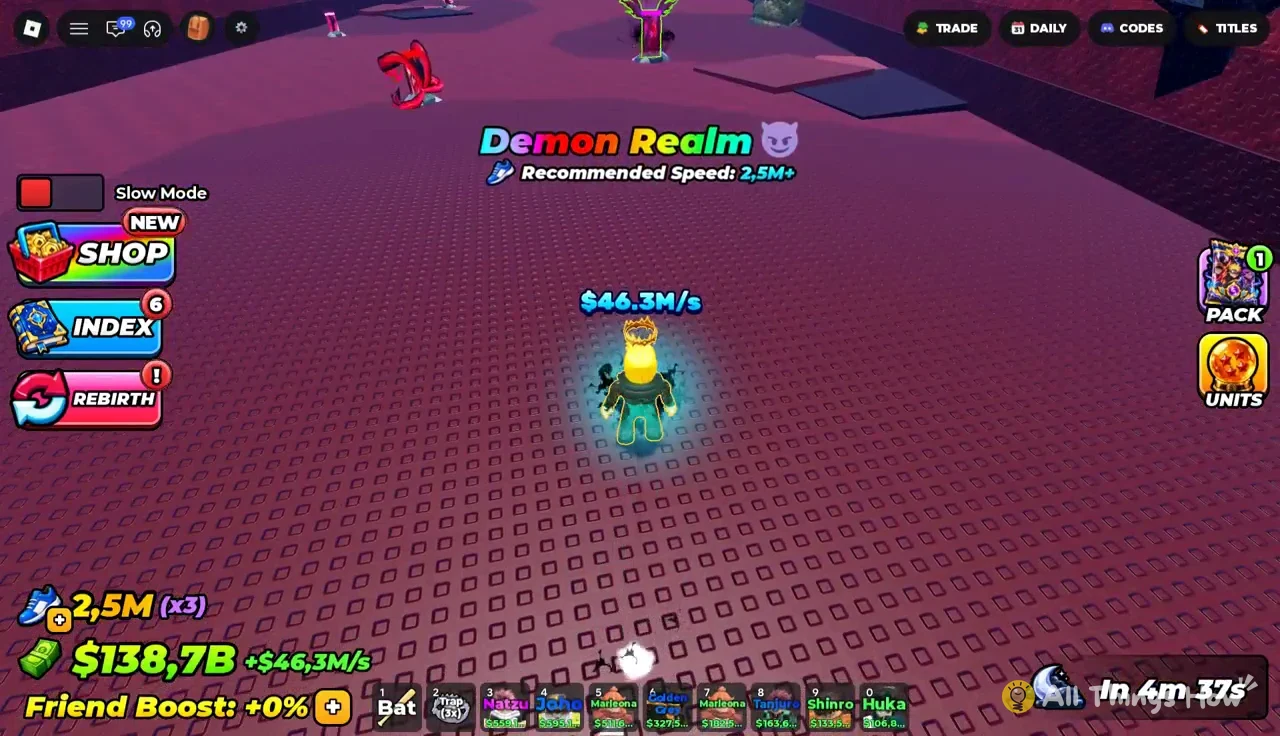
The map is a single straight gauntlet. You pass through each zone in order, and every zone shows its recommended speed on screen as you enter. Running into a zone below its threshold makes escaping with a pack much harder.
| Zone | Recommended speed |
|---|---|
| Sakura’s Domain | 900+ |
| Grand Blue | 10k+ |
| Snowy Zone | 40k+ |
| Volcanic Zone | 170k+ |
| Beast Zone | 700k+ |
| Demon Realm | 2.5M+ |
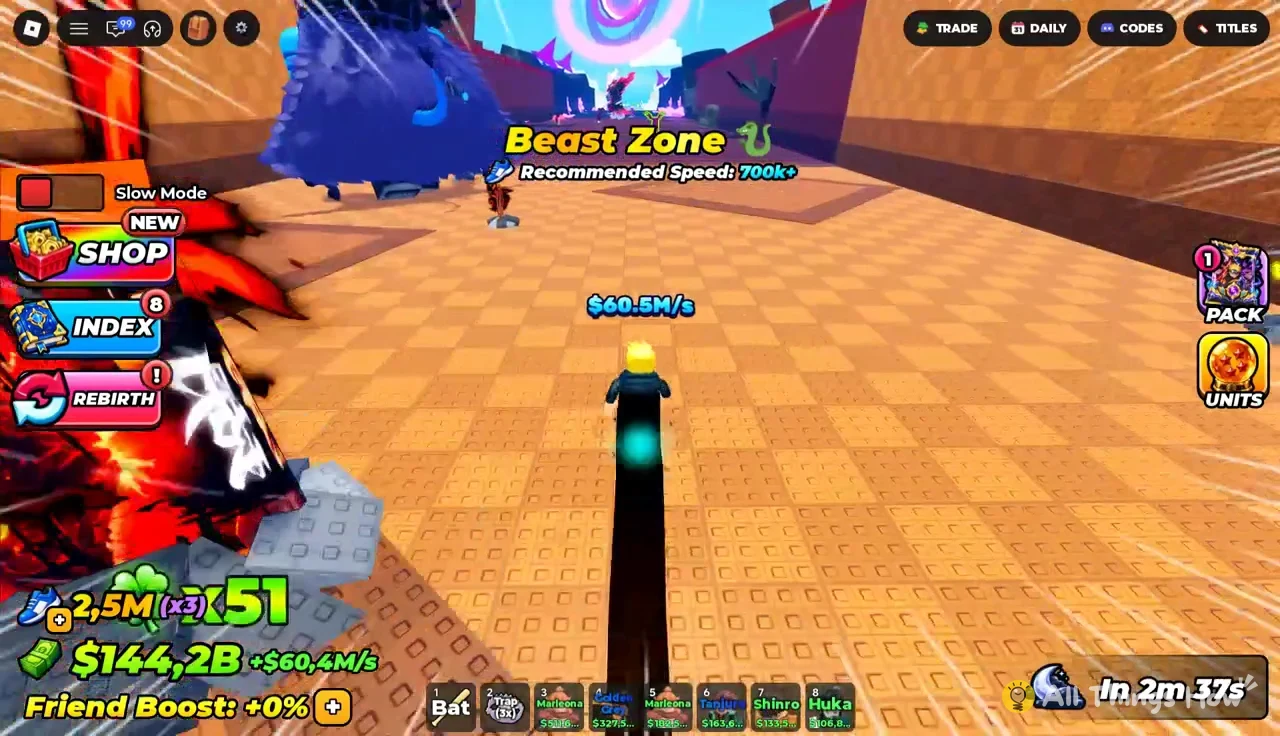
Beast Zone carries packs like Garo’s Pack and Perfect Cel’s Pack. Demon Realm, the last zone, holds packs such as Kaneky’s Pack, Ryuck’s Pack, and Asto’s Pack. Atachi’s Pack also turns up along the route. Each pack shows its weight in kilograms above it.
How to steal a pack and get it home
Grabbing a pack is the easy part. The moment you take one, an enemy starts chasing you, and the run back is where packs are won or lost.
You stole a PACK! and the pack rides along with you.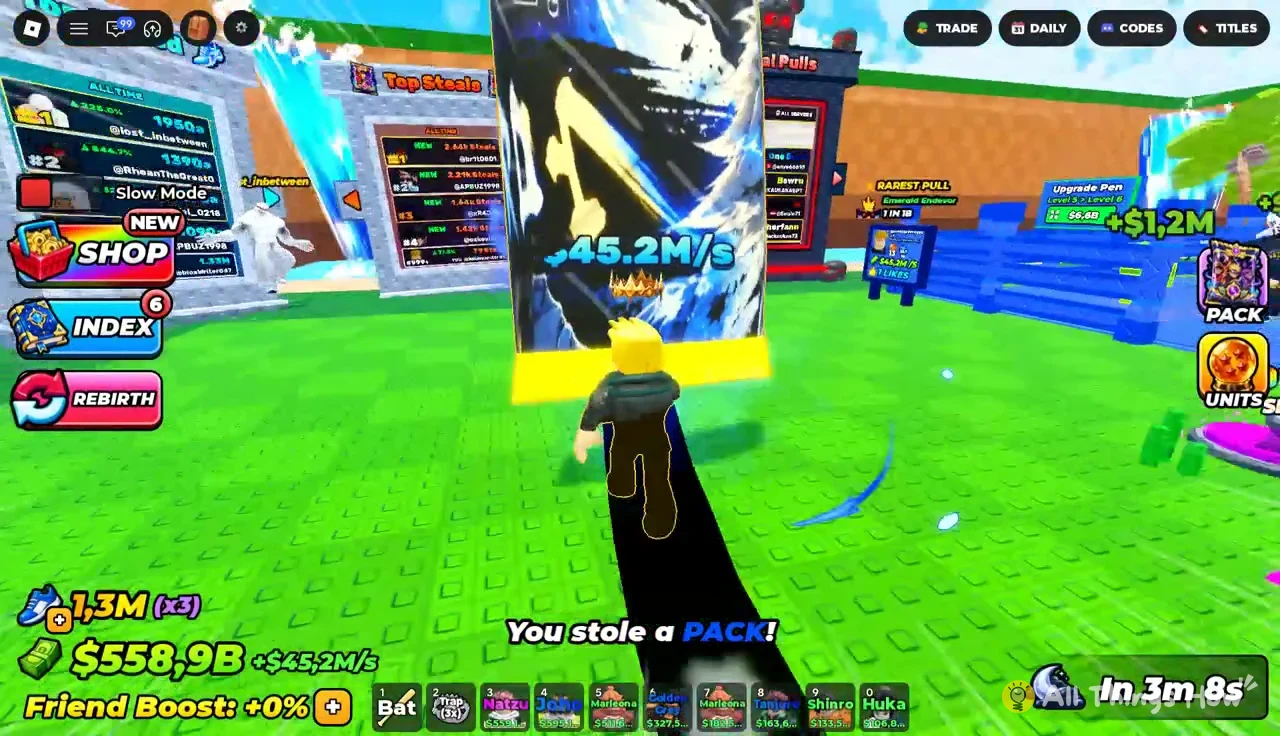
RUN!! alert shows ENEMY [X] STUDS AWAY, counting the distance between you and your pursuer in real time.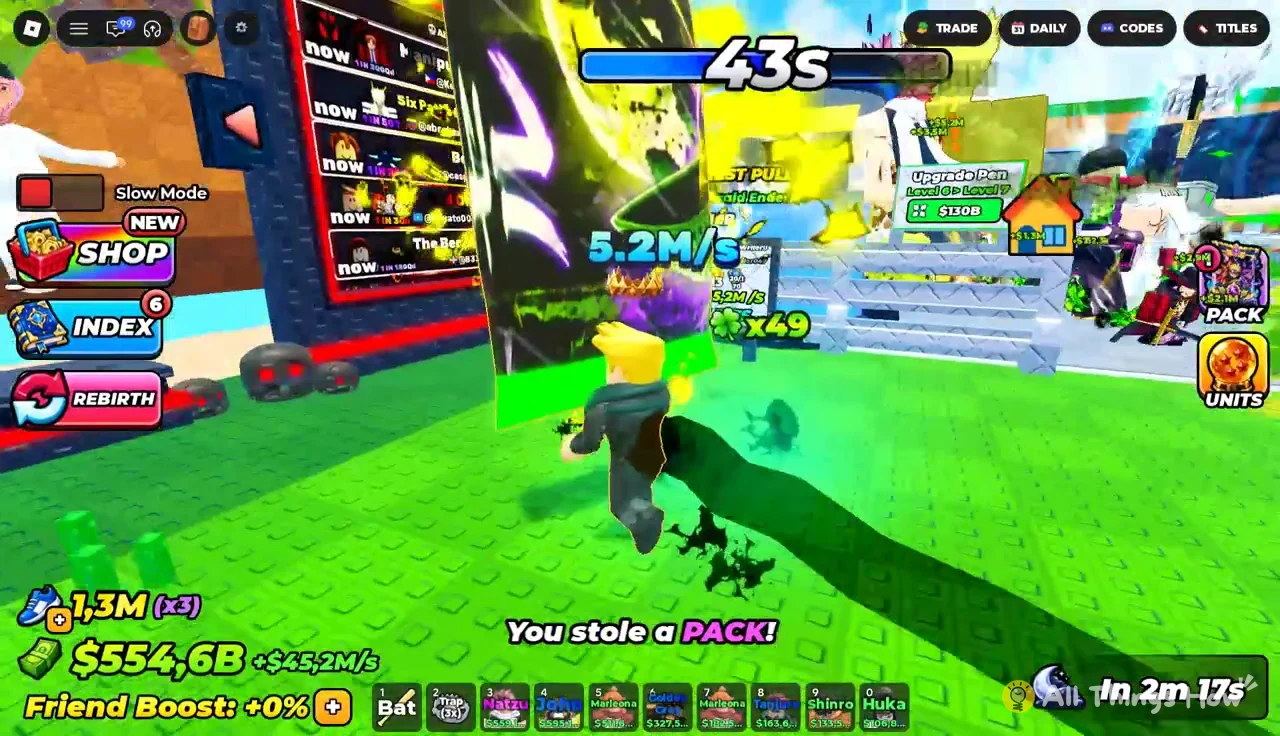
Drop Pack button only if you want to abandon the pack. It sits under the chase alert, and the pack stays behind if you press it.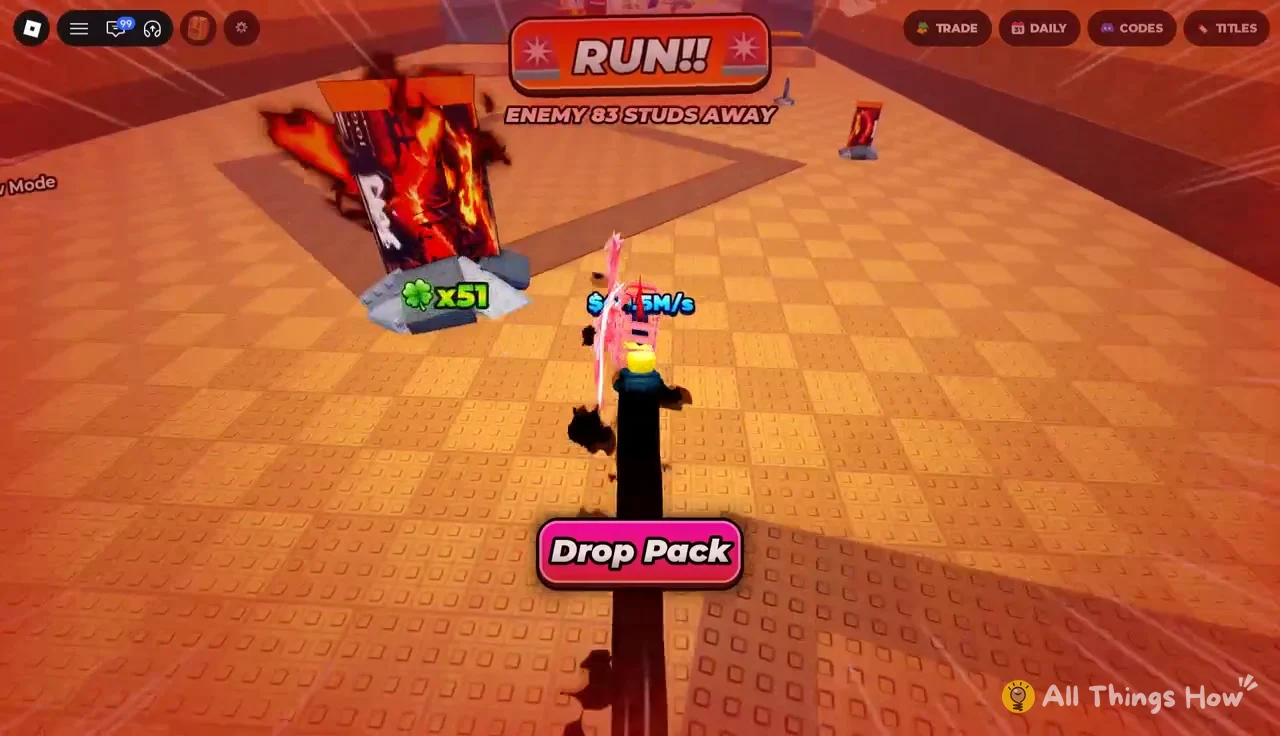
SAFE ZONE. Once you cross into it, the chasing enemy can no longer get you, and you can walk the rest of the way to your plot.Successfully placed [Pack Name]!, and the pack starts growing.Growing packs and pen upgrades
Packs do not open the moment they land. They sit on the green and blue pads in your pen and take time to mature into collectable units. A Skip Growth prompt appears next to a placed pack if you want to cut that wait.
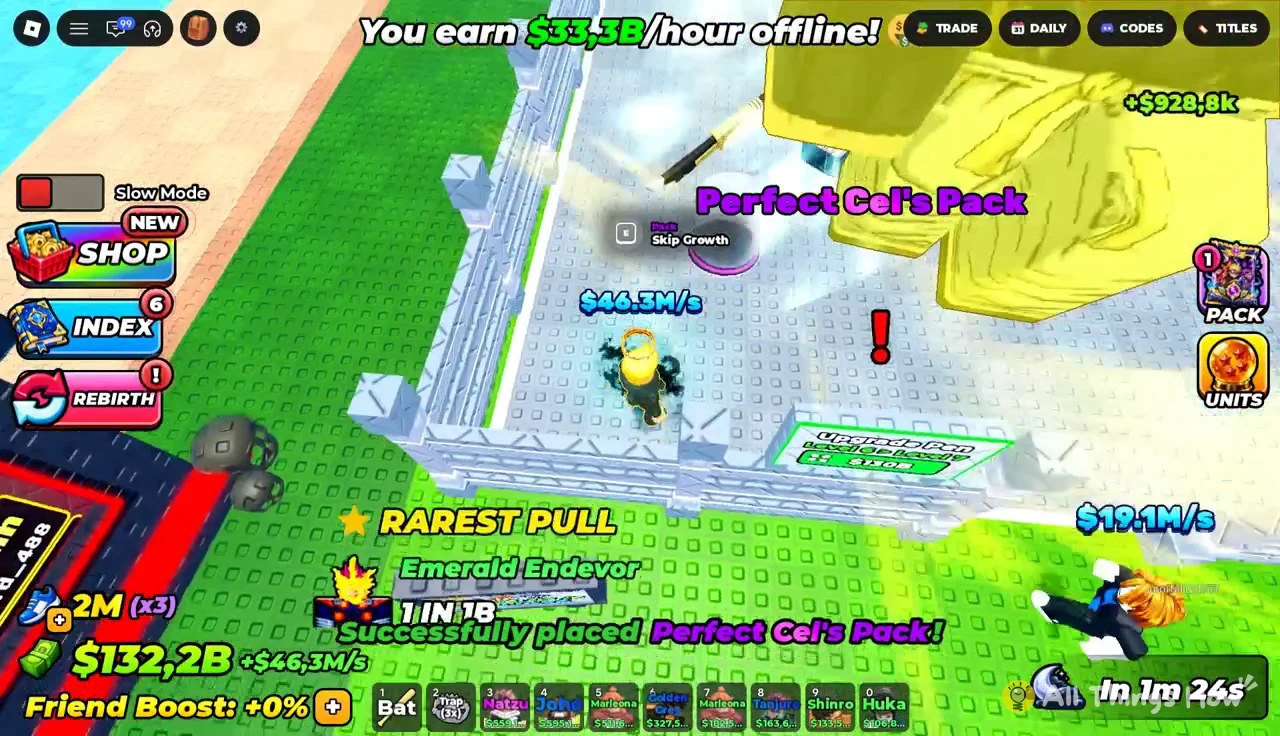
Open the Growing Packs menu to track everything in your pen. GROW ALL handles the whole pen at once, and each matured pack shows an OPEN! button. Opening a pack rolls a character, with the rarity and odds shown on the result. Luck multipliers, such as the x8 clover, push those odds in your favor.
| Character | Rarity | Odds |
|---|---|---|
| Garo | Rare | 1 in 25M |
| Joho | Rare | 1 in 63M |
| Goliath | — | 1 in 3B |
| Ichiga | Mythical | 1 in 50B |
Ichiga is the rarest of these at 1 in 50B. Equipping it alongside the rest of a strong lineup lifts total income to $127.6M/s, which shows how much a single top-tier pull changes your account.
Pen upgrade costs
Your pen has a level, and raising it unlocks more holding space and later progression milestones. Upgrades are paid in cash at the pen’s upgrade pad.
| Pen upgrade | Cost |
|---|---|
| Level 5 > Level 6 | $6.6B |
| Level 6 > Level 7 | $130B |
Mutate Machine: Turn duplicates into Golden and Transcendent units
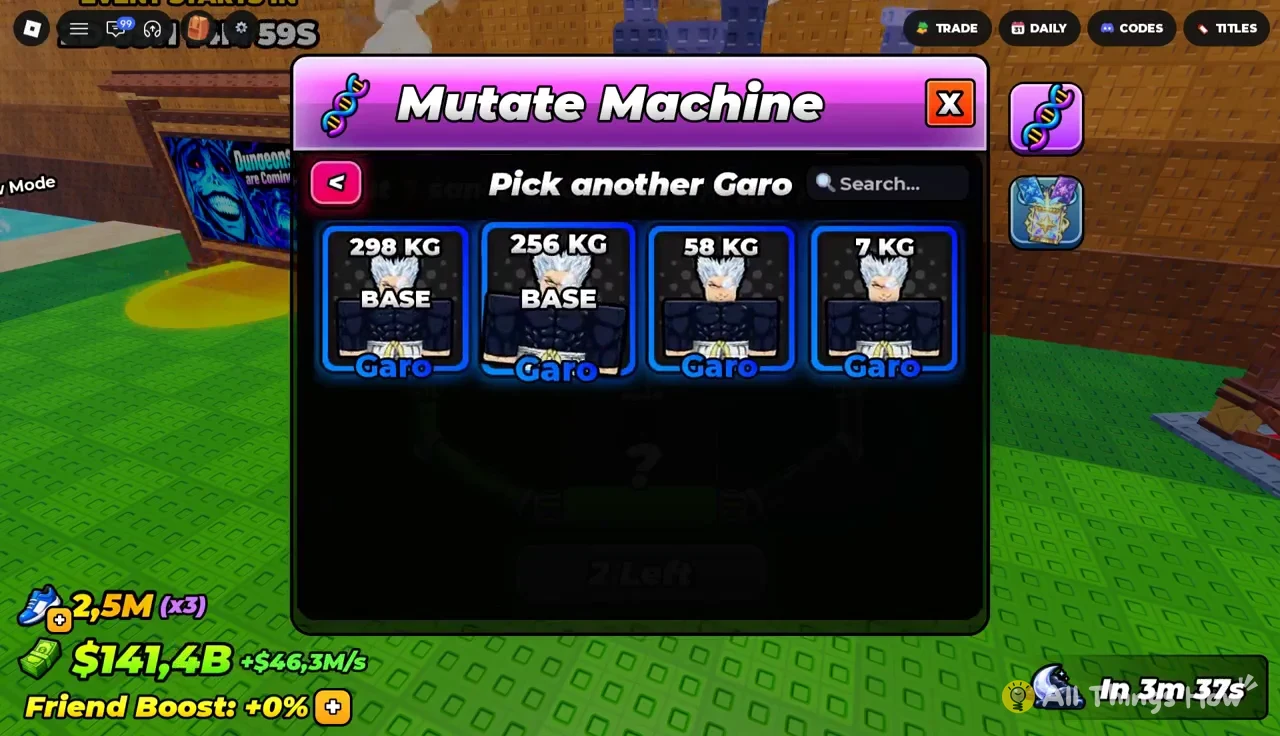
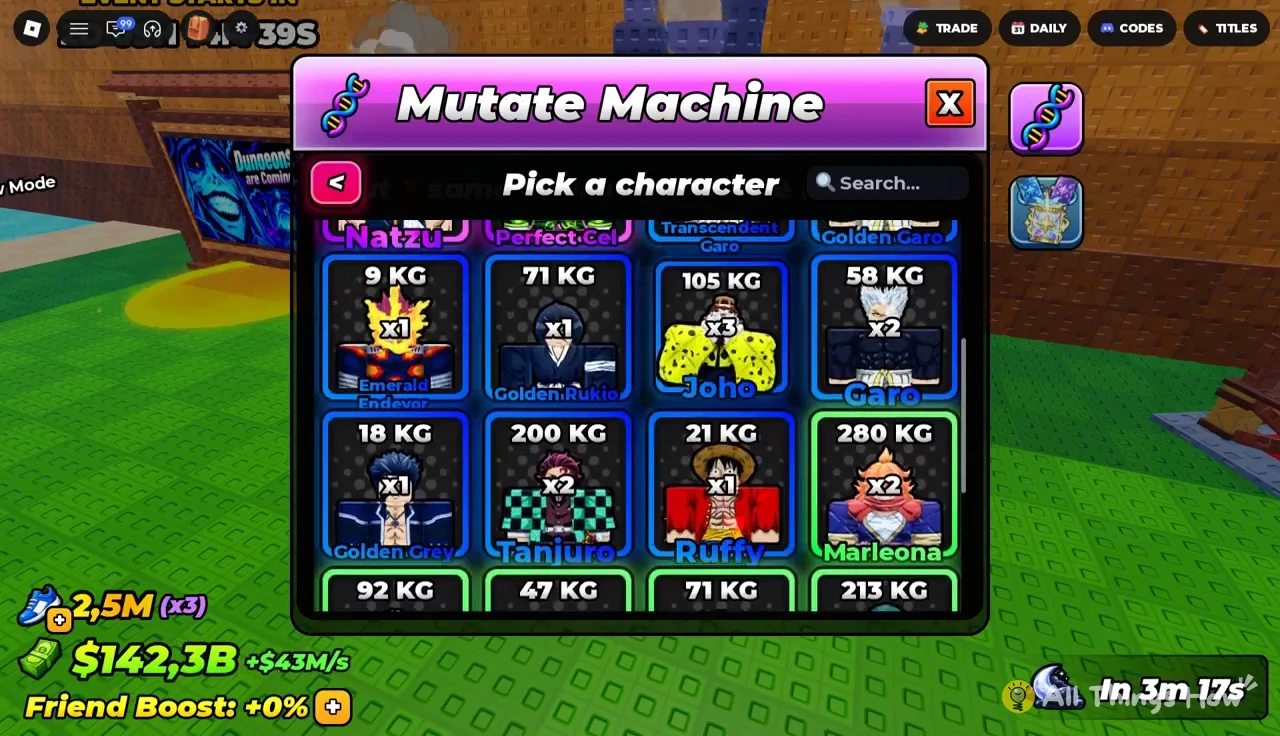
Duplicate pulls are not wasted. The purple Mutate Machine building near the hub takes three copies of the same character and returns one mutated version. The machine’s own instruction is simple: Put 3 same characters in the machine!
The hub also has a glowing SELL area for characters you would rather cash out. Before selling extras, check whether you have three of them, since a trio is exactly what the Mutate Machine needs.
Pick a character screen. A Search field at the top helps when your collection is large.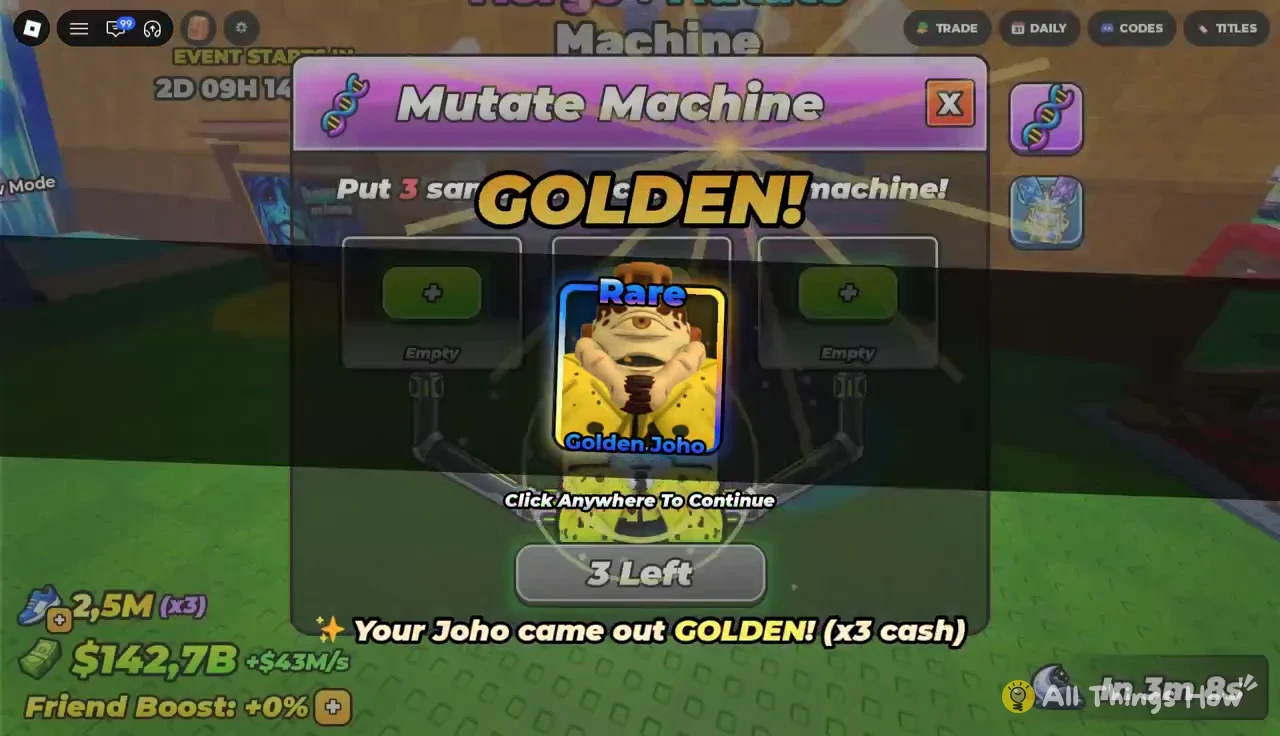
Your Garo came out TRANSCENDENT! (x10 cash) or Your Joho came out GOLDEN! (x3 cash). Click any part of the screen to continue.| Mutation | Cash multiplier |
|---|---|
| Golden | x3 |
| Transcendent | x10 |
The result is not fixed in advance. The same three-copy input can come out Golden or Transcendent, and Transcendent is worth more than three times as much cash as Golden.
Equip your best units before November 14
Opening packs and mutating units does nothing until they are equipped. Open the Units menu and press EQUIP BEST. The game fills your slots automatically and confirms with a message like Equipped your 14 best anime. If you want to rebuild the lineup from scratch, UNEQUIP ALL clears every slot first.
You know the swap worked when your cash per second jumps. A new Mythical or a fresh Transcendent mutation shows up in that number right away.
How dungeon combat ranks units has not been shown yet, so there is no confirmed formula for who hits hardest. What the game does reward today is rarity and mutation, and Dungeons are Coming.. pulls from the same roster you have been building. Run the loop until Saturday, re-equip your best, and press Notify Me so the 7:45 PM start does not slip past you.