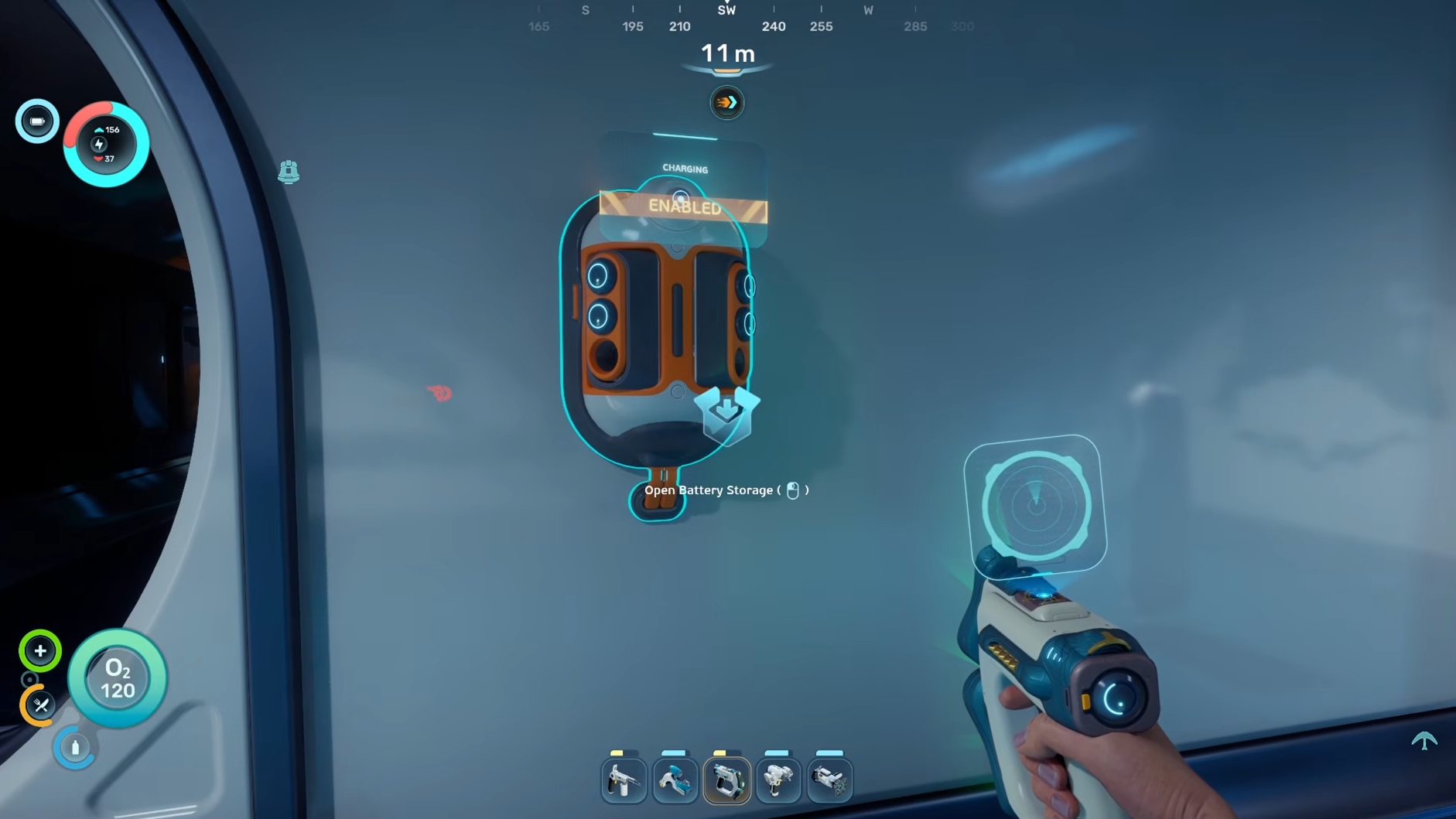
Almost every handheld tool in Subnautica 2 runs on a Basic Battery, from the Scanner and Flashlight up to the Sonic Resonator and Wakemaker. Empty cells aren’t garbage though. You can pull them out mid-dive, slot in a charged one, and drop the dead battery into a Battery Terminal back at base to top it off for free.
Hot-swapping batteries on a tool
Every handheld with a power bar accepts a battery swap at any charge level. You don’t need to wait until the bar hits zero, which matters before a long trip with power-hungry gear like the Wakemaker.
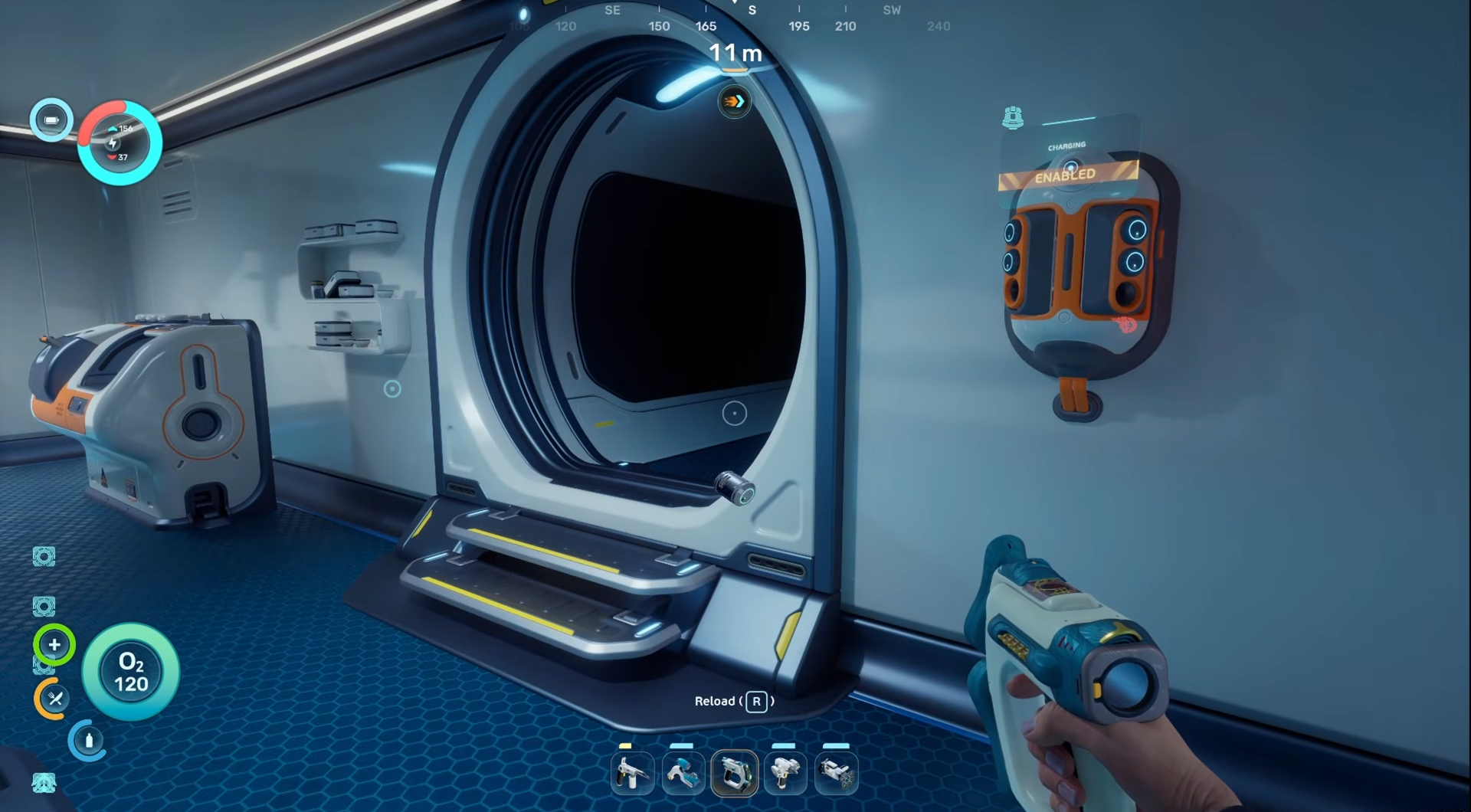
You’ll know the swap worked when the tool’s power bar refills and any illuminated parts of the model light back up. The only handheld that skips this entirely is the Air Bladder, since it doesn’t draw power.
Unlocking the Battery Terminal blueprint
The Battery Terminal is an interior wall module that holds up to six batteries and slowly recharges them from your base’s power grid. Before you can build one, the blueprint has to be unlocked by scanning two existing Battery Terminals in the world.
Both scannable terminals sit inside the Old Habitat, which you’ll pass through on the critical path anyway. One is on the same sunken floor that houses the Quaker Blackbox Signal, so re-toggling that signal will lead you straight back to it. The second is in a ground-floor room next to the long corridor that connects the two halves of the habitat.
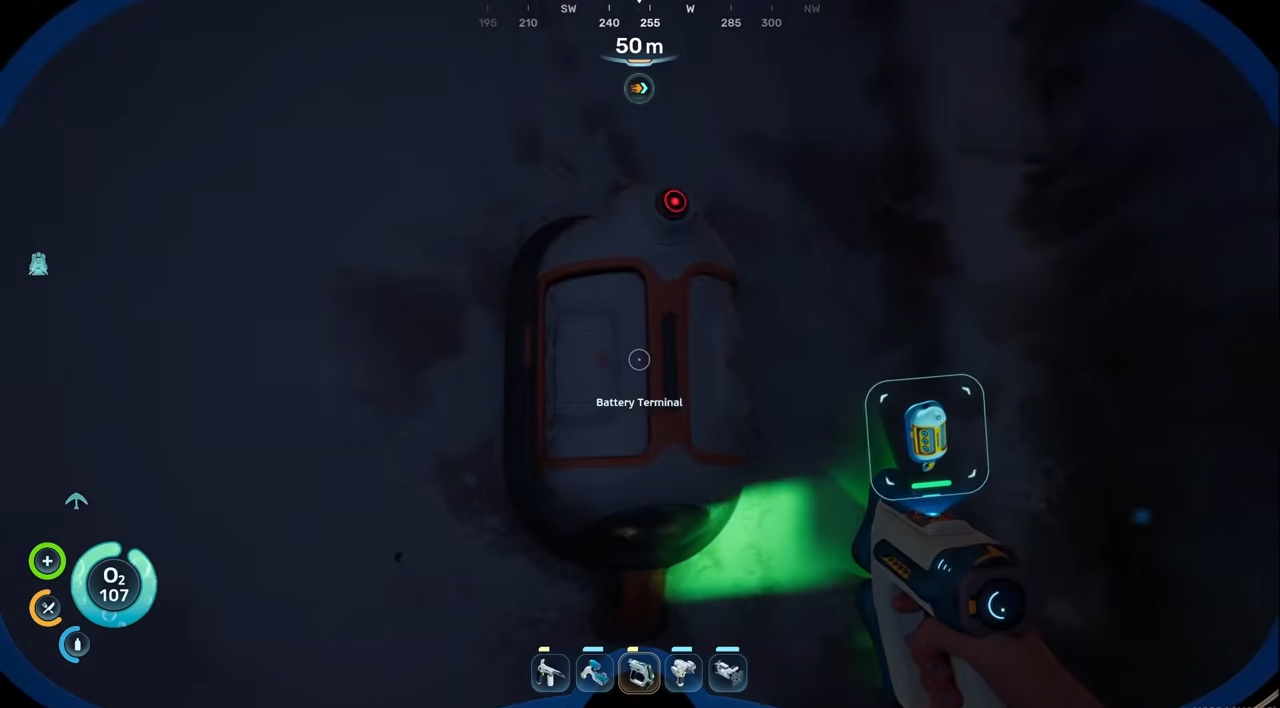
You’ll need a Scanner to register them. If you haven’t built one yet, craft a Basic Battery first, then the Scanner, since the Scanner itself is battery-powered.
Crafting the Battery Terminal
Once both scans are registered, the blueprint unlocks and you can place a terminal with the Habitat Builder. The recipe is intentionally cheap and uses only early-game resources you can farm near your lifepod.
| Material | Quantity | Notes |
|---|---|---|
| Titanium | 2 | Smelt from Metal Salvage or scan rocks |
| Quartz | 2 | Found inside coral domes |
| Copper Wire | 1 | Crafted at a Fabricator from 2x Copper |
Place the finished module on any interior wall or corridor segment. The Battery Terminal does not draw a dedicated power load, so as long as your base has any positive power balance, it will keep working without eating into your reserves.
Recharging a depleted battery
Open the terminal and drop any battery into one of its six slots. Partial charges and fully drained cells both work, so there’s no reason to throw an empty battery away.
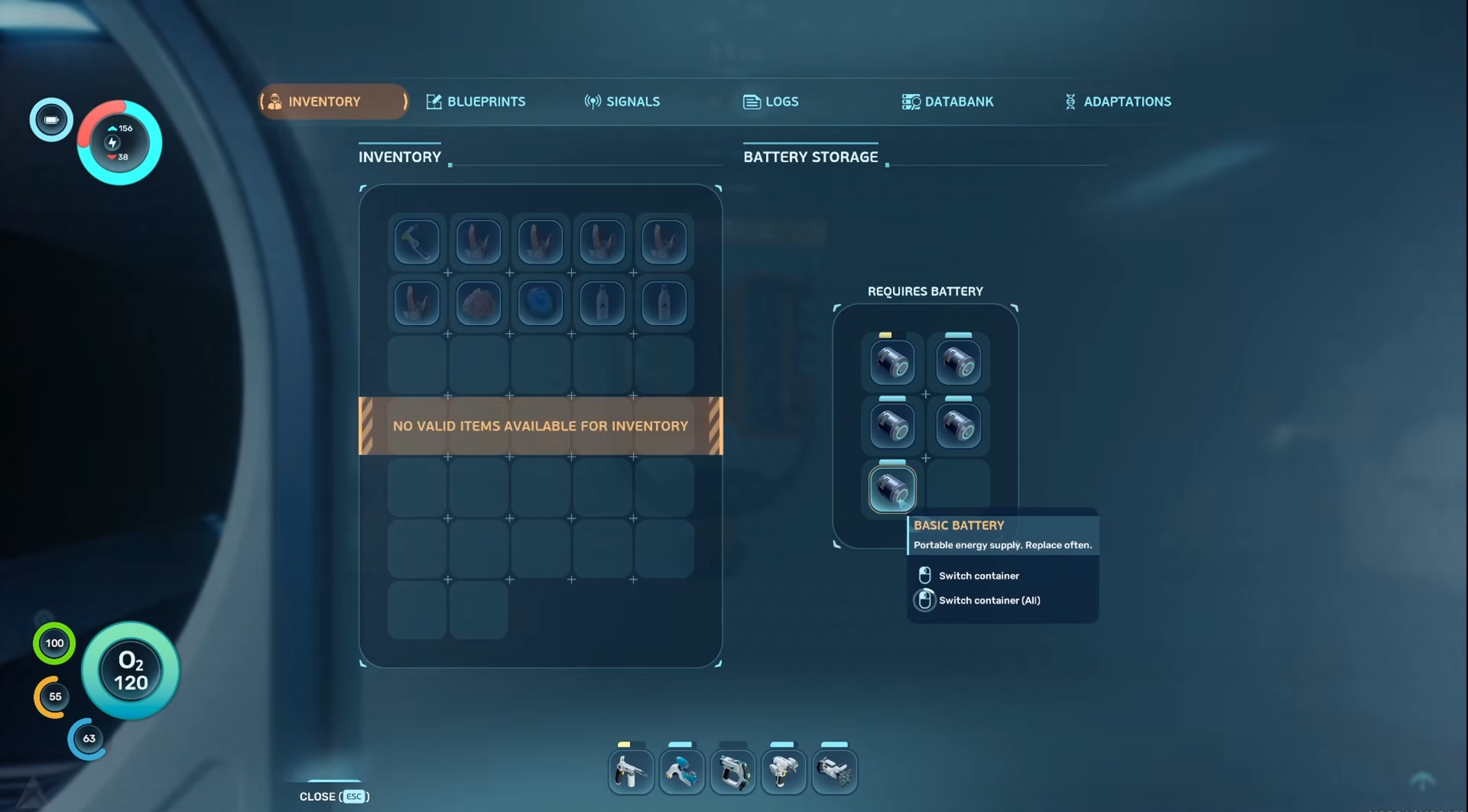
Charging is gradual rather than instant. The practical workflow is to swap a fresh battery into your tool before heading out, then leave the depleted one parked in the terminal while you’re exploring. By the time you return, it’s ready for the next loadout. Six slots is more than enough headroom for a solo player and comfortably covers a two-player base.
Power Cells and the Tadpole vehicle
Vehicle Power Cells use a separate, larger charger called the Power Cell Terminal. You can climb on top of the Tadpole at any time to pull its Power Cell out and carry it inside for a recharge.
| Material | Quantity |
|---|---|
| Titanium | 3 |
| Copper | 3 |
| Wiring Kit | 1 |
Unlike the Battery Terminal, the Power Cell Terminal pulls a noticeable amount of energy from your base while it operates. In the current Early Access build, it appears to draw the same load even when it’s manually disabled or sitting empty, so plan your power generation accordingly before placing one.
Quick reference
| Task | Action |
|---|---|
| Swap a tool’s battery | Hold tool, press R, left-click to load |
| Remove a battery without replacing | Hold tool, press R, right-click |
| Cycle between spare batteries | Press A or D in the swap menu |
| Recharge a depleted battery | Place it inside a Battery Terminal |
| Recharge a Power Cell | Place it inside a Power Cell Terminal |
Treat the Battery Terminal as one of the first interior modules you build after the Fabricator. It pays for itself within a couple of expeditions and removes the constant copper drain that comes from crafting new cells every time the Sonic Resonator or Wakemaker runs dry.