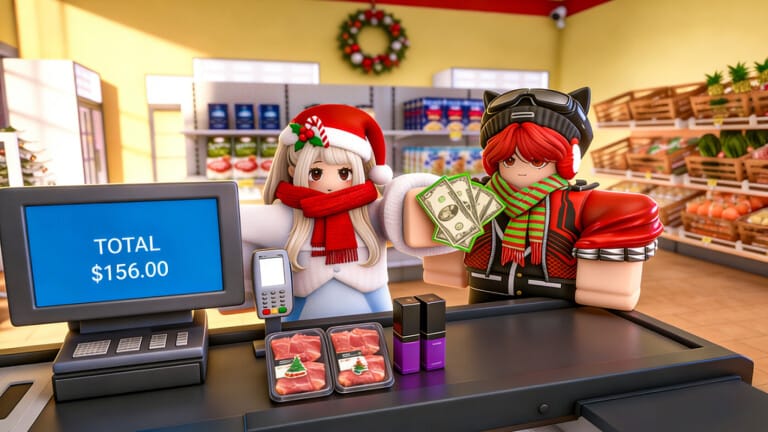
Supermarket Simulator lets you build a store from the ground up, stocking shelves, pricing goods, and hiring staff to keep customers happy. Codes hand you free Cash and short-term boosts that speed up early expansion without extra grinding.
Working Supermarket Simulator codes
These codes are confirmed active right now. Redeem them before checking back, since supermarket-themed codes tend to rotate out without much notice.
Excellence— Cash reward NEWOutstanding— 1,300 CashWonderful— 1,100 Cash
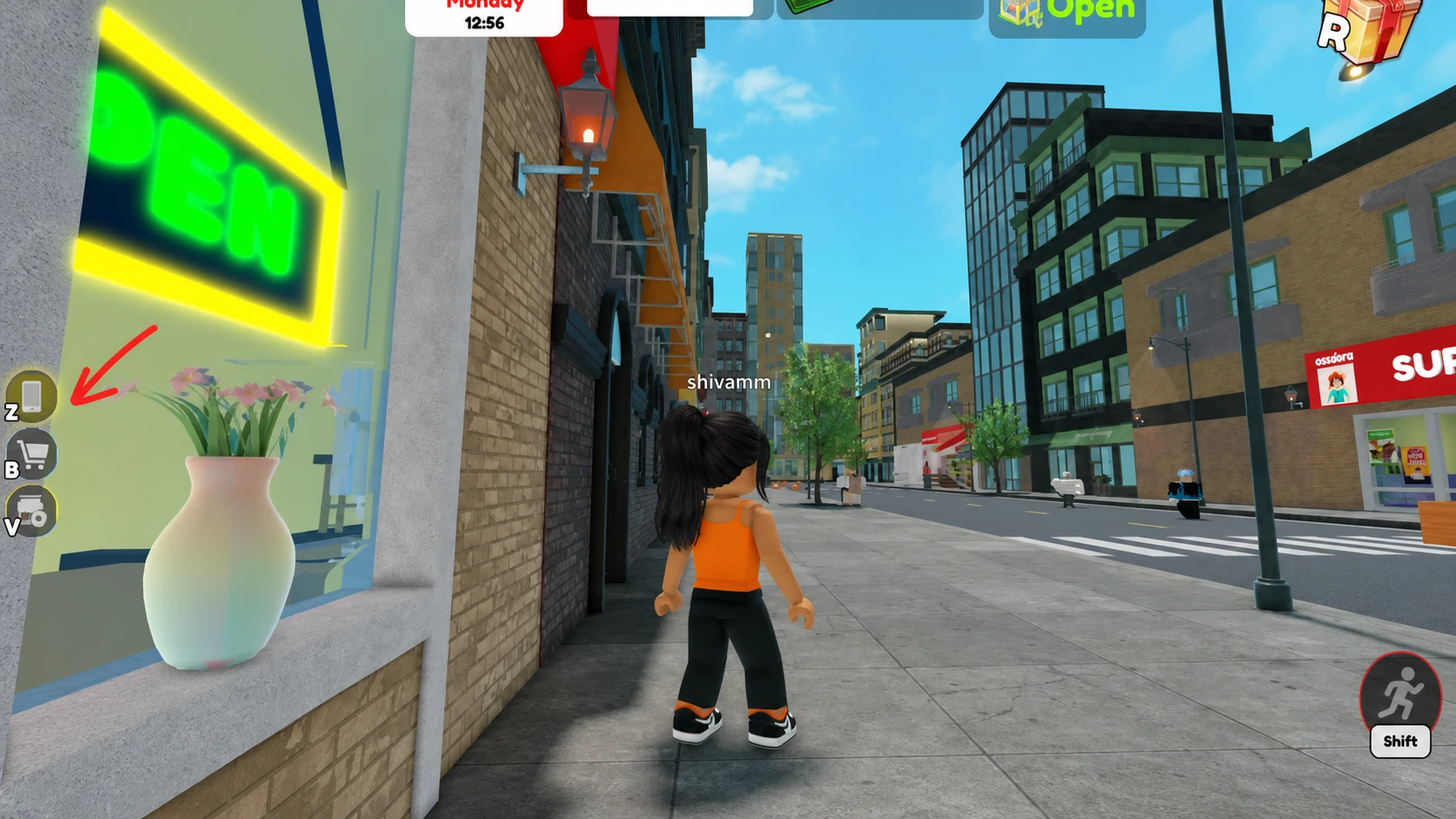
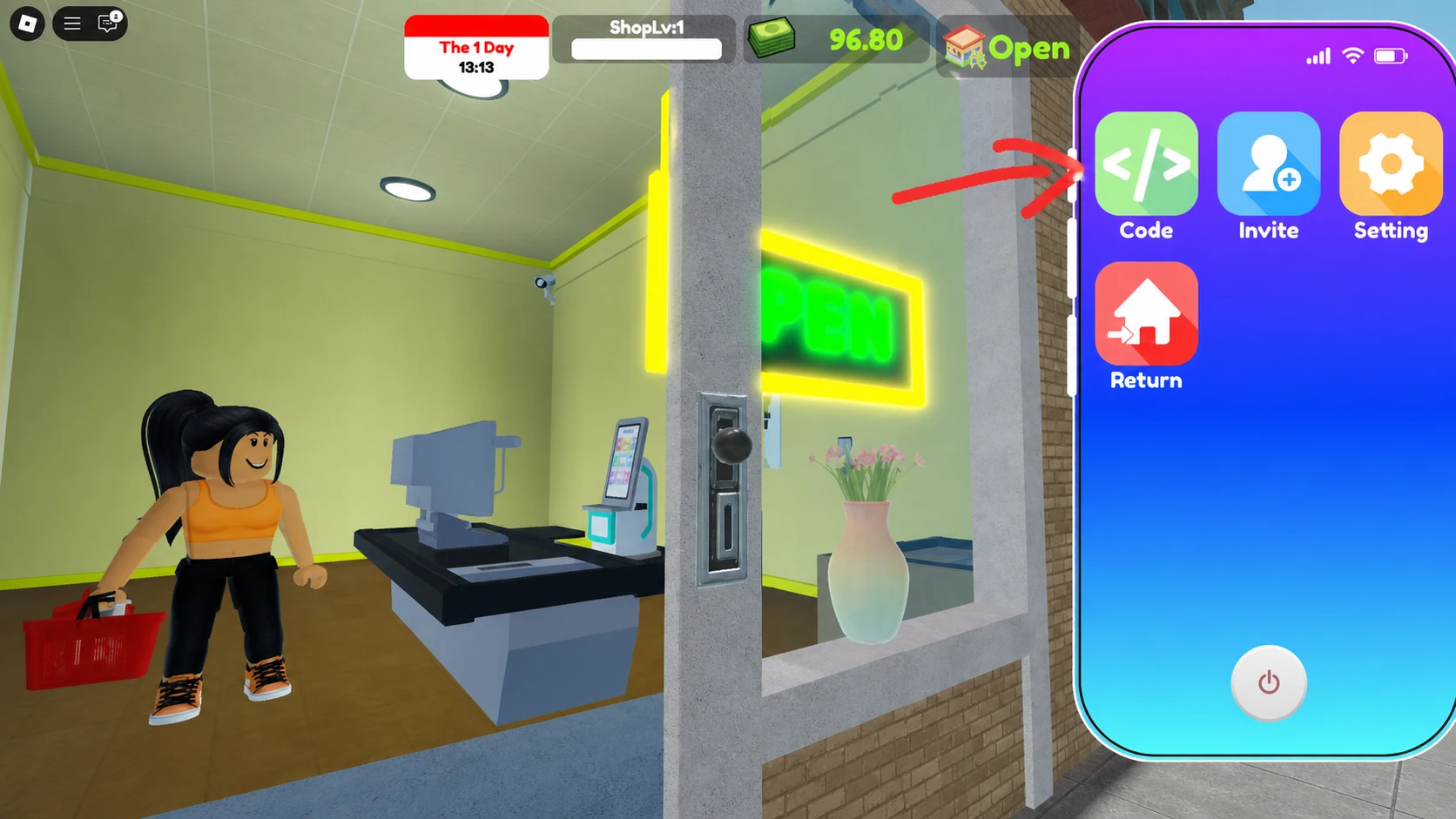
How to redeem codes in Supermarket Simulator
Expired Supermarket Simulator codes
These codes no longer work in Supermarket Simulator. They are kept here for reference so you don’t waste time retyping them.
Halloween2025IncredibleUnbelievableAwesomeFantasticAmazingSuperGreatSORRYFORBUGIncredible80kMarvelous15kImpressive8k3klikesPLAYTESTGreat5kMarvelousDELAYMBBROSuper1500Awesome25kFantastic20kImpressiveUnbelievable50kAmazing2500Favorites200kWonderful30kIsBack
Where new Supermarket Simulator codes come from
Supermarket Simulator does not run an official Discord server, so new codes surface on the official Roblox game page or through the MagicCube Roblox group. Developers there tend to release codes around updates, milestones, or holidays rather than on a fixed schedule.
Codes are not the only way to stack up Cash. Inviting friends into your store earns up to 100 free Cash per invite, which adds up quickly alongside redeemed codes while you’re still expanding your first location.
Bookmark this list and check back after major Supermarket Simulator updates, since that’s typically when the developers push out fresh Cash codes for players to claim.