Swim League rewards players who train hard and win races with Cash and Potions, both of which shorten the grind toward a stronger swimmer. Codes issued by the developer hand out these same rewards for free, no race required.
Working Swim League codes
Type these codes exactly as shown, since Swim League treats them as case-sensitive.
SORRYFORDELAY— 50,000 Eggs plus a free Event Egg NEW50kLikes— 2 Potions12KLIKES— 2 Potions5KLikes— 2 Potions2KLIKES— 2 Potions100Likes— 2 PotionsRelease— 1,000 Cash
How to redeem codes in Swim League
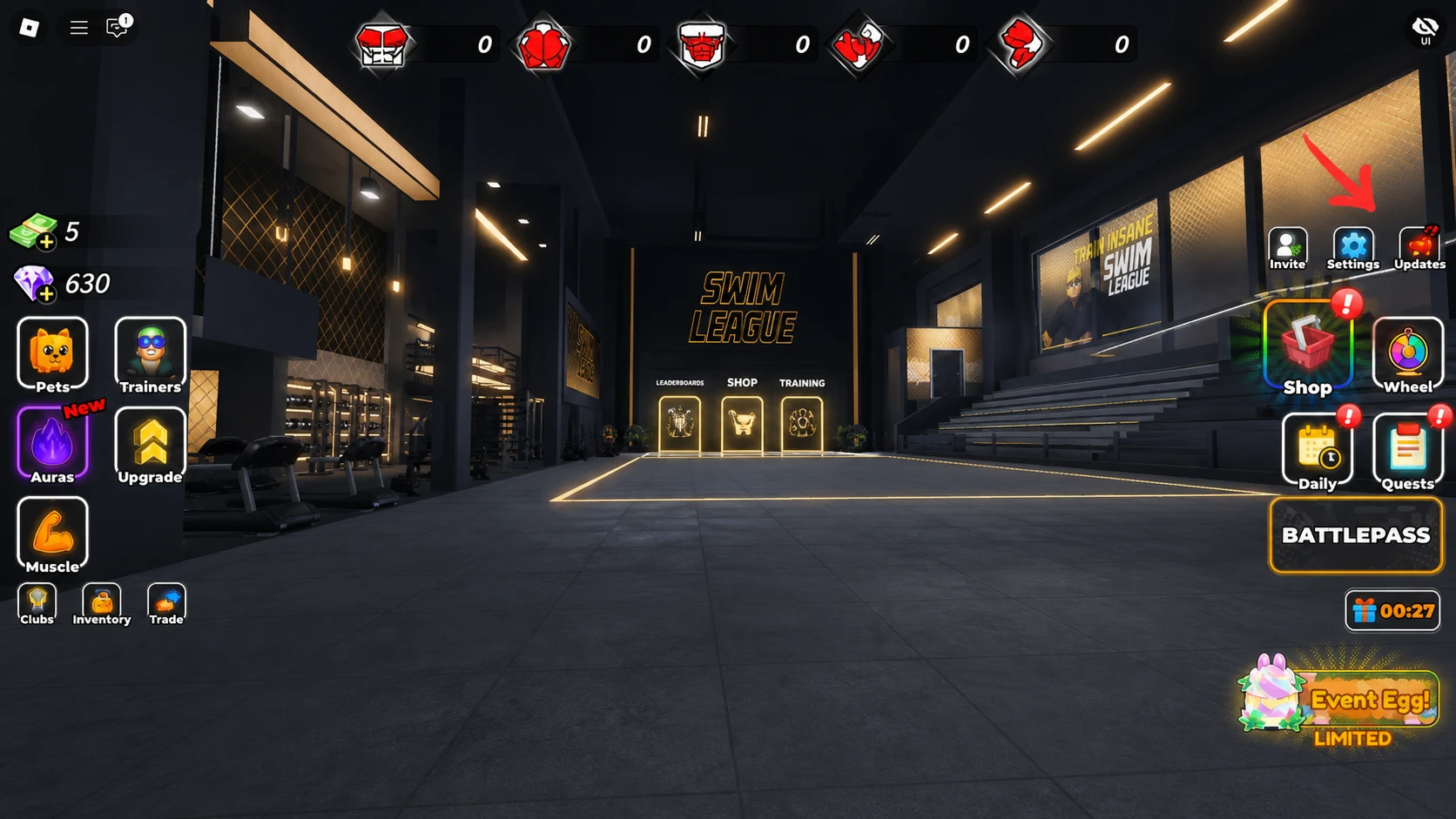
A successful redemption drops the Cash or Potions straight into your inventory without any extra confirmation screen, so check your balance or item count right after submitting. If nothing changes, the code was likely mistyped or has already expired.
Expired Swim League codes
These codes no longer return rewards but stay listed for reference.
SORRY4BUG— previously gave 500 Gems
Where new codes get announced
New codes typically surface through the game’s official channels before anywhere else. Joining the Swim League Discord server puts announcements directly in front of you, and the Swim Race Champion Roblox community page occasionally posts updates as well.
Bookmarking this page is the fastest way to keep the Cash and Potions flowing without digging through social feeds yourself.