
Topic
AI
Artificial Intelligence explores how machines simulate learning, reasoning, perception, language understanding, creativity, and autonomous decision-making. In games, AI shapes smarter systems, more dynamic interactions, and new development workflows that expand how interactive worlds are built and played. | Release Date: 1956 | Developer: John McCarthy, Marvin Minsky, Nathaniel Rochester, and Claude Shannon | Platforms: Computer systems, software applications, robotics, and game development tool
-

Claude Opus 4.5 is Anthropic’s new flagship for coding and agents
The upgraded Claude model brings stronger software engineering, long‑running agents, and lower prices across Anthropic’s own apps and major clouds.
-
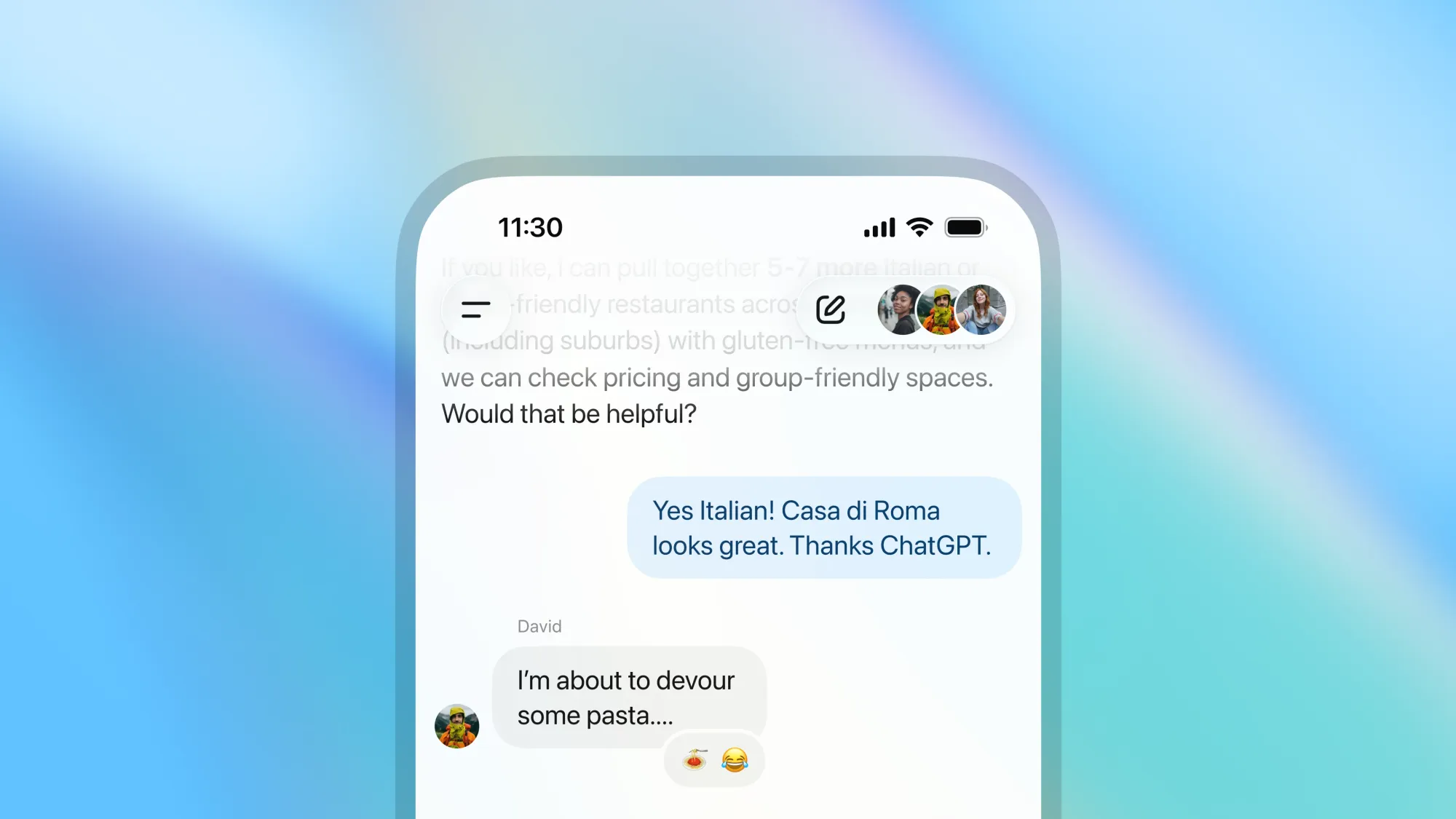
How to create a Group Chat in ChatGPT
How shared conversations with friends, coworkers, and ChatGPT work, plus setup steps, features, and privacy controls.
-

How to Prevent Your Claude AI Chats From Being Used for Training AI Models
Take control of your data privacy on Claude by adjusting settings to stop your conversations from being used to train future AI models.
-

Google Unveils Gemini 2.5 Flash Image Model
Gemini 2.5 Flash Image debuts with rapid multi-image fusion, reliable character consistency, and prompt-based editing—now available across Google AI Studio, Gemini app, and Vertex…
-
Copilot AI Comes to Excel, But There’s a Caveat
The new COPILOT function lets users generate summaries, tags, and tables with natural language prompts, but Microsoft cautions against relying on its AI for…
-

xAI’s Grok 2.5 Goes (Sort of) Open Source: What it Means for the AI Race
Elon Musk’s xAI has released Grok 2.5’s model weights to the public, but strict licensing and steep hardware demands spark debate on how “open”…
-
What Does GPT‑5’s “New Math” Claim Actually Mean?
An OpenAI researcher says GPT‑5 Pro produced a novel proof in convex optimization — here’s what that entails, why it’s controversial, and how to…
-

China’s DeepSeek Releases Model V3.1 With 685B Parameters
DeepSeek’s new V3.1 AI model boasts a massive context window, hybrid reasoning, and open-source accessibility, signaling a major shift in global AI competition.
-

Gemini Brings Natural Audio Playback to Google Docs
Google’s Gemini now powers text-to-speech in Docs, offering lifelike voices, customizable playback, and audio buttons—streamlining how users absorb and review their content.
-

How to Prevent Google from Using Your Gemini Interactions to Train AI
Turn off Gemini Apps Activity and manage your data settings to stop Google from using your chats, files, and recordings for AI model training.