
Topic
Grand Theft Auto VI
-
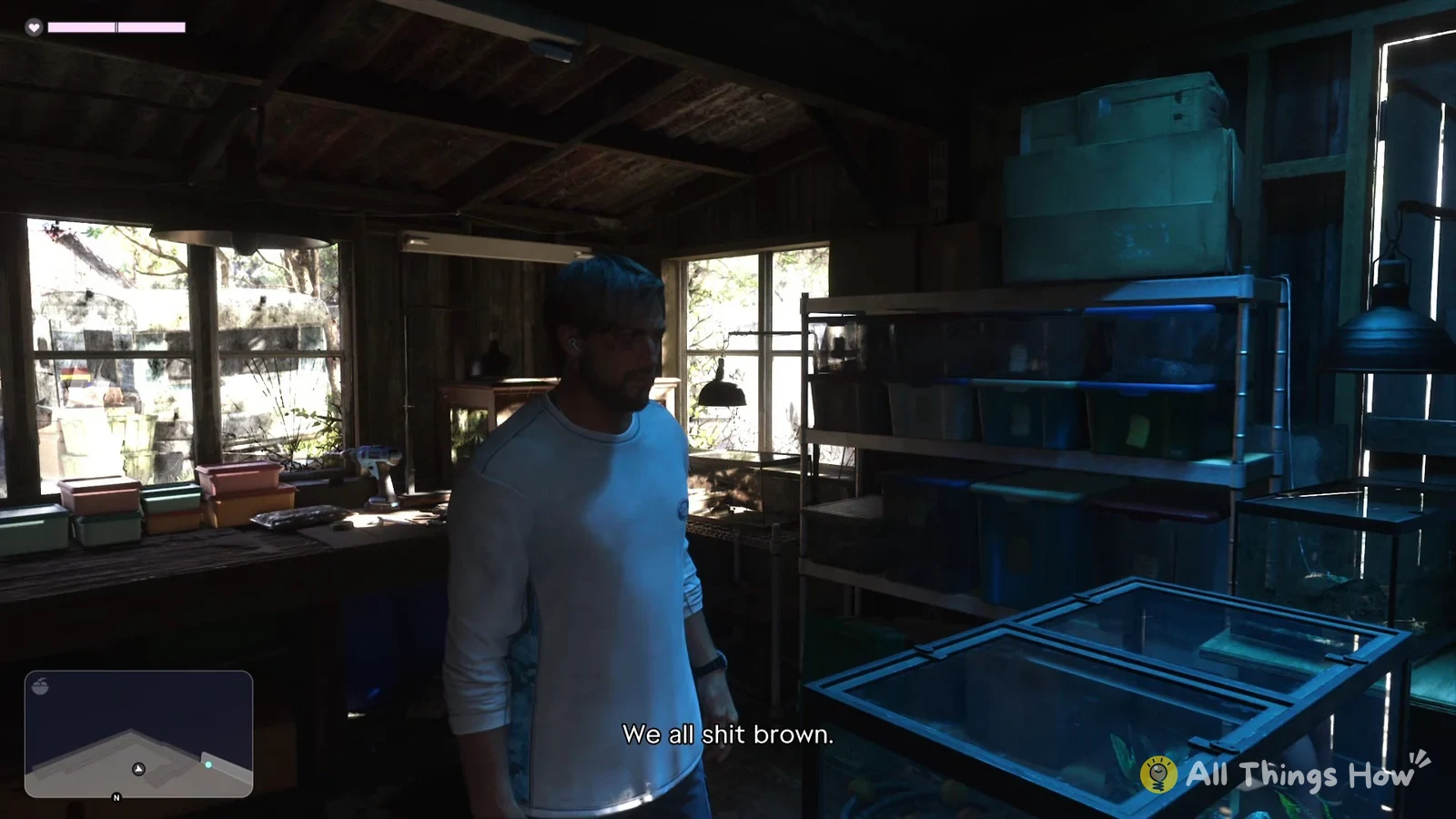
GTA 6: How to Heal With L1 and Square on PS5
Use a Zombix from the loadout wheel to refill most of Jason’s health bar without leaving the mission.
-
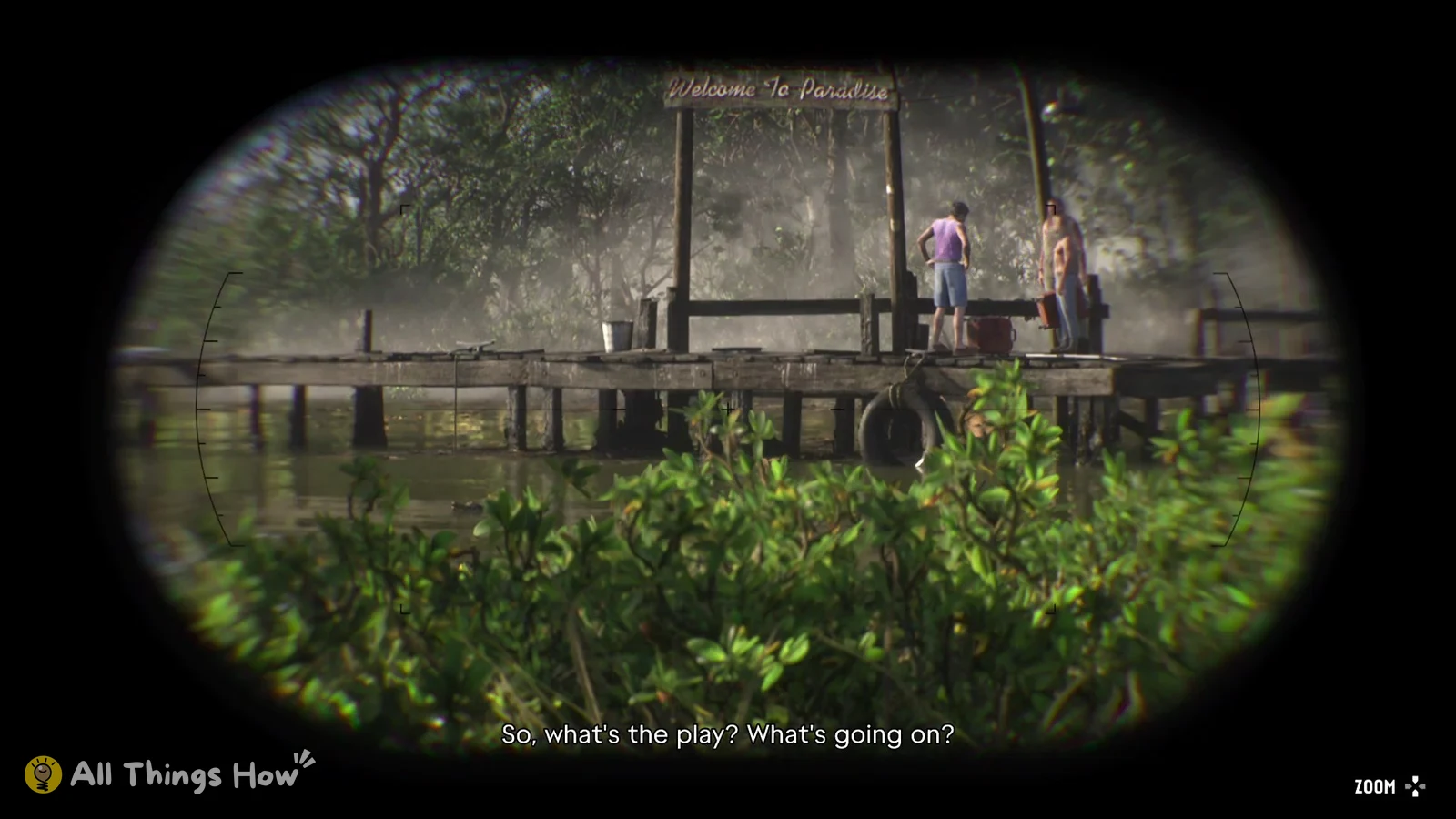
GTA 6: How to Open the Loadout Wheel for Weapons, Equipment and Clothing
The PS5 default controls for the loadout wheel, the WEAPONS and ITEMS tabs, taking clothes off and using binoculars.
-
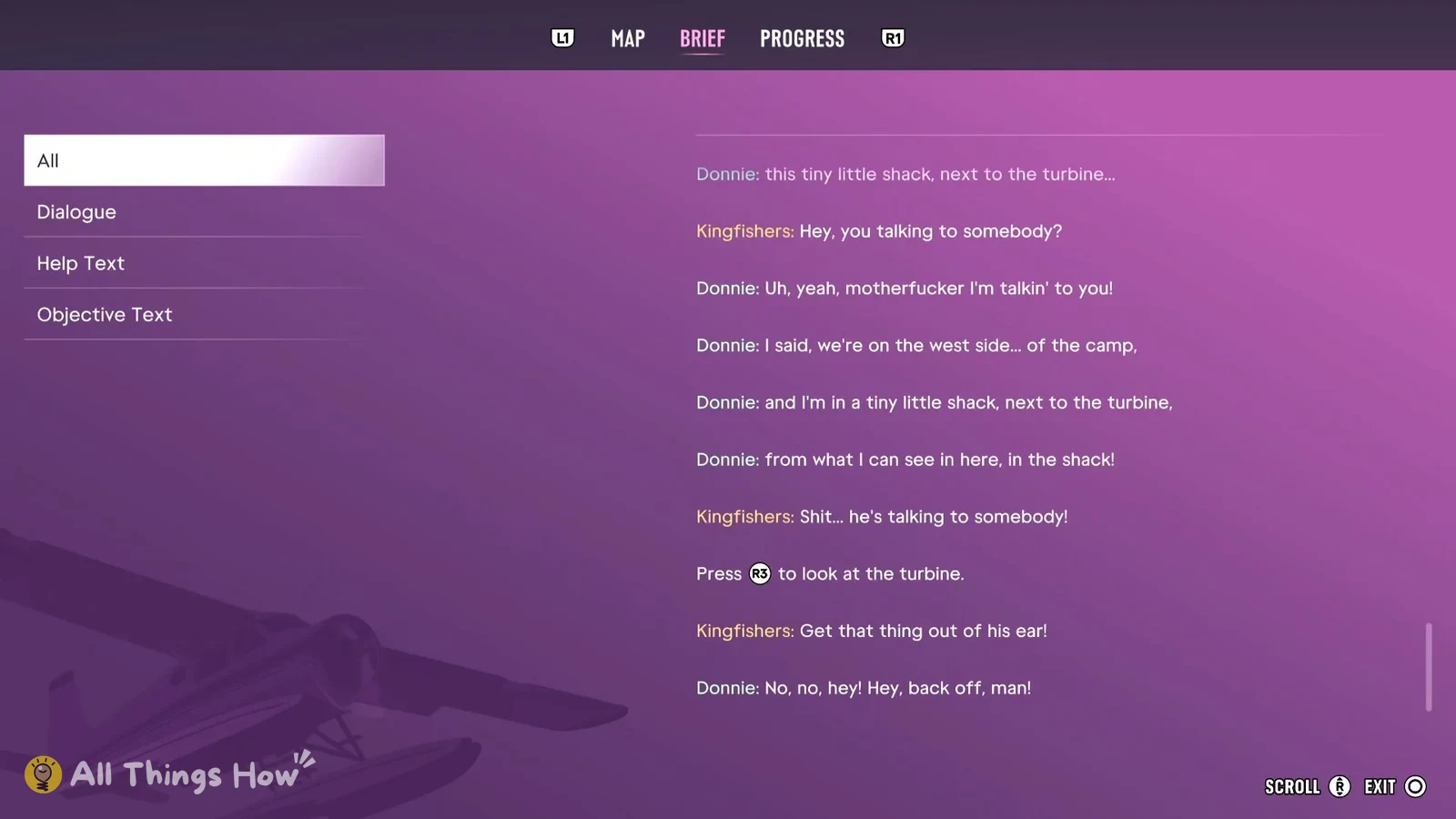
GTA 6: How to See Your Current Objective and Re-Read Missed Dialogue
The Map screen’s BRIEF tab keeps a log of recent lines, tips, and objectives that you can filter on PS5.
-
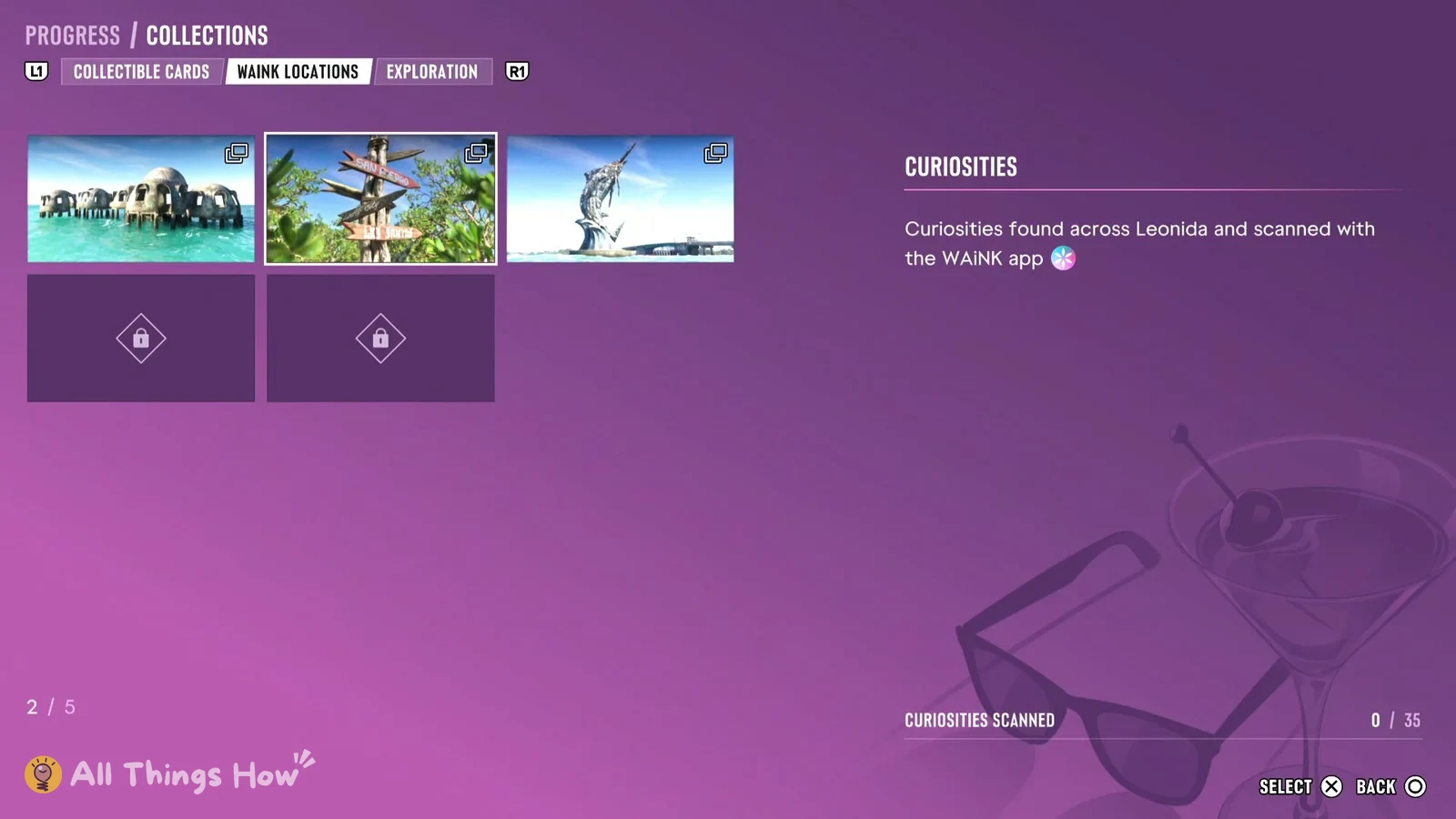
How Many Collectibles Are in GTA 6 and Where to Track Them
The Collections page lists 18 Collectible Cards, 89 WAiNK scans across three categories, and 8 Exploration entries.
-
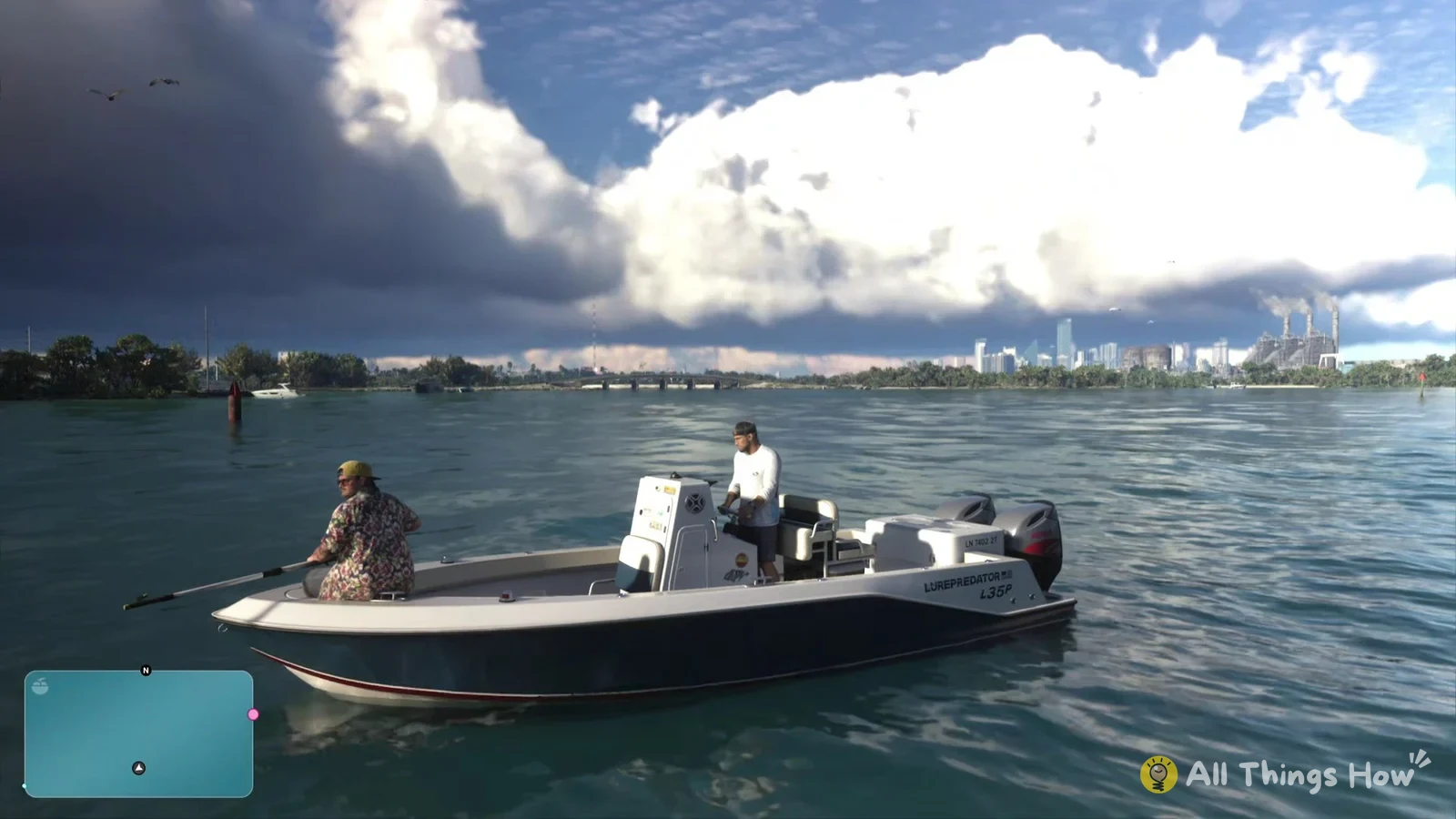
GTA 6: How to Retry or Skip a Checkpoint After Failing a Mission
The three fail-screen buttons on PS5, when Skip Checkpoint shows up, and how to retry from the pause menu.
-
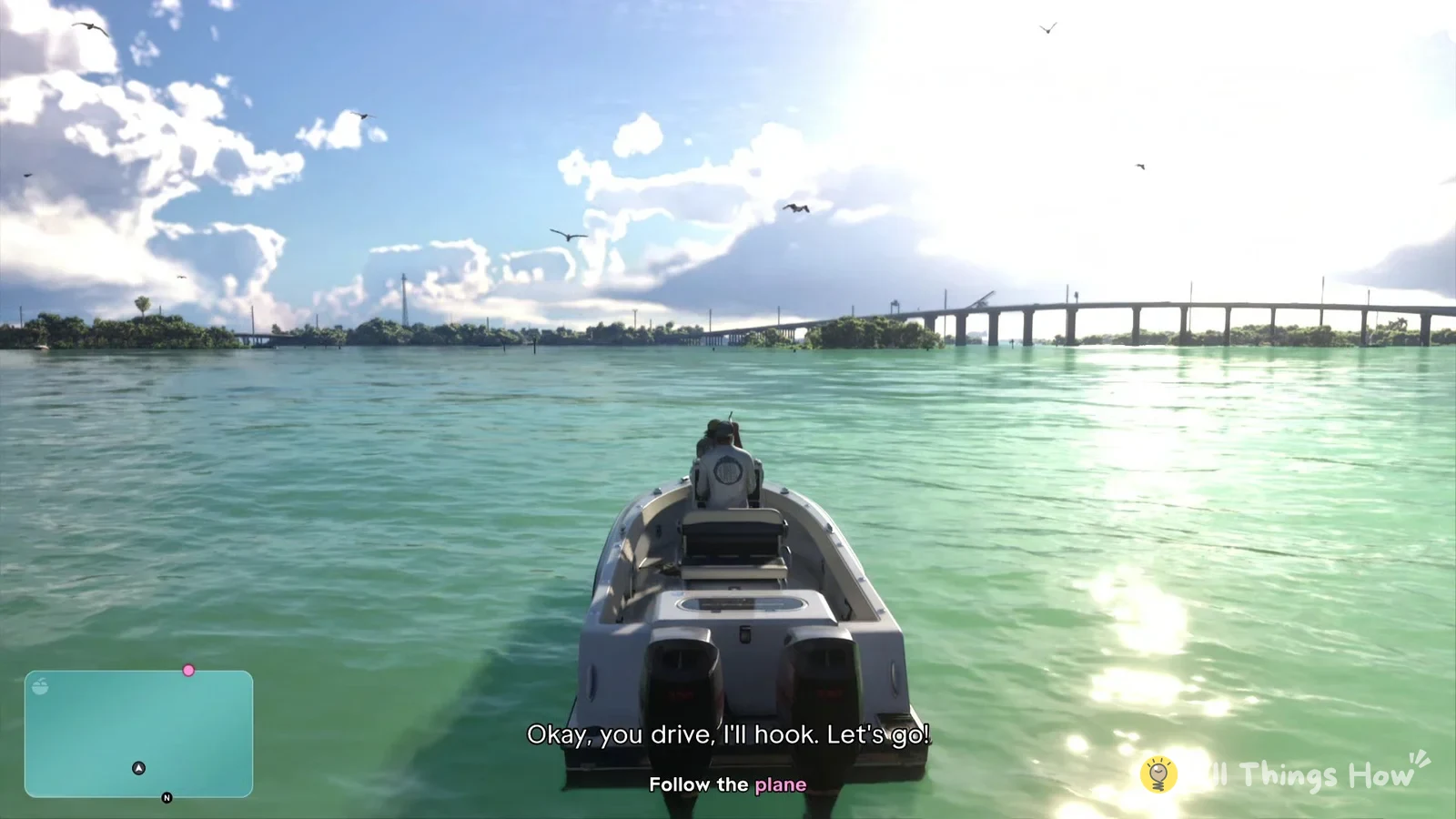
GTA 6: How to Reset a Stuck Vehicle (Hold the Touch Pad)
When a vehicle gets stuck in GTA 6 on PS5, a RESET prompt lets you put it back where it can move again.
-
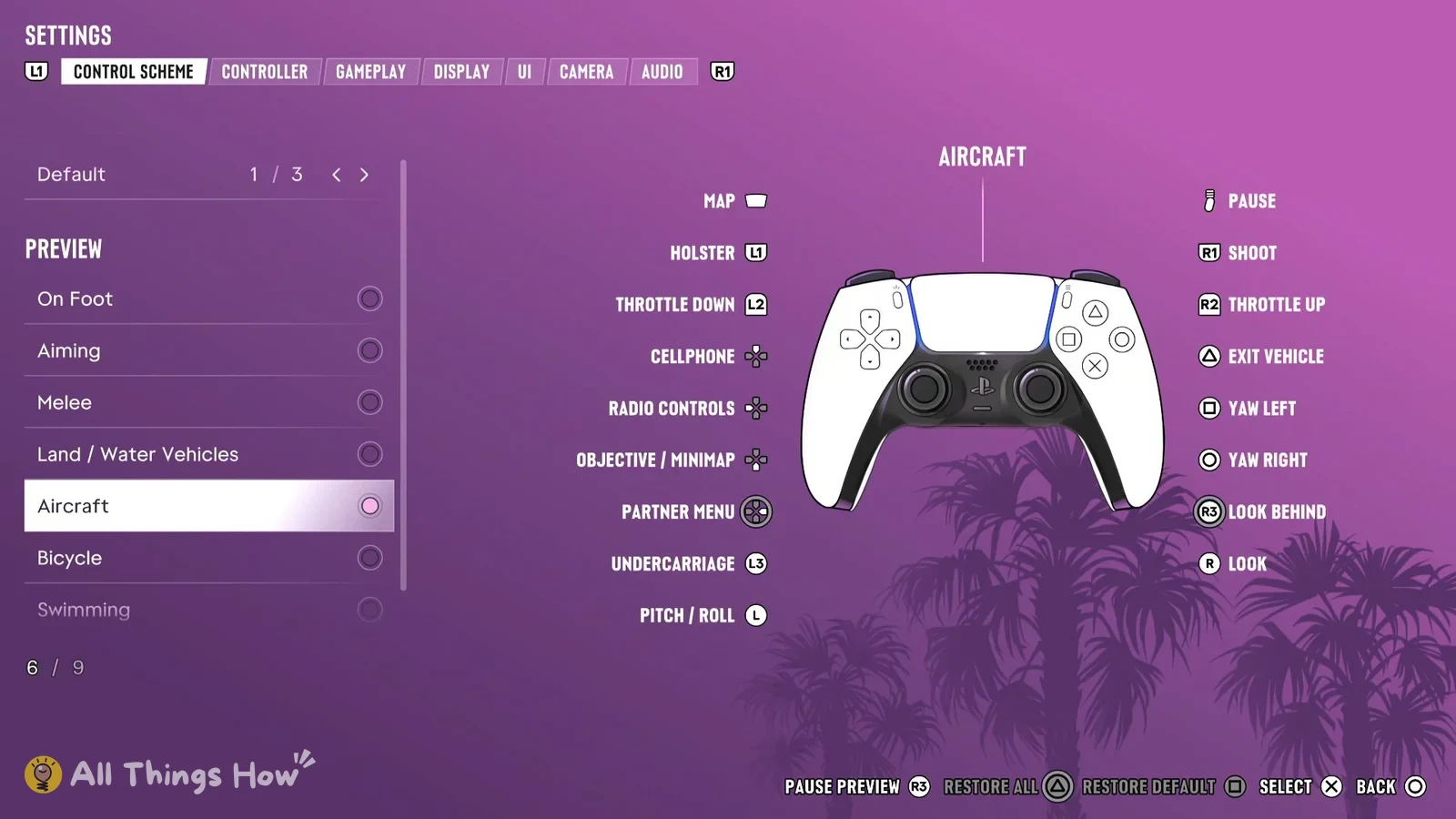
GTA 6 PS5 Controls: How to Sprint With L3, and Every Default Button
The full Default layout for on foot, aiming and vehicles, plus how the Classic scheme moves run back to X.
-
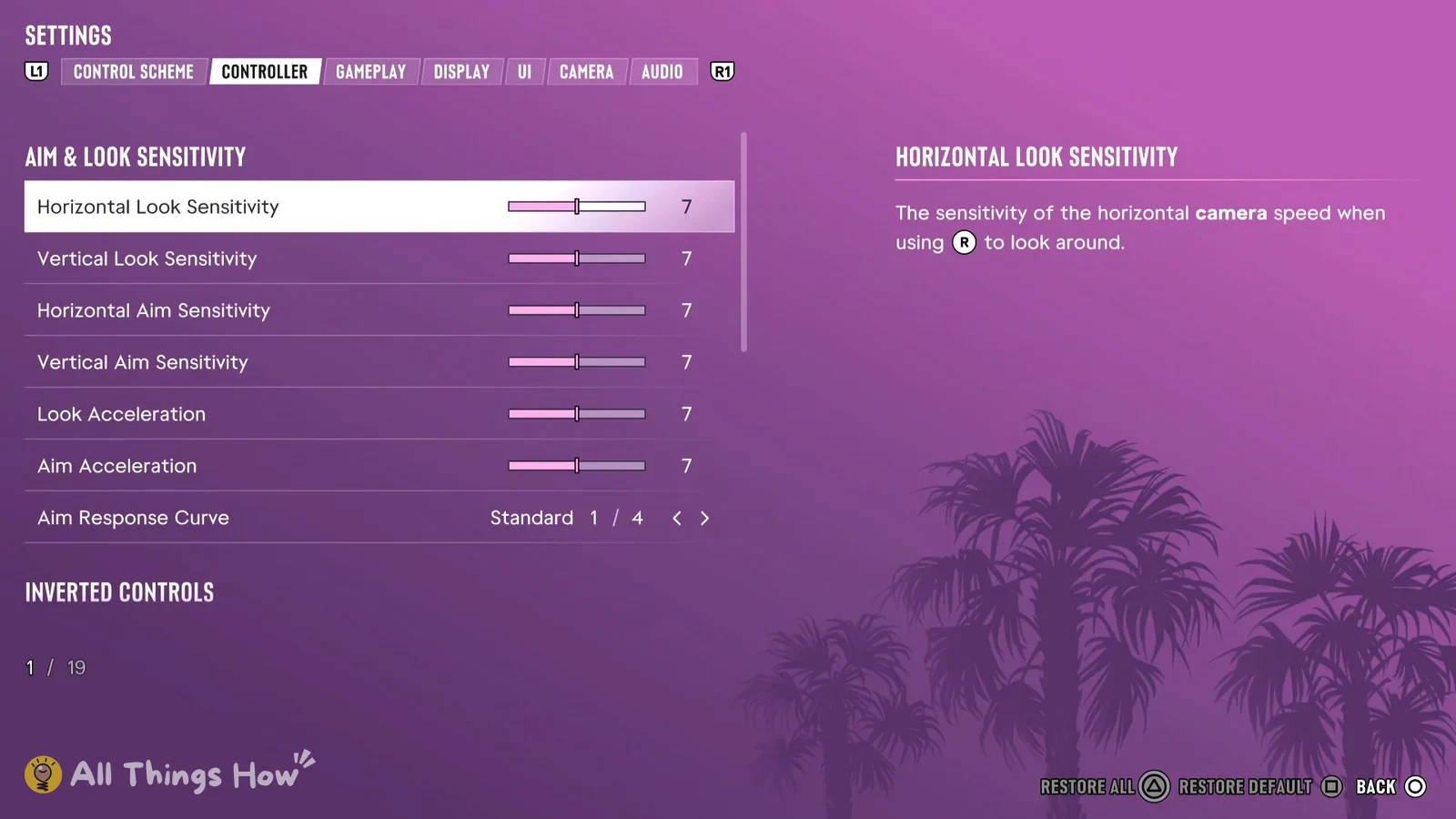
GTA 6: Best Settings to Change First on PS5
The navigation, control, subtitle and audio options worth changing first, plus what sits in each of the eight Settings tabs.
-

GTA 6 on PS5 and Xbox: How Long Does It Take to Download?
The download is about 210 GB on PS5 and up to 212 GB on Xbox Series X|S, which is about 4 hours 40 minutes…
-

GTA 6 Refund on PS5 and Xbox: How to Get Your Money Back After Launch
PlayStation and Xbox handle refund requests for Grand Theft Auto VI differently, from the 14-day window to download and play-time rules.