
Topic
Grand Theft Auto VI
-
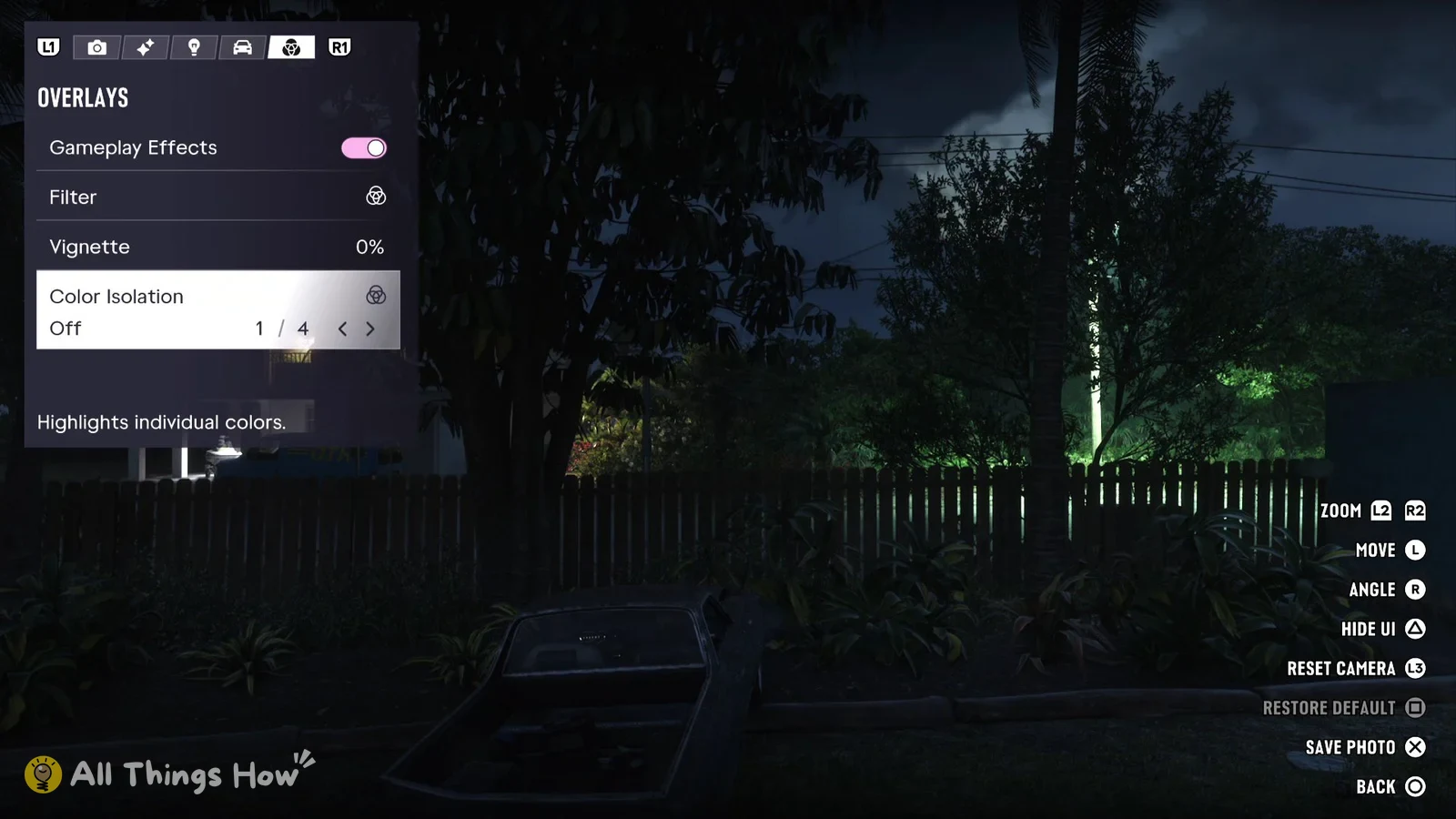
GTA 6 Photo Studio: How to Use Photo Mode and Its Controls on PS5
How to open Photo Studio from the pause menu, the PS5 button layout, and what each of its five tabs changes.
-
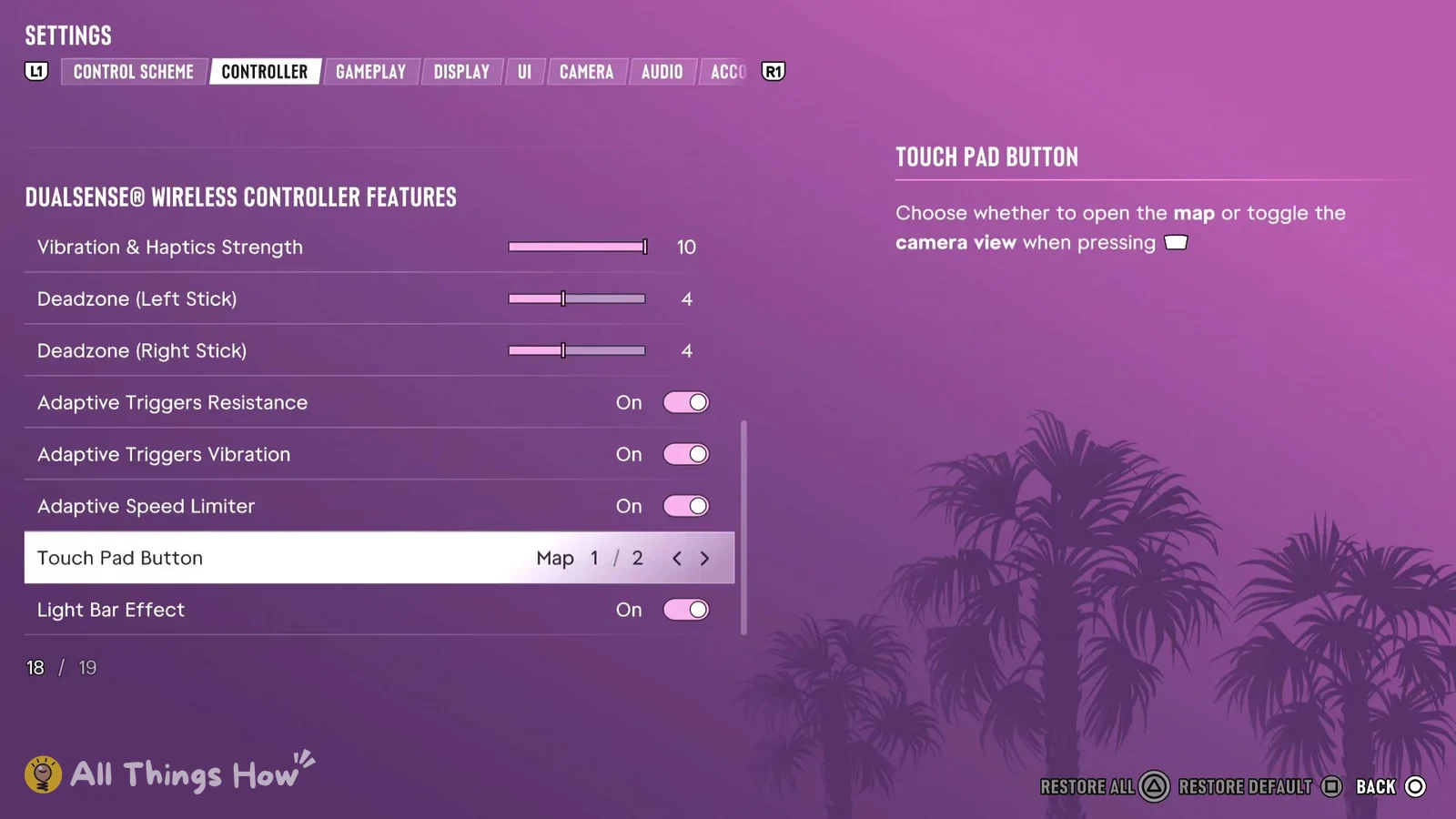
GTA 6 on PS5: How to Change the Camera View With the Touch Pad
One Controller setting switches the DualSense touch pad from opening the map to changing the camera view.
-
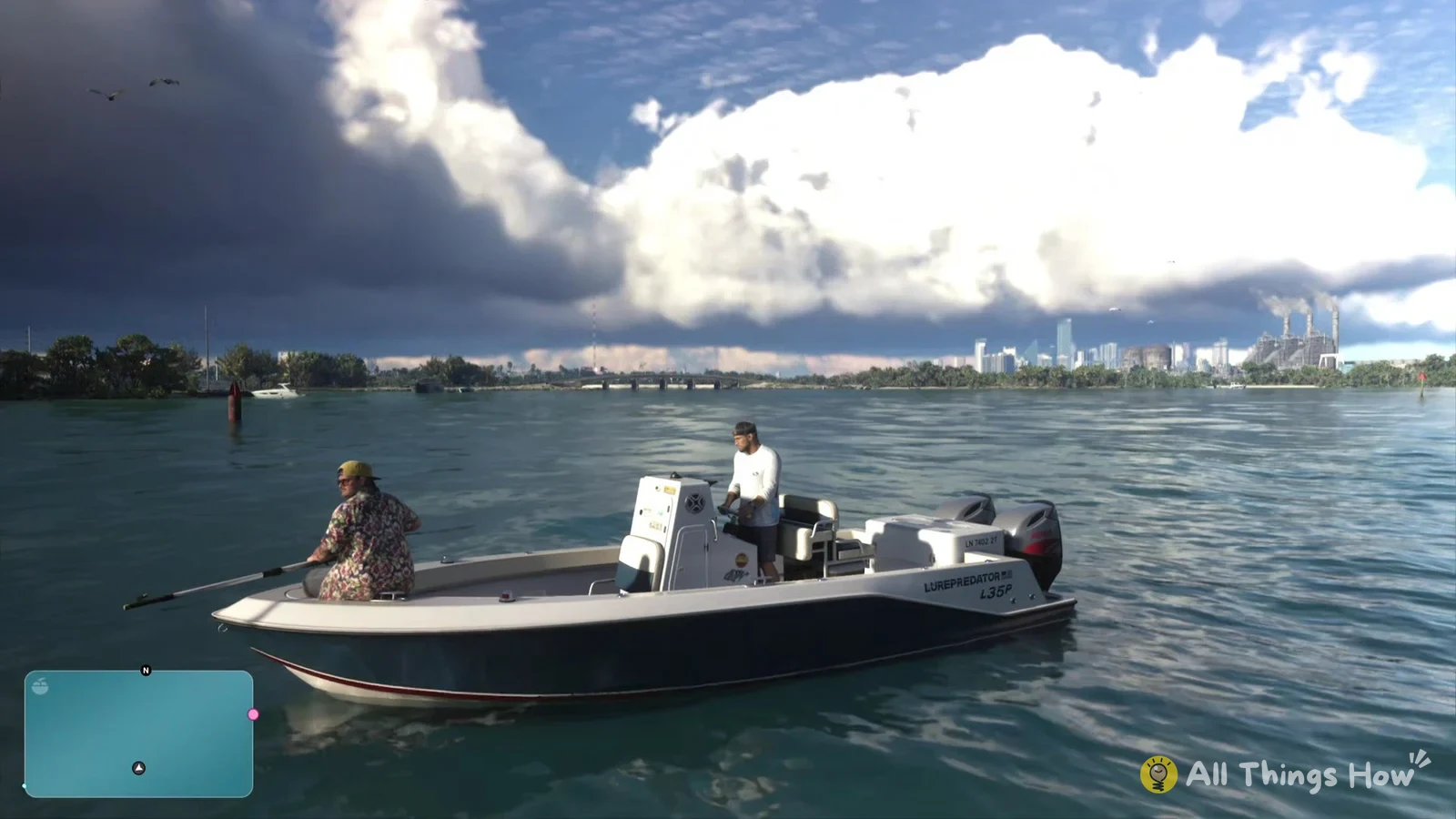
GTA 6 Price in India: Rs 5,999 Standard and Rs 7,499 Ultimate Edition on PS5
Rupee prices for both editions, the Ultimate Edition Upgrade, and the Vintage Vice City Pack on PlayStation and Xbox.
-
Can GTA 6 Run Off an External Drive on PS5 or Xbox Series X|S?
USB drives can store Grand Theft Auto VI but can’t launch it; M.2 SSDs and Storage Expansion Cards can do both.
-
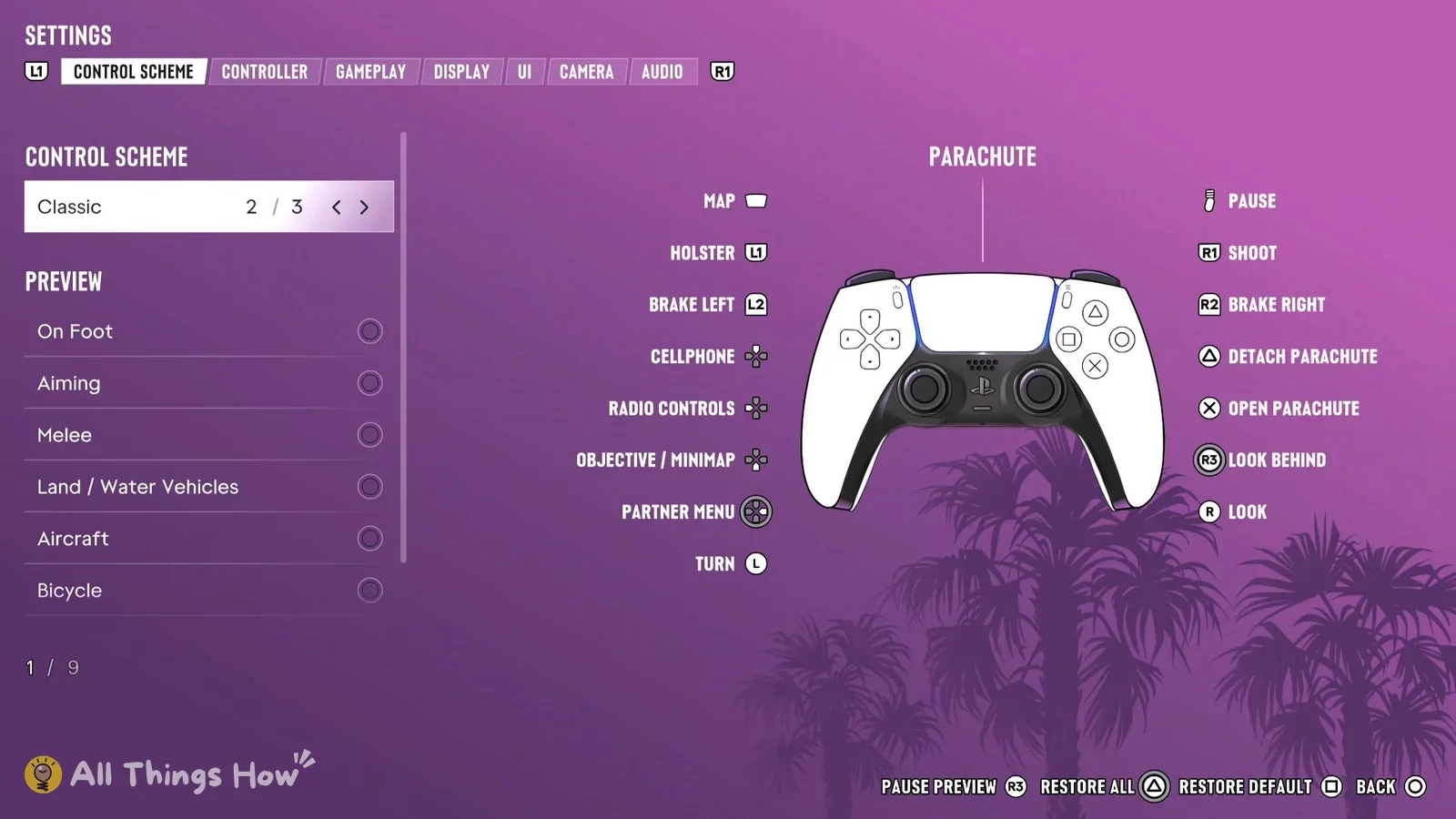
GTA 6: How to Switch to Left-Handed Controls on PS5 (Full Button Layout)
Where the Left-Handed scheme sits in Settings, and every button it moves on foot and in land or water vehicles.
-
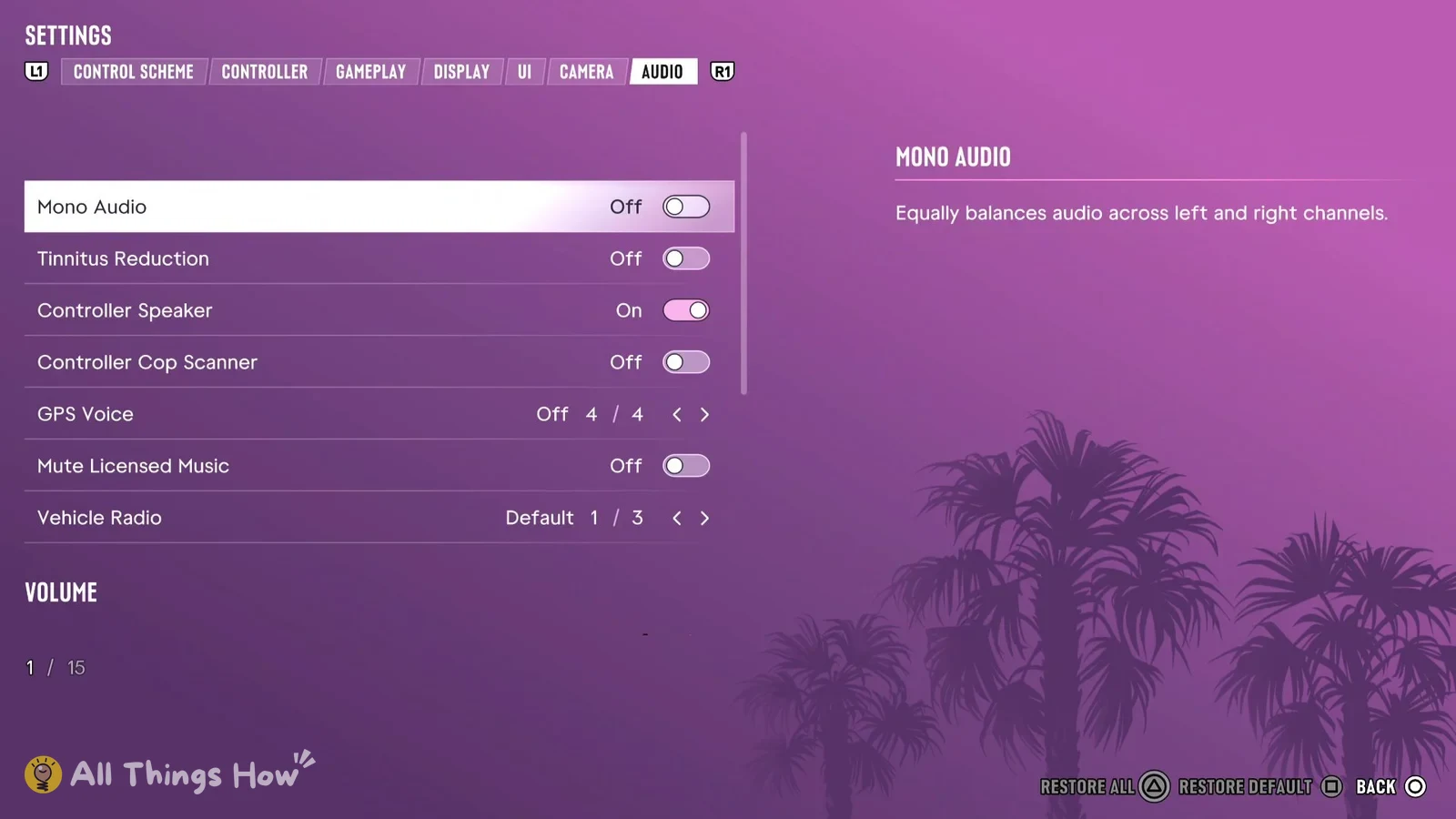
GTA 6: How to Mute Licensed Music for Streaming (PS5 Audio Tab)
The Mute Licensed Music toggle sits in the Audio tab’s SETUP group and is set to Off on a fresh install.
-
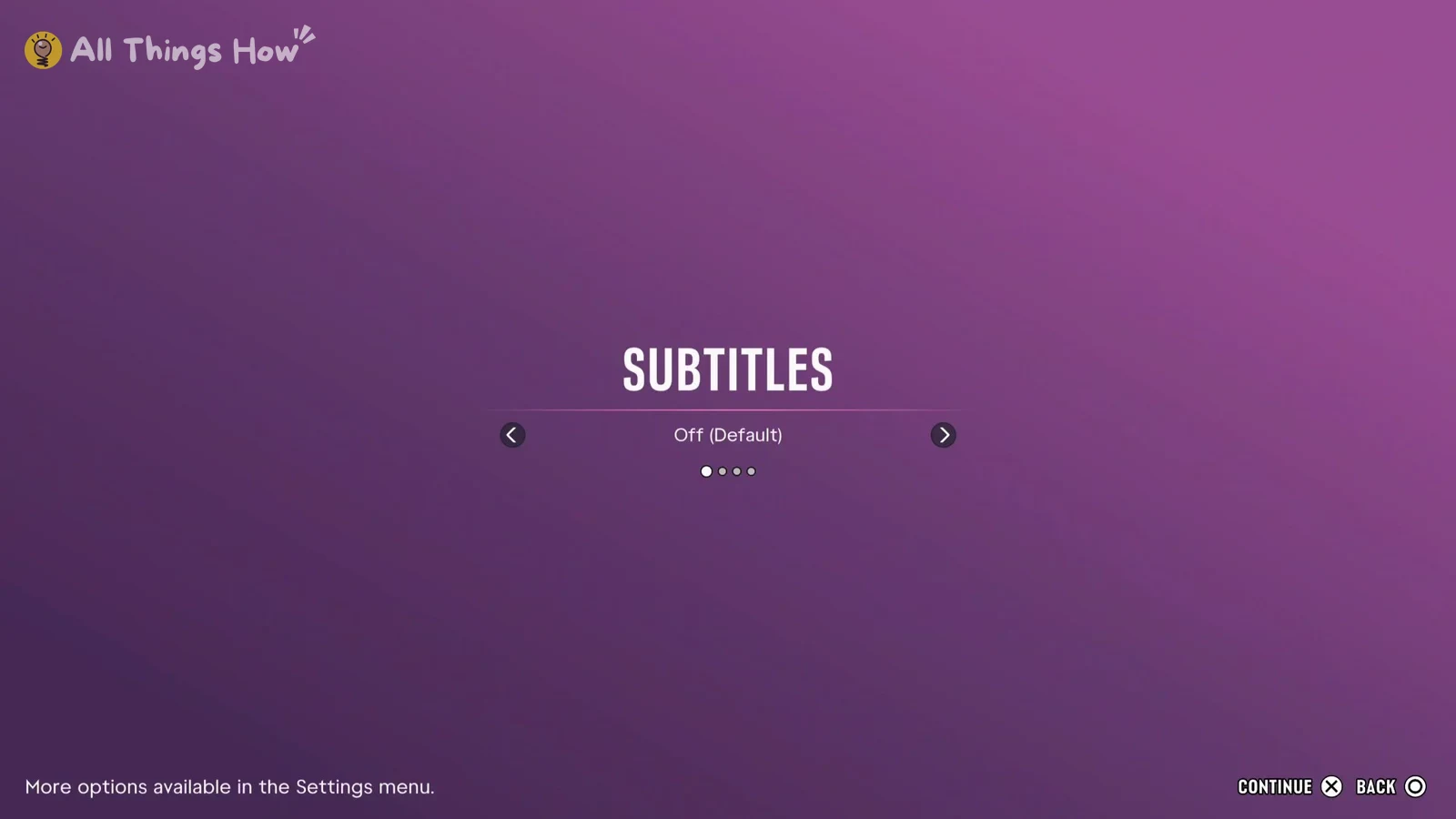
GTA 6 Subtitles on PS5: How to Turn Them On and Change the Size
Where the Subtitles & Captions settings sit in the UI tab, plus the separate size, speaker name, and background options.
-
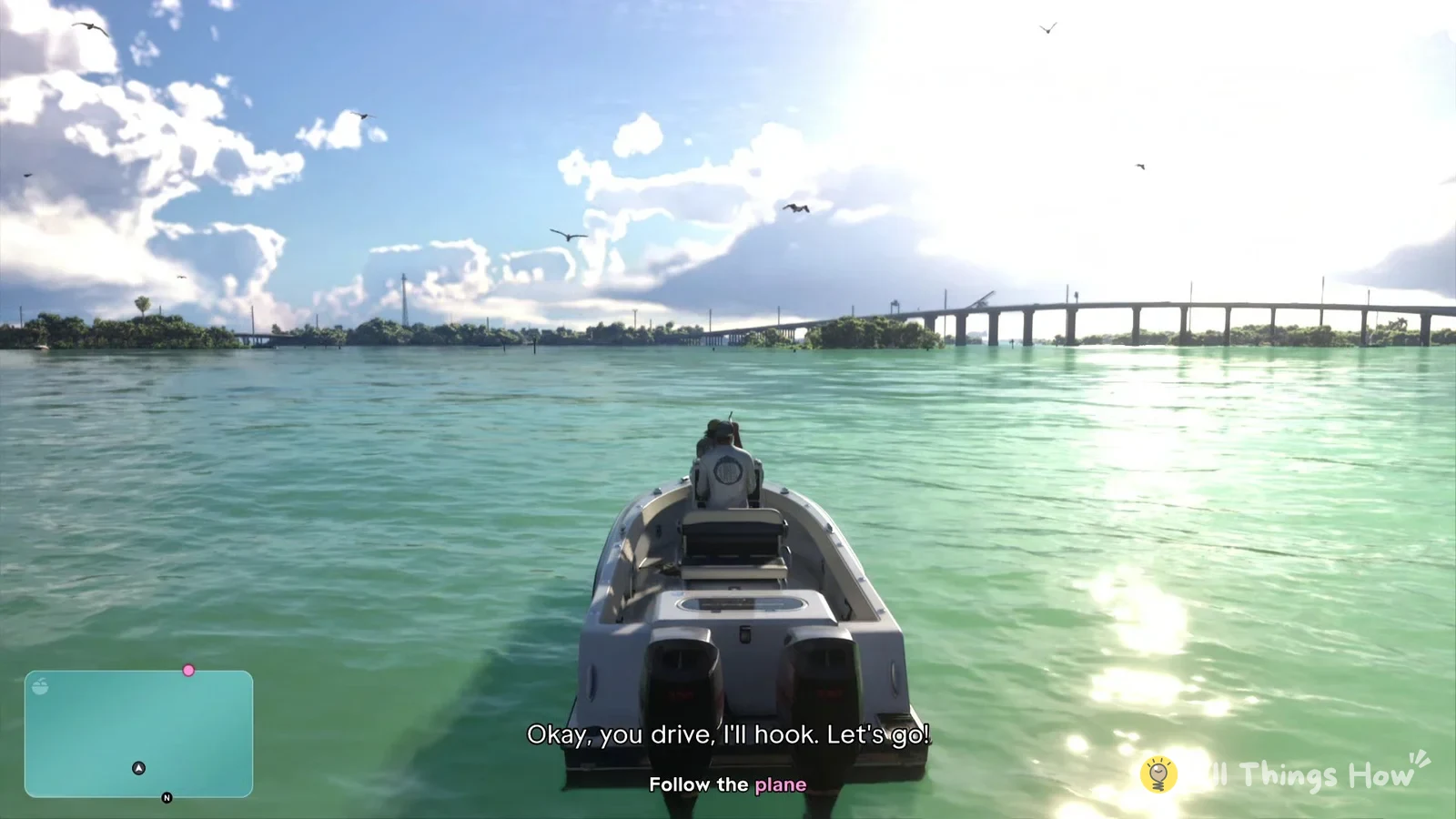
How to Open the Map in GTA 6 and Set a Destination or Marker (PS5)
Which buttons open the map, place a destination or marker, recenter on your character, and close the map in GTA 6.
-
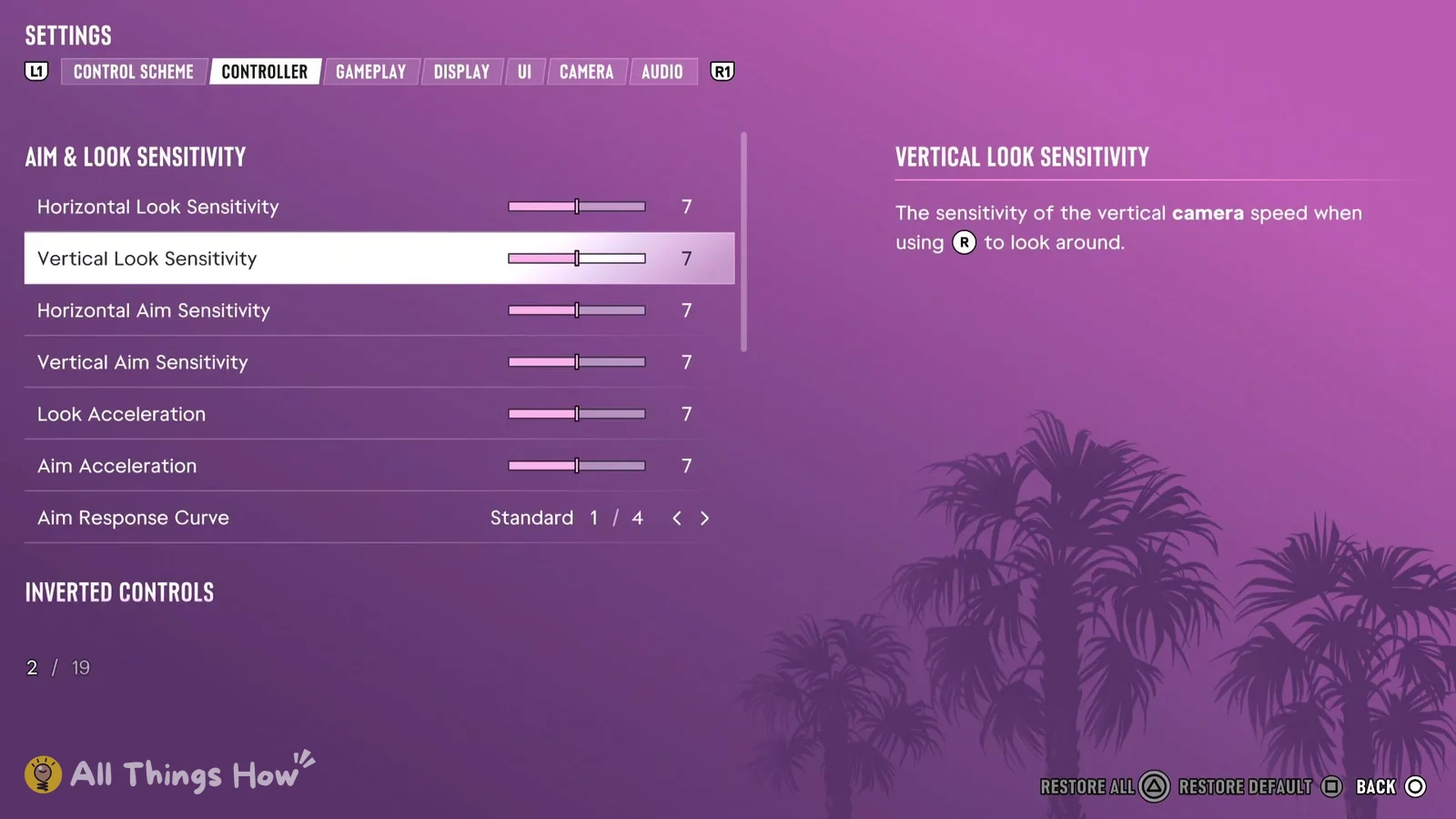
GTA 6 on PS5: How to Turn Off Adaptive Triggers and Change Sensitivity
Where the Controller tab is, how to switch off the DualSense trigger effects, and every default value on a fresh install.
-
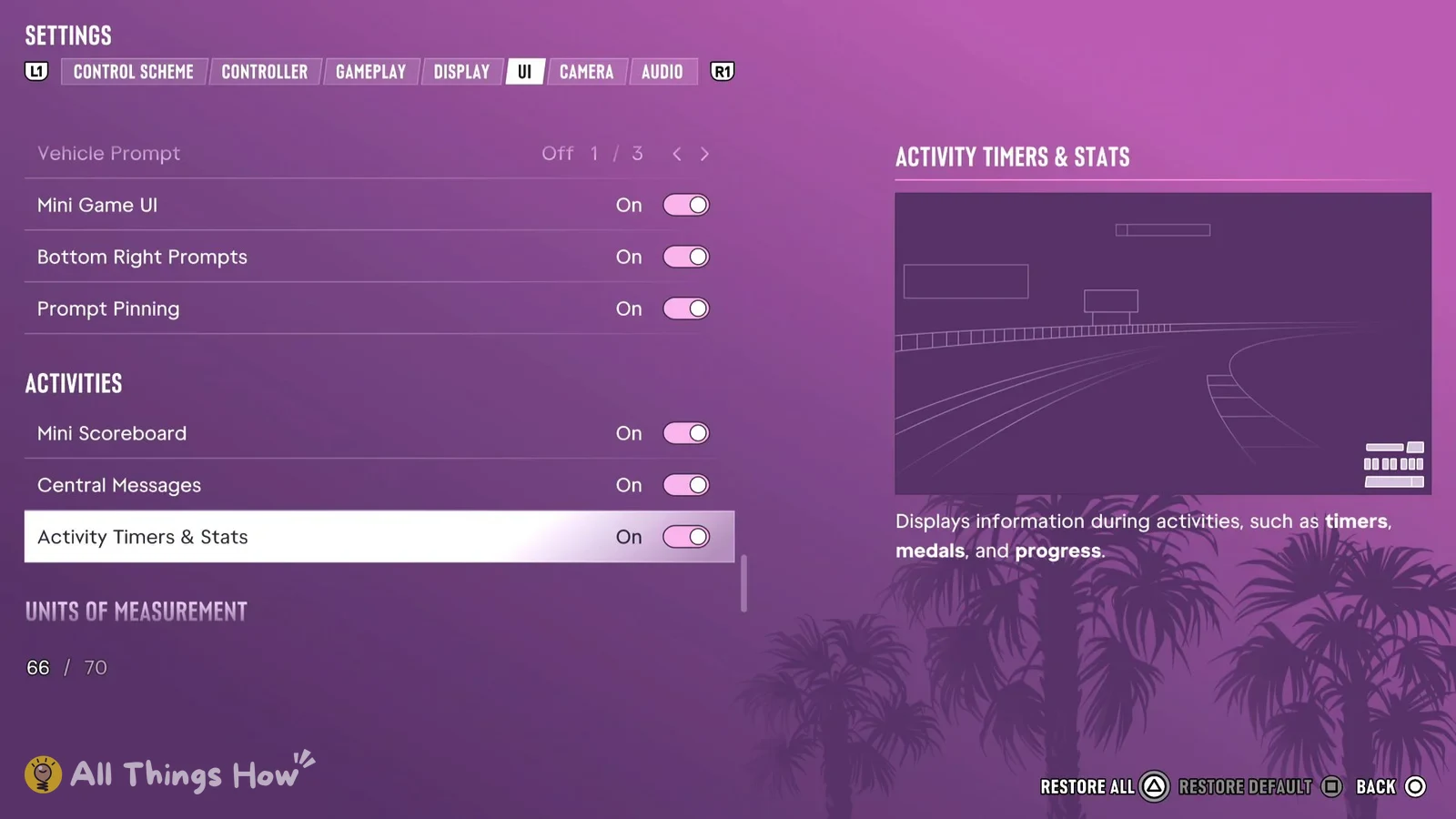
GTA 6: How to Show or Hide the Minimap, Compass and Street Names (PS5)
Where each HUD toggle sits in the UI tab, what it’s set to on a fresh install, and what the compass looks like once…