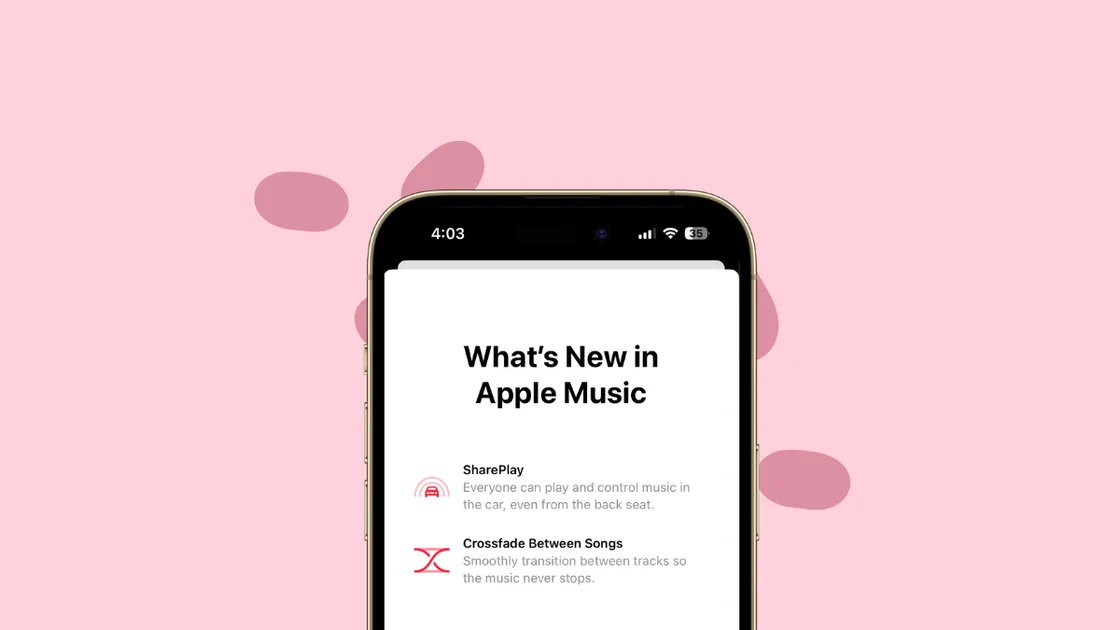
iPhone How to Enable Crossfade in Apple Music on iPhone with iOS 17 Crossfading in Apple Music is finally here - a tardy entrance, but a welcome one nonetheless. It's like having a personal DJ right in your pocket!
iPhone How to Link Notes on iPhone in iOS 17 Organize your notes and create your personal idea wiki with iOS 17's note-linking feature
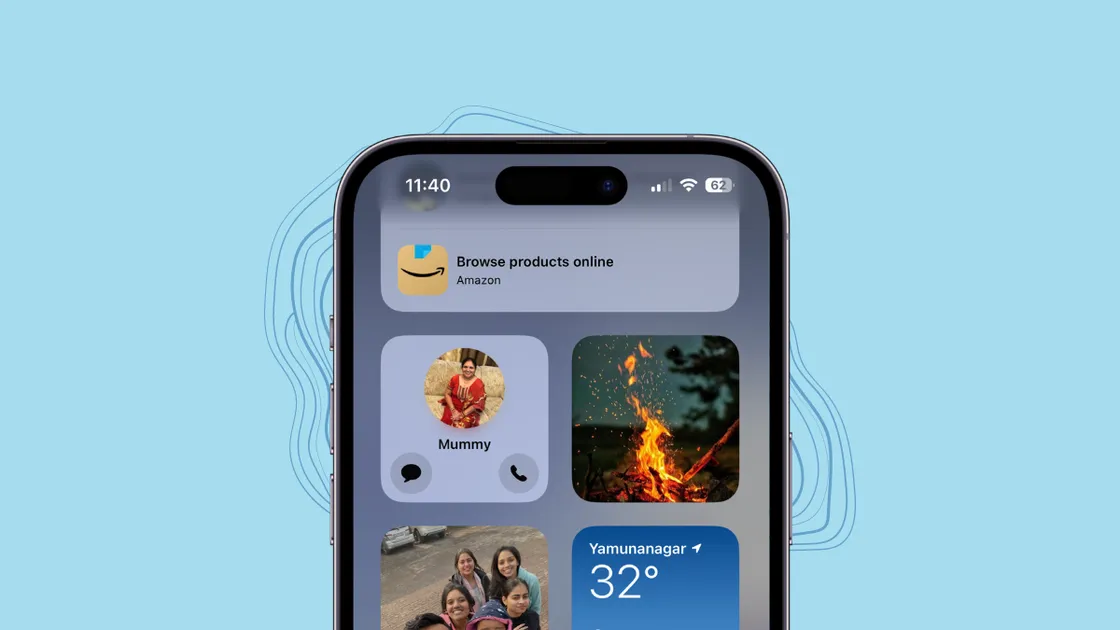
iPhone How to Add Contact Widget with Call and Message Buttons on iPhone in iOS 17 Call or message your contacts with the speed of a sprinting cheetah, thanks to iOS 17's updated Contact Widget
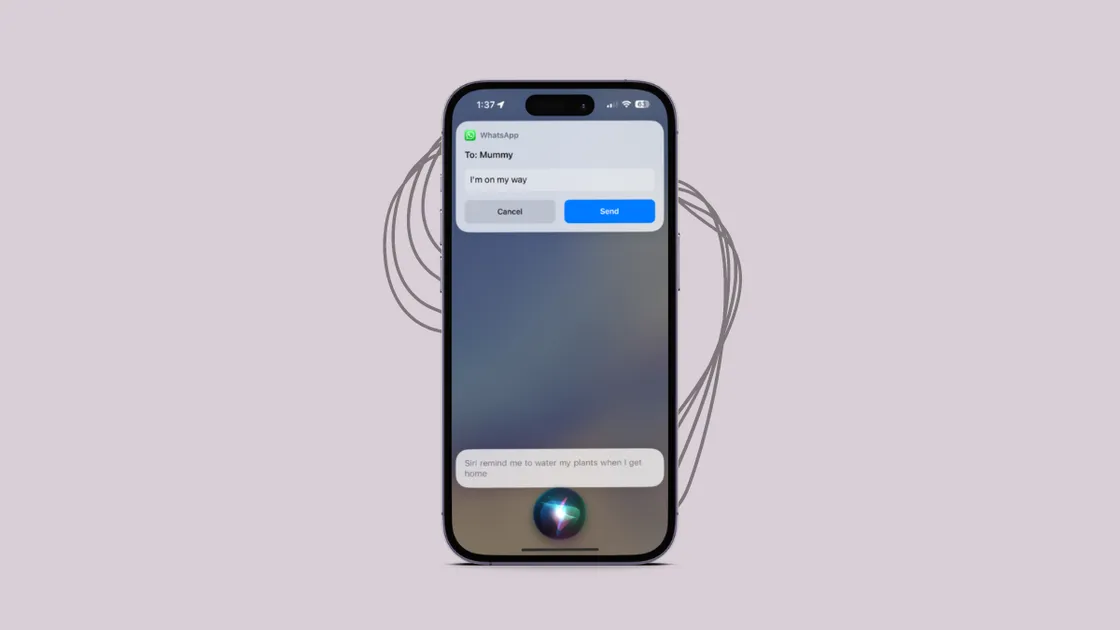
iPhone How to Give Multiple Commands to Siri on iPhone in iOS 17 Siri-ously, one command at a time is so yesterday!
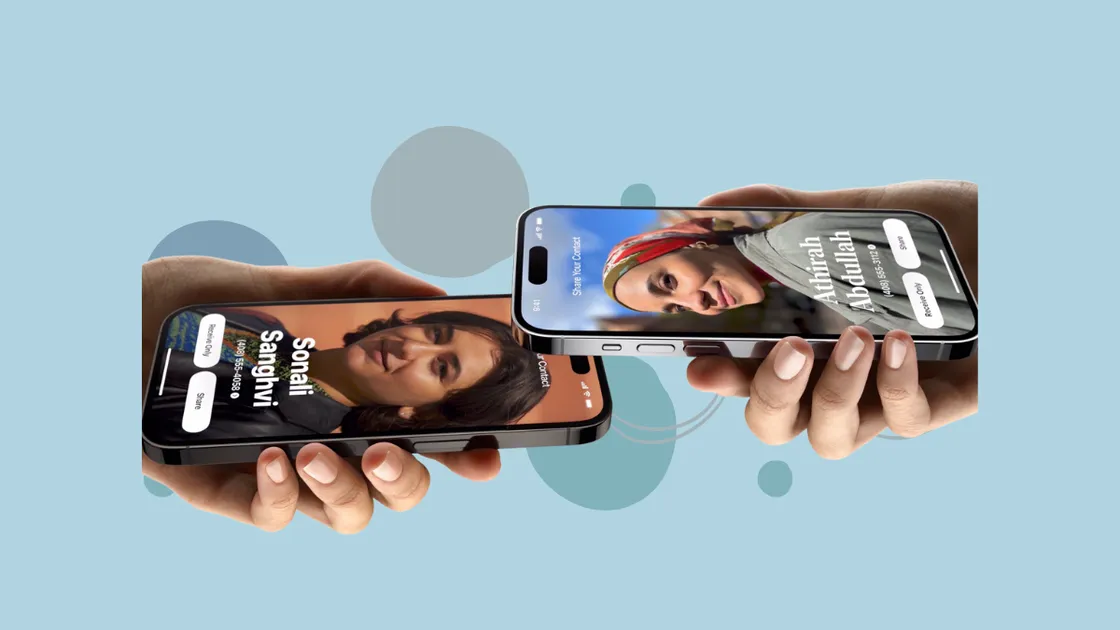
iPhone How to Swap Numbers with NameDrop on iPhone with iOS 17 Swapping numbers with other iPhone users is no longer a hassle.
iPhone How to Download Maps on iPhone for Offline Use Don't get lost just because you don't have an internet connection; prepare ahead with offline maps!
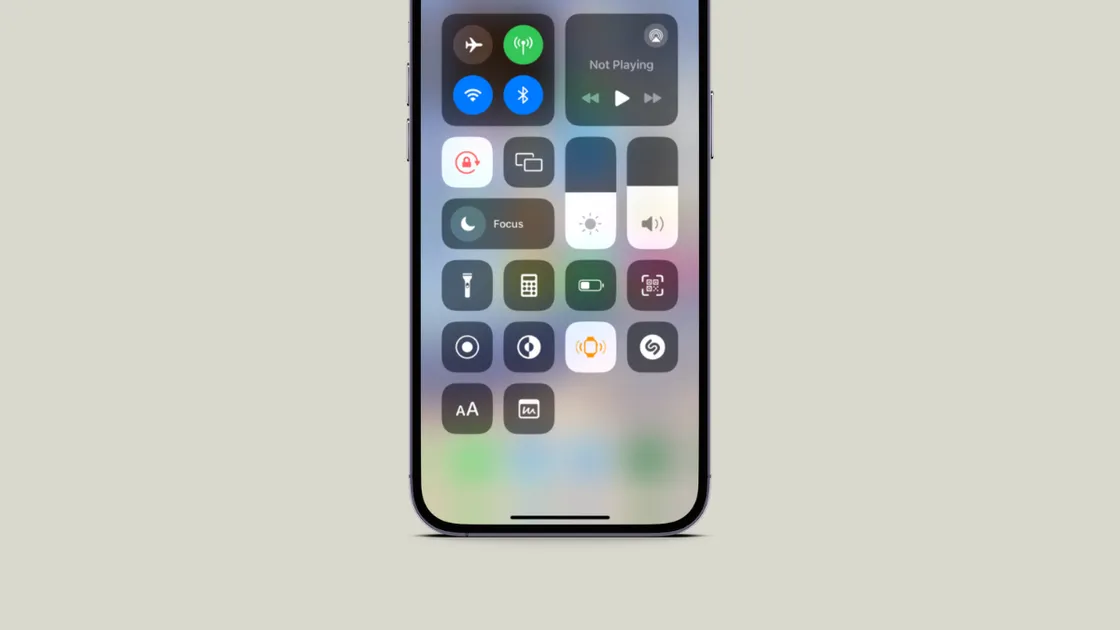
iPhone How to Ping Your Apple Watch from iPhone in iOS 17 Lost your Apple Watch? Learn how to easily ping it from your iPhone using the new iOS 17 feature. No more digging under tables or beds. Find your watch in a jiffy!
iPhone How to Automatically Clean Up Verification Codes in Messages and Mail on iPhone in iOS 17 This is the unsung hero we needed to clear the clutter in our inbox.
iPhone How to Set up Personal Voice on iPhone with iOS 17 Personal Voice in iOS 17 is a savior for users facing a risk of speech loss.
iPhone How to Share Passwords and Passkeys on iPhone with iOS 17 You can now fearlessly share your passwords and passkeys with your contacts.
iPhone How to Enable 'Sensitive Content Warning' on iPhone in iOS 17 The 'Sensitive Content Warning' feature blurs photos and videos containing nudity in select apps on your iPhone, allowing you to choose whether you want to see them.
iPhone How to Disable Contact Poster in iOS 17 on iPhone Changed your mind after setting up your Contact Poster? It's easy to disable it.